Boondocks Filter
You, drawn in the show's style.
Drop a photo
or paste with ⌘V · JPG · PNG · WebP · up to 8 MB
No photo handy? Try one of ours.
Boondocks Filter examples.
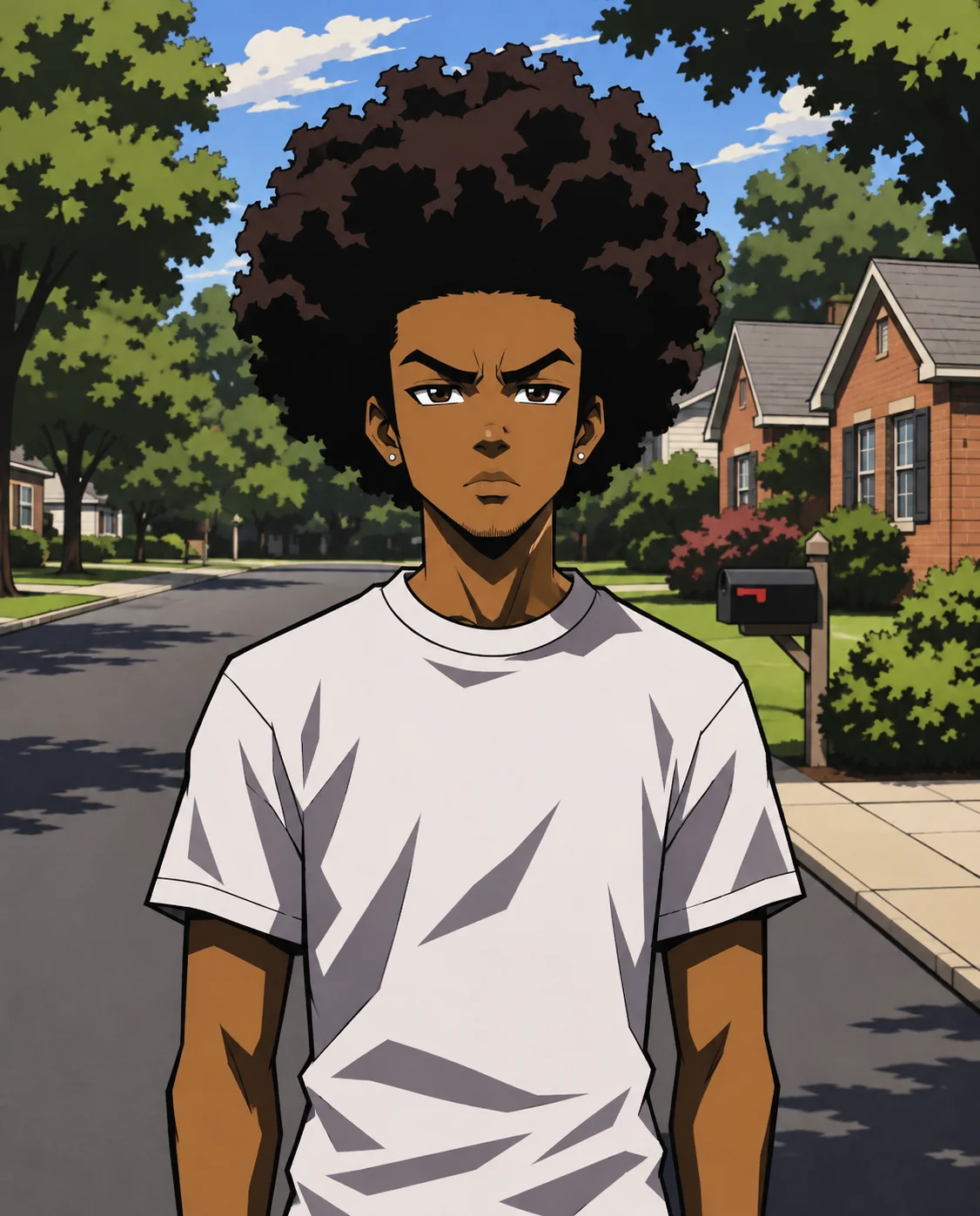
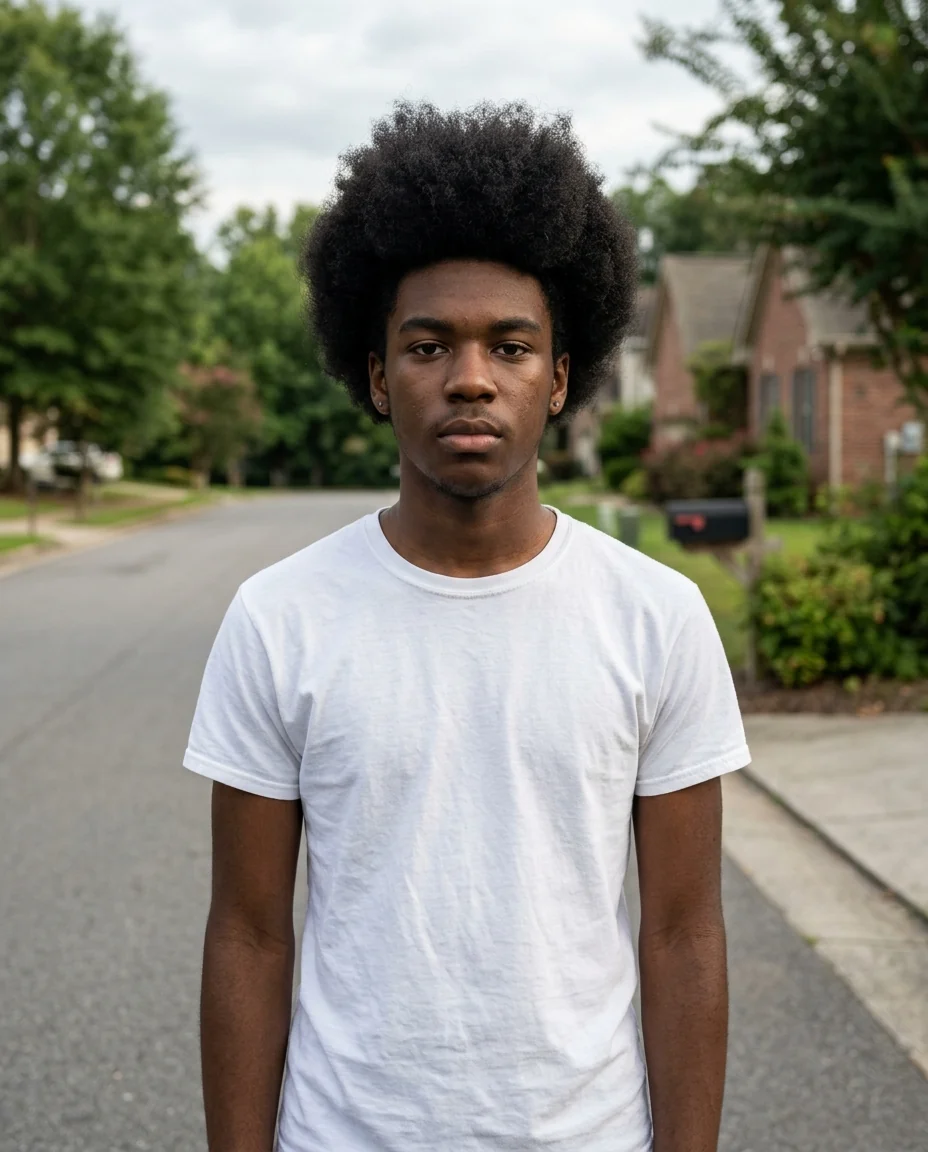
Afro and attitude
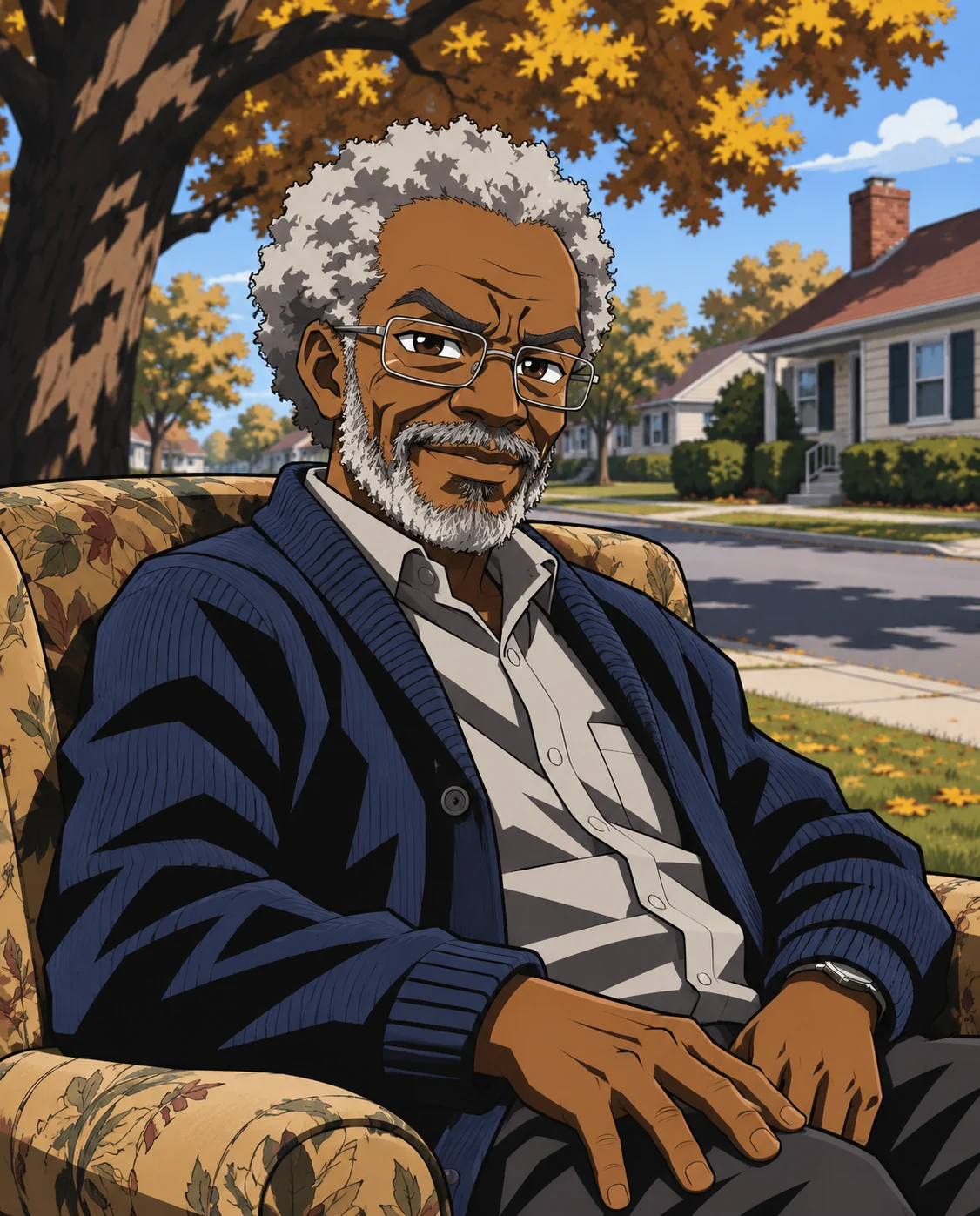
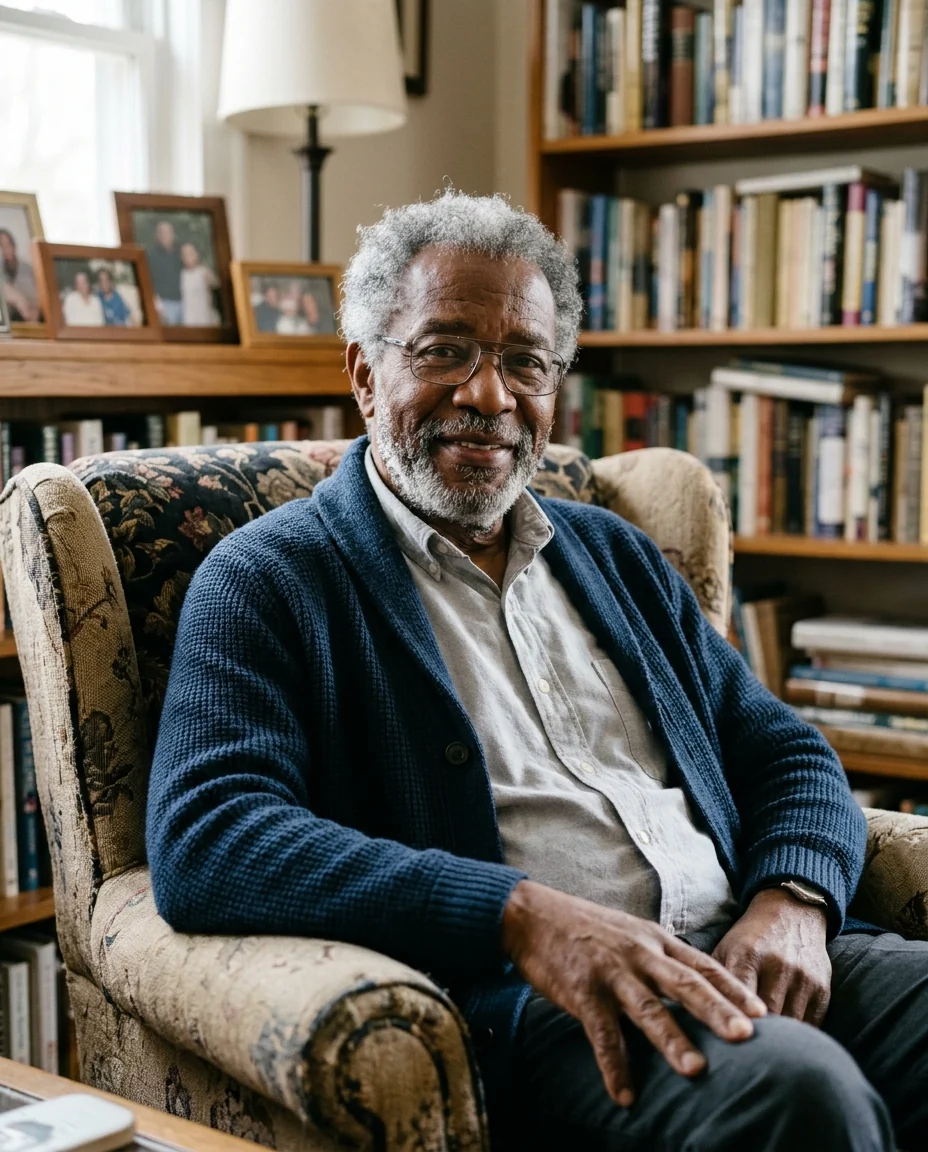
Grandpa in the armchair
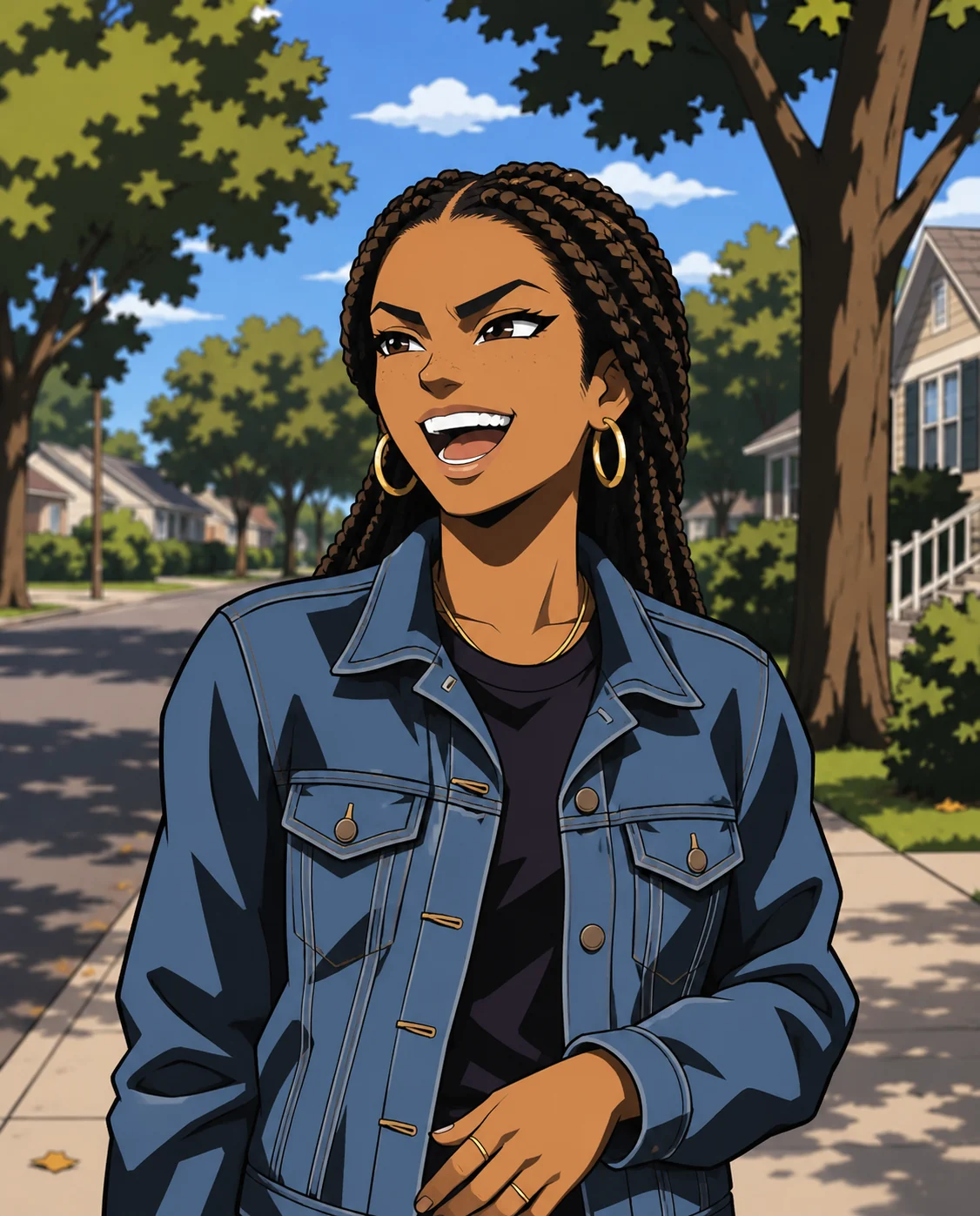
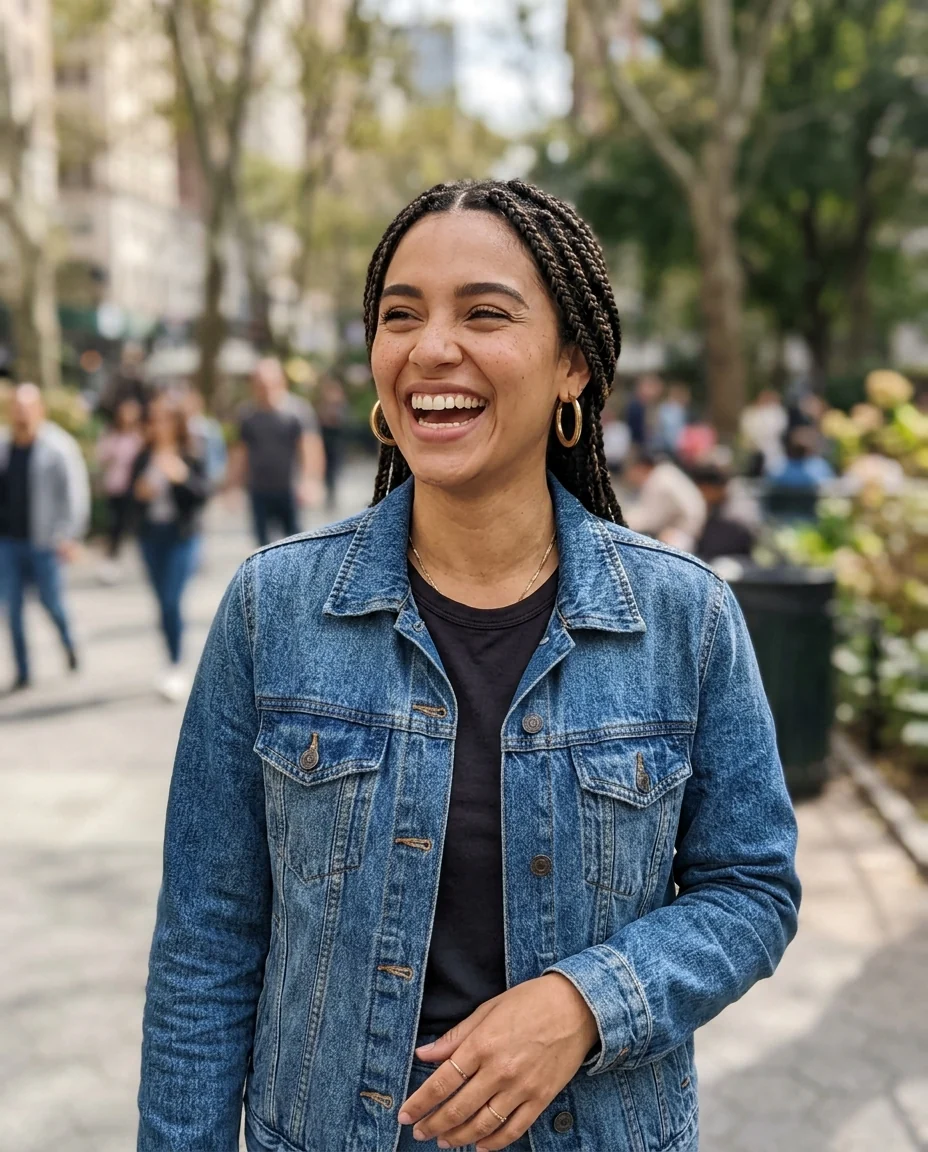
Braids and hoops
Boondocks Filter features.
The show's art style
Sharp lines, bold shading, expressive faces.
Detailed hair
Bold, detailed hair shapes.
Looks like you
Face, hair and outfit carry over.
Boondocks Filter, step by step.
01
Upload a photo
Waist-up shows your style.
02
Add a scene if you like
For example "on the porch".
03
Download
Use it as an avatar.
Boondocks Filter use cases.
- Avatars
- A cartoon profile picture with attitude.
- Family portraits
- Grandpa and the kids in the show's style.
- Fan art
- Put yourself in the neighborhood.
Boondocks Filter: best photos and fixes.
Photos that work
Waist-up photos with a clear face and expression give the strongest result, because the style is all about expressive faces and attitude. Hair is a big part of the look, so make sure it's fully in frame. Even light keeps the shading clean; very dark photos lose detail. A plain wall behind you gives cleaner line art than a busy background.
Expressions
Expressions are kept, though the cel shading makes them sharper: a raised eyebrow or a side glance reads especially well. Pick a photo with the expression you want, or write it: "annoyed side-eye", "calm and unbothered". Strong expressions make the funniest avatars.
Hair and style
Afros, braids, locs, waves and fades are drawn as bold, detailed shapes, true to the show's look. Glasses, beards, earrings and hats carry over. Clothes keep their colors and are simplified into clean shapes and shading.
Scenes
The background is redrawn in the same style, usually a quiet suburban street or a living room. Write a different one if you like: "on the porch", "in the backyard", "at a basketball court". Name a character from the show to be drawn as them.
Families and groups
Two or three people in one photo work well for a family portrait. For bigger groups, run each person separately to keep faces large and recognizable, then line them up. Matching backgrounds and outfits help the set feel like one cast.
Related tools
Photo to anime gives a broader anime look, and the cartoon generator offers several cartoon styles. The webtoon filter draws you as a webcomic character, and the avatar generator makes profile pictures in many styles.
Boondocks Filter FAQ.
Is this an official Boondocks filter?
No. It is an independent fan-art filter and is not affiliated with or endorsed by Aaron McGruder, Sony Pictures Television or Adult Swim. It draws in the style of the original, including existing characters when you name them.
Can I sell the results?
Keep fan art for personal use, such as avatars, posts and cards. The style and the characters belong to their owners, so don't use results on merchandise or in anything you sell.
Can I use someone else's photo?
Use photos of yourself, or of people who are happy for you to edit their picture. Don't use the result to mock, embarrass or deceive anyone.
Can I change the background?
Yes. The background is redrawn in the same style; write a scene such as "on the porch" to choose it.
Is the Boondocks filter free?
Yes, you can try it free. New accounts get 15 free credits, and one generation here uses 9 credits. You sign in with your email; no card needed. Results have no watermark. After that, plans add credits every month and credit packs never expire.