












Simpsons Filter
Turn yourself into a classic yellow-skinned TV cartoon character.
Drop a photo
or paste with ⌘V · JPG · PNG · WebP · up to 8 MB
No photo handy? Try one of ours.
More like this.
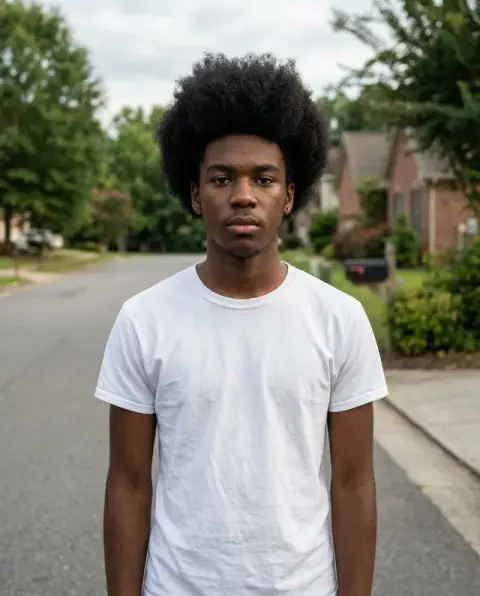
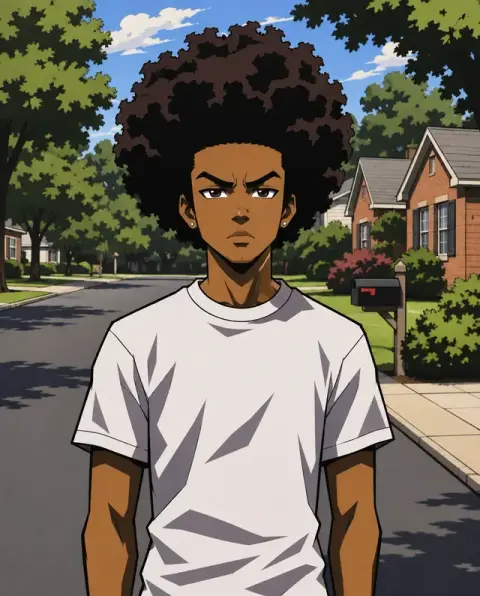
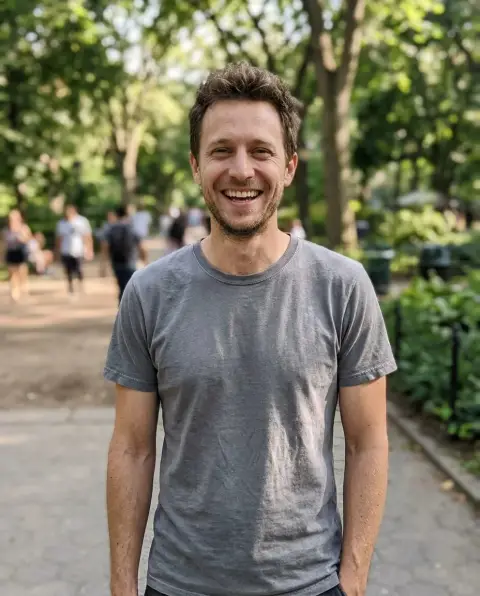
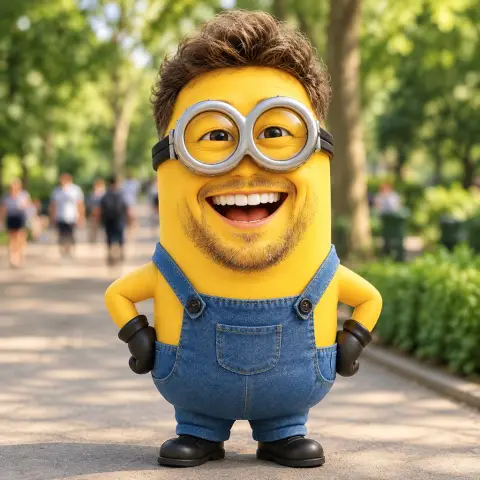
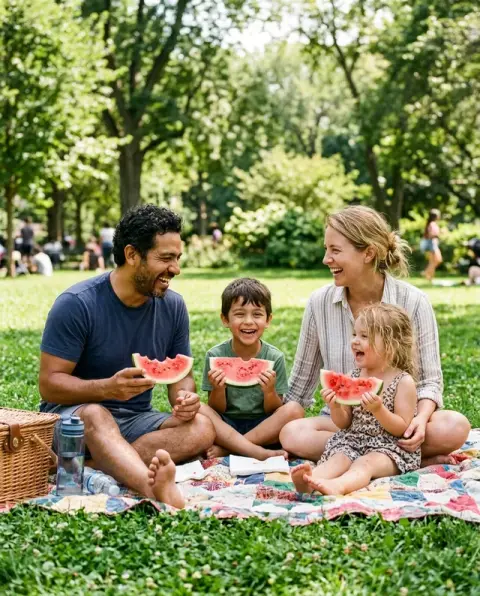
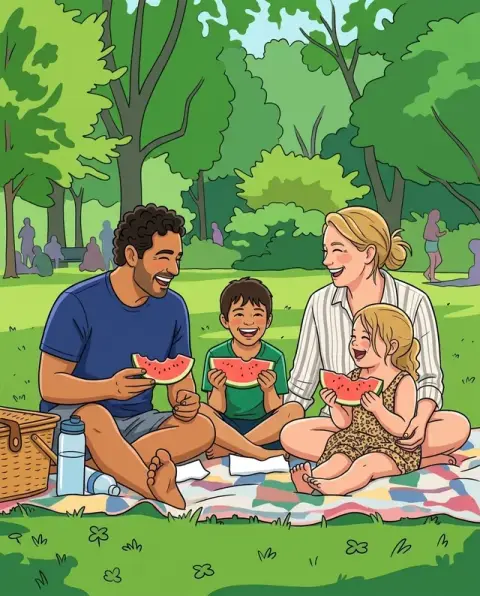
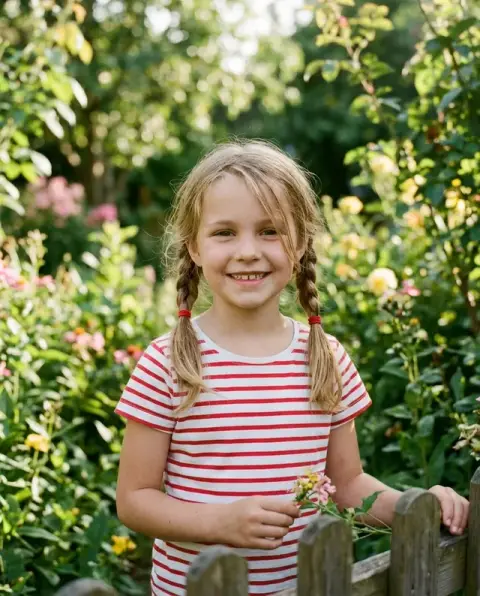
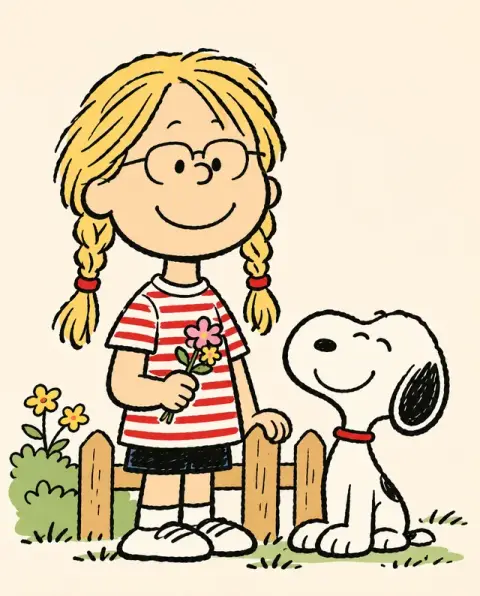
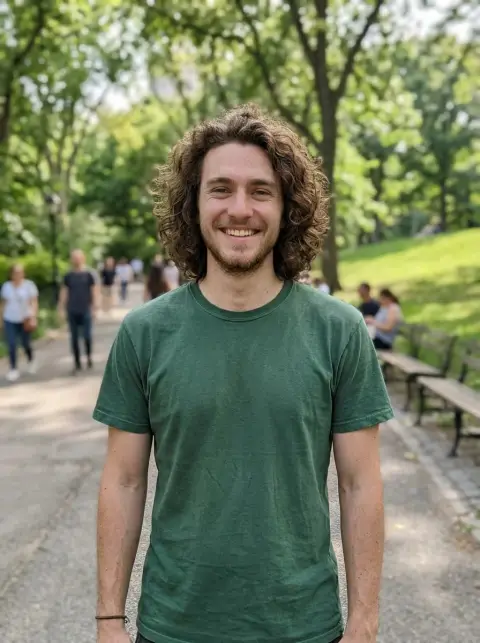

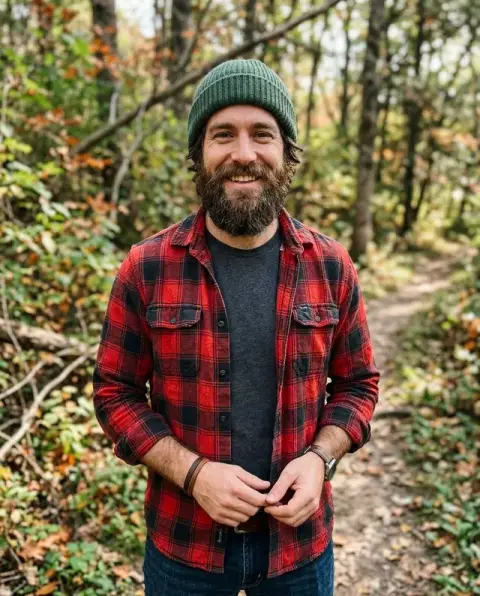
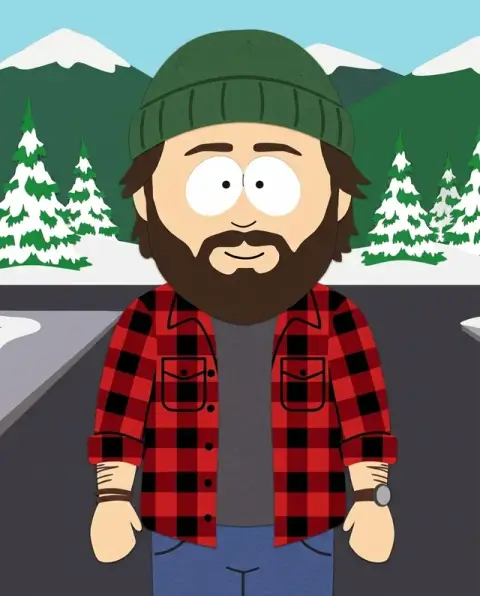
Simpsons Filter examples.
Real results from this page's default settings in one click, not retouched.How examples are made
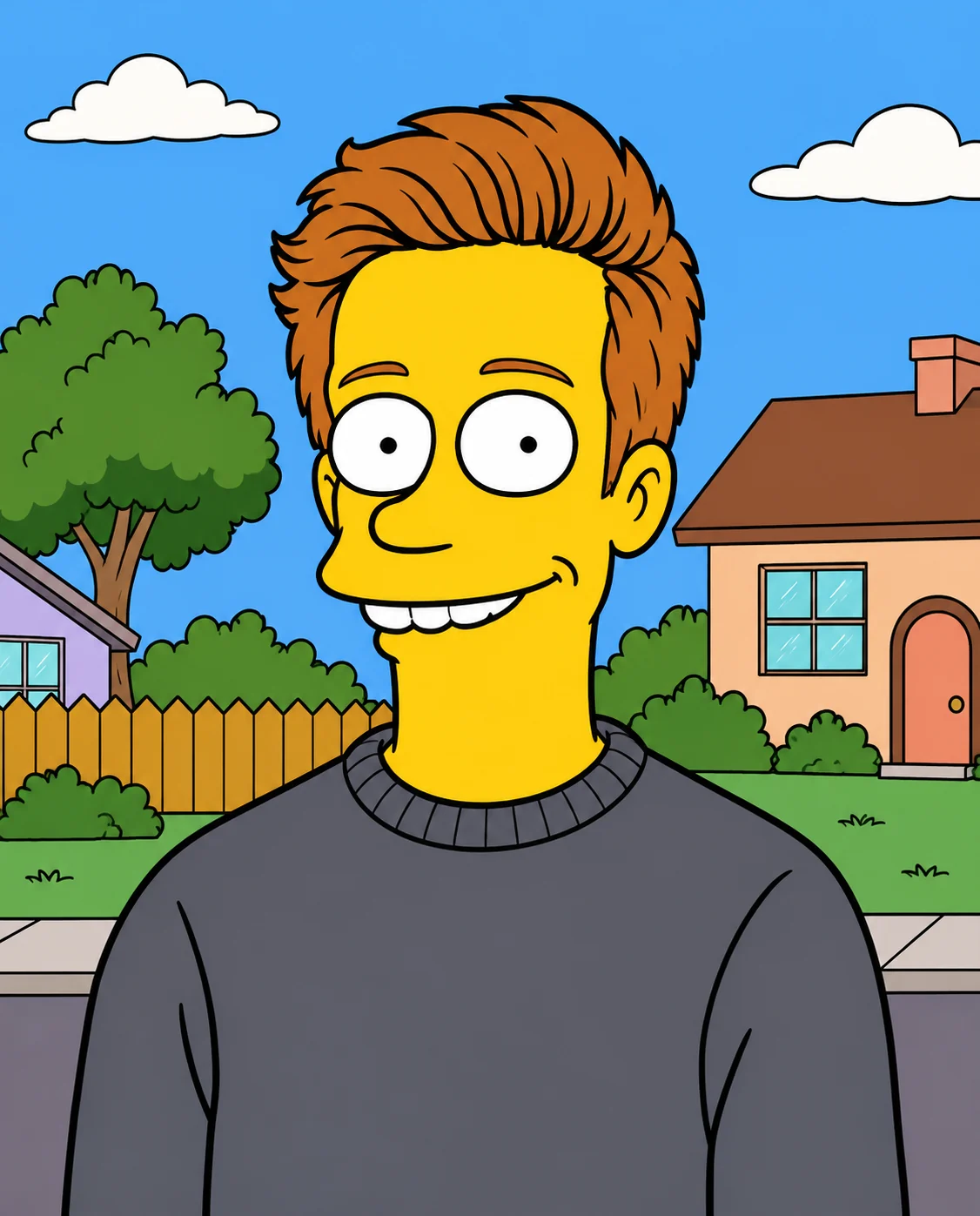
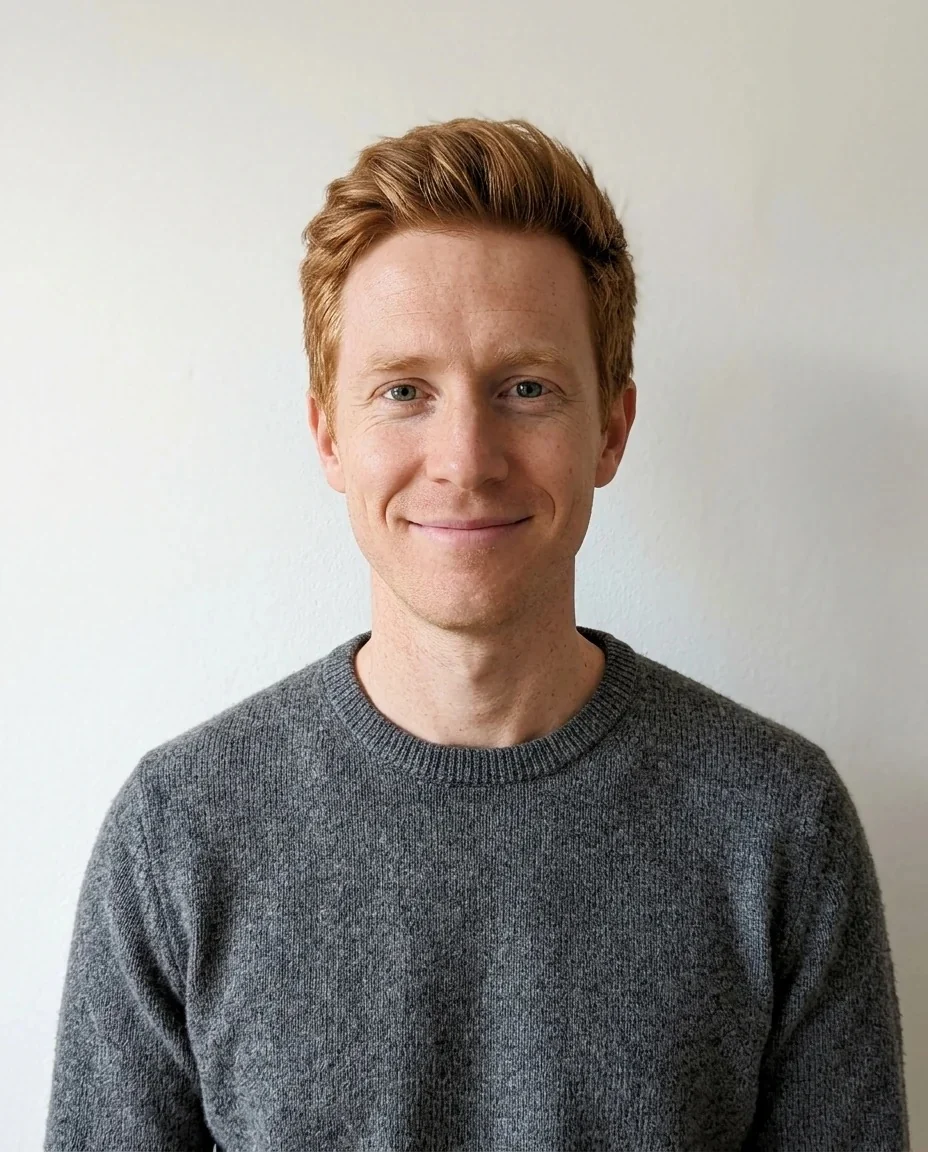
A red-haired man redrawn as a yellow cartoon character with a gray sweater in a suburban street
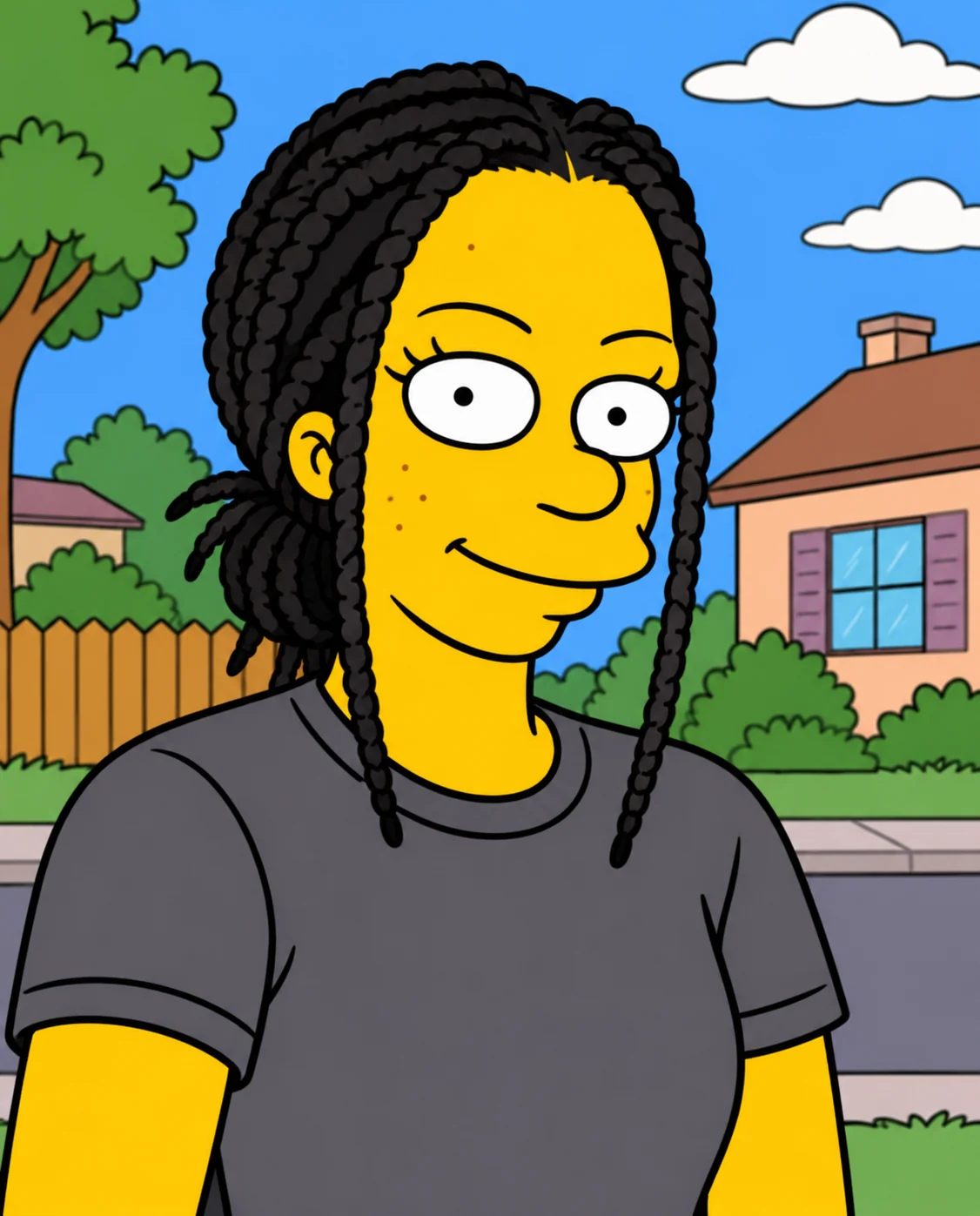
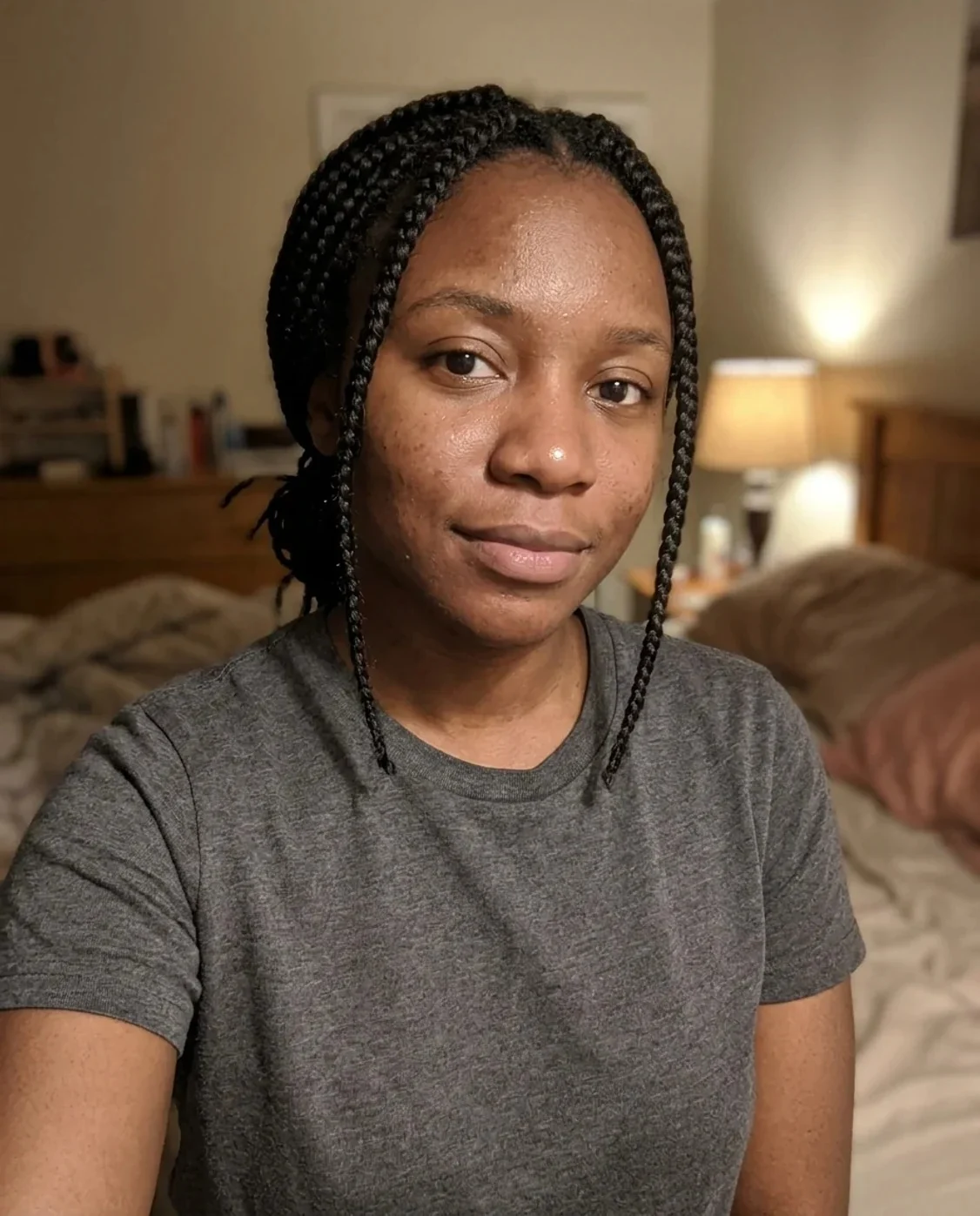
A woman with long black braids drawn as a yellow cartoon character in a suburb
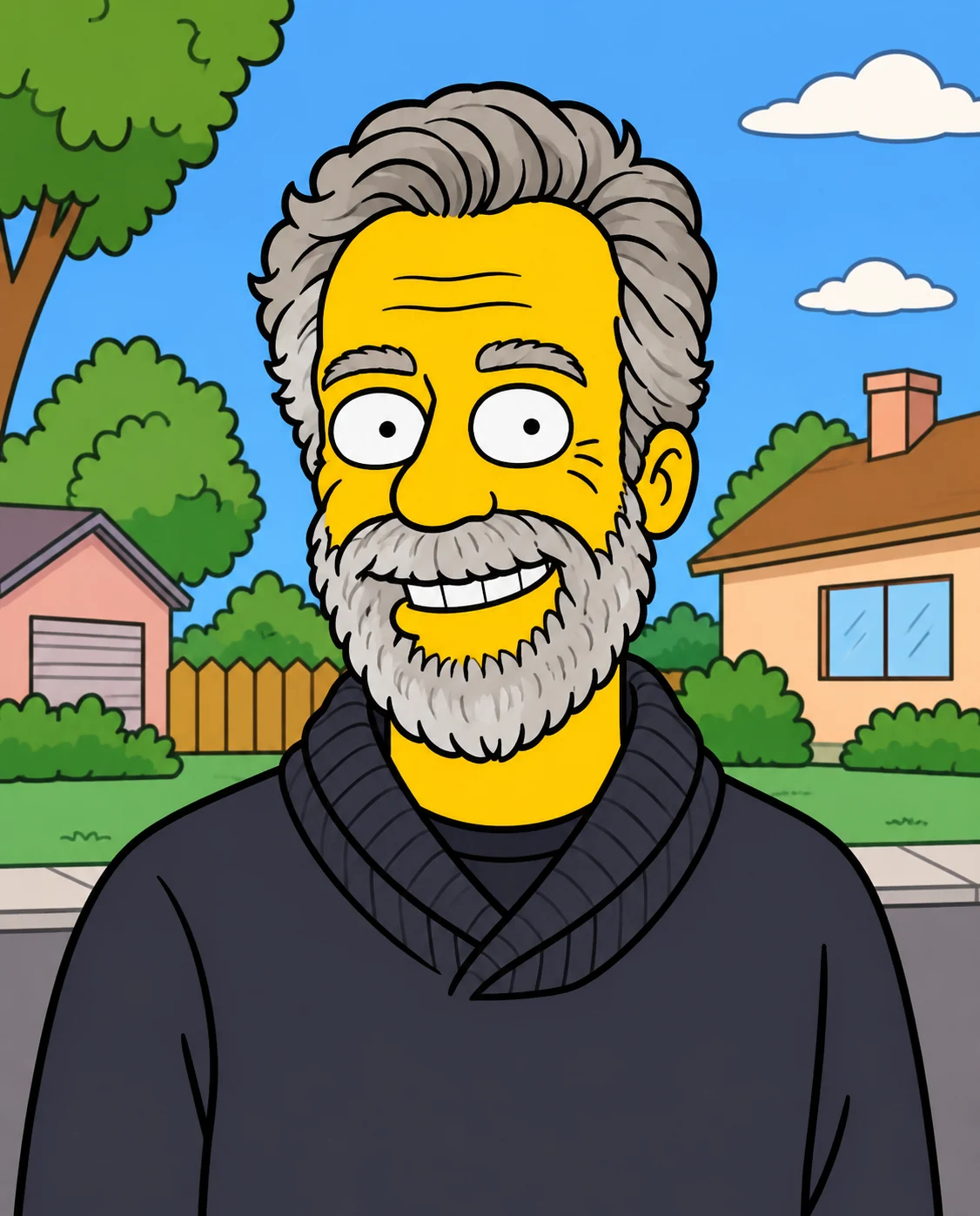
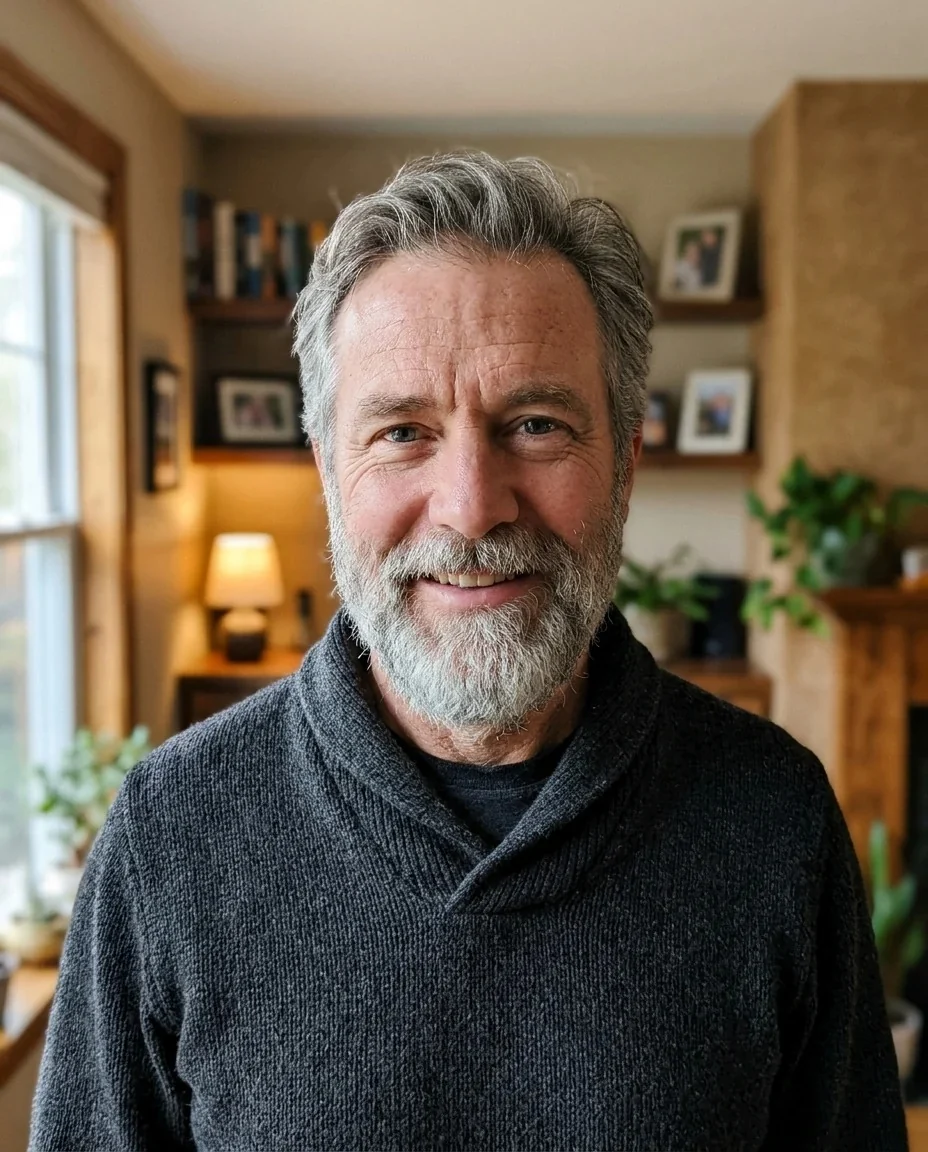
A gray-haired bearded man as a yellow cartoon character in a dark sweater
Simpsons Filter features.
Classic yellow look
Flat bright yellow skin, big round eyes with dot pupils and an overbite mouth, in simple bold outlines.
You stay recognizable
Hairstyle shape, hair color and clothing colors are kept, so the character still reads as you.
Suburban cartoon scene
A simple suburban backdrop of houses, a fence and trees replaces your original background.
Add your own idea
An optional instruction puts a prop or action in the scene, like a donut or a wave.
Simpsons Filter, step by step.
01
Upload a portrait
One person, facing the camera, shoulders visible.
02
Add an idea if you like
A prop, an action or a place, in a few words.
03
Generate and download
Save the cartoon and use it as an avatar.
Simpsons Filter use cases.
- Profile pictures
- A cartoon avatar for chats and social profiles.
- Birthday posts
- A funny cartoon version of the birthday person.
- Group chat jokes
- Turn each friend into a character, one photo each.
- Greeting cards
- A cartoon portrait for a card or invitation.
Simpsons Filter: best photos and fixes.
Photos that work
The style flattens everything, so what gets you recognized is hair, glasses, beard, skin details like freckles, and the colors of your clothes. Pick a portrait from the chest up, facing the camera, with soft, even light and a background that is not too busy. If your face is half in shadow, the AI has less to work from. The prompt keeps hairstyle shape and hair color, so photos where your hair is clearly visible give the best likeness.
What changes
Skin becomes flat yellow, eyes become big white circles with small dot pupils, and the mouth gets the characteristic overbite. Lines are simple and bold and colors are flat, with no gradients or photo textures. The background becomes a simple suburban cartoon street.
Props and actions
Instructions are optional and are added to the prompt. Try "eating a pink donut", "sitting on a sofa" or "waving hello". Keep them short and concrete. Do not ask for text, signs or logos, because the prompt rules text out.
Glasses and beards
Glasses are usually drawn as simple round lenses, and beards as a shaded patch on the lower face. Gray or white hair is kept as a light tone, which helps older faces keep their character.
Groups and pets
One person per photo gives the best result. To place several characters together, make each one and join them in the image combiner. For pets, cartoonize my pet is a better fit.
Other cartoon styles
A different TV cartoon look is the Boondocks filter, a character-sheet approach is the South Park character generator, and the cartoon generator has more styles.
Simpsons Filter FAQ.
Is this an official Simpsons filter?
No. It is an unofficial, fan-made style inspired by The Simpsons and is not affiliated with the rights holder. It is a web version of the trend that works on any photo.
How do I turn myself into a Simpsons character?
Upload a portrait, optionally add a short idea, and generate. The AI redraws you with yellow skin, round eyes and bold outlines in a suburban cartoon scene.
Will I still look like me?
The prompt keeps your hairstyle shape, hair color and clothing colors, and the character should read as you. A flat cartoon style drops fine facial detail, so likeness comes from hair, glasses and clothes.
Can I choose the background?
The prompt sets a simple suburban cartoon background. You can suggest a setting in the instructions, like "at a kitchen table", and the AI may follow it, but it is not guaranteed.
Does it work for couples or families?
It works best with one person per photo. Make one character per person and combine them afterwards in the [image combiner](/tools/image-combiner).
Can I sell the results?
Keep results for personal use such as avatars and posts. The style belongs to its owners, so don't use it on merchandise or in anything you sell.
Does the Simpsons filter cost credits?
One result uses 9 credits with the default model, GPT Image 2. New accounts get 25 free credits once, and you can pick other models from the model menu at their own prices. Results have no watermark, and a failed generation refunds its credits.
What files can I upload?
A JPG, PNG or WebP up to 8 MB. On a computer you can scan a QR code to send a photo from your phone; the link works for 10 minutes.
Are my photos used to train AI?
No. Uploads are not used for training. Results stay in My files for 48 hours, or 30 days once you've bought a credit pack, so download the ones you want to keep.

