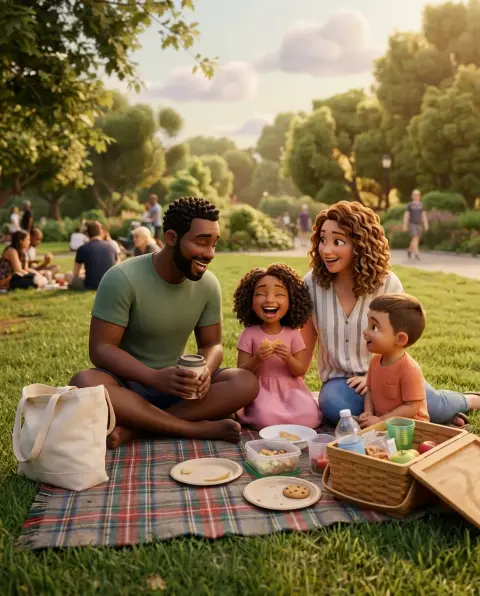
South Park Character Generator
You, as a construction-paper cartoon kid.
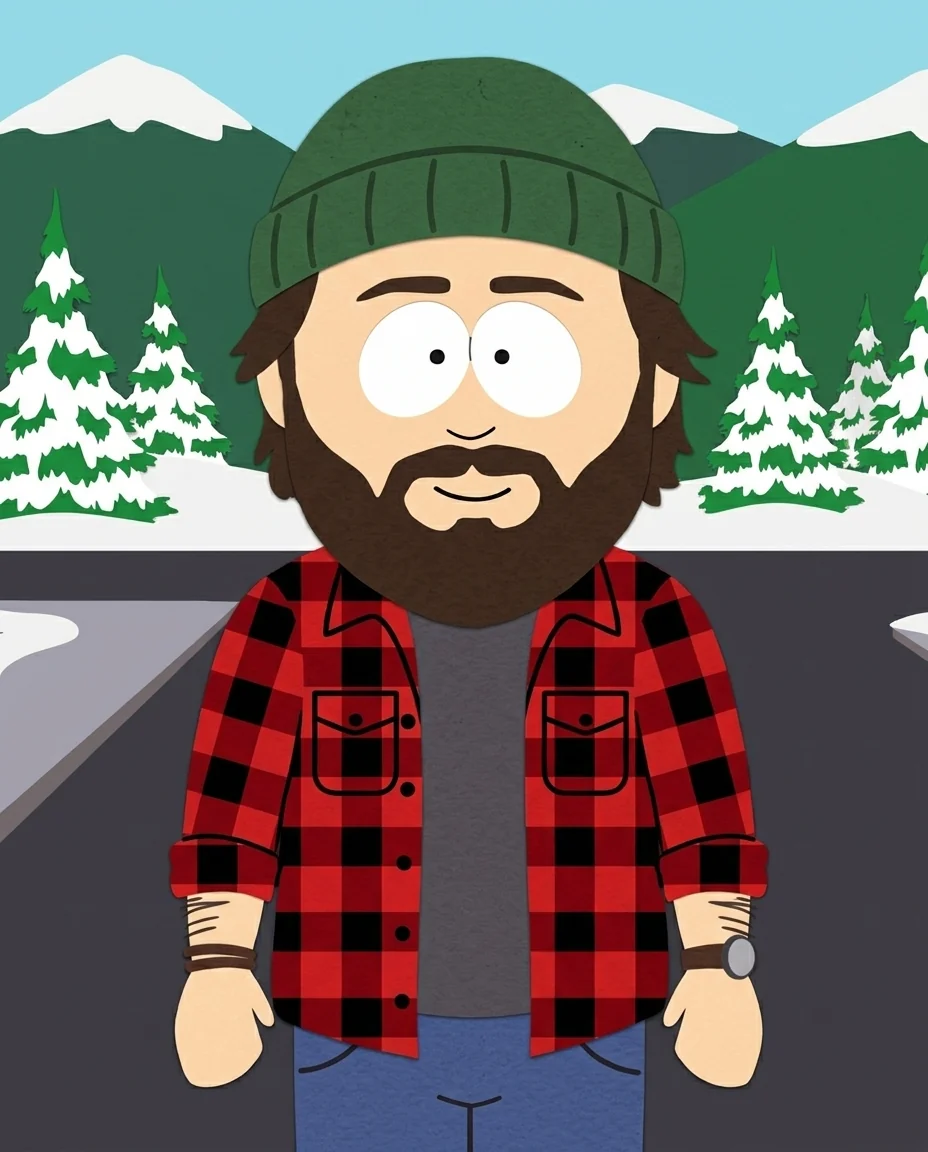 Example output
South Park Character Generator examples.

From a selfie
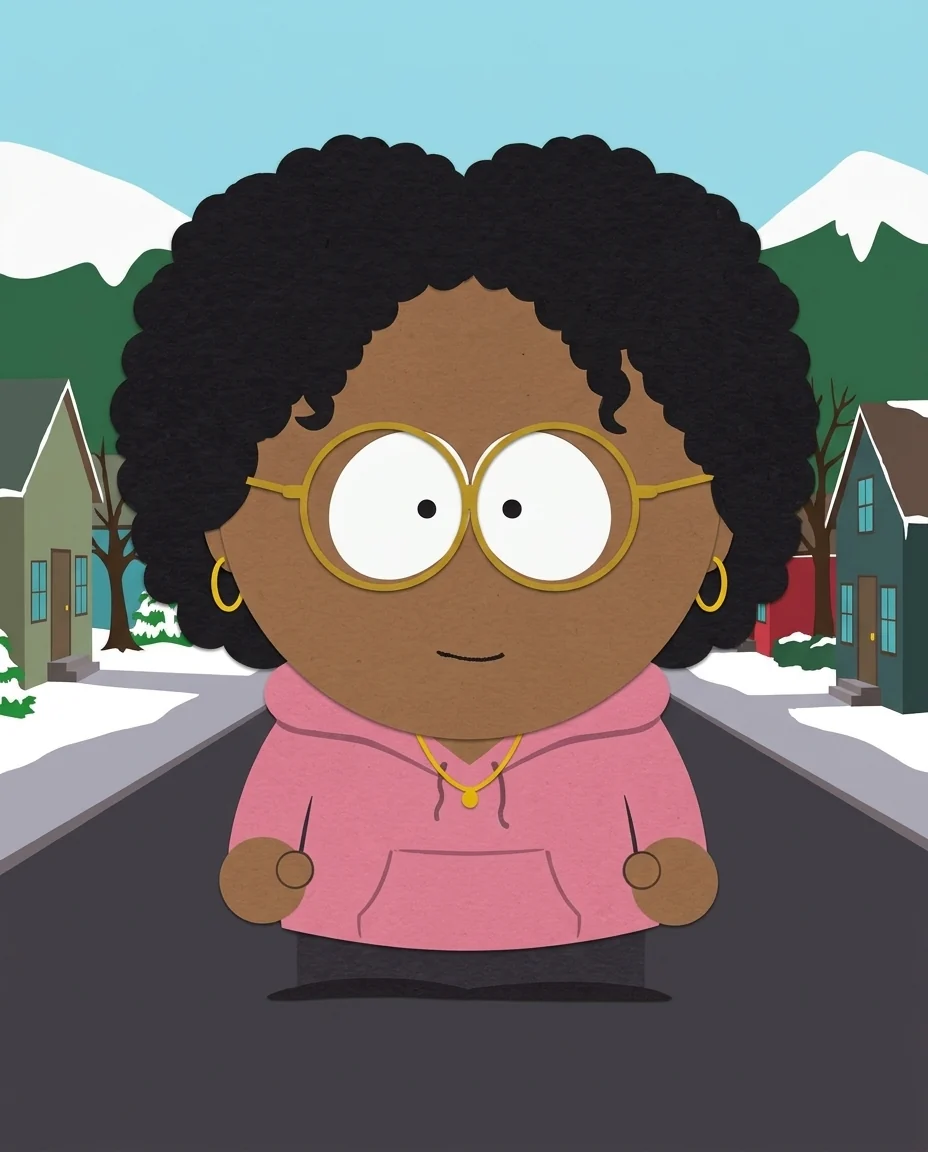
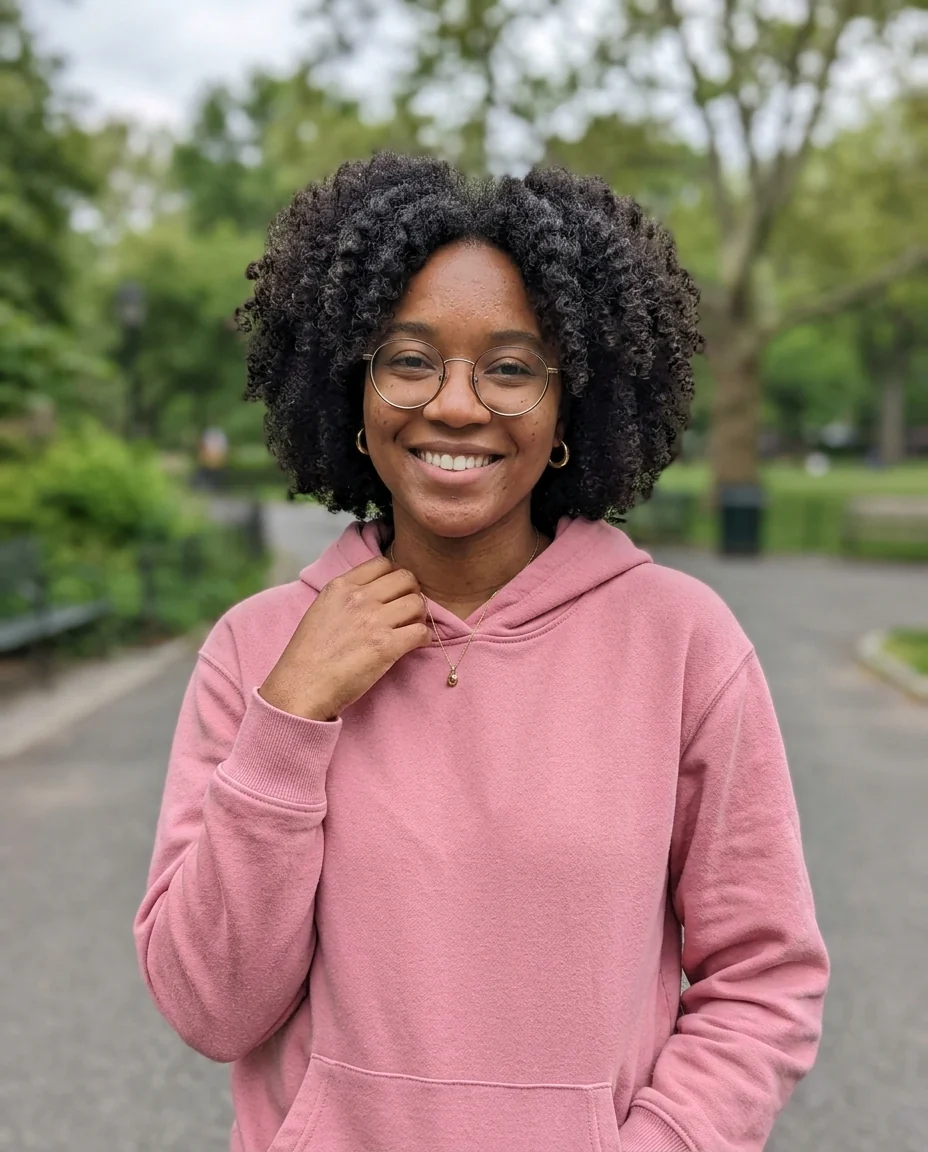
Glasses and curls

No photo: office worker
South Park Character Generator features.
Cutout cartoon style
Flat colors, big round head, mitten hands.
Looks like you
Hair, beard, glasses and outfit carry over.
Snowy town backdrop
The small mountain town street.
South Park Character Generator, step by step.
01
Upload a photo
Or describe a character.
02
Add a detail
Optional: a prop, job or pose.
03
Download
Use it as an avatar or meme.
South Park Character Generator use cases.
- Avatars
- A cartoon profile picture friends recognize.
- Group chats
- Run each friend separately and line them up.
- Gifts and cards
- A funny portrait for a birthday card.
South Park Character Generator: best photos and fixes.
Photos that make you recognizable
In this style a character is recognized by hair, facial hair, glasses, hats and clothing colors, because faces are reduced to two eyes and a tiny mouth. So pick a photo where your hairstyle and outfit are clear. A waist-up photo shows the clothes; a tight selfie leaves the outfit to be guessed. Bold signature items, like a red beanie or a band t-shirt, carry the likeness best.
Describing a character
Without a photo, describe the character in a few words: who they are, what they wear and one prop. "A substitute teacher in a brown cardigan holding a stack of papers" works better than a long backstory. With a photo, add a prop or situation: "holding a game controller", "wearing a winter parka". The style turns everything into flat paper shapes, so small details such as patterns are simplified.
Keeping it in the show's style
The look is fixed: construction-paper cutouts, big round heads, flat colors and a snowy mountain town. That is what makes it read instantly. If you want a different cartoon style, the cartoon generator has several. Writing "no snow" or "inside a classroom" changes the background while keeping the character style.
Groups and friends
One person per run gives the clearest likeness, because each character is drawn large. To make a friend group, run each photo separately and then put them side by side, or describe the group in one run: "four friends at a bus stop" with a photo of one of them. Consistent backgrounds help the set look like it belongs together.
Pets and family
Pets work well in cutout style: dogs and cats become simple flat shapes with their markings kept. Upload the pet photo and write "a dog character". For a family portrait, a group photo with large faces can give several characters at once, but expect simpler likenesses than one-person runs.
Related tools
For a classic cartoon of yourself in other styles, the cartoon generator and photo to 3D cartoon offer smoother looks. The avatar generator makes profile pictures, and the caricature generator exaggerates your features for a funny portrait. For something you can print on a gift, try the sticker style in the chibi generator.
South Park Character Generator FAQ.
Is this an official South Park tool?
No. It is an independent fan-art tool and is not affiliated with or endorsed by South Park Studios, Comedy Central or Paramount. It draws in the style of the original, including existing characters when you name them.
Can I sell the results?
Keep fan art for personal use, such as avatars, posts and character sheets. The style and the franchise belong to their owners, so don't use results on merchandise or in anything you sell.
Do I need a photo?
No. Describe a character and one is drawn from scratch; with a photo it looks like you.
Is the South Park character generator free?
Yes, you can try it free. New accounts get 15 free credits, and one generation here uses 13 credits. You sign in with your email; no card needed. Results have no watermark. After that, plans add credits every month and credit packs never expire.