Manga Generator
Your photo, as a page from a manga.
Drop a photo
or paste with ⌘V · JPG · PNG · WebP · up to 8 MB
No photo handy? Try one of ours.
Manga Generator examples.
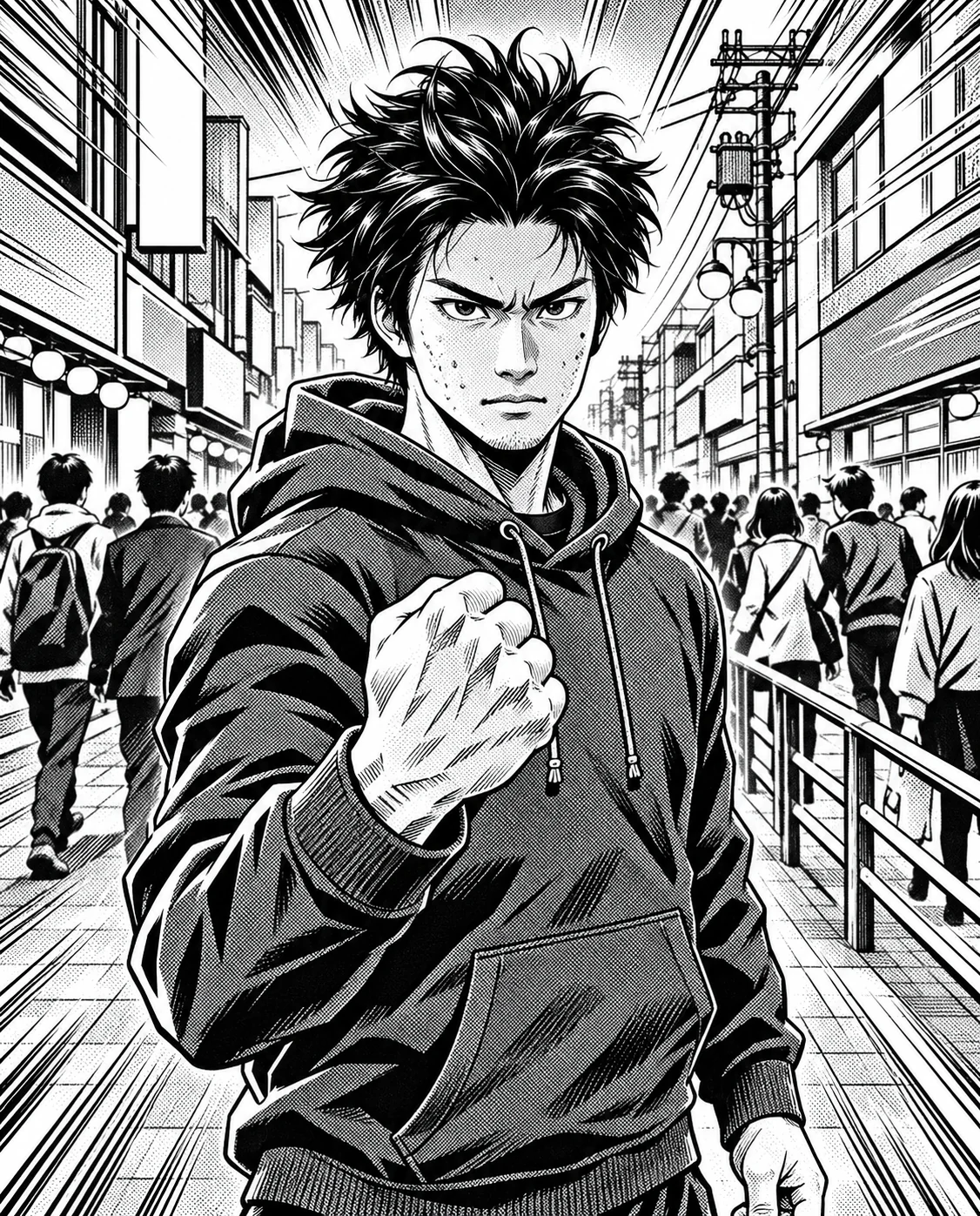
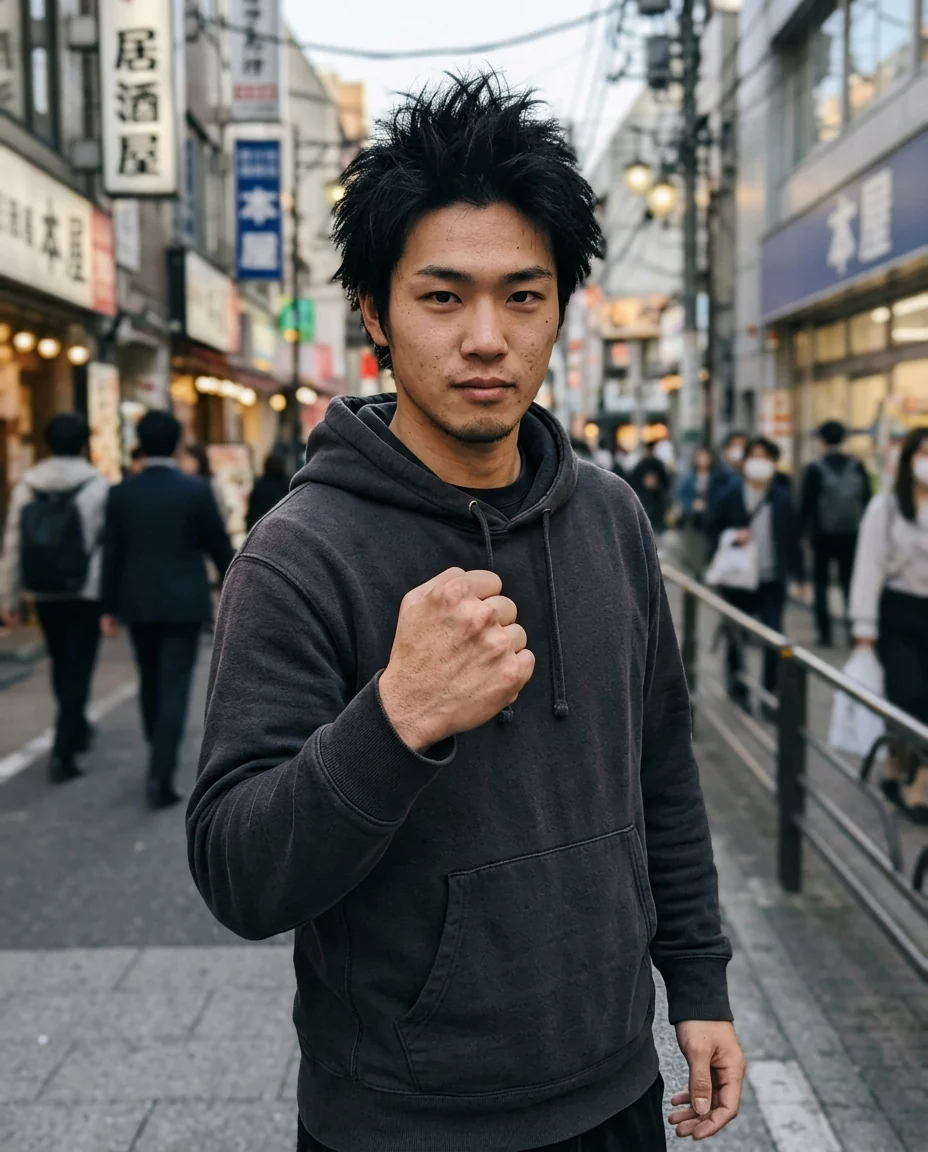
Shonen
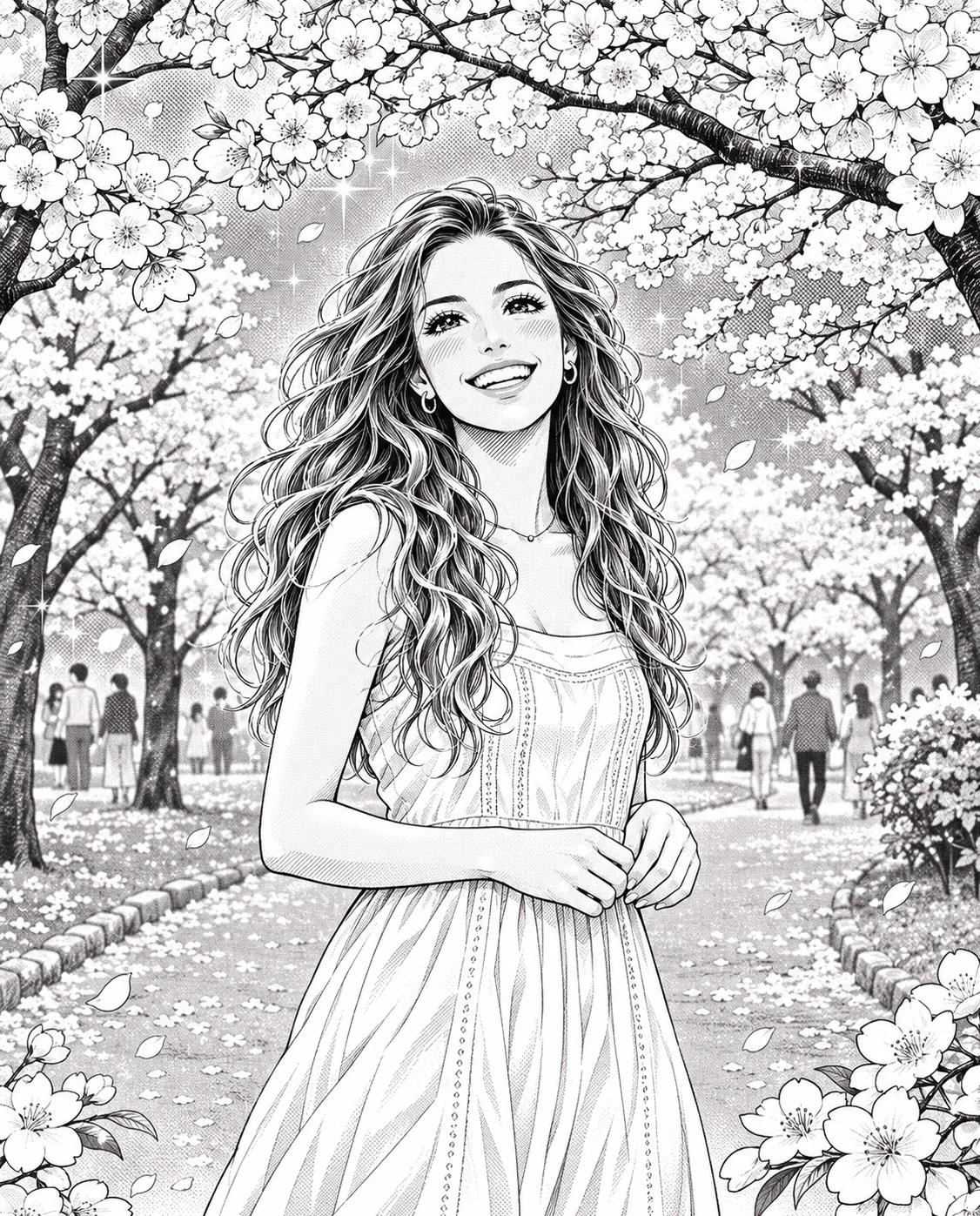
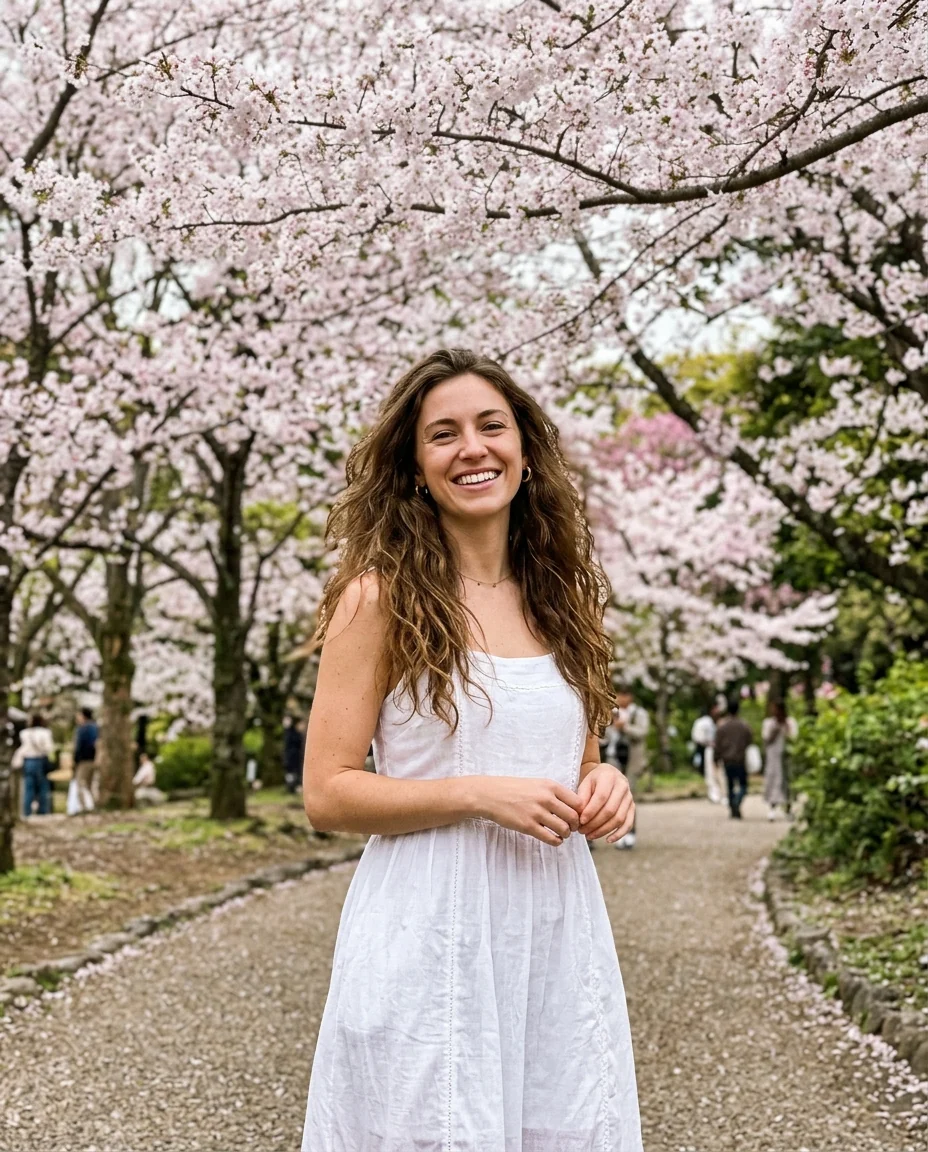
Shojo
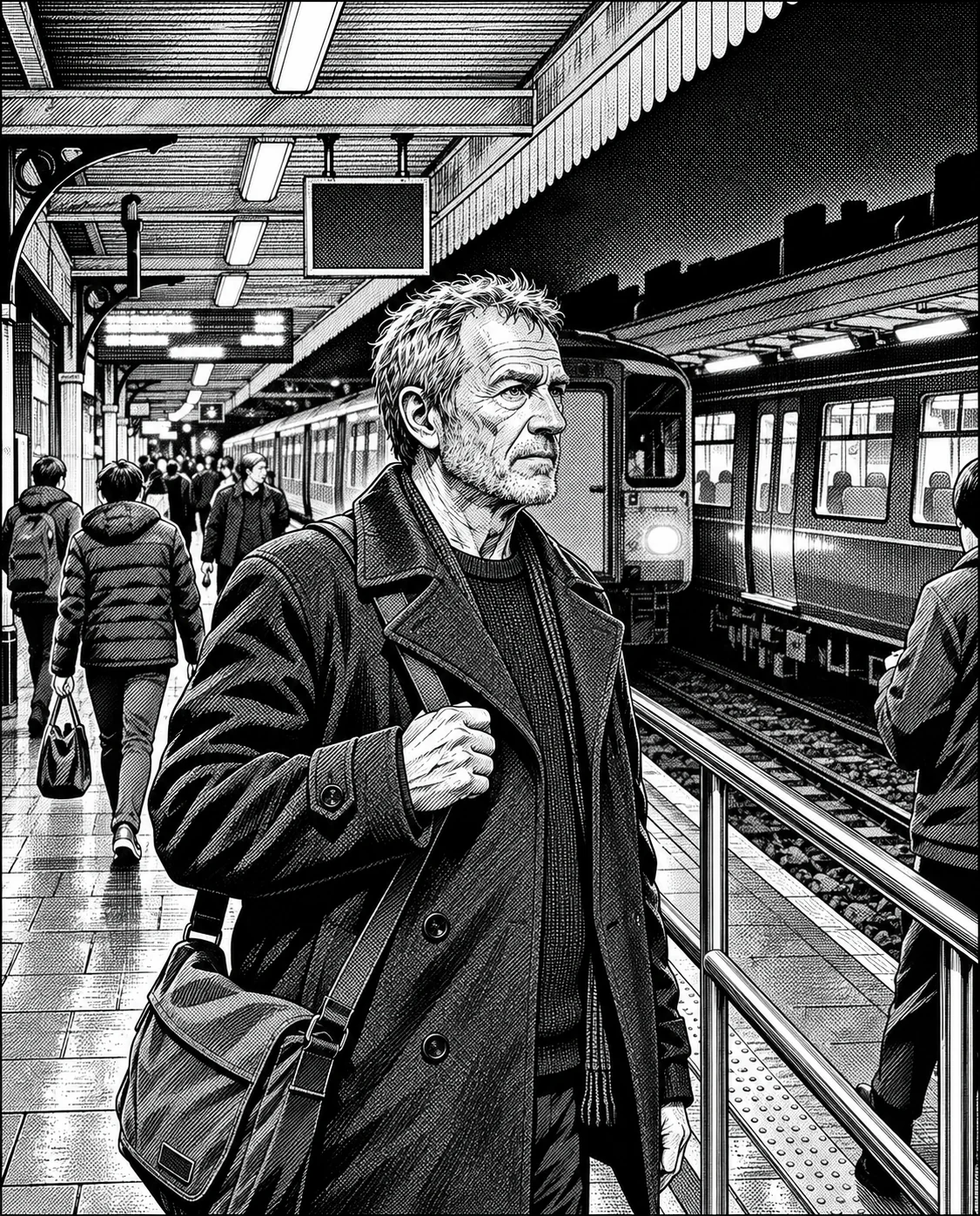
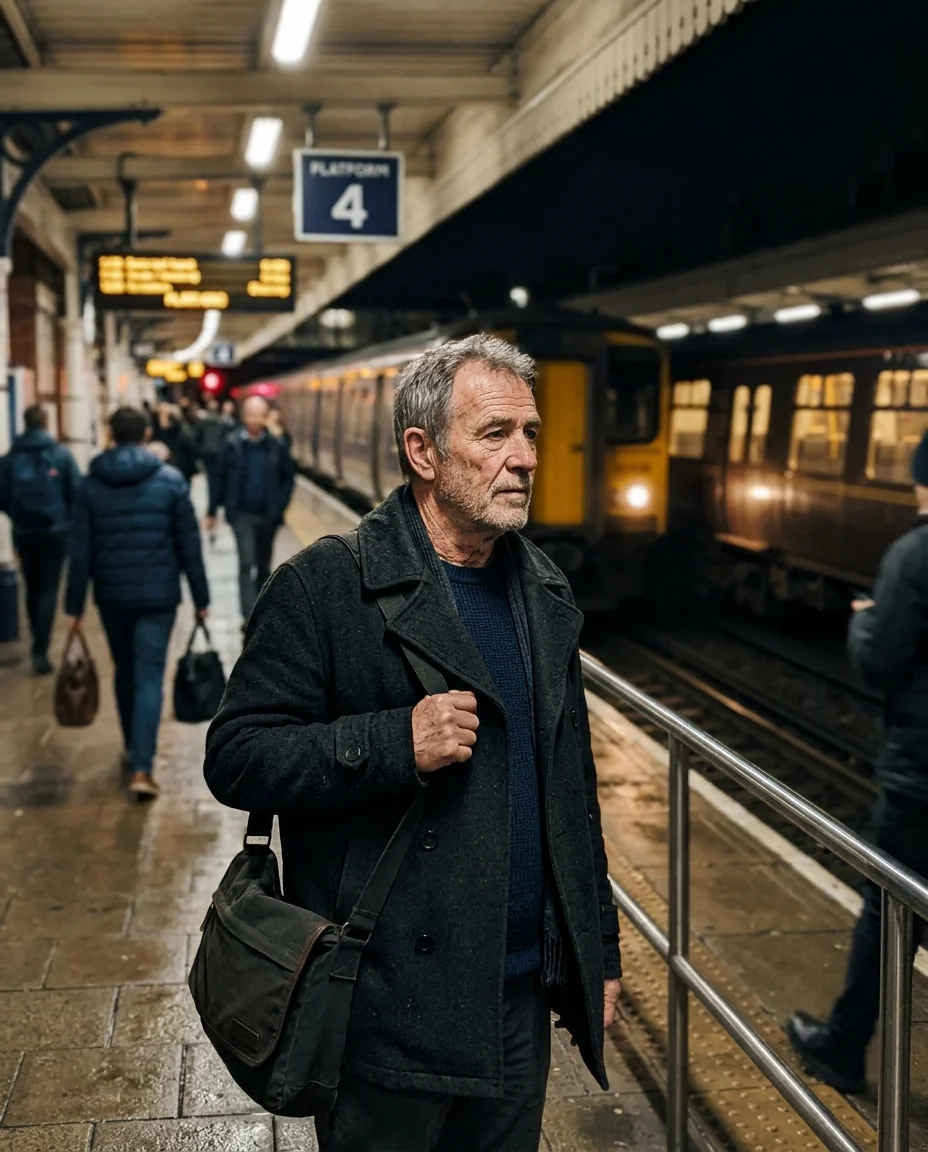
Seinen
Manga Generator features.
Real manga look
Ink, screentones and hatching.
Three styles
Shonen, shojo or seinen.
Looks like you
Hair, face and outfit carry over.
Manga Generator, step by step.
01
Upload a photo
A clear moment, one or two people.
02
Pick a style
Shonen, Shojo or Seinen.
03
Download
Add your own speech bubbles.
Manga Generator use cases.
- Manga pages
- Panels for your own short manga.
- Avatars
- A black-and-white manga profile picture.
- Gifts
- A manga panel of a friend or couple.
Manga Generator: best photos and fixes.
Photos that make good panels
Manga thrives on expression and motion: a clenched fist, a surprised face, a smile in the wind. Waist-up photos give space for expression and some background. Good contrast between the person and the background helps the inks read clearly in black and white; a plain or lightly shaded wall keeps screentones from getting muddy.
Choosing a style
Shonen is energetic action, with speed lines and intense expressions. Shojo is romantic and delicate, with sparkly eyes, flowers and soft tones. Seinen is detailed and realistic, with heavy hatching and dramatic shadows, suited to moody, grown-up scenes and older faces.
Black and white only
Results are black and white with grey screentones, as the prompt asks, like printed manga. Colors in your photo become different tones, so a red shirt may become dark grey. If you want color, the anime generator and photo to anime make color illustrations.
Making a page
Run several photos with the same style and arrange them in a manga page layout in a design app, reading right to left if you like the traditional order. Speech bubbles and sound effects aren't added; letter them yourself so every word is right.
Likeness
Hairstyle, glasses, facial hair and outfit are kept, while faces get manga eyes and simplified features. Close, front-facing faces keep the most likeness; eyes become larger, so faces can look a little younger. For the same character across many panels, use the consistent character generator with your first panel as the reference.
Related tools
The comic generator makes Western comic panels in color, and the webtoon filter draws a color Korean webcomic look. Photo to anime and the anime generator create color anime art, and photo to sketch makes pencil drawings.
Manga Generator FAQ.
Is it in color?
No. Manga panels are black and white with grey screentones, like printed manga.
Does it add speech bubbles?
No. Add bubbles and sound effects yourself.
Which style should I pick?
Pick Shonen for action and energy, Shojo for soft romance, Seinen for moody, realistic scenes.
Is the Manga generator free?
Yes, you can try it free. New accounts get 15 free credits, and one generation here uses 9 credits. You sign in with your email; no card needed. Results have no watermark. After that, plans add credits every month and credit packs never expire.