Comic Generator
Your photo, as a comic book panel.
Drop a photo
or paste with ⌘V · JPG · PNG · WebP · up to 8 MB
No photo handy? Try one of ours.
Comic Generator examples.
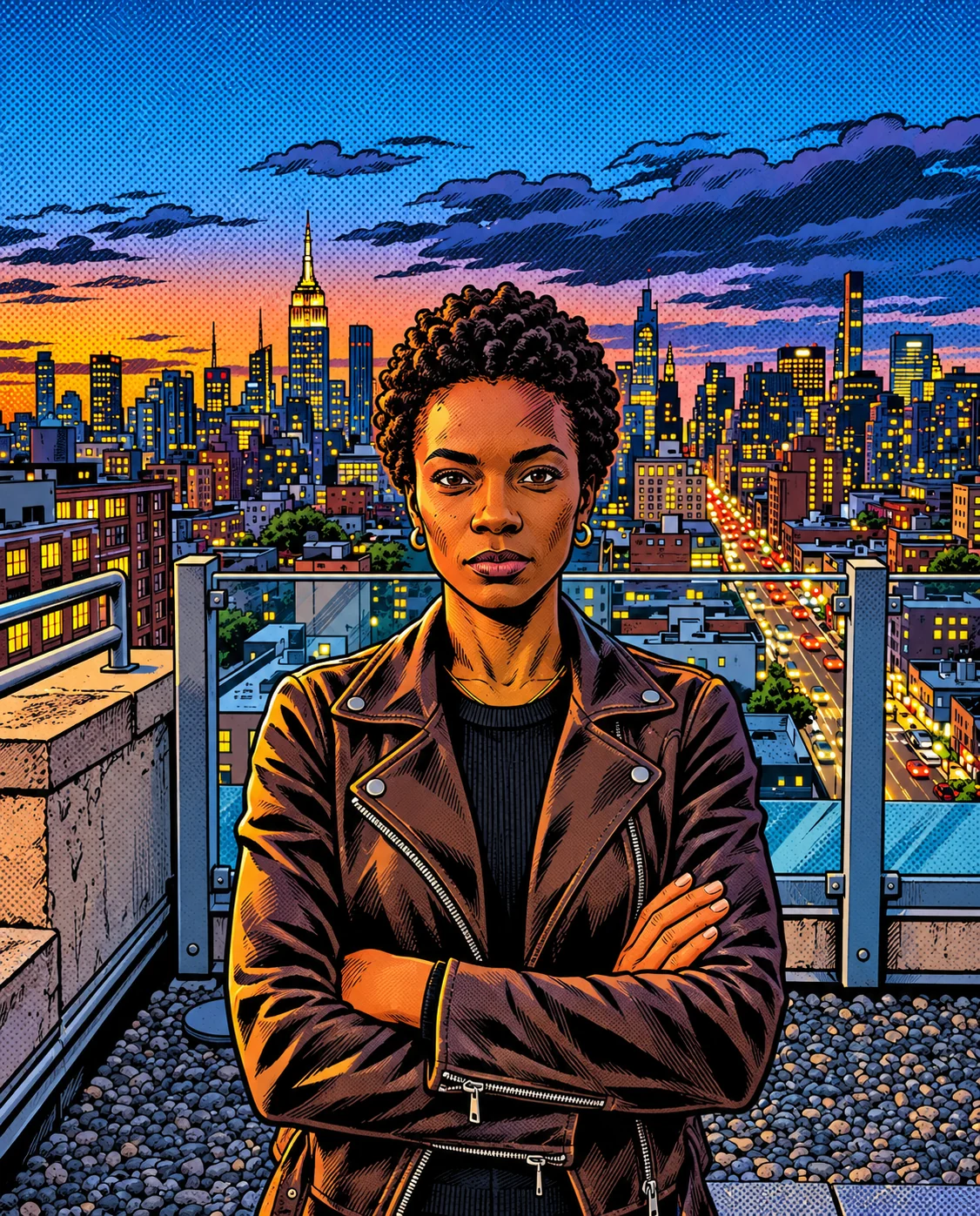
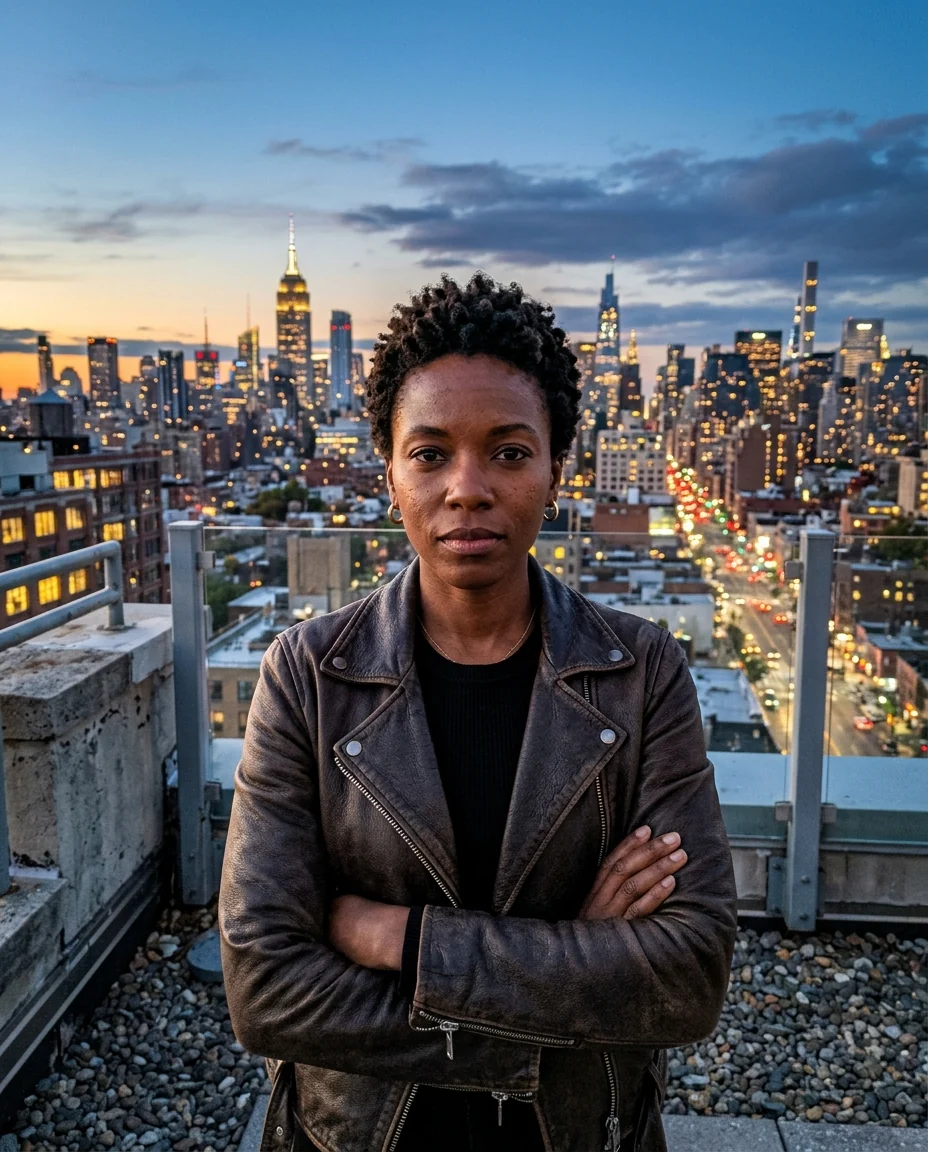
Superhero
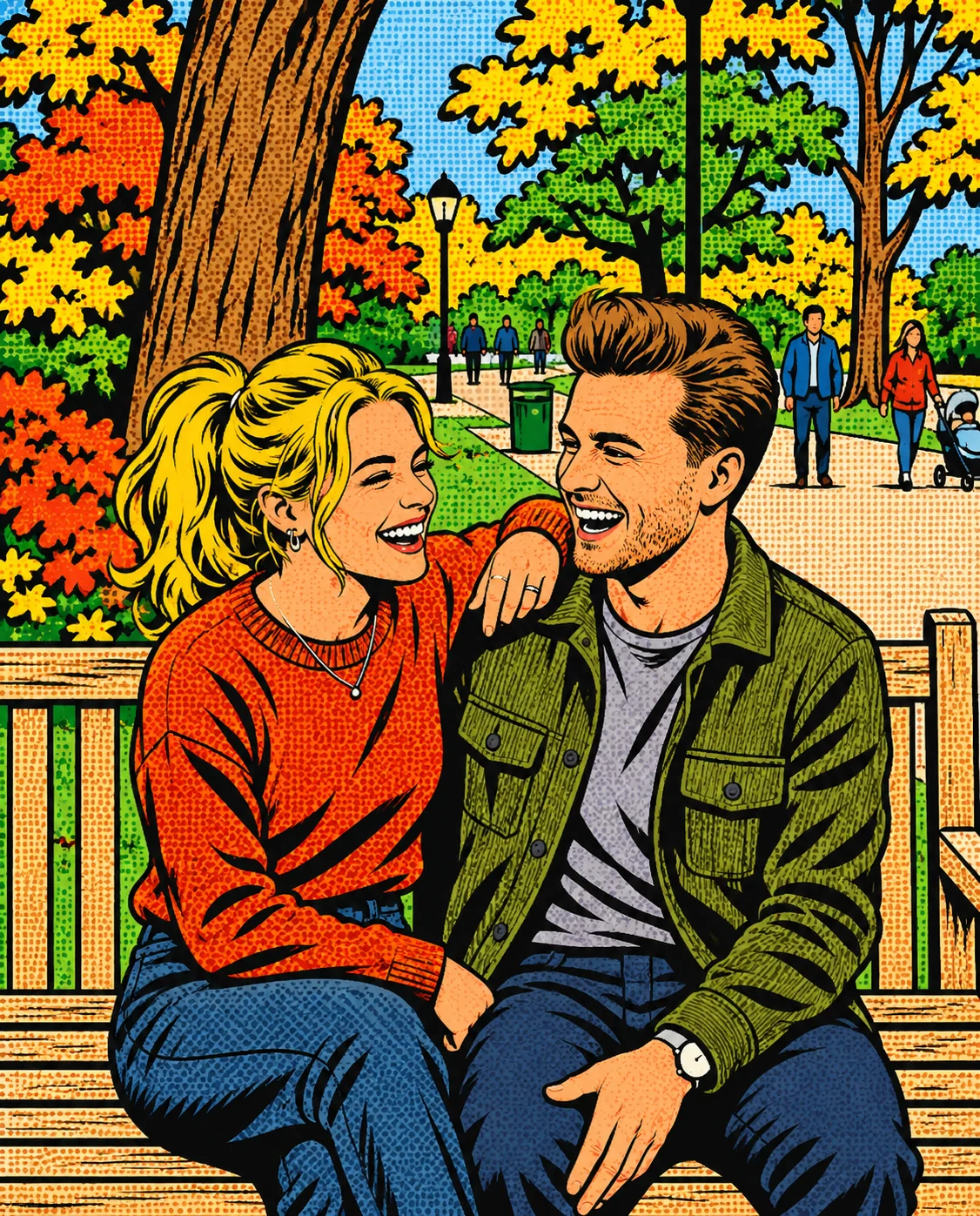
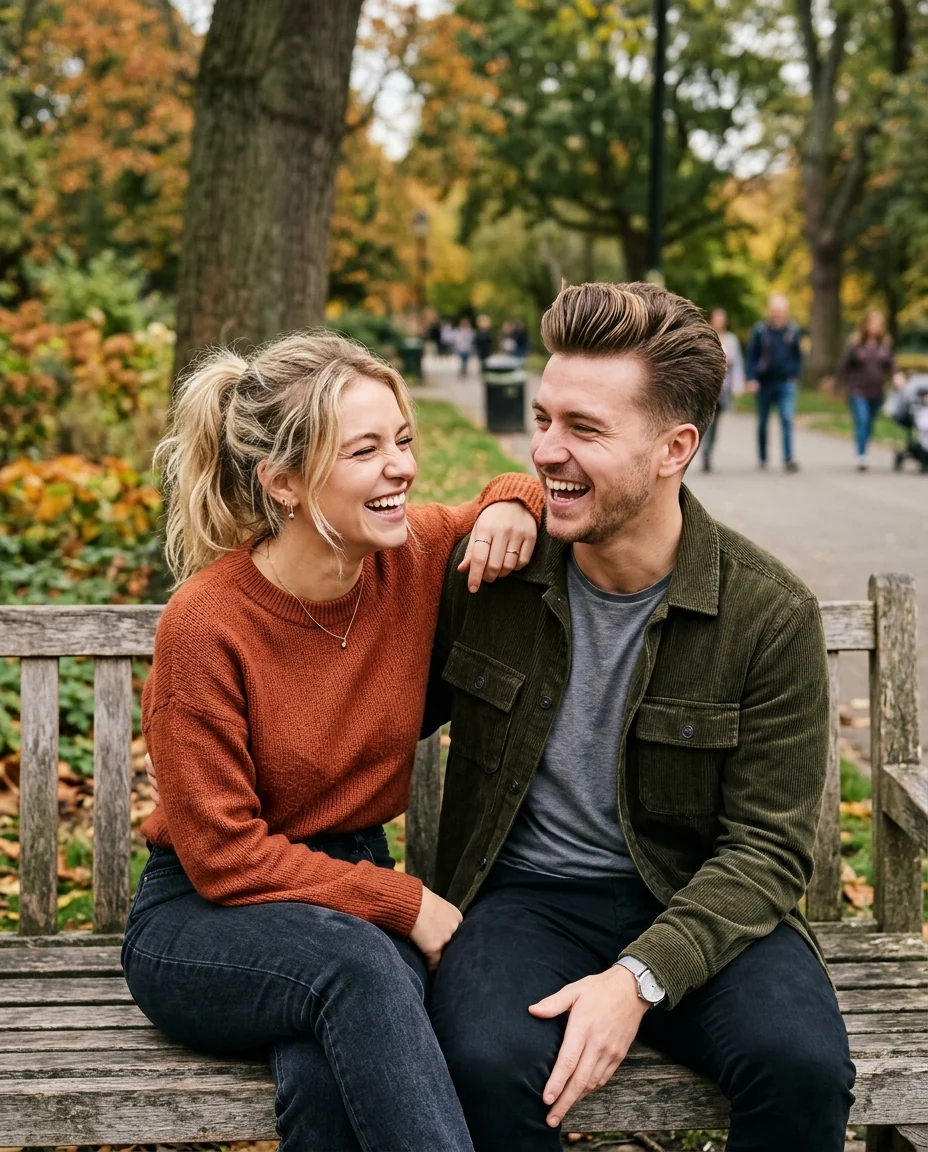
Retro pop
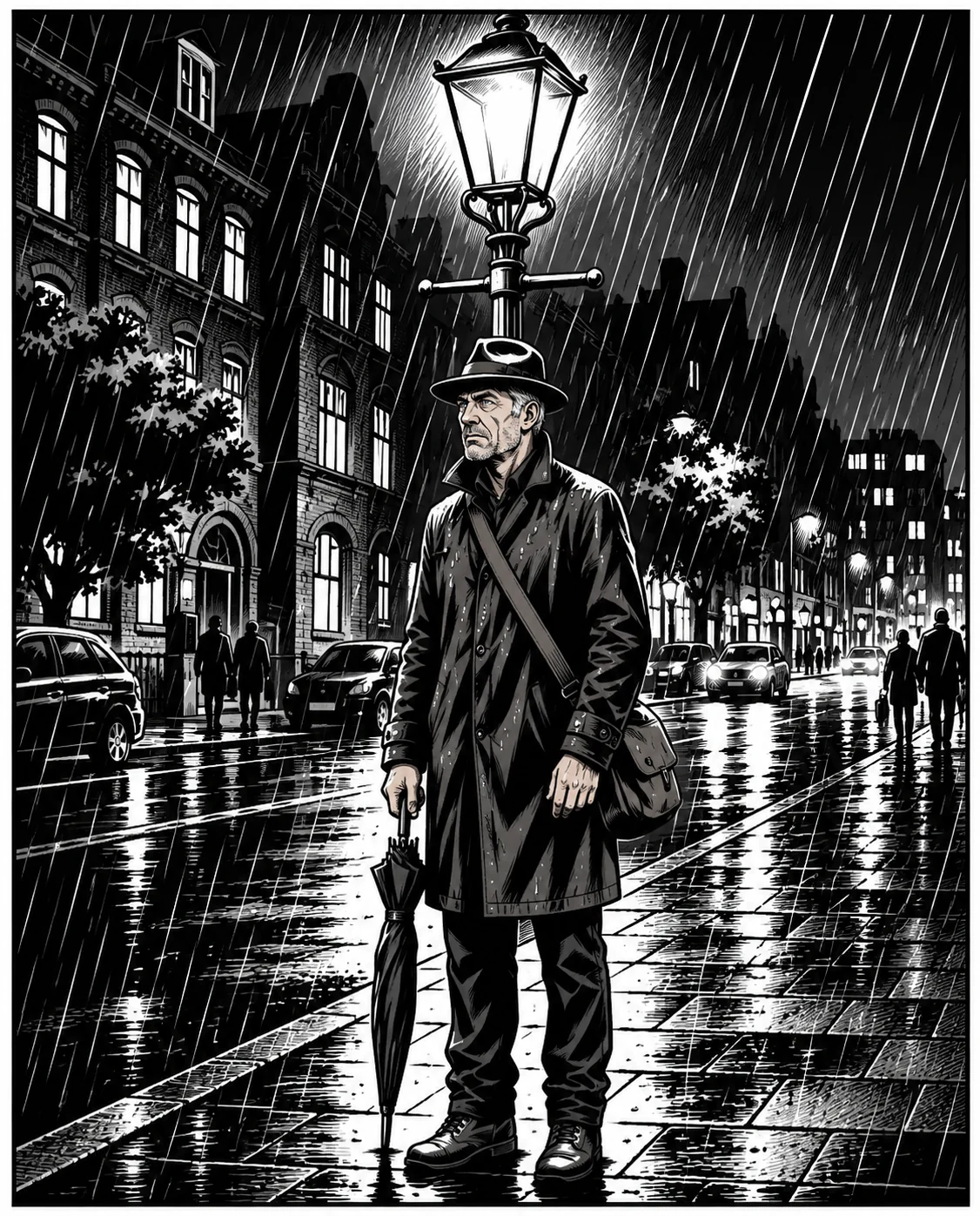
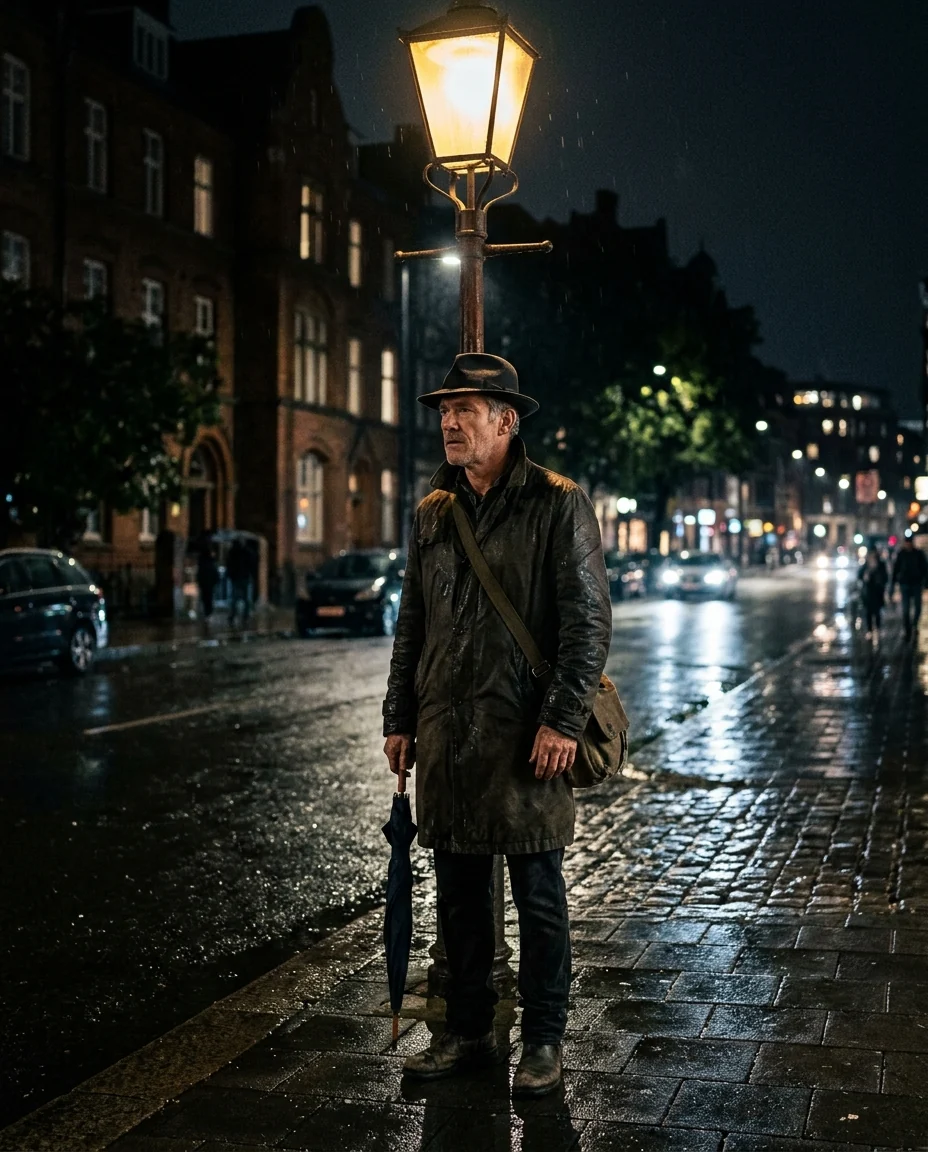
Noir
Comic Generator features.
Three comic styles
Superhero, retro pop or noir.
Real comic inks
Bold outlines, halftones and shading.
Looks like you
Face, hair and outfit carry over.
Comic Generator, step by step.
01
Upload a photo
One moment, one or two people.
02
Pick a style
Superhero, Retro pop or Noir.
03
Download
Add your own speech bubbles.
Comic Generator use cases.
- Comic strips
- Turn a few photos into a short comic.
- Gifts
- A comic panel of a couple or a friend.
- Posts
- A dramatic comic version of an everyday moment.
Comic Generator: best photos and fixes.
Photos that make dramatic panels
Comics love drama: a strong pose, a clear expression and interesting light. A determined stare, a laugh, a jump or a look over the shoulder all work. Waist-up photos give room for expression and outfit. Flat, evenly lit snapshots still work, but strong side light gives the heaviest inks.
Choosing a style
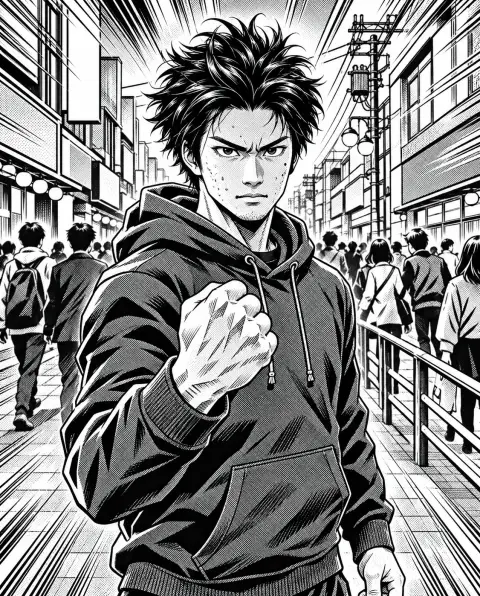
Superhero gives heavy inks, saturated color and dramatic lighting. Retro pop uses 1960s halftone dots and flat primary colors, the pop-art look. Noir is black and white with deep shadows, perfect for night scenes and moody portraits.
Making a comic strip
Take or pick three or four photos of a small story, run each with the same style, and arrange them as panels in a design app. Keeping the same style and people makes the strip feel consistent. For the same character across many panels, the consistent character generator helps.
Speech bubbles and text
Speech bubbles, captions and sound effects aren't added, because generated lettering is often misspelled. Add them yourself in a design app with a comic font, where you control every word. Leave some empty sky or wall in the photo if you plan to add bubbles.
Likeness
Hair, skin tone, glasses, beards and clothes carry over; faces are inked with stronger lines and shadows. Close, front-lit faces keep the most likeness. With groups larger than two, faces get smaller and simpler.
Related tools
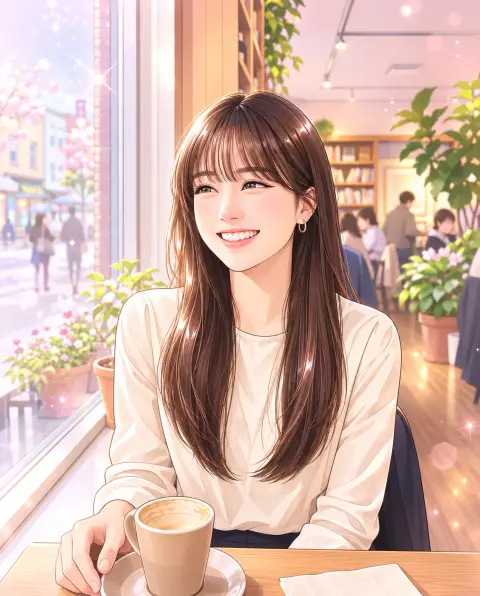
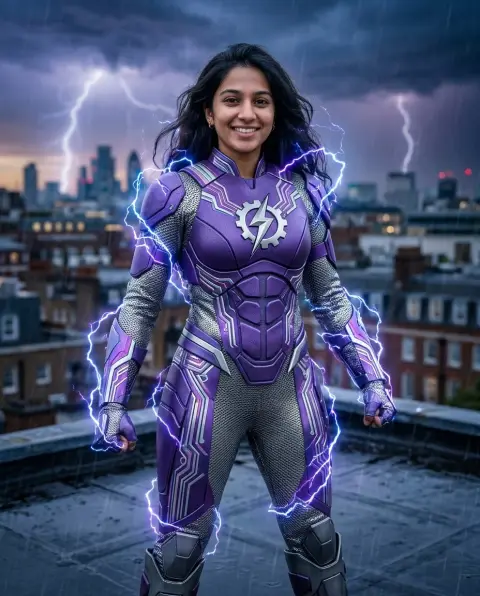
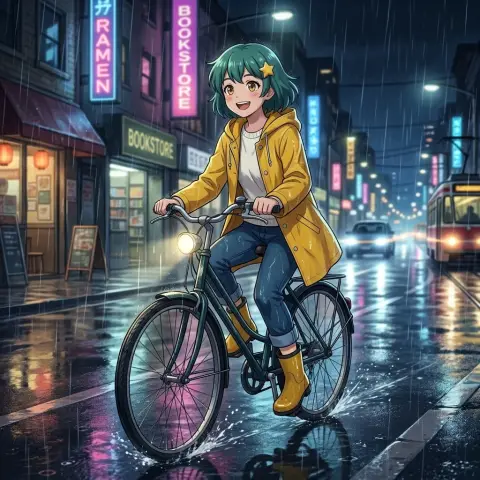
The manga generator draws Japanese manga panels, and the webtoon filter draws a Korean webcomic style. The superhero generator adds a costume and pose, and the consistent character generator keeps one character across many images.
Comic Generator FAQ.
Does it add speech bubbles?
No. Add speech bubbles in a design app so every word is right.
Can I make a whole comic strip?
Yes. Run several photos in the same style and arrange them in a design app.
Does it work with two people?
Yes. Couples and pairs make great panels; bigger groups get smaller faces.
Is the Comic generator free?
Yes, you can try it free. New accounts get 15 free credits, and one generation here uses 9 credits. You sign in with your email; no card needed. Results have no watermark. After that, plans add credits every month and credit packs never expire.