Consistent Character Generator
One character. Any scene. Same face.
Character
Second view (optional)
or paste with ⌘V · JPG · PNG · WebP · up to 8 MB
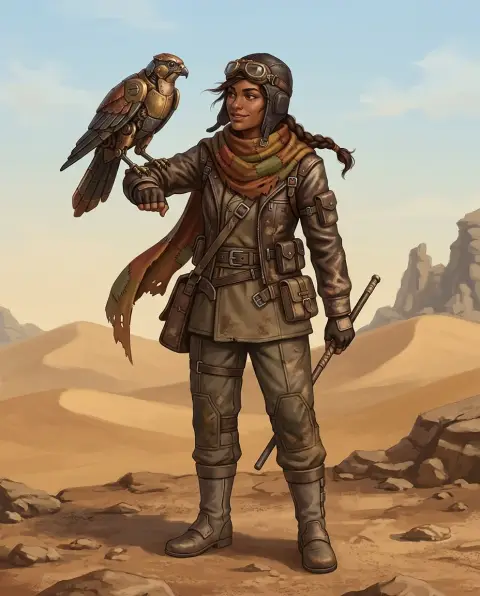
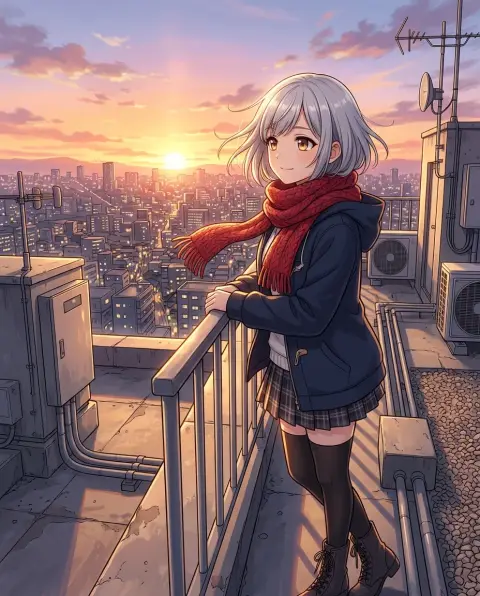
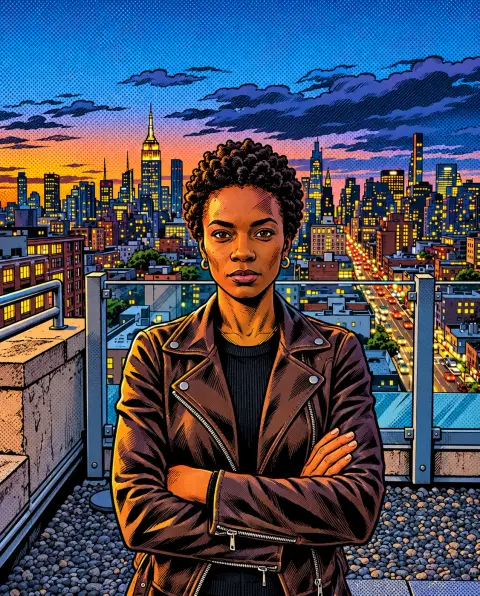
Consistent Character Generator examples.
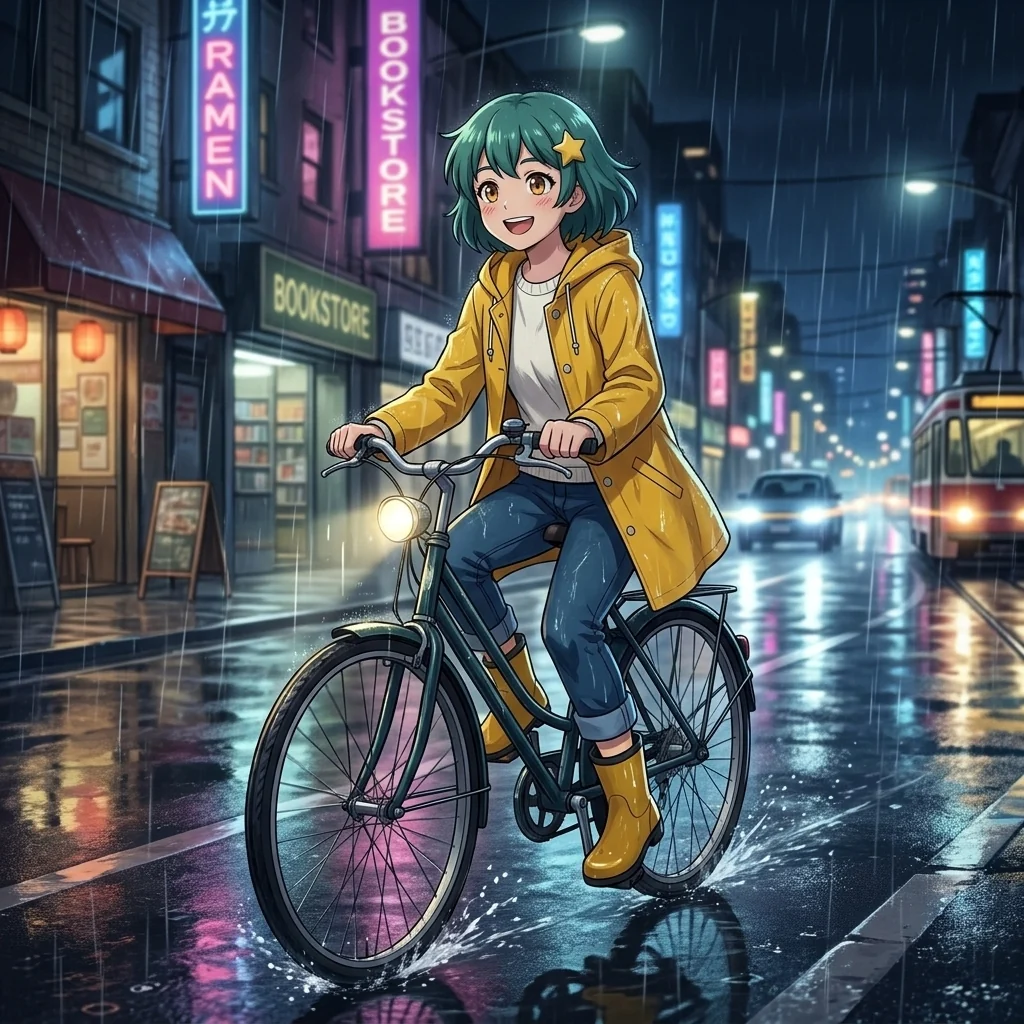
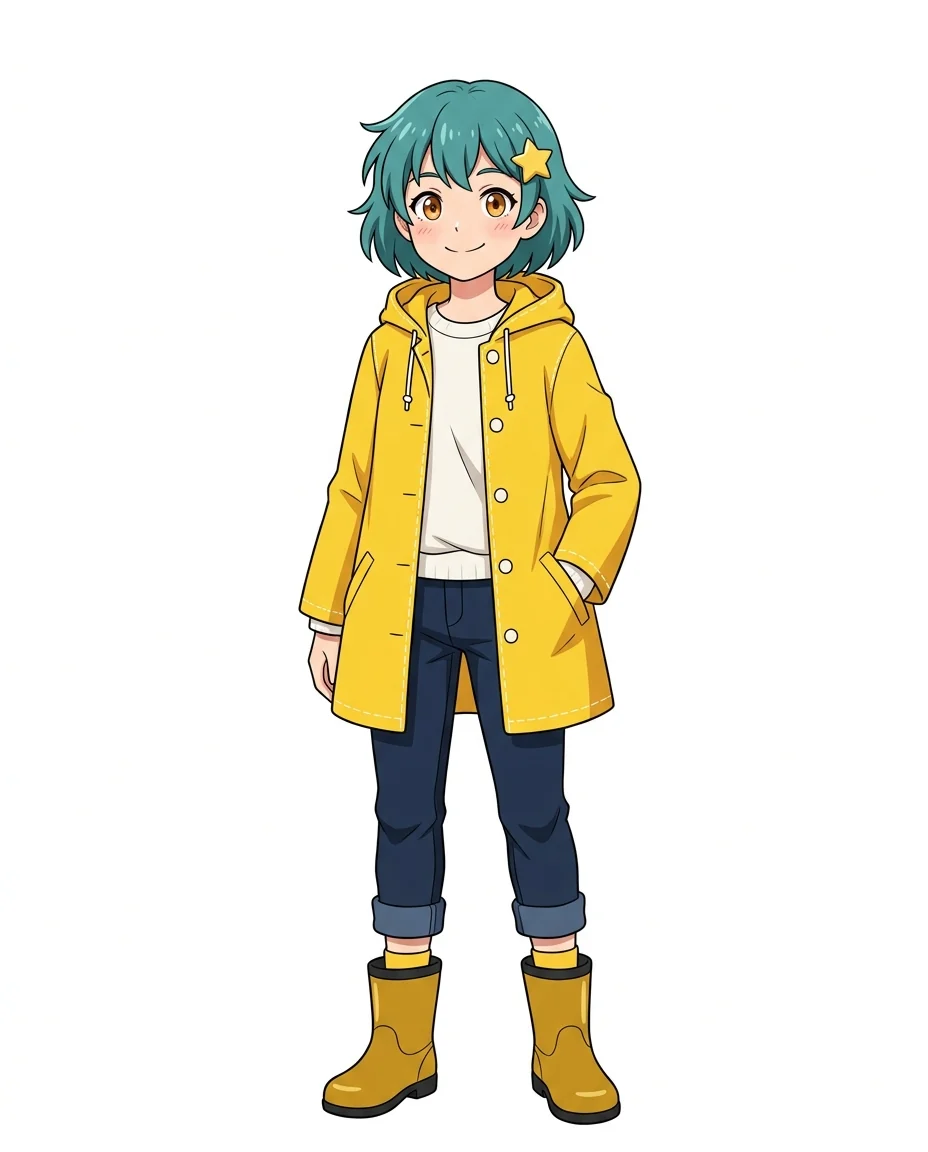
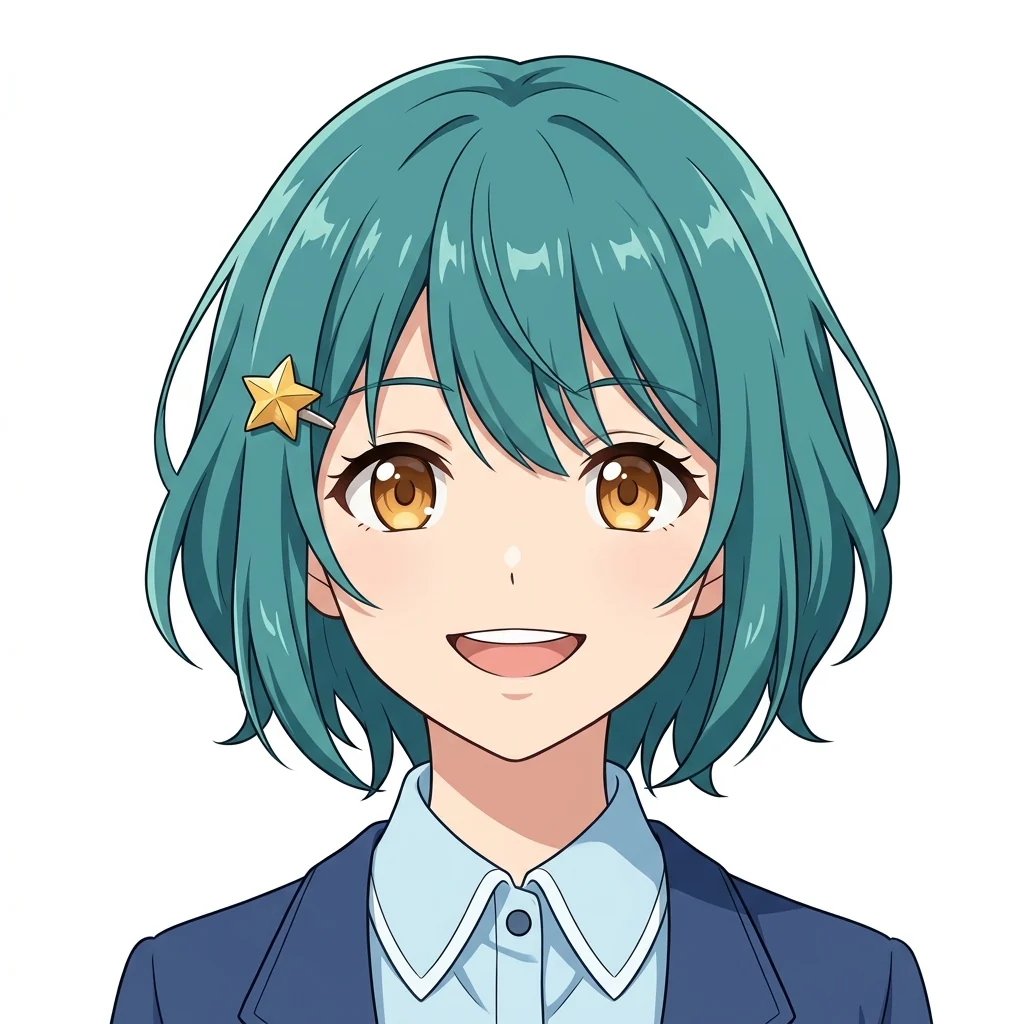
Anime character
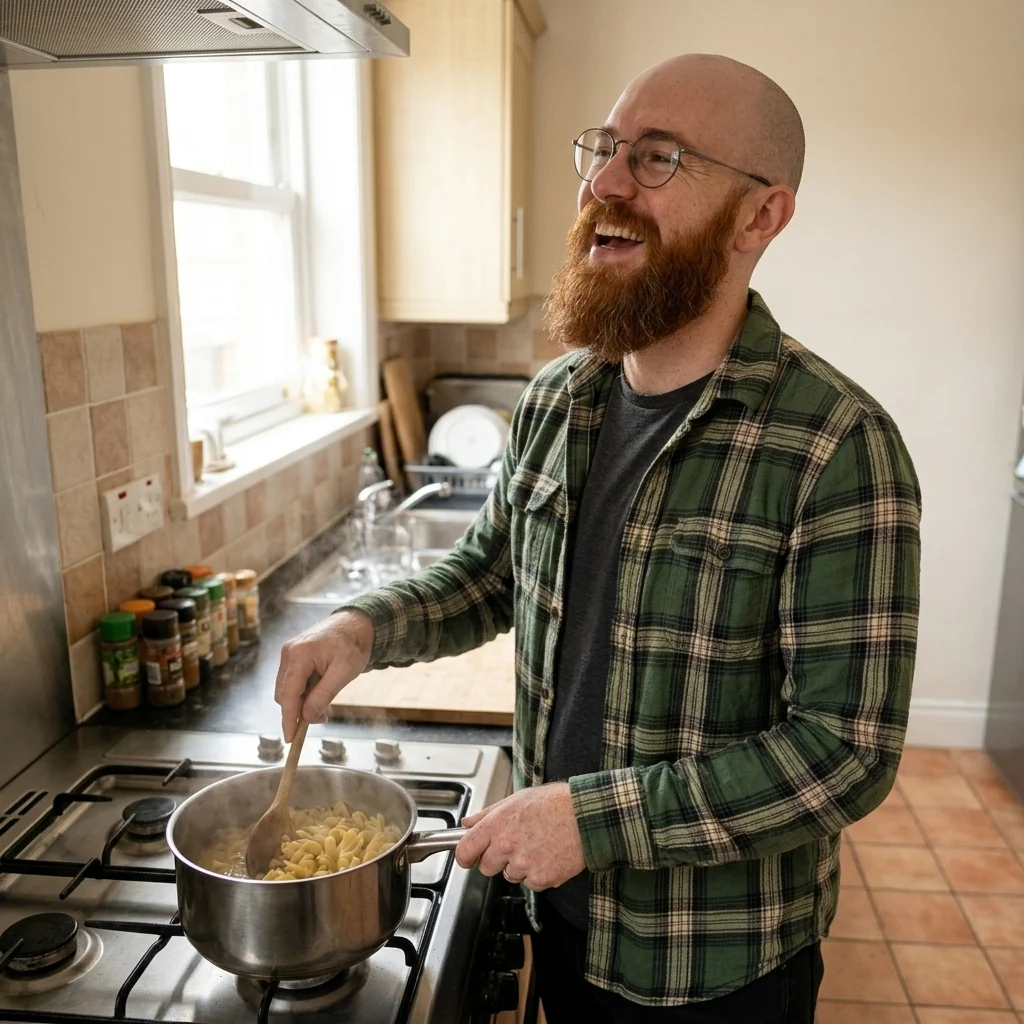
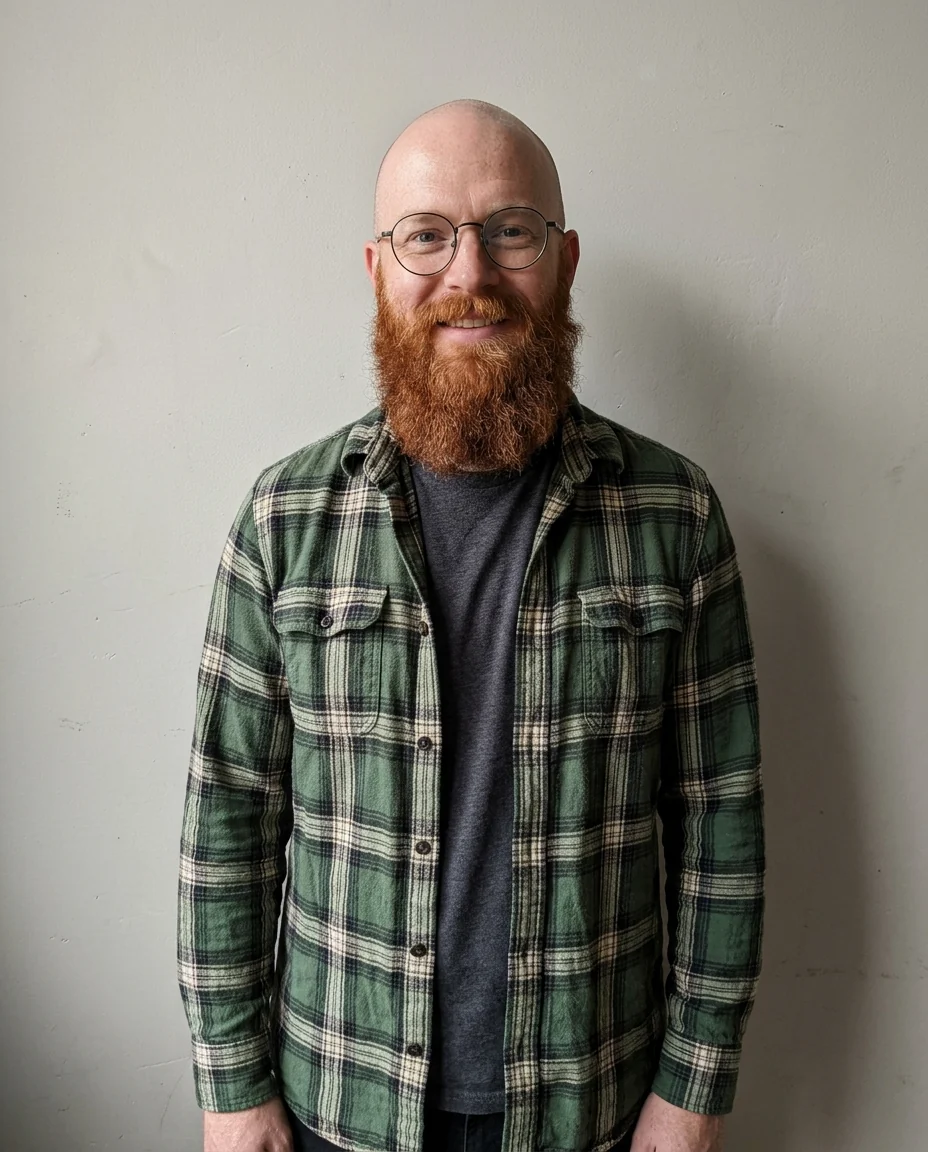
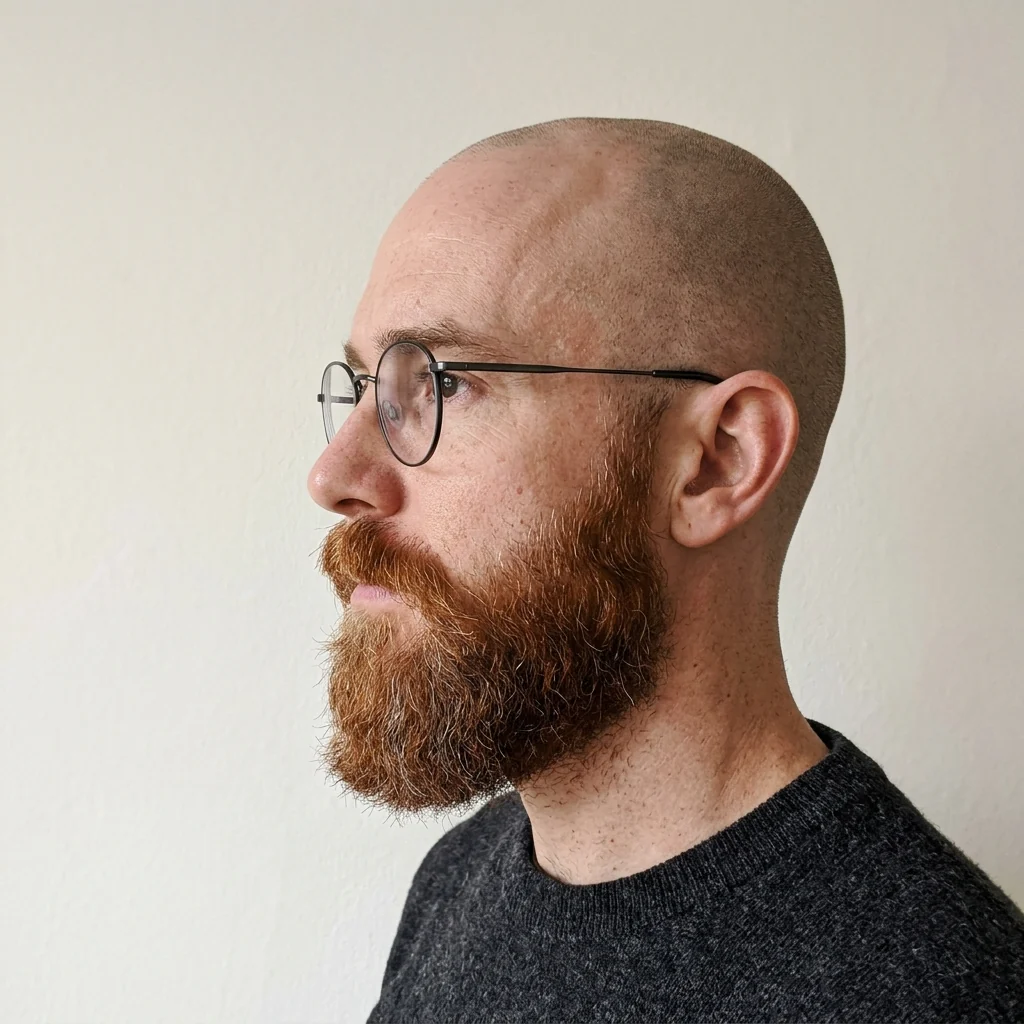
Photo character
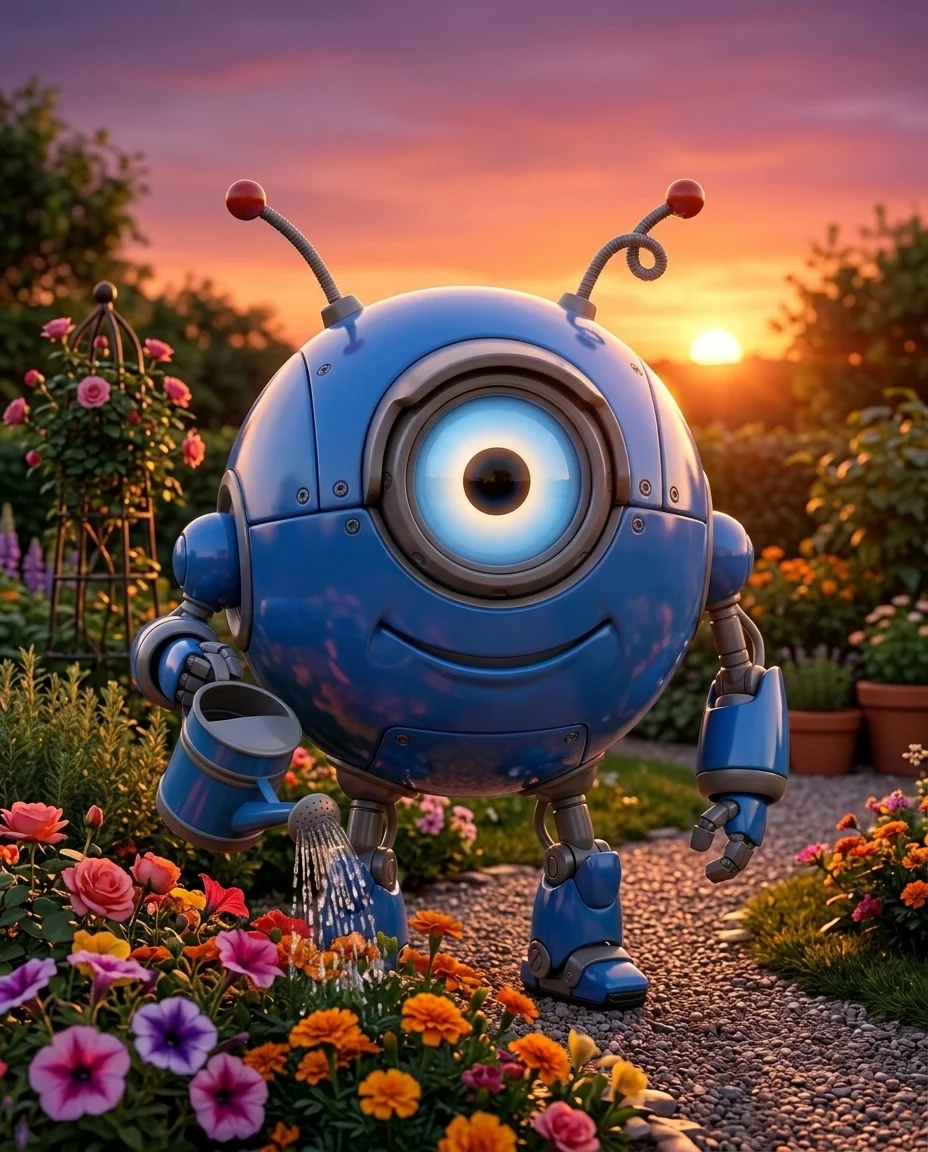
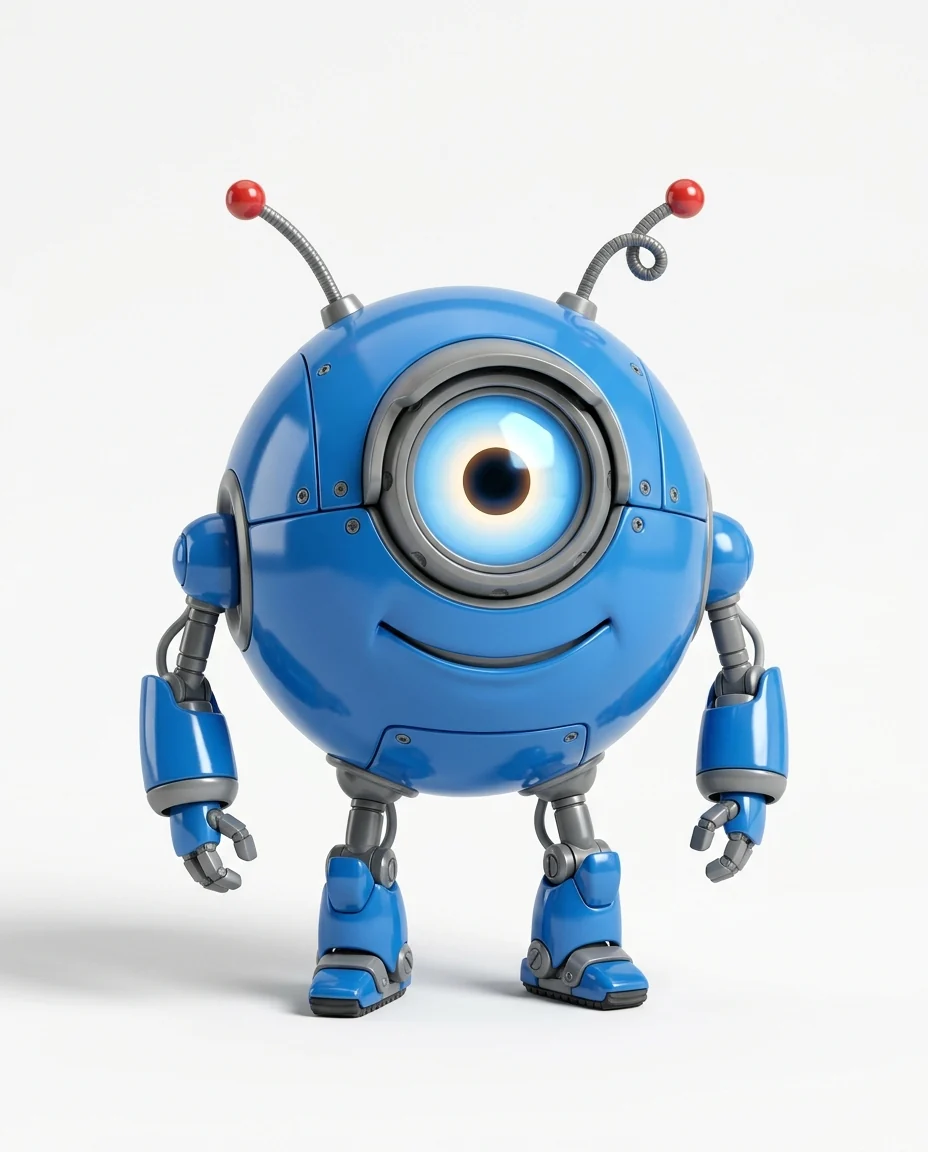
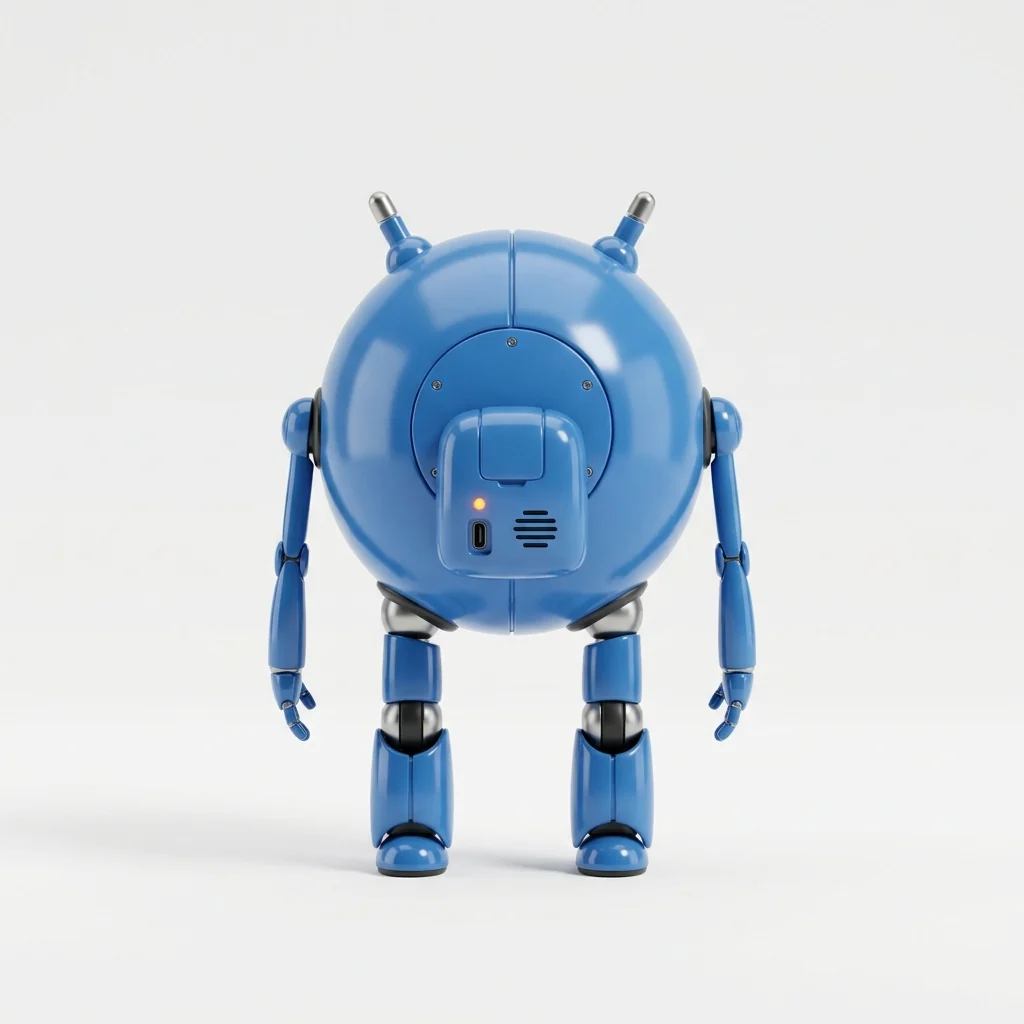
3D mascot
Consistent Character Generator features.
Same face, closely
Face, hair, marks and style are kept.
Any scene you describe
New places, poses and actions.
Photo, anime or 3D
Works in the style of your reference.
Consistent Character Generator, step by step.
01
Upload your character
One clear image, plus an optional second view.
02
Describe the new scene
What they do and where.
03
Download
Repeat for every panel or post.
Consistent Character Generator use cases.
- Comics and storybooks
- The same hero on every page.
- Brand mascots
- Your mascot in a new scene for each post.
- Games and roleplay
- Your OC in many situations.
Consistent Character Generator: best photos and fixes.
A good reference image
The reference decides everything, so use one clear image where the character is large, well lit and not cut off: a front-facing full-body or waist-up view on a plain background is ideal. Character sheets work well. Busy scenes, heavy shadows or tiny figures give the tool less to copy, and details like scars or hair clips may get lost.
Why a second view helps
The second image is optional but useful: a close-up of the face, a side view or a back view shows details the first image hides. With two views, the hairstyle from the back, the shape of the nose in profile and small accessories stay consistent much more reliably. Both images must show the same character.
Describing the new scene
Write what the character does and where: "riding a bicycle through a rainy street at night", "reading in a library, smiling". Mention the outfit only if it should change: "in a winter coat". Keep each request to one moment; complicated scenes with many people make the main character smaller and less consistent. Describe the action once and the setting once, like "kneeling by a campfire in a forest at dusk".
Keeping the style
The new image follows the reference's style: a photo stays a photo, anime stays anime, a 3D render stays 3D. Mixing styles, such as asking for a photo of an anime character, changes the character's look a lot and breaks consistency. For a different style, convert the reference first with another tool, then use that as the new reference.
Building a series
For a comic or a set of posts, reuse the same reference images for every run, and keep the shot type similar where you can. Download each result as you go. If one image drifts, regenerate it rather than using it as the next reference, so small changes don't add up over a series. Keep a note of the exact scene words for each panel so you can redo a single one.
Related tools
The character generator designs a new character from a description, which you can then use here. The face generator makes realistic faces for photo characters. The comic generator turns a photo into comic panels, and the anime generator draws anime scenes.
Consistent Character Generator FAQ.
Will the character look exactly the same?
Face, hair and style are kept closely. Small details can vary, which a second reference view helps reduce.
Can I use a real person?
Only yourself or people who agreed. Don't put a real person in scenes they wouldn't want to be in, or in anything meant to deceive. It is meant for characters you own or created.
Can I change the outfit?
Yes. Describe it, for example "in a winter coat"; otherwise the outfit is kept.
Does it work with anime characters?
Yes. The result follows the reference's style, whether photo, anime, cartoon or 3D.
Is the Consistent character generator free?
Yes, you can try it free. New accounts get 15 free credits, and one generation here uses 13 credits. You sign in with your email; no card needed. Results have no watermark. After that, plans add credits every month and credit packs never expire.