












Arcane Filter
Hand-painted textures and glowing amber light in a steampunk city.
Drop a photo
or paste with ⌘V · JPG · PNG · WebP · up to 8 MB
No photo handy? Try one of ours.
More like this.
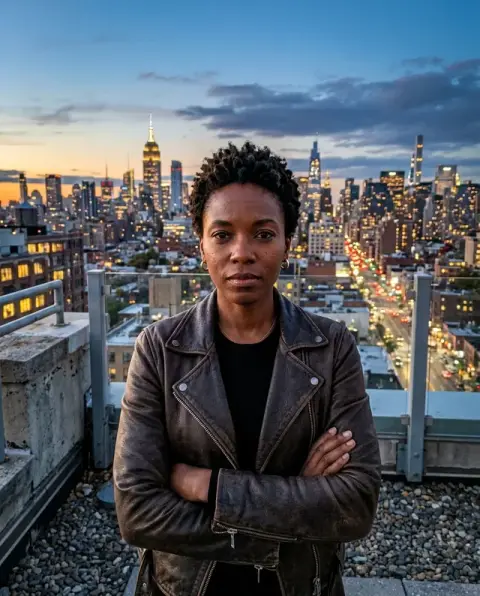
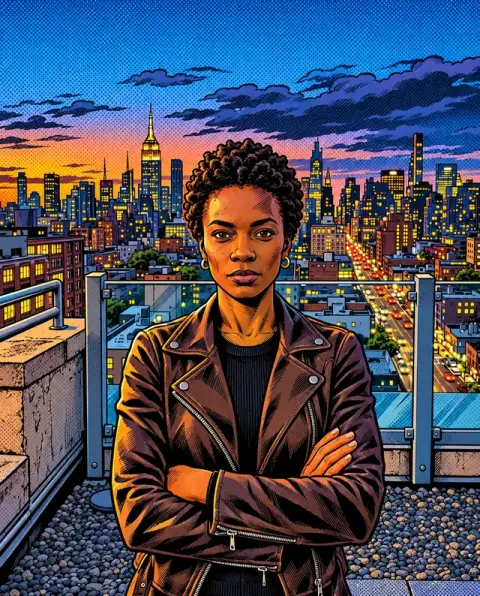
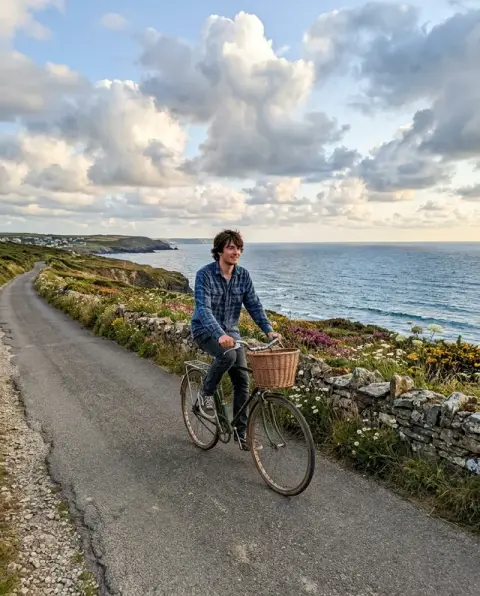
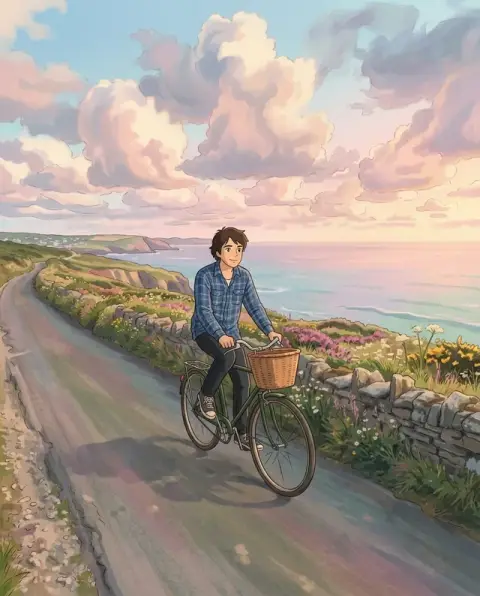
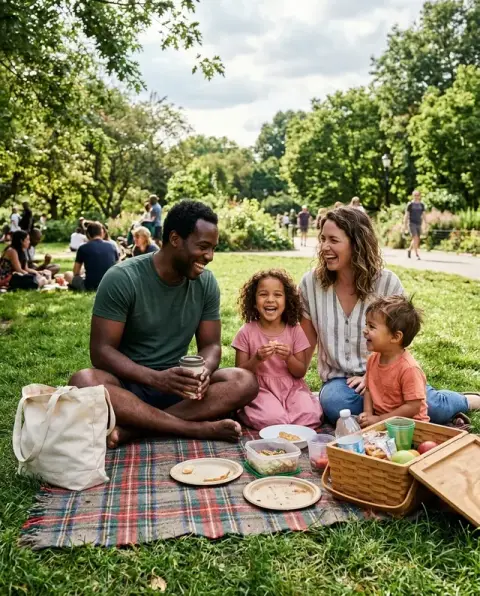
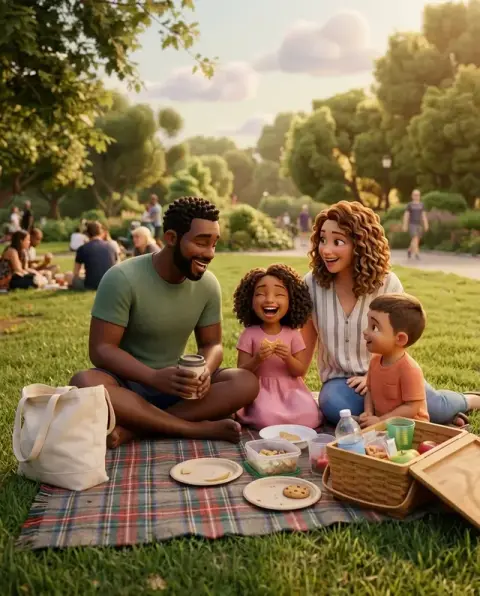
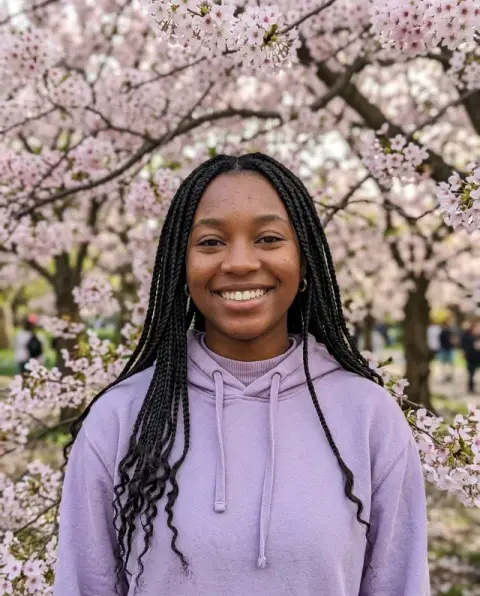
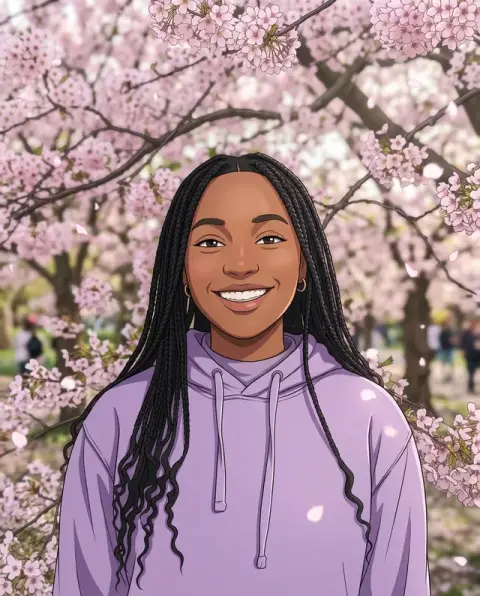
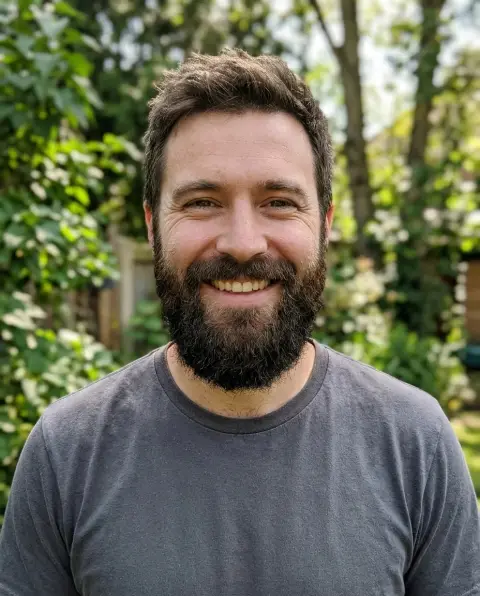
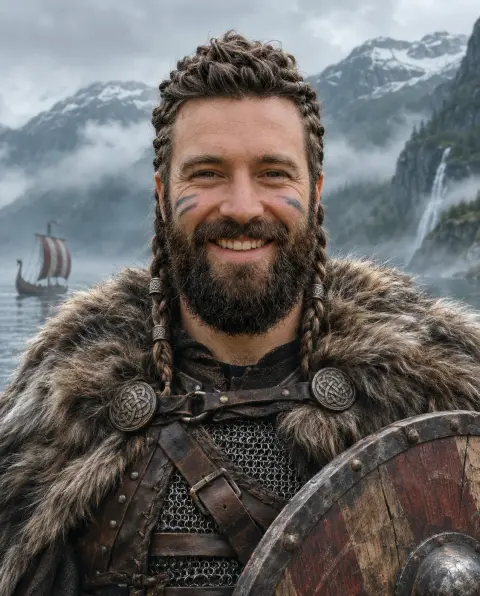

Arcane Filter examples.
Real results from this page's default settings in one click, not retouched.How examples are made
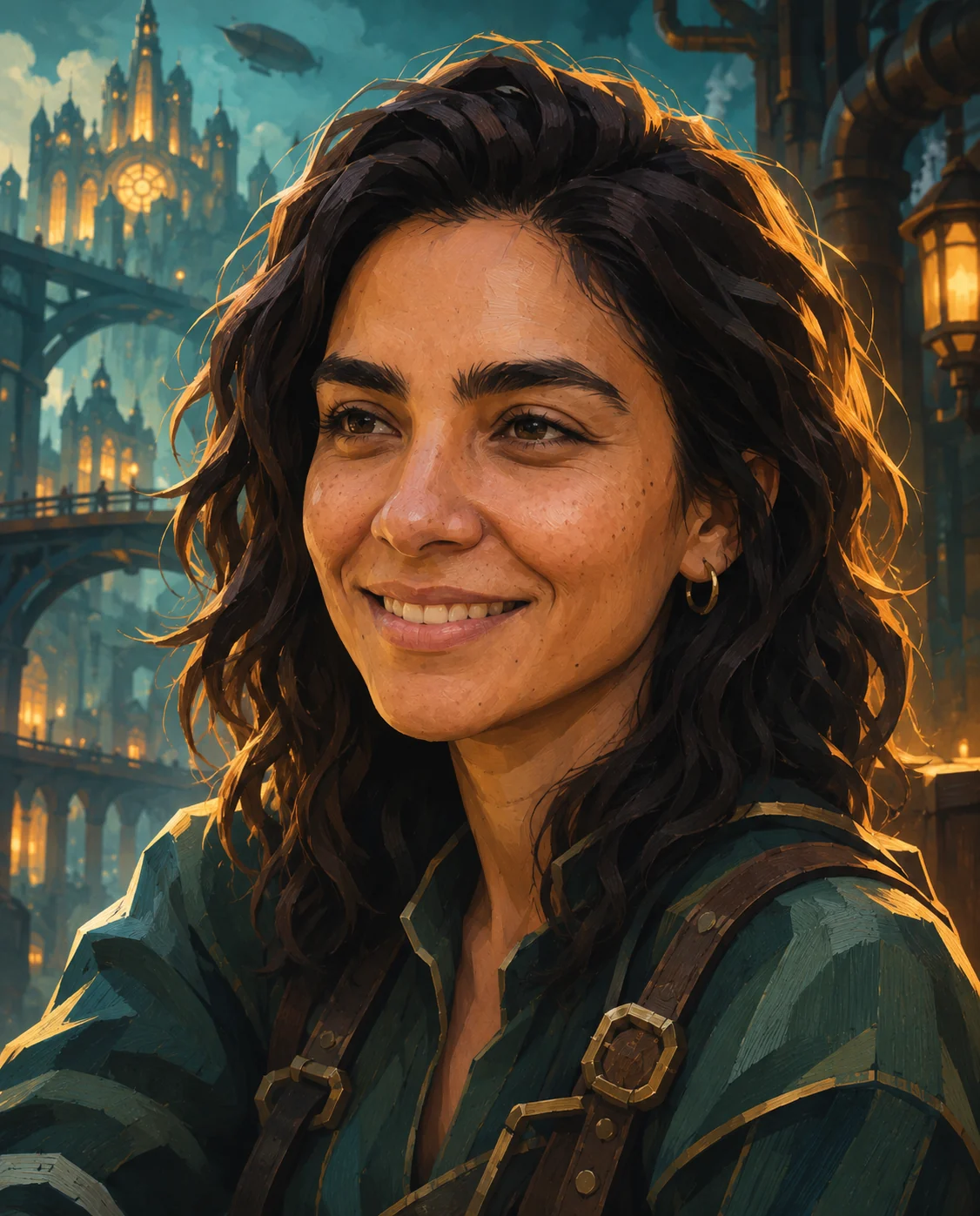
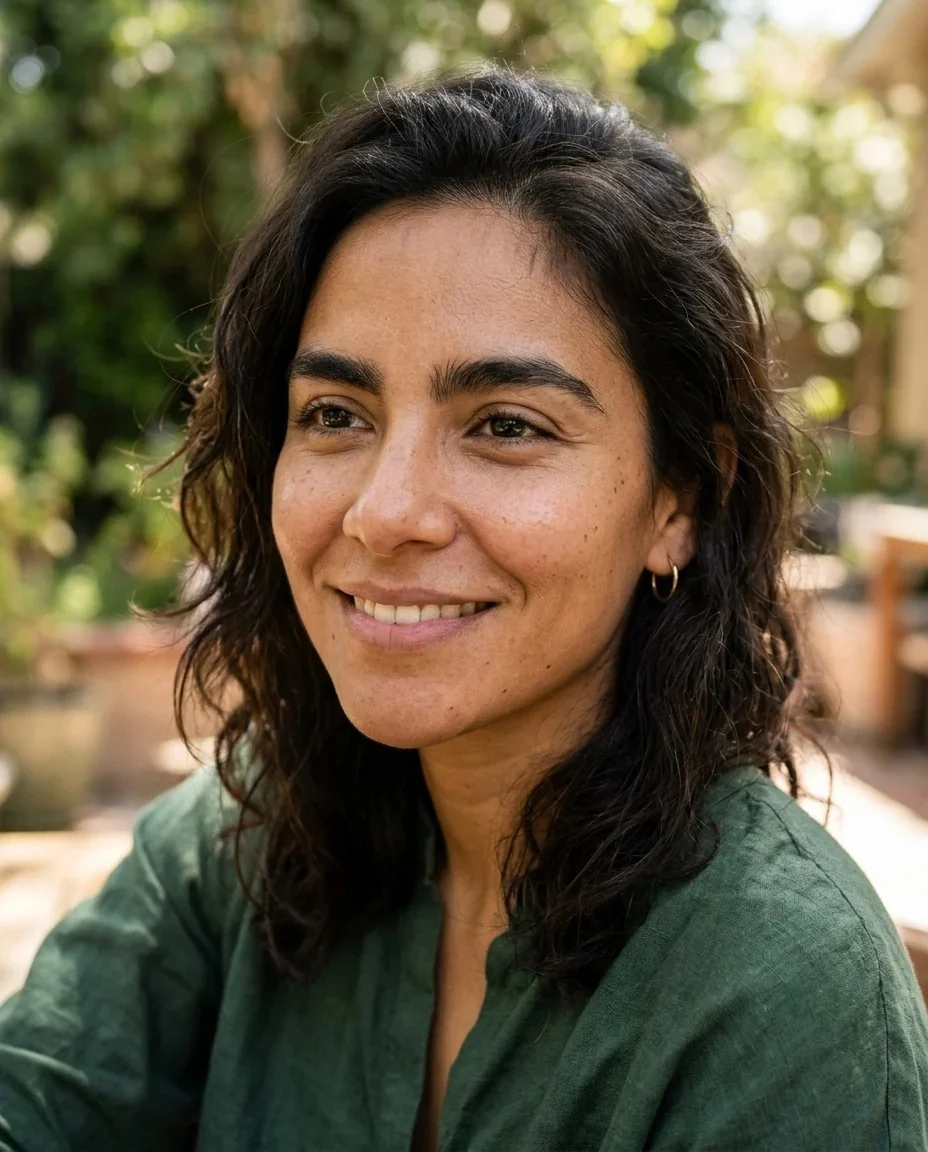
A woman with wavy dark hair painted in a steampunk city with amber rim light and green straps
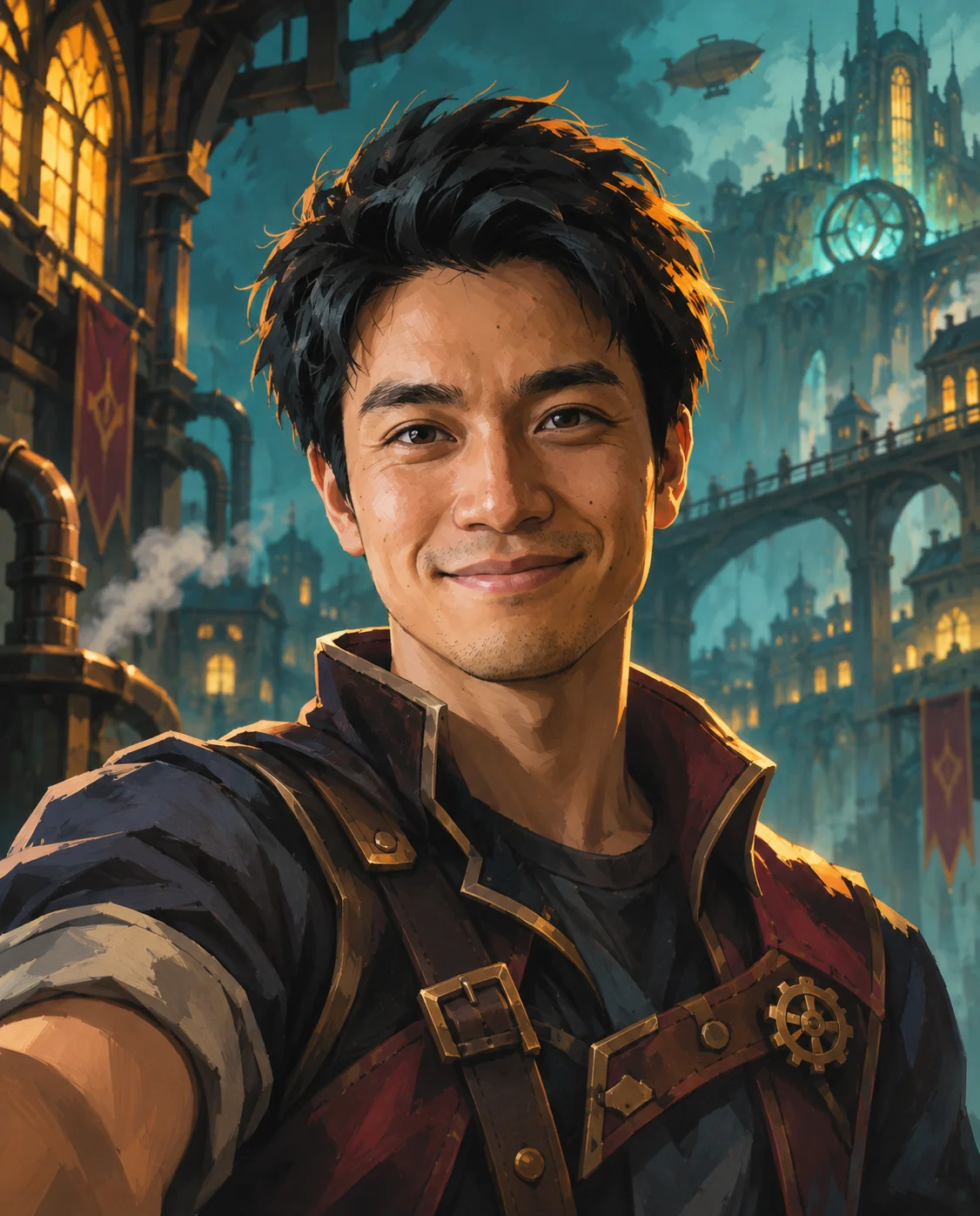
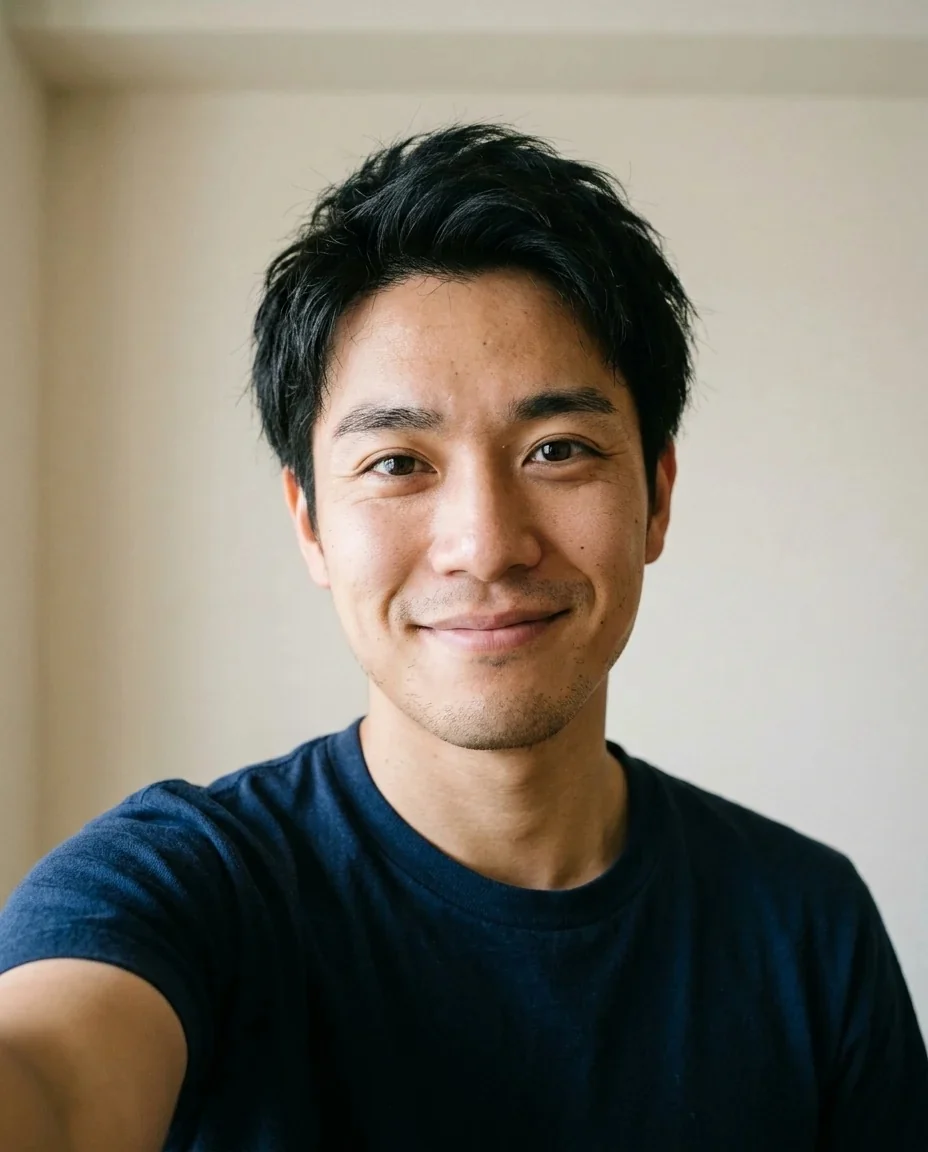
A man with short black hair as a painted steampunk adventurer in a leather jacket with gears
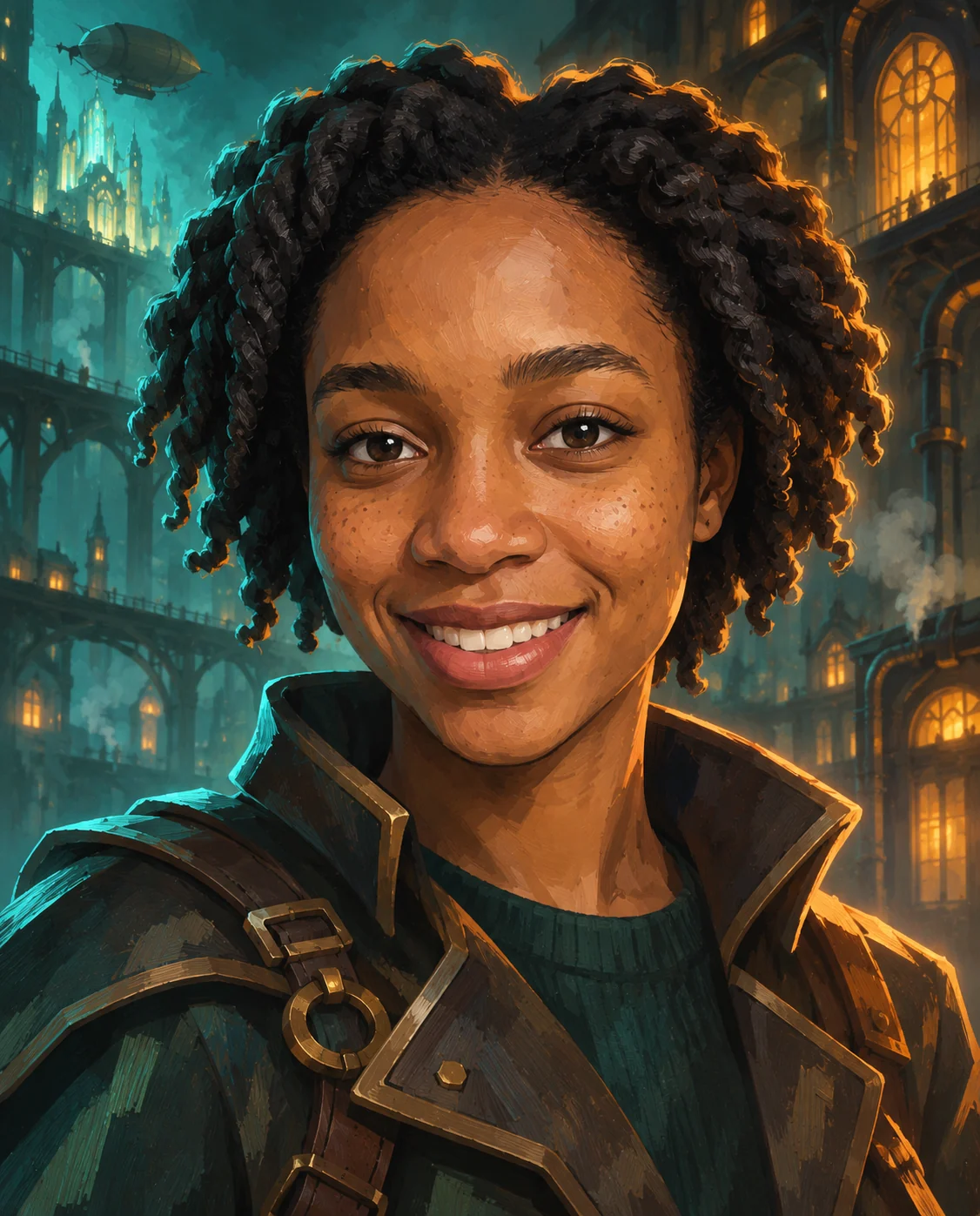
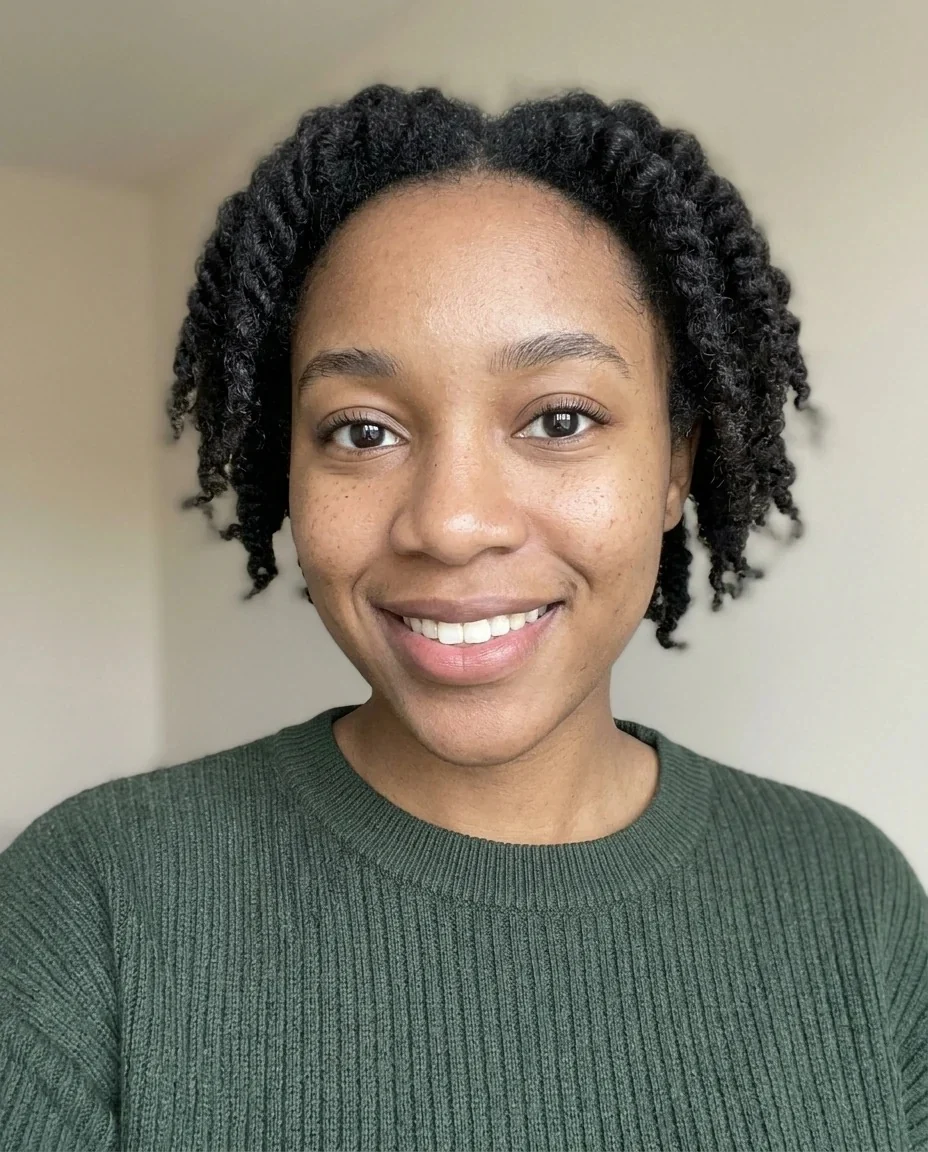
A woman with twist-out curls painted in a teal steampunk city wearing a brown strapped jacket
Arcane Filter features.
Painterly texture on 3D forms
Brush-like textures sit over rounded 3D shapes, the signature look of the animated series Arcane.
Rim light and teal-amber color
Strong edge light and a rich teal and amber palette give the dramatic mood.
A steampunk city behind you
Pipes, lit windows and airships fill the background.
Slightly stylized features
Your features are lightly exaggerated like a character model, while identity, age and expression stay yours.
Outfit with a story
Straps, buckles and heavy jackets suit the world, even if you started in a t-shirt.
Arcane Filter, step by step.
01
Upload a portrait
A clear photo of one person, face and shoulders in view.
02
Add details if you like
Optional: goggles, a jacket or lighting in the instructions box.
03
Generate and save
Download the result and share your character.
Arcane Filter use cases.
- Gaming and Discord avatars
- Get a painted character portrait for a server, a stream or a profile.
- Tabletop RPG characters
- Make a portrait of yourself or a friend as a character for a campaign.
- Fan art style posts
- Share a before and after in the style the trend made popular.
- TikTok and Reels trend videos
- Show the selfie and the painted version side by side.
- Creative profile banners
- Use a painted portrait for a creator page or channel art.
- Gifts for fans
- Print a stylized portrait of a friend who loves the series.
Arcane Filter: best photos and fixes.
What the style looks like
Think painted brush texture over a 3D form, warm amber highlights and cool teal shadows. It is a painted, cinematic look rather than a flat cartoon.
Photos that give the best result
Front-facing portraits with clear lighting work well. Very dark or blurry photos give the style less detail to paint over.
Using the instructions box
The look already includes a steampunk city and the teal and amber palette. Use the optional box for small additions such as goggles or a jacket, and keep it short. The style leaves out text.
Other animation looks
For a flatter anime style use photo to anime. For soft hand-painted fantasy backgrounds try the Ghibli filter. For panels and speech bubbles use the comic generator.
Groups and pets
The look is built around one person. For group photos, make one character per person and combine them with the image combiner.
Why the background changes
The city is part of the look, so your original background is replaced.
Arcane Filter FAQ.
Is this an official Arcane filter?
No. It is an unofficial, fan-made style inspired by the animated series Arcane and is not affiliated with the rights holder. It is a web version of the TikTok trend that works on any photo.
What does the Arcane filter do?
It restyles your photo as a painted character with hand-painted textures over 3D forms, strong rim light, a teal and amber palette and a steampunk city background.
Will I still look like me?
The prompt keeps your identity, face shape, age, skin tone, expression and pose, with slightly stylized features. Results vary a little each run.
Can I choose the outfit or setting?
Yes, suggest it in the optional instructions box, for example a leather jacket or goggles. The painted style and city stay.
Is it the same as an anime filter?
No. This is a painterly 3D-meets-2D look. For classic anime, use [photo to anime](/effects/photo-to-anime).
Can I use it for a game avatar?
Yes, the result can be downloaded and used as a profile picture or character art, subject to the rules of the platform you post on.
Does the Arcane filter cost credits?
One result uses 9 credits with the default model, GPT Image 2. New accounts get 25 free credits once, and you can pick other models from the model menu at their own prices. Results have no watermark, and a failed generation refunds its credits.
What files can I upload?
A JPG, PNG or WebP up to 8 MB. On a computer you can scan a QR code to send a photo from your phone; the link works for 10 minutes.
Are my photos used to train AI?
No. Uploads are not used for training. Results stay in My files for 48 hours, or 30 days once you've bought a credit pack, and you can delete them sooner.


