Viking Filter
Braids, fur, a round shield and a misty fjord behind you.
Drop a photo
or paste with ⌘V · JPG · PNG · WebP · up to 8 MB
No photo handy? Try one of ours.
More like this.
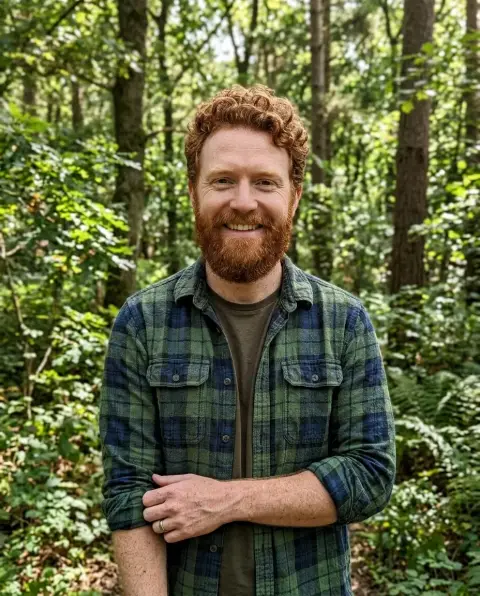
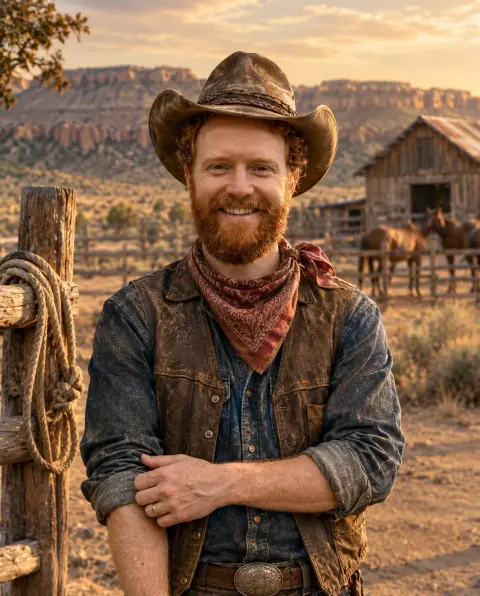
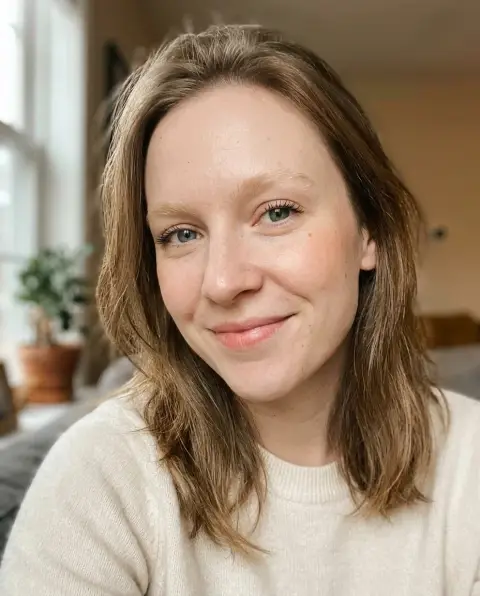
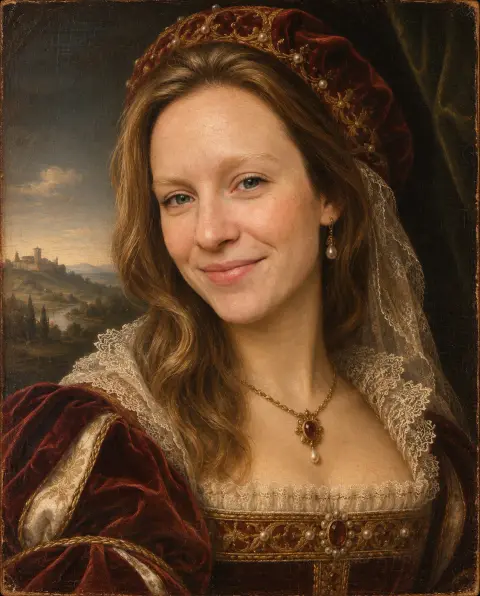
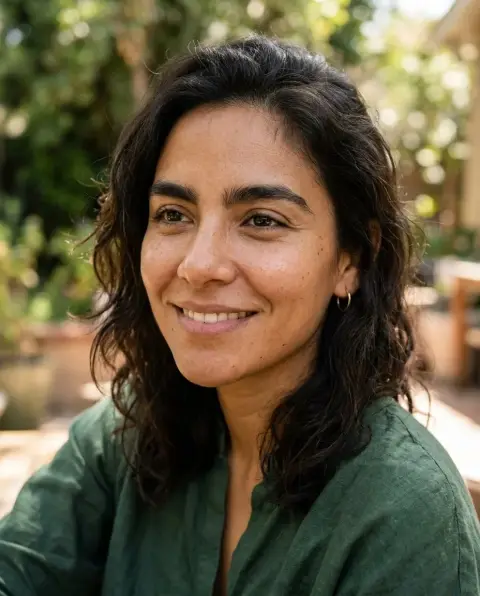
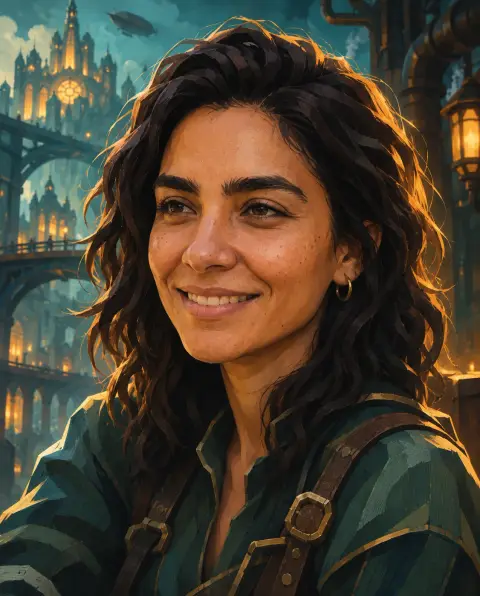
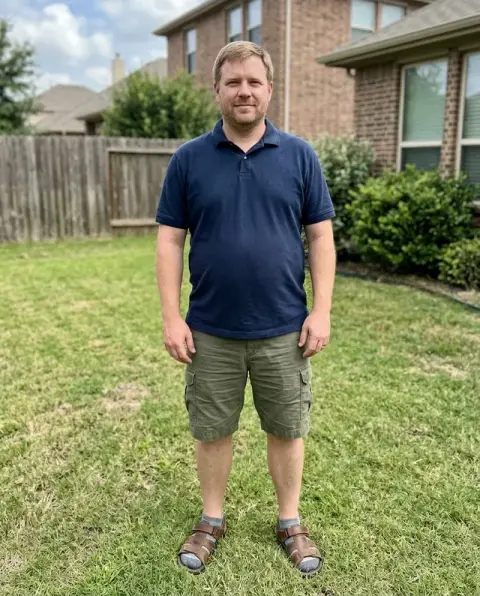
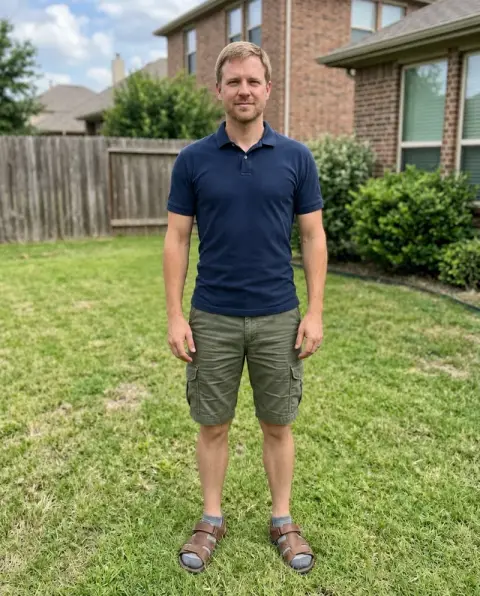
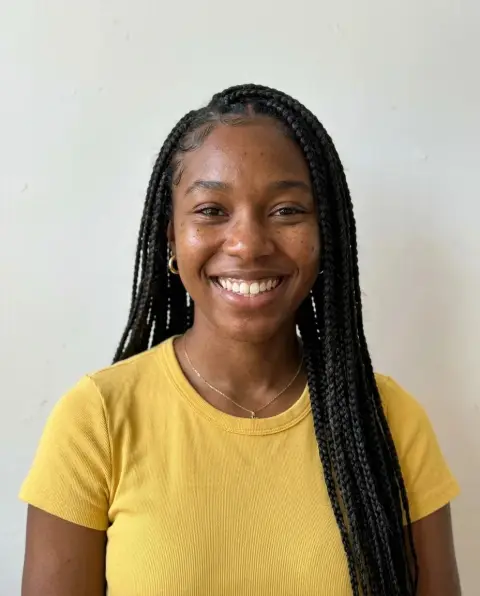
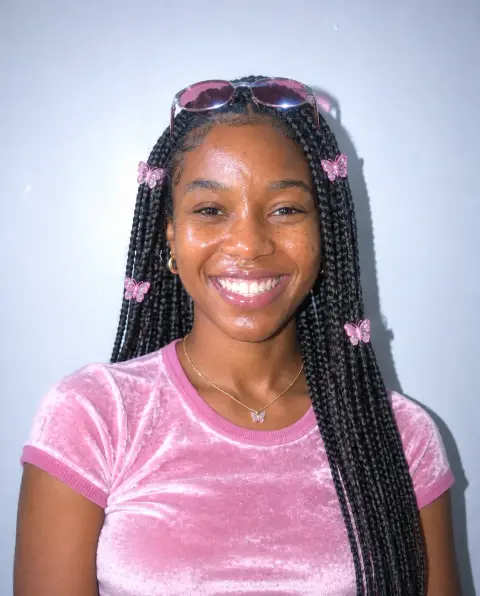
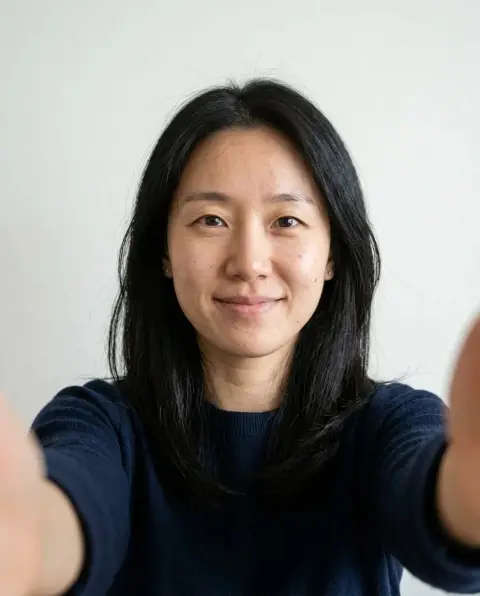
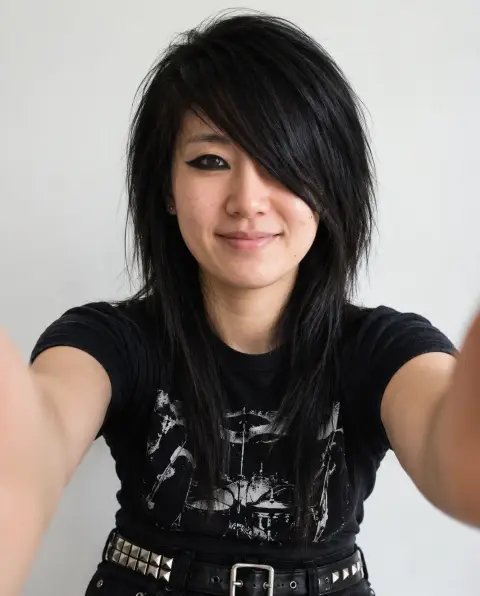
Viking Filter examples.
Real results from this page's default settings in one click, not retouched.How examples are made
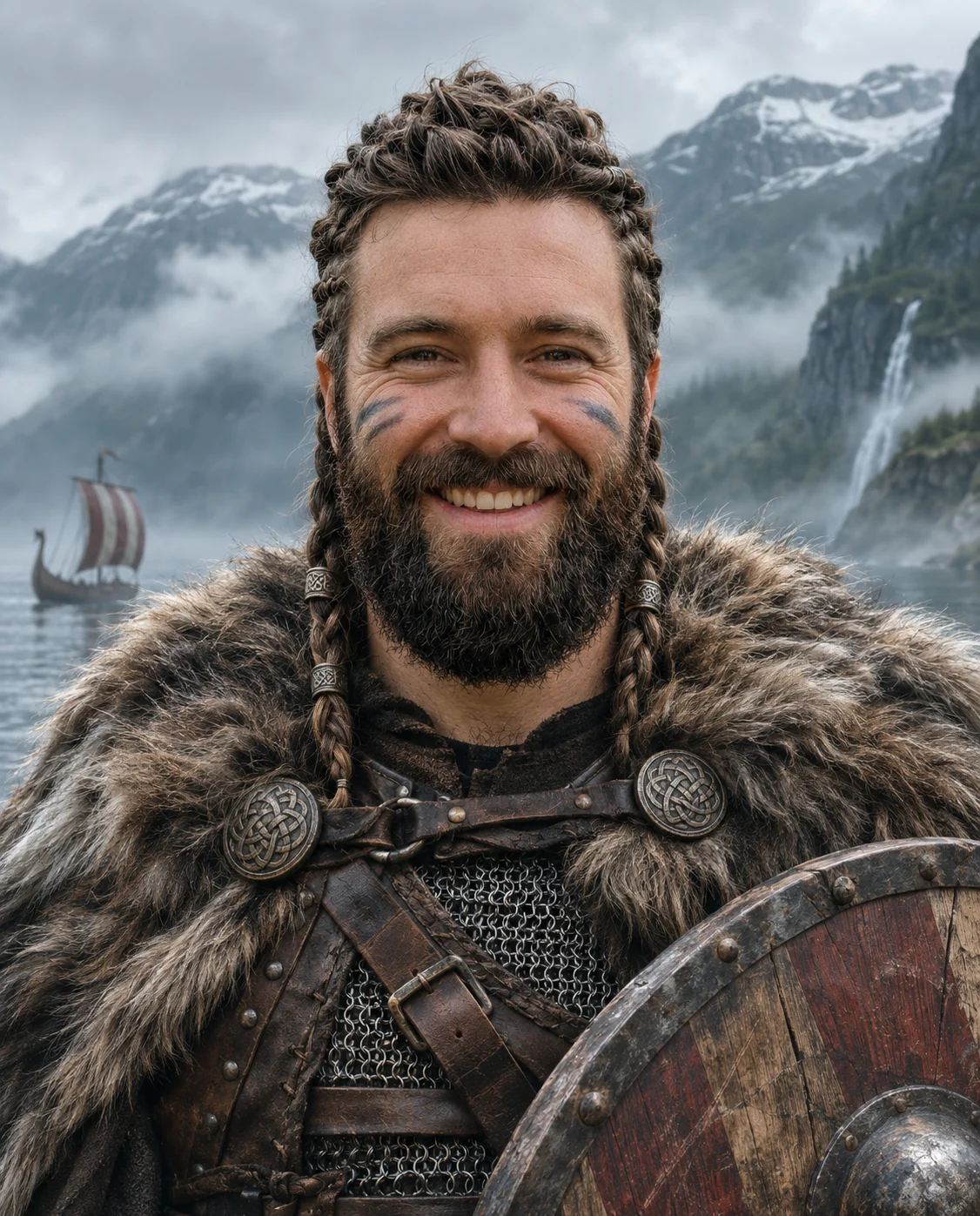
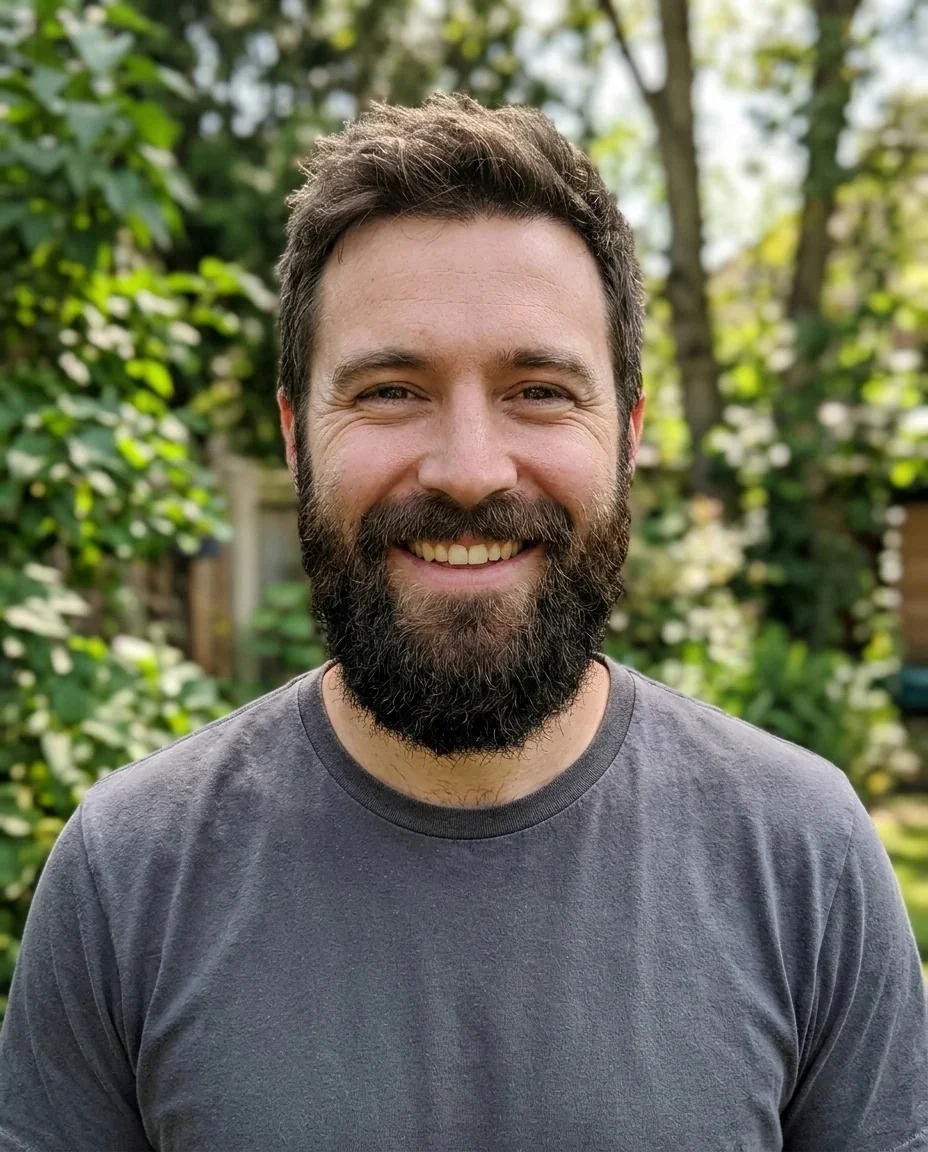
Bearded man as a braided Viking warrior in fur and chainmail with a shield by a fjord
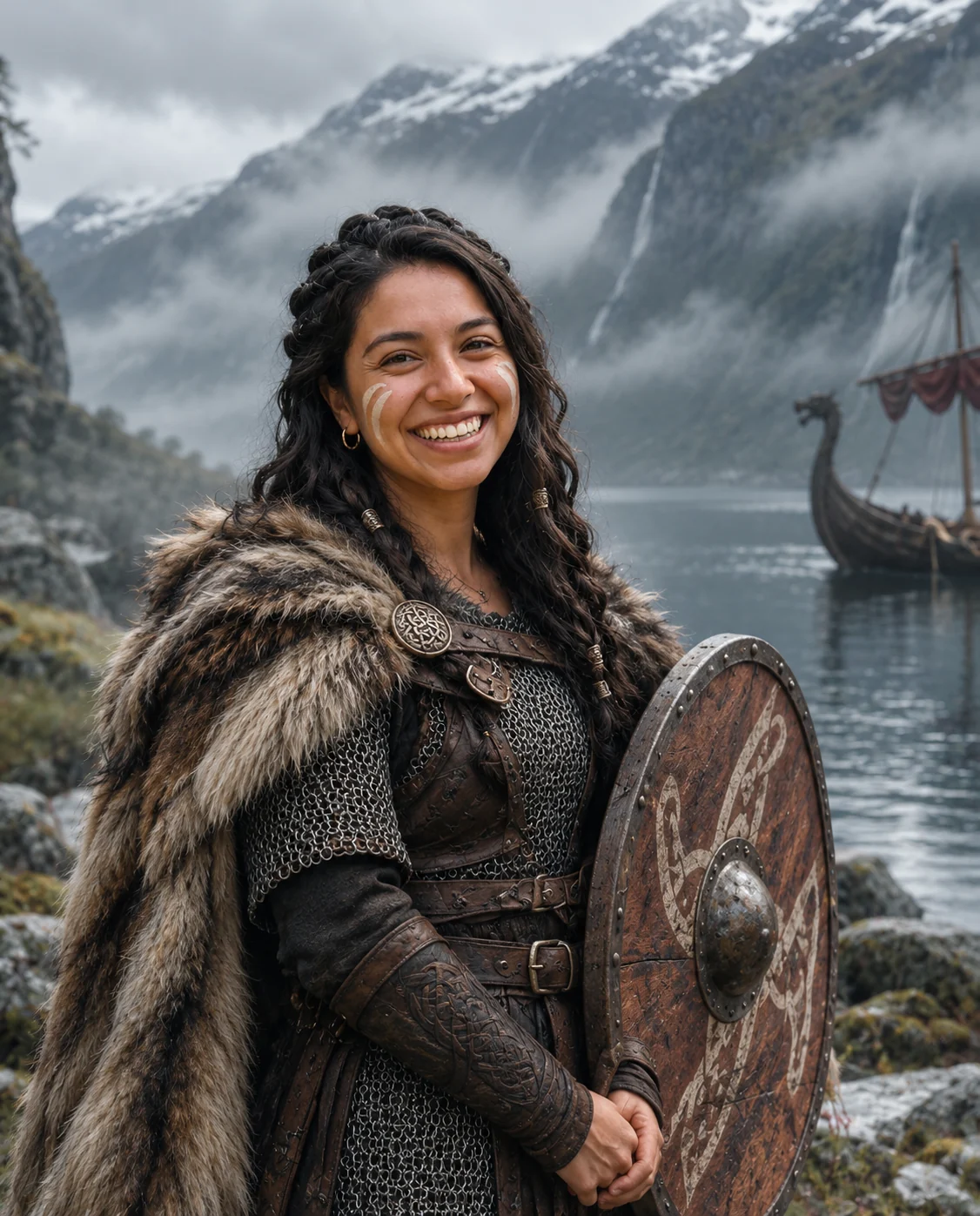
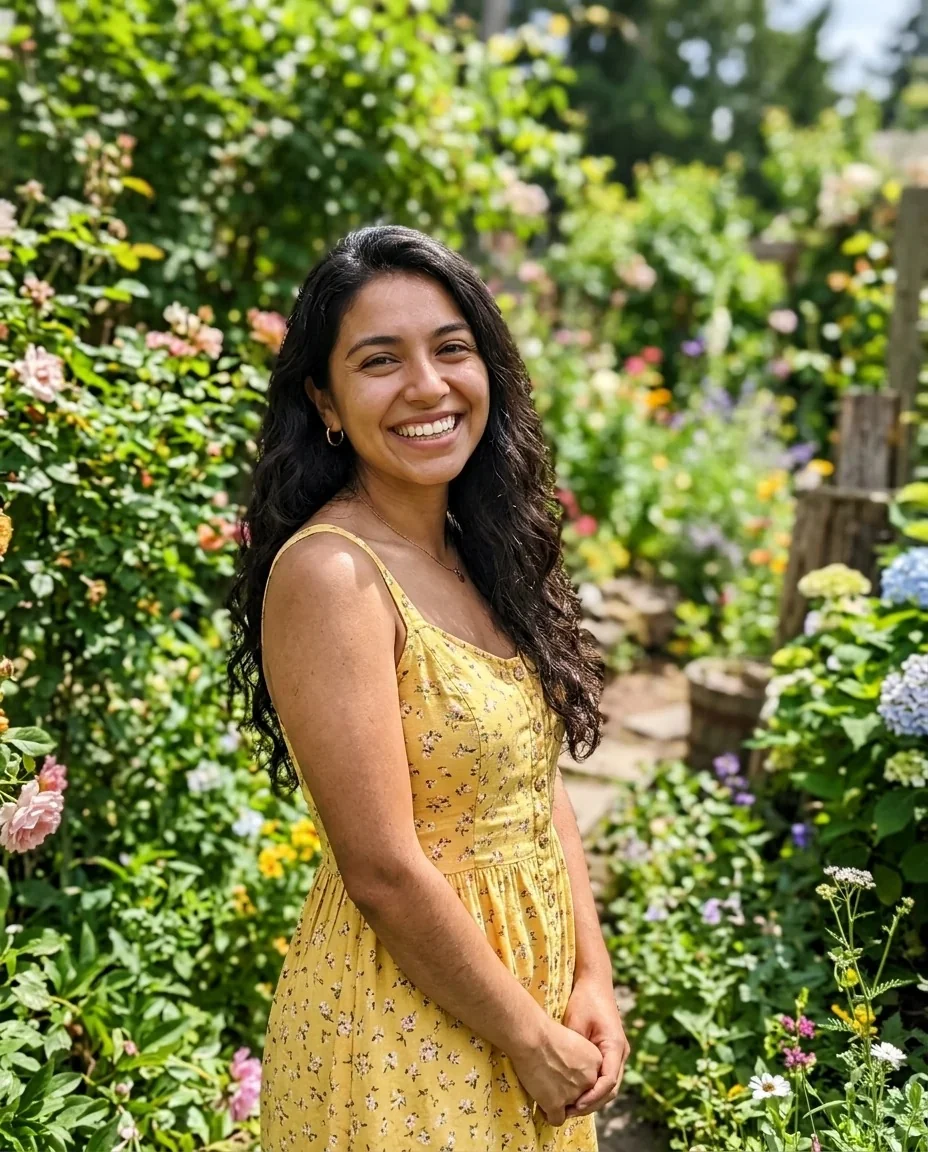
Smiling woman as a Viking warrior with braids, fur cloak, shield and a longship on a fjord
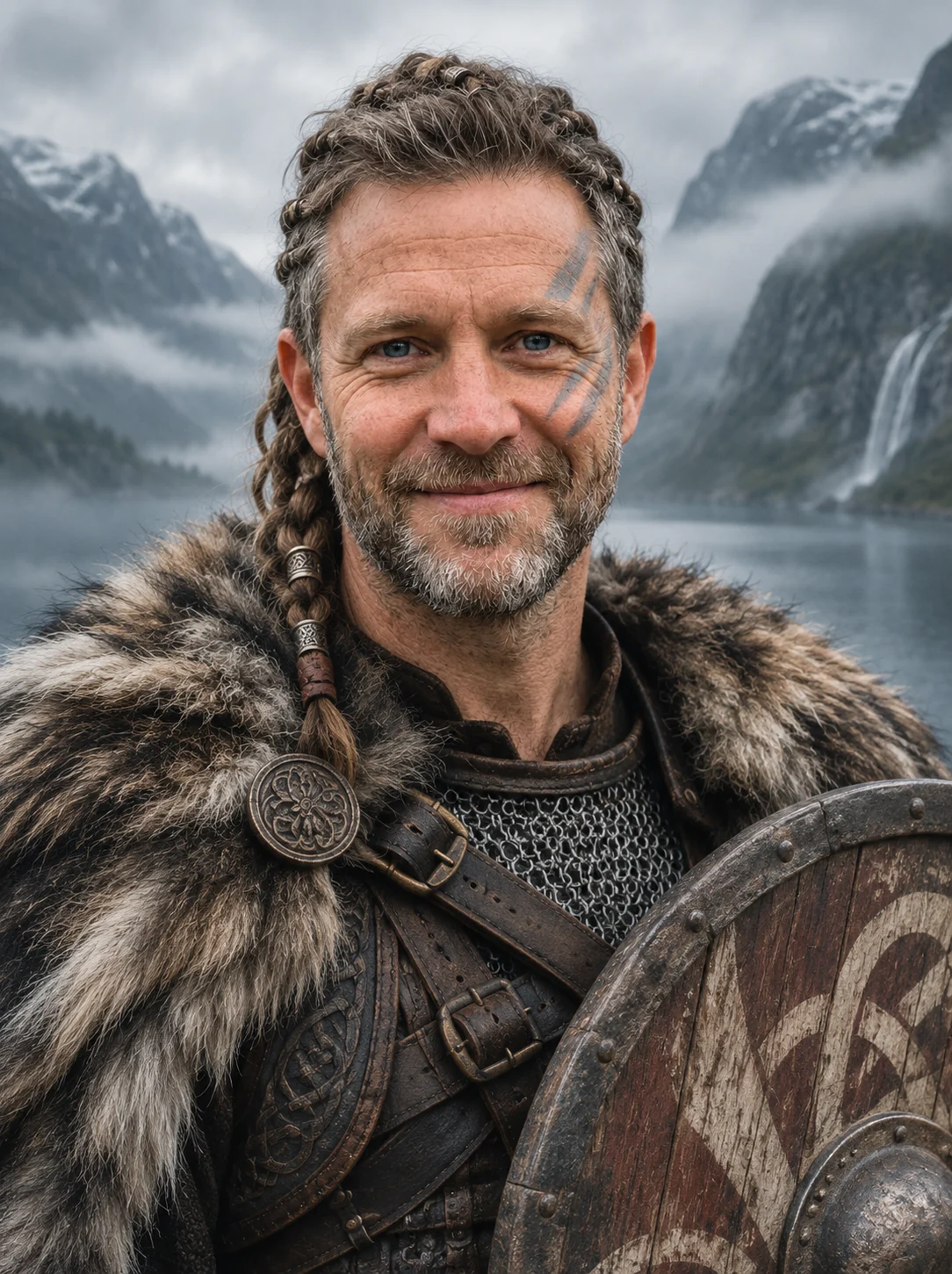
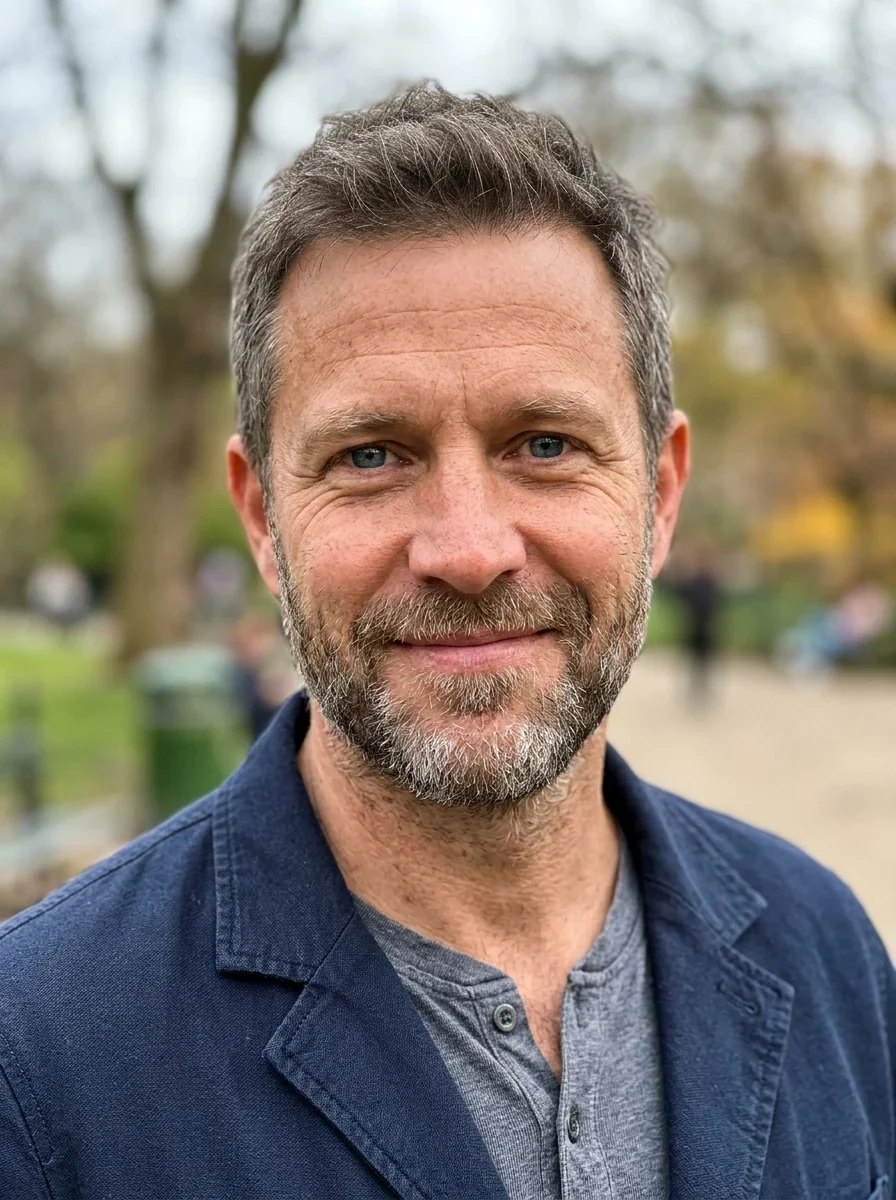
Man with gray stubble as a Viking with braids, fur cloak, shield and mountain fjord
Viking Filter features.
Full warrior look
Braided hair, a fur cloak over leather and chainmail, light war paint and a round wooden shield.
Cinematic fjord
A misty Nordic fjord with mountains replaces your background, in a realistic cinematic photo.
Still you
Identity, face shape, age, skin tone, expression and pose are kept, so friends can recognize you.
Add your own detail
An optional instruction can add a prop or change the scene, like an axe or a snowy village.
Viking Filter, step by step.
01
Upload a photo
A portrait with your face and shoulders visible.
02
Add an idea if you like
Describe a prop, like an axe, or a detail in the scene.
03
Generate and download
Save the warrior portrait and share it.
Viking Filter use cases.
- Profile pictures
- A cinematic warrior avatar for games and chats.
- Gaming and tabletop
- A character portrait for a campaign or a Discord server.
- Costume ideas
- Preview a Viking look before you build the costume.
- Funny posts
- A dramatic version of yourself for friends.
Viking Filter: best photos and fixes.
Photos that work
Use a portrait where your face and shoulders are clear and the lighting is even. The AI replaces your clothes and the background, so it needs your face, hair and skin tone to stay recognizable. Photos taken straight on, with a neutral or friendly expression, give the cleanest likeness. Sunglasses, scarves or hats hide your features and may be reworked or fused with the costume.
Hair and beards
The prompt asks for braided hair. Longer hair and beards braid most easily, and the AI often adds braids on short hair too. A beard is kept and fits the look, and a clean-shaven face usually stays clean-shaven.
What is added
A fur cloak over leather and chainmail, a round wooden shield, light war paint on the face and a misty Nordic fjord. The result is a realistic cinematic photo, not a drawing. If you would rather not have face paint, say "no war paint" in the instructions.
Instructions box
Optional text is added to the prompt. Try "holding an axe", "a snowy village" or "a longship behind me". Keep it to props and scenery rather than asking for text, because the prompt rules out text and logos.
Groups and pets
One person per photo works best. For a crew, make one portrait per person and join them with the image combiner. Pets are not what this look is built for.
Related looks
For a different period try the Renaissance filter or the cowboy filter, for a stylized animated look the Arcane filter, and for a fuller beard use the beard filter.
Viking Filter FAQ.
What does the viking filter do?
It restyles your photo as a Viking warrior: braided hair, a fur cloak over leather and chainmail, a round wooden shield, light war paint and a misty Nordic fjord, as a realistic cinematic photo.
Will I still look like me?
The prompt keeps your identity, face shape, age, skin tone, expression and pose, so the warrior should read as you. Results vary a little each run.
Does it work for women?
Yes. The same warrior look applies to anyone: braids, fur, chainmail, a shield and the fjord scene.
Can I remove the war paint?
Ask for it in the instructions box, for example "no war paint". The AI usually follows it, but this is not guaranteed.
Is this the AI Viking trend?
It is a web version of the TikTok Viking trend, and it works on any photo you upload instead of only inside an app.
Can I use it on a group photo?
It works best with one person per photo. Make one portrait per person and join them in the [image combiner](/tools/image-combiner).
Does the Viking filter cost credits?
One result uses 9 credits with the default model, GPT Image 2. New accounts get 25 free credits once, and you can pick other models from the model menu at their own prices. Results have no watermark, and a failed generation refunds its credits.
What files can I upload?
A JPG, PNG or WebP up to 8 MB. On a computer you can scan a QR code to send a photo from your phone; the link works for 10 minutes.
Are my photos used to train AI?
No. Uploads are not used for training. Results stay in My files for 48 hours, or 30 days once you've bought a credit pack, so download the ones you want to keep.