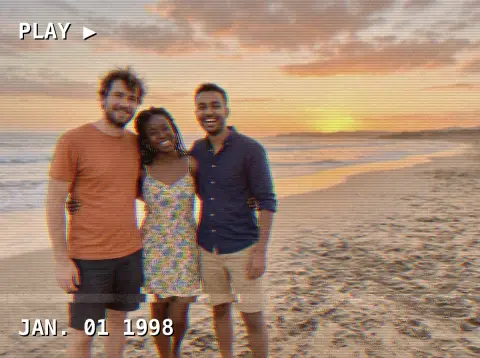
Y2K Filter
The early-2000s flash photo look, with or without the outfit.
Drop a photo
or paste with ⌘V · JPG · PNG · WebP · up to 8 MB
No photo handy? Try one of ours.
More like this.
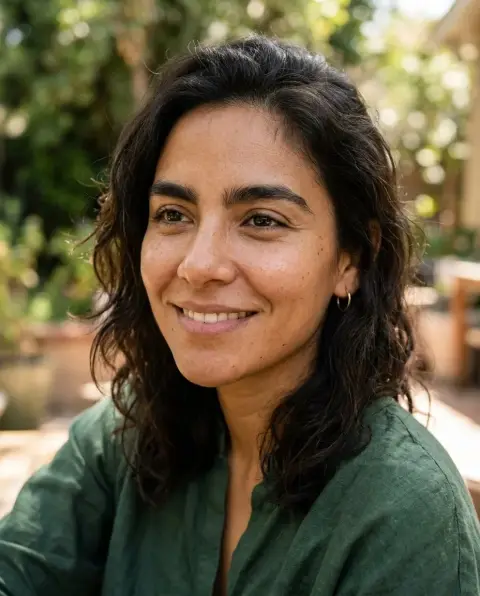

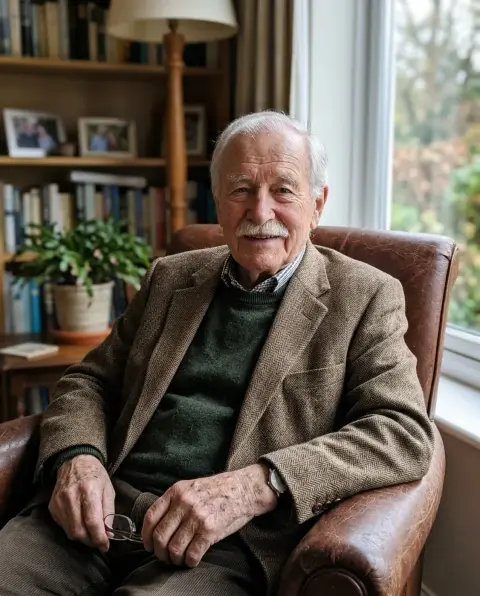
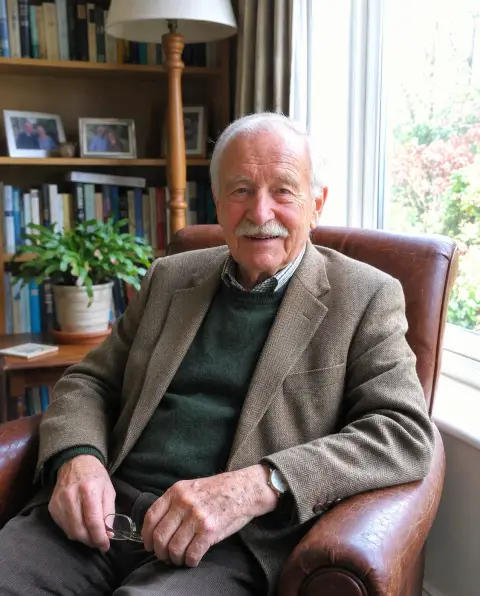

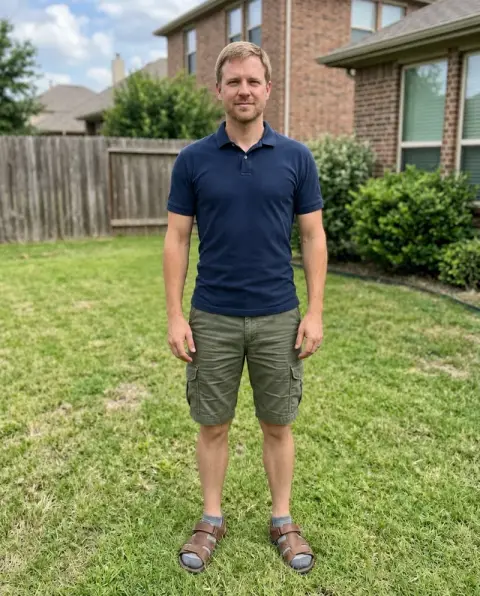
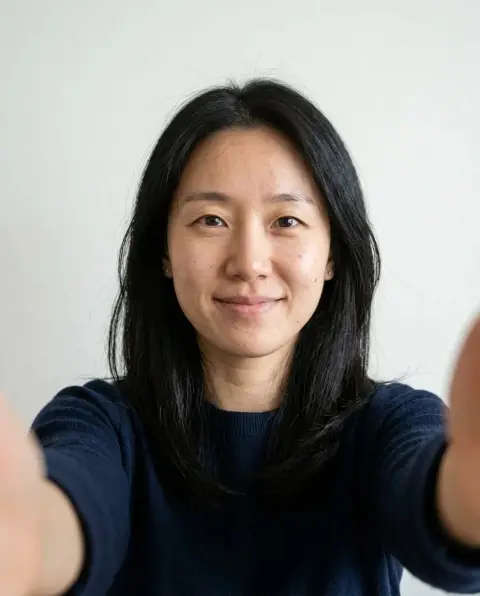
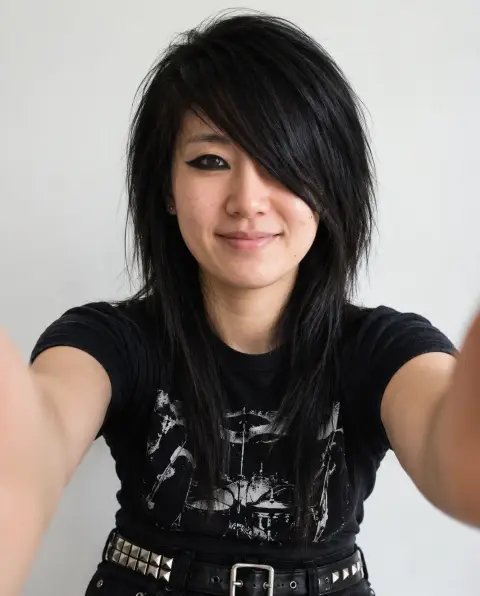
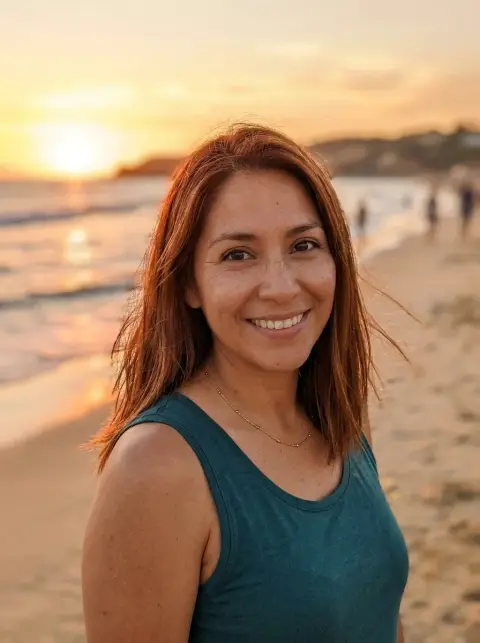
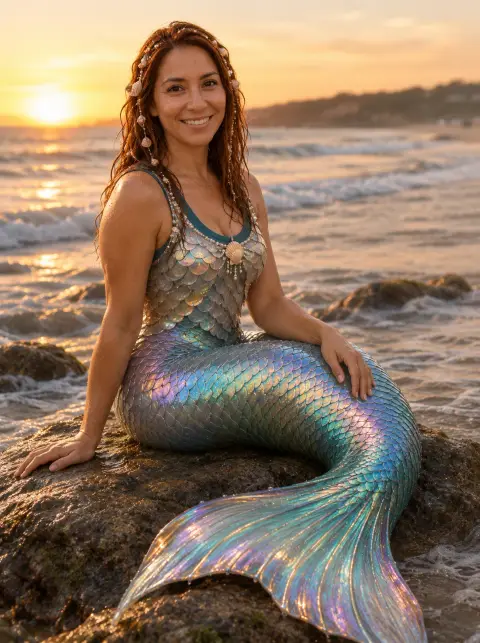
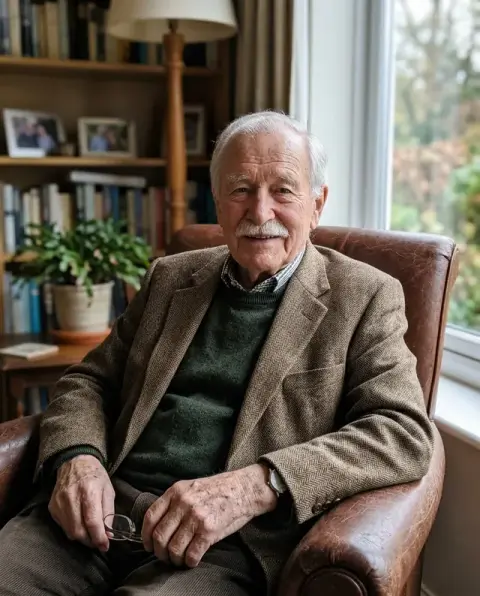
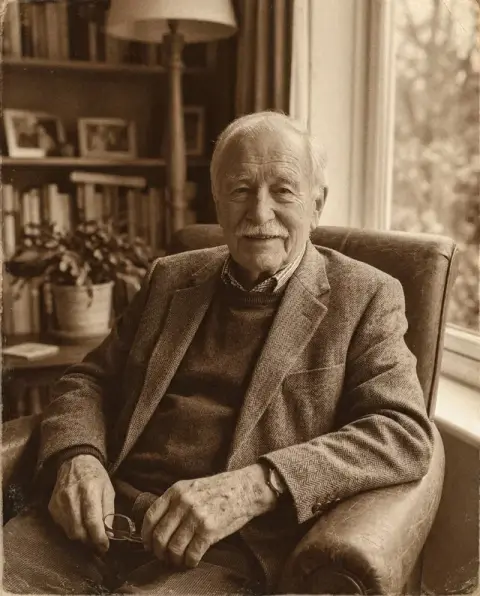
Y2K Filter examples.
Real results from this page's default settings in one click, not retouched.How examples are made
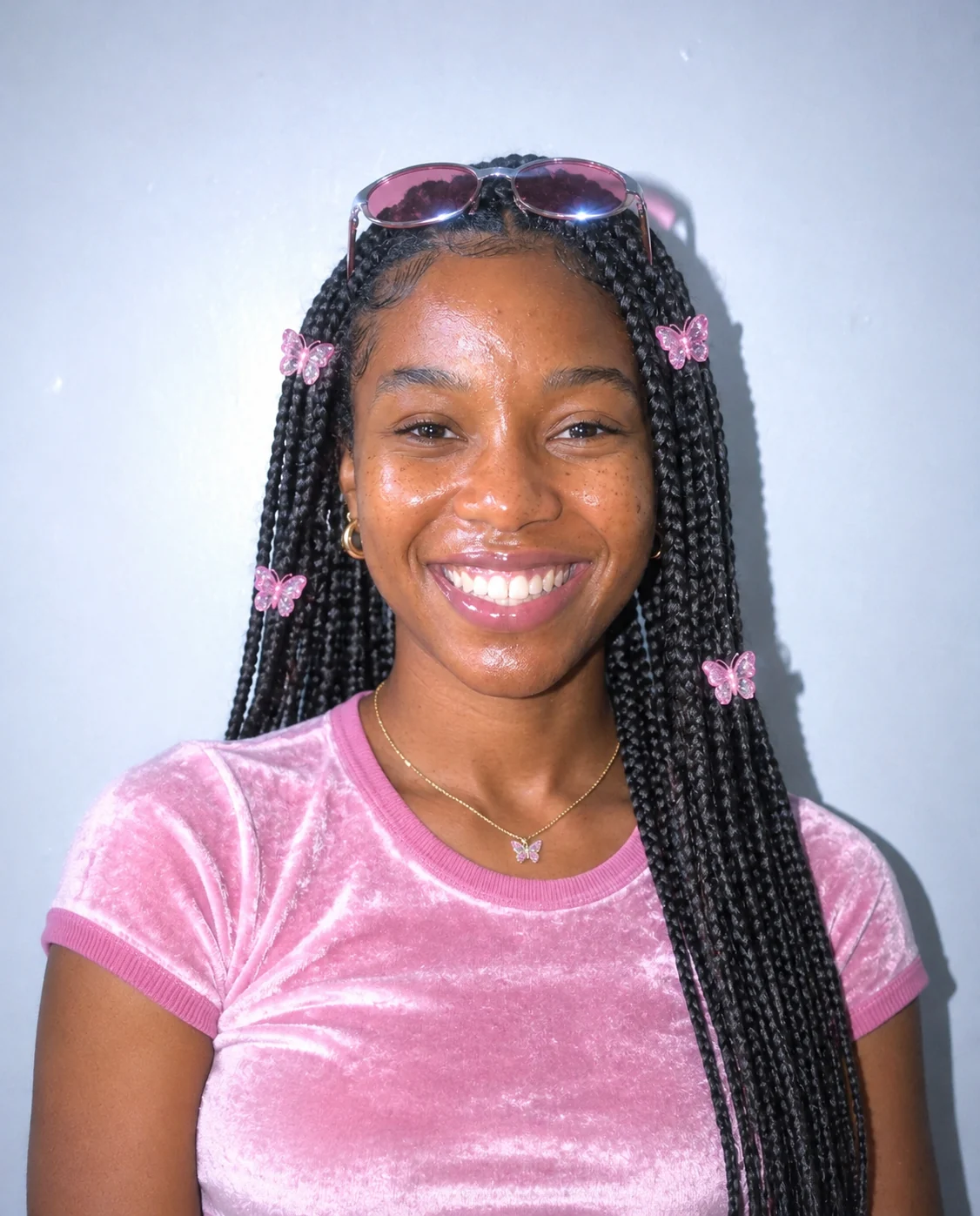
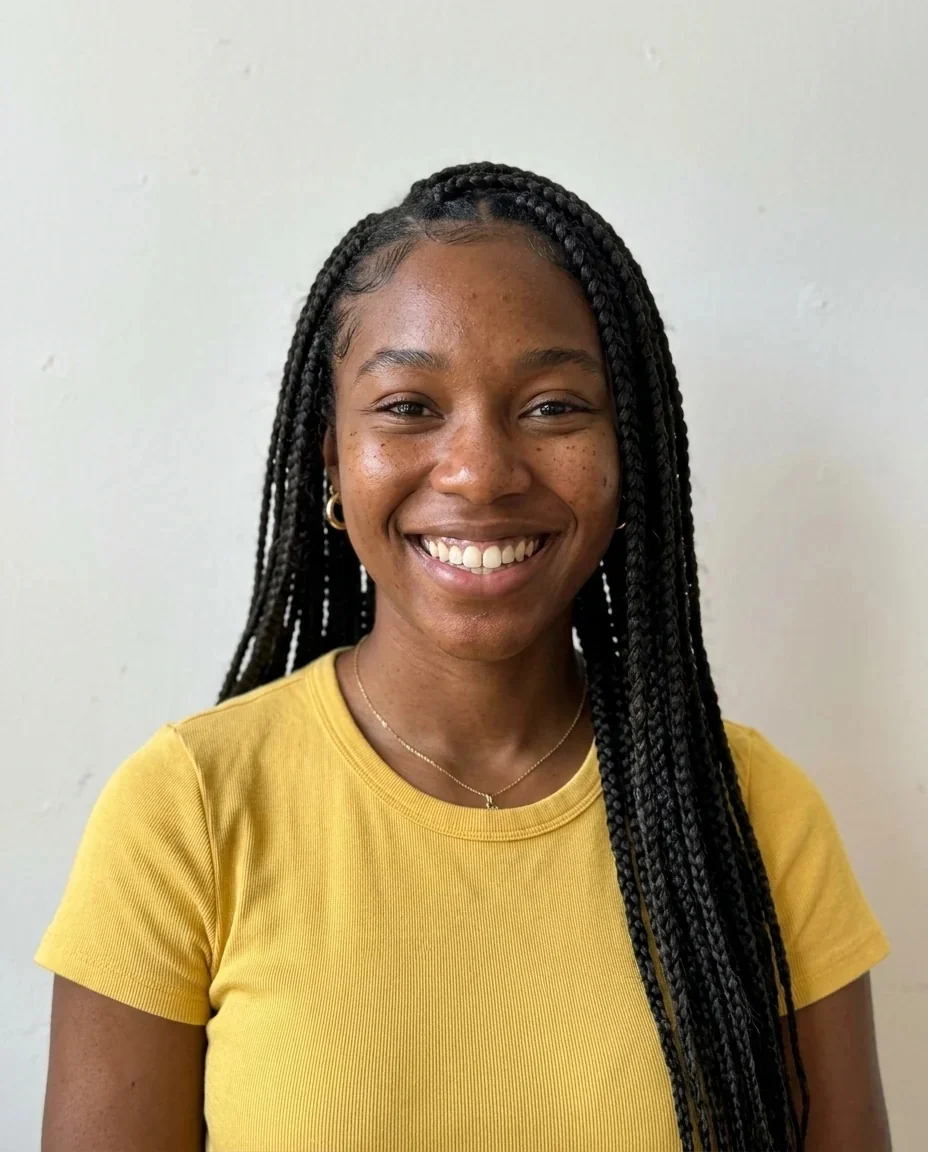
Y2K outfit
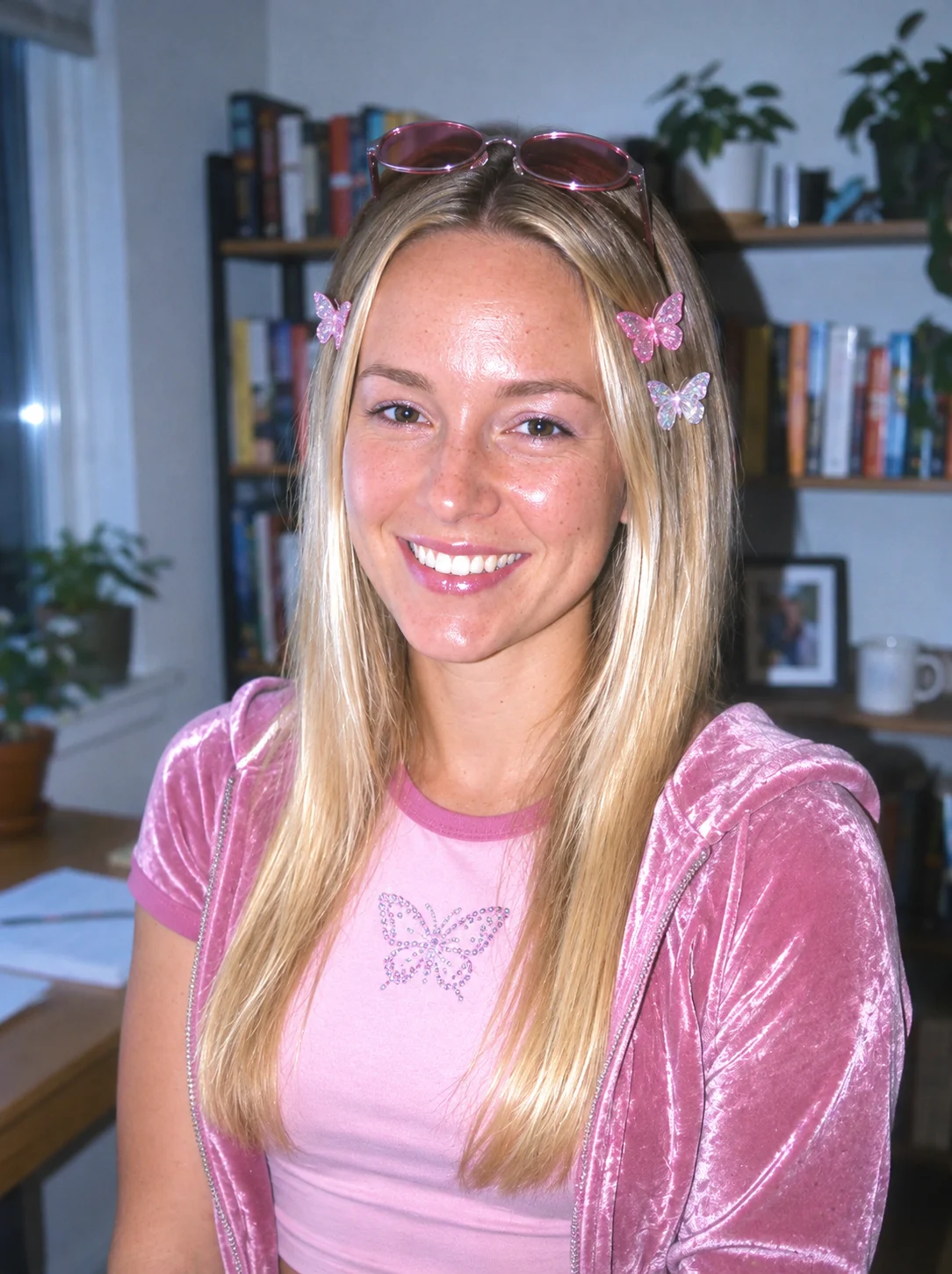
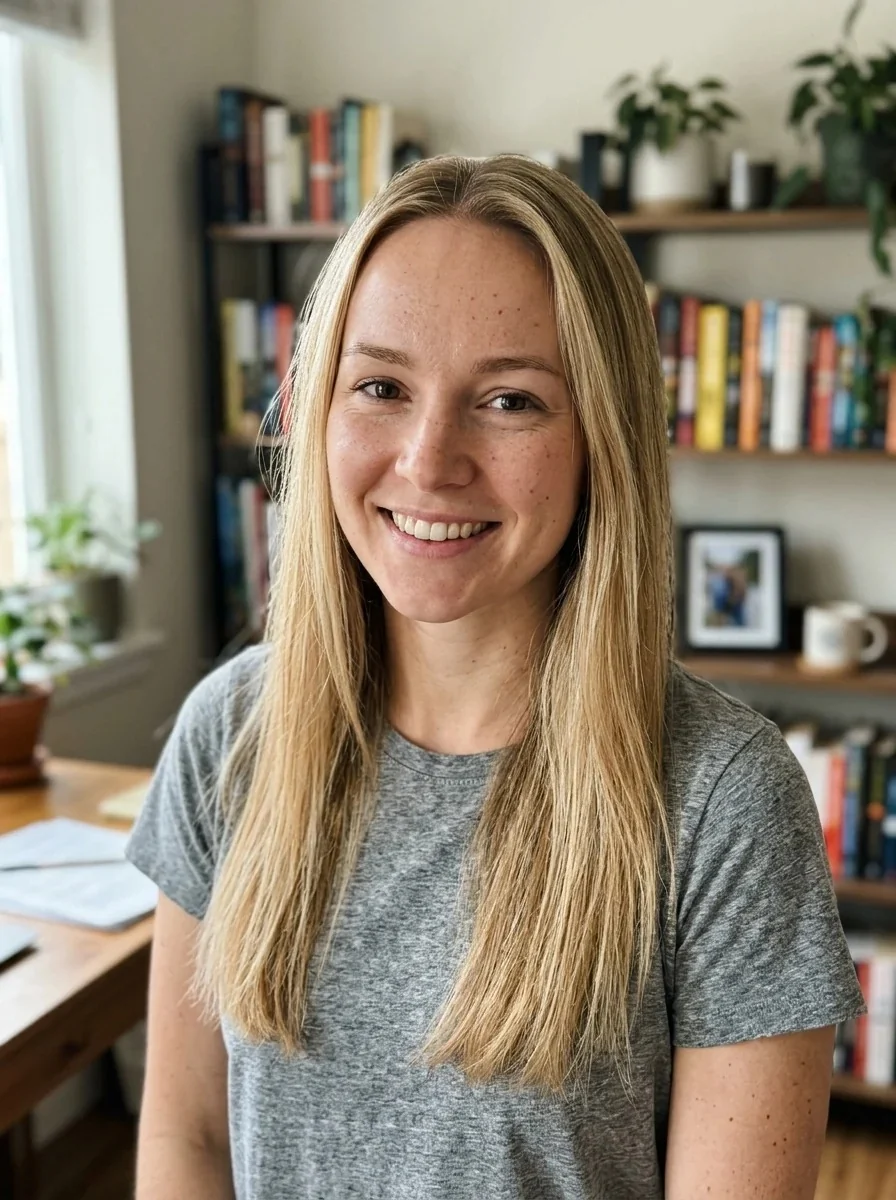
Y2K outfit
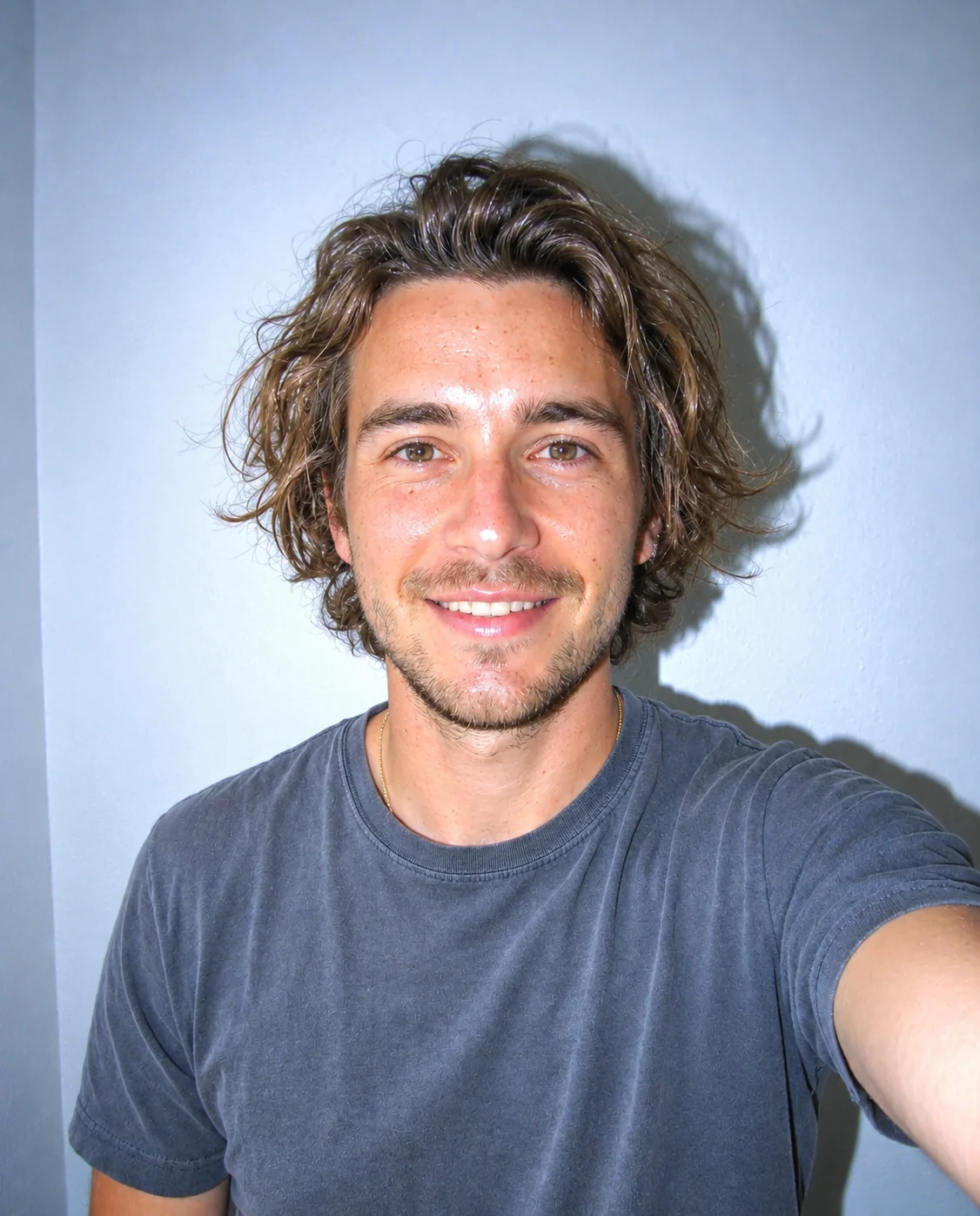

Camera only
Y2K Filter features.
2003 compact camera look
Bright direct flash, slightly blown highlights, cool digital color and glossy skin highlights.
Y2K outfit or camera only
Add butterfly clips, tinted sunglasses and a velour or baby tee, or keep your clothes and change only the photo.
Same person
Identity, face shape, age, skin tone, expression and pose are kept; the style changes the photo, not you.
Works on any photo
A web version of the 2000s trend, with no app or camera filter needed.
Y2K Filter, step by step.
01
Upload a photo
A portrait or a selfie, indoors or out.
02
Choose Y2K outfit or Camera only
Outfit adds the styling; Camera only keeps your clothes.
03
Generate and download
Save the flash-photo version and post it.
Y2K Filter use cases.
- 2000s throwback posts
- Post a Y2K version next to your current photo.
- Party and theme nights
- A 2000s outfit and flash look for invitations.
- Profile pictures
- A glossy, nostalgic avatar.
- Friend group edits
- Give everyone the same flash-camera look, one photo at a time.
Y2K Filter: best photos and fixes.
Photos that work
Pick a clear portrait or selfie where your face and upper body are visible. The look imitates direct on-camera flash, so a photo that is already well lit, or even slightly flat, adapts easily. Very dark or very backlit photos have less to recover, and a strong window behind you will fight the flash look. Selfies from an arm's length work especially well because that is how most 2000s snapshots were framed.
Y2K outfit
The first option adds the styling: tinted small sunglasses on your head, butterfly hair clips, a baby tee or velour top and frosted pink tones. It works best when your hair is visible and your shoulders are in frame, since the clips and top need somewhere to land. Hair that is tied back or covered by a hat leaves little room for clips.
Camera only
Camera only keeps your clothes and changes just the photographic look: harsher flash, cooler digital color and glossy highlights. It is the better choice when you want a subtle, believable throwback, for example on a group shot or a photo with an outfit you like.
Instructions box
Optional text is added to the prompt. Try "heavier flash", "keep my natural makeup" or "a pink flip phone in my hand". The prompt rules out text and logos, so don't ask for a date stamp or captions.
Groups and backgrounds
Group photos can take the camera look well, but the outfit option works best on one person. If the background is distracting, tidy it first with the background changer.
More retro looks
For an early-2010s phone snapshot use the iPhone 4 filter, for a more recent throwback the 2016 filter, for tape grain the VHS filter and for a faded print the vintage filter.
Y2K Filter FAQ.
What is the Y2K filter?
It restyles your photo as if it were taken on a compact digital camera in the early 2000s, with direct flash, slightly blown highlights and cool digital color. It is a web version of the TikTok trend that works on any photo.
Is this the same as the 2000s filter?
Yes. Y2K aesthetic and 2000s filter are the same early-2000s look: flash photography, glossy skin and frosted pink tones. The Y2K outfit option adds the clothes and accessories, and Camera only changes the photo alone.
What is the difference between the two options?
Y2K outfit adds tinted sunglasses on your head, butterfly hair clips, a baby tee or velour top and frosted pink tones. Camera only keeps your clothes and changes only the camera look.
Will I still look like me?
The prompt keeps your identity, face shape, age, skin tone, expression and pose. The flash look changes lighting and color, so skin can look brighter and glossier. Results vary a little each run.
Can I add a date stamp?
No. The prompt rules out text, so timestamps and captions are not added. You can add one yourself in any photo app afterwards.
Does it work on group photos?
The camera look works on groups, but the outfit option is built for one person. For several people, Camera only is the safer choice.
Does the Y2K filter cost credits?
One result uses 9 credits with the default model, GPT Image 2. New accounts get 25 free credits once, and you can pick other models from the model menu at their own prices. Results have no watermark, and a failed generation refunds its credits.
What files can I upload?
A JPG, PNG or WebP up to 8 MB. On a computer you can scan a QR code to send a photo from your phone; the link works for 10 minutes.
Are my photos used to train AI?
No. Uploads are not used for training. Results stay in My files for 48 hours, or 30 days once you've bought a credit pack, so download the ones you want to keep.