VHS filter
Make a photo look like a 90s tape, with a date stamp.
Drop a photo
or paste with ⌘V · JPG · PNG · WebP, stays on your device
No photo handy? Try one of ours.
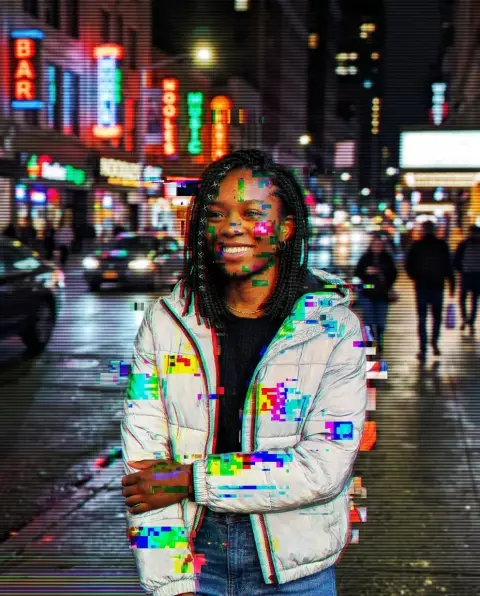 Glitch effect →
 Vintage filter →
VHS filter examples.
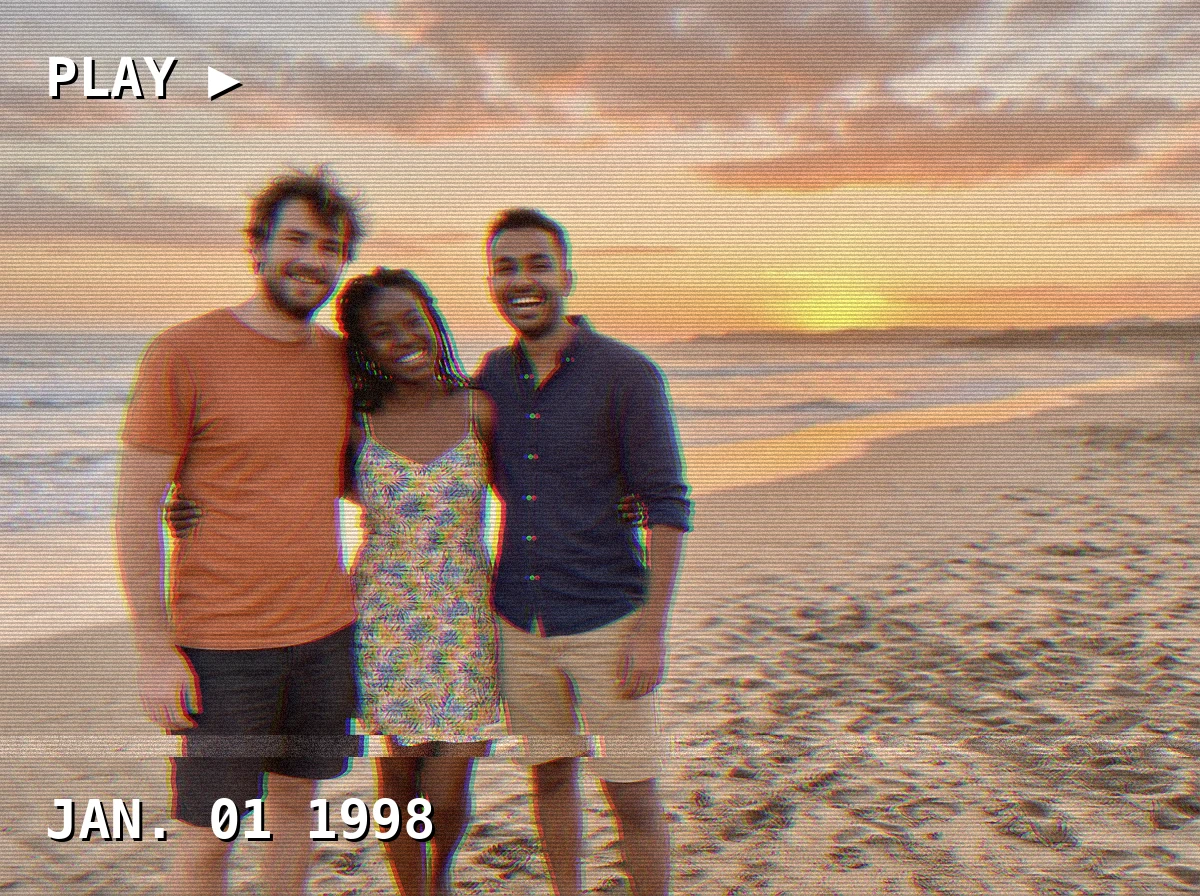
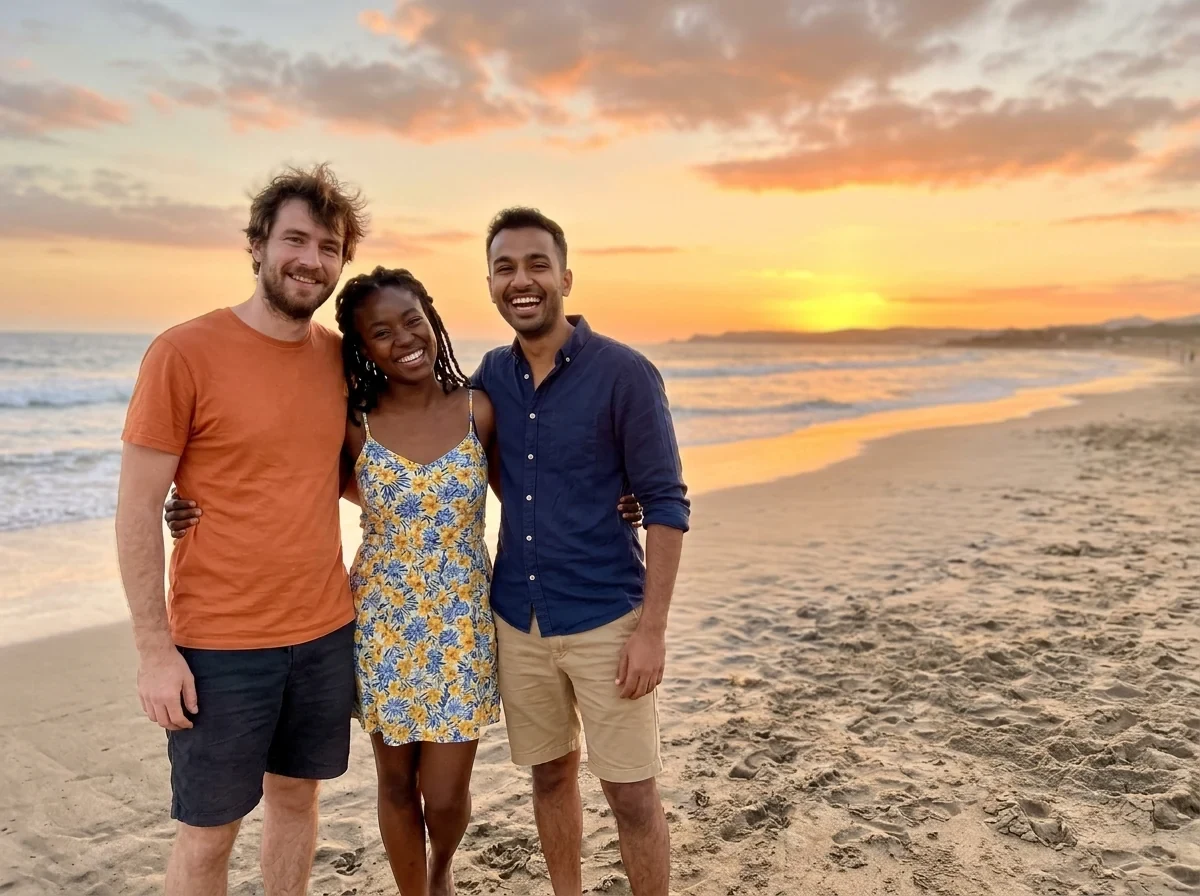
PLAY ▶ with date
VHS filter features.
Tape effects
Color bleed from 0 to 12, scanlines and noise from 0 to 100 percent.
Washed warm color
Warm, faded color and one tracking band near the bottom.
On-screen text
PLAY ▶ at the top left and a date stamp at the bottom left, in a monospace font.
VHS filter, step by step.
01
Add your photo
Drop, choose or paste a still photo.
02
Tune the look
Set the sliders, then edit or clear the on-screen text and the date stamp.
03
Download
Save the result as JPG or PNG.
VHS filter use cases.
- Retro social posts
- Make a photo look like it was filmed on a camcorder.
- Throwback covers
- Create a cover or poster with a 90s feel.
- Video thumbnails
- Use a VHS-style still as a title image for a video.
VHS filter: best photos and fixes.
What the filter does
The filter shifts the red and blue channels sideways for color bleed, draws scanlines and adds noise. It also makes the color warm and washed out and adds a single tracking band near the bottom. These are the visible signs of an old tape.
Color bleed
Color bleed from 0 to 12 pushes the red and blue apart horizontally. Low values give a subtle fringe at edges. High values make a strong double image. Faces and text start to smear at the top of the range, so try a few steps.
Scanlines and noise
Scanlines are thin dark horizontal lines across the image, and noise is grain. Both go from 0 to 100 percent. Heavy values hide detail, which suits a landscape. Light values keep faces clear. Mixing a little of each looks more convincing than pushing one to the limit.
On-screen text and date
The top left shows PLAY ▶ by default, and the bottom left shows JAN. 01 1998. Type your own words or date, or clear a field to remove it. The font is monospace, like a tape machine overlay. Short text looks best.
Best photos
Scenes from daily life work best: holidays, parties, beaches, streets and family moments. Bright, even light matches old tape footage. Very dark or very detailed photos lose their sharpness once the effects are added.
Stills only
This page treats one photo at a time and does not process video. To get a video look, apply it to a photo or a single frame and use the result as a still. Output is at the full size of your photo, held to 16 megapixels.
VHS filter FAQ.
How do I make a photo look like VHS?
Add the photo, adjust color bleed, scanlines and noise, and download. The warm color and tracking band are applied for you.
Can I change the date stamp?
Yes. Type any text in the Date stamp field, or clear it to remove the stamp.
Can I remove the PLAY text?
Yes. Clear the On-screen text field.
Does it work on videos?
No. It works on still photos only.
Why is my photo so noisy?
Noise and scanlines can be lowered to 0 with their sliders.
Is it free?
Yes. It is free, needs no sign-in and uses no credits, and your photo never leaves your device.