






Earth Zoom Out AI
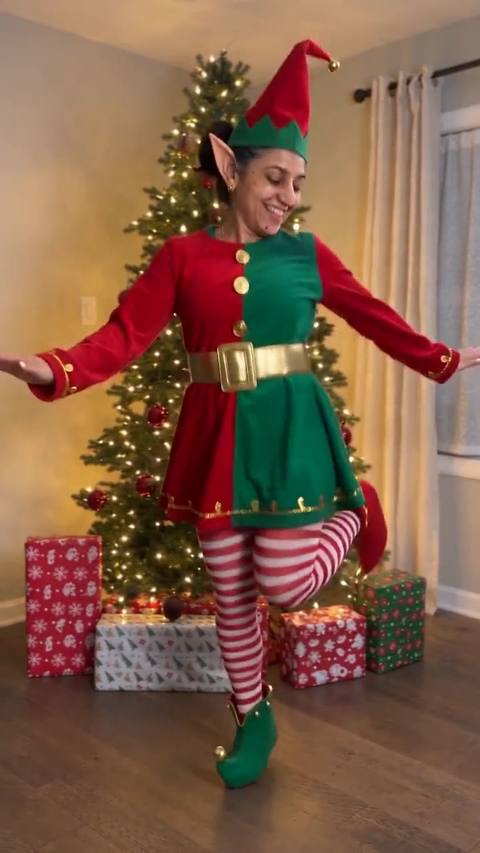
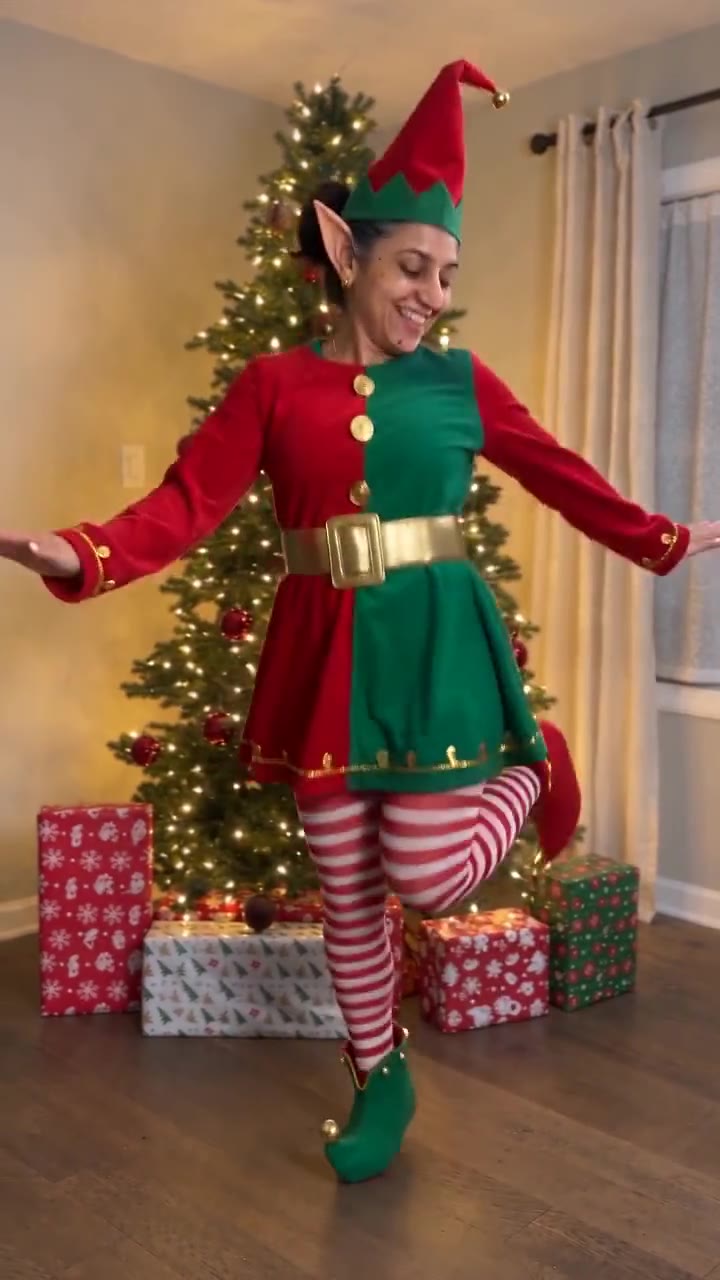
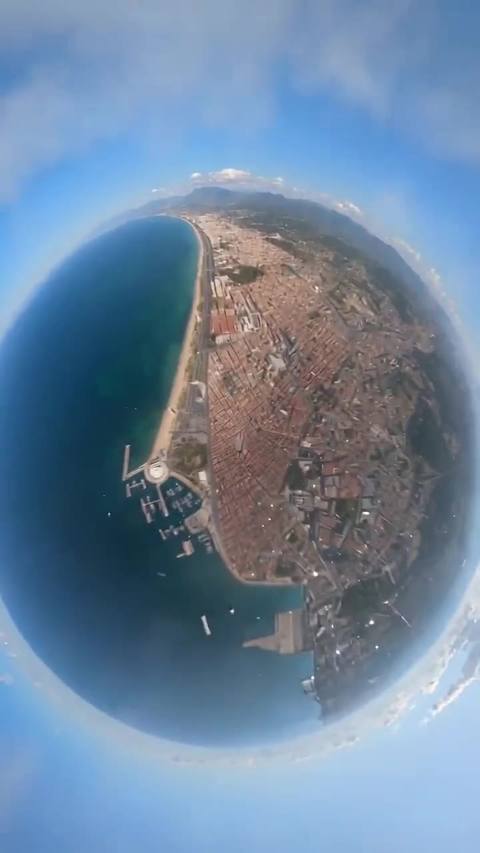
One photo, one zoom: you wave up at the camera, then it pulls back over the rooftops, the coast and the clouds until the whole Earth turns in space.
Drop a photo
or paste with ⌘V · JPG · PNG · WebP · up to 8 MB
No photo handy? Try one of ours.
Earth Zoom Out AI examples.

One portrait → zoom out to Earth
Earth Zoom Out AI features.
One unbroken zoom
No cuts: the camera leaves you in the square and keeps rising, over the town, the coastline and the clouds, out to the planet.
You at the start
The opening second is you, smiling up into a fisheye lens and waving, with the face and outfit from your photo.
The planet at the end
The last seconds hold on the whole Earth turning in black space, the shot everyone waits for.
Sound included
The trend clip's own soundtrack goes back on top, so the rise and the reveal land where they should.
Earth Zoom Out AI, step by step.
01
Add one photo
A clear photo of the person who waves at the start.
02
Make the clip
You are placed in the first frame of the square, then the full 10-second zoom out is rendered with the original sound.
03
Post it
Download the MP4 and post it. It works as an intro, a travel post or a 'small in a big world' caption.
Earth Zoom Out AI use cases.
- Travel posts
- Start the reel on your face and end on the planet; it reads as 'I was here' without a single caption.
- Intros and transitions
- The zoom is a ready-made opener for a vlog or the end card of a trip video.
- Perspective posts
- Birthdays, new jobs, moves: a clip that starts with you and ends with the whole world fits a big moment.
Earth Zoom Out AI: best photos and fixes.
The face does the work
You are only on screen for the first second or two, close to a wide lens. A sharp, front-facing photo with the face well lit is what makes that second look like you.
Upper body helps
The opening shows you from above, down to the shoes. A photo that shows your top and shoulders keeps your outfit; a face crop leaves the clothes to the model.
The place is the trend's
The zoom starts from the stone town square of the trend clip, not from the background of your photo. Your photo only has to show you, so an indoor selfie works.
One person per photo
With two people in the photo the model may mix them. Crop to the person who should wave.
Earth Zoom Out AI FAQ.
What is the Earth zoom out AI trend?
A video format that starts close on one person and pulls back without a cut, over the town and the coast, until the whole Earth is in frame. The idea is older than AI: the 1977 short film Powers of Ten by Charles and Ray Eames zooms out from a picnic to the galaxies. The AI version starts the zoom on you.
How many credits does an Earth zoom out video use?
One remake at the default settings (Seedance 2.0 Mini, 720p, the full 10 seconds) uses 570 credits. A shorter clip costs less; a faster or newer model or a higher quality costs more. The price is on the button before you start. New accounts get 15 credits to try the image tools; for a remake you need a plan or a credit pack. Credit packs never expire.
Can the zoom start from my own location?
Not here: the zoom follows the trend clip, which starts in a sunny stone town square by the sea. Your photo sets who waves at the start, not where. To start somewhere else, open Edit prompt and describe the place; the model may follow it, with less control over the zoom.
How long does it take?
Usually four to six minutes. You can close the page while it runs: the finished MP4 lands in My files, and if you stay, the progress bar shows which step it is on.
What if the result looks wrong?
AI video has some randomness, so two runs of the same photo never match exactly. If a run fails with an error, the credits go straight back to your balance. A finished clip is not refunded, and every new run is charged again, so check the photo tips above before you start.