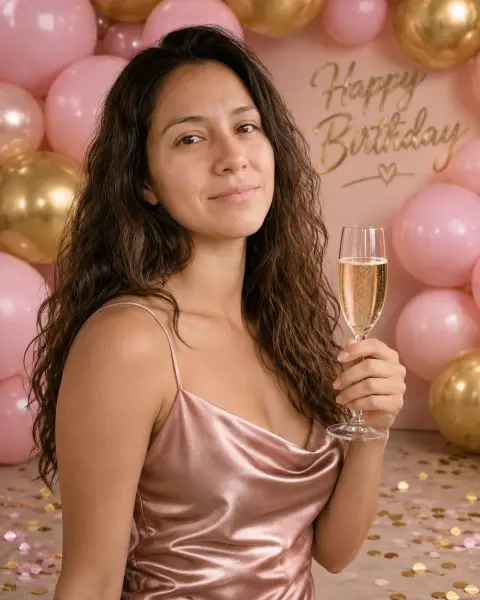

Champagne Birthday Trend AI
- 1 · Photo
- 2 · Free preview
- 3 · Your video
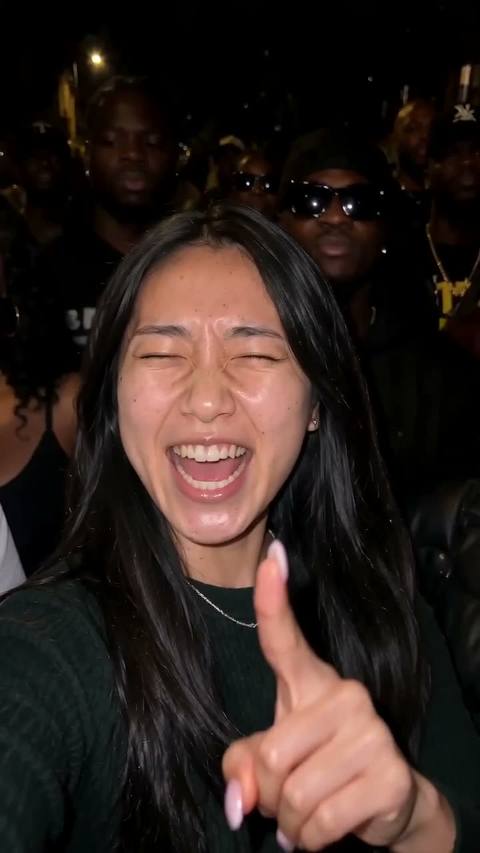
Champagne Birthday Trend AI examples.
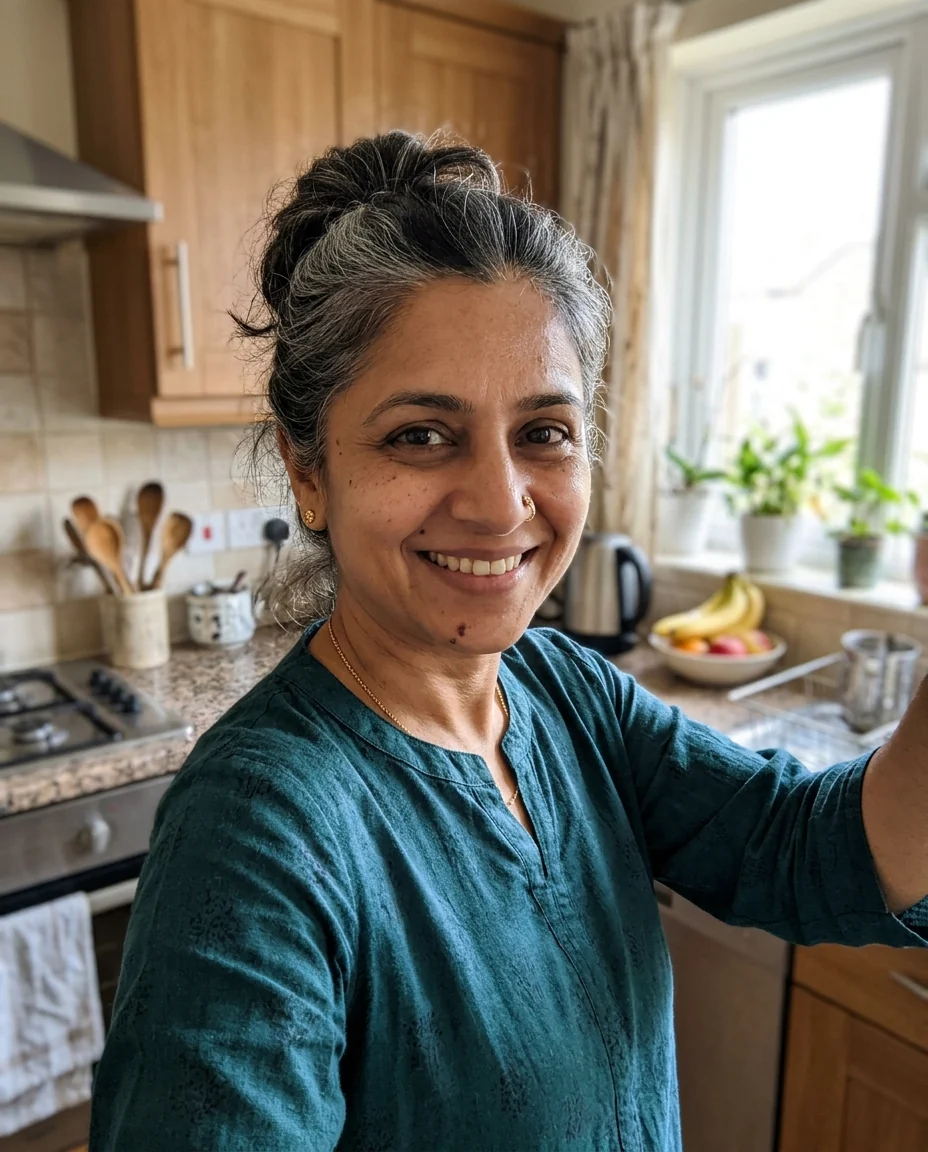
One portrait → the champagne pop
Champagne Birthday Trend AI features.
The whole scene, timed
The walk in, sitting down, popping the champagne, the burst of fire over the candles and the laugh all follow the trend clip.
Night park set kept
Bare trees, warm street lamps, the bench and the cake with 300 candles stay exactly as in the original.
Your person, start to finish
Face, hair and clothes come from the photo and hold for the full 10 seconds, from walking in to the last laugh.
Big-number energy
Three hundred candles and a bottle of champagne suit a milestone better than a card does.
Champagne Birthday Trend AI, step by step.
01
Upload one photo
Choose a clear photo of the birthday person; a half- or full-body shot helps the outfit.
02
See it free
Check the free preview of the first frame and fix it if you like. The full clip is $6.99, only if you love it.
03
Make the clip
The tool puts them on the bench, then renders the full scene around them.
Champagne Birthday Trend AI use cases.
- Milestone birthdays
- Thirty, fifty, ninety: the candles and the champagne fit any big number.
- Your own birthday post
- Announce your day with the trend instead of another mirror selfie.
- A friend far away
- When you can't be there, a scene they star in says more than a text.
Champagne Birthday Trend AI: best photos and fixes.
Full or half body
The person walks in and sits down, so most of the body is on screen. A photo that shows the outfit to the waist or below keeps it; a face crop leaves the clothes to the model. Leave plenty of breathing room around your head, shoulders and arms so the walk toward the park bench and the bottle-popping gesture look natural, and keep your hands clear of your face in the starting photo.
Long dresses and coats
Flowing clothes move well with the walk and the sitting down. Very busy patterns can shimmer in motion; plain colours hold steadier. Solid fabrics, satin dresses, tailored jackets and clean silhouettes hold their shape cleanly as you sit down in front of the glowing birthday cake; if the background in your original photo is cluttered, you can isolate yourself first with Background Remover.
Face still matters
The laugh at the end is a close moment. Make sure the face in the photo is sharp and not turned away. Avoid sunglasses, hats pulled low or hands covering your chin, and run a soft phone snapshot through Unblur Image beforehand so your eyes and laugh stay crisp in the candlelit close-up.
Night scene, warm light
The park is lit by street lamps and candles. A photo in soft or warm light sits in it more naturally than a cold, flash-lit one. Upload a single-person photo rather than a group shot so the model knows exactly who stars in the celebration, or check out Happy Birthday Sister Video and more video trends for more birthday clip ideas.
Camera angle, posture and background margin
An eye-level portrait or standing three-quarter photo translates into the night park walk much more naturally than a steep top-down selfie or a photo taken lying down. Keep arms and hands relaxed rather than cropped across the face, and leave clear background space around your silhouette so the glowing candles and park bench scene wrap cleanly around you.
Champagne birthday trend: by hand or here
By hand
- Save and trim the clip
- Find a video model that takes a photo
- Check every shot and add the sound back
Here, in one click
- One photo, free preview
- Original sound kept
- $6.99, 1 free redo
- Full refund if it fails
Champagne birthday trend: is it safe to use your photo?
Your photo is only used to make your preview and your video, and we never use it to train AI models. Free previews are deleted after 24 hours. When you buy, the face in your frame is registered with the AI video provider to make the video, and the provider keeps that copy under its own terms; we can't delete it. A video you buy stays in My files for 30 days, and you can delete it sooner.
Champagne Birthday Trend AI FAQ.
What is the champagne birthday trend?
A birthday clip format where someone pops a bottle of champagne at night and the spray shoots up; the park bench version, with a cake full of candles, is one of the most posted. People use AI to put the birthday person in the scene.
How much does a champagne birthday video cost?
The preview is free and needs no sign-up: put your photo in the first frame up to 3 times a day, with 2 free fixes each. The full 10-second video with the original sound is $6.99, paid once at checkout, with one free redo. Your next video within 48 hours, on the same account, costs $4.99, once.
How long does it take?
Usually four to six minutes. You can close the page while it runs: the finished MP4 lands in My files, and if you stay, the progress bar shows which step it is on.
What if the result looks wrong?
Check the free preview first: if the face or the pose isn't right, use one of the 2 free fixes or try another photo before you pay. After you buy, you get one free redo of the video. If making the video fails on our side, you get a full refund automatically.
Do I get the original sound?
Yes. The clip is rendered silent and the trend's original audio is laid back on top, so every beat and word lands where it does in the trend. Download is a 720p MP4, ready to post.
Can I add a name or a message?
Not inside the video. Add the name in your post caption or with the text tool of the app you post to.