
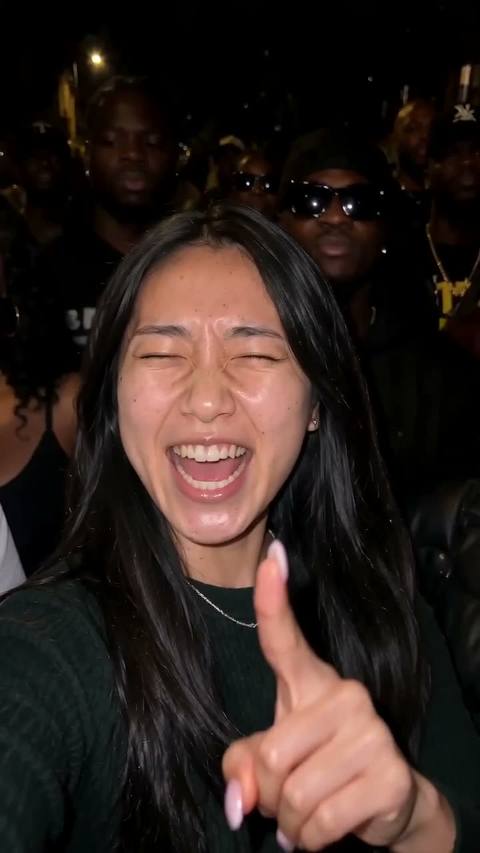

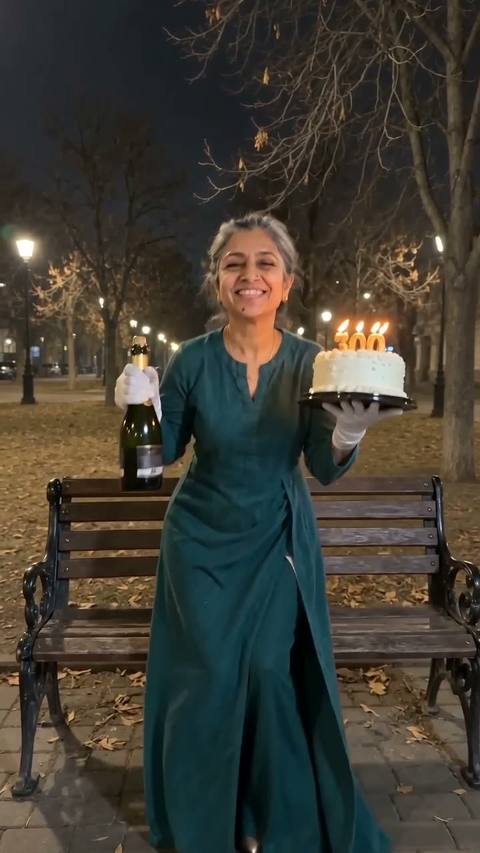

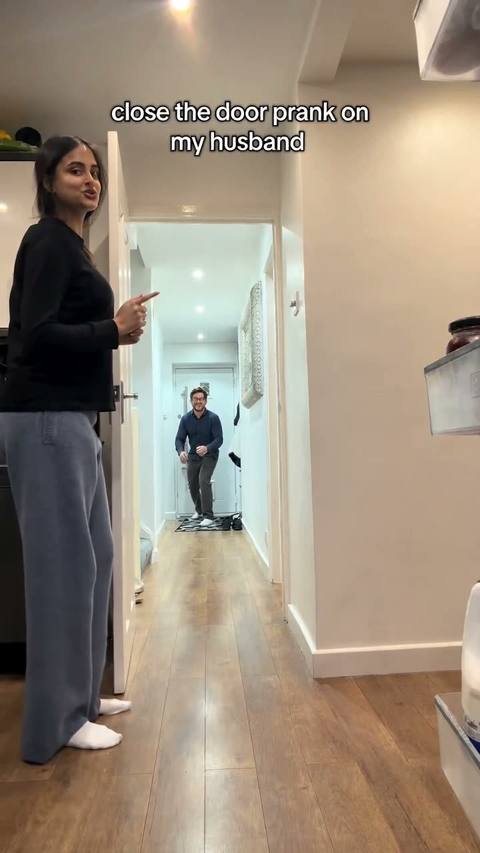
Seedance 2.0
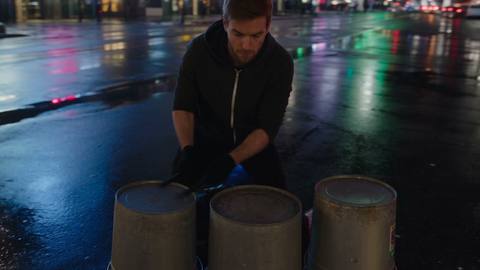
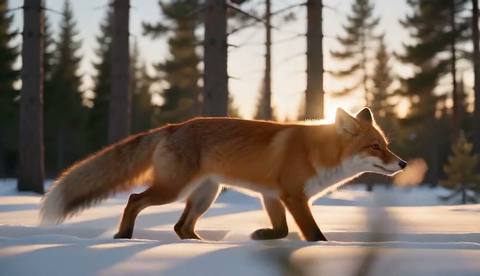
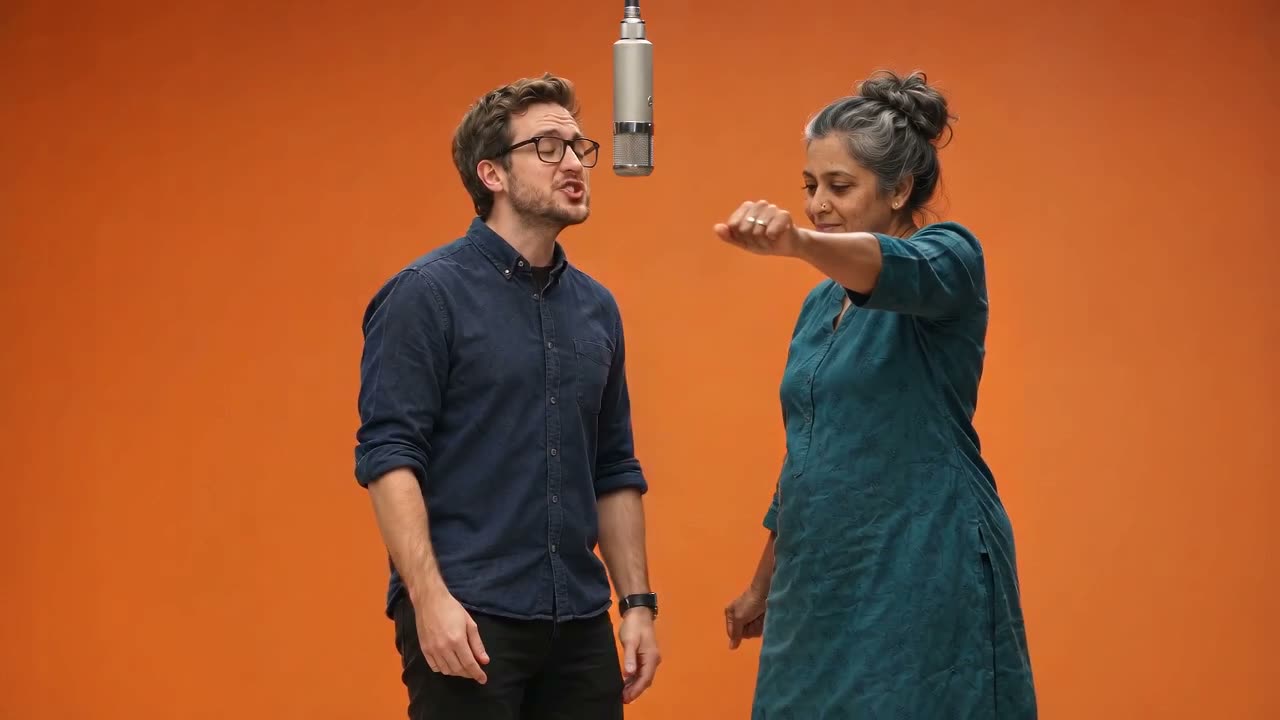
ByteDance's Seedance 2.0: text or a photo to a clip with sound, 5 to 15 seconds, at up to 1080p.
Seedance 2.0 examples.
Waves on black volcanic rocks at golden hour, drone pulling back
Seedance 2.0 features.
Detail at 1080p
The full Seedance 2.0 model, the one to pick when the clip needs to look sharp.
Sound with the picture
Ambience, effects and music are generated to match what happens on screen.
Start and end frames
Start from your own photo and, if you like, set the frame the clip ends on.
5 to 15 seconds
Long enough for a full shot, short enough for Reels and TikTok.
Seedance models compared.
| Seedance 2.5 | Seedance 2.0 | Seedance 2.0 Fast | Seedance 2.0 Mini | |
|---|---|---|---|---|
| Best for | Newest model | 1080p for less | Quicker results | Lowest cost |
| Resolution here | 480p, 720p, 1080p | 480p, 720p, 1080p | 480p, 720p | 480p, 720p |
| 5 s at 720p | 930 credits | 610 credits | 370 credits | 170 credits |
| Sound | Generated | Generated | Generated | Generated |
Seedance 2.0, step by step.
01
Describe the clip
Say what happens, where, and how the camera moves. One scene and one camera move work best.
02
Optional: add a photo
A photo becomes the first frame; add an end frame if the clip should finish somewhere specific.
03
Pick length and quality
5, 10 or 15 seconds and a resolution; the price updates on the button. Then make the clip.
Seedance 2.0 use cases.
- Landscape and travel shots
- Drone-style shots of coasts, cities and mountains without a drone.
- Product clips
- A slow move around a product photo, used as the first frame.
- B-roll
- Filler shots for videos and presentations that you would otherwise license.
Seedance 2.0: best photos and fixes.
Describe motion, not just the scene
A prompt that says what moves (waves crash, the camera pulls back) gets a livelier clip than a list of what is there.
Pick the shape first
16:9 for YouTube and screens, 9:16 for Reels and TikTok. With a first-frame photo the clip follows the photo.
Keep text out
Signs and captions inside the picture often come out garbled; add text afterwards.
1080p for the final
Draft at 480p or 720p and switch to 1080p only for the take you keep.
Seedance 2.0 FAQ.
What is Seedance 2.0?
Seedance 2.0 is ByteDance's video generation model. It makes clips with generated sound from a text description or from a first-frame photo, at up to 1080p here.
How many credits does Seedance 2.0 use?
A 5-second clip at 720p uses 610 credits; 480p costs less, and 10 or 15 seconds cost two or three times as much. The exact price is on the button before you start. New accounts get 15 credits to try the image tools; for video you need a plan or a credit pack.
Can I start from my own photo?
Yes. Add a photo and it becomes the first frame of the clip; the clip then takes the photo's shape. You can also add an end frame for the clip to finish on. Without a photo, describe the scene and pick a shape.
Does it make sound?
Yes. Seedance 2.0 generates sound with the picture: ambience, effects and music that fit the scene. The download is an MP4 at 480p, 720p or 1080p.
How long does a clip take?
Usually two to six minutes, longer for 15 seconds or 1080p. You can leave the page while it runs; the clip lands in My files. If a run fails, the credits go straight back.
Seedance 2.0 vs Seedance 2.0 Fast?
Fast costs less and returns sooner, at 480p or 720p. The full 2.0 model is the one for 1080p and the most detail.