Black Hair Filter
Jet black, soft black or blue-black on your own photo.
Drop a photo
or paste with ⌘V · JPG · PNG · WebP · up to 8 MB
No photo handy? Try one of ours.
More like this.
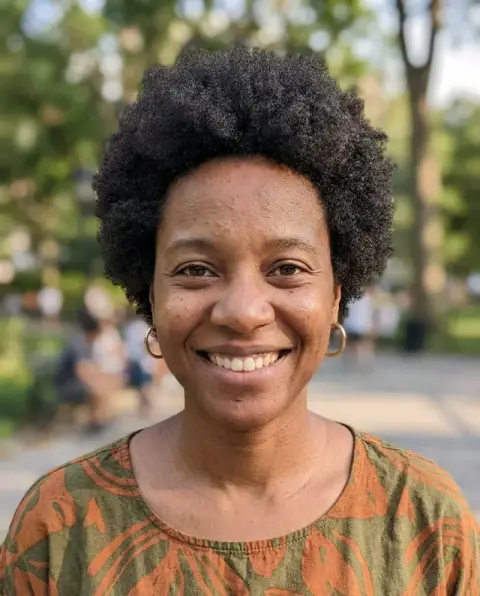
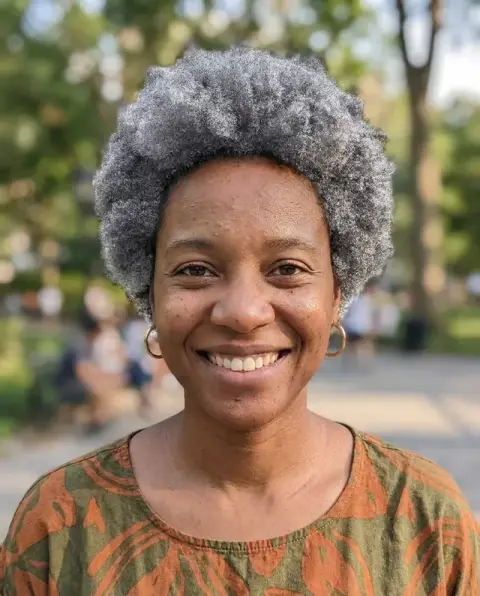



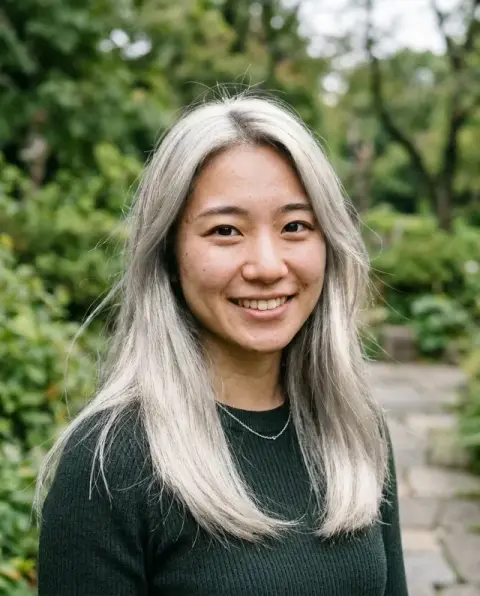






Black Hair Filter examples.
Real results from this page's default settings in one click, not retouched.How examples are made


Jet black


Soft black
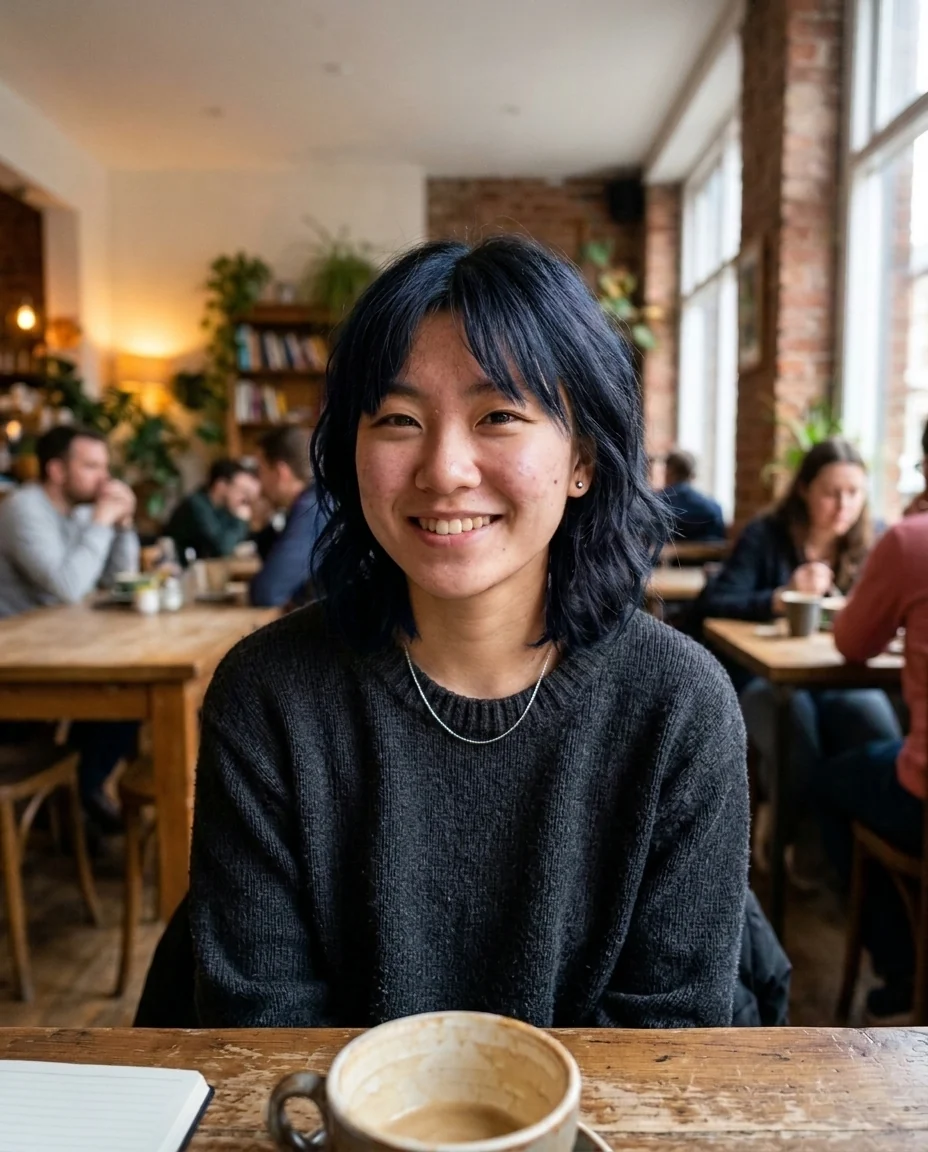
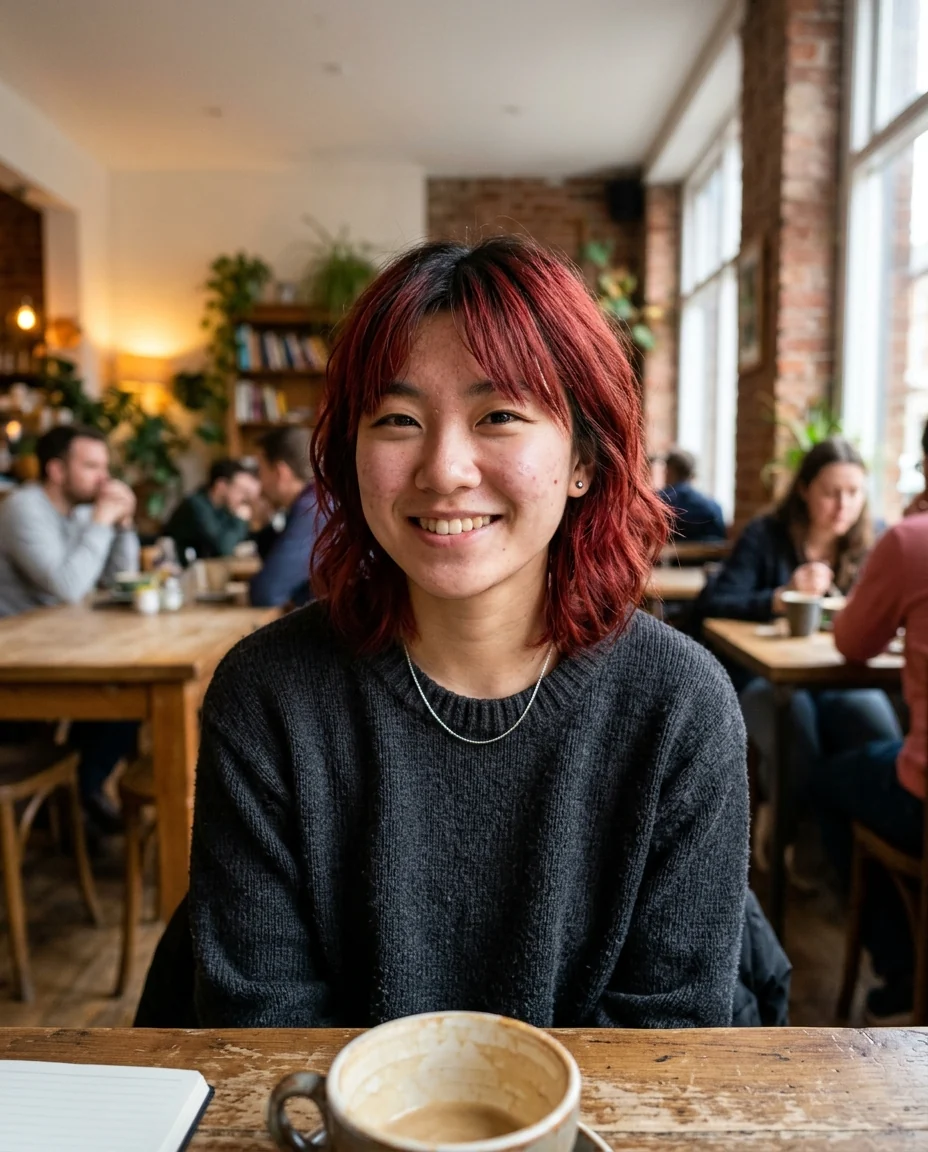
Blue-black
Black Hair Filter features.
Three blacks
Jet, soft or blue-black.
Covers grey
See your hair without the grey.
Natural shine
Highlights follow your photo's light.
Black Hair Filter, step by step.
01
Upload a photo
Grey strands and highlights are fine; they get covered.
02
Pick a black
Jet, soft or blue-black.
03
Check the contrast
Compare how dark hair frames your face.
Black Hair Filter use cases.
- Going dark
- Check the contrast with your skin before you dye.
- Covering grey
- See what a box dye or salon color would give you.
Black Hair Filter: best photos and fixes.
Jet, soft or blue-black
Jet black is the deepest, flattest black, with the strongest contrast against skin. Soft black is a very dark brown-black with a little warmth, which reads more natural on fair skin and light eyes. Blue-black adds a cool blue sheen in the highlights, a classic look on straight, glossy hair. Choose Custom for anything else, such as "black with a burgundy tint".
From blonde or grey to black
Going from very light hair to black is a big change, and on fair hair the contrast with light eyebrows and lashes can look harsh, since they keep their color. Soft black is the gentler step. Compare soft black and jet black side by side; if both feel heavy, a dark brown might give the depth you want with less contrast.
Covering grey
The result shows grey hair fully covered with even color. In real life, coarse grey hair can resist dye, especially at the temples, and roots show quickly as grey grows back. Use the preview to choose a shade; ask your colorist how often you would need to touch up the roots.
Keeping highlights and dimension
Solid black can look flat in photos. To keep some depth, write "soft black with subtle lighter brown strands" or "keep my highlights a few shades lighter". Natural shine and variation make the color read as real hair rather than a wig.
Daylight photos for an honest preview
Black hair looks very different under lamps and in sunlight. A daylight photo shows how the color will look outdoors; indoor photos make it look heavier. Avoid flash, which creates a white glare on dark hair.
Curly and textured hair
Curls and coils keep their exact pattern, and the shine follows the curve of each curl, which is what makes black curly hair look healthy rather than flat. If the result looks matte or like a single dark shape, write "natural shine on each curl, slight brown in the highlights". Coily hair photographed against a dark background can merge with it, so a lighter wall behind you helps.
If the cut or face changes
Only the color is meant to change; the cut, length, parting and your face stay the same. If the length shifts or a fringe appears, it usually comes from hair the model could not see clearly, such as strands behind the shoulders. Regenerate once, and if it happens again, use a sharper photo with your hair visible down to its ends and nothing covering your forehead.
Black Hair Filter FAQ.
Jet black or soft black?
Jet black is deep and glossy with strong contrast. Soft black has a hint of brown and looks gentler with lighter skin.
Will it cover grey hair?
Yes. All grey strands get the new color.
Can I keep some highlights?
Yes. Choose Custom and describe them, for example "black with caramel face-framing pieces".
Is the Black hair filter free?
Yes, you can try it free. New accounts get 25 free credits, and one generation here uses 9 credits. You sign in with your email; no card needed. Results have no watermark. After that, credit packs never expire, and your first one is half price.