3D Avatar Maker
Your selfie as a 3D character, clay figure or vinyl toy.
Drop a photo
or paste with ⌘V · JPG · PNG · WebP · up to 8 MB
No photo handy? Try one of ours.
More like this.



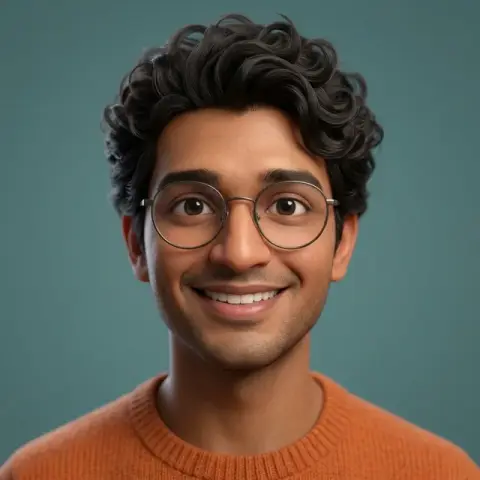


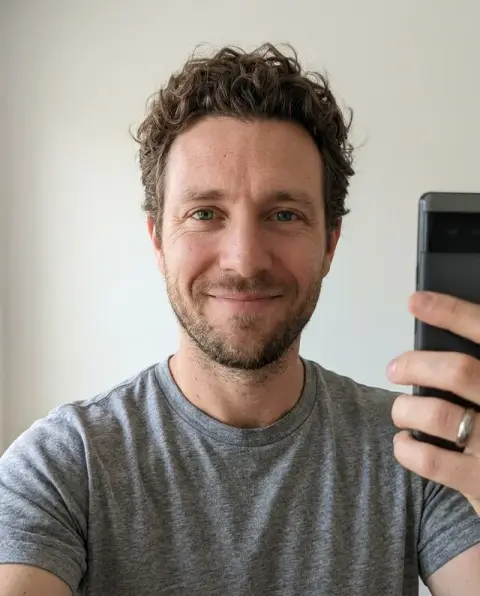
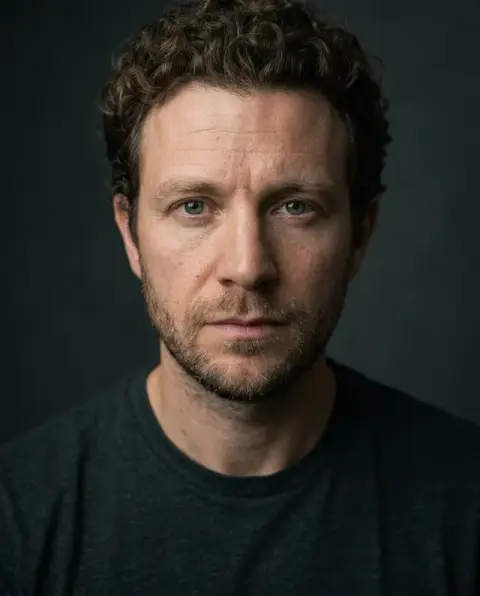
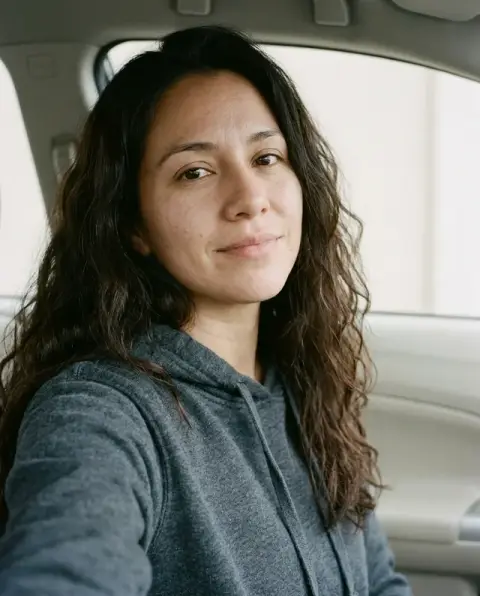

3D Avatar Maker examples.
Real results from this page's default settings in one click, not retouched.How examples are made
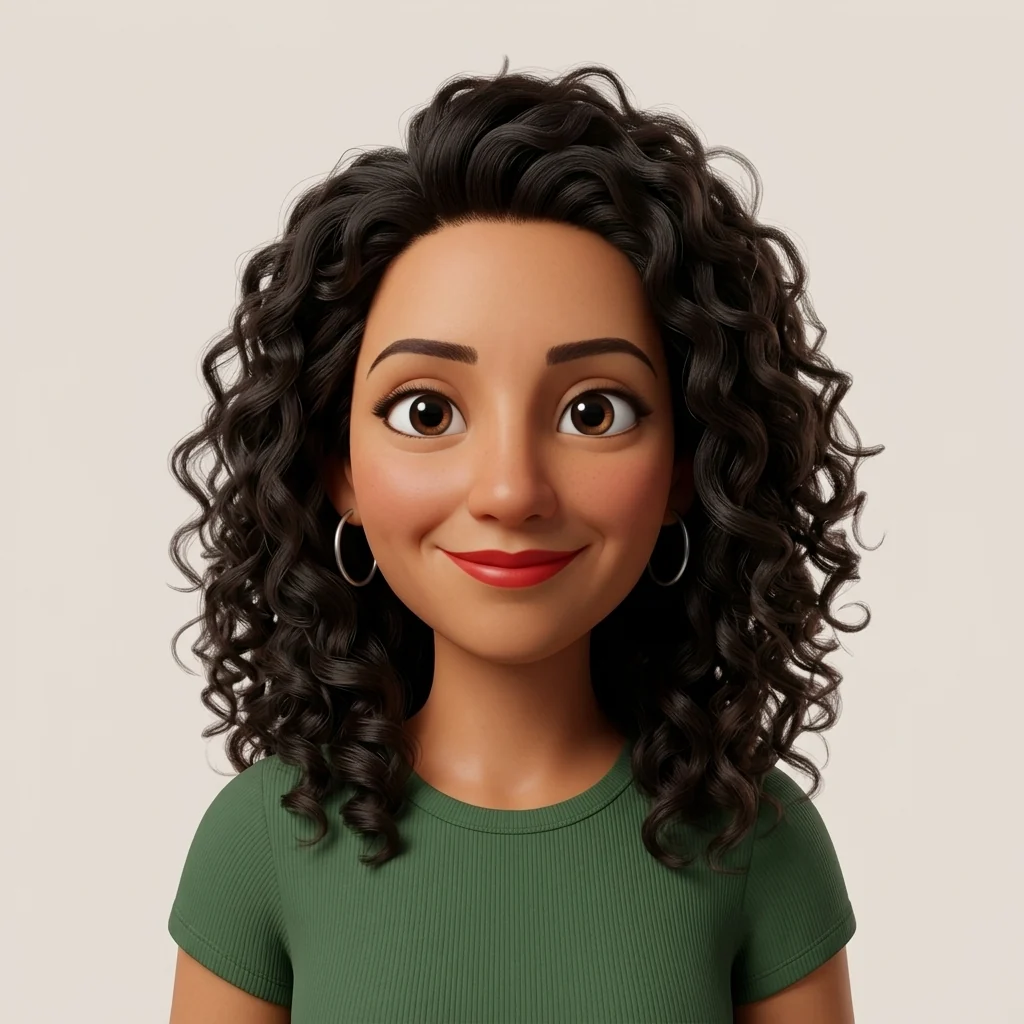

Animated film
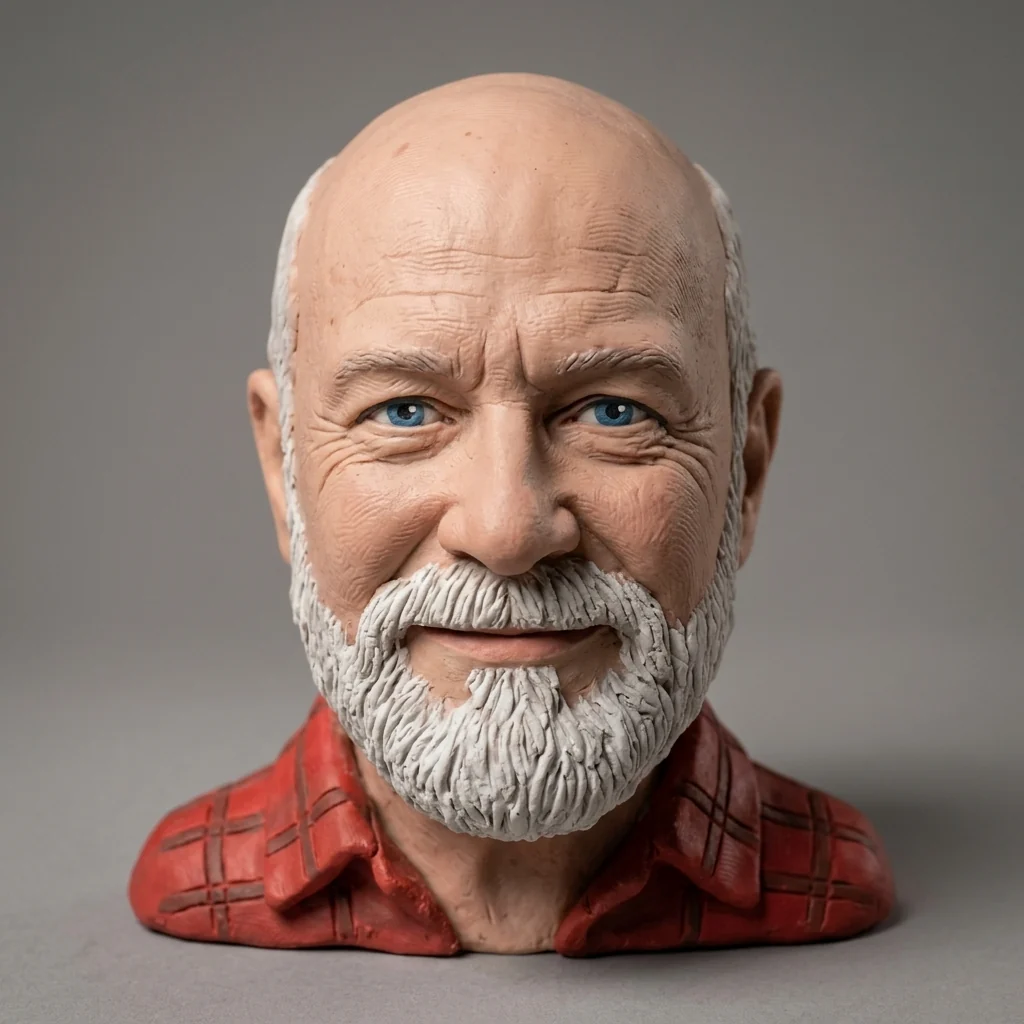
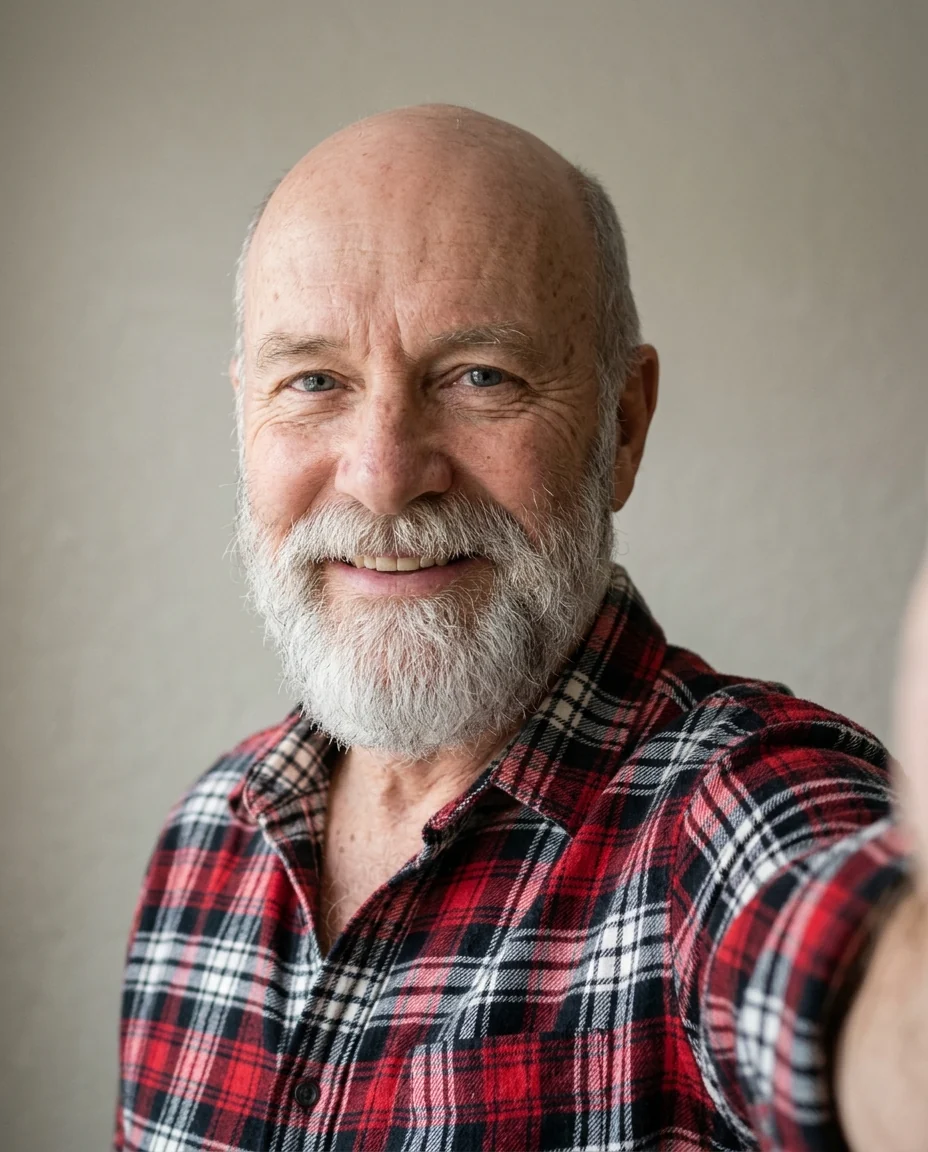
Clay
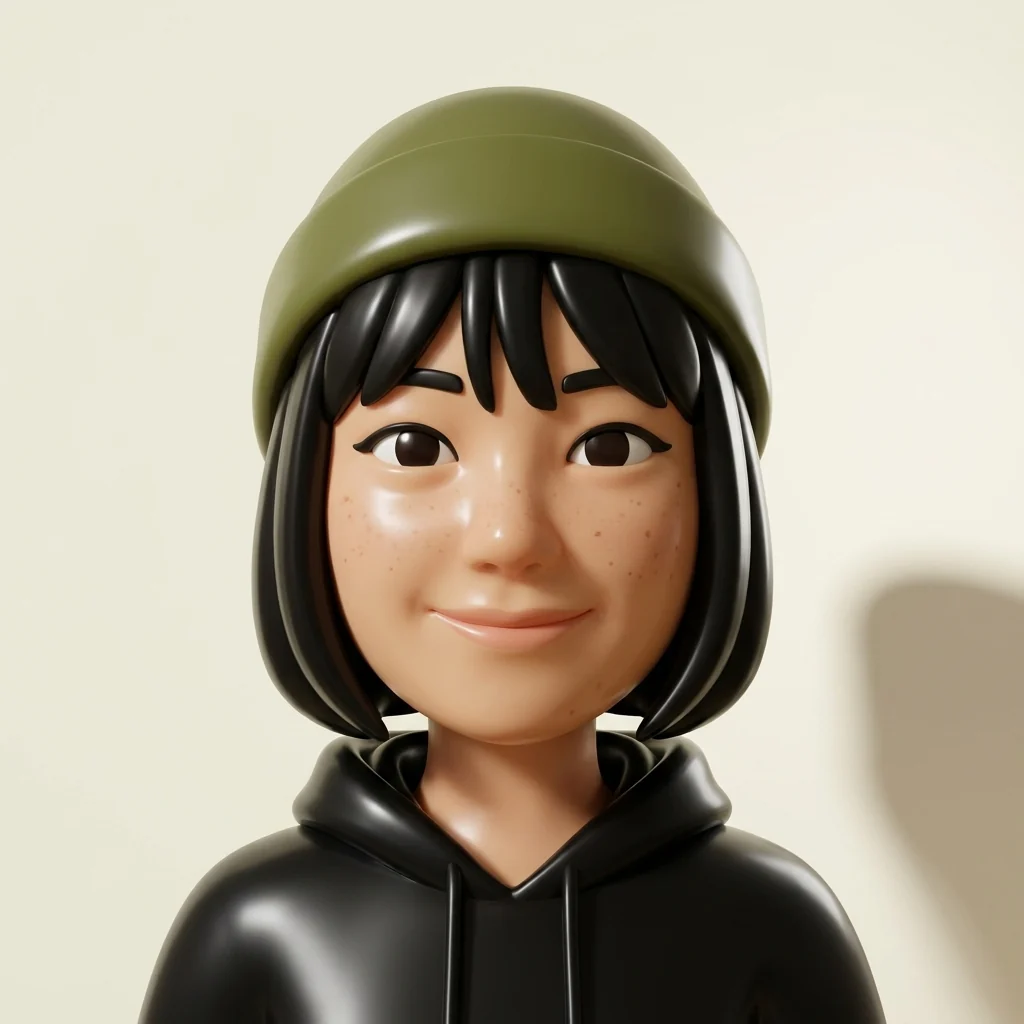
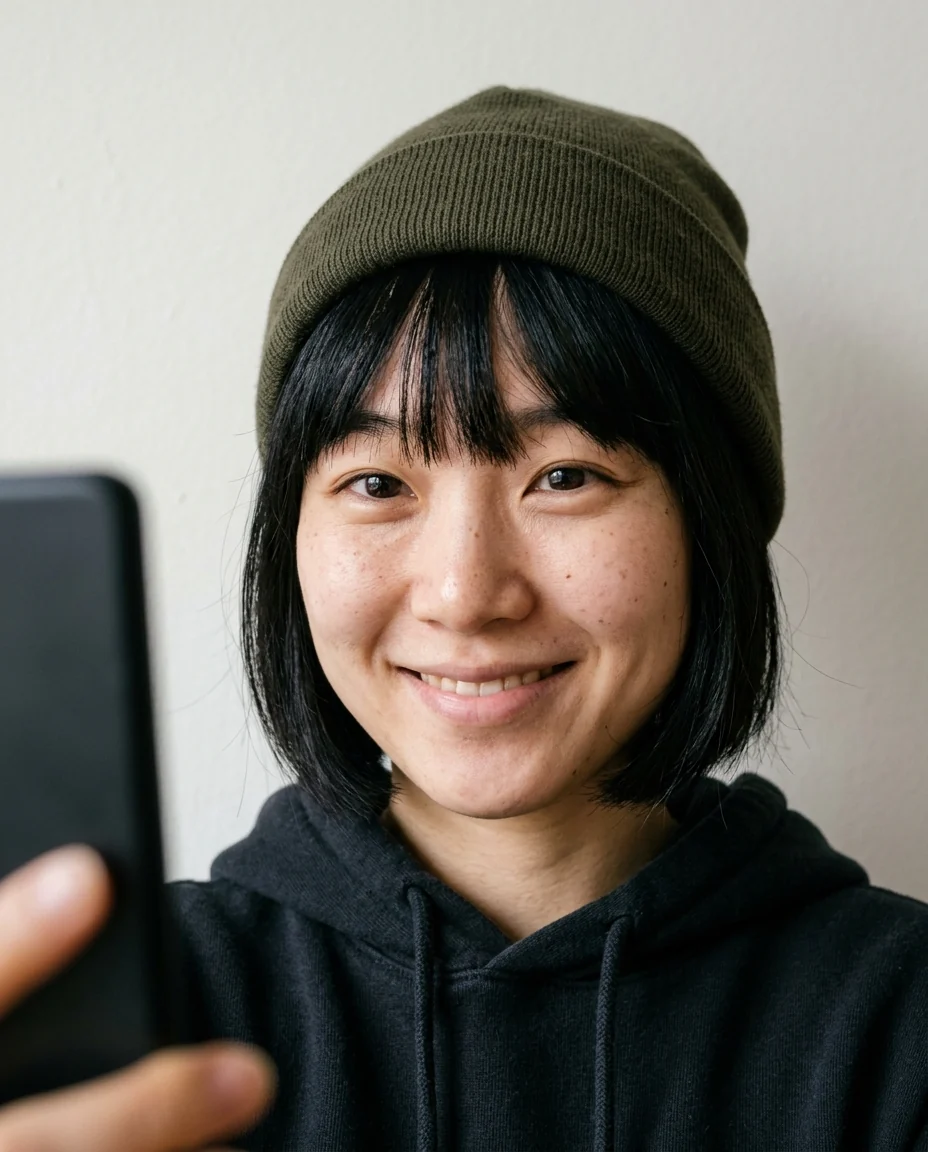
Vinyl toy
3D Avatar Maker features.
Three 3D styles
Animated film, clay or vinyl toy.
Studio render
Soft light, gentle shadow, clean background.
Recognizably you
Face, hair, glasses and clothes kept.
3D Avatar Maker, step by step.
01
Upload a selfie
Face clear and well lit.
02
Pick a style
Animated film, clay or vinyl toy.
03
Download
Use it as a profile picture or sticker.
3D Avatar Maker use cases.
- Profile pictures
- A 3D avatar for work chat and social media.
- Team pages
- Everyone as matching vinyl toys.
3D Avatar Maker: best photos and fixes.
Selfies for a 3D avatar
The avatar is a head-and-shoulders character, so a front-facing selfie with your face and hair fully in frame is ideal. Even light and no heavy filters keep your skin tone and features accurate. Keep your favourite accessory on, such as a cap, glasses or earrings; it is one of the strongest ways the 3D version stays recognisably you.
Film, clay or vinyl
Film gives a smooth character like an animated movie, with big expressive eyes. Clay gives a hand-made look with soft fingerprint texture, like stop-motion. Vinyl gives the glossy, simplified look of a collectible toy. Choose Custom for other materials, such as "knitted wool", "low-poly game character" or "porcelain figurine".
Background and color
The avatar sits on a clean, single-color background with a soft shadow. Pick a background that suits where it will appear: a bright color to stand out in chat lists, a neutral grey for a work profile, or your brand color for a team. Write it in the instructions, such as "mint green background".
Head and shoulders, not a full body
The avatar is framed for profile pictures. For a full-body character, the character generator or the action figure generator are better fits. Hand gestures and props held low in the selfie are usually cropped out, so keep anything important close to your face.
An image, not a 3D model file
The result is a 2D image rendered in 3D style (downloaded as PNG, JPG or WebP), not a 3D mesh file like .obj or .fbx that you can rotate in Blender or a game engine. For a matching set from different angles, run the tool with a three-quarter selfie as well as a front one. Keep the same style and background words so the images belong together.
If the avatar looks generic
Rounded 3D styles can smooth away the features that make you you. Name them: "keep my freckles", "keep my gap tooth", "keep my curly fringe". A selfie with a natural expression usually carries more personality than a neutral one. Regenerate once before switching photos; each run sculpts the face slightly differently.
3D Avatar Maker FAQ.
Is it a 3D model I can rotate?
No. It is a high-resolution 3D-style rendered image (PNG, JPG or WebP), not a .obj or .fbx 3D model file.
Can I get the full body?
No. This preset frames a head-and-shoulders portrait for profile pictures. For a full-body 3D character, use the [character generator](/generators/character-generator) or the [action figure generator](/effects/action-figure-generator).
How is this different from the avatar generator?
This page only makes 3D styles, with more options: film character, clay or vinyl toy.
Is the 3D avatar maker free?
Yes, you can try it free. New accounts get 25 free credits, and one generation here uses 9 credits. You sign in with your email; no card needed. Results have no watermark. After that, credit packs never expire, and your first one is half price.