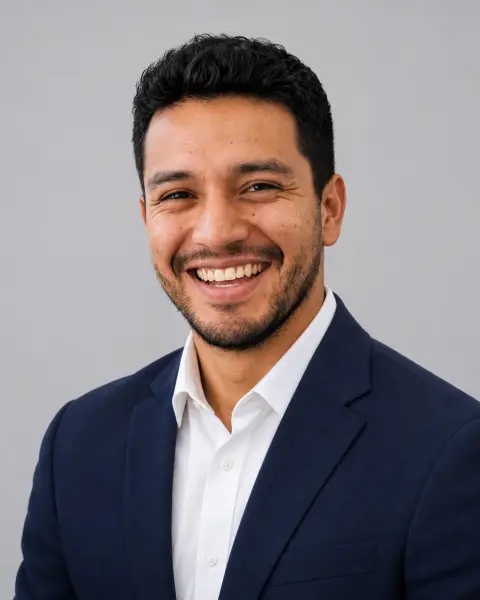
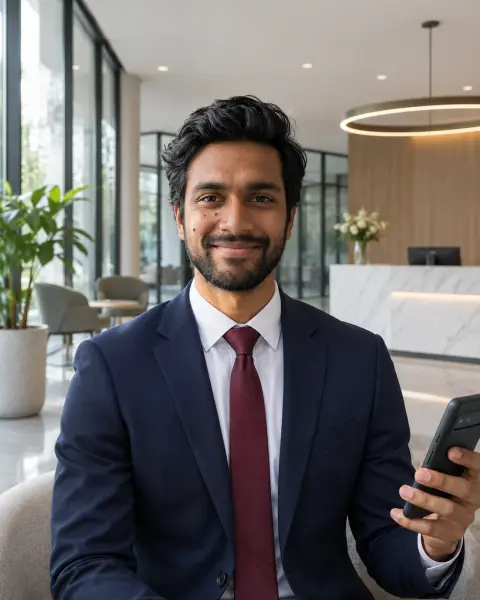
LinkedIn Headshot Generator
A selfie in, a LinkedIn profile photo out.
Drop a photo
or paste with ⌘V · JPG · PNG · WebP · up to 8 MB
No photo handy? Try one of ours.
More like this.
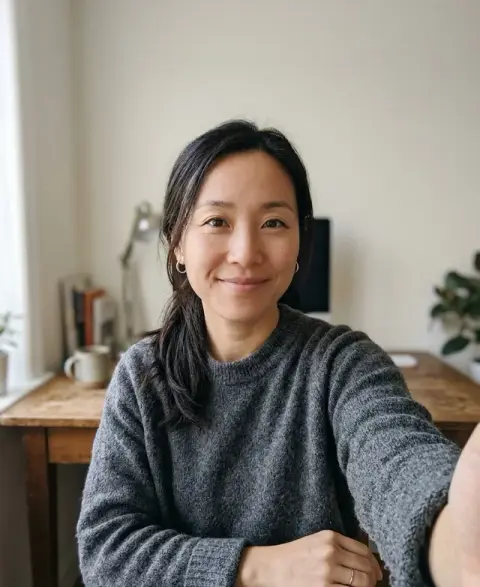
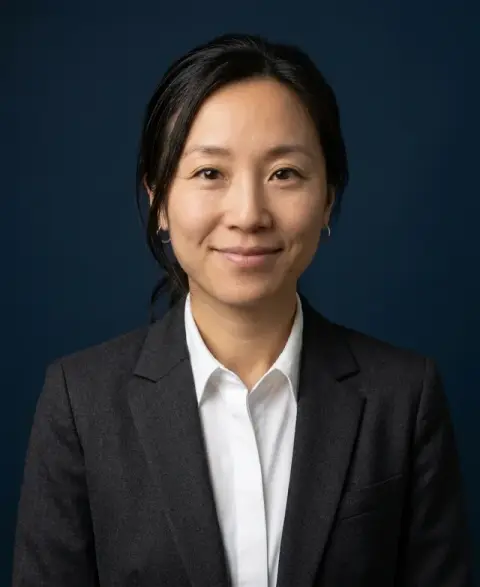
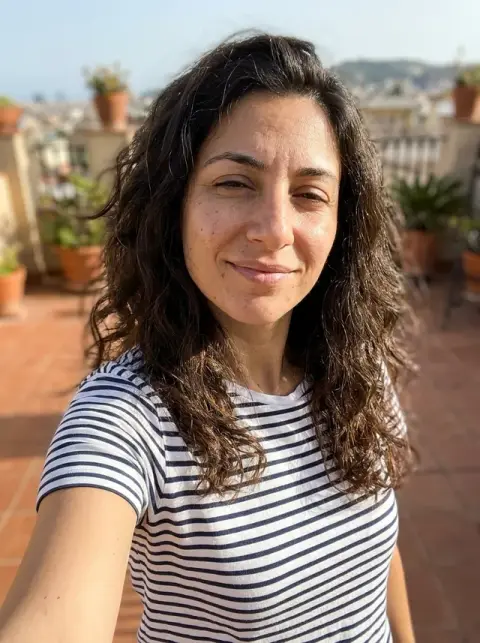
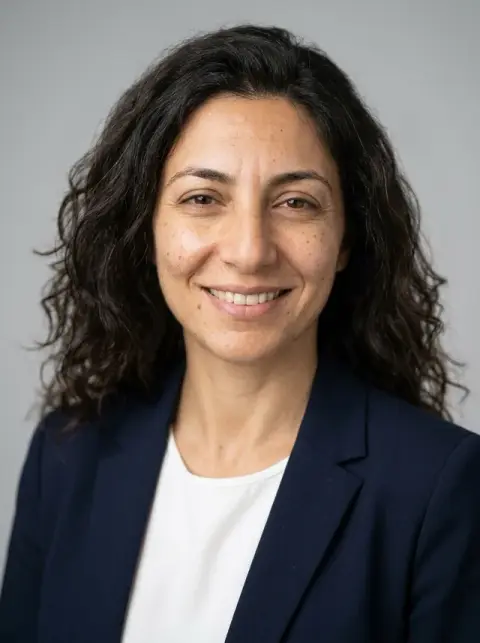
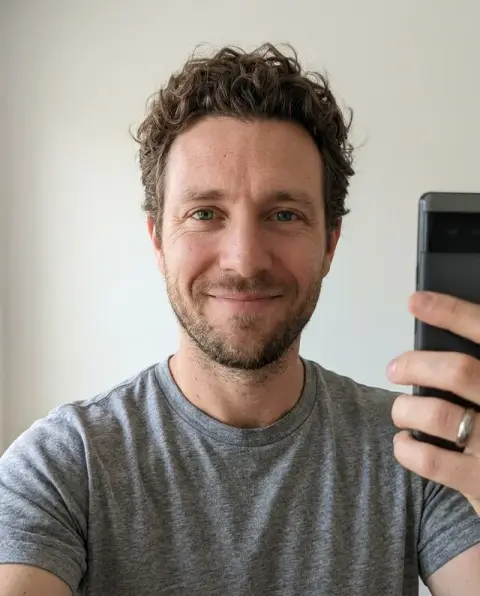
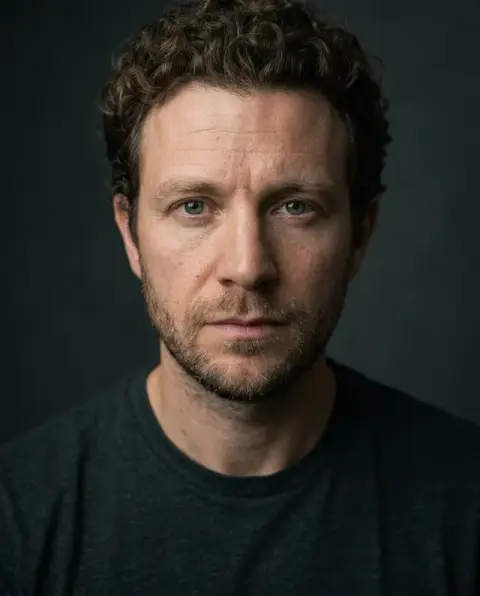
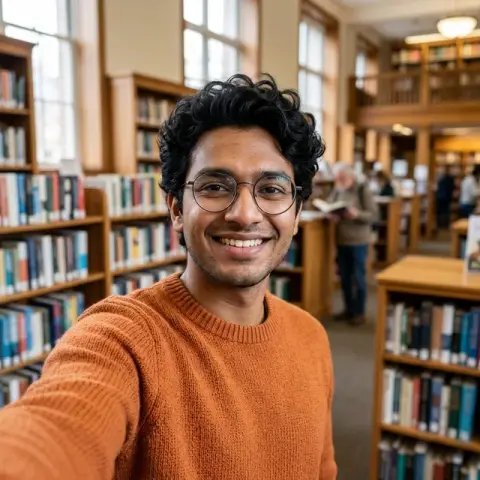
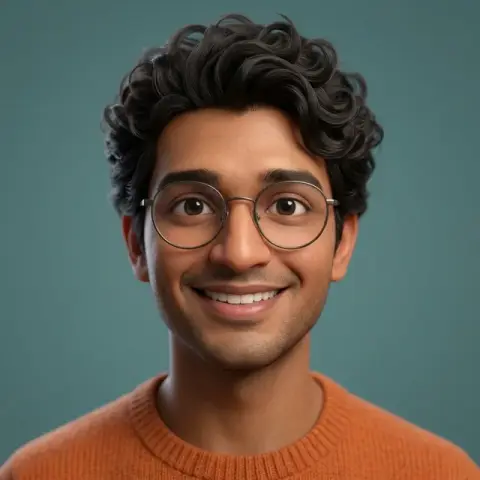
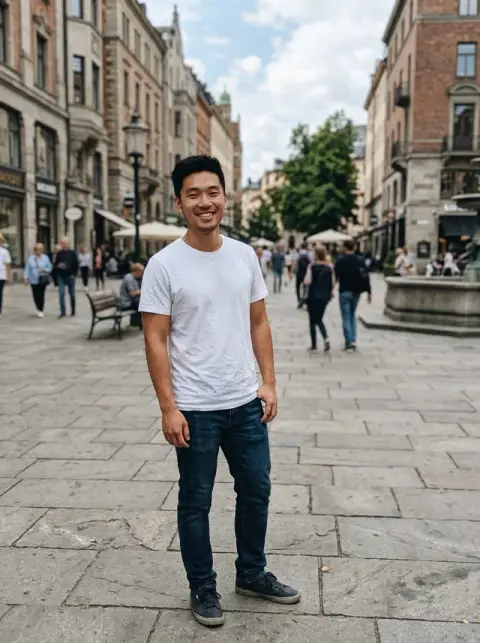
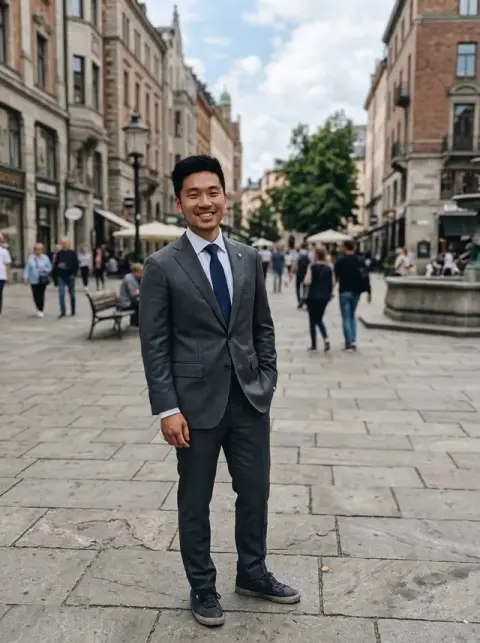
LinkedIn Headshot Generator examples.
Real results from this page's default settings in one click, not retouched.How examples are made
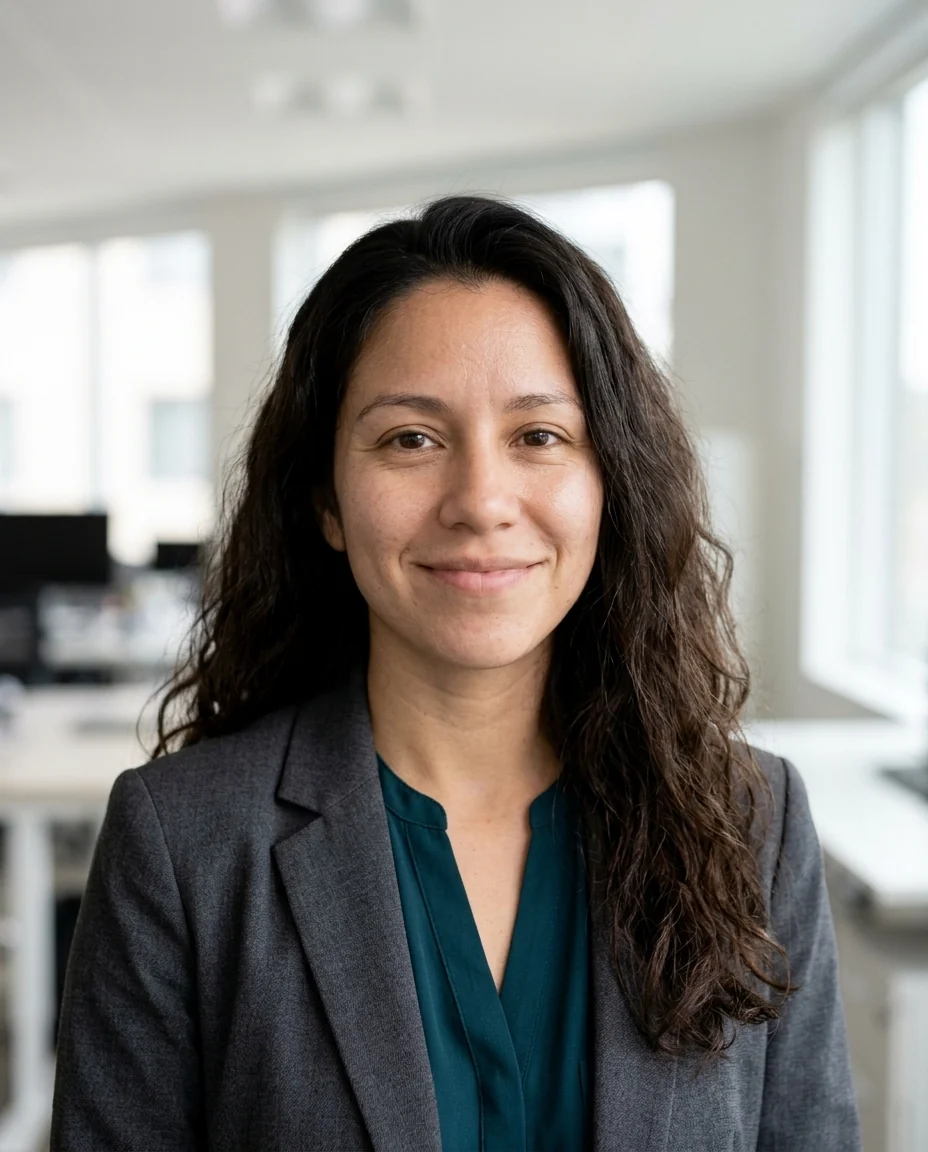
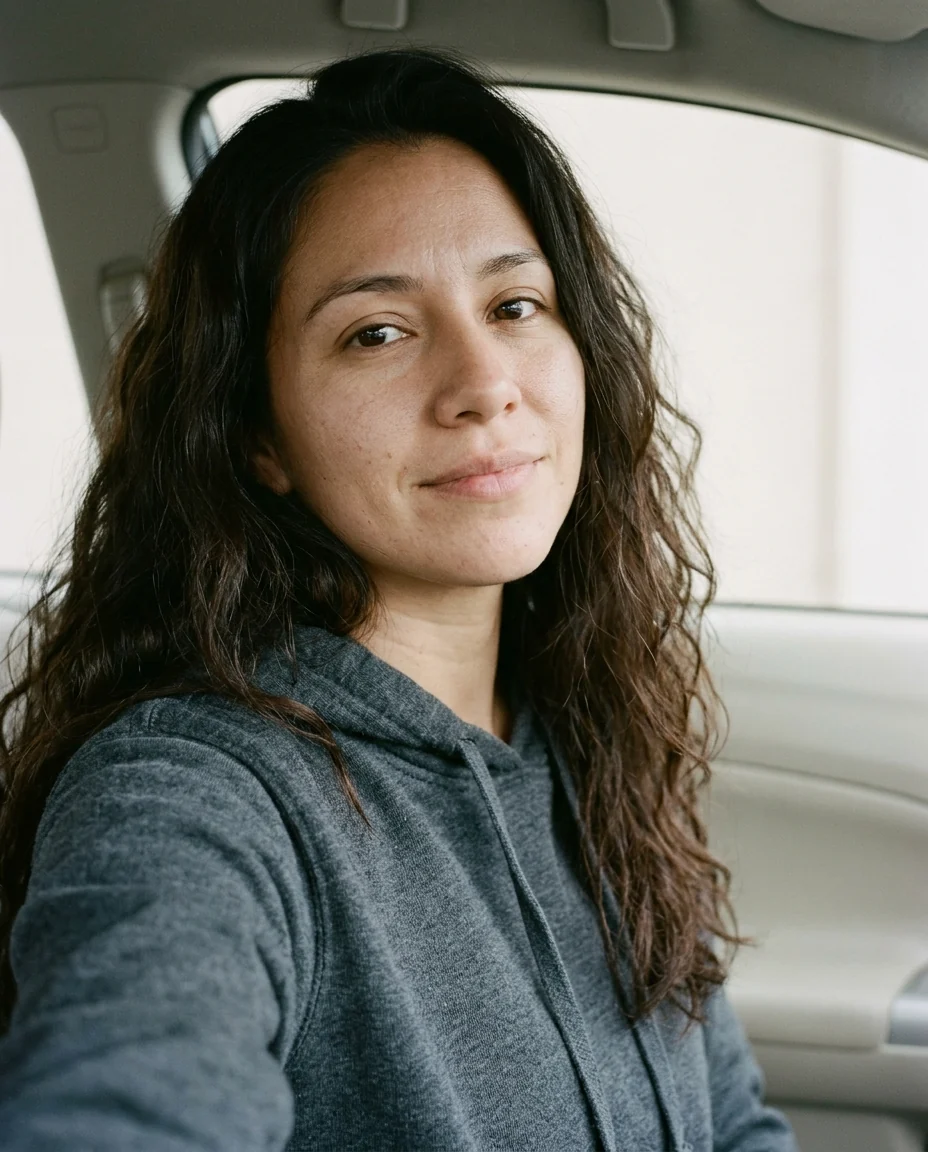
Office
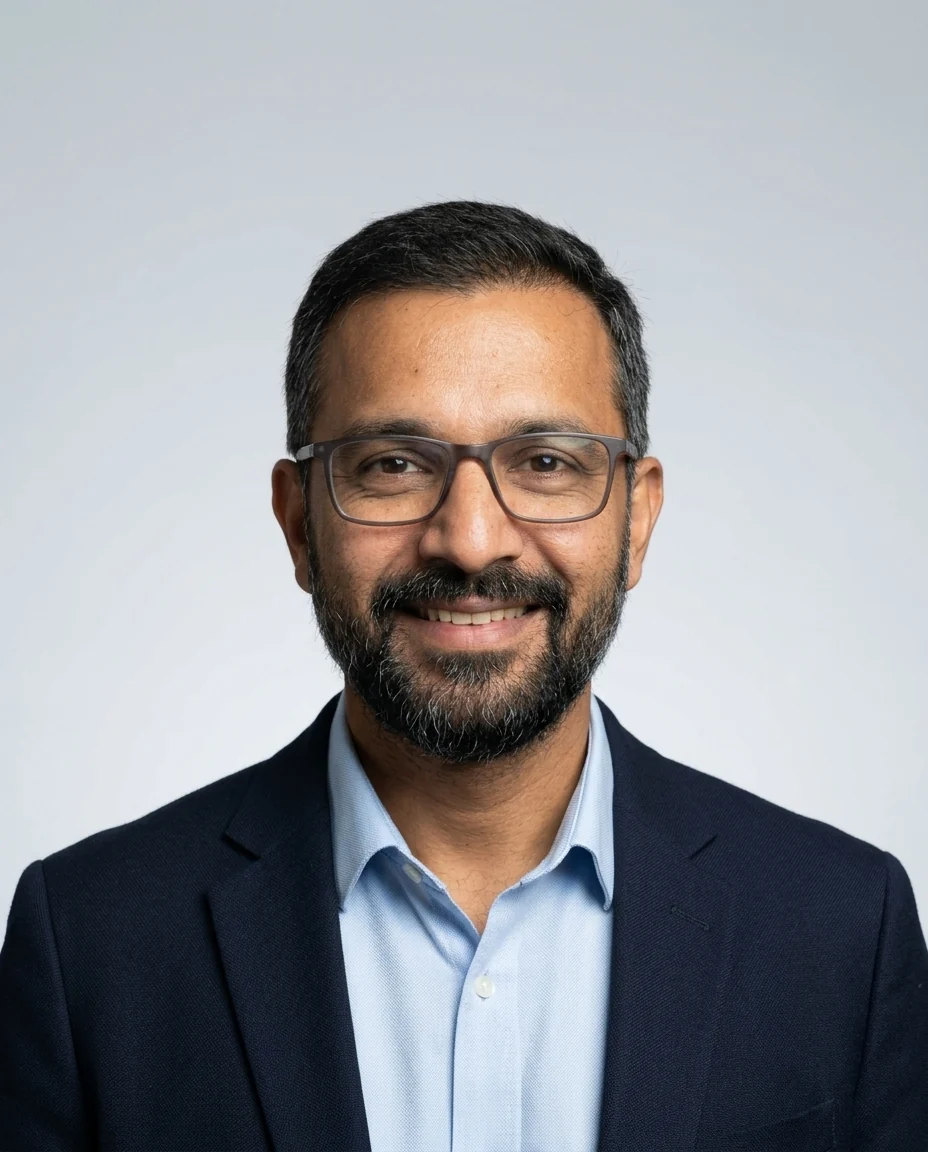
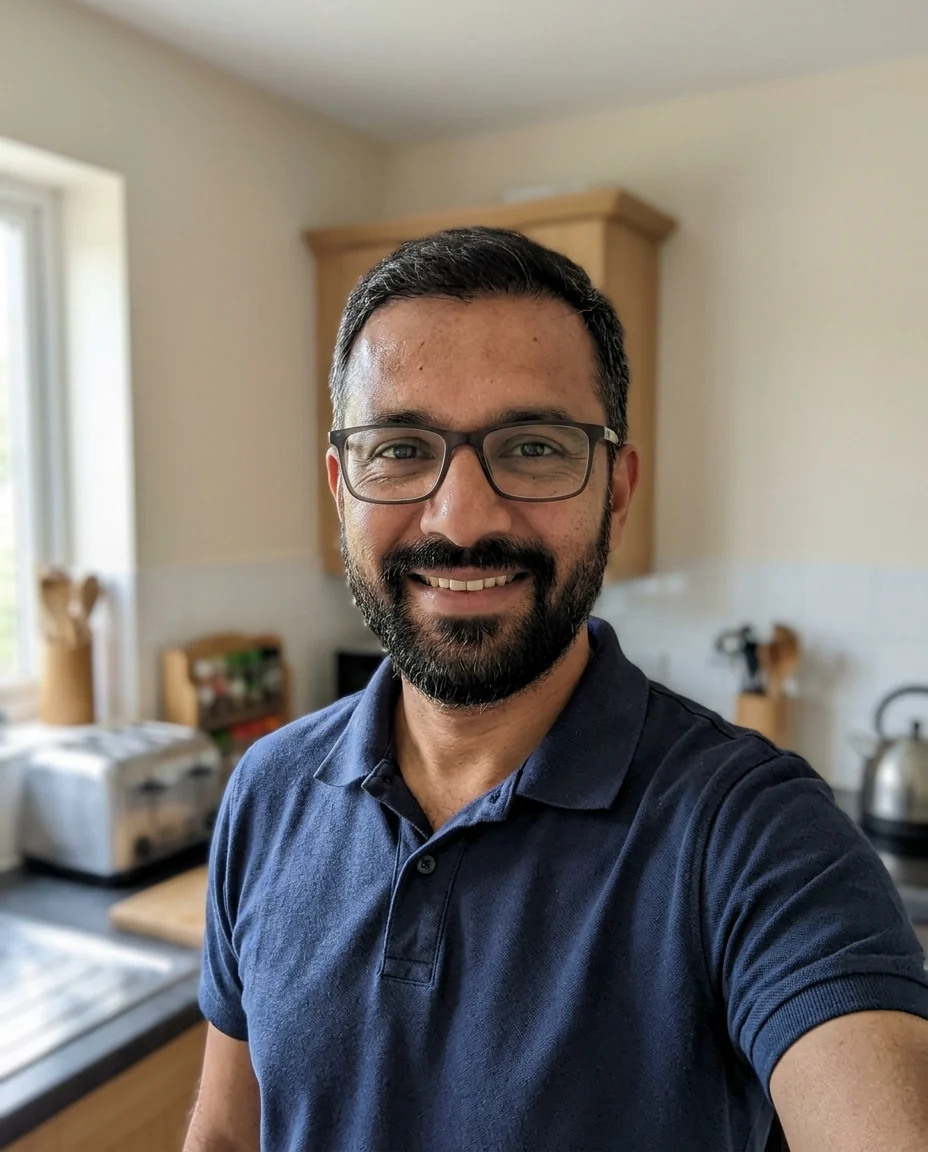
Light grey
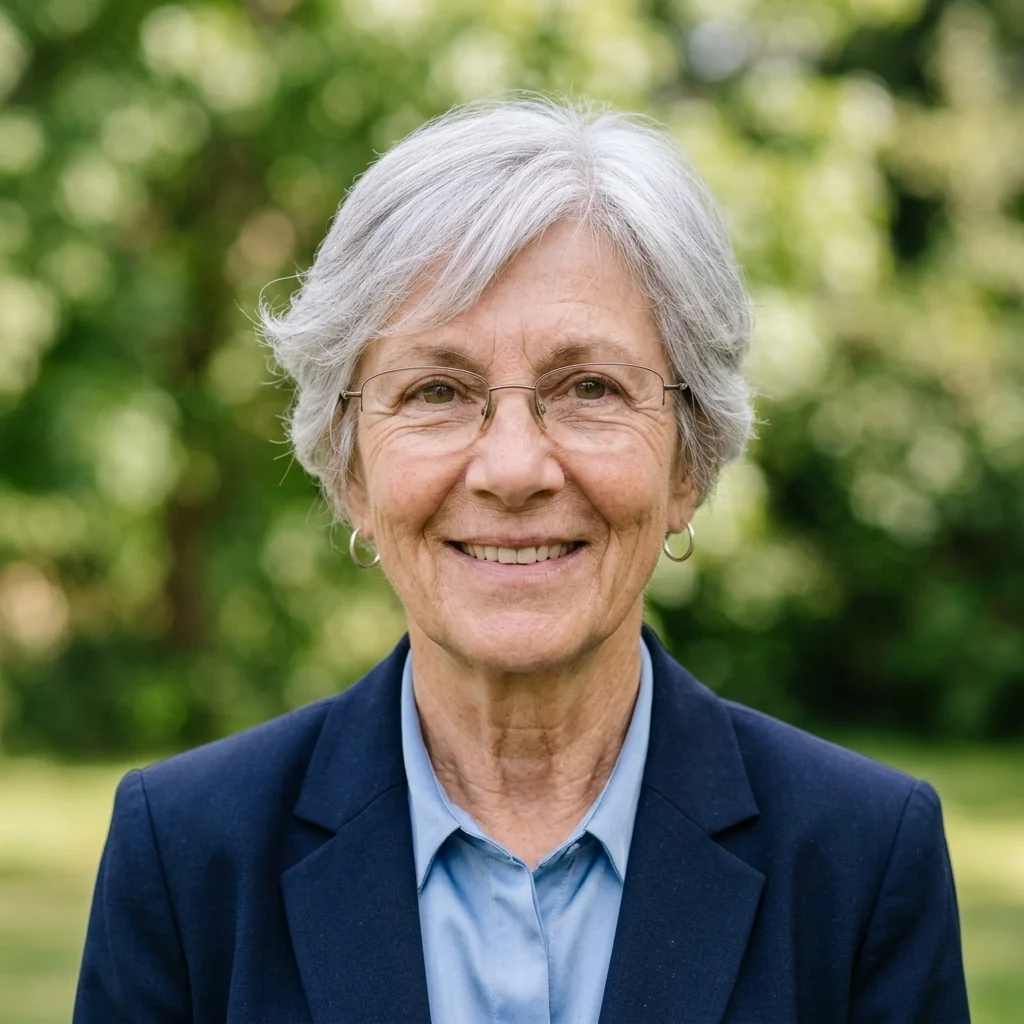
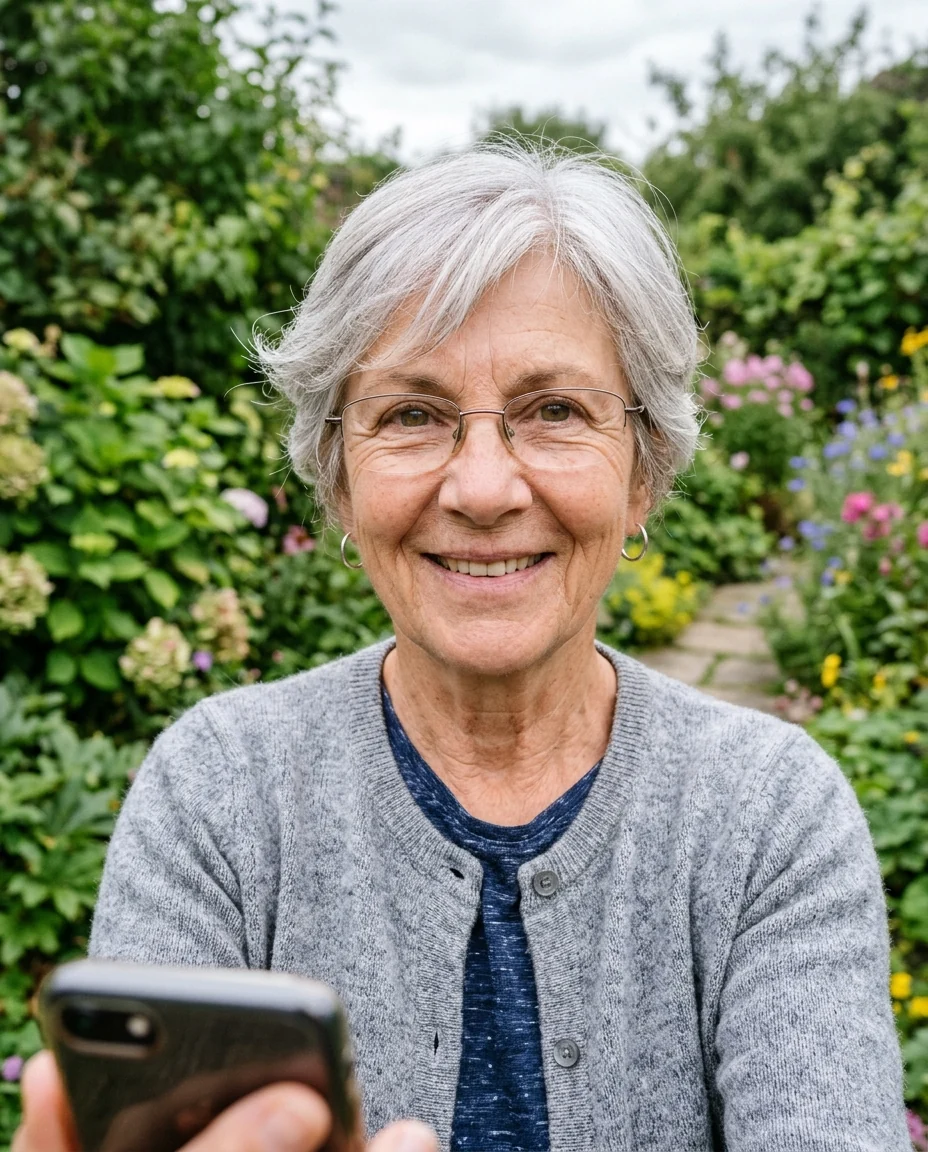
Outdoors
LinkedIn Headshot Generator features.
Built for the round crop
Face centered with room above the head.
Approachable look
Business casual, a natural smile, soft light.
Your face, unretouched
No slimming, smoothing or new features.
LinkedIn Headshot Generator, step by step.
01
Upload a selfie
Face the camera in daylight.
02
Pick a background
Office, light grey or outdoors.
03
Download
Upload it to your LinkedIn profile.
LinkedIn Headshot Generator use cases.
- Job hunting
- A professional profile photo before you apply.
- New role
- Update your photo the week you start.
LinkedIn Headshot Generator: best photos and fixes.
Your industry's norms
What looks right on LinkedIn depends on the field. Banking, law and consulting profiles tend toward a suit and a plain grey or navy backdrop; tech, design and startups toward smart casual and an office or outdoor setting. Look at a few profiles of people in roles you want, and match their level of formality rather than the most formal option by default.
Office, grey or outdoor
Office gives a softly blurred modern workplace behind you, which suits most roles. Grey gives a classic studio backdrop for formal industries. Outdoor gives natural light with greenery, friendly for creative and independent work. Choose Custom for anything else, such as "bookshelves" or "your brand color".
How it looks in the circle
LinkedIn shows your photo as a small circle next to every post, comment and message, so the face carries the whole image. After downloading, crop so your face sits in the middle with a little space above the hair, then check it at the size it appears in the feed. Check LinkedIn's current upload guidance for the minimum size; the download is well above it.
Approachable, not posed
A LinkedIn photo sits next to your name in every message, so it works best when it looks like you in a good meeting: a relaxed face and eyes toward the camera. Run the tool a few times and compare the versions small, as a circle. Pick the one a new colleague would recognise when they meet you on a video call.
Clothing for your field
Dress for the role you want. Write it in the instructions: "navy blazer, white shirt" for finance or law, "smart casual knit sweater" for tech and design, "dark crew-neck top" for creative roles. Avoid logos, busy patterns and bright white, which glows in small photos.
Matching your banner
A LinkedIn profile has two images: the round photo and the wide banner behind it. Choose a backdrop color that works with your banner, or a neutral grey that goes with anything. A consistent palette makes the profile look deliberate and professional at first glance.
Keeping it current
A LinkedIn photo is expected to be recent. When you change your hair, grow a beard or start wearing glasses, run a new photo through the tool so your profile keeps matching how you look. Keep the same backdrop choice each time, so your profile stays recognisable even as the photo changes.
LinkedIn Headshot Generator FAQ.
What size does LinkedIn need?
A square photo of at least 400 × 400 pixels. The result is larger than that; LinkedIn crops it to a circle, which is why the face is centered.
Will it still look like me?
Yes. Your face, skin tone, hair and glasses are kept; only the clothes, light and background change.
How is this different from the AI headshot generator?
This one is tuned for LinkedIn: friendlier expression, business casual instead of a suit, and framing for the round crop.
Is the LinkedIn headshot generator free?
Yes, you can try it free. New accounts get 25 free credits, and one generation here uses 9 credits. You sign in with your email; no card needed. Results have no watermark. After that, credit packs never expire, and your first one is half price.