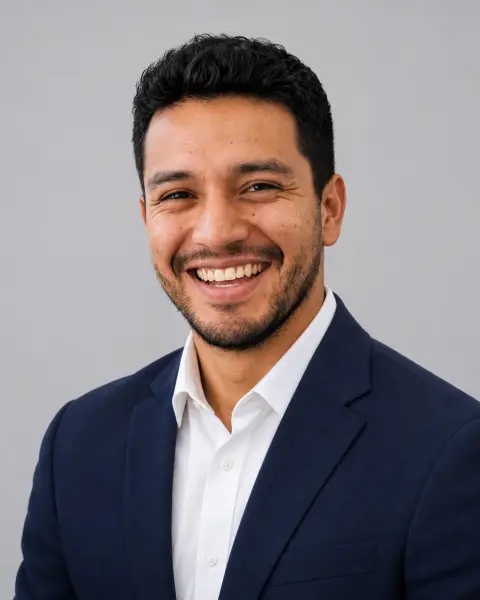
Corporate Headshot Generator
Formal headshots with one backdrop for the whole team.
Drop a photo
or paste with ⌘V · JPG · PNG · WebP · up to 8 MB
No photo handy? Try one of ours.
More like this.
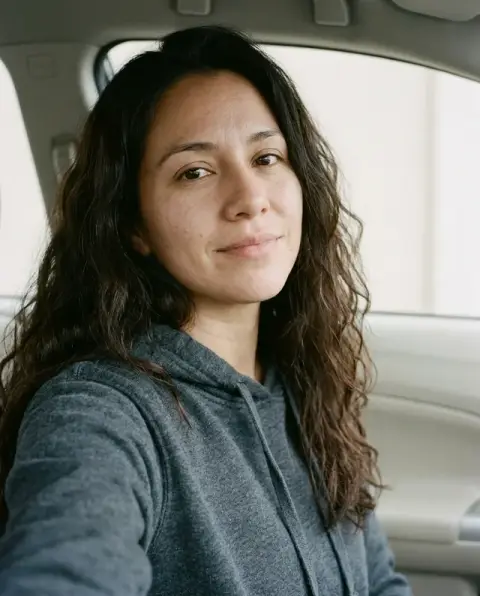
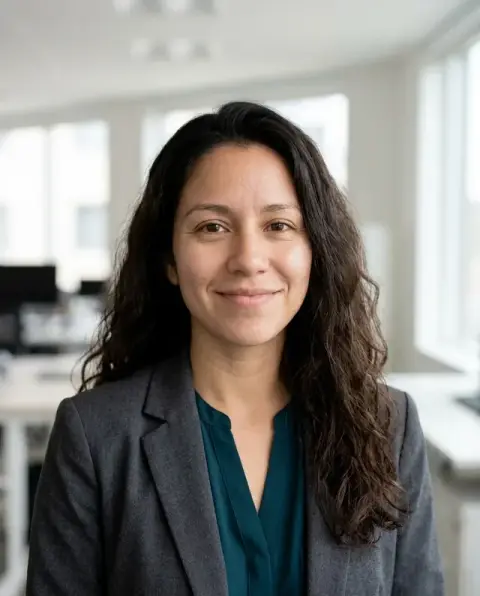
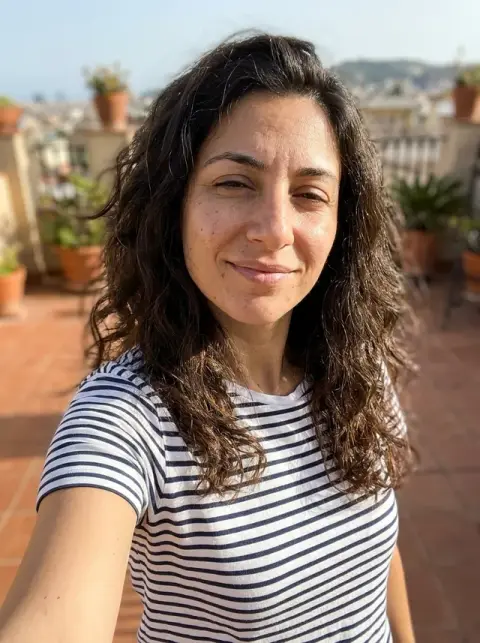
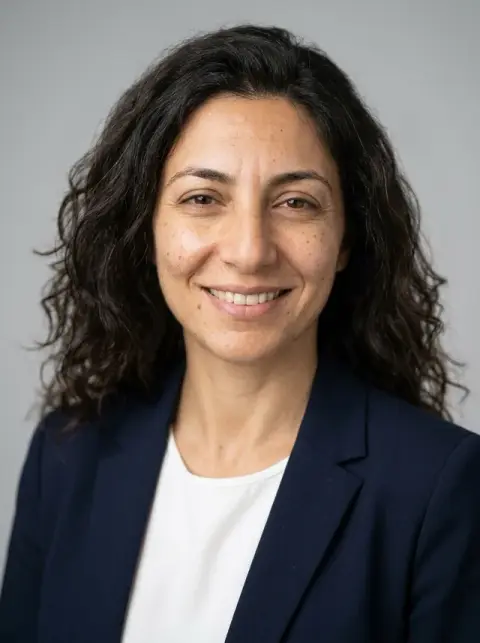
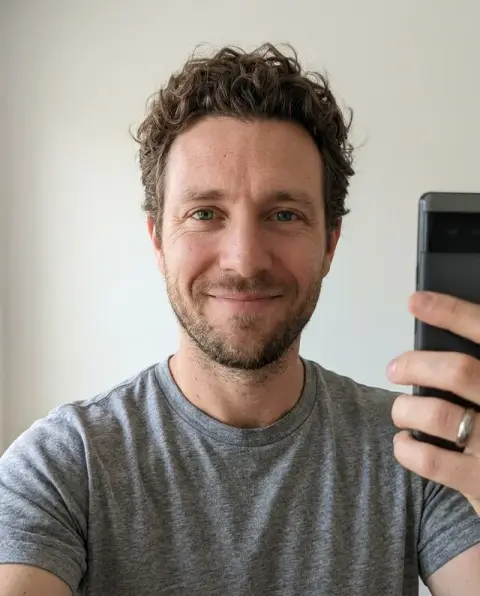
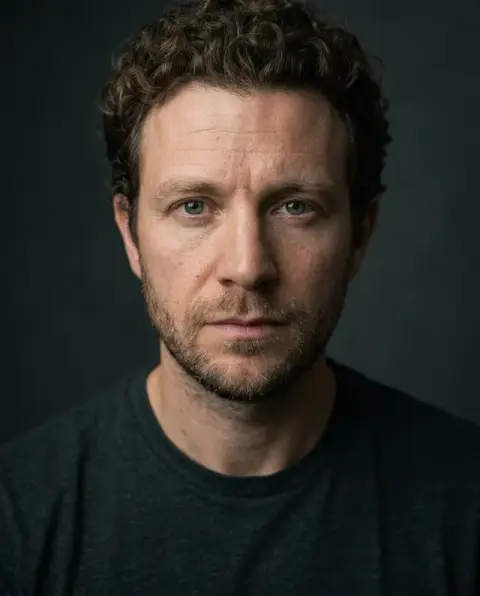
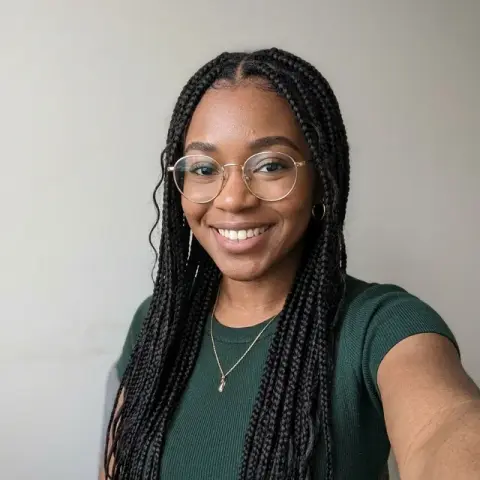
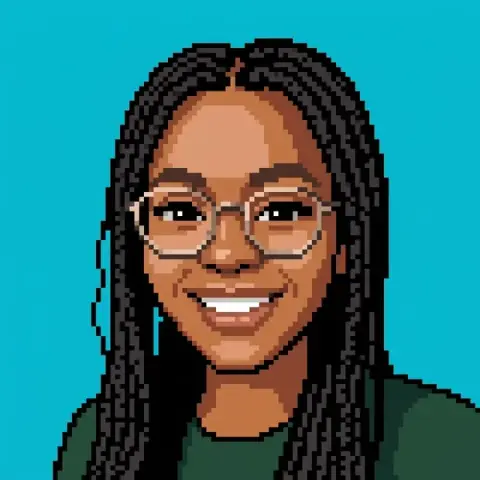
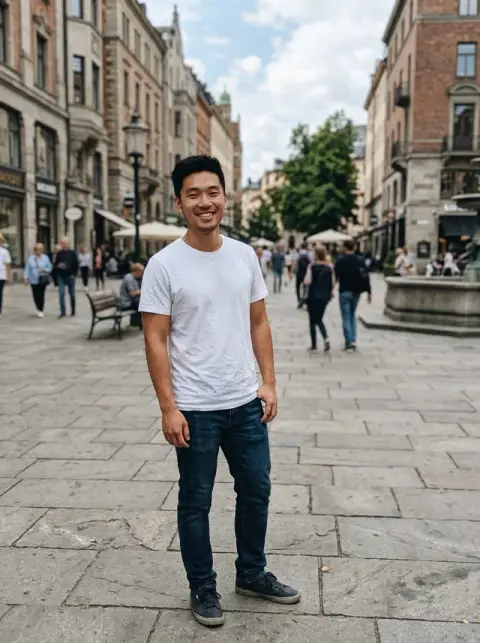
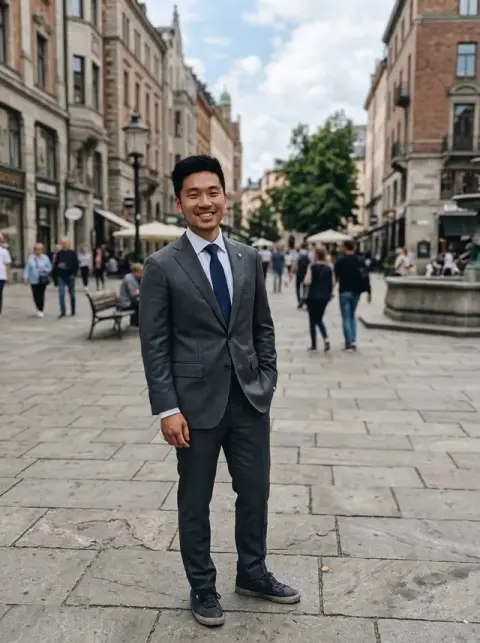
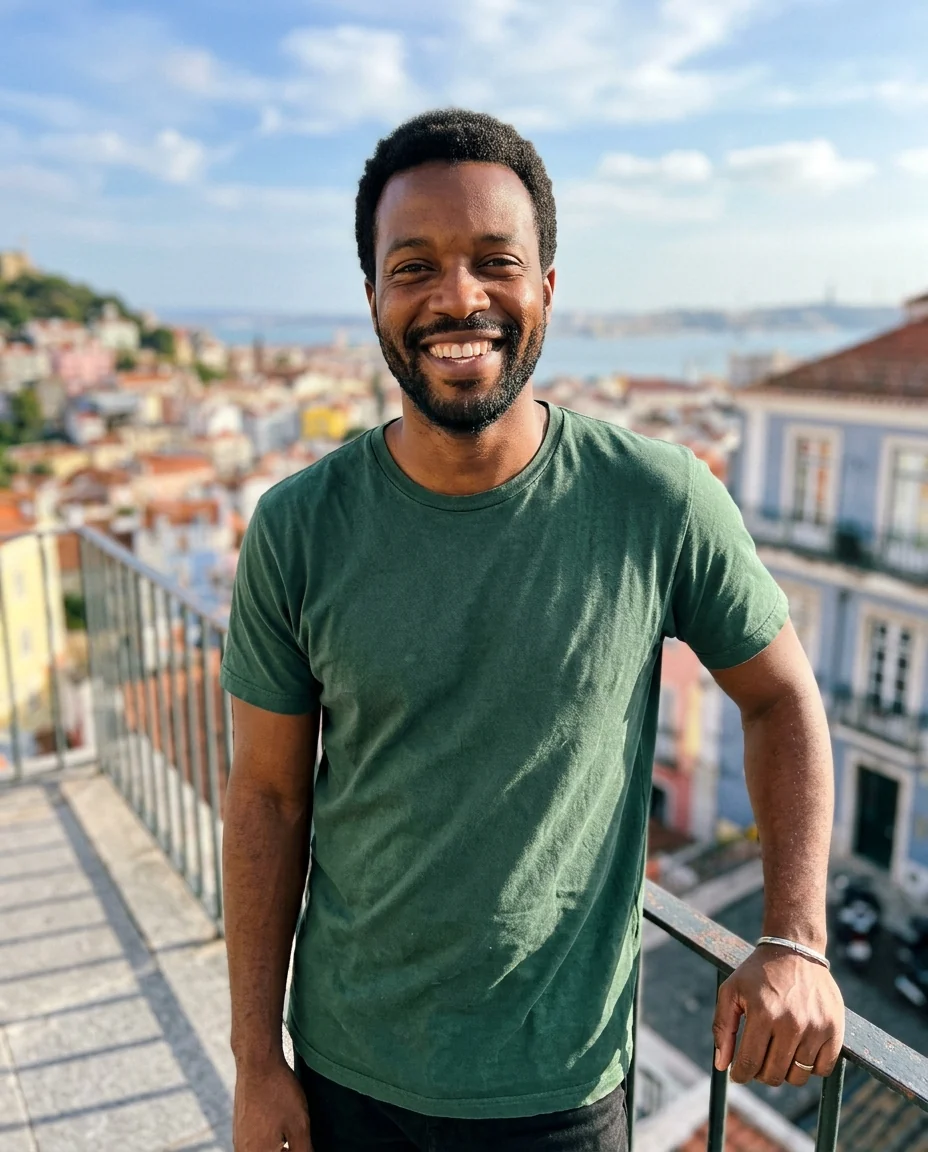
Corporate Headshot Generator examples.
Real results from this page's default settings in one click, not retouched.How examples are made
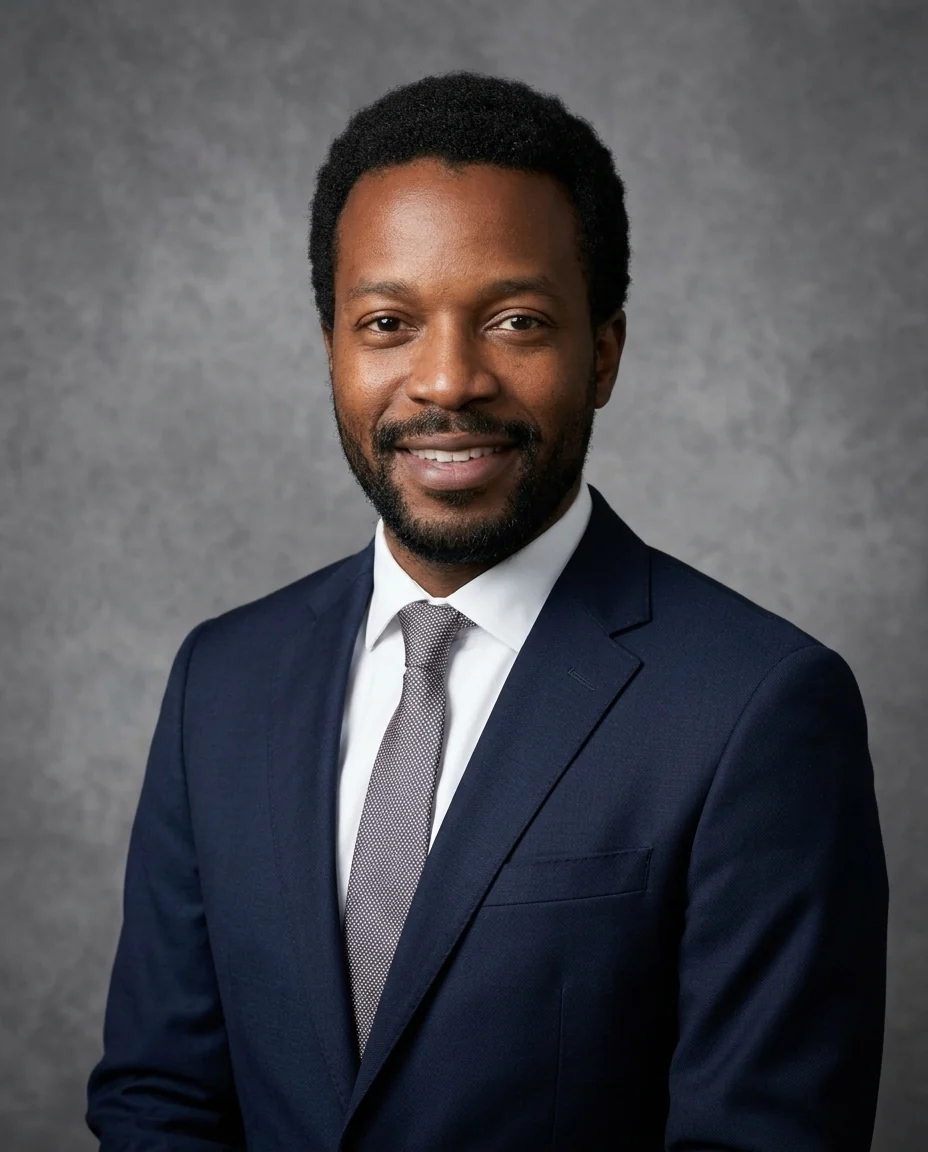
Grey backdrop
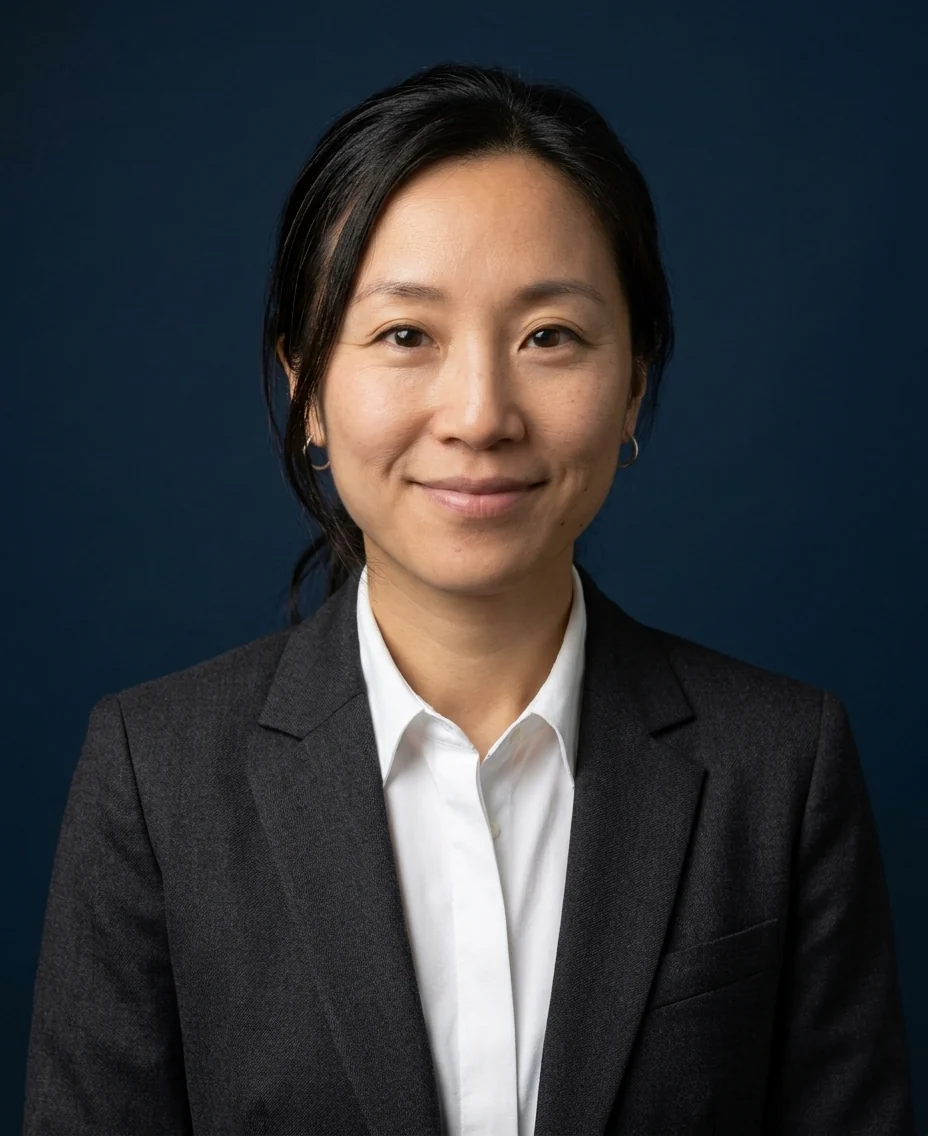
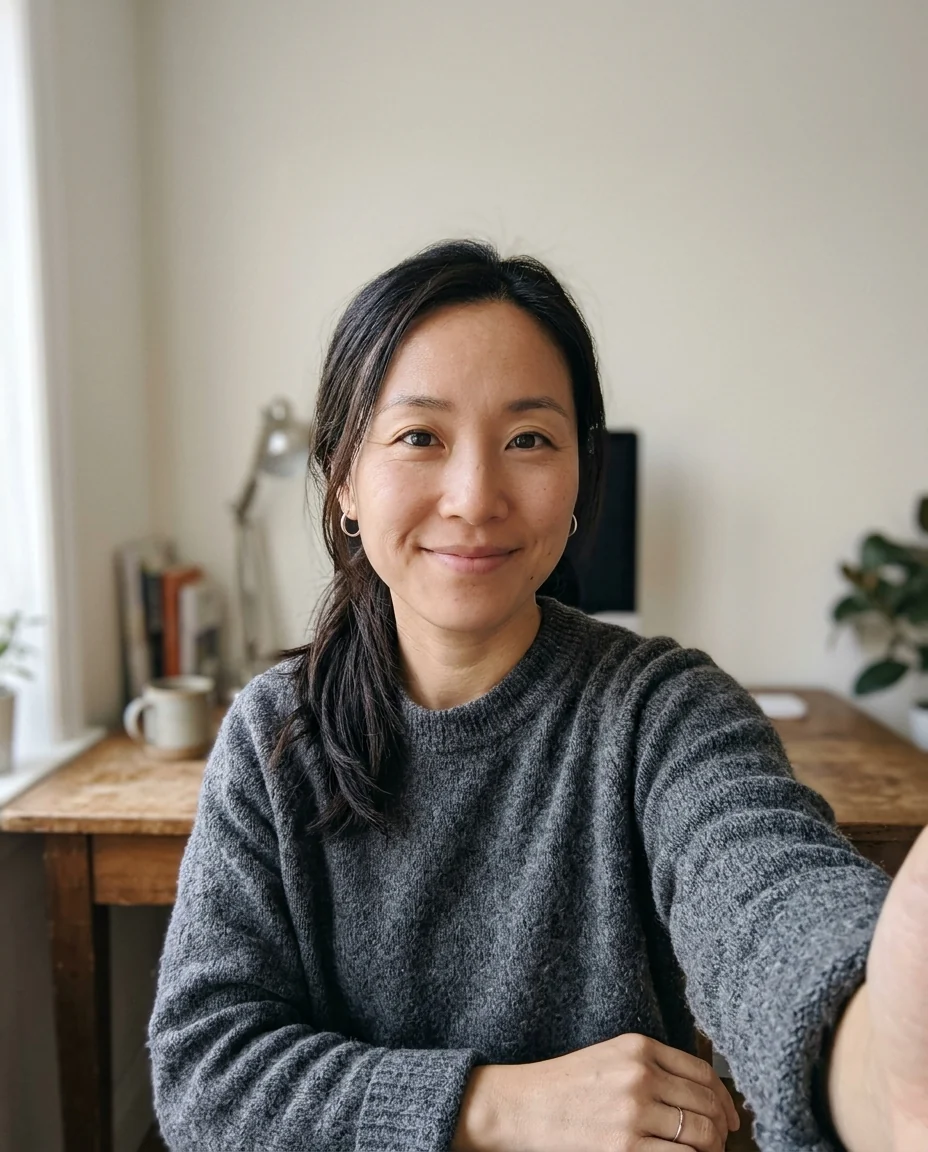
Navy backdrop
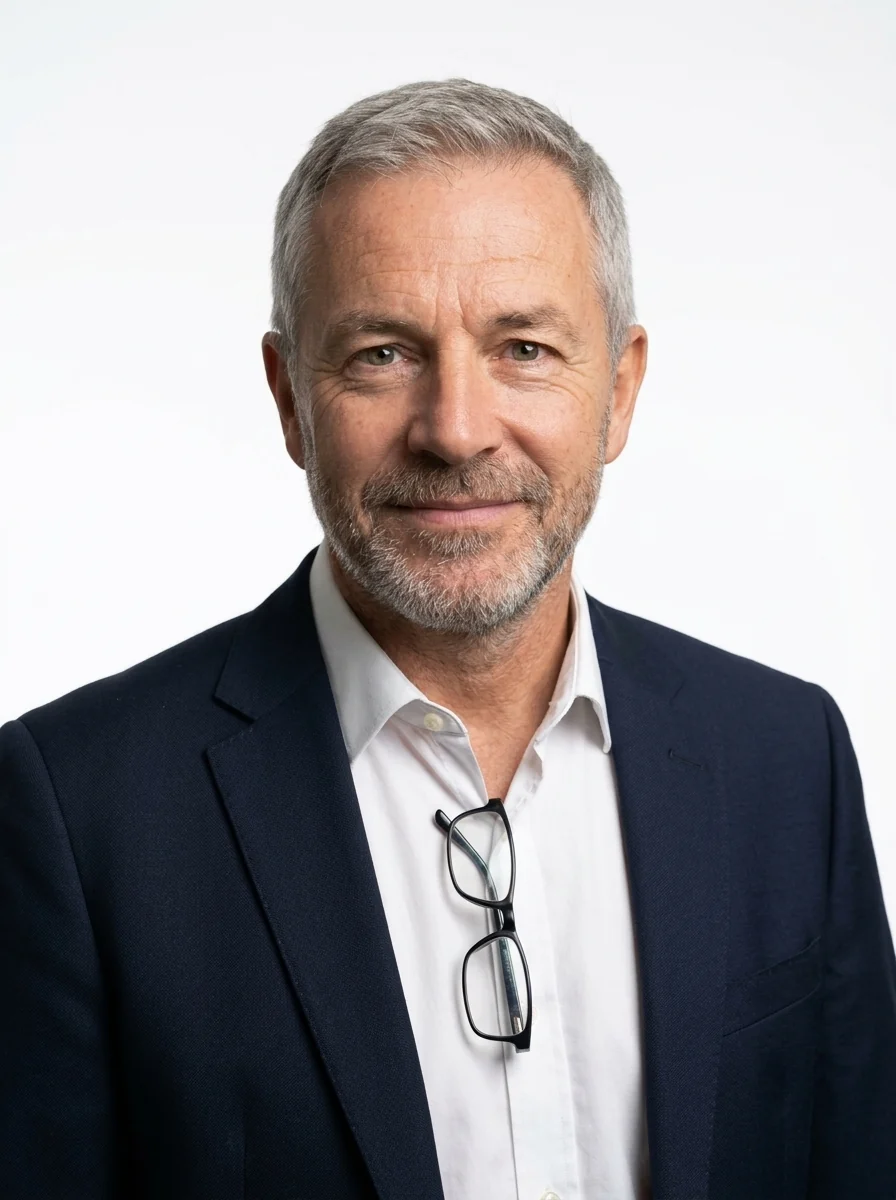
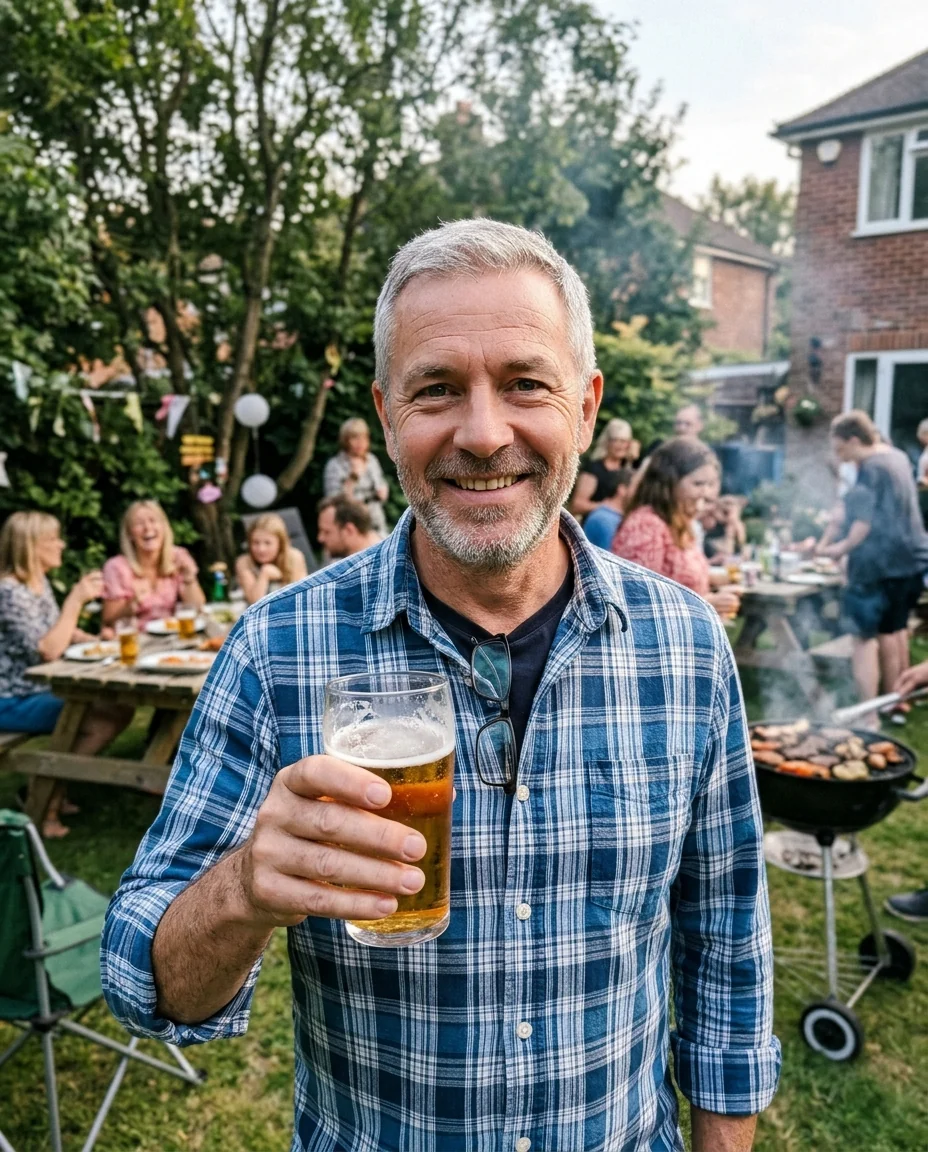
White backdrop
Corporate Headshot Generator features.
One look for the team
Same backdrop, light and framing for everyone.
Formal dress
Suit or blazer and a crisp shirt.
Real faces
No smoothing or reshaping.
Corporate Headshot Generator, step by step.
01
Upload a photo
One per person; any clear, front-facing photo.
02
Pick one backdrop
Use the same one for every team member.
03
Download
Add them to the team page.
Corporate Headshot Generator use cases.
- Team pages
- Consistent photos without booking a photographer.
- Press and speakers
- A formal headshot for bios and conference pages.
Corporate Headshot Generator: best photos and fixes.
New starters and updates
When someone joins, run their photo with the same backdrop and outfit instructions as the rest of the team, so the page stays consistent. Keep the exact instructions in a shared note, including the backdrop choice and clothing level, so anyone can produce a matching headshot later.
Grey, navy or white backdrop
Grey is the classic corporate backdrop and suits most industries. Navy feels formal and confident, popular in finance and law. White is clean and modern, common for tech and consulting. Choose Custom for your brand color or an office setting, such as "blurred modern office background".
One backdrop for the whole team
For a team page, give everyone the same backdrop and run each photo once. The shared light, framing and background make the set look like one photo session, even if the source selfies were taken in different places. Check the set side by side before publishing.
Choosing the outfit
Business attire is applied by default. Write what fits your company: "navy suit, no tie", "dark blazer over a white blouse", "smart casual, grey sweater". For a team, agree on a dress level so one person in a suit and another in a hoodie do not stand out.
Glasses, hair and head coverings
Glasses, beards, hairstyles and head coverings are kept as they are. If glasses had glare in the selfie, it may carry over; tilt them slightly down when you take the photo. Hair that is messy in the selfie stays messy, so tidy it first.
Where to use it
Use the headshots on the company website, LinkedIn, email signatures, conference speaker pages and internal directories. Do not use them for ID badges, passports or other official documents that require unedited photos.
Collecting photos from the team
Send everyone the same short brief: face a window, phone at eye level, held by someone else at about two metres, plain top, no sunglasses. Photos taken the same way give a more consistent set after the backdrop is applied, even when people are in different cities.
Corporate Headshot Generator FAQ.
Can a whole team get matching photos?
Yes. Use the same backdrop for each person; the framing and light are the same every time.
Can I choose the outfit?
Yes. Write it in the instructions, for example "charcoal suit, no tie".
Will my face be retouched?
No. Face shape, skin and features stay as they are; only clothing, light and background change.
Is the Corporate headshot generator free?
Yes, you can try it free. New accounts get 25 free credits, and one generation here uses 9 credits. You sign in with your email; no card needed. Results have no watermark. After that, credit packs never expire, and your first one is half price.