Discord Avatar Maker
A profile picture that still reads at 32 pixels.
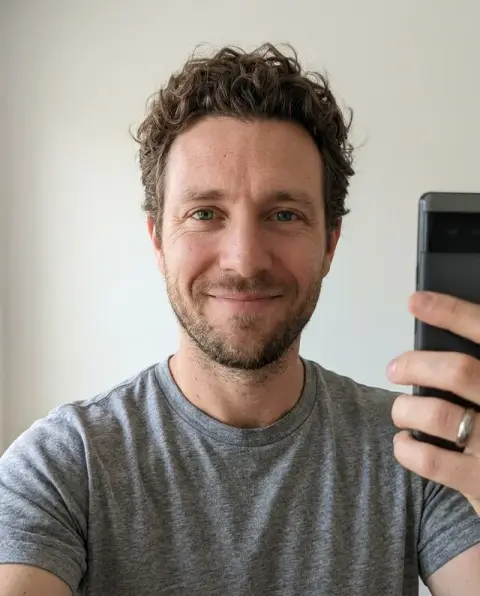
Drop a photo
or paste with ⌘V · JPG · PNG · WebP · up to 8 MB
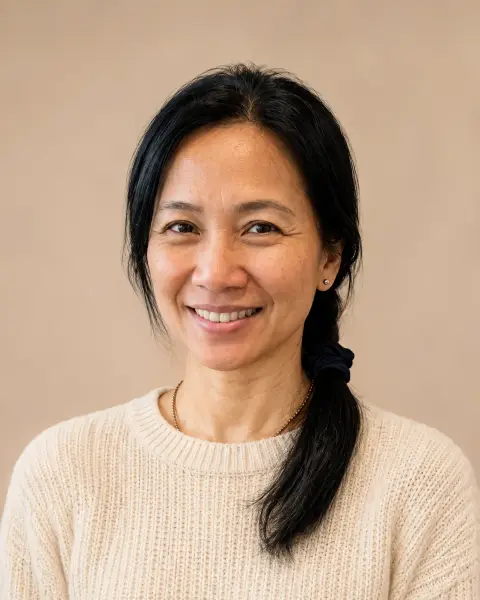
No photo handy? Try one of ours.
More like this.
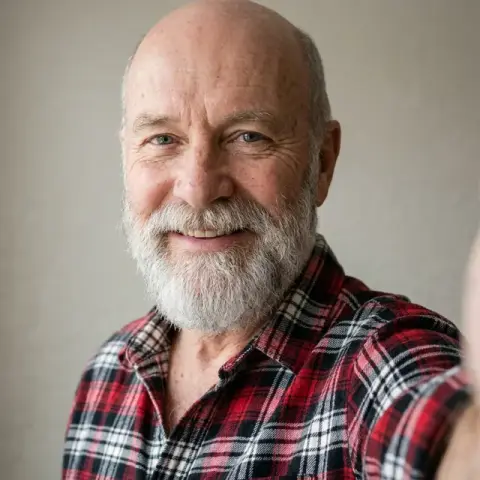
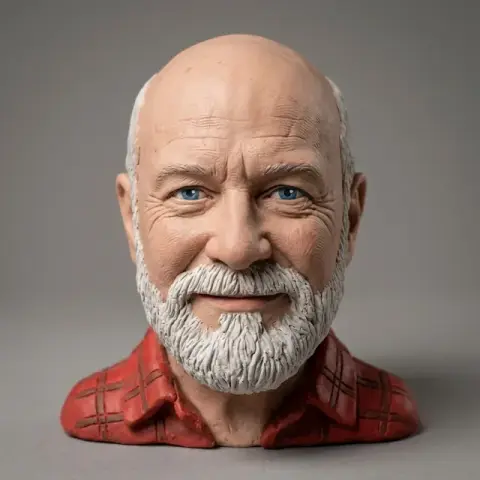
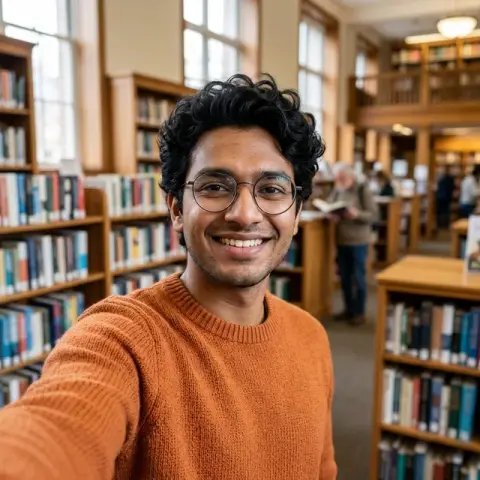
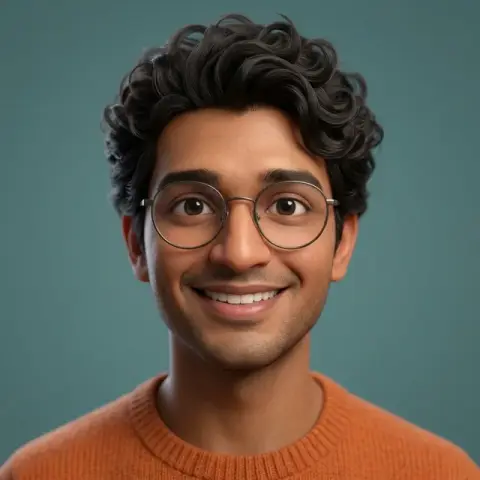
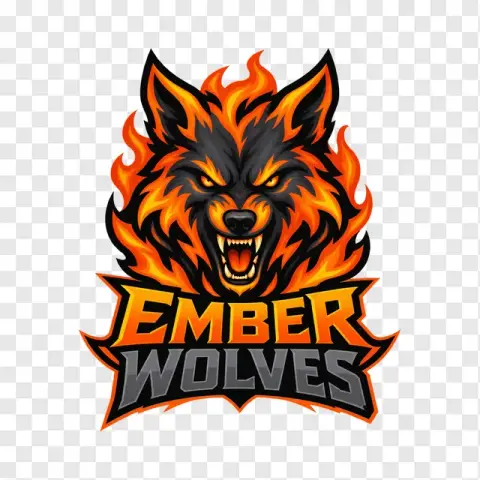
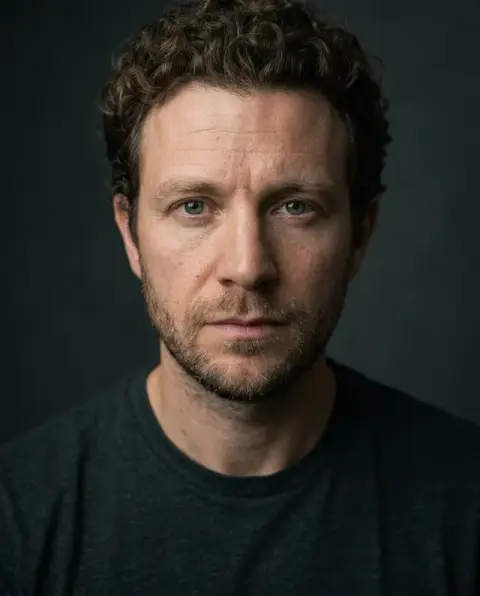
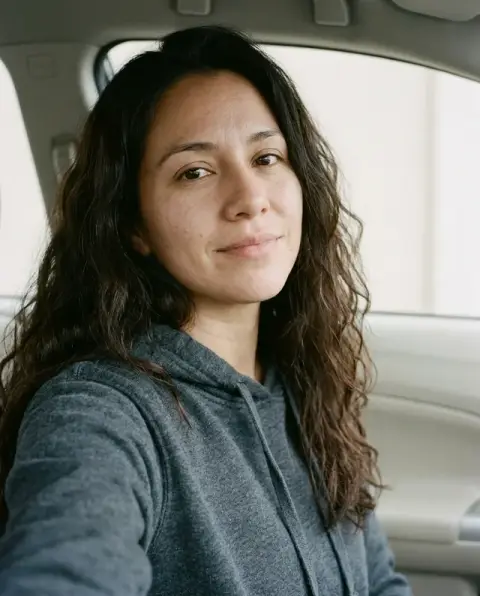
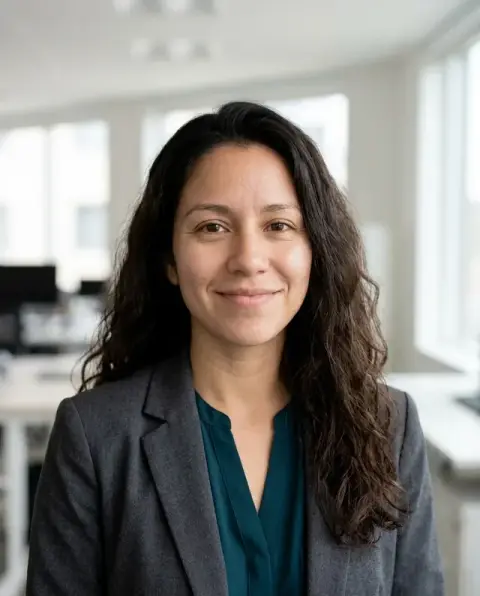
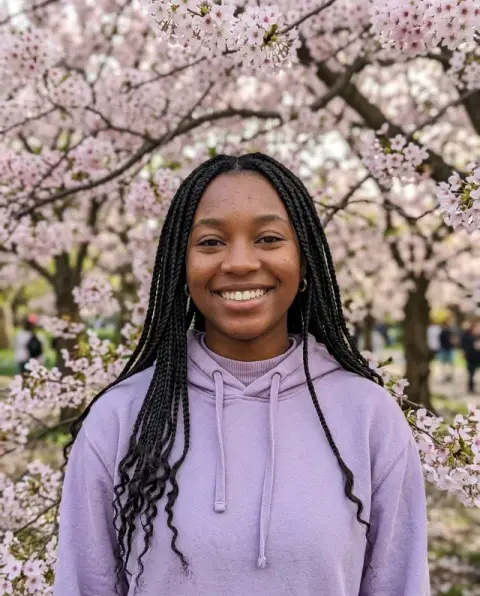
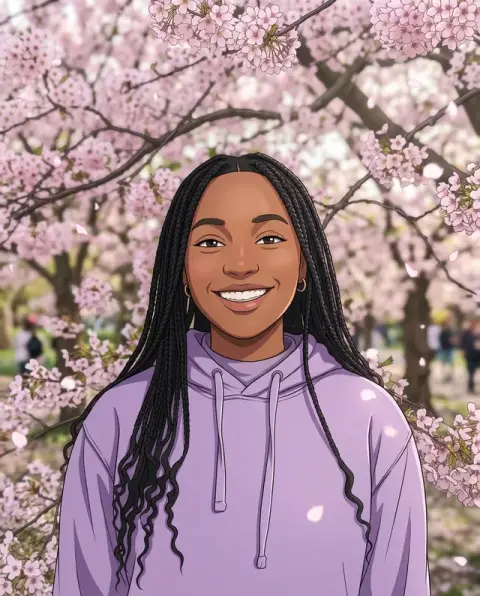
Discord Avatar Maker examples.
Real results from this page's default settings in one click, not retouched.How examples are made
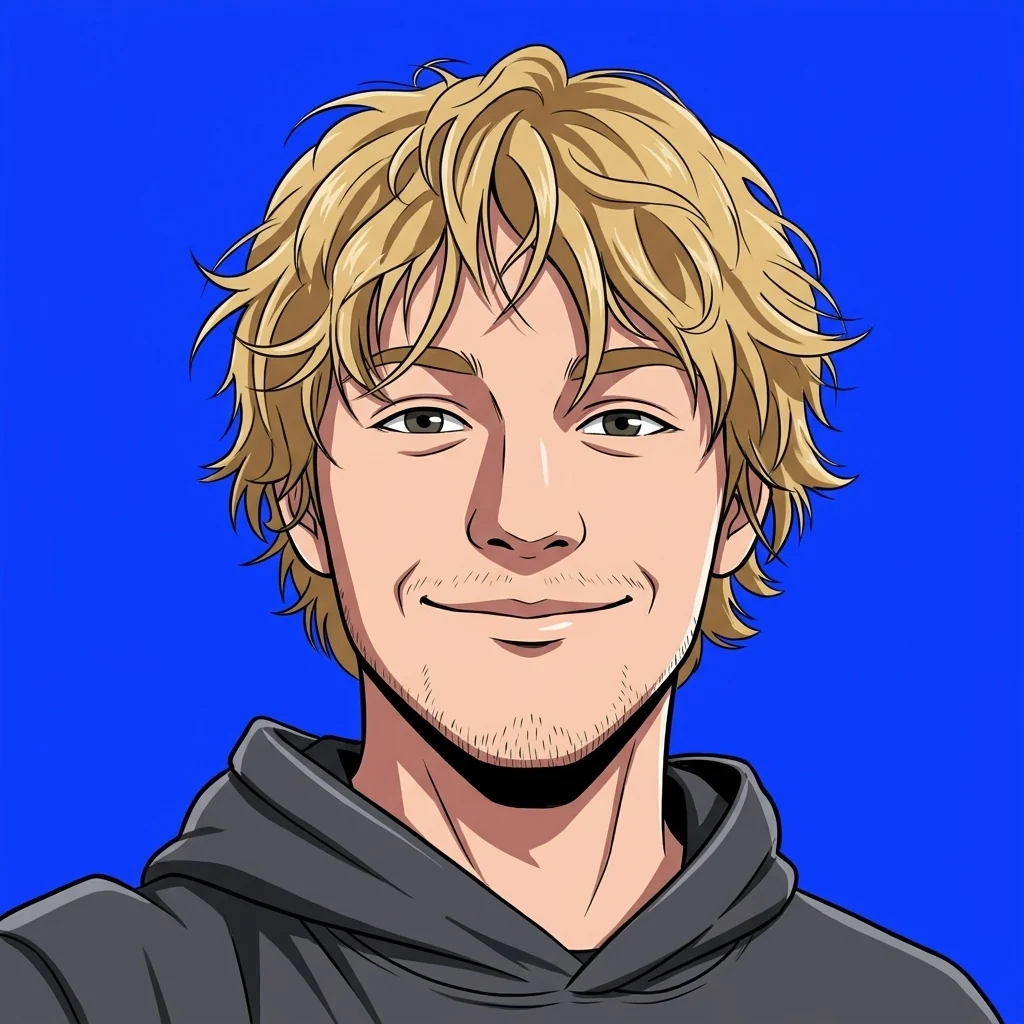
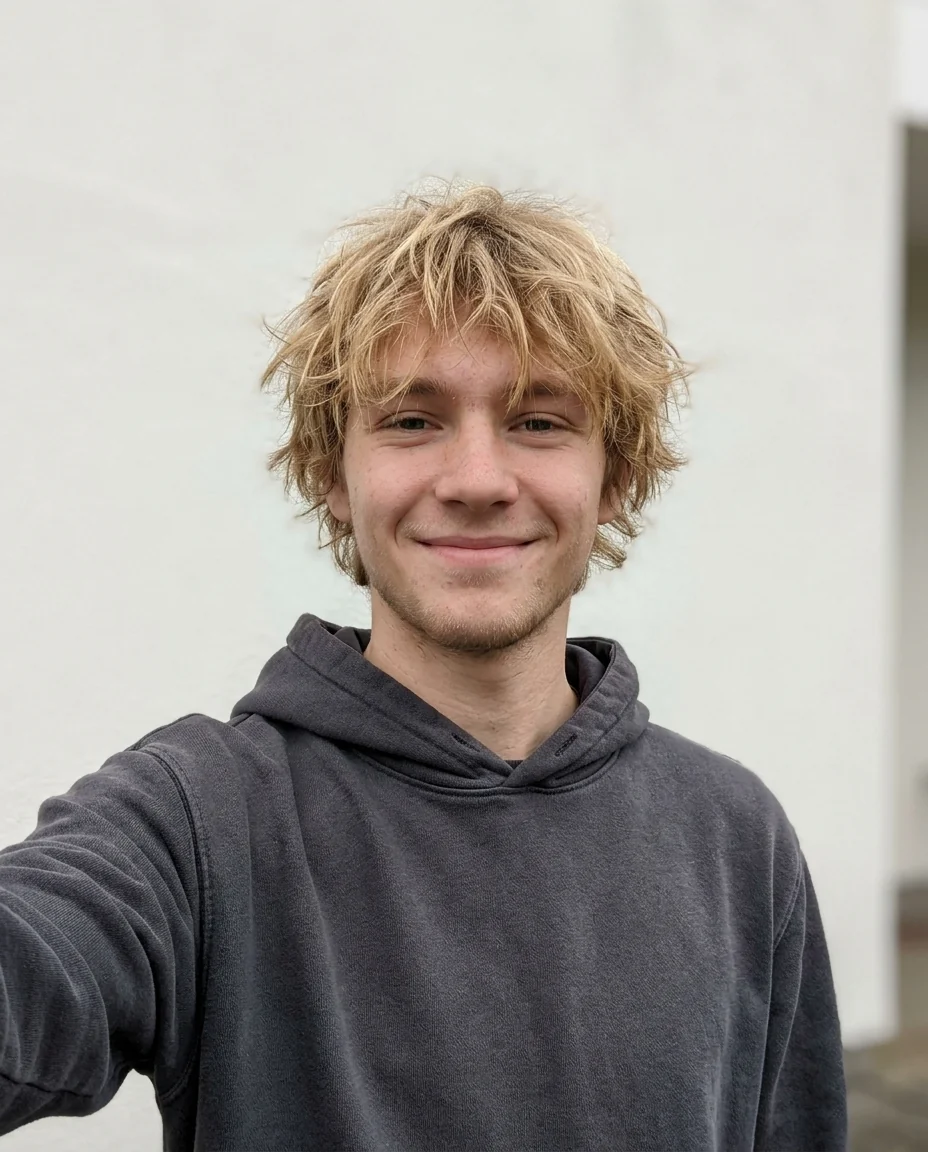
Anime
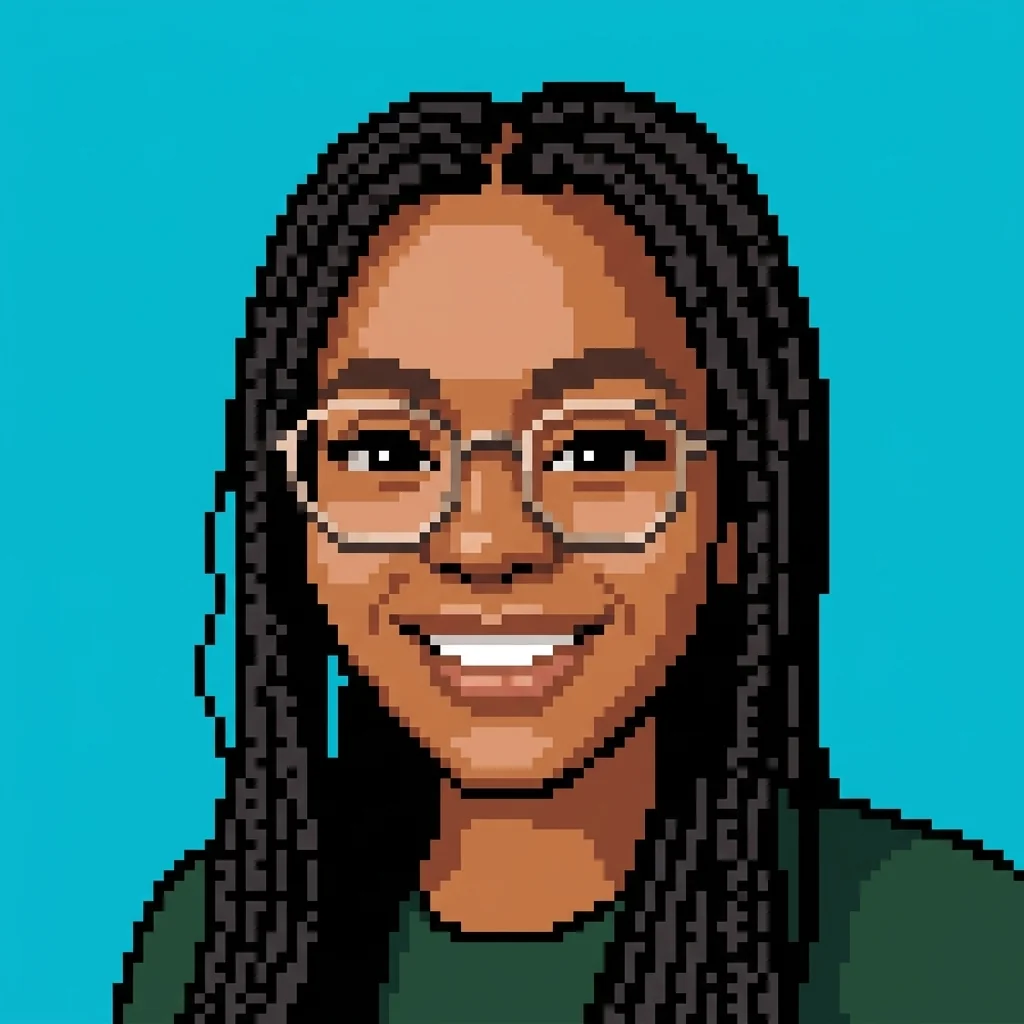
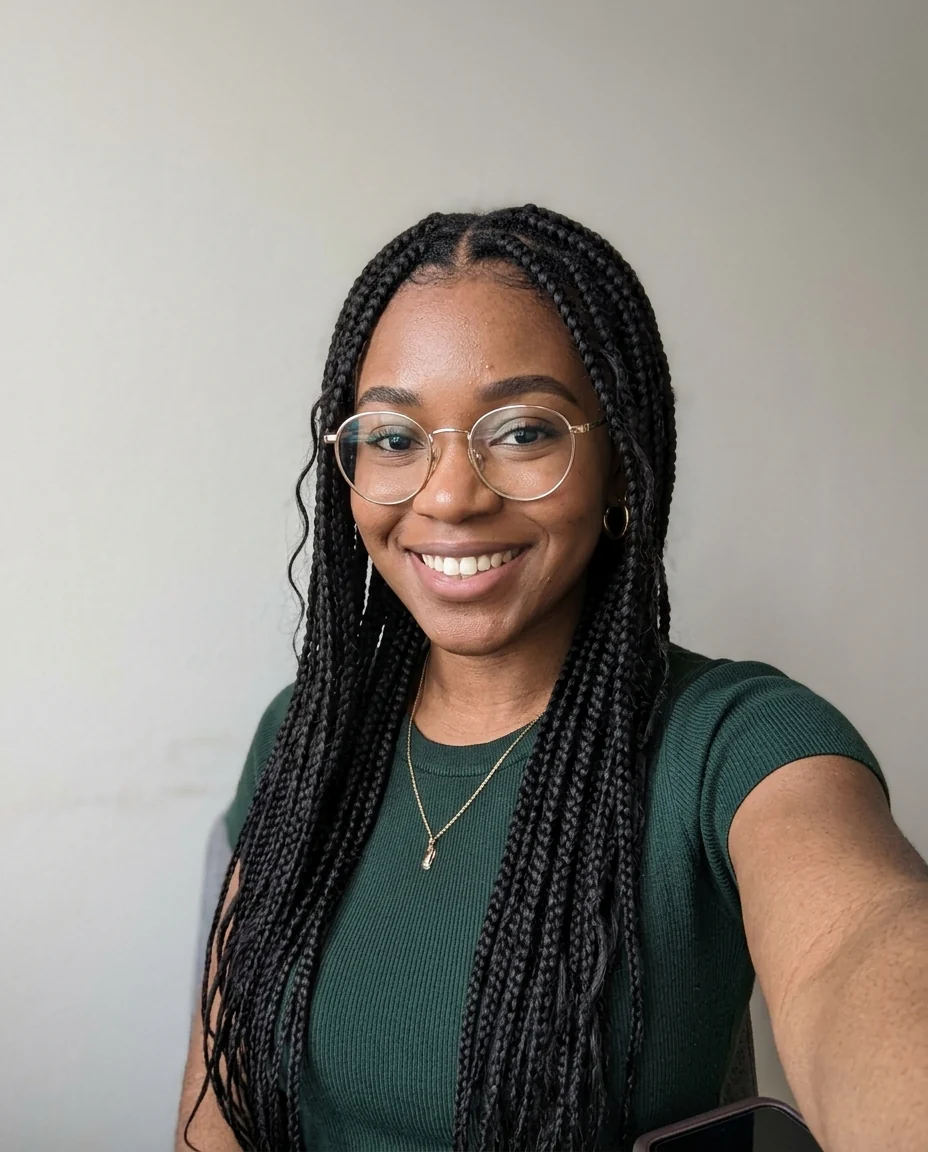
Pixel art
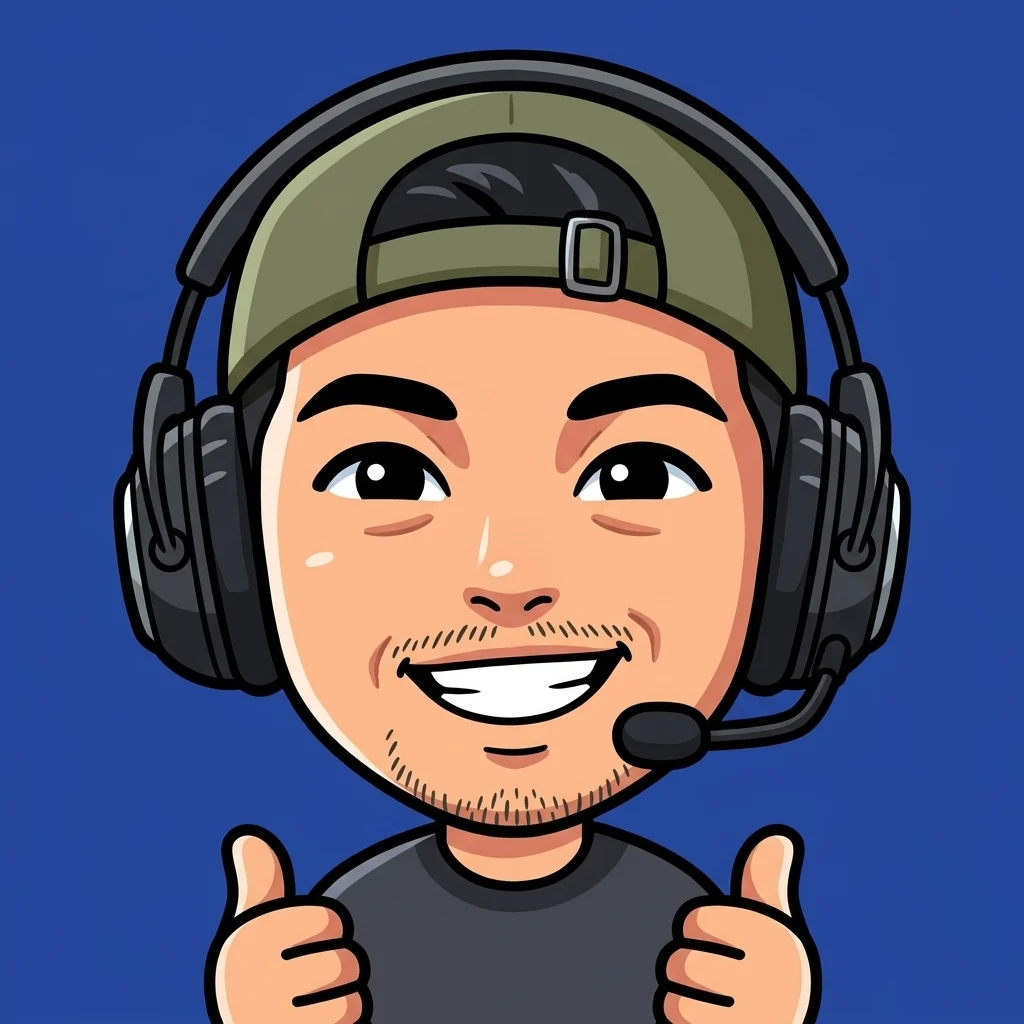
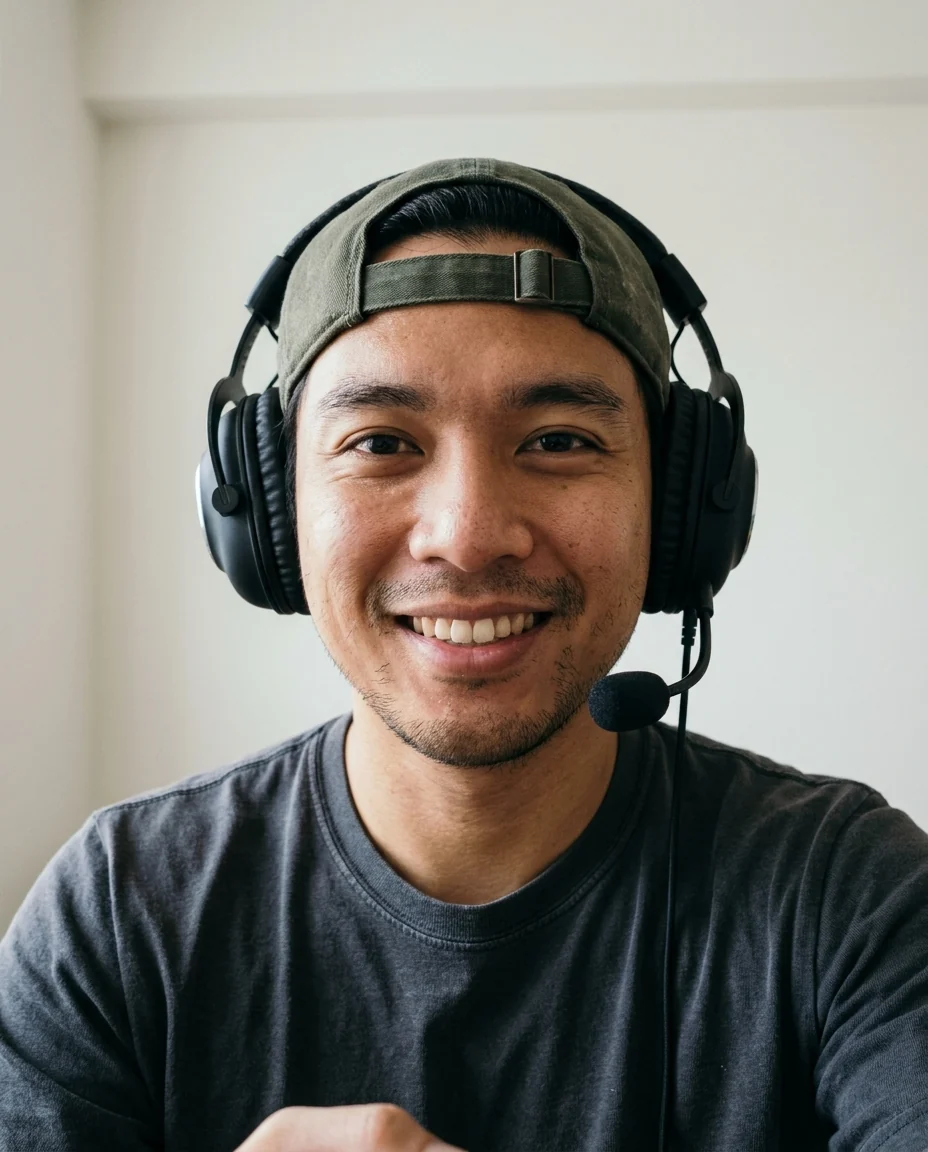
Chibi
Discord Avatar Maker features.
Fits the circle
Face centered, nothing lost in the round crop.
Reads when small
Bold shapes and contrast for the member list.
Four styles
Anime, pixel art, 3D or chibi.
Discord Avatar Maker, step by step.
01
Upload a selfie
Face clear, any background.
02
Pick a style
Anime, pixel, 3D, chibi or Custom.
03
Upload to Discord
User Settings › Profiles › Avatar.
Discord Avatar Maker use cases.
- Servers and communities
- A recognizable avatar without using your real photo.
- Matching server roles
- Friends in the same style for a group.
Discord Avatar Maker: best photos and fixes.
Reads at 32 pixels
Discord shows avatars tiny in member lists and chat. The tool fills the middle of a square with your face, keeps important things away from the corners that the circle crops, and uses bold shapes and strong contrast. Check your result at small size: if you cannot tell it is you at 32 pixels, simplify the style.
Anime, pixel, 3D or chibi
Anime gives clean lines and big eyes, popular in gaming and fandom servers. Pixel gives retro game sprites that read well tiny. 3D gives a soft animated character. Chibi gives a cute, big-headed mini version. Choose Custom for anything else, such as "cyberpunk neon" or "watercolor portrait".
Background color
Grey and very dark backgrounds blend into Discord's dark interface, which most people use. A bright, saturated color, such as teal, orange or pink, stands out in member lists. Write it in the instructions, or match a color from your server's theme.
Using it on other platforms
The square, centered format also works for Twitch, Steam, Reddit, Slack and most forums. Some show it in a circle and some in a square, so keep important details in the middle. Using the same avatar everywhere helps people recognise you across communities.
Still image, ready to upload
The result is a square still image, ready to upload as your profile picture. If you want an animated version, check Discord's current requirements; a strong still avatar with a bright background is often more readable in small member lists than an animated one.
Server roles and themes
For a server event or a mod team, make matching avatars with the same style and a different background color for each role. Repeat the same instructions for each person. Seasonal versions, such as Halloween or winter, are a fun way to refresh a community.
If you are hard to recognise
At 32 pixels, recognition comes from big things: hair color, glasses, a hat or headphones you always wear. Mention them in the instructions if they disappear. Friends on your server will recognise those details faster than facial features.
Discord Avatar Maker FAQ.
What size is a Discord avatar?
Discord shows it as a circle and recommends at least 128 × 128 pixels. The result is square and much larger, with the face centered for the crop.
Can I make an animated avatar?
This page makes still images. Animated avatars need Discord Nitro and a GIF.
Can I use it on other platforms?
Yes. It works for Steam, Twitch, X and anywhere with a round or square profile picture.
Is the Discord avatar maker free?
Yes, you can try it free. New accounts get 25 free credits, and one generation here uses 9 credits. You sign in with your email; no card needed. Results have no watermark. After that, credit packs never expire, and your first one is half price.