Add White Background to Photo
Swap any background for a clean, pure white one. Marketplace-ready product photos and studio-style portraits in seconds.
Drop a photo
or paste with ⌘V · JPG · PNG · WebP · up to 8 MB
No photo handy? Try one of ours.
More like this.
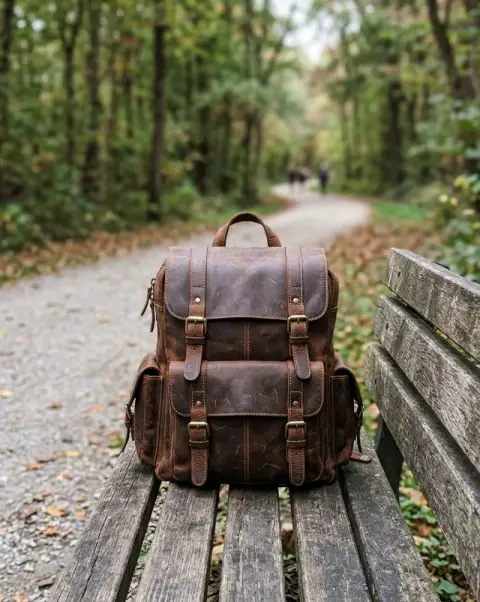
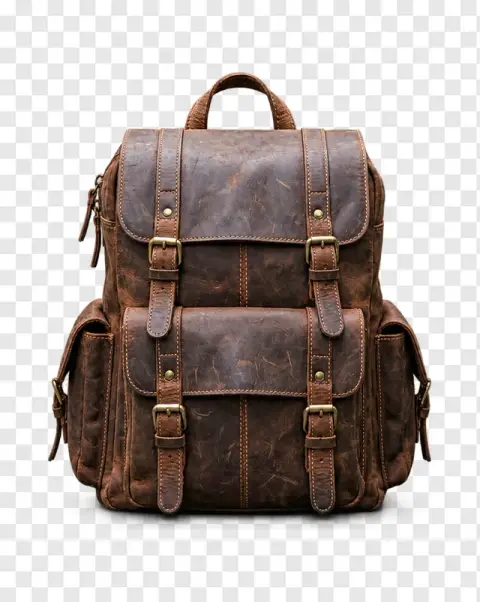

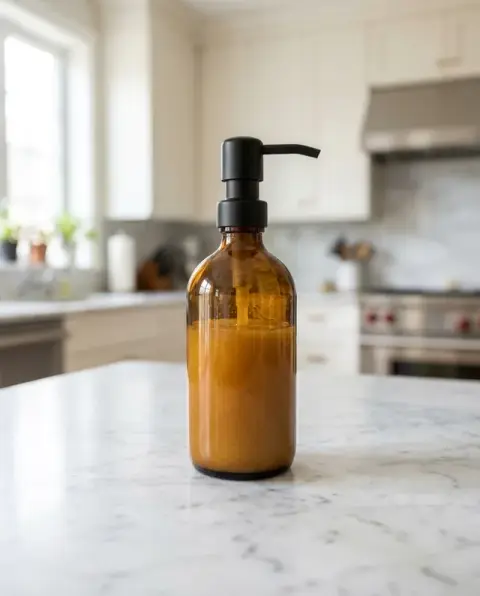




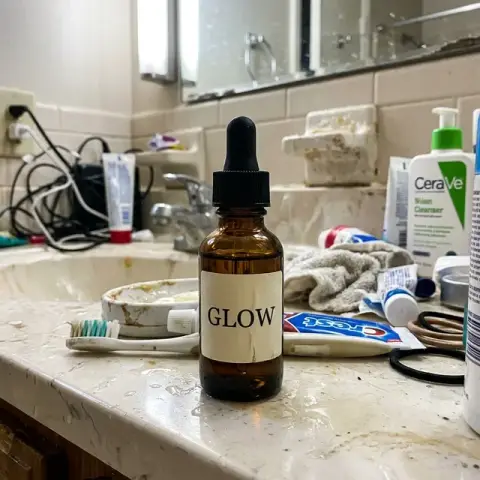
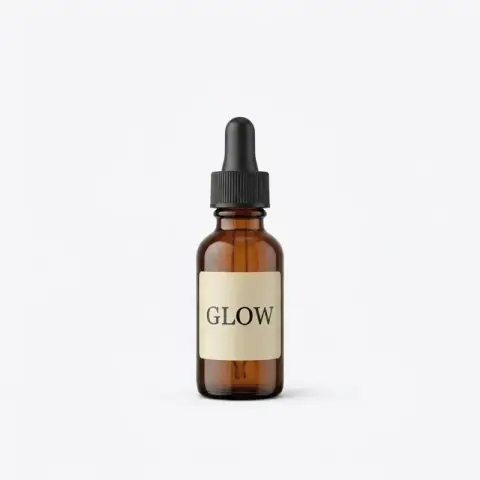


Add White Background to Photo examples.
Real results from this page's default settings in one click, not retouched.How examples are made

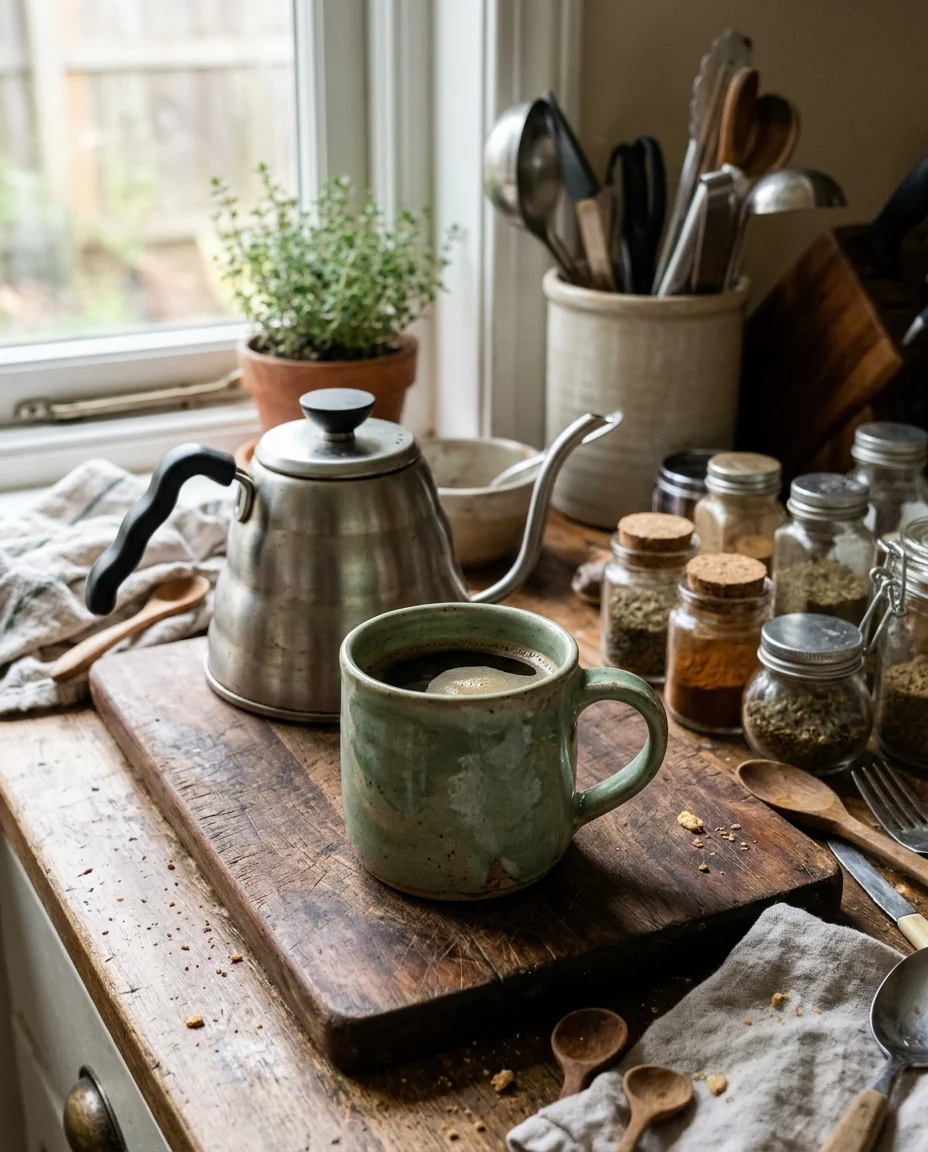
The mug alone on pure white

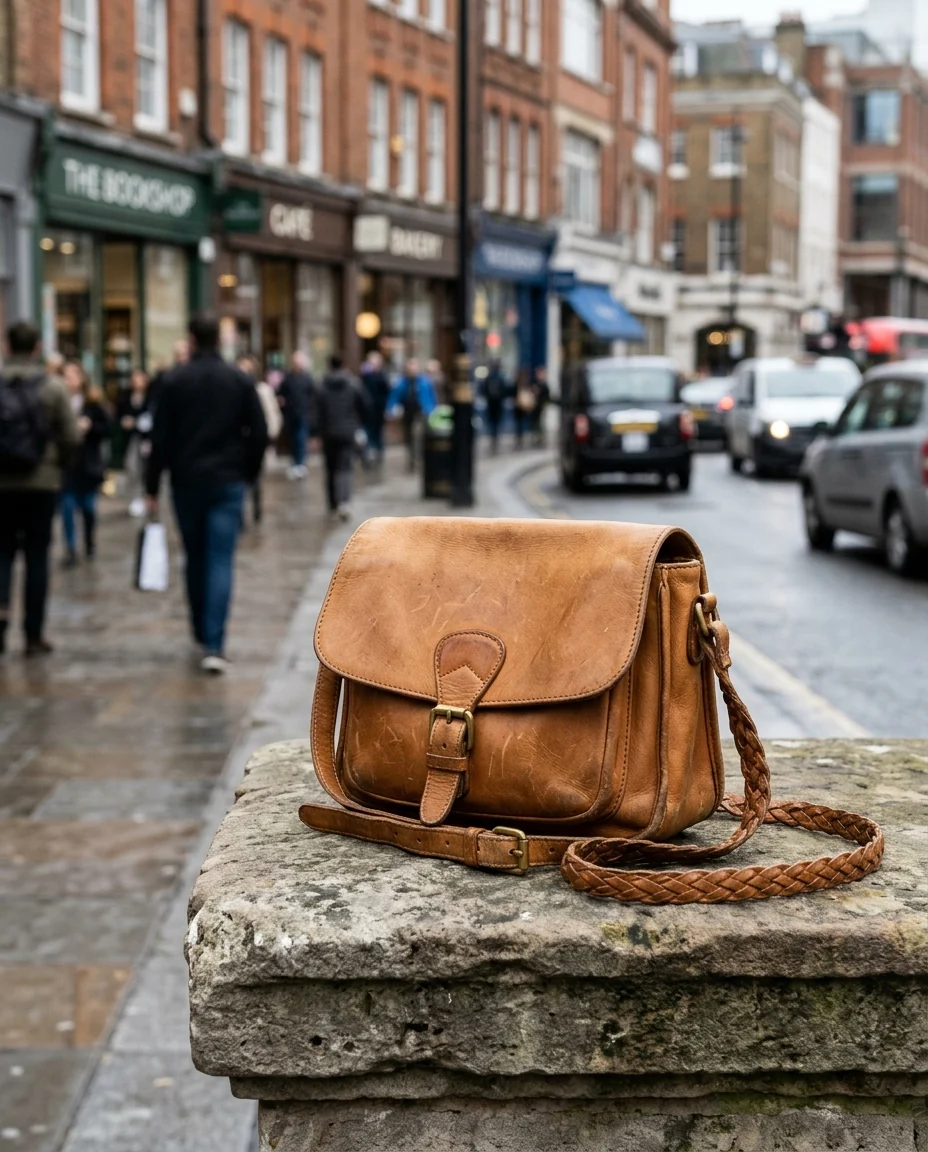
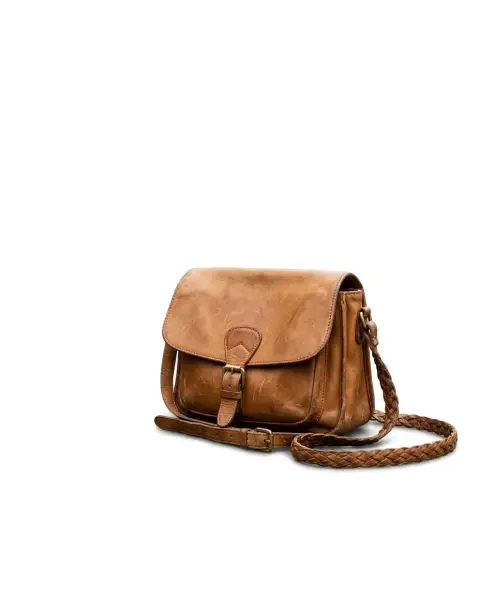
The handbag on a clean white background for a store listing


The same man on a plain white background for an ID photo
Add White Background to Photo features.
Marketplace compliant
Pure #FFFFFF white that meets Amazon, eBay and Etsy main-image requirements.
Natural edges
Hair, fabric and product outlines stay crisp. No grey fringe around the subject.
Soft contact shadow
A soft shadow under the product keeps it grounded instead of floating.
Batch friendly
Run photo after photo without re-uploading settings. Every image uses the same clean preset.
Add White Background to Photo, step by step.
01
Upload a product or portrait photo
Any background works, but good lighting on the subject gives the cleanest result.
02
Generate
The AI isolates the subject and places it on a pure white canvas.
03
Download the result
Save it to your device, ready to post or list.
Add White Background to Photo use cases.
- Amazon and Shopify product photos
- Meet the white-background rule for main images without a studio.
- Passport and ID photos
- Many ID requirements ask for a plain white or off-white background.
- Resume and team photos
- Give everyone on the team the same consistent white backdrop.
Add White Background to Photo: best photos and fixes.
Products that come out cleanest
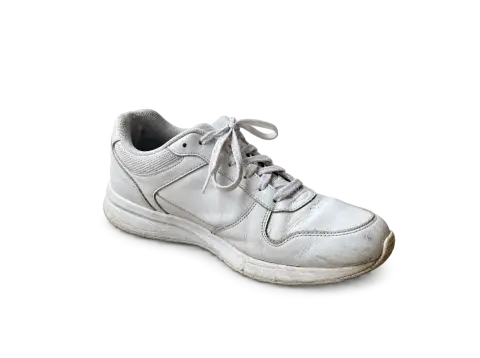
Solid objects with clear outlines, such as shoes, bottles, boxes and electronics, give crisp edges against white. Shoot on any plain surface with even light, and keep the whole product inside the frame with a little room around it. If part of the item is cut off by the photo's edge, the model may finish the missing part on its own, which is rarely what a listing needs.
Glass, white and transparent items
White products on white and clear glass are the hardest cases, because the item's own edges are close to the new background. Keep the soft contact shadow so the product does not float, and photograph glass against a darker backdrop so its rim and reflections are visible. If a white garment loses its outline, write "keep a faint grey edge around the shirt" in the instructions.
Portraits and ID photos
For headshots, face the camera with even light on both sides of your face, and keep loose hair off the edges of the frame. Flyaway hair is kept as hair, not cut into a hard line, but very busy backgrounds behind it can leave faint traces. Passport and visa offices each have their own rules on size, head position and shadows, so check those after you download.
If the white is not pure enough
Marketplaces such as Amazon expect a pure white background. If you see grey corners or a visible floor line, regenerate with "pure white #FFFFFF background, no floor" in the instructions, or ask for "no shadow" for a completely flat cut-out. Switching to another model in the dropdown is also worth a try: models differ slightly in how soft they make the edges and shadow.
Batches of product photos
For a whole catalogue, keep each shot consistent: the same distance, angle and lighting setup, and the product centred in a similar amount of space. The results then line up neatly on a product grid. Use the same instructions for every image, for example "pure white background, soft shadow under the product", so the shadows and margins match from one listing to the next.
Add White Background to Photo FAQ.
Is the white background pure #FFFFFF?
Yes, the preset asks for a uniform pure white, which is what Amazon and most marketplaces require.
Can I keep the product's shadow?
Yes. Add 'keep a soft natural shadow under the product' in the extra instructions.
Can I choose another color?
Yes. Use the background changer tool or write the color in the instructions, for example 'light grey background'.
Does it work for passport photos?
It produces a plain white background, but always check your country's exact size and head-position rules.
Is the White background free?
Yes, you can try it free. New accounts get 25 free credits, and one generation here uses 9 credits. You sign in with your email; no card needed. Results have no watermark. After that, credit packs never expire, and your first one is half price.
Guides on the blog.
 How to take a passport photo at home with your phoneYou can take a passport-style photo at home with a phone and a plain wall. Setup, pose, common rejection reasons, and what you may not edit.
 Product photography with a phone: a simple home setupA window, a sheet of white card and your phone are enough for product photos that sell. The setup, angles, settings and editing steps, start to finish.
 Transparent vs white background: which should you use?A cut-out, a pure white product shot or a styled scene. What each one is for, and how to make all three from the same photo.