3D Logo Generator
Your logo with real depth, light and material.
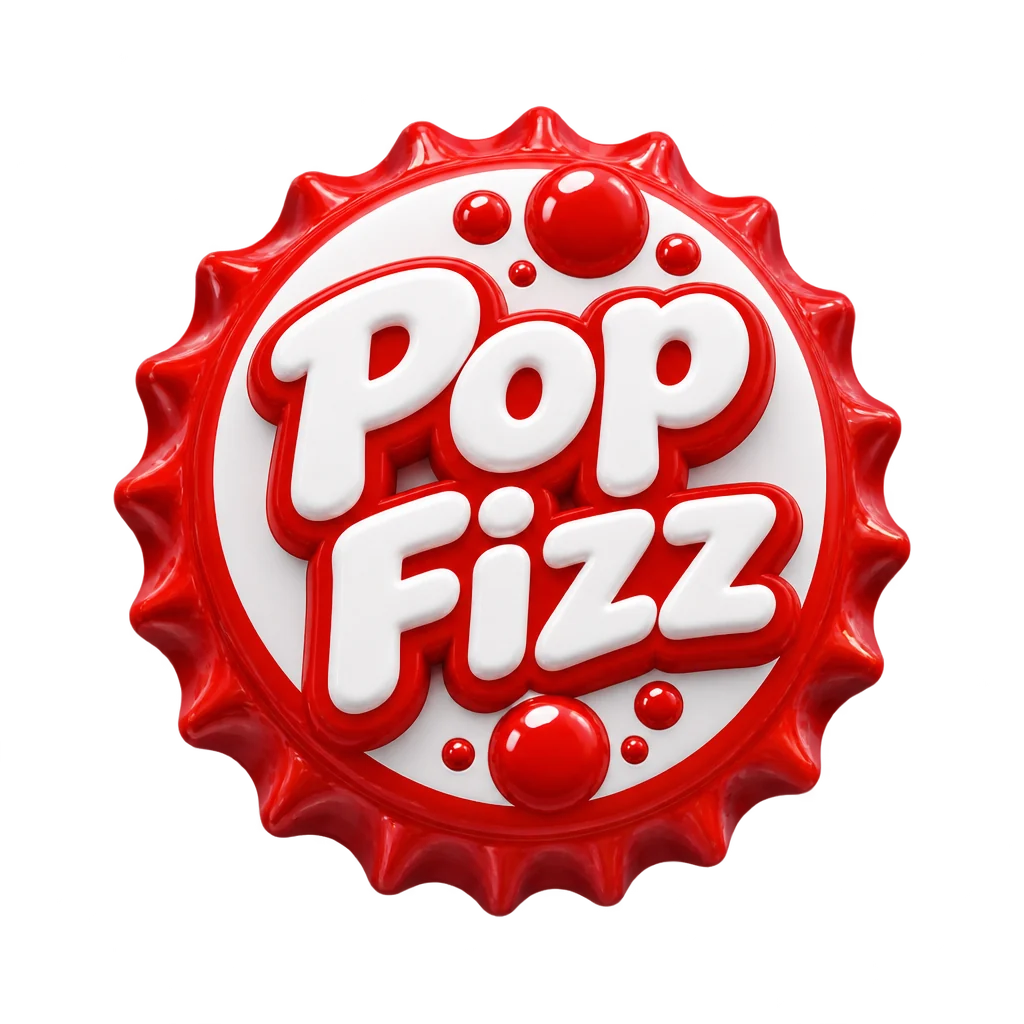 Example output
More like this.






3D Logo Generator examples.
Glossy
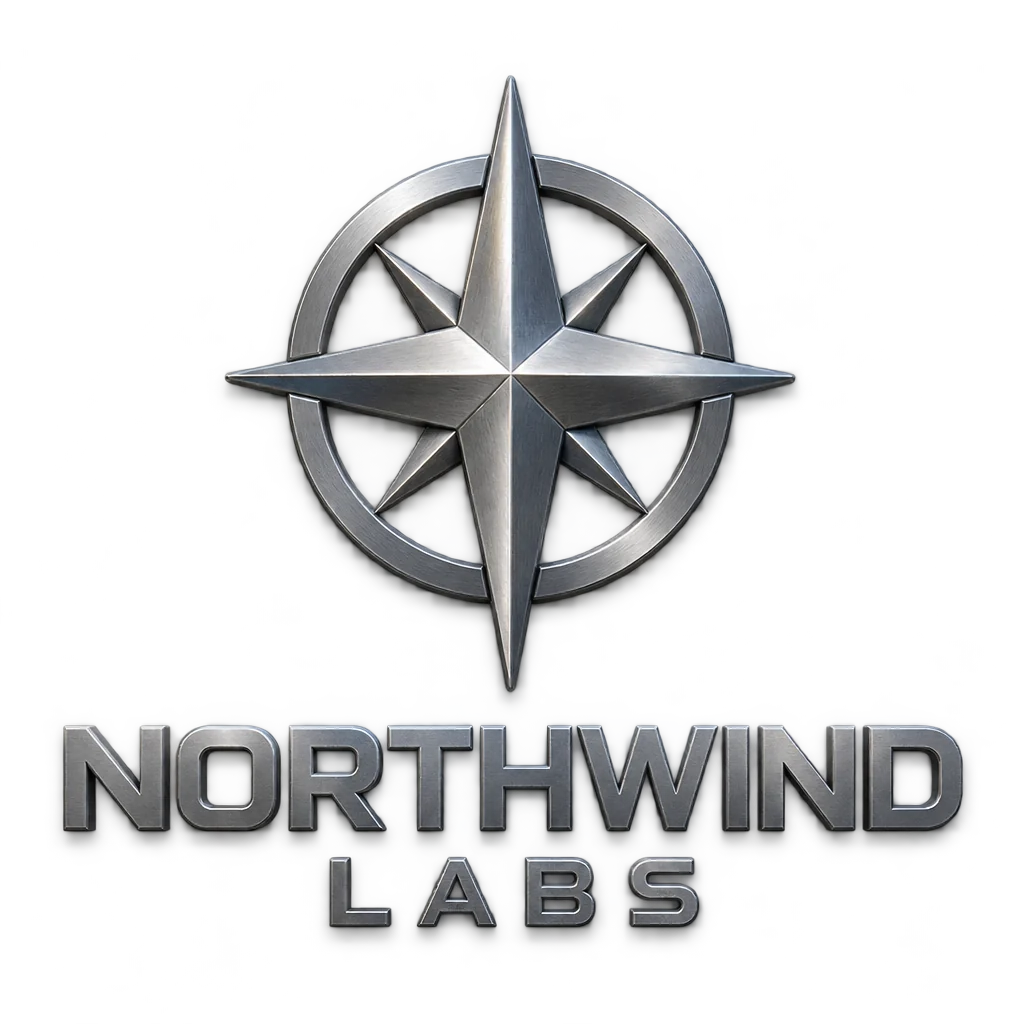
Metal

Clay
3D Logo Generator features.
Three materials
Glossy, metal or clay.
Real depth
Bevels, highlights and a soft shadow.
Transparent PNG
Drop it into intros, slides and app icons.
3D Logo Generator, step by step.
01
Describe the brand
The name in quotes and a simple mark.
02
Pick a material
Glossy, metal or clay.
03
Download
A transparent PNG for intros, slides and app icons.
3D Logo Generator use cases.
- Video intros
- A 3D logo for YouTube and presentations.
- App icons and stickers
- A logo that pops on screen.
3D Logo Generator: best photos and fixes.
Marks that turn into clean 3D
Simple, bold shapes take on depth best: a single letter, a solid icon, a short wordmark in a heavy font. Very thin lines and small details get lost in the bevels and reflections. Describe your logo plainly, such as "the letter M as a rounded monogram", and name one or two colors.
Glossy, metal or clay
Glossy gives a smooth, shiny plastic look with strong highlights, good for apps and playful brands. Metal gives chrome, brushed steel or gold, which suits premium, tech and music brands. Clay gives a soft, matte, hand-made feel for friendly brands and kids' products. The material changes the mood more than the shape does.
Transparent or white
Transparent output gives a PNG you can place on websites, slides and video intros without a box around it. White gives a clean product-style shot. Reflections on glossy and metal logos are drawn as part of the logo, so they stay when you move it onto a new background.
Converting a flat logo
To bring an existing flat logo into 3D, describe it closely: shapes, letters and colors. The result is a new rendering inspired by your description, so check that proportions and spelling match your original. For an exact 3D version of a registered logo, a 3D designer working from your vector file is the safer route.
Light and depth
The logo is shown almost straight on, so depth comes from bevels, highlights and shadow rather than a dramatic angle. Name the light, such as "soft studio light from the top left", to control where highlights fall. A straight-on view stays readable on small screens, which is where most 3D logos end up.
Where 3D logos work
3D logos suit app icons, video intros, social banners, merchandise renders and event screens. On letterheads, invoices and small favicons, a flat version stays cleaner. Keep both versions and use each where it fits.
3D Logo Generator FAQ.
Can I turn my existing flat logo into 3D?
This page designs a new logo from a description. Describe your current logo closely to get a 3D version of the same idea.
Can I choose the angle?
Yes. Write "slight angle from the left" or "seen from below".
Is it a 3D model file?
No. You get a high-resolution image that looks 3D, not an OBJ or FBX file.
Do I need an account?
Yes. Sign in with your email. The default transparent model costs 25 credits per image, so the 25 free credits new accounts get cover one; Nano Banana 2 costs 13 credits and gives a white background. Every model and 4K output are open to every account.