AI Cat Generator
Any cat, any breed, any scene, from a few words.
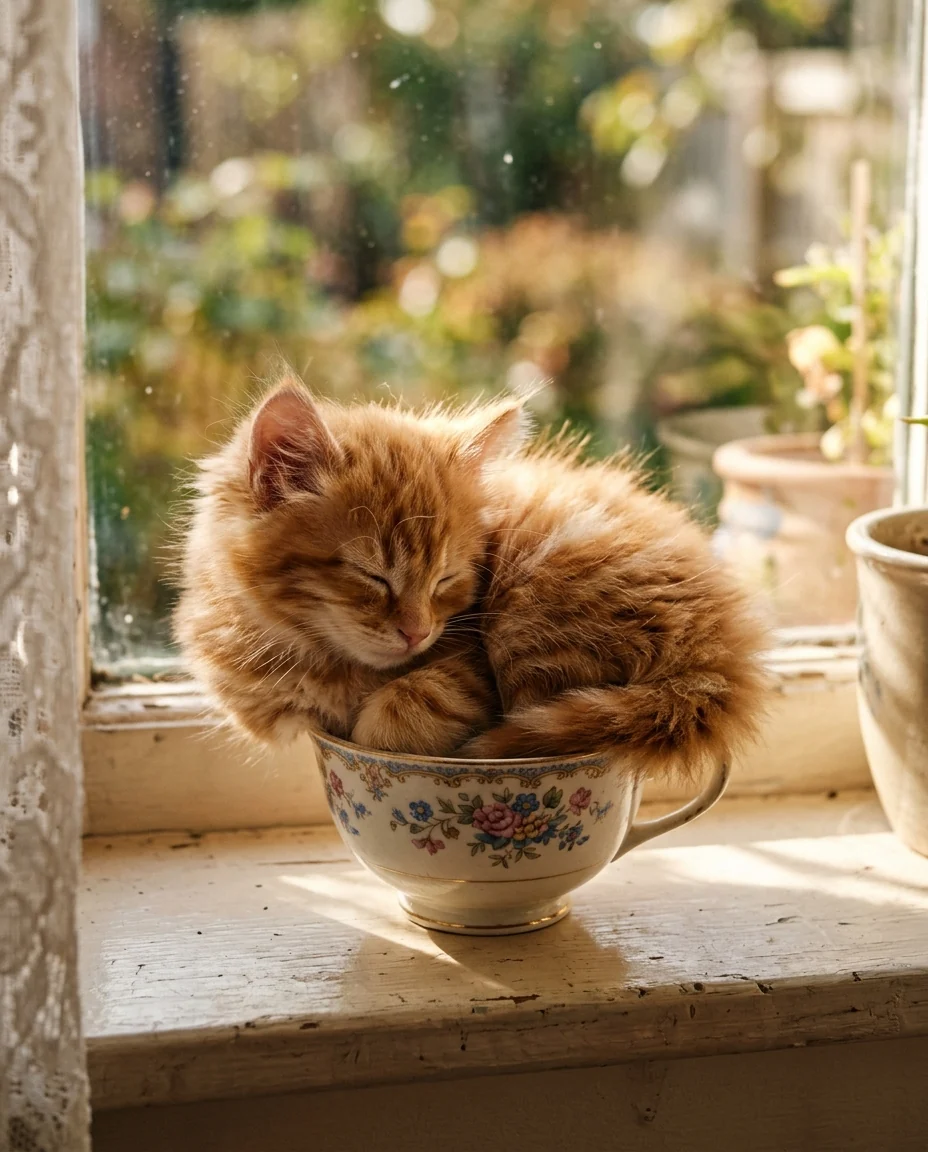 Example output
AI Cat Generator examples.
Realistic kitten
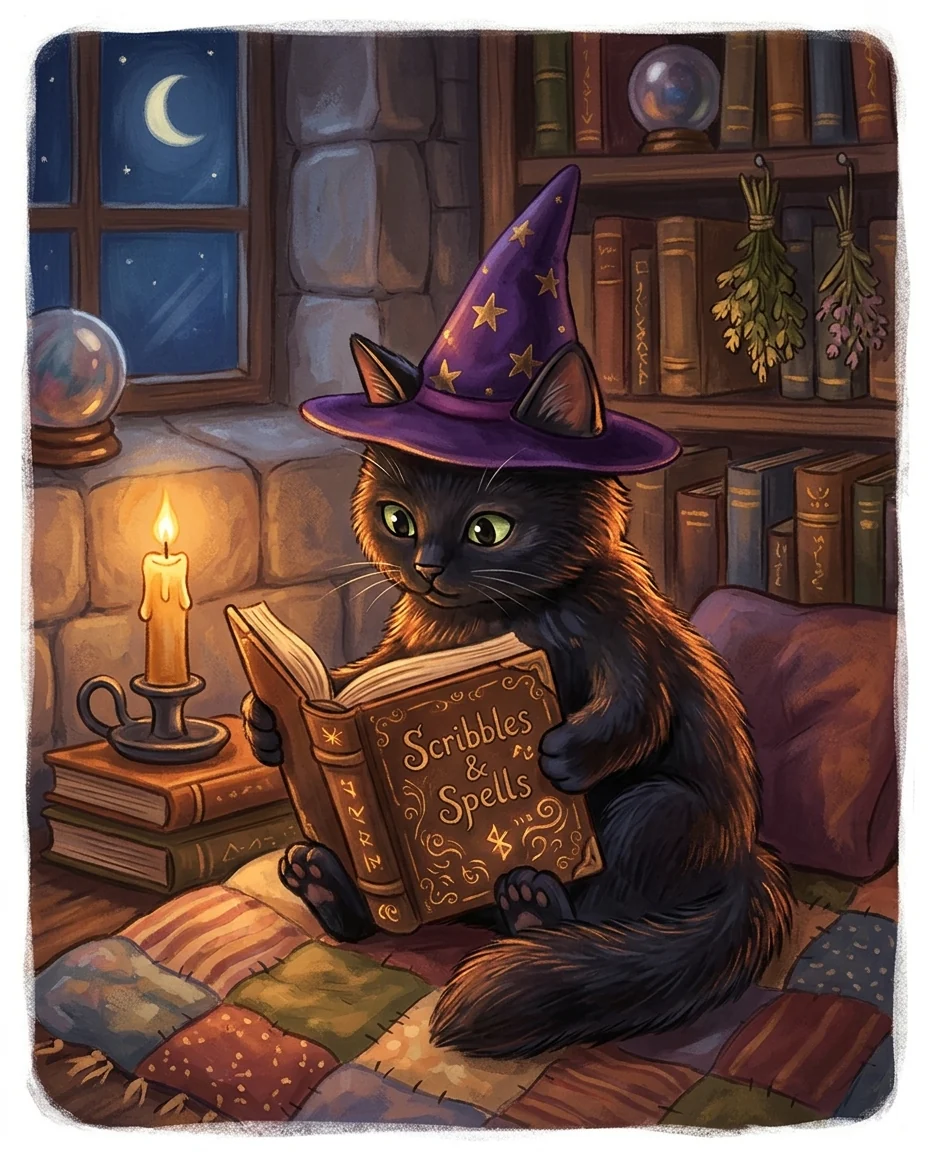
Wizard cat
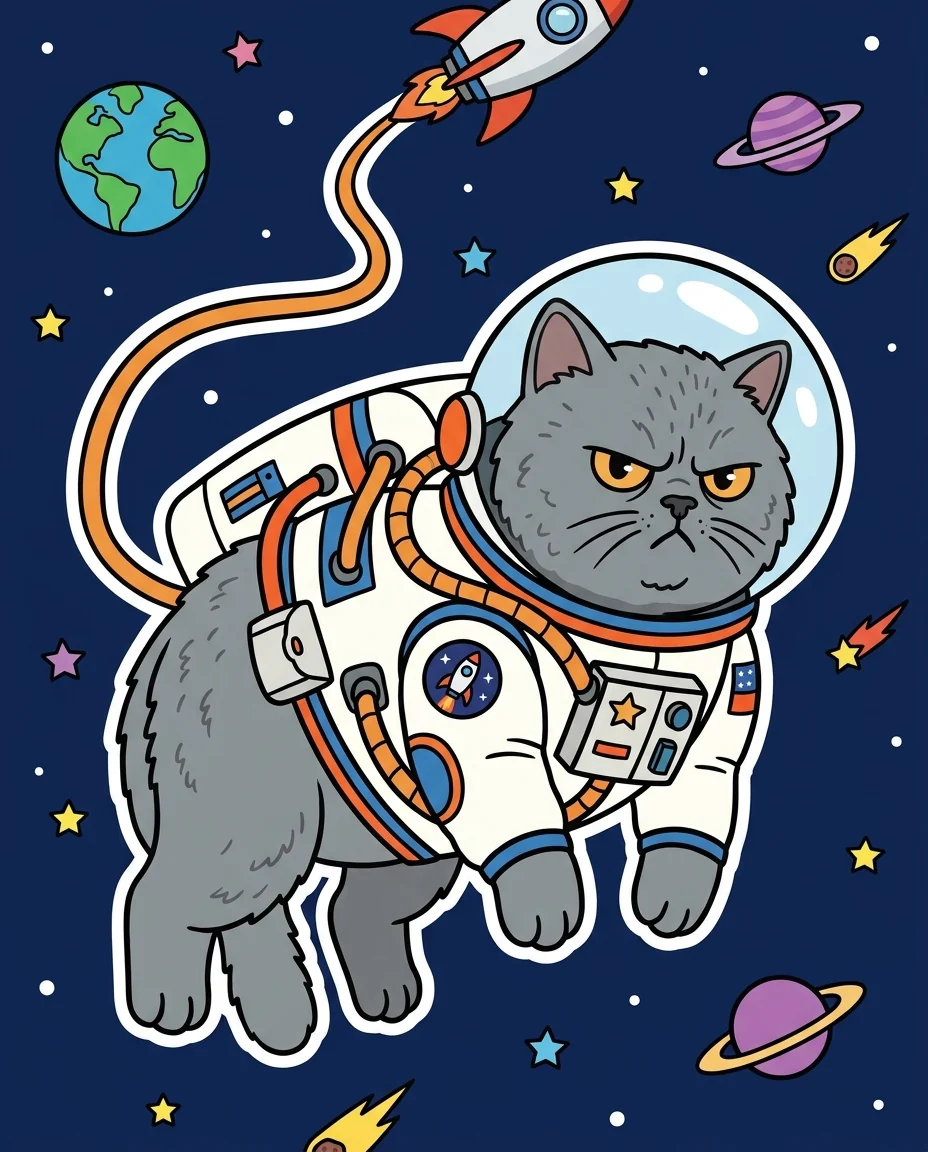
Space cat
AI Cat Generator features.
Any breed or color
From tabby kittens to Maine Coons.
Three styles
Photo, illustration or cartoon.
Real cat anatomy
Ears, whiskers, paws and tails look right.
AI Cat Generator, step by step.
01
Describe your cat
Breed, color, scene and mood.
02
Pick a style
Photo, Illustration or Cartoon.
03
Download
Use it as a wallpaper, card or avatar.
AI Cat Generator use cases.
- Wallpapers and avatars
- A cat picture made exactly how you like it.
- Cards and invitations
- A cat for a birthday card or party invite.
- Your own cat, reimagined
- Upload your cat and put it in any scene.
AI Cat Generator: best photos and fixes.
Descriptions that work best
Three things make a great cat picture: the cat (breed, color, age), what it is doing, and where. "A fluffy white Persian kitten batting at a Christmas ornament under the tree" is much clearer than "a cute cat". Breeds are drawn with their real features, such as the flat face of a Persian or the big ears of a Sphynx. One cat per picture gives the cleanest result; two or three are fine if you describe each.
Choosing a style
Photo gives a realistic pet portrait with natural light and a soft background, good for wallpapers and believable scenes. Illustration is warm and polished, like a picture-book cover, and suits cards and gifts. Cartoon is bold and flat, perfect for stickers and avatars. The same description in all three styles gives three very different pictures, so try more than one.
Using a photo of your own cat
Upload a photo of your cat and its breed, markings, fur color and eye color are kept while it is put in a new scene or style. Clear, well-lit photos of one cat facing the camera work best. Then describe the scene: "my cat as a king on a throne", "my cat surfing a wave". For a painted portrait with a frame-worthy finish, the pet portrait generator is made for that.
Costumes and props
Hats, scarves, crowns, glasses and tiny outfits work well and are fitted to the cat's head and body. Keep costumes simple, one or two items, so the cat still reads as a cat. In Photo style, costumes look like real pet accessories; in Cartoon style anything goes, including space suits and superhero capes.
If something looks off
Extra paws, two tails or odd ears are rare, but they show up more in busy action scenes. Regenerate once, or simplify the pose: "sitting" and "lying down" are the most reliable. Very long descriptions can make the scene crowded; cut it down to the cat, one action and one place.
Related tools
For other animals and creatures, the character generator designs any character, and the Pokémon generator invents fantasy creatures. To make a cartoon of a real pet photo, try cartoonize my pet. The pet to human tool shows what your cat would look like as a person, and the mascot generator turns a cat into a brand mascot.
AI Cat Generator FAQ.
Can it make a famous cartoon cat?
No. It makes original cats from your description, not copies of known characters.
Can I use the pictures in my projects?
Yes, as original images from your description. Avoid ones that look like a famous cat character or brand.
What sizes can I get?
Pictures come in portrait format by default. Choose another aspect ratio in the settings if the model offers it, or crop the result.
Is the Cat generator free?
Yes, you can try it free. New accounts get 15 free credits, and one generation here uses 13 credits. You sign in with your email; no card needed. Results have no watermark. After that, plans add credits every month and credit packs never expire.