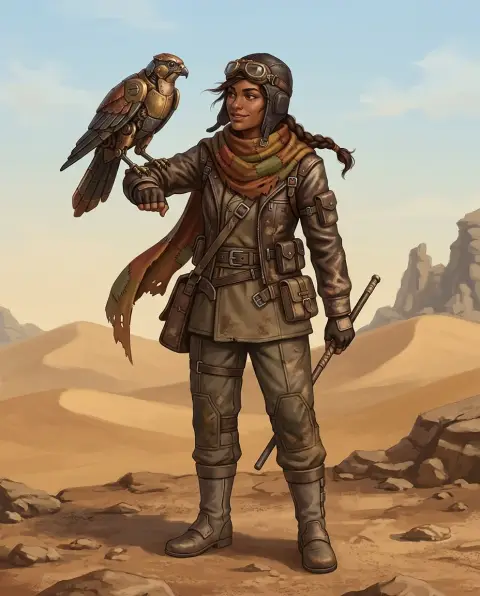
Mascot Generator
An original mascot for your brand, team or channel.
 Example output
Mascot Generator examples.
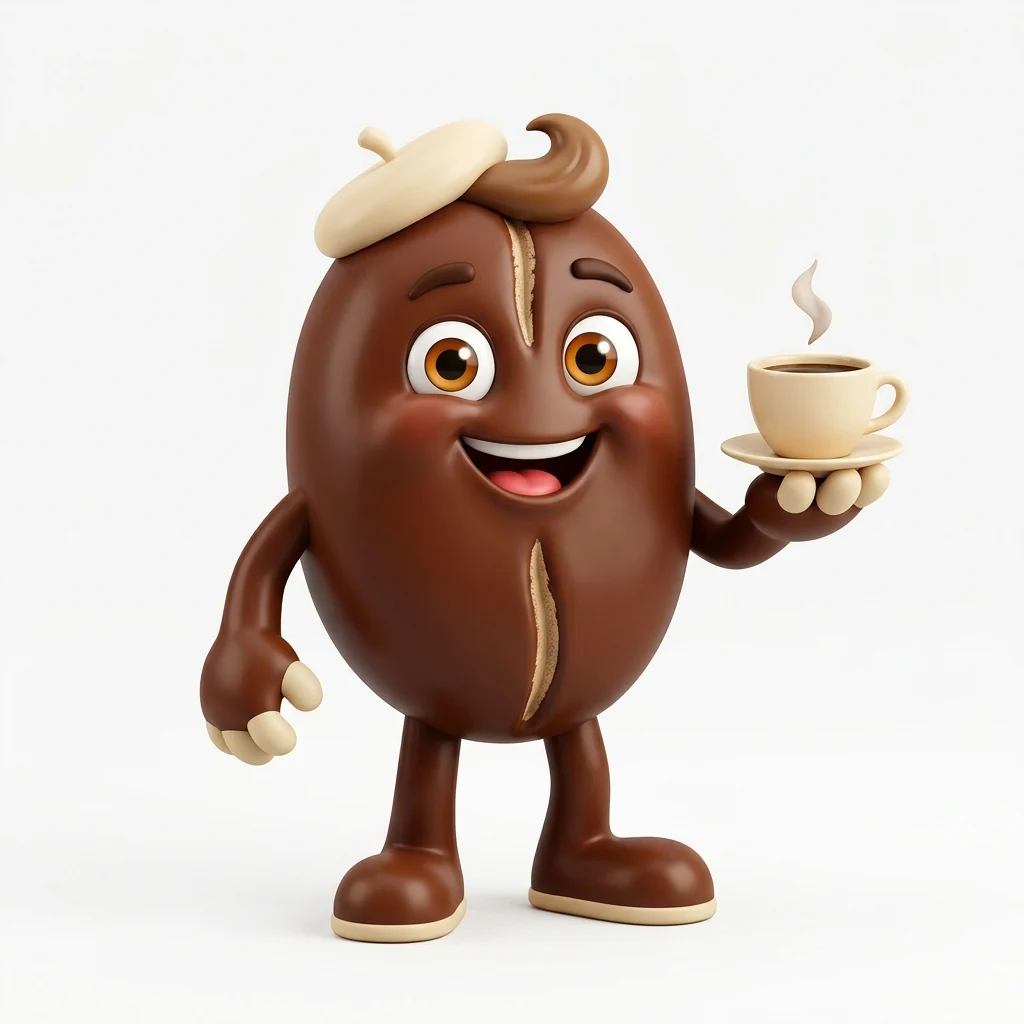
Cafe mascot
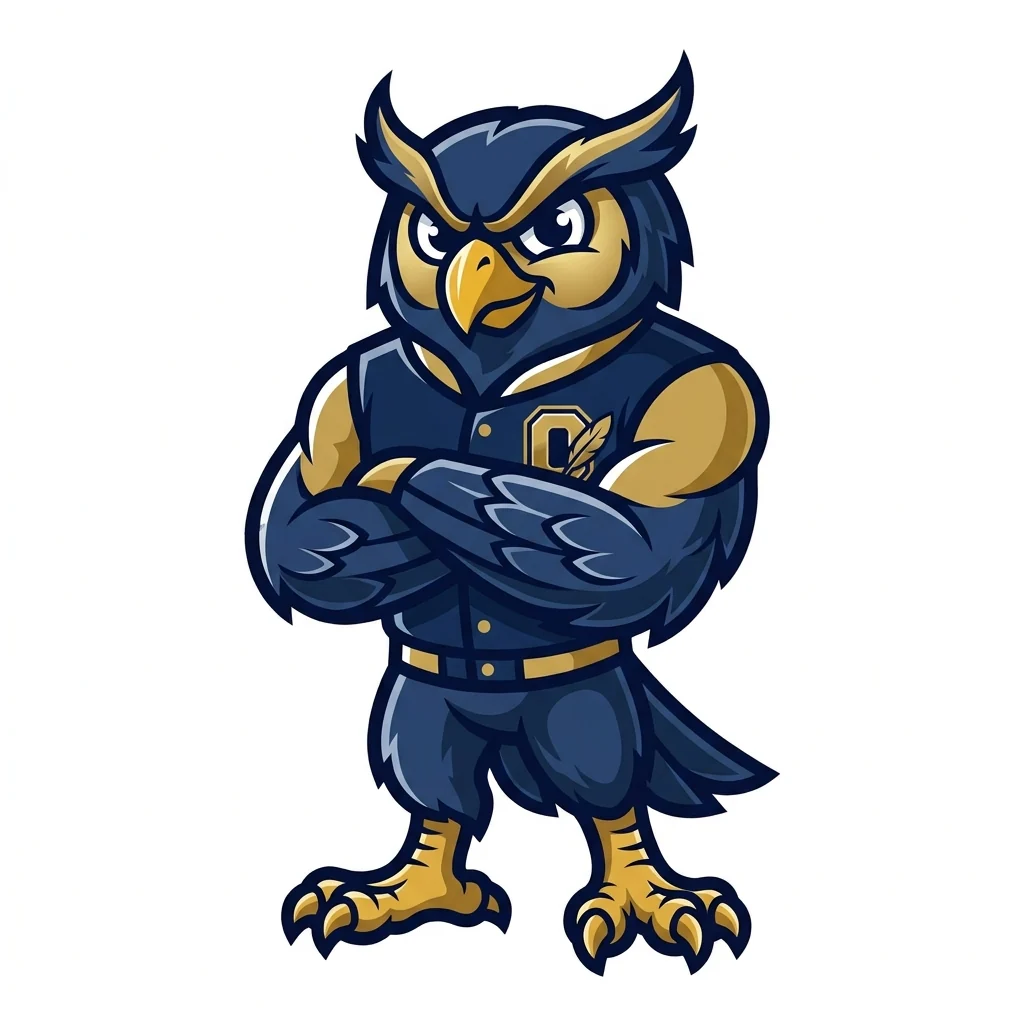
School team
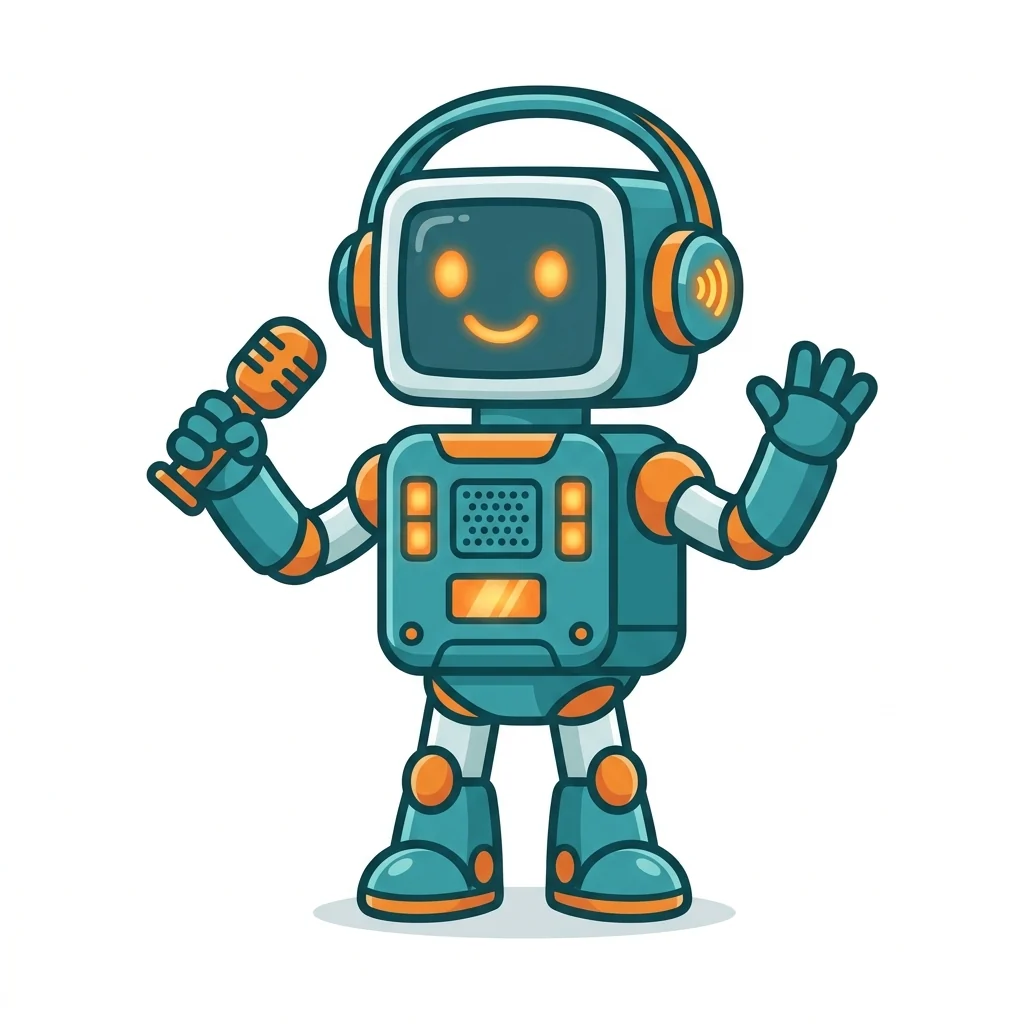
Podcast mascot
Mascot Generator features.
Original characters
A new mascot, not a copy of an existing one.
Three styles
3D, flat vector or bold cartoon.
Ready to cut out
Centered on a plain white background.
Mascot Generator, step by step.
01
Describe your brand
What it is, its colors and its personality.
02
Pick a style
3D, Flat vector or Cartoon.
03
Download
Remove the background and use it on your site and merch.
Mascot Generator use cases.
- Small businesses
- A friendly face for a cafe, shop or app.
- Teams and schools
- A mascot for jerseys, banners and spirit wear.
- Channels and podcasts
- A character for thumbnails and stickers.
Mascot Generator: best photos and fixes.
Descriptions that make good mascots
Strong mascots start from what the brand is or does: a coffee bean for a cafe, an owl for a team called the Night Owls, a robot for a tech podcast. Add your colors and a personality, such as friendly, fierce, goofy or calm, and one prop that tells the story. Keep it to one character; mascots work because they are simple and instantly readable, even small on a cup or a jersey.
Choosing a style
3D gives a polished, modern character like an app or animated-film mascot, great for websites and social media. Flat vector is clean and simple, easy to use as a logo or print on merch in a few colors. Cartoon has thick outlines and bright colors, the classic look for sports teams, schools and events. If you will print it in one color, choose Flat vector.
Matching your brand
Name your brand colors in the description, such as "forest green and cream" or "red, white and black". You can also upload your logo or a photo of your product, and the mascot takes its colors and shapes from it. The mascot is drawn without any text, so add your brand name in your design tool, where you control the font.
Making a set of poses
A mascot usually needs a few poses: waving, pointing, celebrating, thinking. Keep the same description and style, and change only the pose: "the same owl mascot, cheering with wings up". Uploading your favorite result as the photo for the next run helps keep the character consistent across poses.
Cutting out and using it
Mascots are centered on plain white, so the background remover can turn them into a transparent PNG in one step for your website, slides or stickers. For a logo with a name, the logo generator handles the lettering. For printing on t-shirts, the t-shirt design generator places artwork on a shirt.
Before you use it publicly
Check that your mascot doesn't look too much like a well-known one in your industry, especially for team animals like eagles, bulls and tigers, which are common. Small changes in color, pose or features make it more distinctive. For a trademark, ask a lawyer to check your final design before you register it.
Mascot Generator FAQ.
Is the file a vector?
No. It is a high-resolution image. For print and logos, have it traced or redrawn as a vector.
Can I use it for my business?
Yes, as a starting point drawn from your description. Check it isn't too close to an existing mascot before you use it widely.
Does the mascot come with my brand name?
No. It is drawn without text, so you can add your name in your own font.
Is the Mascot generator free?
Yes, you can try it free. New accounts get 15 free credits, and one generation here uses 13 credits. You sign in with your email; no card needed. Results have no watermark. After that, plans add credits every month and credit packs never expire.