












AI Mockup Generator
Your design on a real product photo.
Design
Product
or paste with ⌘V · JPG · PNG · WebP · up to 8 MB
More like this.
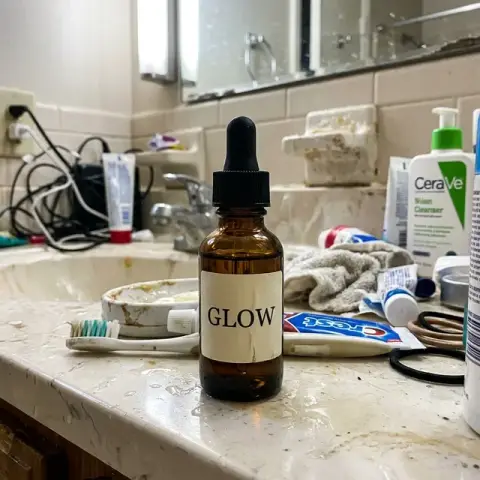
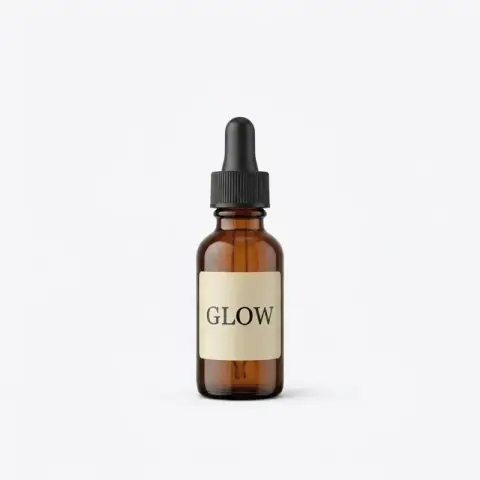

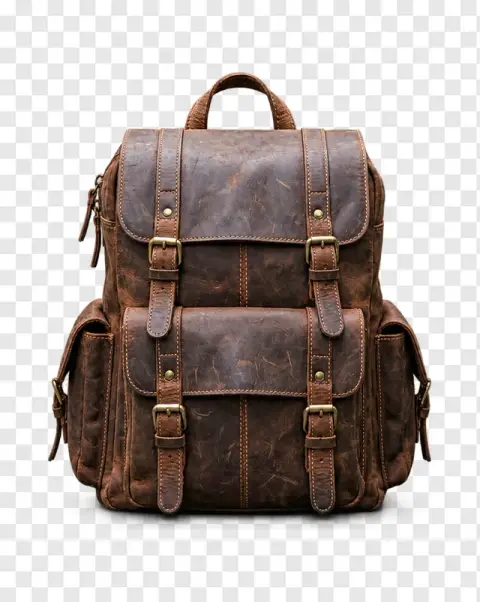
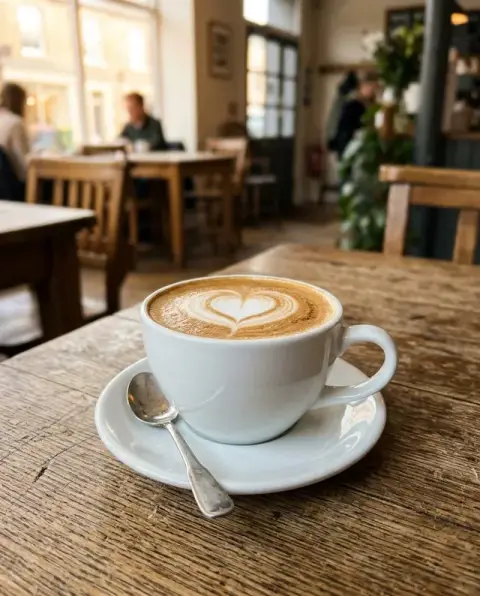
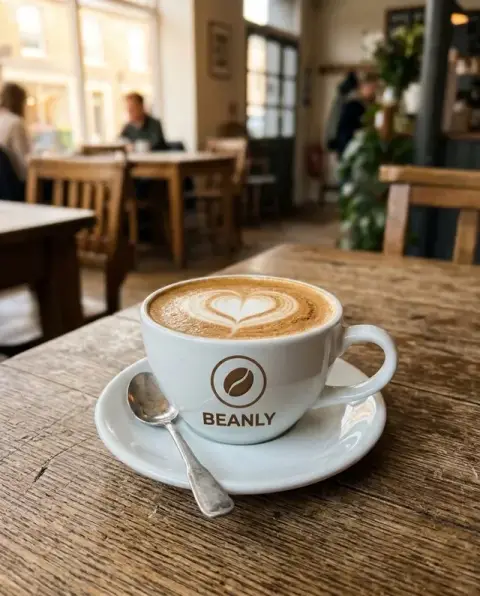
AI Mockup Generator examples.
Real results from this page's default settings in one click, not retouched.How examples are made

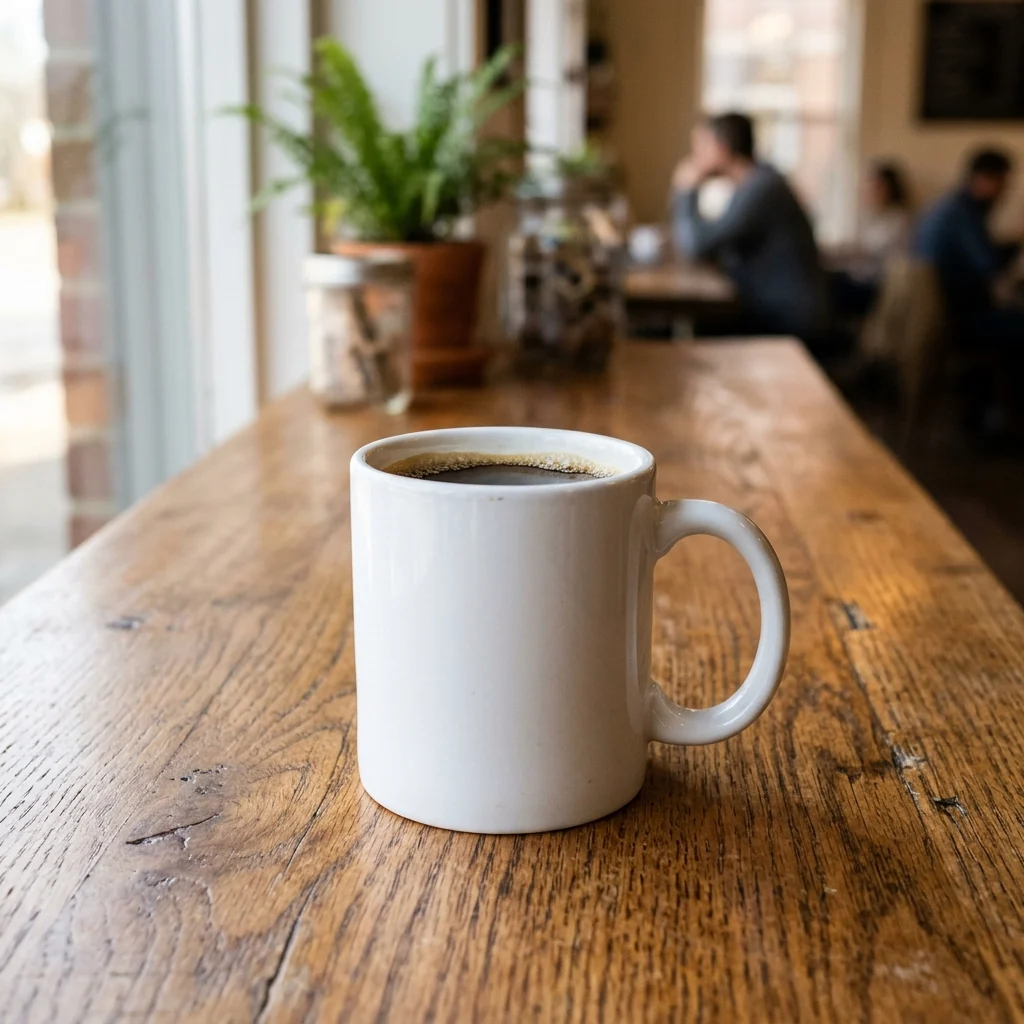
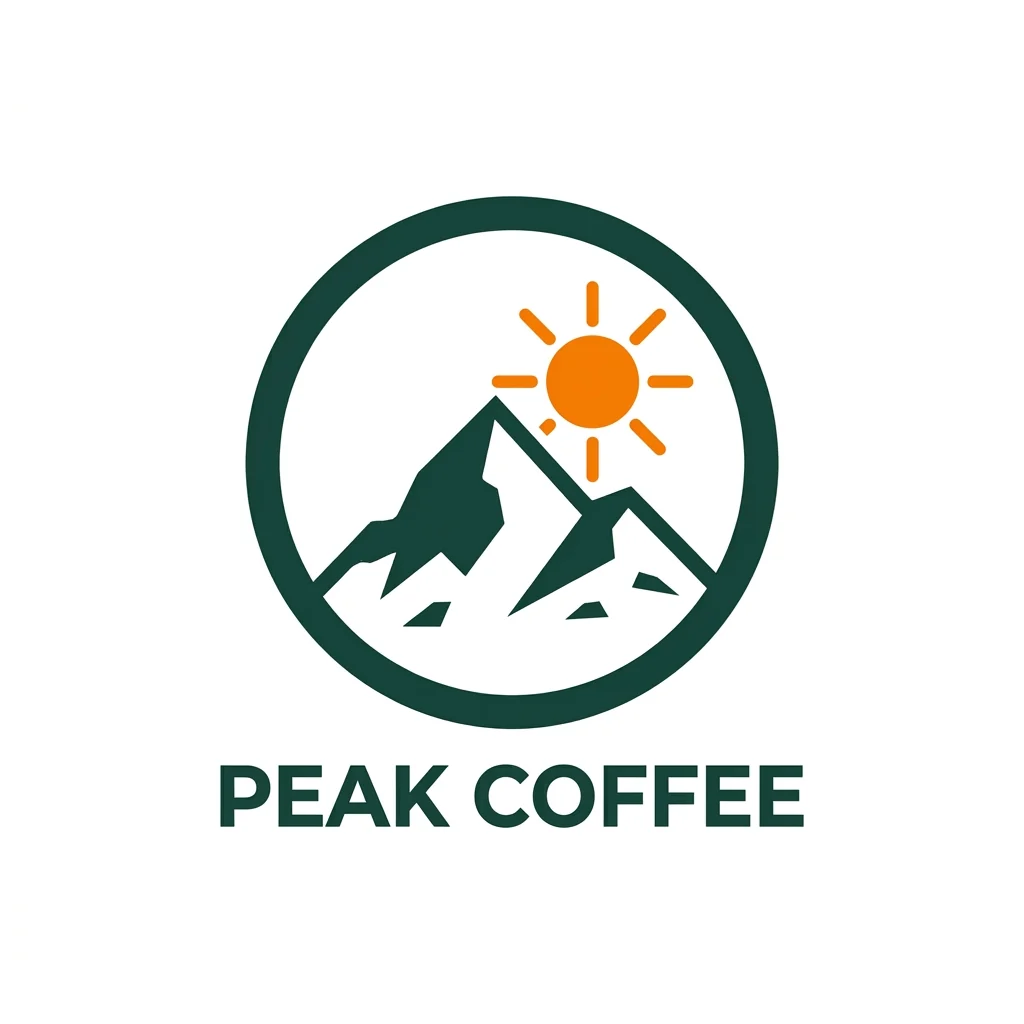
The Peak Coffee logo printed on the white mug


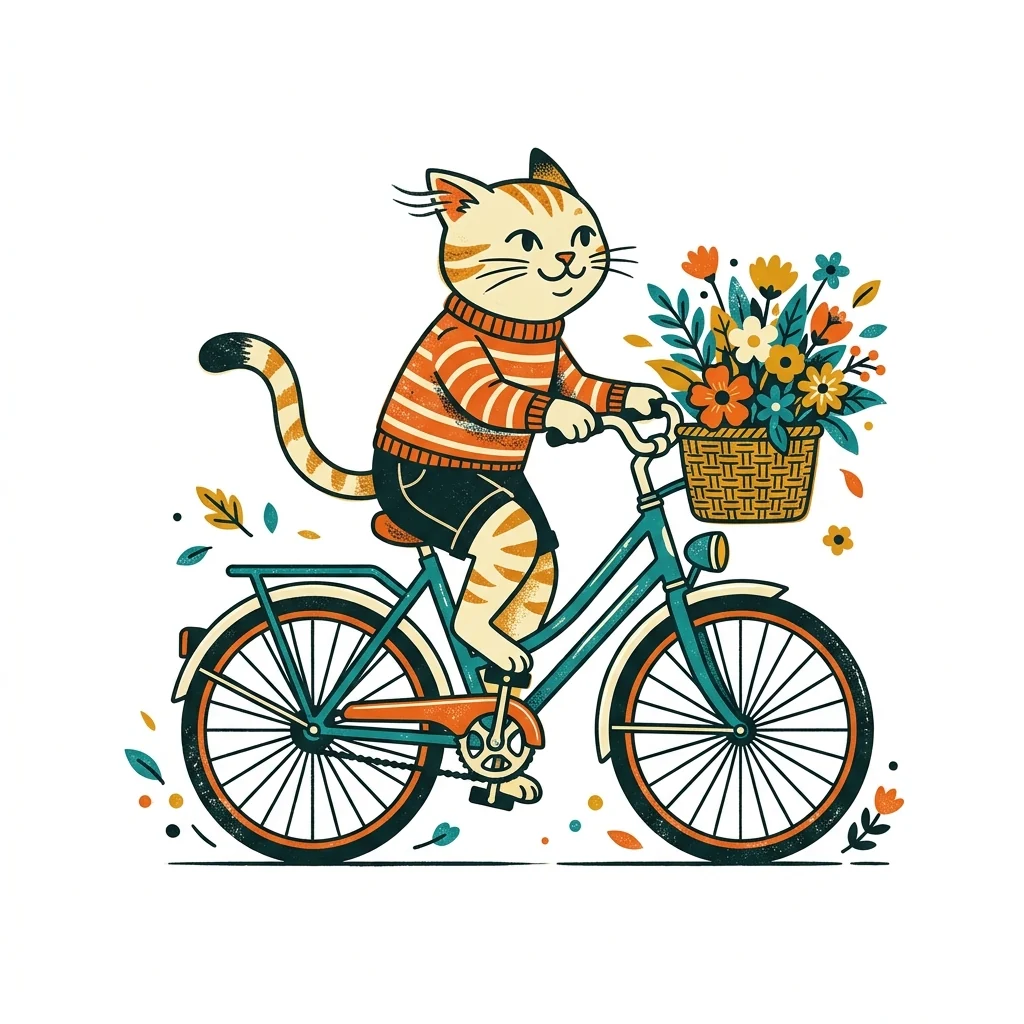
The cat illustration printed on the grey t-shirt, following the fabric folds
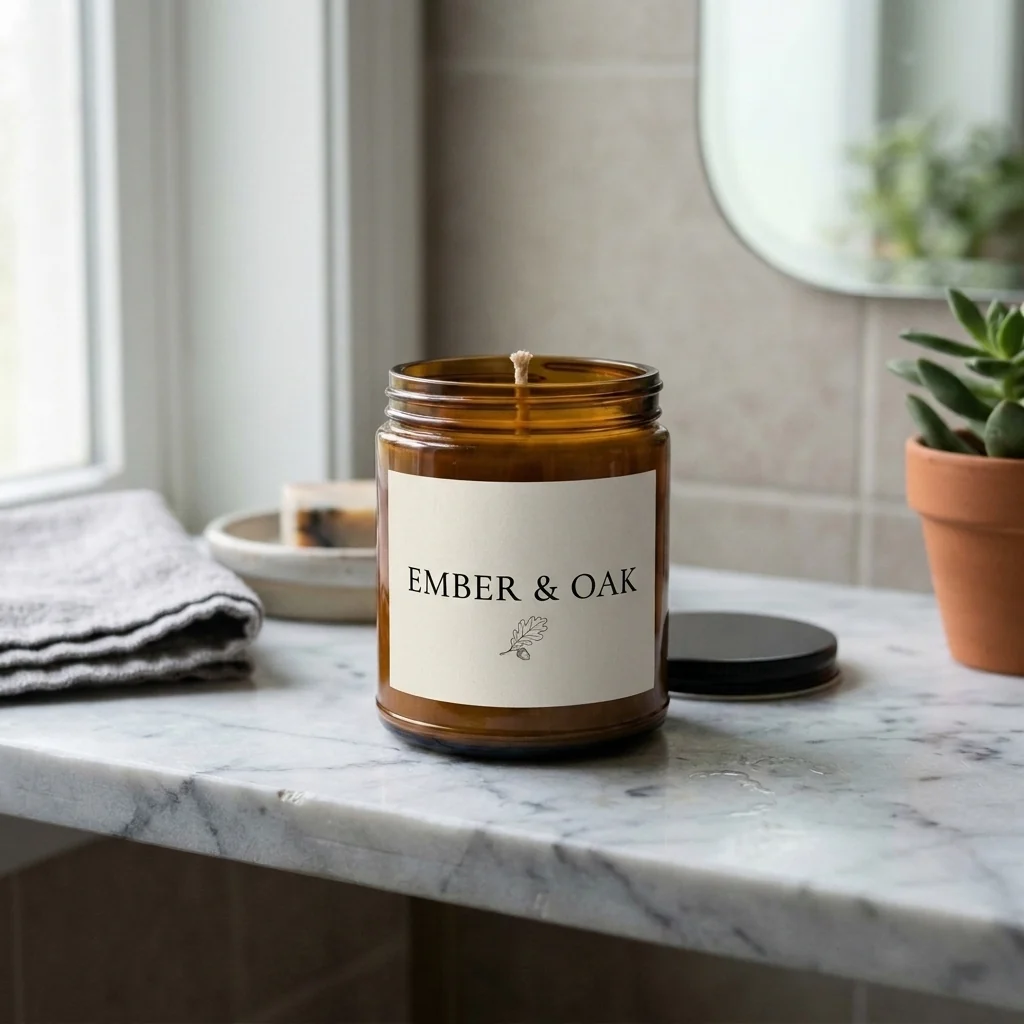
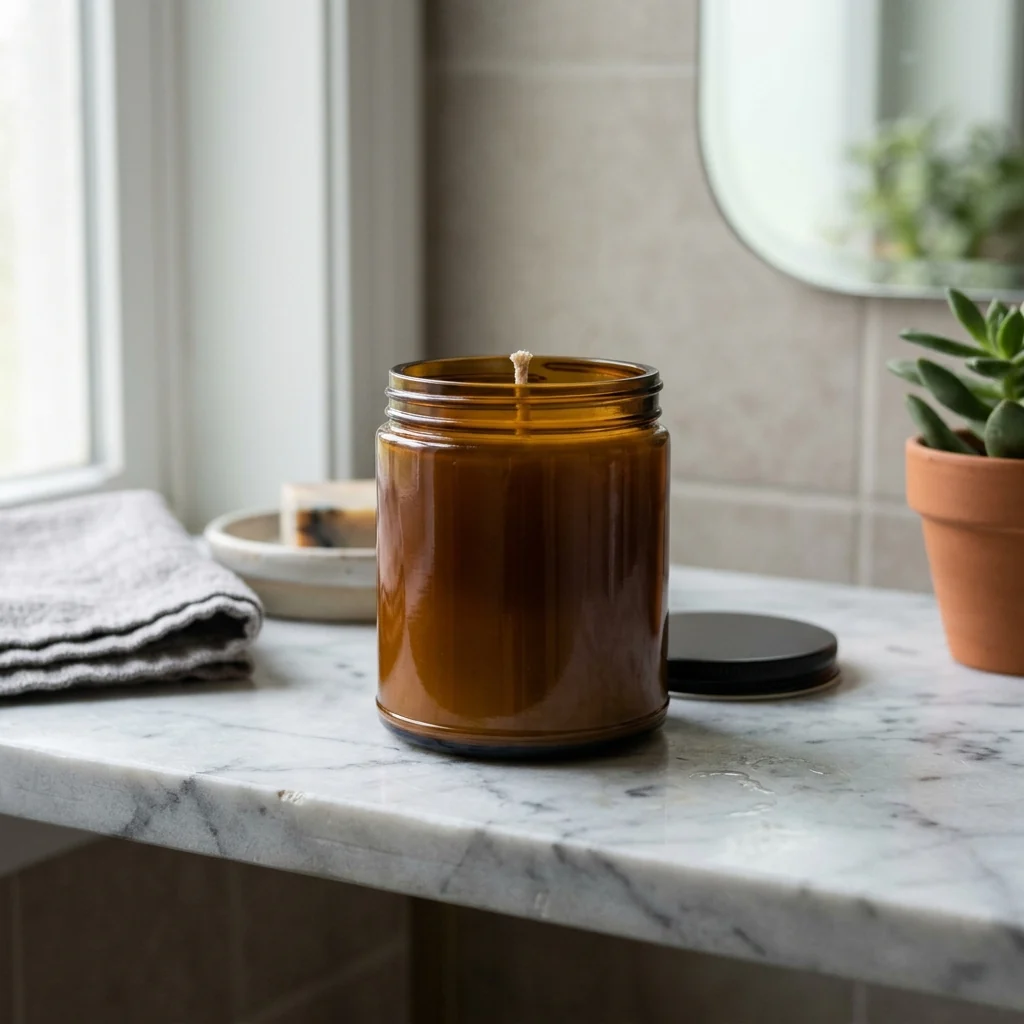
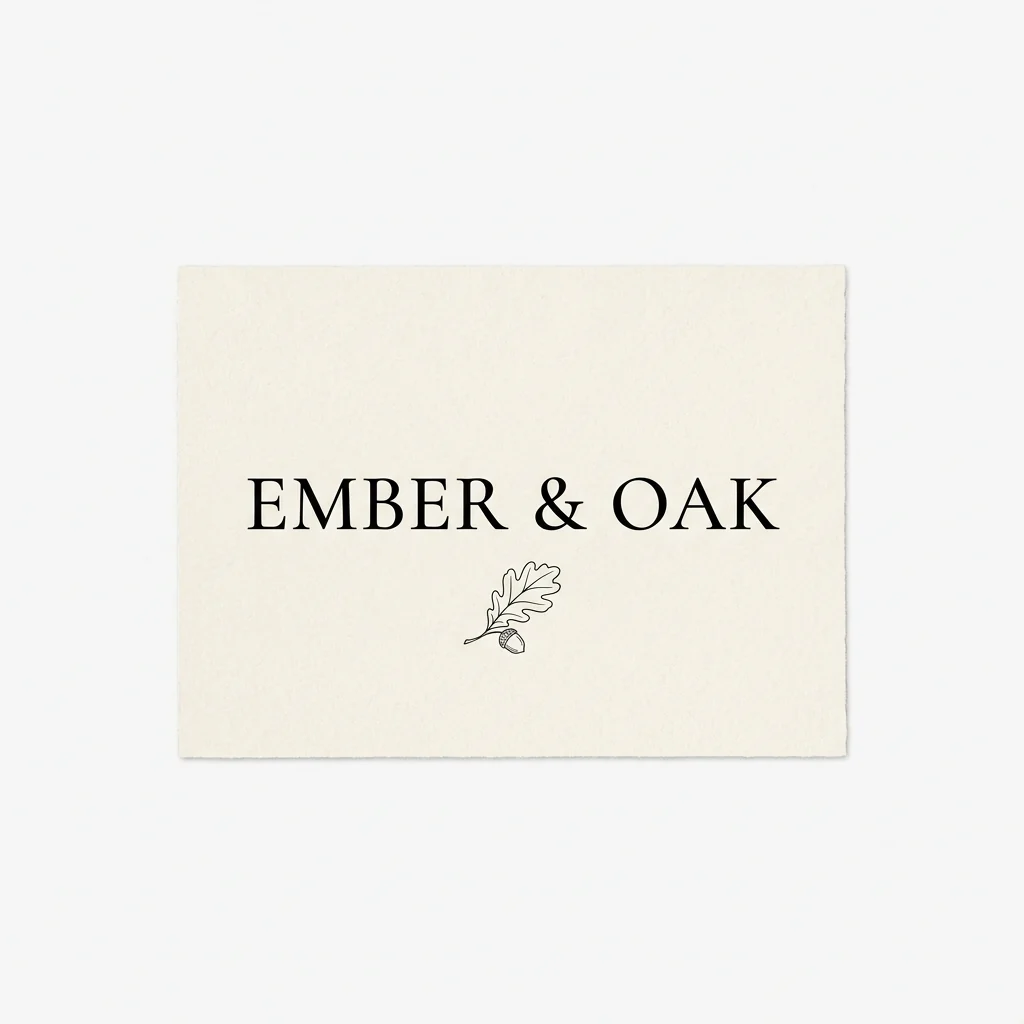
The Ember & Oak label wrapped around the amber candle jar
AI Mockup Generator features.
Follows the product
Curves, folds and perspective are matched.
Real light and texture
Shadows, gloss and fabric show through.
Your design kept
Colors and proportions stay as they are.
AI Mockup Generator, step by step.
01
Add your design
A logo, artwork or label, ideally on a plain background.
02
Add a product photo
A mug, shirt, bag, box or bottle.
03
Download
Use it in your shop or pitch.
AI Mockup Generator use cases.
- Online shops
- Product photos before you print a single item.
- Client pitches
- Show a logo on real merchandise.
AI Mockup Generator: best photos and fixes.
The design file
Designs on a plain or transparent background apply most cleanly, because the model can tell where the design ends. Logos, illustrations and short text all work. Very fine lines and tiny text may soften on fabric or curved surfaces; keep important details large.
The product photo
Use a clear product photo with even light: a plain t-shirt, a mug, a tote bag, a phone case, a poster on a wall. The design follows the product's folds, curves and light. Products shot at an angle work, but the design is then shown at that angle too.
Size and position
Write "small logo on the left chest" or "full front print" to control size and position. For mugs, say "centred on the side facing the camera". For posters, "filling the frame". Without instructions, the design is placed where it would usually go.
Keeping words correct
Text in your design is copied from your file, but small letters can change on curved or textured surfaces. Check every word before using the mockup in a shop listing. If text changes, regenerate or make the text larger in your design.
Online shops and pitches
For a shop, use the same product photo for every design so listings look consistent. For client pitches, a mockup on a real product helps clients picture the result. Several product photos show the design in different settings. Show clients two or three options side by side to make choices easier.
If the design looks flat
A design that looks pasted on usually needs more light and fold detail. Write "follow the fabric folds and lighting". Very dark designs on dark products may disappear; try a lighter product photo. Matte fabric and paper show folds better than very shiny materials.
Packaging and labels
For boxes, bags and bottles, the design must wrap around corners and curves. Use a product photo where the front face is large and well lit. Text near the edges may distort; keep important text in the middle of the design.
Multiple angles
For a shop listing, show the product from two or three angles, each with the design. Use a separate product photo for each angle and the same design file. A flat-lay, a worn photo and a close-up of the print cover what most shoppers want to see before buying.
AI Mockup Generator FAQ.
Do I need my own product photo?
Yes. Upload a photo of a blank product, or generate one first with another tool.
Will the words in my design stay correct?
The design is copied as it is, including its text. Check small text after generating.
Can I choose where the design goes?
Yes. Write it in the instructions, for example "small, on the left chest".
Is the Mockup generator free?
Yes, you can try it free. New accounts get 25 free credits, and one generation here uses 9 credits. You sign in with your email; no card needed. Results have no watermark. After that, credit packs never expire, and your first one is half price.
Try these prompts
Guides on the blog.
 Etsy listing photos: what to shoot and how to order themYour first Etsy photo wins the click, the rest win the sale. The shots every listing needs, the order to put them in, and how to make them without a studio.
 How to design a logo for a small businessA good small business logo is simple, readable and works everywhere from a storefront to a favicon. The process from brief to final files, step by step.
 How to design a t-shirt for print on demandPrint on demand turns a design into a product with no stock. How to choose a niche, design a shirt graphic that prints well, prepare the file and present it.
