Book Cover Generator
A finished cover for your story, title and name included.
 Example output
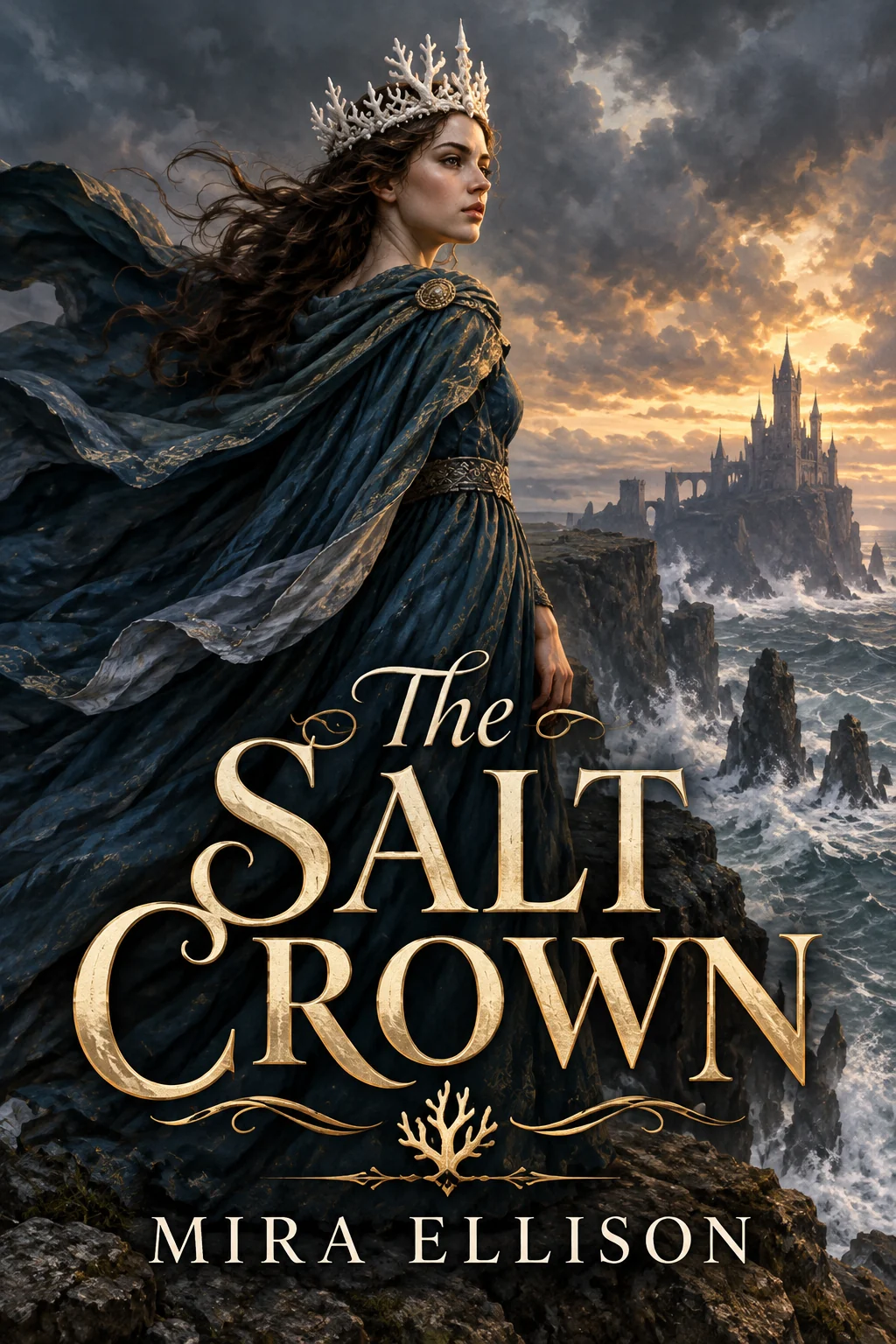
Book Cover Generator examples.
Fantasy
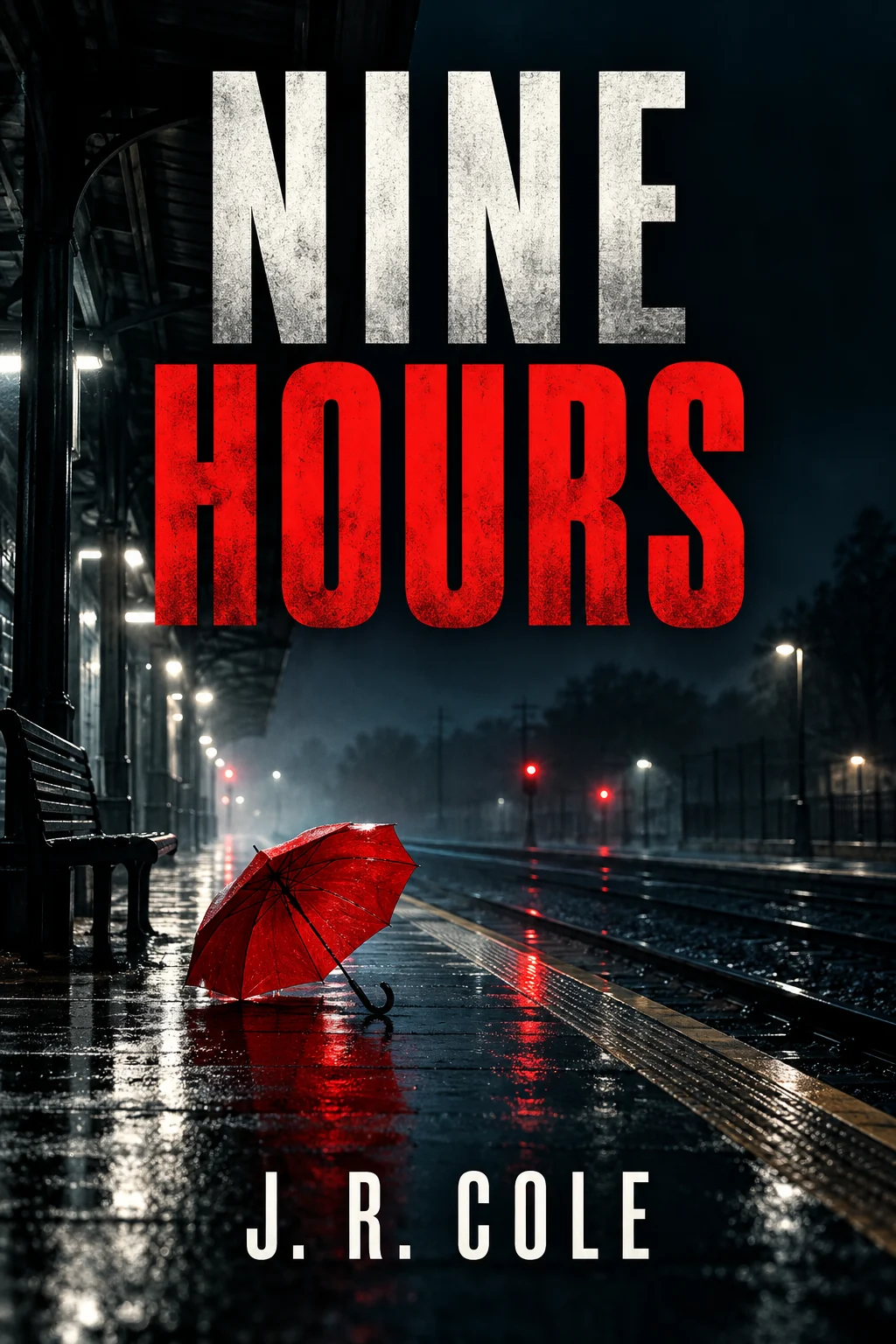
Thriller
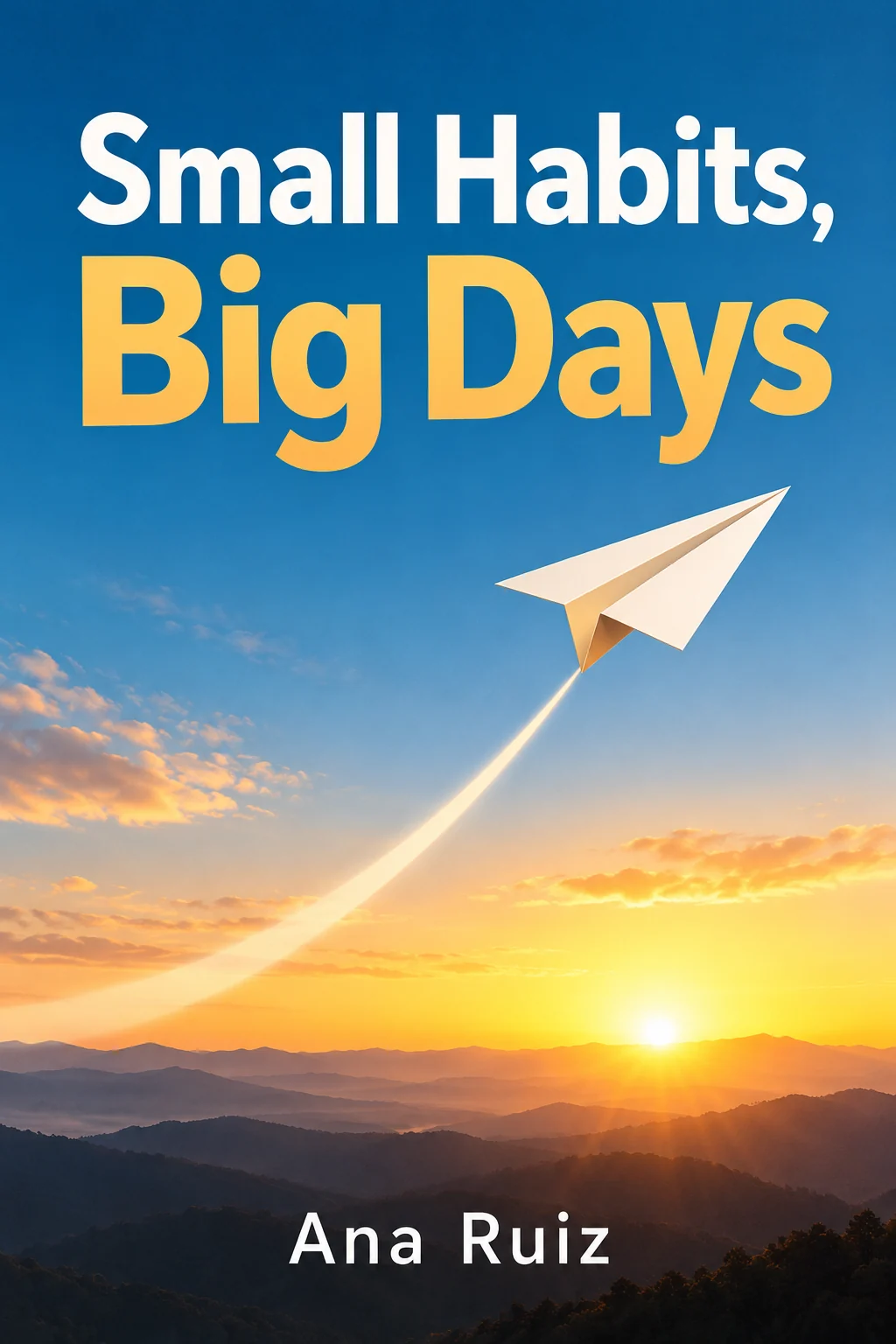
Non-fiction
Book Cover Generator features.
Title and author set
In typography that suits the genre.
Four genre looks
Fantasy, thriller, romance or non-fiction, or your own.
Book proportions
A 2:3 portrait cover, readable as a thumbnail.
Book Cover Generator, step by step.
01
Describe the book
Title, author name and one key image.
02
Pick a genre look
Or choose Custom.
03
Download
Use it for an ebook draft, pitch or mockup.
Book Cover Generator use cases.
- Self-publishing drafts
- Try cover ideas before you hire a designer.
- Pitches and newsletters
- A cover for a book you are still writing.
- School projects
- A cover for a story or book report.
Book Cover Generator: best photos and fixes.
Descriptions that make strong covers
Covers work when they have one idea: one image, one mood, one focal point. Describe the single picture you want, not the whole plot: "a lighthouse in fog with one lit window" is a cover, while a list of characters and events is a crowded poster. Then add the title and author name in the form "Title: … Author: …", which keeps the spelling exact.
Choosing a genre look
Readers recognize genres at a glance. Fantasy uses painted scenes and ornate lettering. Thriller uses dark, high-contrast images and bold condensed type. Romance uses warm illustration and script. Non-fiction uses clean graphic design with one object and big sans-serif type. Custom lets you describe others: "cozy mystery with a cat", "literary fiction, minimal", "children's picture book", "sci-fi with a spaceship".
Text on the cover
Only the title, author name and any subtitle or tagline you write are added, spelled exactly. Very long titles get smaller type, so check how the cover reads at thumbnail size, which is how most readers first see it. If a letter comes out wrong, regenerate once. If you prefer to set the type yourself, give no title and the cover is made without text.
Using your own photo or art
Upload a photo, such as a landscape you took or a portrait of a model you have rights to, and the cover is built around it with title and author added. This keeps an image you already own at the center. Photos with empty space at the top or bottom leave room for the title. Low-resolution images give a soft cover, so start from the largest file you have.
From draft to print
The result is a front cover image for drafts, pitches, newsletters and ebook tests. Print books need a full wrap with spine and back cover at exact dimensions, which you or a designer build in a layout tool from this front. Check your printer's or store's size requirements, and keep the title away from the edges, where trimming can cut it.
Related tools
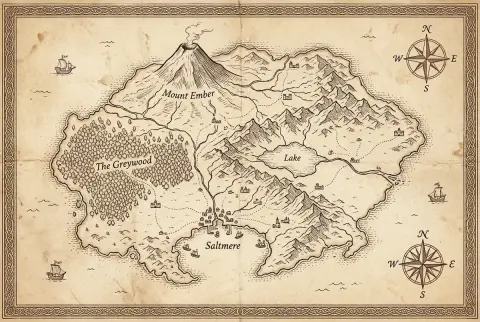
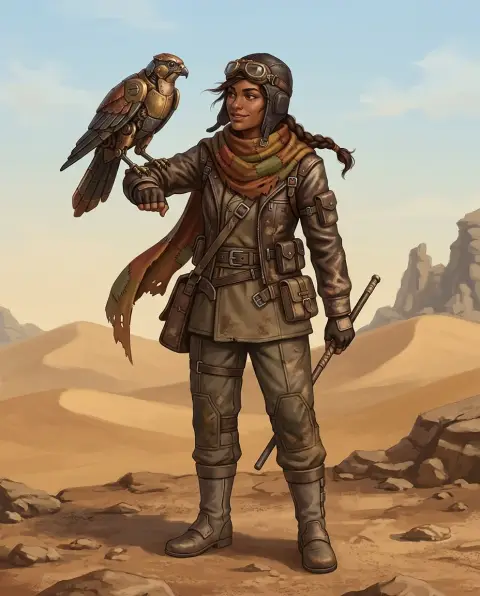
For an album or podcast cover in square format, the album cover generator is made for that. The fantasy map generator draws a world map for the inside pages, and the character generator creates character art to promote your book. To mock up the cover on a physical book, use the mockup generator with your downloaded cover.
Book Cover Generator FAQ.
Will it spell my title correctly?
It is set to spell them exactly as you write them. Check the cover and regenerate once if a letter is off.
What size is the cover?
It is a 2:3 portrait front cover. Resize it to your store's or printer's exact dimensions.
Can I use my own image?
Yes. Upload a photo you have rights to and the cover is built around it.
Is the Book cover generator free?
Yes, you can try it free. New accounts get 15 free credits, and one generation here uses 9 credits. You sign in with your email; no card needed. Results have no watermark. After that, plans add credits every month and credit packs never expire.