Menu Generator
Your dishes and prices, on a menu worth reading.
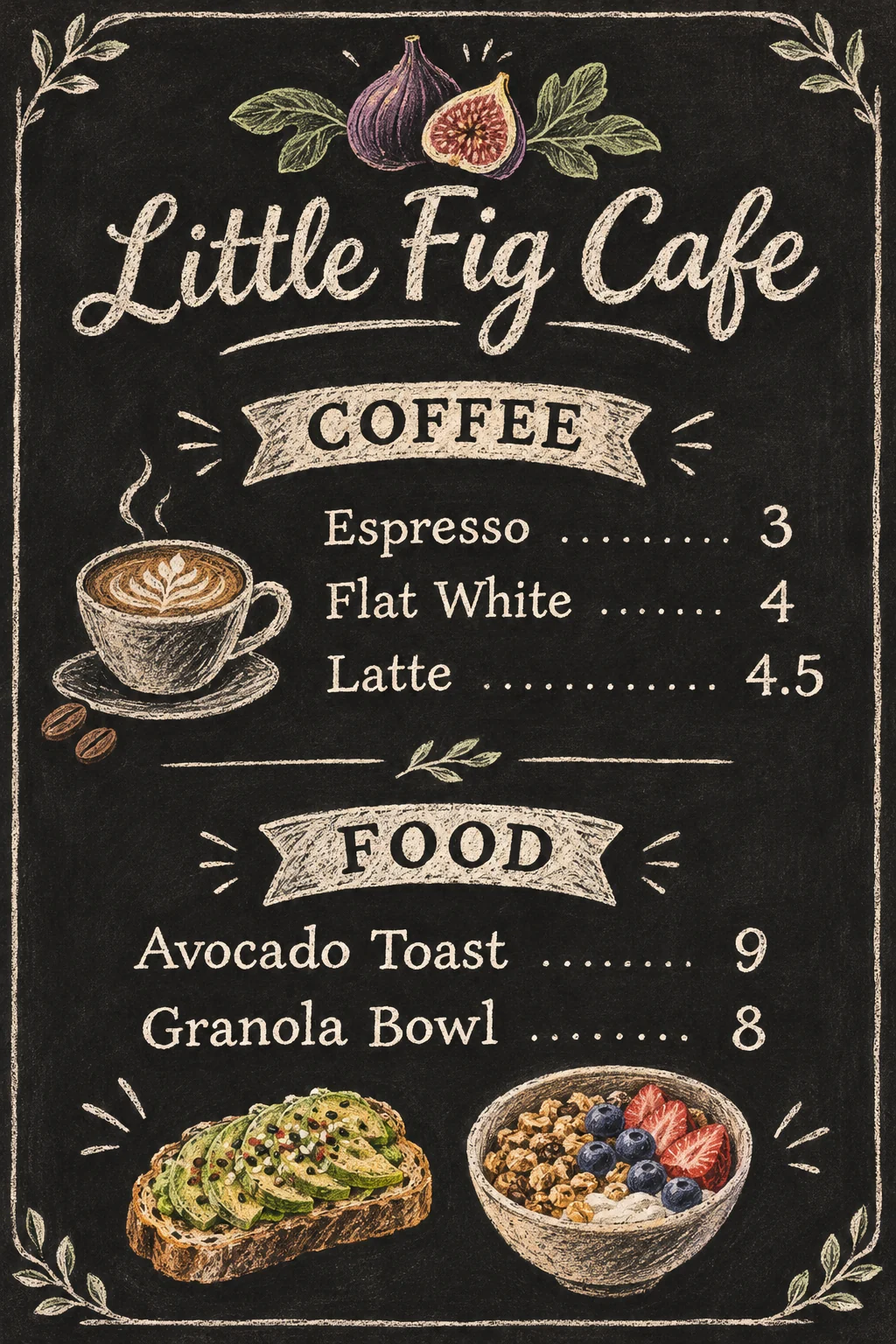 Example output
Menu Generator examples.
Cafe menu
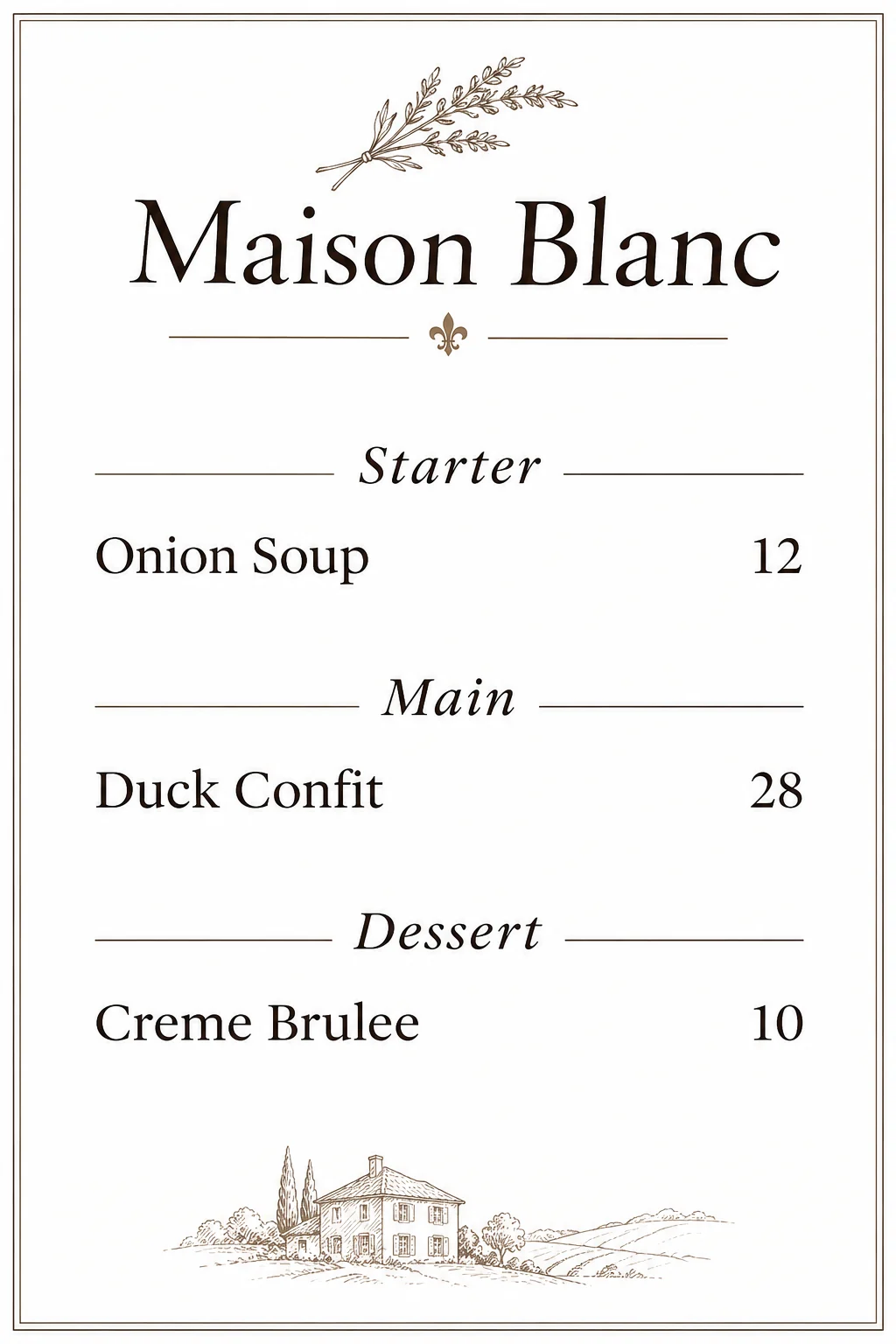
Fine dining
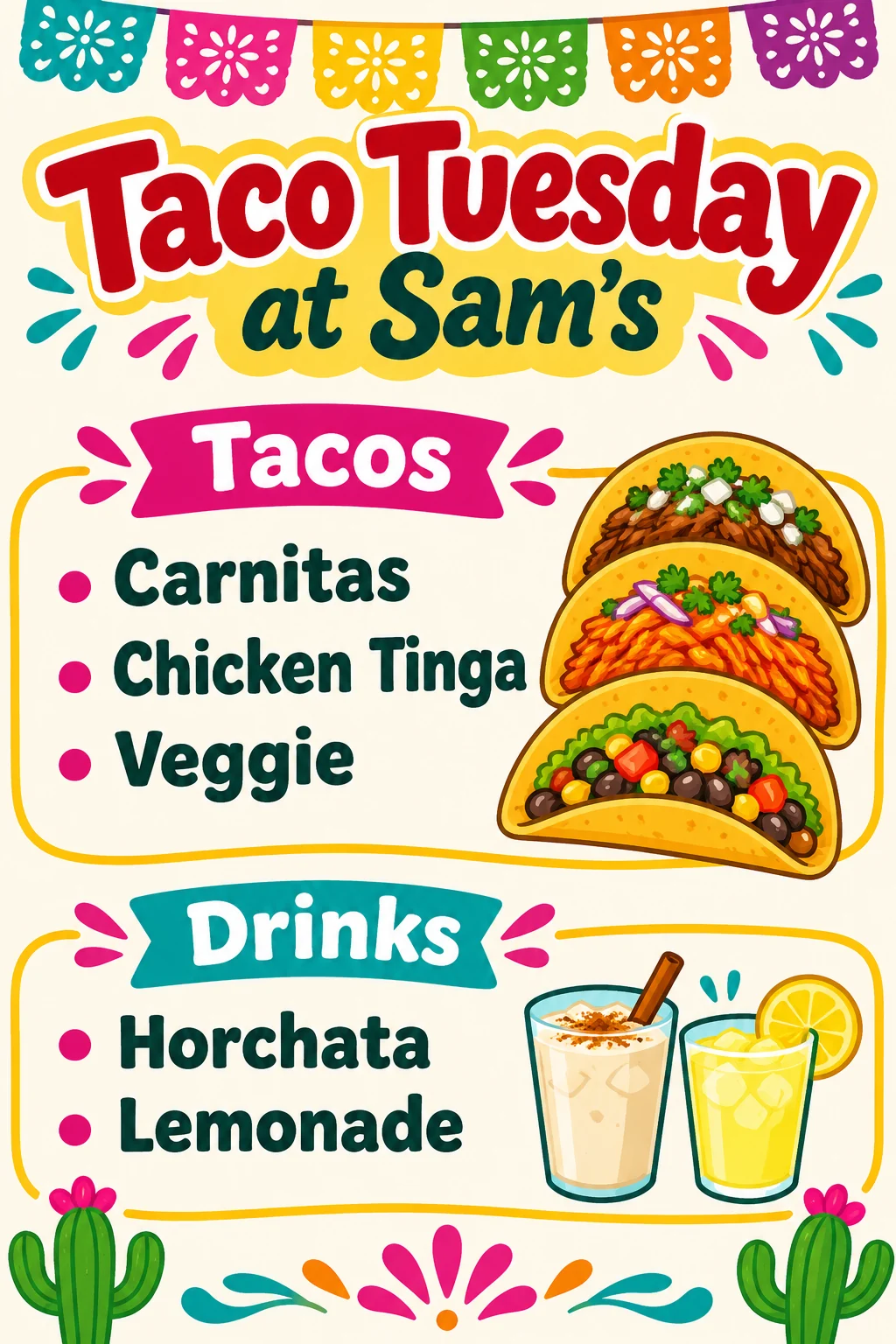
Party menu
Menu Generator features.
Your items, in order
Sections, dishes and prices as written.
Three styles
Rustic, elegant or bright.
Ready to print
A single-page portrait menu.
Menu Generator, step by step.
01
List your menu
Name, sections, dishes and prices.
02
Pick a style
Rustic, Elegant or Bright.
03
Download and print
Check every price first.
Menu Generator use cases.
- Cafes and restaurants
- A fresh menu without a designer.
- Parties and weddings
- A dinner menu for each table.
- Food trucks and pop-ups
- A bold menu board for the window.
Menu Generator: best photos and fixes.
Writing your menu
Start with the name, then each section in capitals followed by its dishes and prices: "Name: Little Fig Cafe. COFFEE: Espresso 3, Latte 4.5. FOOD: Avocado Toast 9". The order you write is the order on the menu. Descriptions are optional; one short line per dish keeps the layout clean.
How long a menu can be
A single page fits about 10 to 15 items comfortably. More items make the text small and harder to read, and long lists are more likely to have a spelling mistake. For a big menu, make one page per section, such as drinks and food, and print them separately.
Checking every price
Wrong prices cause real trouble, so zoom in and check every dish name and price before printing. Text is meant to match what you type, but small text can still come out wrong. If one item is off, regenerate, or fix that line in a design app.
Choosing a style
Rustic gives a chalkboard or kraft paper look, great for cafes, bakeries and bistros. Elegant uses serif type and white space, right for fine dining, weddings and wine lists. Bright uses bold type and fun illustrations, good for casual places, food trucks, kids' menus and parties.
Allergens and legal text
Many places require allergen information and taxes or service notes on menus. Small symbols and fine print are hard to generate reliably, so add them in a design app or print them on a separate card. Keep the generated menu for dishes, prices and design.
Printing
Menus come in a 2:3 portrait page, a little taller than A4 or letter, so scale to fit when you print. Choose 4K for crisp text, and print on thick matte paper or card. For tables, laminate them or use a menu holder. Keep the description you used, so you can update prices later with the same look.
Menu Generator FAQ.
Will the dishes and prices be right?
They follow what you type, but check every price and dish name before printing.
How many items can I add?
A page fits about 10 to 15; for more, make one page per section.
Does it add allergen information?
No. It won't add allergen or legal notes, so add them yourself.
Can I add my logo?
Yes. Upload it with your menu; for an exact logo, add it afterwards in a design app.
Is the Menu generator free?
Yes, you can try it free. New accounts get 15 free credits, and one generation here uses 9 credits. You sign in with your email; no card needed. Results have no watermark. After that, plans add credits every month and credit packs never expire.