Coupon Generator
Your offer, on a coupon people keep.
 Example output
Coupon Generator examples.
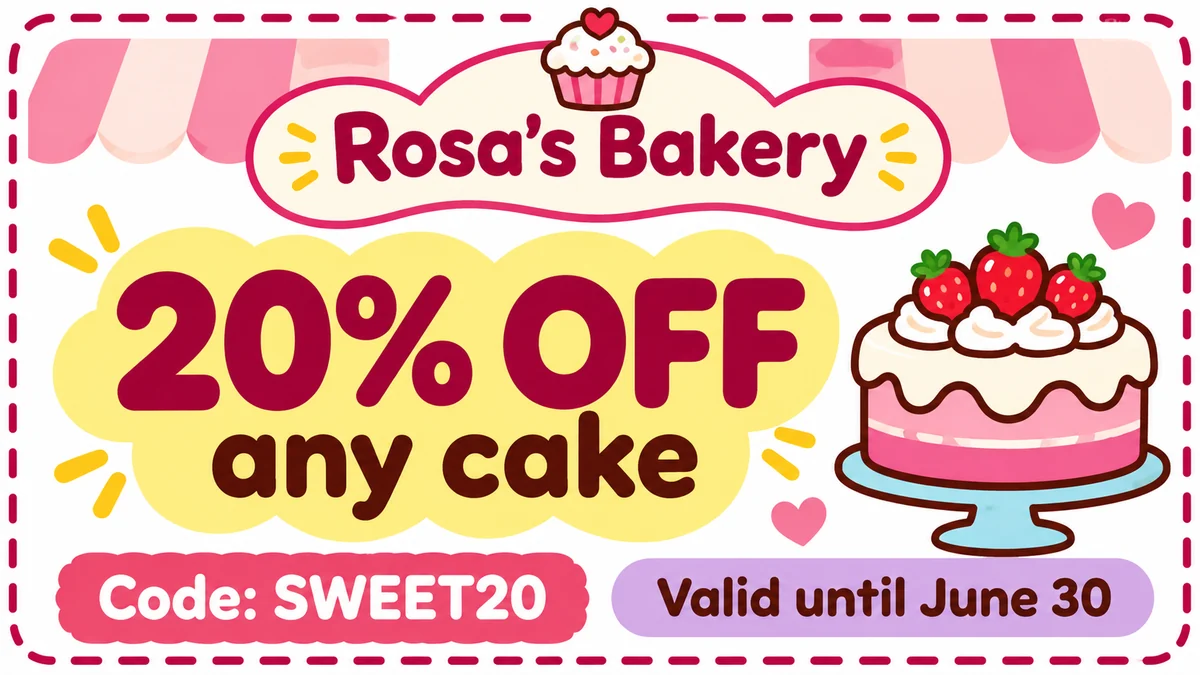
Bakery discount
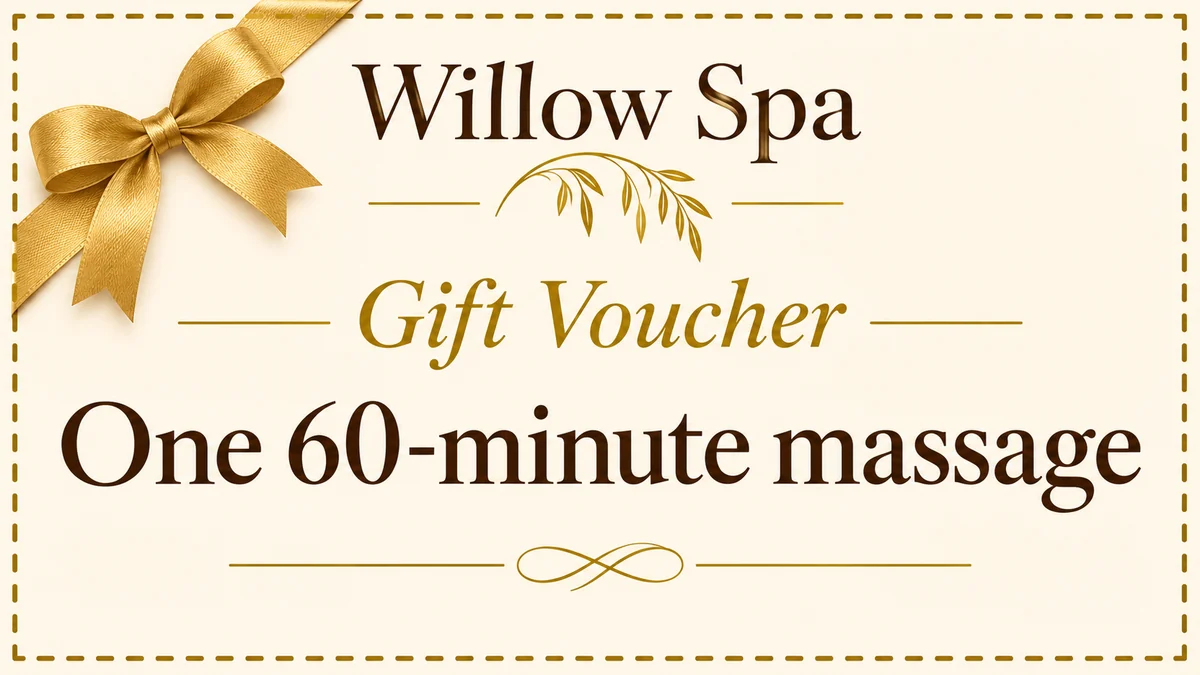
Spa gift voucher
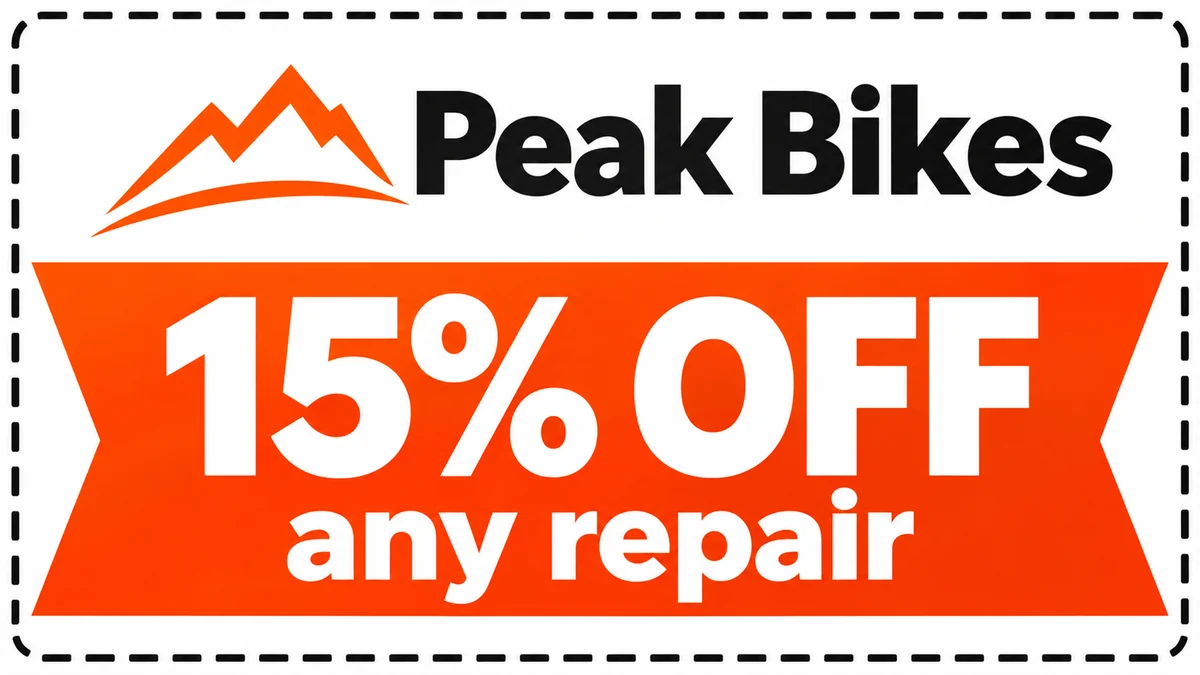
Service offer
Coupon Generator features.
Your offer, front and center
Discount, code and expiry date.
Three styles
Modern, elegant or playful.
Ready to print
A dashed cut-out border.
Coupon Generator, step by step.
01
Write the details
Business, offer, code and date.
02
Pick a style
Modern, Elegant or Playful.
03
Download and print
Or share it online.
Coupon Generator use cases.
- Small businesses
- Discount coupons for cafes, salons and shops.
- Gift vouchers
- A voucher for a massage, dinner or lesson.
- Family gifts
- Homemade coupons like "one breakfast in bed".
Coupon Generator: best photos and fixes.
Writing the details
Write each detail with a label so nothing gets mixed up: "Business: Rosa's Bakery. Offer: 20% OFF any cake. Code: SWEET20. Valid until June 30". The offer becomes the biggest text, so keep it short: "20% OFF", "Buy 1 Get 1", "$10 OFF". The tool is set to add no invented terms or codes.
Checking every word and number
Coupons are about exact details, and a wrong price or date causes trouble at the counter. Text is meant to match what you type, but zoom in and check every word, number, code and date before you print or post. Short lines are the most reliable; if one comes out wrong, regenerate or shorten it.
Choosing a style
Modern uses bold type and a bright accent color, good for shops, gyms and online offers. Elegant uses serif type, gold details and cream, the look of a spa, restaurant or boutique gift voucher. Playful uses rounded type and small illustrations, great for bakeries, kids' activities and family gifts.
Adding your logo
Upload your logo or a product photo and it is placed on the coupon. A clean logo on a plain or transparent background works best. If the logo comes out changed, use the coupon without it and add your logo in a design app, where it stays exact.
Printing and sharing
Coupons come in a wide shape with a dashed border for cutting. Print several on one A4 or letter sheet in a design app, on thick paper or card. For online use, post it as an image or send it in a message. Keep a list of the codes you give out so staff can recognize them.
Gift coupons for family
Coupons make sweet homemade gifts: "one breakfast in bed", "a movie night of your choice", "one car wash". Use the Playful style, write the person's name, and print a little booklet of them for birthdays, Mother's Day or Christmas.
Coupon Generator FAQ.
Will the text be spelled right?
Text follows what you type, but check every digit of the price and date; that is where errors are costly.
Can I make a coupon for a brand that isn't mine?
No. Only create coupons for offers you will really honour, and don't copy another company's name or logo.
Does it make real discount codes?
No. It prints the code you write; set up the code in your shop or checkout yourself.
Can I add my logo?
Yes. Upload it with your details; for an exact logo, add it afterwards in a design app.
Can I print several on one page?
Yes. Arrange them on an A4 or letter sheet in a design app before printing.
Is the Coupon generator free?
Yes, you can try it free. New accounts get 15 free credits, and one generation here uses 9 credits. You sign in with your email; no card needed. Results have no watermark. After that, plans add credits every month and credit packs never expire.