












AI Flyer Generator
Describe the event, get a finished flyer.
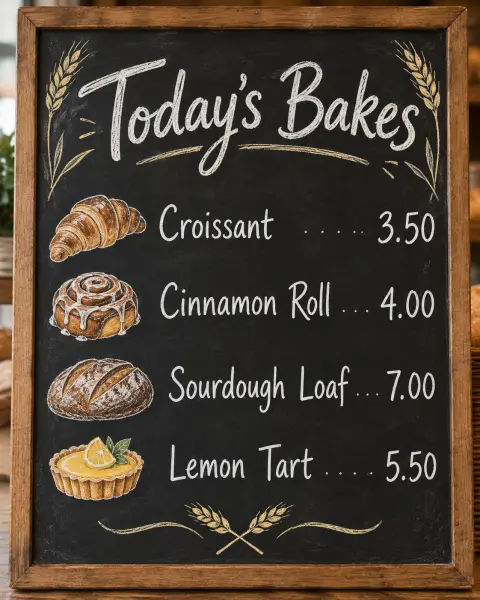
 Example output
More like this.
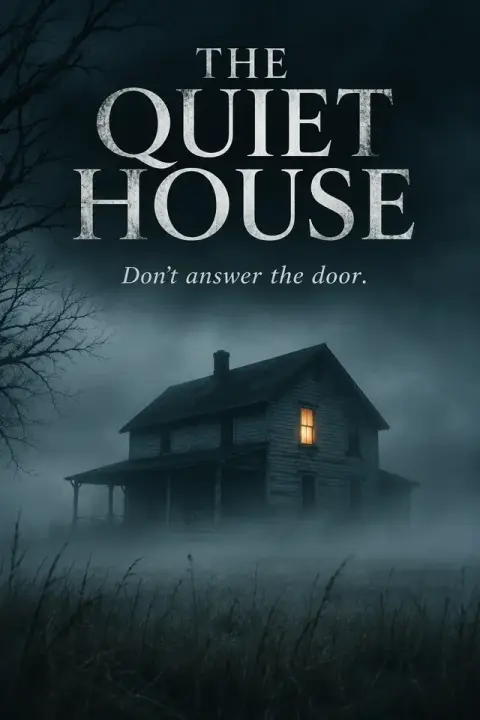
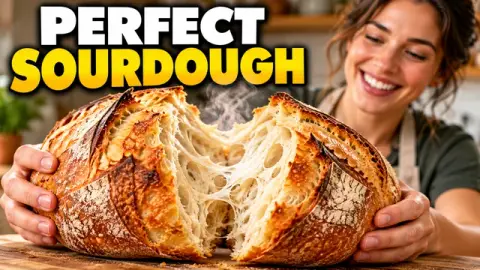
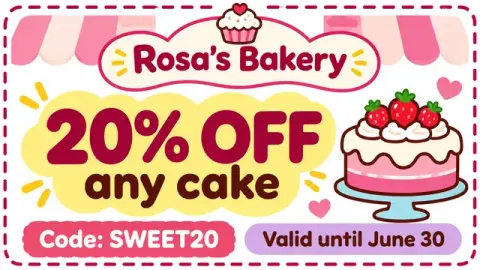
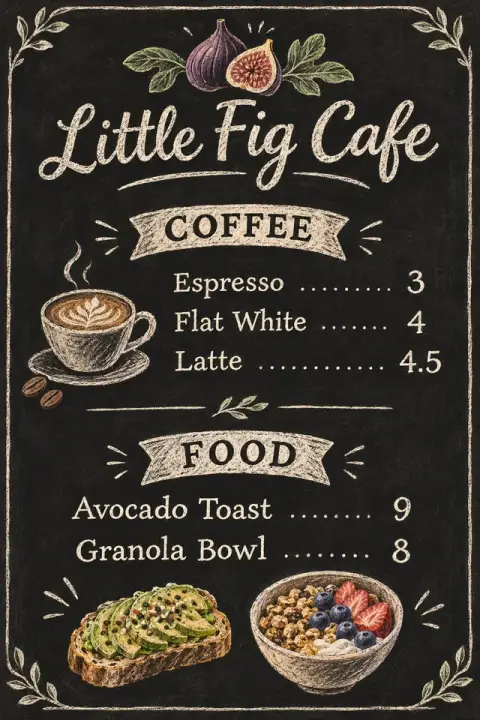
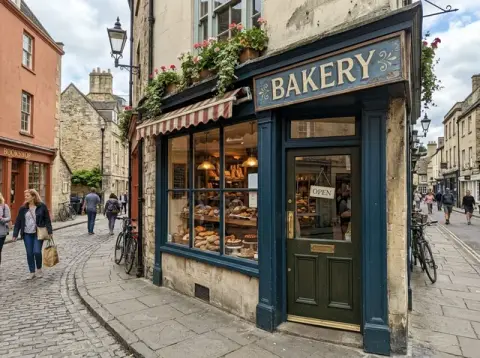
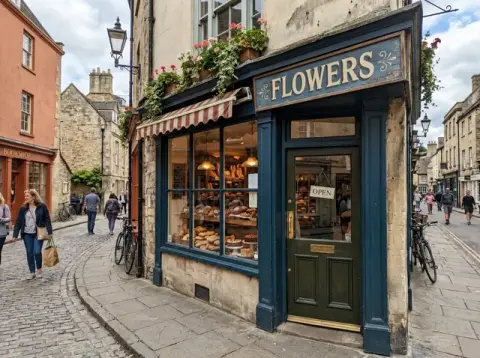
AI Flyer Generator examples.
Yoga class

Garage sale

Jazz night
AI Flyer Generator features.
Finished layout
Headline, details and call to action placed for you.
Your wording
Dates, names and prices come from what you type; proofread before printing.
Matching artwork
An original image that fits the event.
AI Flyer Generator, step by step.
01
Describe the flyer
Headline in quotes, then date, place and details.
02
Generate
Add colors or a style if you like.
03
Download
Print it or post it online.
AI Flyer Generator use cases.
- Events and classes
- Concerts, workshops, markets and parties.
- Small business promos
- Sales, openings and seasonal offers.
AI Flyer Generator: best photos and fixes.
Give the exact wording
The flyer uses only what you write, so give the exact headline and details: "Headline: 'Summer Yoga in the Park'. Details: 'Saturdays 9am, Riverside Park, bring a mat'". The model does not invent dates, prices or addresses. Check every word, number and date before printing or sharing.
Short text works best
Flyers are read in a few seconds. One headline, two or three short lines of details and one call to action, such as a website or phone number, is enough. Long paragraphs come out small and may have errors. Put extra information on your website instead.
Matching the artwork to the event
Describe the event's feel: "bright and playful for a children's party", "elegant black and gold for a gala", "bold and gritty for a club night". The artwork, colors and type follow. Mentioning a key image, such as "a saxophone" or "a pizza slice", gives the design a focus.
Logos and photos
Your own logo or photo cannot be inserted automatically. Leave a space by writing "empty space at the bottom right for a logo", then add it in a design app. That keeps your logo exactly as it is. Photos of speakers or products can be placed the same way, in the empty space.
Printing
For printing, use the largest download, and check your printer's size, such as A5 or US letter, and bleed. Keep text away from the edges. For screens, the same flyer works as a social post or story. A5 is the usual size for handouts and A4 or A3 for posters on noticeboards.
If text comes out wrong
Regenerate if a word is misspelled; do not try to fix one letter at a time. Shorten text and put each line in quotes. Numbers and dates are the most important to check. Dates written as "Sat 14 June" are shorter and less error-prone than full sentences.
Layout for reading at a glance
People read flyers in a fixed order: the image and headline first, then the date and place, then everything else. Describe that order in your prompt: "large headline at the top, illustration in the middle, date and address at the bottom in clear type". Keep the call to action, such as a website or a QR code space, in the bottom corner.
Different events, different moods
Match the style to the audience: hand-drawn and colorful for a children's class, clean and modern for a workshop, bold and dark for a concert. Naming a style word, such as "retro 70s", "minimal Swiss", "grunge", gives the flyer a clear personality. For recurring events, keep one style across all flyers so people recognise them at a glance.
AI Flyer Generator FAQ.
Will it make up details?
No. It uses only the details you give and adds no phone numbers, addresses or prices of its own.
Can I add my logo or a photo?
Yes. Upload it and it is placed into the design.
Can I print it?
Yes. Choose 2K or 4K in the settings for sharper print quality.
Is the Flyer generator free?
Yes, you can try it free. New accounts get 25 free credits, and one generation here uses 9 credits. You sign in with your email; no card needed. Results have no watermark. After that, credit packs never expire, and your first one is half price.
Guides on the blog.
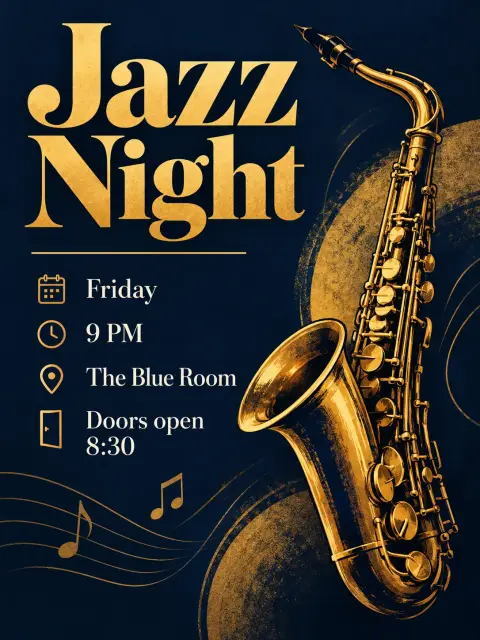 Event flyer design tips: make people stop and readA flyer has about three seconds to win attention. How to structure the headline, details and image, choose colors and fonts, and check everything before printing.
 GPT Image 2 vs Nano Banana Pro: which model wins?Two of the strongest image models, both good at text. How OpenAI's GPT Image 2 and Google's Nano Banana Pro compare on layouts, edits, realism and cost.

