Black Friday saleHoliday saleNew Year 2027Valentine’s saleEaster · Last callView offer →
✻ ❄ ✻✦ ✧ ✦♥ ♡ ♥⬮ ⬯ ⬮
BLACK FRIDAYHOLIDAY SALENEW YEAR 2027VALENTINE'SEASTER · LAST CALL
Lock in Black Friday pricesLock in holiday pricesStart 2027 at 2026 pricesLock in today's prices for Valentine'sLast chance at today's prices — they go up 30% after the holidays
Ends in Ends in Ends in Ends in Ends in --d --h --m --sLock in my price →
Product Photo & Mockup Prompts for ChatGPT & Gemini
10 tested prompts that turn a plain product photo into a studio shot or lifestyle scene, and put your logo on mugs, signs and packaging.
10 prompts · every result made with the exact prompt shown · updated Nov 2026
Studio product photo prompts
BeforeGPT Image 2
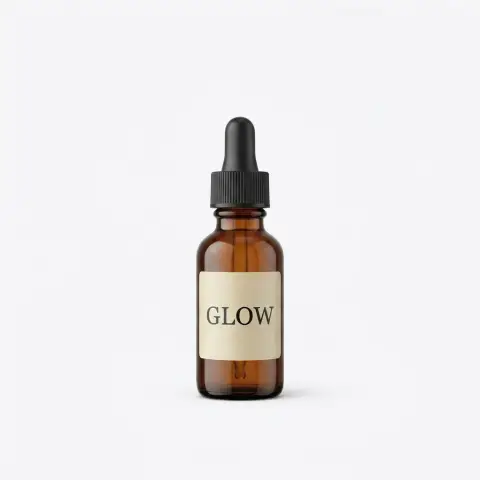
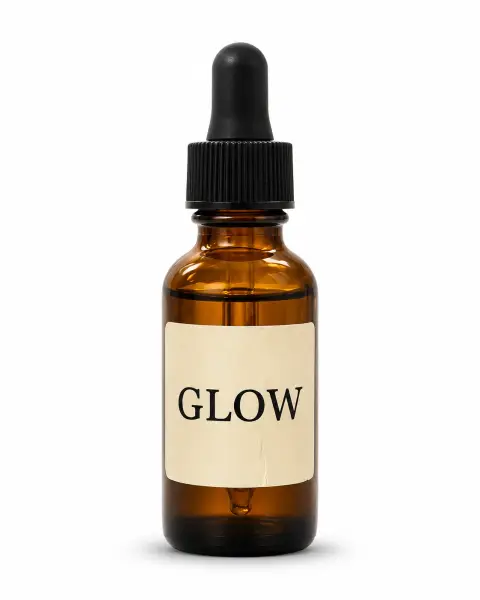
White background e-commerce
Turn this product photo into a clean e-commerce image: the same bottle centered on a pure white background with a soft shadow beneath. Keep the label, shape and colors exactly the same. Even studio light.
BeforeGPT Image 2
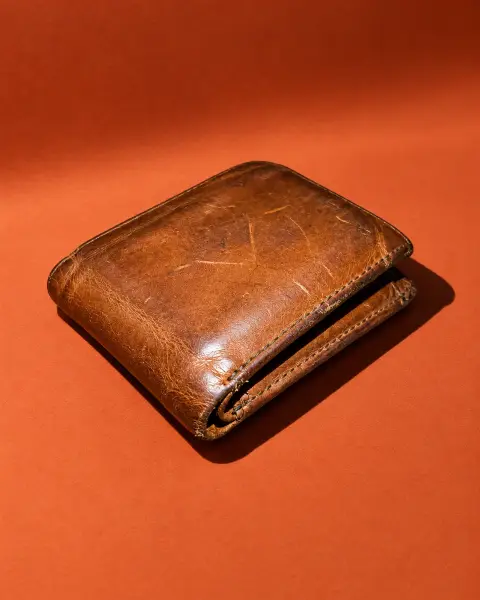
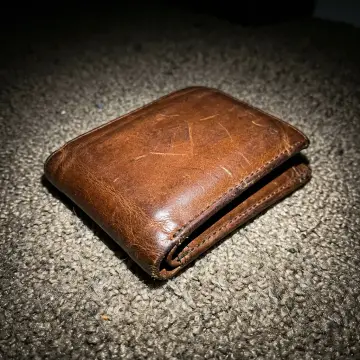
Colored backdrop
Place this wallet on a terracotta-colored backdrop with a matching curved surface, hard sunlight casting a crisp shadow. Keep the wallet exactly the same. Bold, modern product photo.
BeforeGPT Image 2
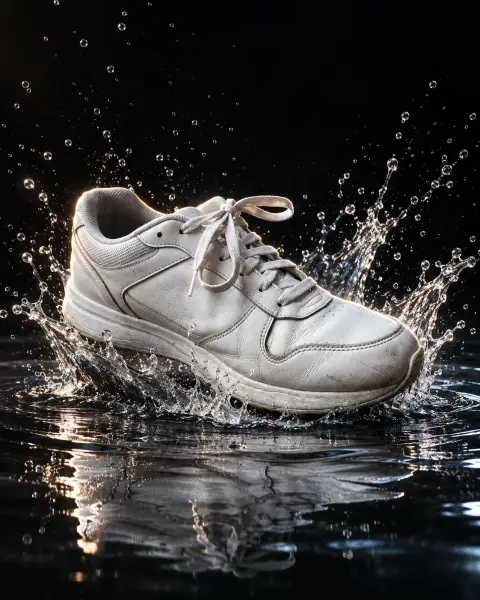
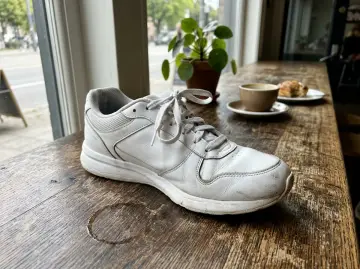
Splash shot
Show this sneaker landing in a shallow pool of water with a dramatic splash frozen in mid-air, dark background, rim light. Keep the shoe exactly the same. High-speed advertising photo.
Lifestyle product photo prompts
BeforeGPT Image 2
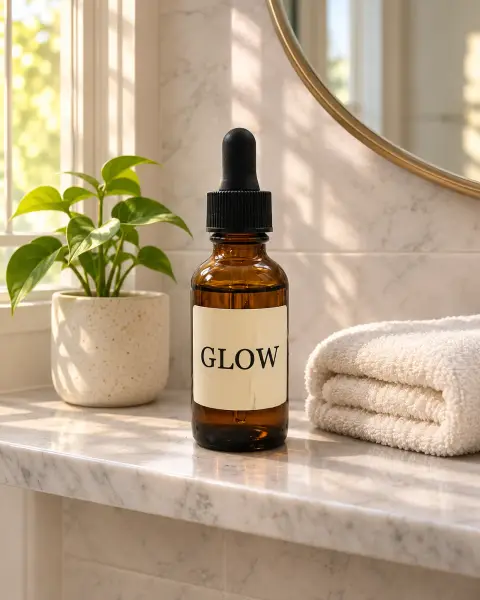
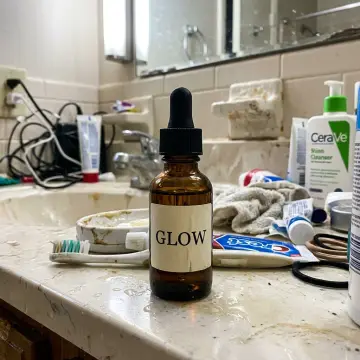
Bathroom shelf
Place this skincare bottle on a marble bathroom shelf with a folded towel, a small plant and morning light. Keep the bottle and label exactly the same. Calm lifestyle photo.
BeforeGPT Image 2
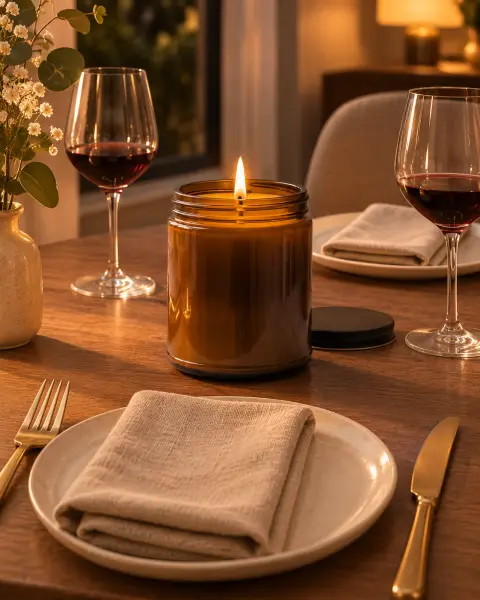
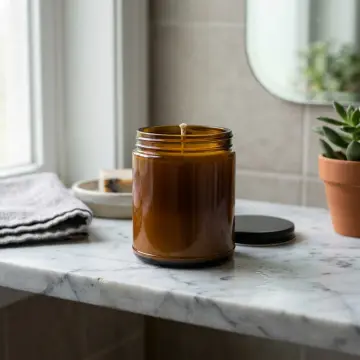
Candle on a dinner table
Put this candle lit on a dinner table set for two with linen napkins and wine glasses, warm evening light. Keep the jar and label exactly the same.
BeforeGPT Image 2
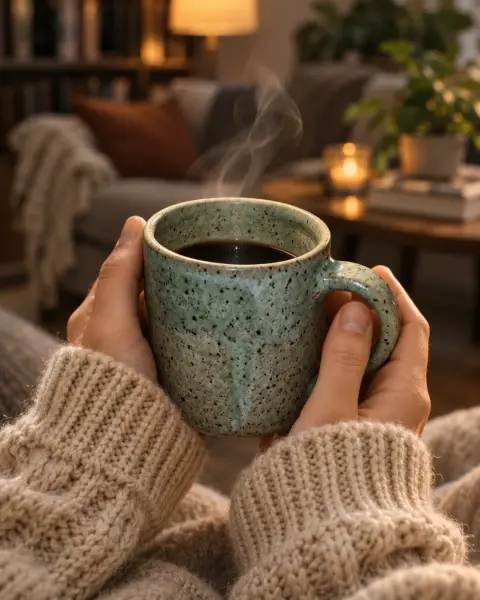
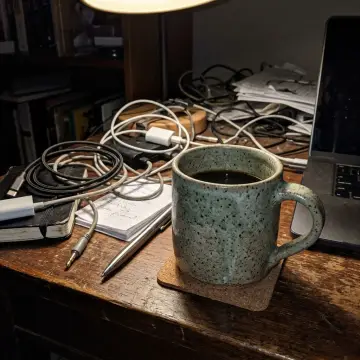
Mug in someone's hands
Show this mug held in two hands wearing a cozy knit sweater, steam rising, blurred living room behind. Keep the mug exactly the same. Warm lifestyle photo.
Logo mockup prompts
BeforeGPT Image 2
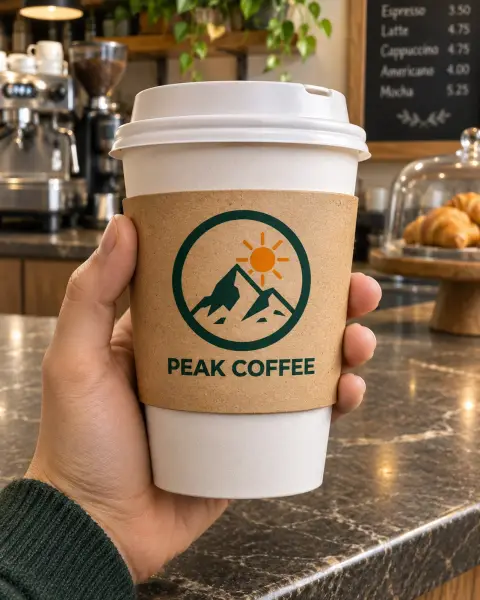
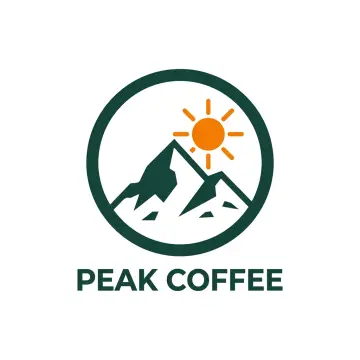
Logo on a coffee cup
Put this logo on a white paper coffee cup with a brown sleeve, held over a cafe counter. Keep the logo design and colors exactly the same, printed naturally on the cup.
BeforeGPT Image 2
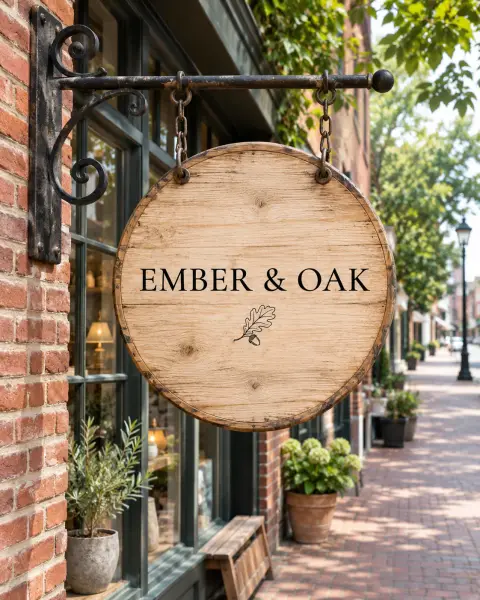
Logo on a shop sign
Put this logo on a round wooden hanging sign outside a small shop on a brick street. Keep the logo exactly the same, painted on the wood. Daylight, realistic photo.
BeforeGPT Image 2
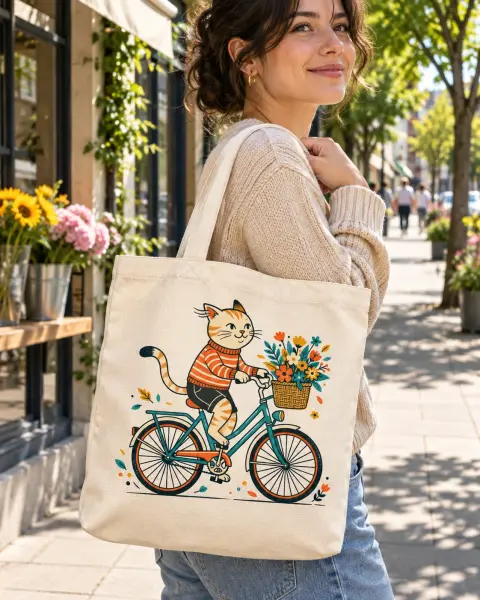
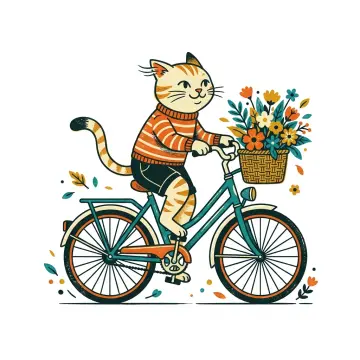
Illustration on a tote bag
Print this illustration on a natural canvas tote bag carried on someone's shoulder on a sunny street. Keep the artwork exactly the same. Realistic fabric print.
BeforeGPT Image 2
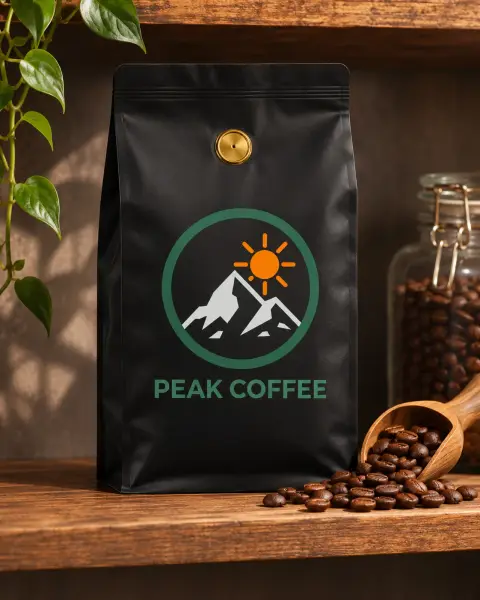
Logo on packaging
Put this logo on a matte black coffee bag with a gold valve, standing on a wooden shelf next to coffee beans. Keep the logo exactly the same. Product photo.
Skip the prompt.
AI product photography and Mockup generator do these in one click: upload the product or logo, pick a scene.
Choose one whose result you like. Every image on this page came from the prompt under it, on the model named on the image, unedited.
02
Copy it as it is first
Paste it into Gemini or ChatGPT, or press Try it now to run it here, and see what the model does before you change anything.
03
Then make it yours
Replace the subject, colors or text in the prompt with your own and keep the rest; the structure is what makes it work.
Questions about Product & mockup prompts
Will the AI change my product?
These prompts say to keep the product, label, shape and colors exactly the same. Check small text on labels; if it changes, run it again or use a sharper product photo.
What product photo should I start with?
A sharp photo of the product alone, in even light, with the label facing the camera. A messy background is fine; the prompt replaces it.
Can I use these images in my store?
Yes, they are your images. Marketplaces like Amazon require the main image on pure white, so use the white background prompt for that one.
How do I put my logo on a mockup?
Upload your logo (a PNG on a plain background works best) with a mockup prompt. Keep 'keep the logo design and colors exactly the same'.












 BeforeGPT Image 2