Black Friday saleHoliday saleNew Year 2027Valentine’s saleEaster · Last callView offer →

Nano Banana 2 Prompts That Actually Work

12 tested prompts for Google's Nano Banana 2 image model: photo edits, old photo restoration, portraits and images from text. Every result below came from Nano Banana 2.

12 prompts · every result made with the exact prompt shown · updated Nov 2026

Nano Banana 2 prompts for photo editing

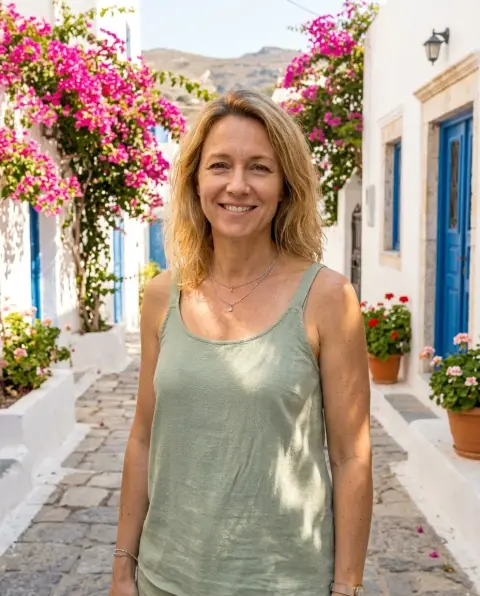
Woman placed on a sunny Mediterranean street with bougainvilleaPhoto it was givenBeforeNano Banana 2

Change the background only

Replace the background of this photo with a sunny Mediterranean street with white walls and pink bougainvillea. Keep the person exactly the same: face, hair, clothes, pose and lighting direction. Match the light and shadows to the new scene so it looks like one photo.


Man shown in a tailored navy blazer with the same pose and backgroundPhoto it was givenBeforeNano Banana 2

Change the outfit

Change only the clothes in this photo: dress the person in a tailored navy blazer over a white shirt. Keep the face, hair, body, pose and background exactly the same. Realistic fabric folds and fit.

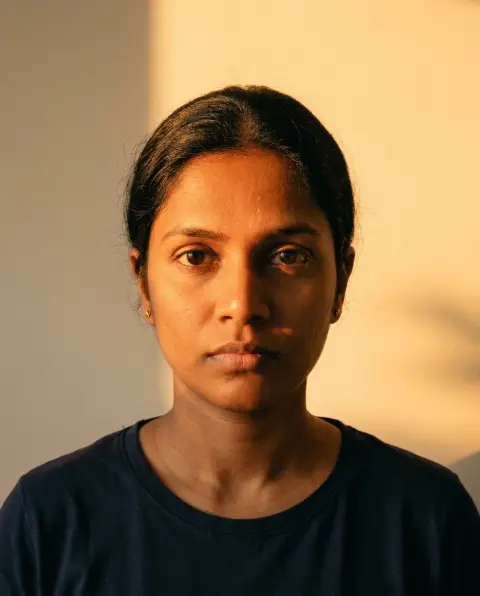
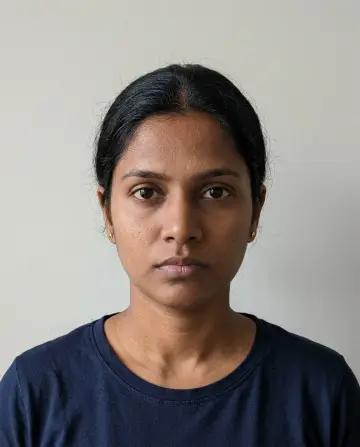
Portrait relit with warm golden-hour light from the leftPhoto it was givenBeforeNano Banana 2

Fix the lighting

Relight this portrait with strong warm golden-hour sunlight coming from the left: orange-gold light on the left side of her face and hair, soft shadow on the right side, a warm glow on the background. Keep her face, features, expression, pose and clothes exactly the same.

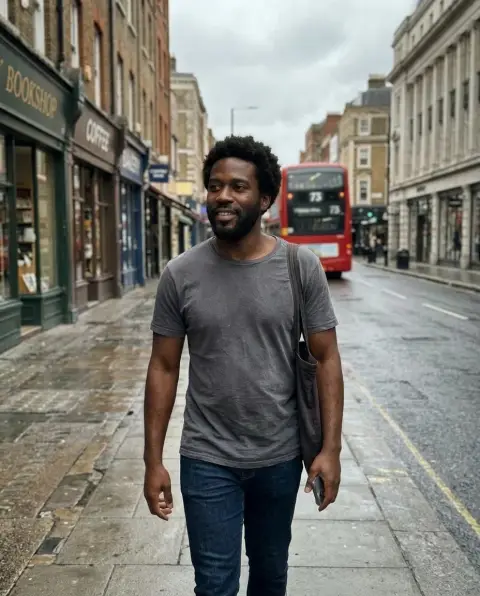
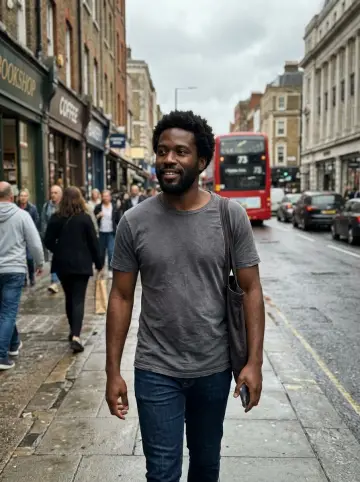
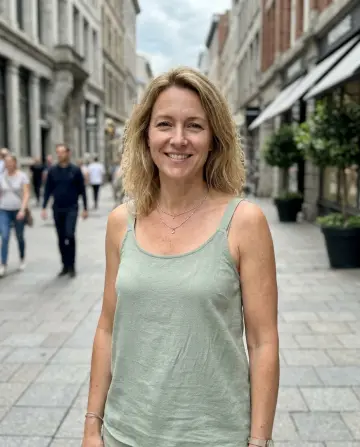
Street photo with the background people removed around the main subjectPhoto it was givenBeforeNano Banana 2

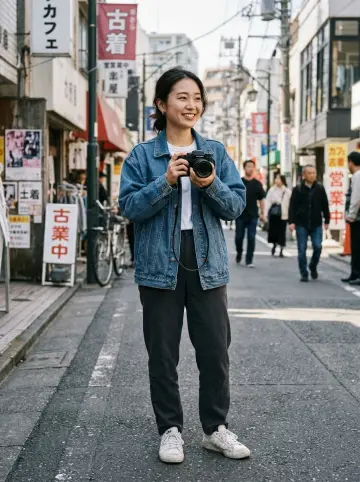
Remove the crowd

Remove all the people in the background of this photo and fill the space naturally with the street, buildings and pavement. Keep the main person and everything else unchanged.

Nano Banana 2 prompts to restore old photos

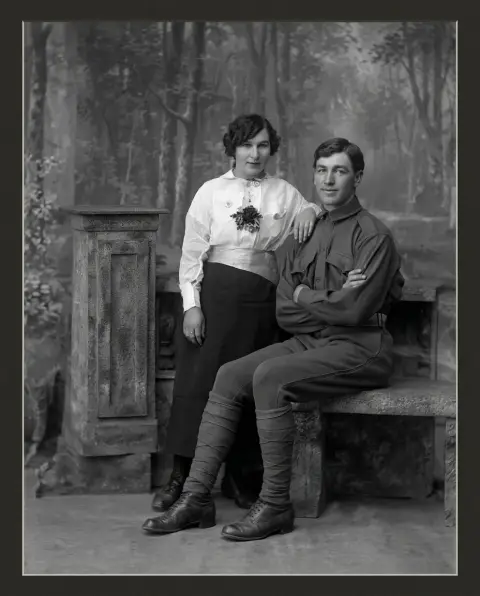
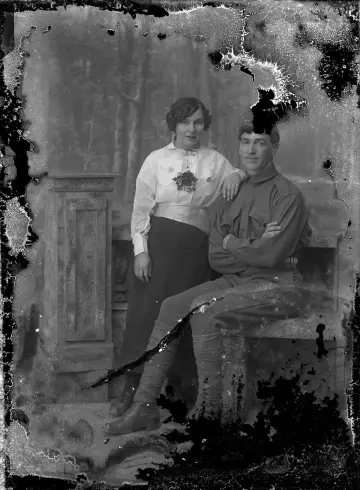
Old damaged couple portrait restored to a clean black and white photoPhoto it was givenBeforeNano Banana 2

Restore a damaged photo

Restore this old damaged photograph: remove the scratches, stains and missing corners, fix the faded areas and sharpen the faces. Keep the people, clothes and composition exactly as they are and keep it black and white. Do not invent new details.

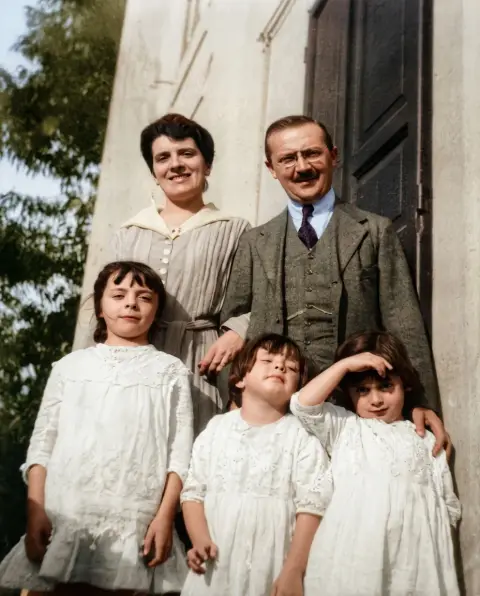
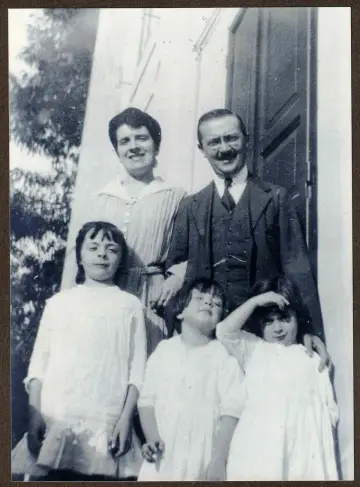
Old black and white family photo colorized with natural tonesPhoto it was givenBeforeNano Banana 2

Colorize a family photo

Colorize this old black and white family photo with natural, period-accurate colors: realistic skin tones, muted clothing colors, soft daylight. Keep every face and detail the same and do not add anything new.

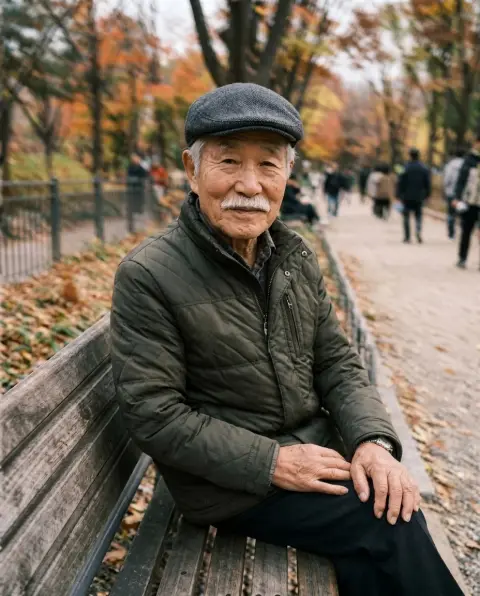
Blurry photo of an older man on a park bench made sharp and clearPhoto it was givenBeforeNano Banana 2

Sharpen a blurry photo

Make this blurry photo sharp and clear: recover detail in the face, eyes and clothing, reduce noise, keep natural skin texture. Do not change the person's features, pose or background.

Nano Banana 2 portrait prompts

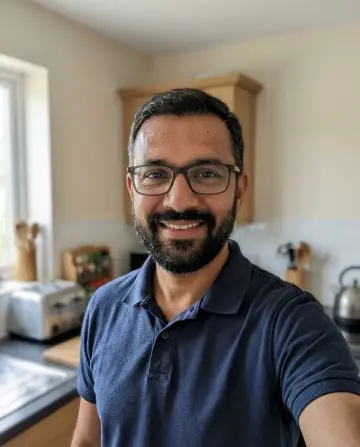
Man's photo turned into a studio headshot with a grey backgroundPhoto it was givenBeforeNano Banana 2

Studio headshot

Turn this photo into a professional studio headshot: same face and expression, neat hair, dark grey blazer, plain light grey background, soft even studio lighting, head and shoulders framing. Photorealistic.

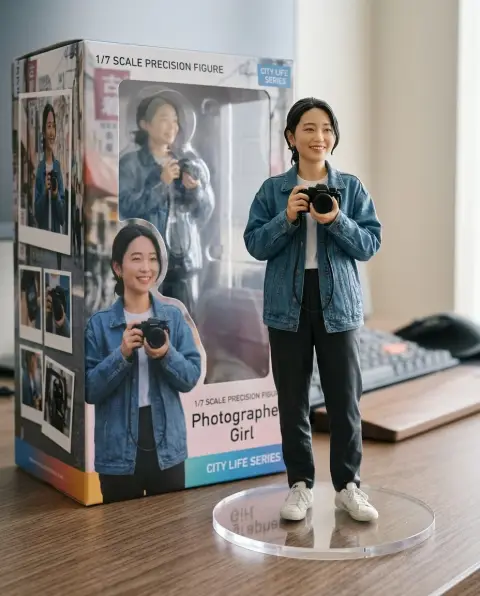
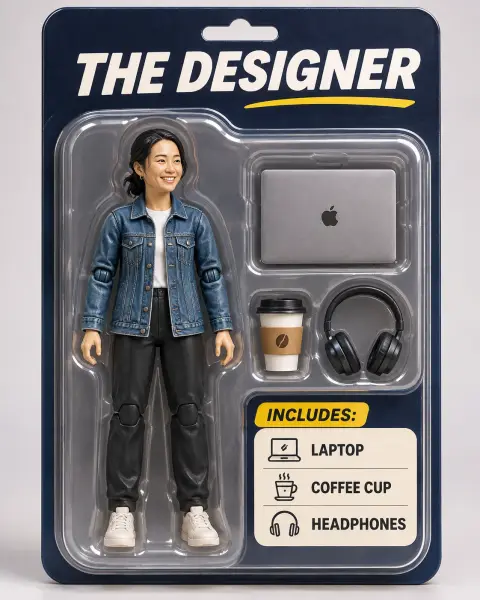
Collectible figurine of a woman on a desk next to its printed boxPhoto it was givenBeforeNano Banana 2

3D figurine on a desk

Create a 1/7 scale collectible figurine of the person in this photo, standing on a round clear acrylic base on a computer desk. Next to it, the figure's box with the character printed on it. Realistic product photo, soft room light.

Portrait restyled as a warm, grainy 1970s film photoPhoto it was givenBeforeNano Banana 2

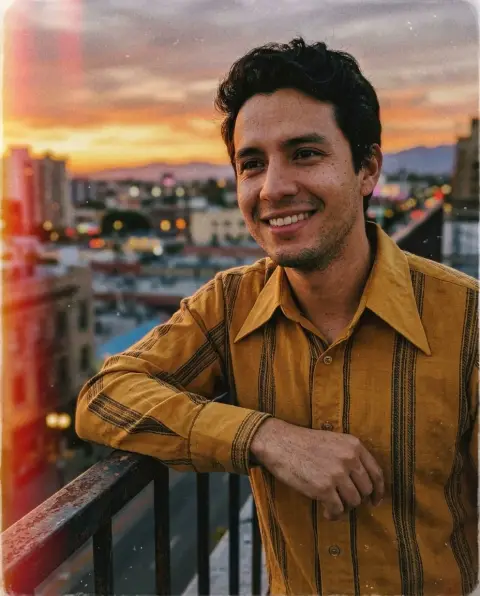
Vintage film portrait

Restyle this portrait as a 1970s film photo: warm faded colors, soft grain, slight light leak at the edge, flared collar shirt. Keep the face and pose the same. Looks like a real scanned print.

Nano Banana 2 text-to-image prompts

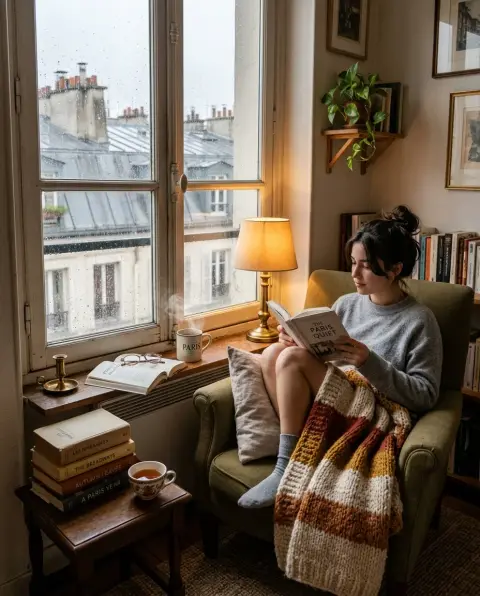
Cozy Paris reading nook with an armchair, books and rain on the windowNano Banana 2

Cozy reading nook

A cozy reading nook in a small Paris apartment on a rainy afternoon: an armchair with a knit blanket, a stack of books, a cup of tea steaming on the windowsill, rain on the glass, warm lamp light. Photorealistic interior photo.

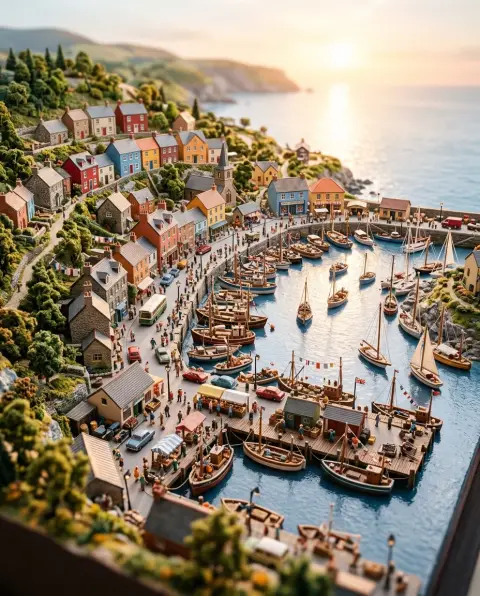
Tilt-shift miniature diorama of a colorful harbor town at sunriseNano Banana 2

Miniature city diorama

A tilt-shift miniature diorama of a busy harbor town at sunrise, tiny boats, colorful houses, people the size of grains of rice, shallow depth of field, ultra detailed.

Skip the prompt.

Try any of these on Nano Banana 2 here, or use one-click tools like Photo restoration when you just want the result.

Nano Banana 2Nano Banana Pro

How to use these prompts

  1. 01

    Pick a prompt

    Choose one whose result you like. Every image on this page came from the prompt under it, on the model named on the image, unedited.

  2. 02

    Copy it and add your photo

    Paste it into Gemini with a clear, well-lit photo, or press Try it now and upload the photo here.

  3. 03

    Change one detail at a time

    Swap the outfit, place or light in the prompt, but keep the sentence that tells the model to keep the same face.

Questions about Nano Banana 2 prompts

What is the best prompt structure for Nano Banana?

Say what to change first, then what to keep: 'Change the background to … Keep the person exactly the same.' Nano Banana follows short, specific edit instructions better than long scene descriptions.

Are these prompts for Nano Banana 1 or 2?

They were tested on Nano Banana 2 and also work on the original Nano Banana and Nano Banana Pro. Pro follows long prompts and text in images more closely.

Can I use these prompts in Gemini?

Yes. Nano Banana is the image model inside Gemini, so you can paste these prompts there with your photo.

Why does Nano Banana change my face?

Add 'keep the face exactly the same' and ask for one change at a time. Big scene changes in one prompt make faces drift more.

More prompt collections