Add Logo to Photo
Your logo on your photos, placed naturally.
Photo
Logo
or paste with ⌘V · JPG · PNG · WebP · up to 8 MB
Add Logo to Photo examples.
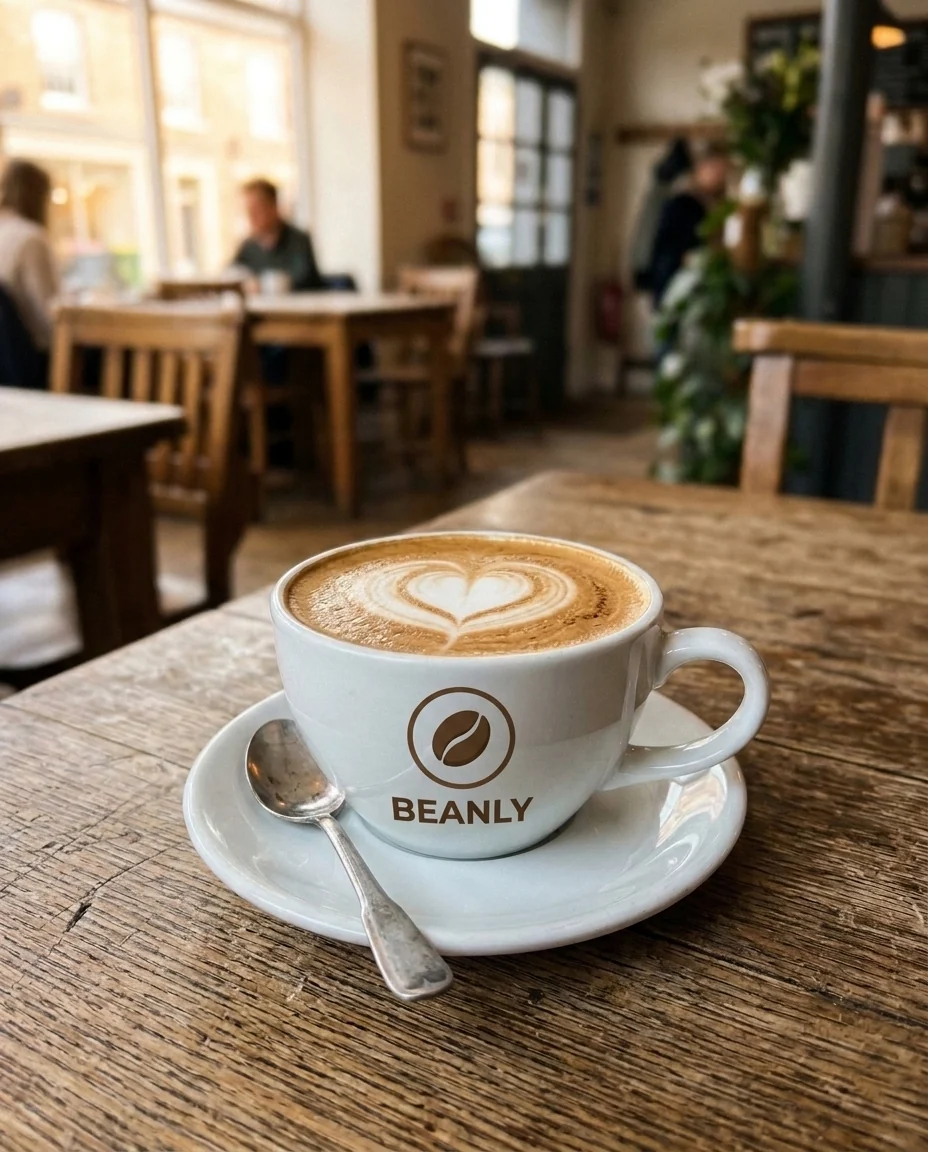
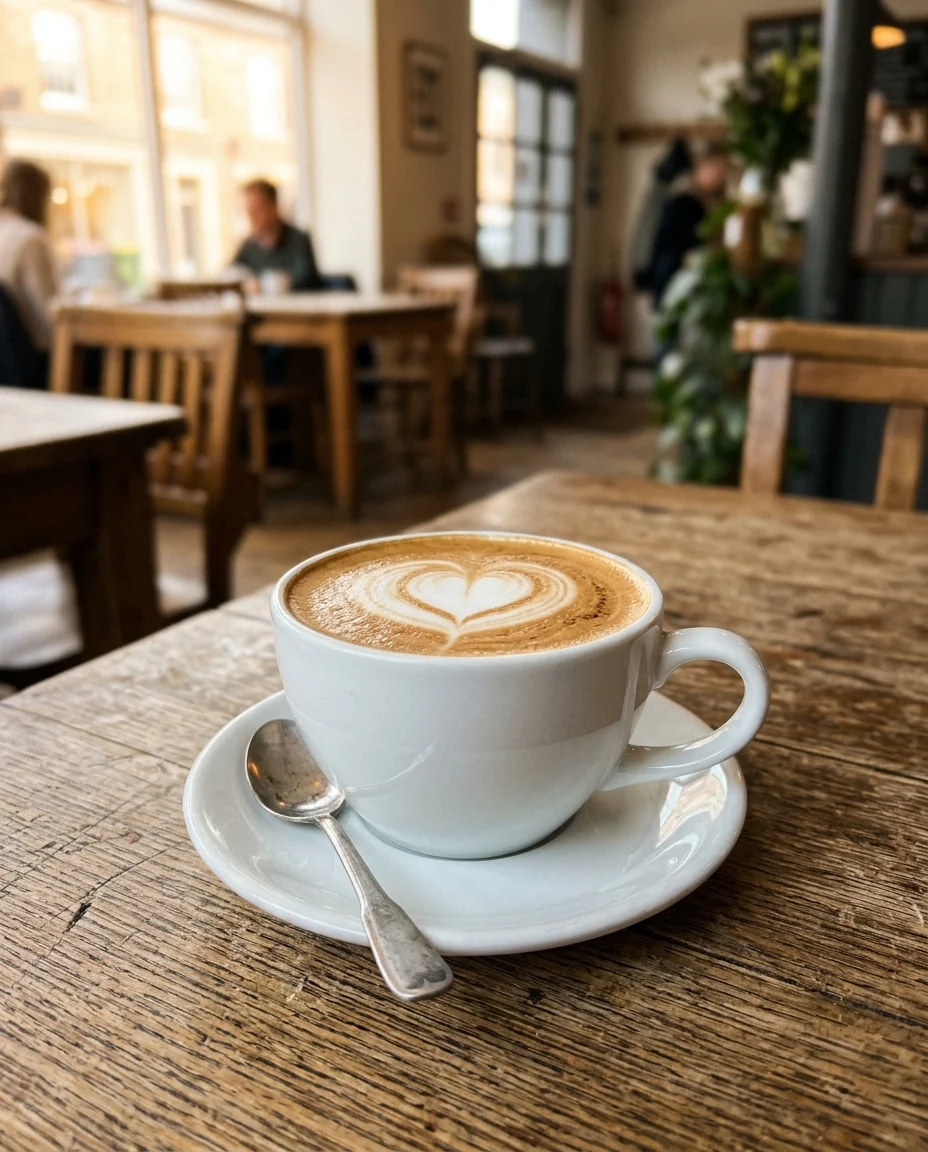

On the cup



On a t-shirt



Corner watermark
Add Logo to Photo features.
Three placements
Corner watermark, on a product or on clothing.
Matches the scene
Aims to follow curves, folds and light.
Logo kept as is
Shapes and letters copied, not redrawn.
Add Logo to Photo, step by step.
01
Upload your photo and logo
A PNG logo with a plain or transparent background works best.
02
Pick where it goes
Or Custom to describe the spot.
03
Download
Use it in posts, listings or pitches.
Add Logo to Photo use cases.
- Product mockups
- See your logo on a mug, bag or box before ordering.
- Merch ideas
- Preview your brand on t-shirts and hoodies.
- Watermarking
- Brand your photos before posting them.
Add Logo to Photo: best photos and fixes.
The photo
Pick a photo where the spot for the logo is clear and well lit: a plain mug, a blank shirt, a sign, a box or an empty corner. Busy patterns, strong reflections and very curved surfaces make the logo harder to place cleanly. For clothing, a front-facing person with a smooth, plain top gives the clearest print. Larger, sharper photos give a crisper logo. A product with a flat, front-facing panel, like a box or a bottle label, takes a logo more cleanly than a round mug seen from the side.
The logo file
Upload the cleanest version of your logo you have: a PNG or a high-resolution JPG on a plain background. Simple logos with bold shapes and short words transfer most faithfully. Very thin lines, tiny taglines and gradients may soften. If your logo has a light and a dark version, use the one that will stand out on the surface you chose.
Choosing a placement
Corner watermark puts a small, slightly transparent logo in the bottom right, the usual way to brand photos. On the product prints it on the main object, following its curve and material. On clothing screen-prints it on the chest of the main person's top. Custom lets you name any spot: "on the shop sign", "embossed on the leather bag", "on the side of the van".
Checking the letters
The logo's letters are copied rather than redrawn, but on small or curved surfaces a letter can still come out wrong. Zoom in and check every letter before you use the result for anything official. Short wordmarks are most reliable; if a long tagline comes out garbled, try a version of your logo without it.
Mockups, not proof
Results show what your logo could look like on a product or garment; they aren't a print proof. Colors on screen and real print colors differ, and printers have their own rules for size and placement. Use the result to decide and to show clients, then send your original logo file to the printer.
Related tools
The logo generator designs a new logo from a description, and logo background remover makes your logo's background transparent. The mockup generator puts designs on products from scratch, and the t-shirt design generator makes artwork for apparel. To clean a watermark off your own photo, use the watermark remover.
Add Logo to Photo FAQ.
Will my logo be changed?
Mostly not. The prompt tells the model to copy your logo as it is, but letters on small or curved surfaces can still come out wrong, so zoom in before you use it.
Can I choose where it goes?
Yes. Pick Corner watermark, On the product or On clothing, or Custom to describe the spot.
Does it need a transparent logo?
No. A logo on a plain white background works too; transparent PNGs are usually cleanest.
Can I add someone else's logo?
Only logos you own or have permission to use. Don't use it to make fake branded products or endorsements.
Is the Add logo to photo free?
Yes, you can try it free. New accounts get 15 free credits, and one generation here uses 13 credits. You sign in with your email; no card needed. Results have no watermark. After that, plans add credits every month and credit packs never expire.