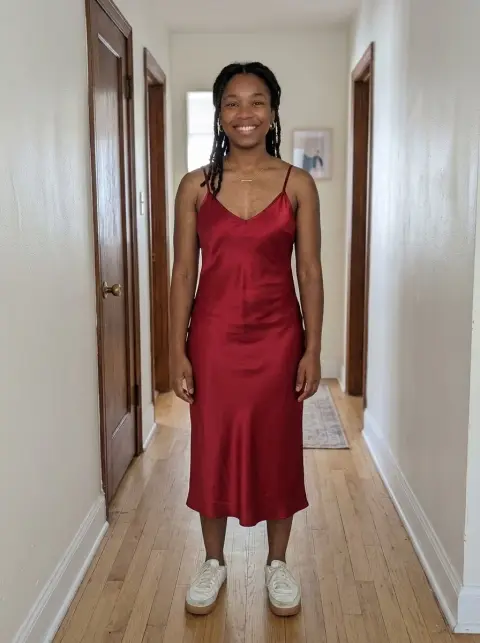
Clothes Color Changer
Same outfit, a new color, real fabric folds.
Drop a photo
or paste with ⌘V · JPG · PNG · WebP · up to 8 MB
No photo handy? Try one of ours.
More like this.
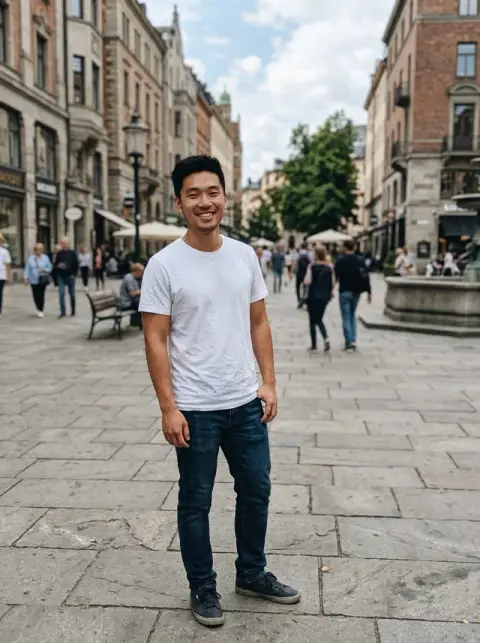
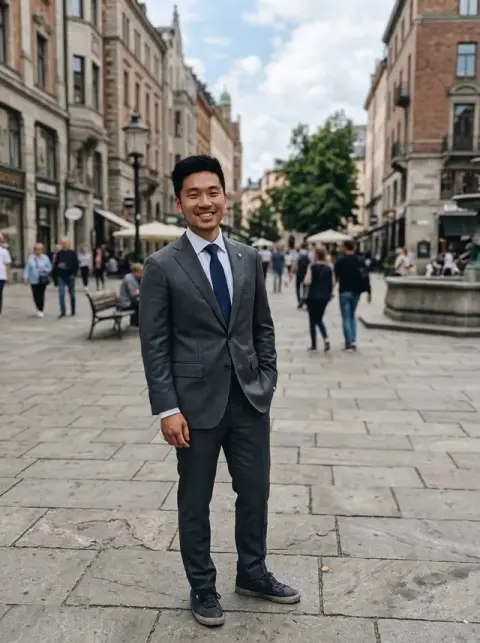
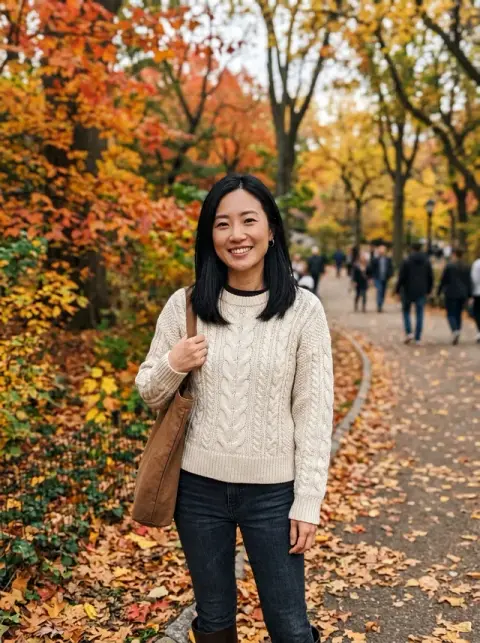
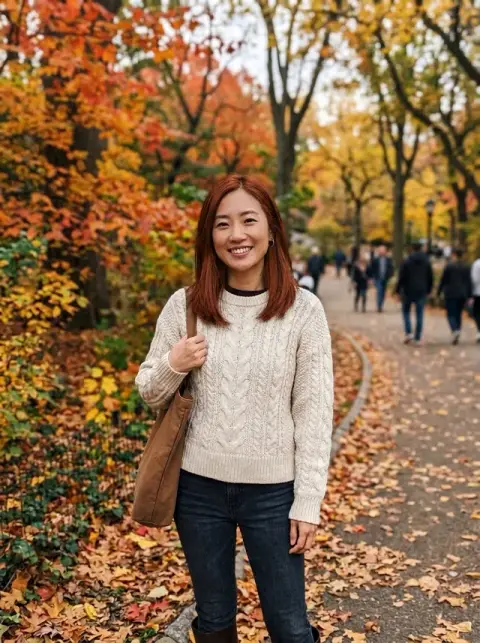








Clothes Color Changer examples.
Real results from this page's default settings in one click, not retouched.How examples are made
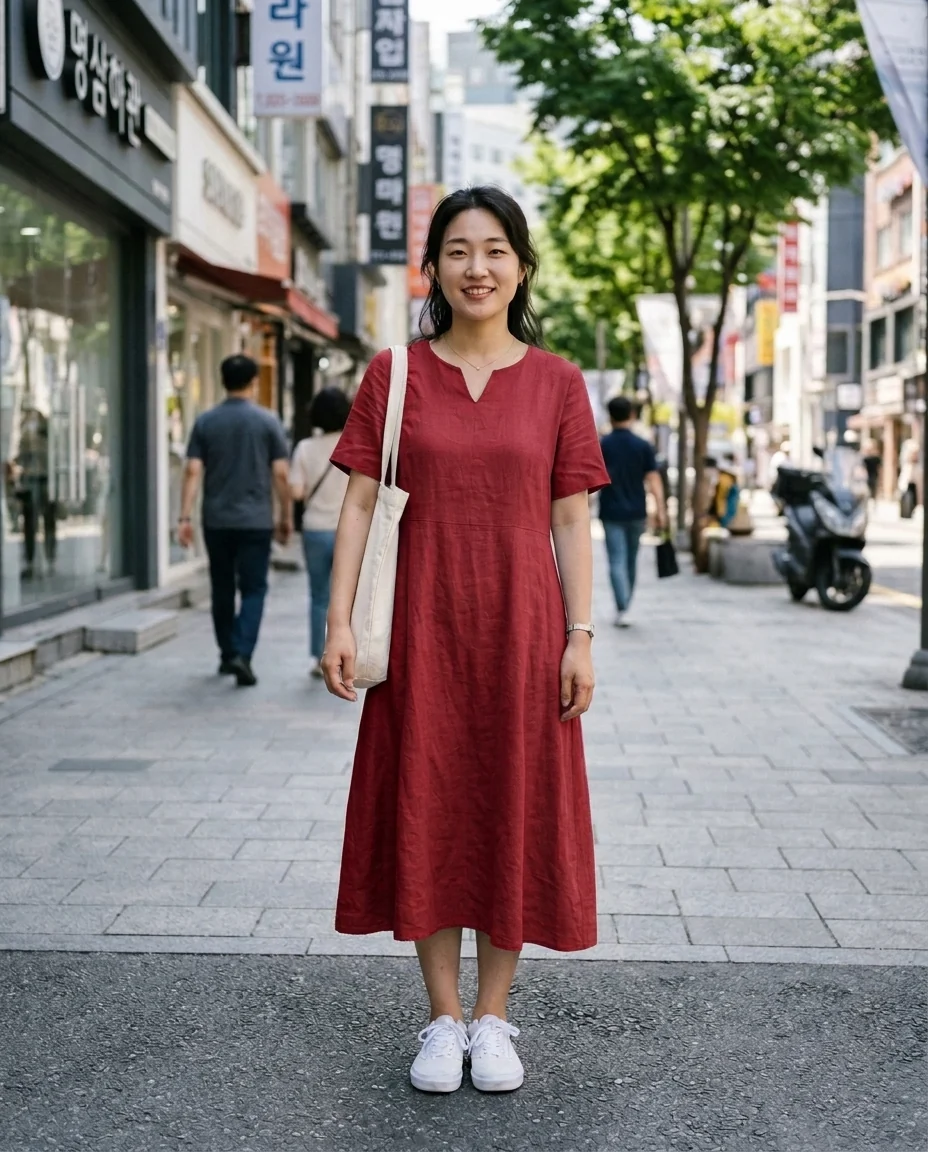
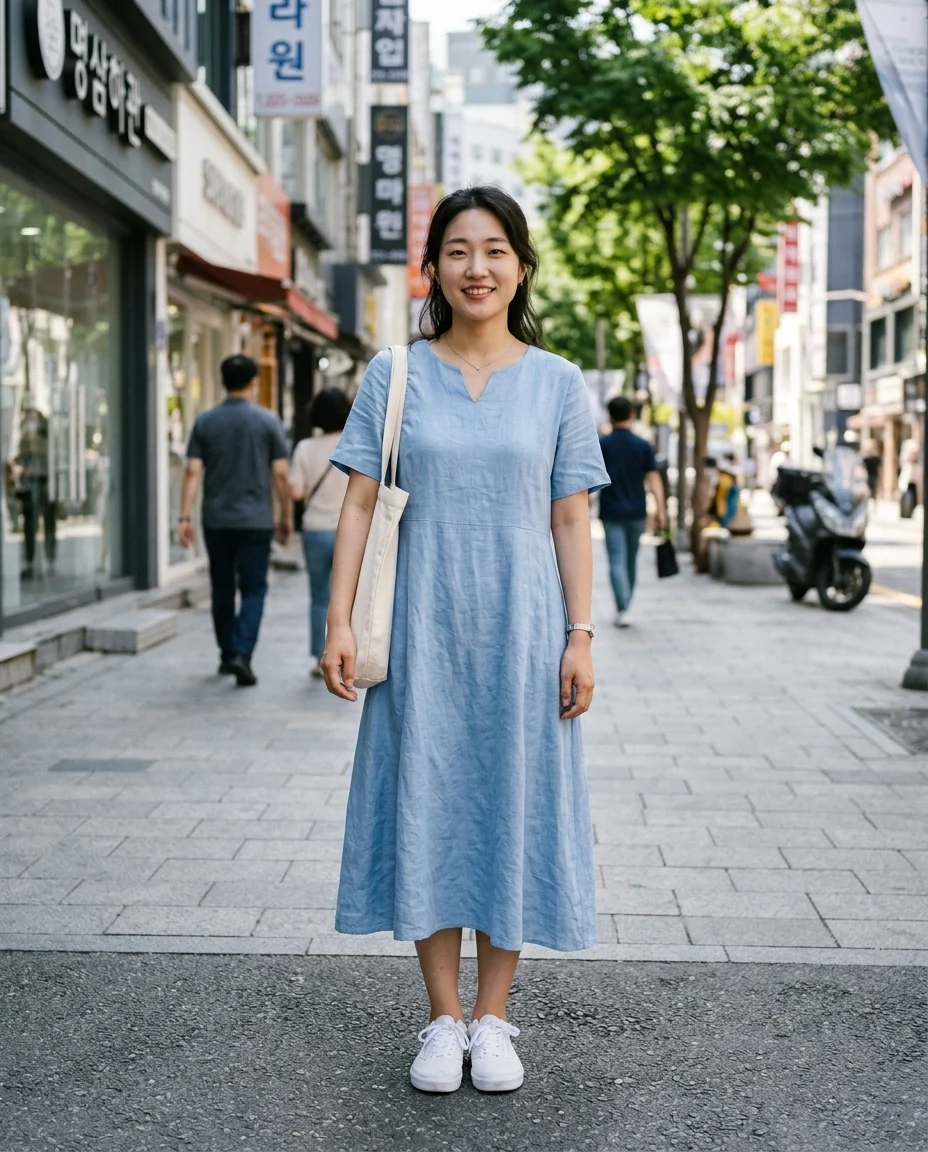
Dress to red
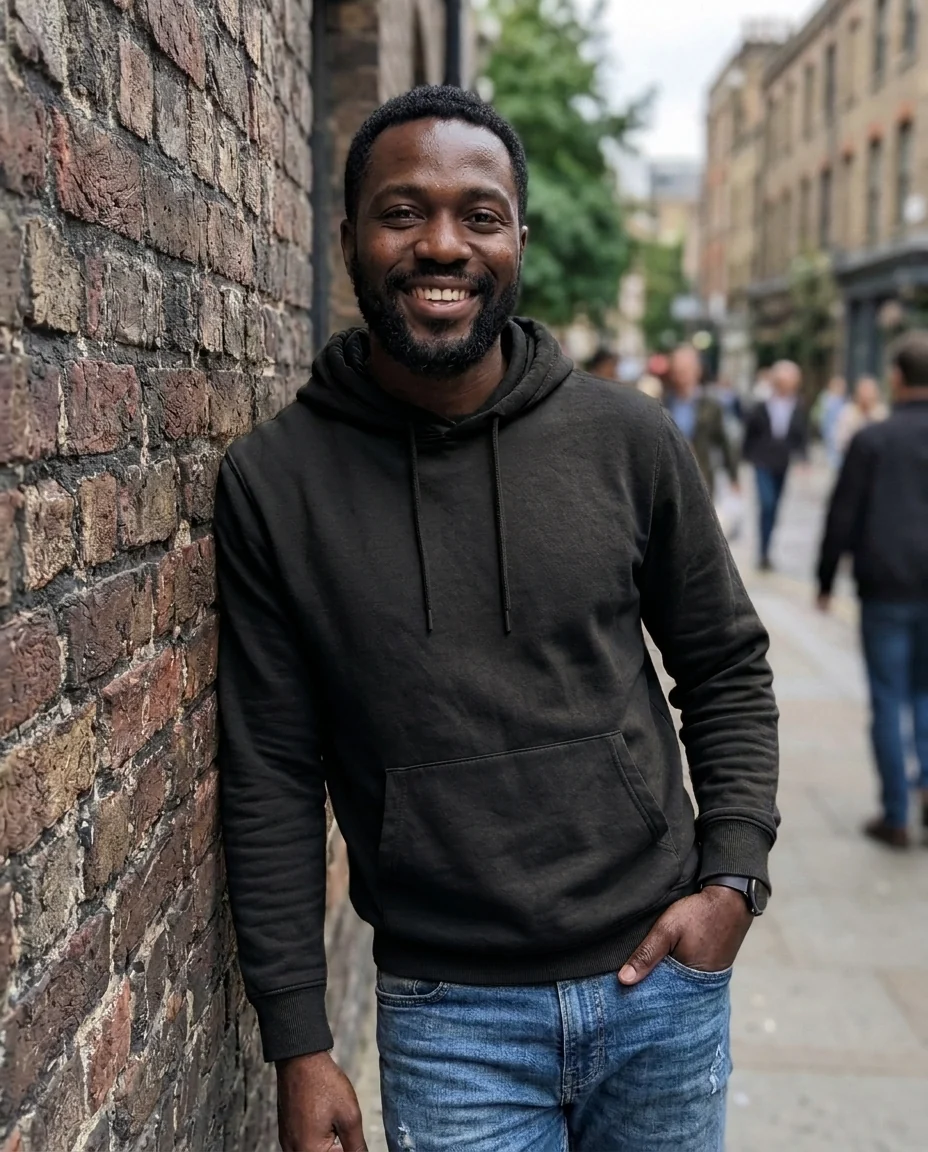
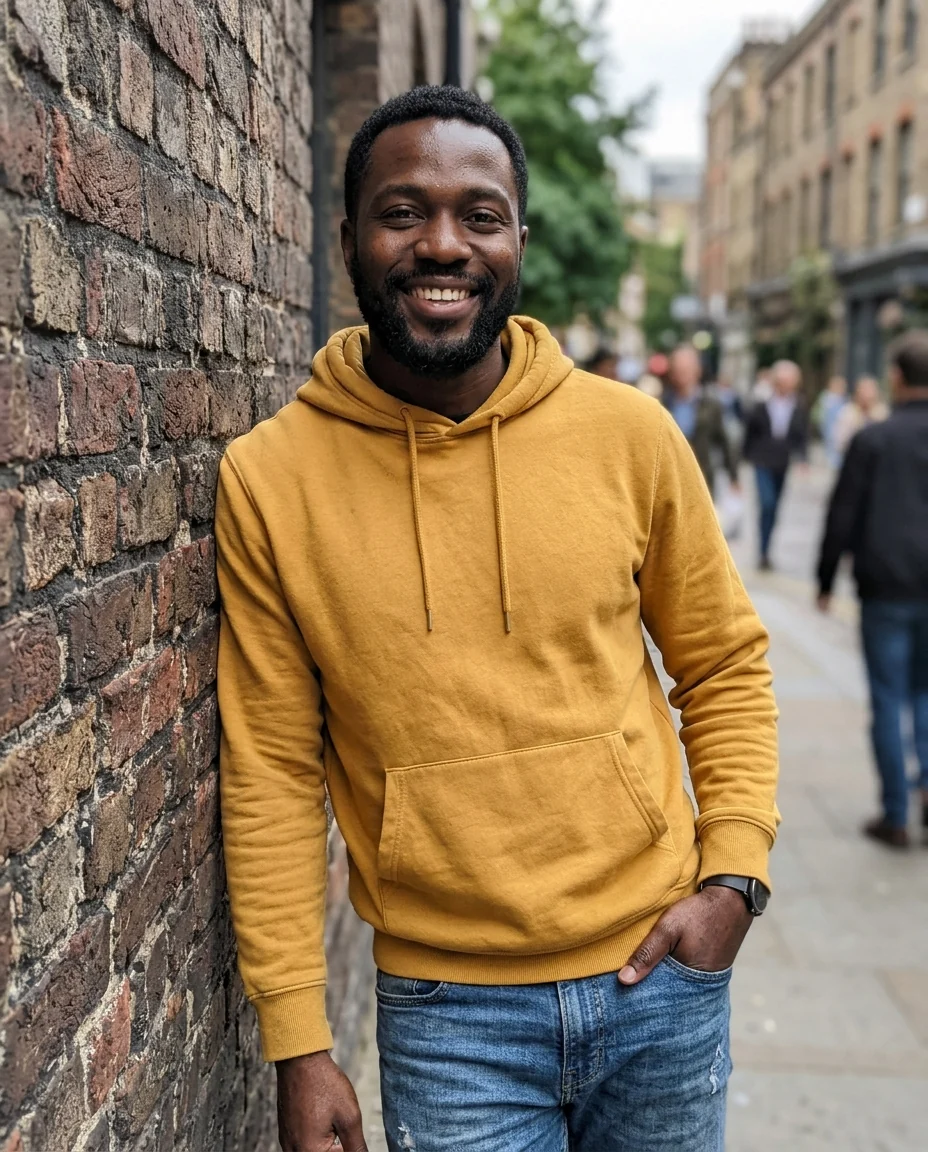
Hoodie to black


Coat to navy
Clothes Color Changer features.
Just the piece you name
"Only the coat" leaves the rest alone.
Real fabric
Folds, seams and texture keep their shape.
Patterns kept
Stripes and prints keep their layout.
Clothes Color Changer, step by step.
01
Upload a photo
The outfit clearly visible.
02
Pick a color
Or choose Custom for any shade.
03
Name the garment
"The shirt", "only the skirt", then run it.
Clothes Color Changer use cases.
- Before buying
- See if the other color suits you.
- Online sellers
- Show a garment in every color from one photo.
Clothes Color Changer: best photos and fixes.
Naming the garment
In a busy outfit, name the garment you want recolored: "the scarf", "the trousers", "the jacket only". Otherwise the main outfit is recolored, which in a layered look may be the coat rather than the shirt you meant. Describing position helps too, such as "the sweater under the open jacket".
Black, white, red or navy
Black and navy are the safest colors and work with almost anything. White can lose detail in bright light, showing folds as grey. Red is the boldest and the easiest way to make a photo pop. Choose Custom for any color, such as "sage green", "burnt orange" or a hex code like #1E6F5C.
Fabric and texture
Folds, seams, buttons and fabric texture are kept, so knitwear still looks knitted and denim still looks like denim. Very dark garments turned very light are the hardest, since dark fabric hides texture.
Patterned clothes
Stripes, checks and florals keep their layout while their colors change. Say which colors should change: "turn the red stripes blue, keep the white stripes", or "change the background of the floral print to navy". Without that, the whole pattern may shift toward one color. Small prints may be simplified slightly, so check them at full size.
Shopping and wardrobe planning
Before buying the same jacket or sweater in another color, photograph yourself wearing the one you own and preview the new shade. It shows how the color works with your skin, hair and the rest of your wardrobe. Try two or three options side by side; colors often look different on you than on a shop's product page.
Matching an outfit
Recoloring one piece is a quick way to test combinations: a navy jacket with the trousers you already own, or a red scarf against a grey coat. Keep the rest of the outfit unchanged and recolor only the piece you are deciding on. Seeing the combination on yourself is more useful than holding two items up to a mirror.
Swapping the garment instead
This tool keeps the exact garment, including its cut, seams, buttons and print, and changes only the color. If you want a different piece of clothing altogether, such as a dress instead of jeans, the clothes changer replaces it using a photo of the new garment. Recolor is the better choice when you like the fit and only want to see another shade.
Clothes Color Changer FAQ.
Can I change only one piece?
Yes. Name it in the instructions, for example "only the jacket".
Does it work on patterned clothes?
Yes. The pattern keeps its layout and the colors shift; write which part should change.
Can I swap the garment itself?
Use the clothes changer to put on a different piece of clothing.
Is the Clothes color changer free?
Yes, you can try it free. New accounts get 25 free credits, and one generation here uses 9 credits. You sign in with your email; no card needed. Results have no watermark. After that, credit packs never expire, and your first one is half price.