Prom Dress Try On
Ball gown, mermaid or satin slip, on your own photo.
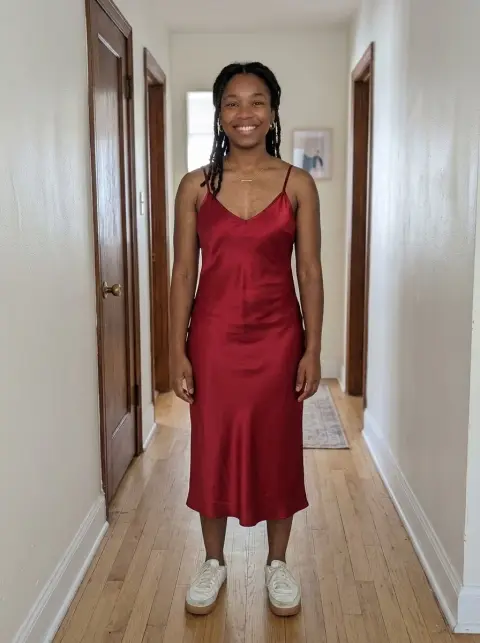
Drop a photo
or paste with ⌘V · JPG · PNG · WebP · up to 8 MB
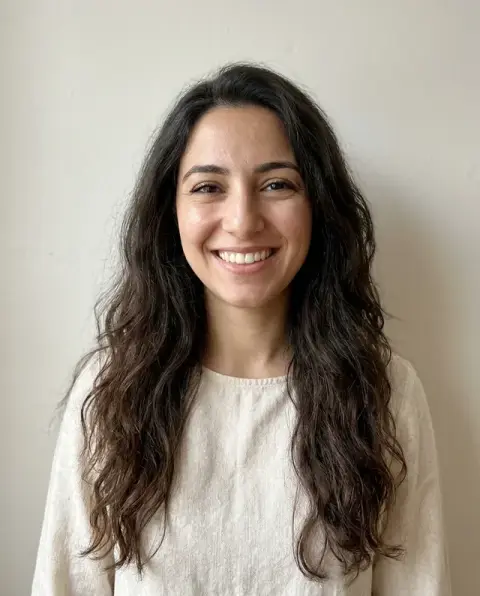
No photo handy? Try one of ours.
More like this.
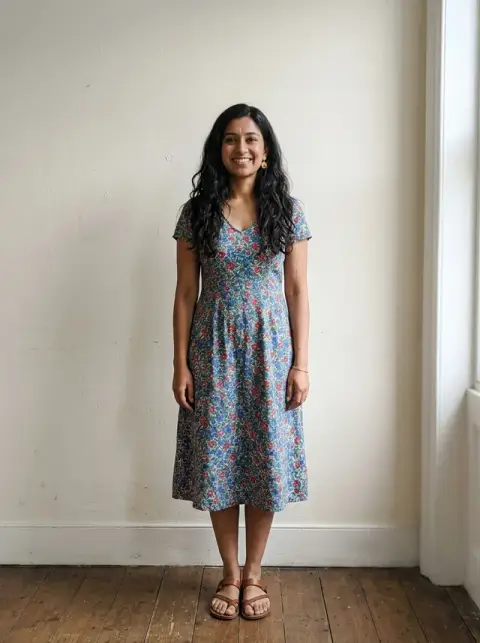
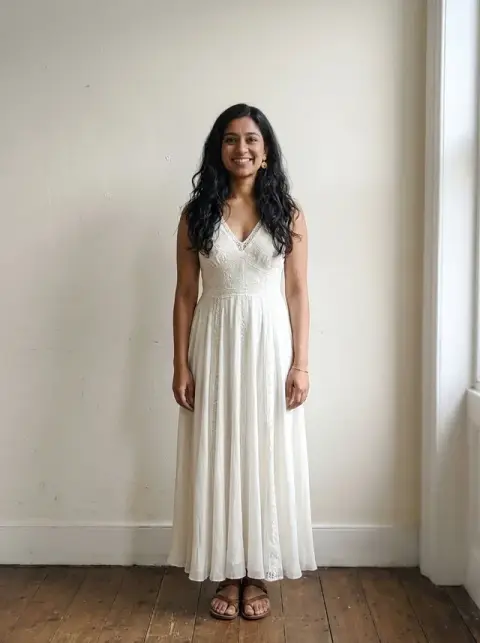
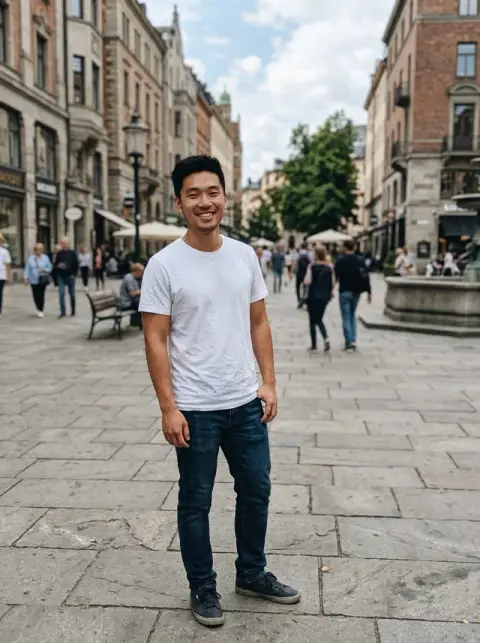
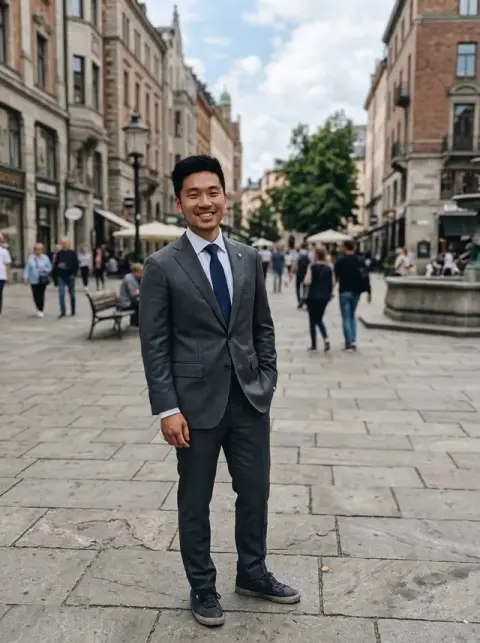
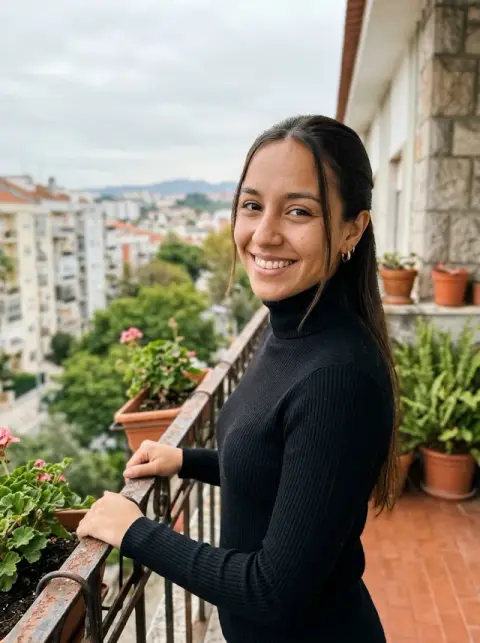
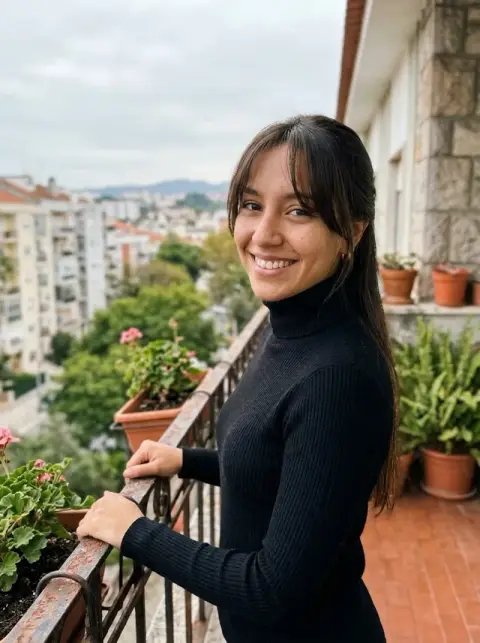
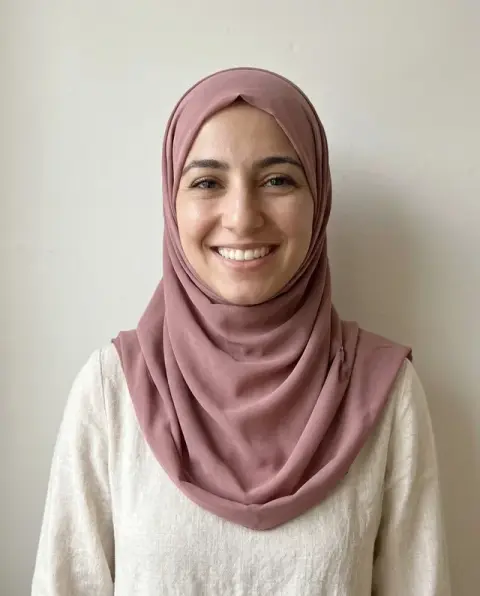




Prom Dress Try On examples.
Real results from this page's default settings in one click, not retouched.How examples are made

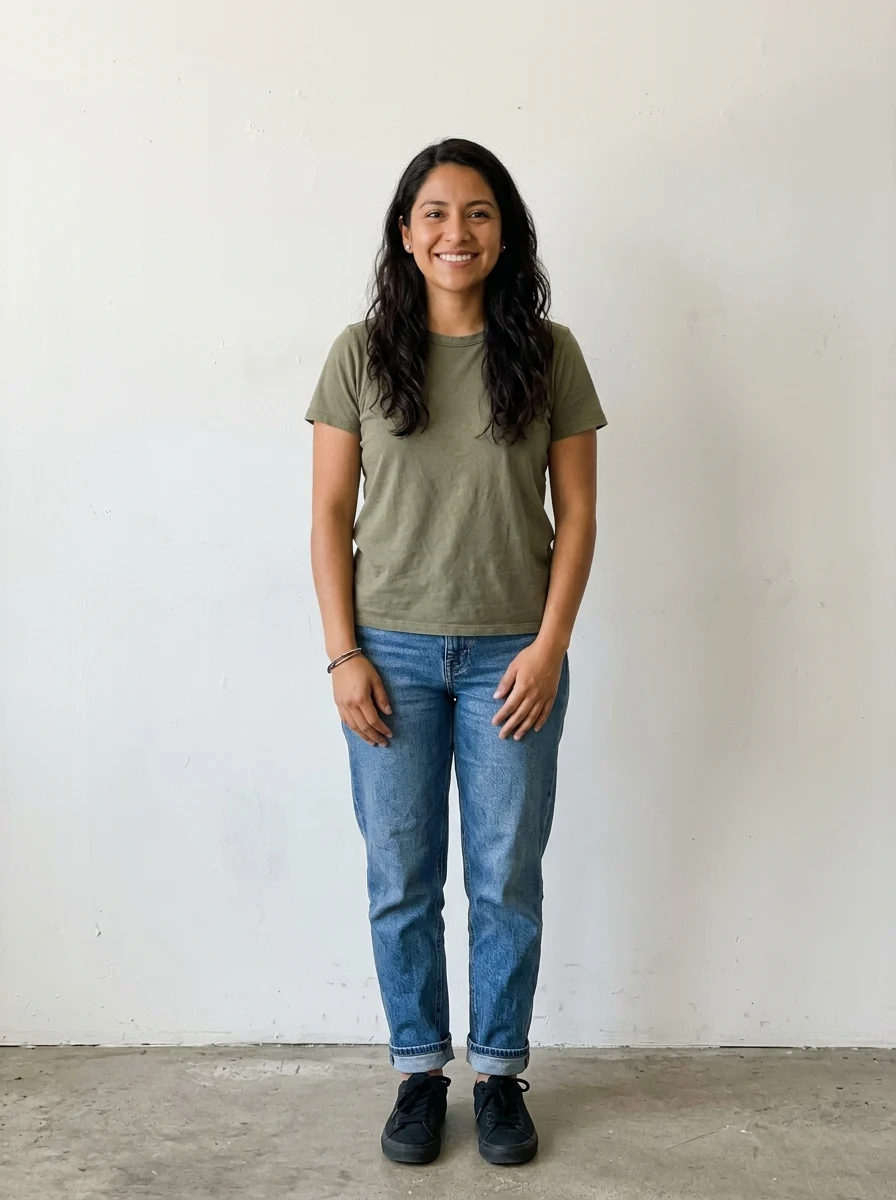
Ball gown, emerald
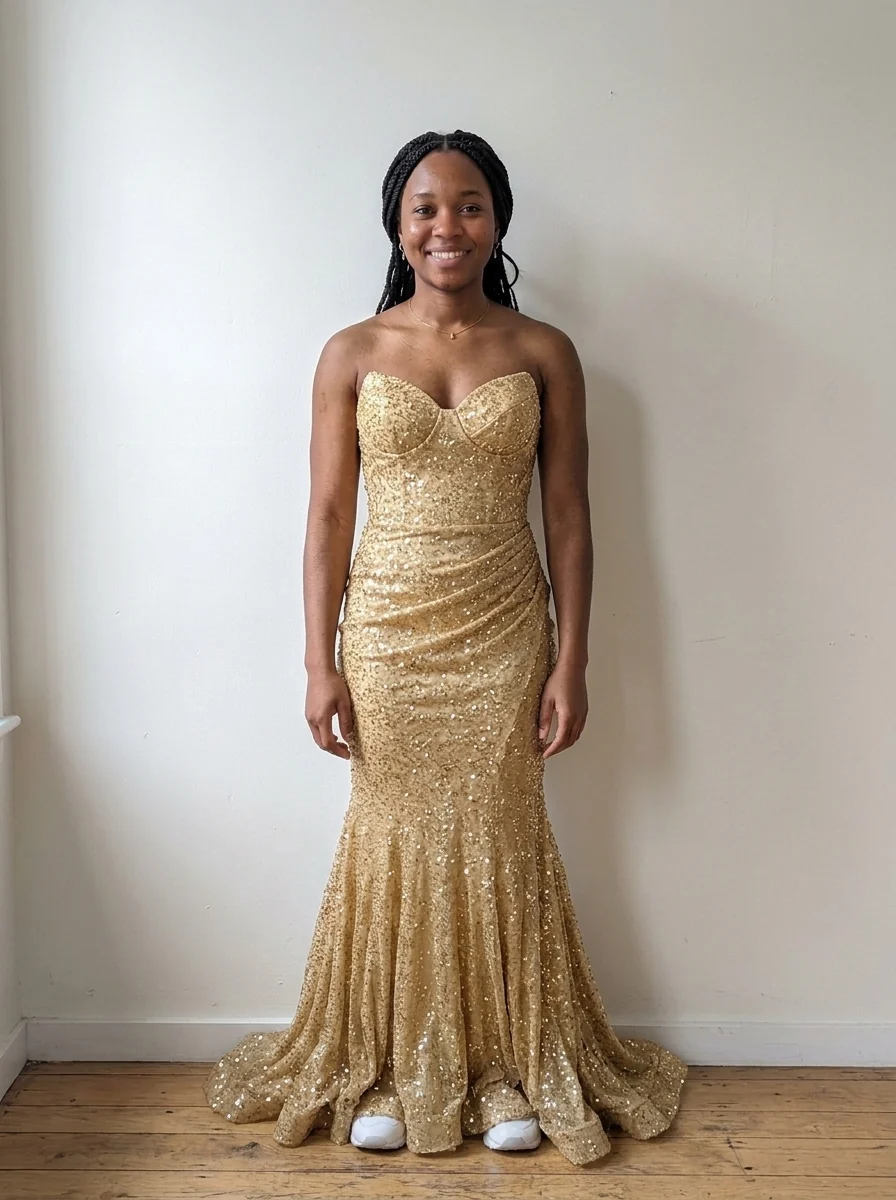
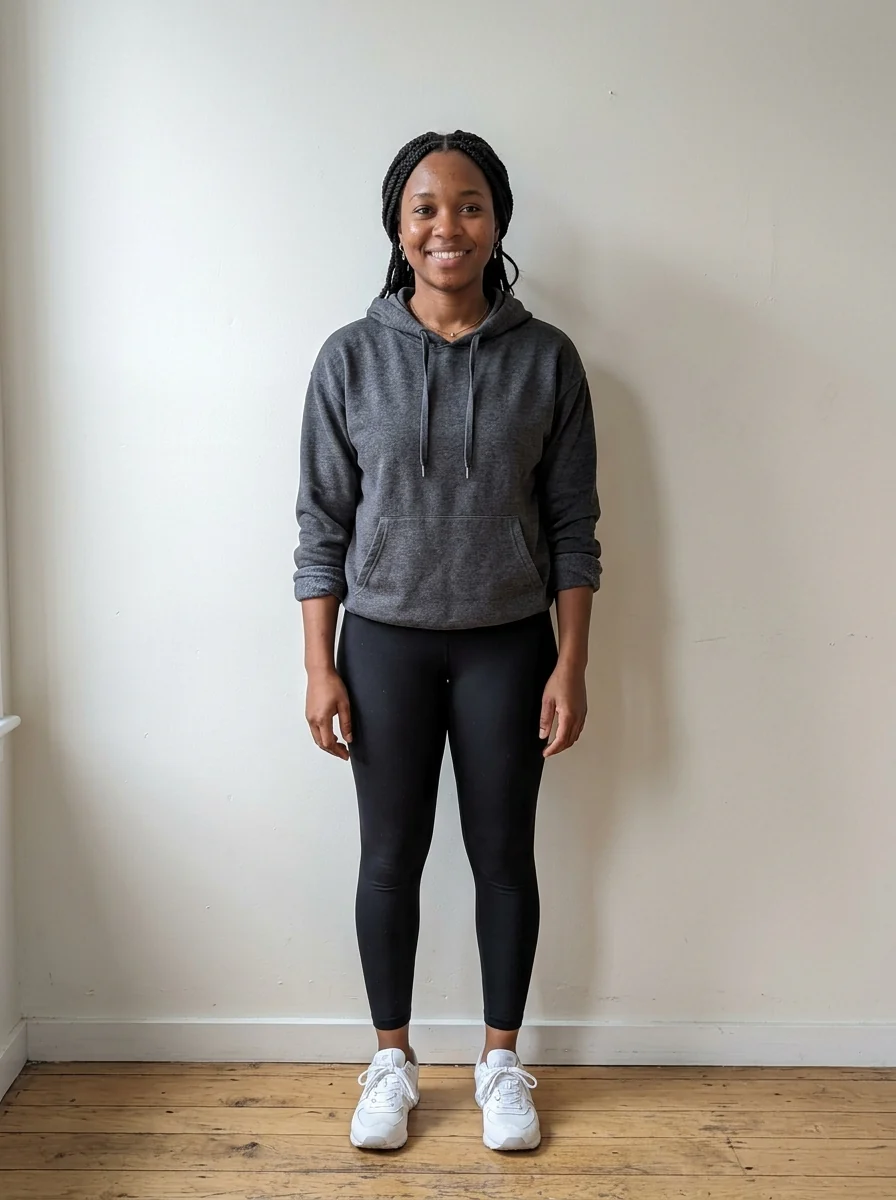
Mermaid, gold
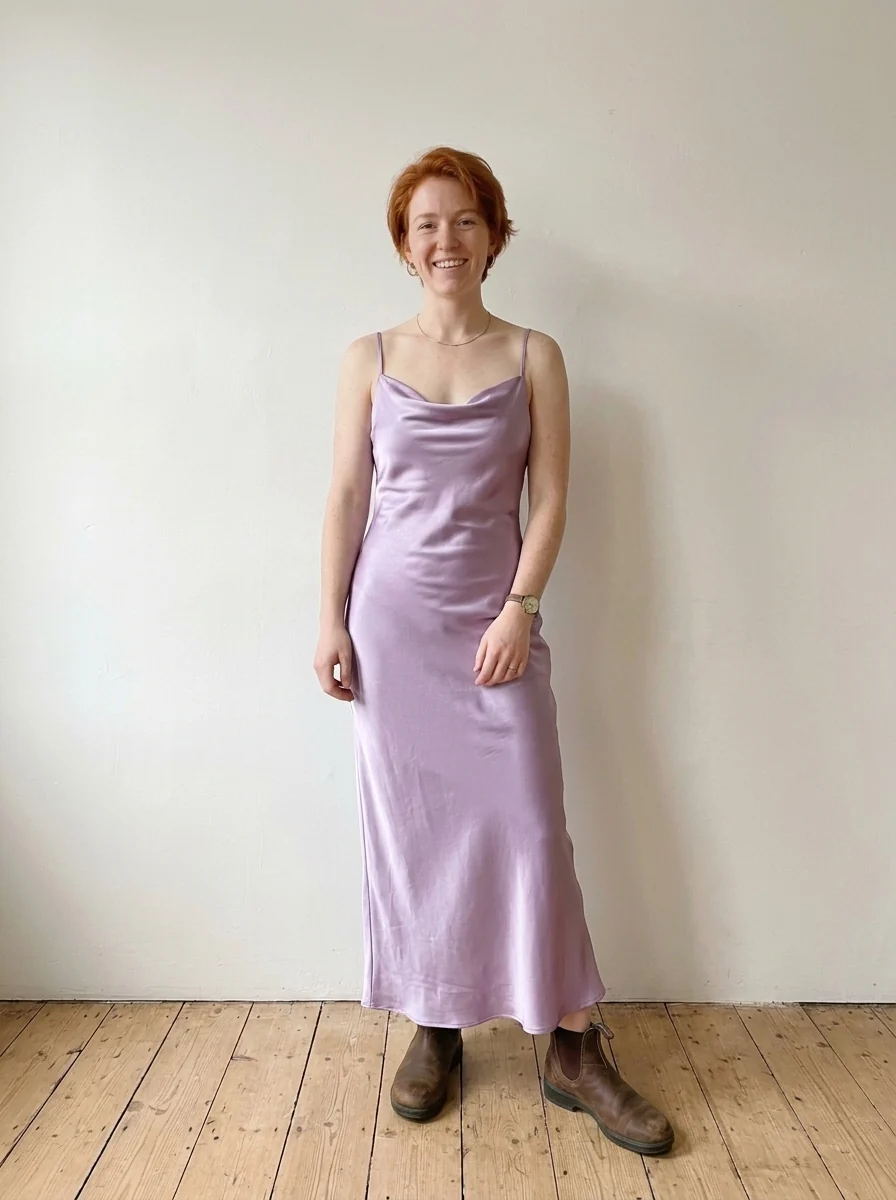
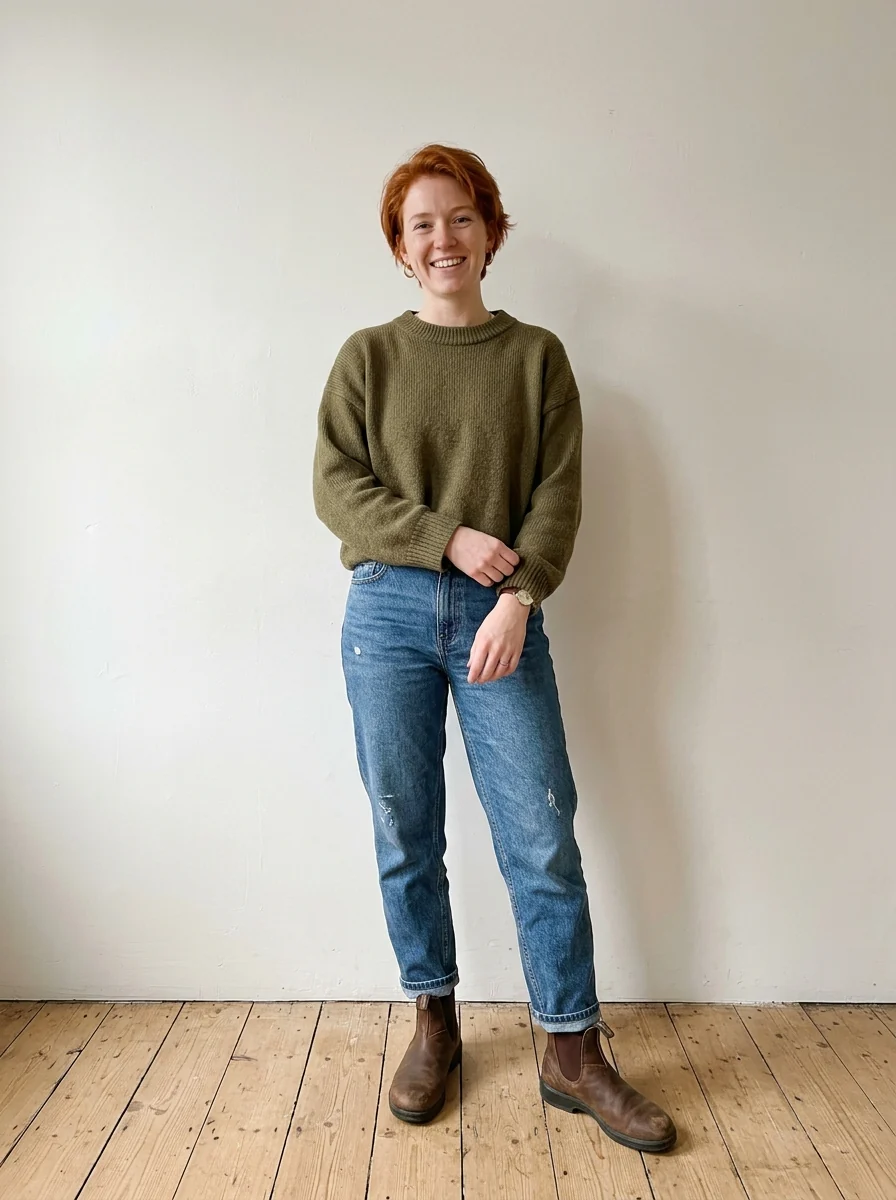
Satin slip, lilac
Prom Dress Try On features.
Four dress styles
Ball gown, mermaid, satin slip or sequin, or describe your own.
Any color
Write the color you have in mind.
You stay you
Face, hair, body and pose are kept.
Prom Dress Try On, step by step.
01
Upload a full-length photo
Standing, facing the camera, plain background if you can.
02
Pick a style and color
Write the color in the instructions.
03
Try more
Run it again in other styles or colors.
Prom Dress Try On use cases.
- Shopping
- Narrow down styles before trying them on in a store.
- Sharing
- Ask friends which look they like best.
Prom Dress Try On: best photos and fixes.
Photos that show the whole dress
A full-length photo, standing straight and facing the camera, shows the whole dress, including the skirt, hem and train. A waist-up photo only shows the bodice and neckline. Fitted everyday clothes in the photo help the model see your shape; a big coat or baggy hoodie makes the dress sized to the coat.
Ball gown, mermaid, slip or sequin
Ball gown gives a full skirt and fitted bodice; mermaid is fitted to the knee and flares out; slip is a simple satin dress that skims the body; sequin covers the dress in sparkle. For anything else, choose Custom and describe it, for example "emerald velvet off-shoulder gown with a thigh slit".
Trying colors
The same dress can look very different in another color against your skin and hair. Try one style in two or three colors, such as "champagne", "deep red" and "navy", with the same photo, and compare them side by side. Mention a fabric finish too: "matte crepe" and "glossy satin" change how the color reads.
A dress you found online
Describe the dress in Custom as closely as you can: color, neckline, sleeves, skirt shape, length and details. For an exact match to a product photo, the clothes changer can use that image directly. Either way, the result shows style and color; fit and length on your body still depend on size and tailoring.
Suits, tuxes and group photos
For a suit or tuxedo, write it in Custom, such as "black tux with a velvet jacket". In photos with several people, say who should wear the dress, or the model may dress everyone. Shoes appear only if your feet are in the photo; mention them if you want to see a full look.
Hair and makeup with the dress
A dress changes how hair and makeup read. If you plan an updo, upload a photo with your hair up, or ask for "hair in an elegant updo" so the neckline is visible. Strapless and off-shoulder styles look best with hair away from the shoulders. Run the same dress with hair up and down to plan the full look for the night.
Matching with a date or group
If you are coordinating colors with a date or friends, run each person's photo with the same color family, such as "emerald green" and "sage green", and compare them side by side. Matching shades rather than identical ones usually looks better in group photos. The tool dresses only the people in the uploaded photo.
Prom Dress Try On FAQ.
Will it change my body or face?
No. Your face, body shape, pose and background are kept; only the clothing changes.
Can I try a dress I found online?
Yes. Use the clothes changer and upload a photo of that dress next to your photo.
Can I try a suit or tux instead?
Yes. Use Add suit to photo, or pick Custom here and describe it.
Is the Prom dress try on free?
Yes, you can try it free. New accounts get 25 free credits, and one generation here uses 9 credits. You sign in with your email; no card needed. Results have no watermark. After that, credit packs never expire, and your first one is half price.