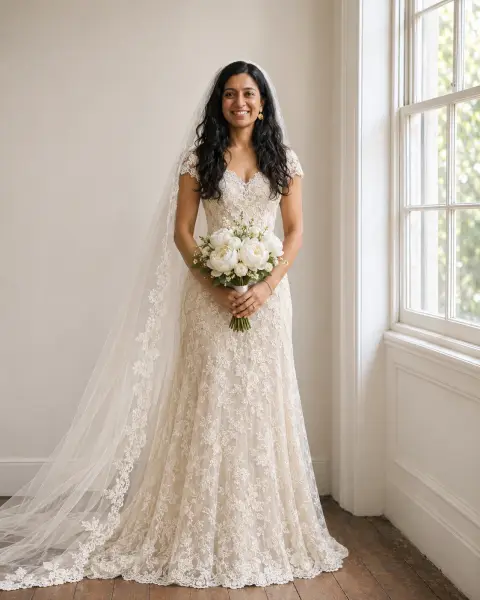
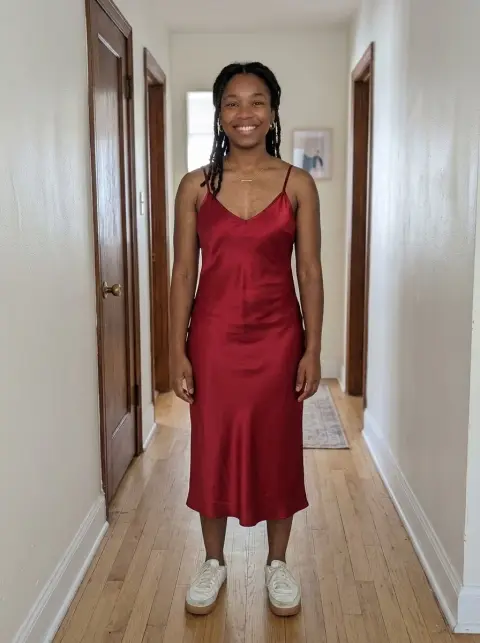
Wedding Dress Try On
A-line, mermaid, lace or satin on your own photo.
Drop a photo
or paste with ⌘V · JPG · PNG · WebP · up to 8 MB
No photo handy? Try one of ours.
More like this.
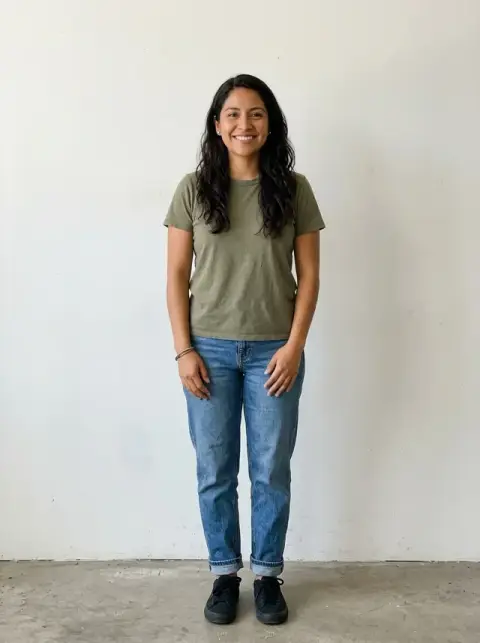
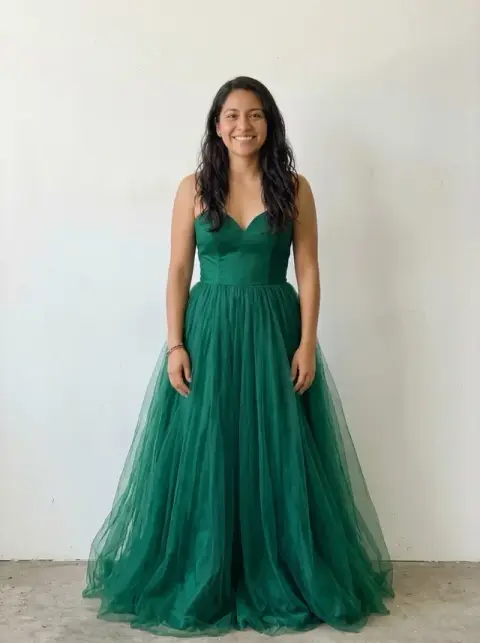
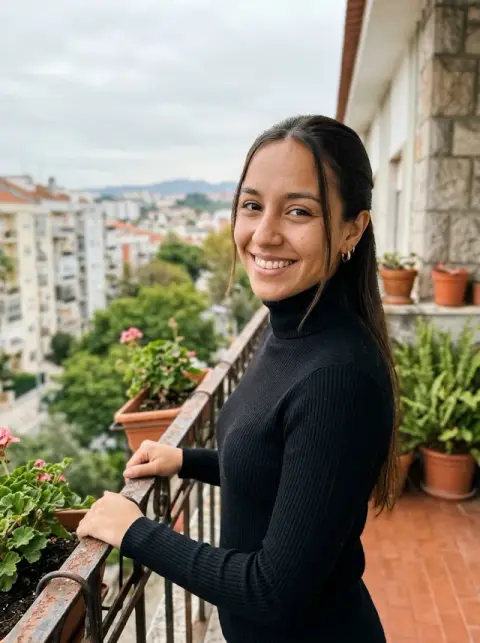
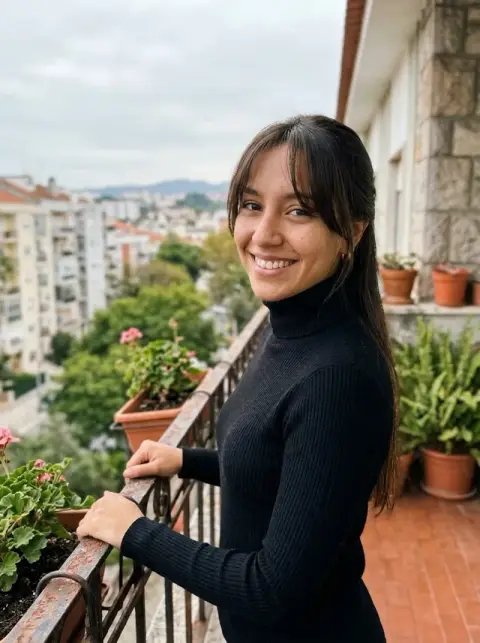
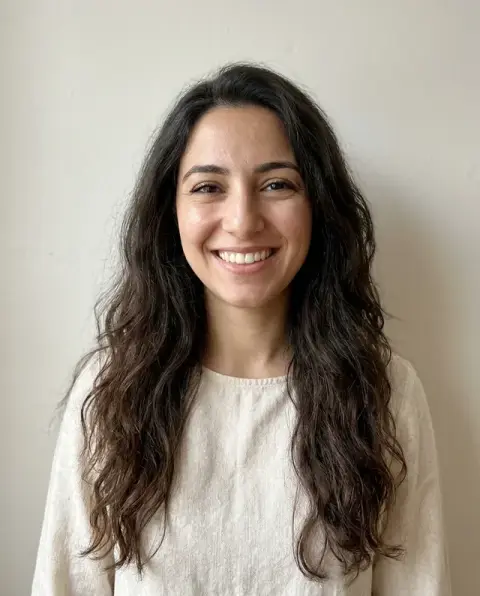
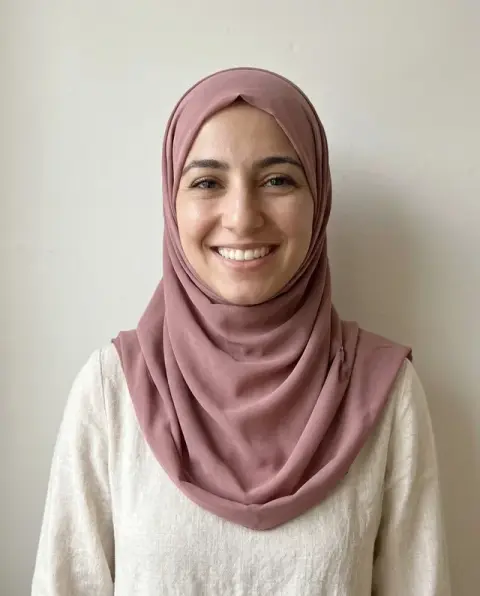




Wedding Dress Try On examples.
Real results from this page's default settings in one click, not retouched.How examples are made

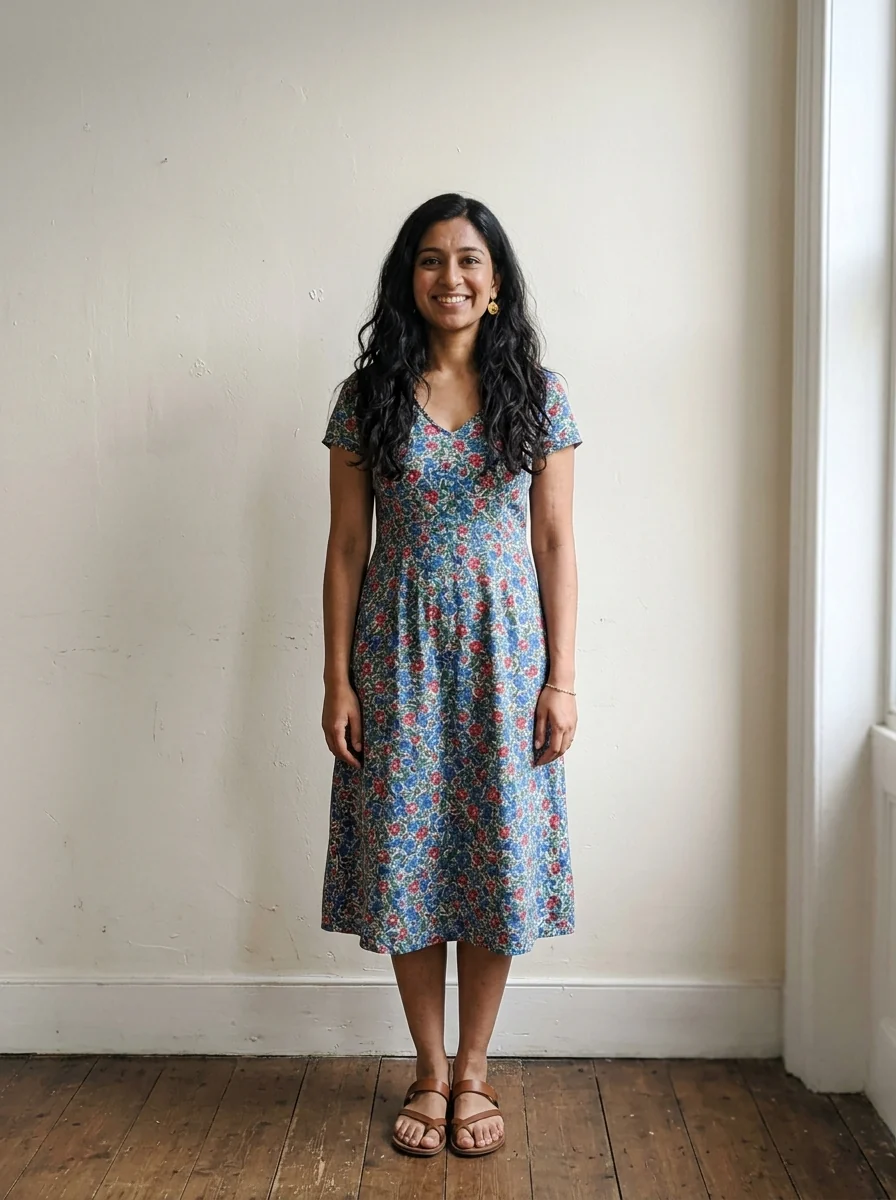
A-line
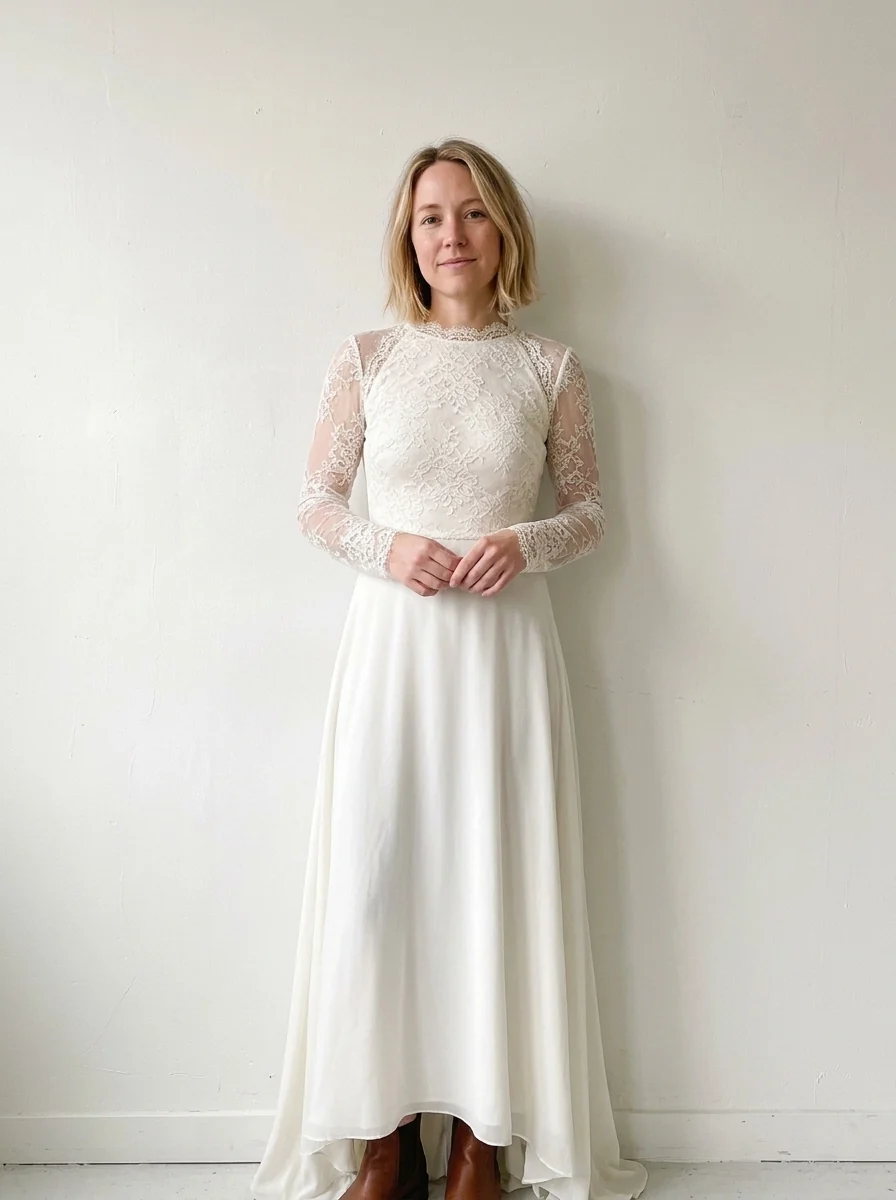
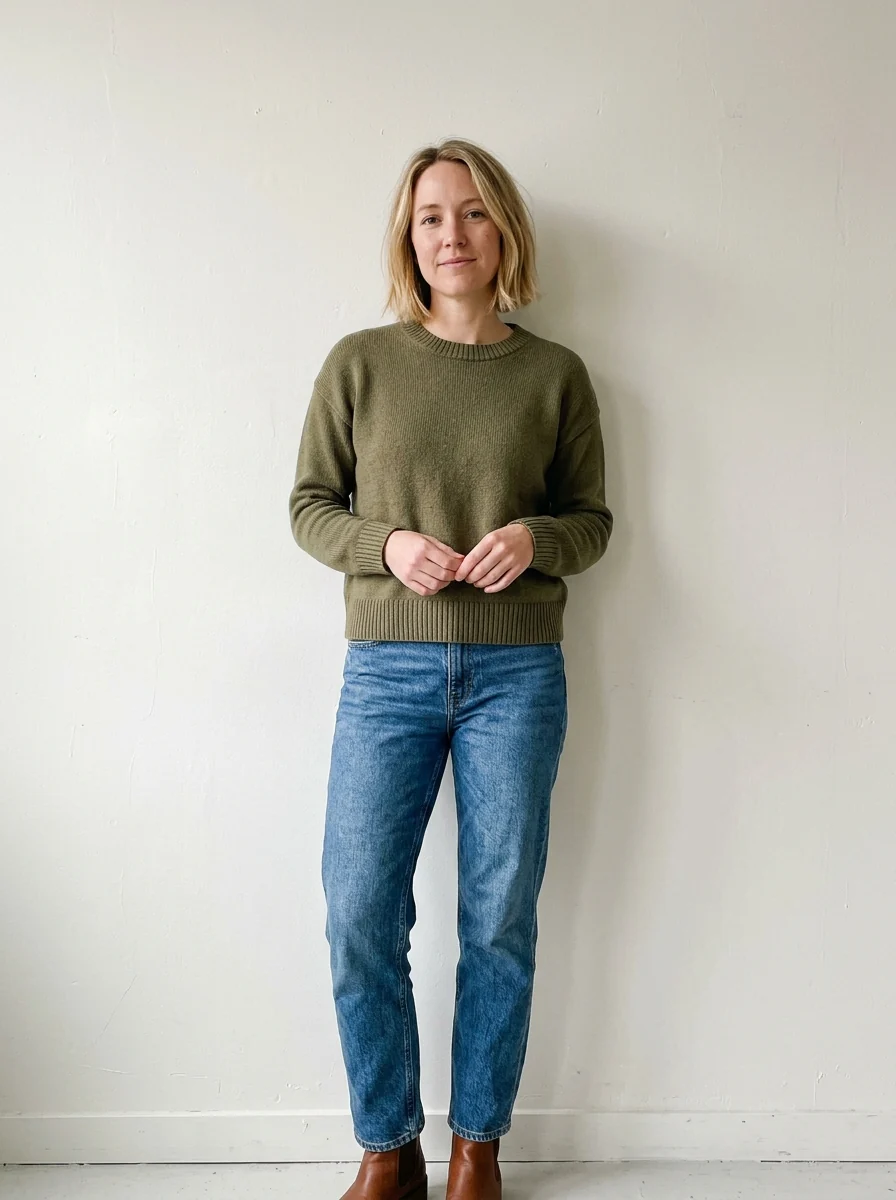
Boho lace
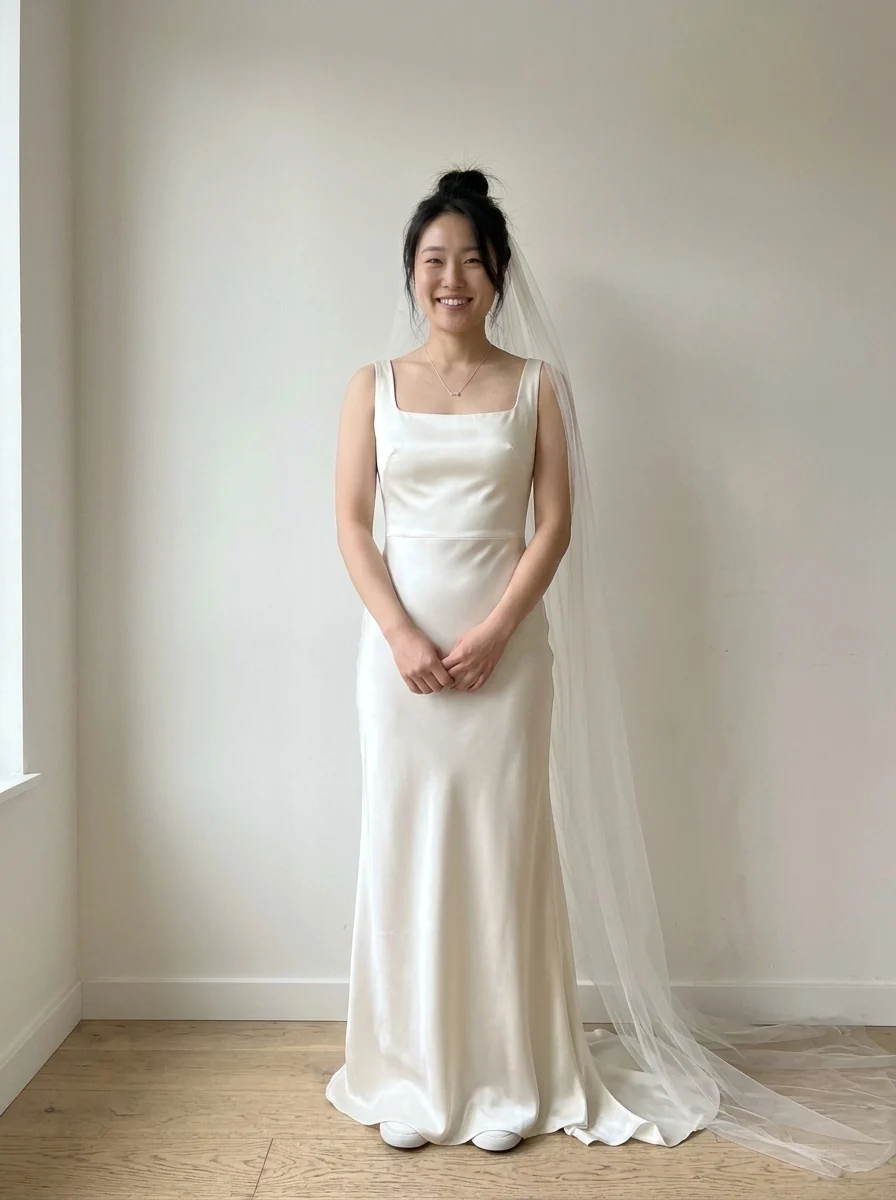
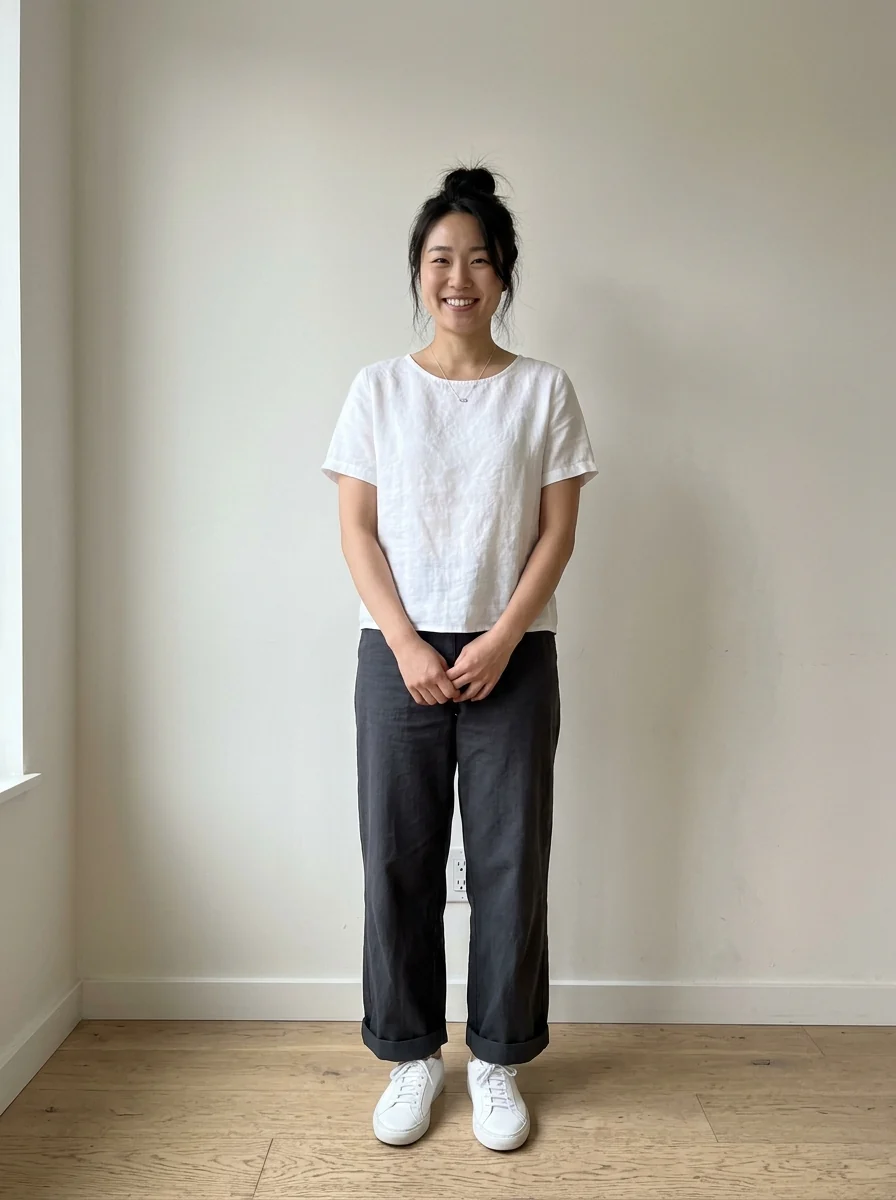
Minimal satin, veil
Wedding Dress Try On features.
Four classic styles
A-line, mermaid, boho lace or minimal satin, or describe your own.
Veil on or off
Add a long tulle veil with one switch.
You stay you
Face, hair, body and pose are kept.
Wedding Dress Try On, step by step.
01
Upload a full-length photo
Standing, facing the camera works best.
02
Pick a style
Turn on the veil if you like.
03
Try more
Run it again in other styles, then download your favorites.
Wedding Dress Try On use cases.
- Before the boutique
- Narrow down silhouettes you like on yourself.
- Vow renewals and photo shoots
- Plan a look for a special day.
Wedding Dress Try On: best photos and fixes.
Photos that show the full gown
A full-length photo, standing straight and facing the camera, shows the whole dress, including the skirt, train and hem. Wear fitted clothes in the photo so the model can see your shape. A waist-up photo only shows the bodice and neckline, which is still useful for comparing necklines.
A-line, mermaid, boho or minimal
A-line flares gently from the waist and suits most shapes. Mermaid is fitted to the knee and then flares. Boho shows lace and a relaxed, flowing skirt. Minimal is a clean, unadorned satin or crepe dress. For anything else, choose Custom: "long-sleeve lace ball gown", "off-shoulder crepe sheath".
Veil on or off
The veil toggle adds a veil to the look. Turn it off to see the neckline and back details of the dress clearly, then on to see the full bridal look. For a specific veil, describe it in the instructions, such as "cathedral-length veil" or "short birdcage veil".
Colored and non-traditional dresses
Ivory, champagne and blush look different against different skin tones. Try the same style in white and ivory to compare. For colored dresses, jumpsuits or a suit, describe them in Custom, for example "blush pink tulle gown" or "white tailored trouser suit". Black, gold and deep red gowns are growing choices; describe the color and fabric together.
Before the bridal shop
Save your favorite results and show them to the consultant; it helps them pull dresses with the right silhouette. The result shows style and color, not exact fit, fabric weight or how a specific size will sit, so treat it as a starting point for real fittings. Bring a list of the necklines and silhouettes you liked most.
Necklines and sleeves
The neckline is often the hardest choice. Try the same silhouette with different necklines in Custom, such as "A-line with a sweetheart neckline", "A-line with long lace sleeves" and "A-line with a high neck", and compare them side by side. Sleeves and straps change how the shoulders look in photos more than the skirt does.
Hair, veil and jewellery together
The veil toggle shows a veil, but the whole look includes hair and jewellery too. Upload a photo with your hair the way you plan to wear it on the day, or ask for "low bun" or "loose waves". Mention earrings or a necklace you already own so the result shows how they sit with the neckline.
Wedding Dress Try On FAQ.
Will it change my body or face?
No. Your face, body shape, pose and background are kept; only the clothing changes.
Can I try a specific dress from a store?
Yes. Use the clothes changer and upload a photo of that dress next to your photo.
Can I see a colored dress?
Yes. Write the color, for example "blush pink" or "champagne".
Is the Wedding dress try on free?
Yes, you can try it free. New accounts get 25 free credits, and one generation here uses 9 credits. You sign in with your email; no card needed. Results have no watermark. After that, credit packs never expire, and your first one is half price.