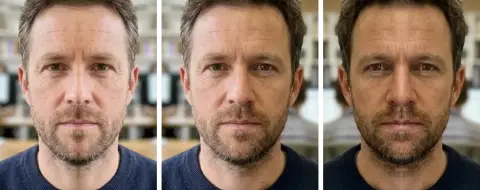
Flip Image
Mirror a photo in one click.
Drop a photo
or paste with ⌘V · JPG · PNG · WebP, stays on your device
No photo handy? Try one of ours.
 Image extender →
 Background changer →
Flip Image examples.


Horizontal
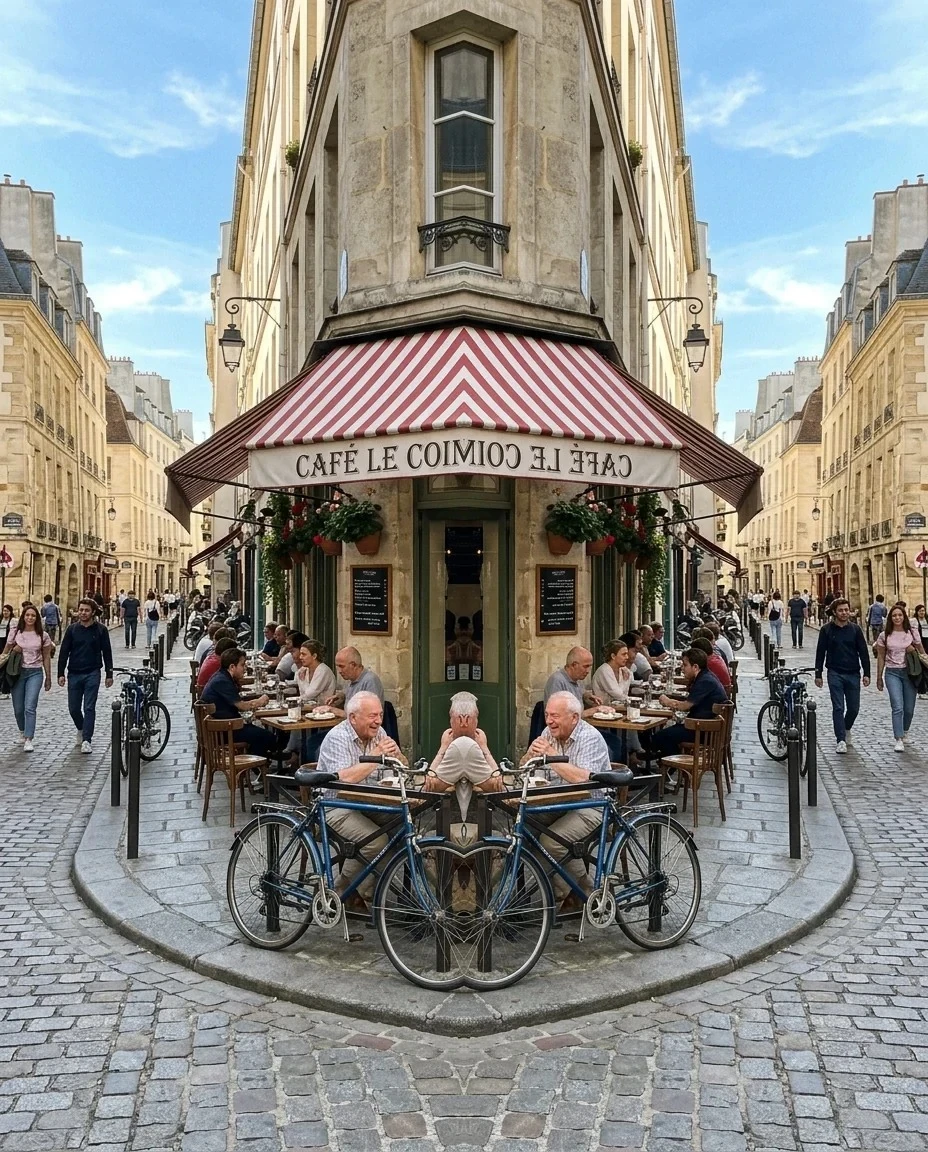
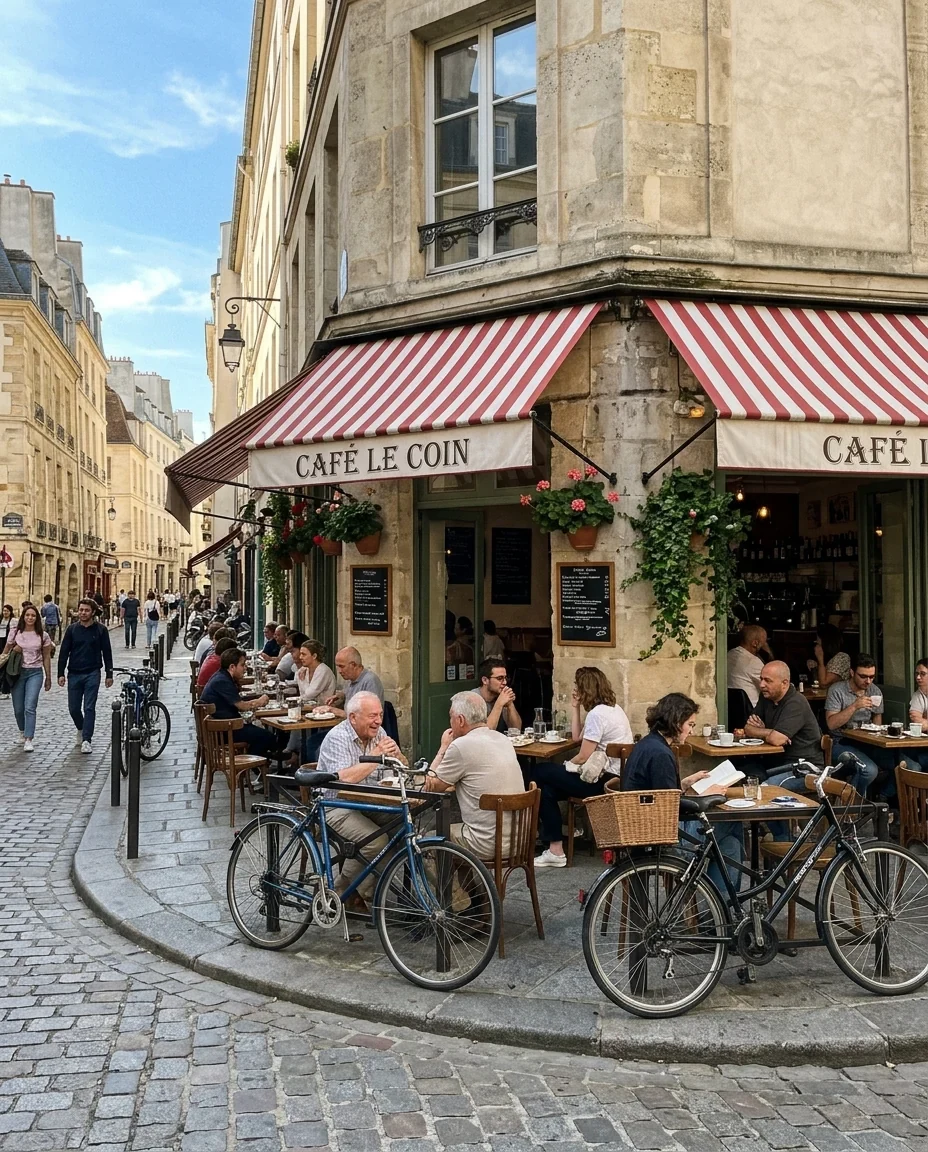
Mirror left half
Flip Image features.
Horizontal or vertical
Classic mirror flips.
Mirror halves
Build a symmetric image from one side.
Full size
Nothing is cropped; size kept up to 16 MP.
Flip Image, step by step.
01
Drop a photo
Or try a sample.
02
Pick a flip
Horizontal, vertical or a mirrored half.
03
Download
JPG or PNG.
Flip Image use cases.
- Selfies
- Undo the mirror effect of a front camera.
- Design layouts
- Make a subject face into the page.
- Kaleidoscope art
- Symmetric patterns from any photo.
Flip Image: best photos and fixes.
Fixing mirrored selfies
Many phones save front-camera selfies mirrored, so text on a shirt reads backwards. Flip horizontally to show it the way others see you.
Text in the photo
Any text, logos or clocks in the photo will read backwards after a horizontal flip. For ads and product photos, check signs and labels; if they matter, flip only a crop without them or keep the original.
Layouts
Designers flip photos so a person looks into the page rather than out of it, or to balance a layout. A horizontal flip is invisible on most landscapes and portraits without text.
Vertical flips
Vertical flips turn a photo upside down, useful for reflections, scanned pages that were upside down, or abstract art.
Mirror halves
Mirror left half and Mirror right half keep one half of the photo and reflect it onto the other side, for symmetric buildings, patterns and surreal art. For faces, the face symmetry test lines up the face's own midline first, which gives a more accurate result.
Format
JPG for photos, PNG for screenshots and graphics with sharp edges.
Flip Image FAQ.
Will the text in my photo be backwards?
Yes after a horizontal flip. Flip it again to undo.
Does it change the photo's size?
No. The download is the same size as your photo, for photos up to 16 megapixels; larger ones are scaled down to that.
Are my images uploaded?
No. The tool runs in your browser and the images never leave your device. Close the tab and they are gone.
Is it free?
Yes. Quick tools are free, need no sign-in and use no credits; your images stay in your browser. The AI tools linked below need an account.