Change Skin Color
A tan, an even tone or a fantasy color.
Drop a photo
or paste with ⌘V · JPG · PNG · WebP · up to 8 MB
No photo handy? Try one of ours.
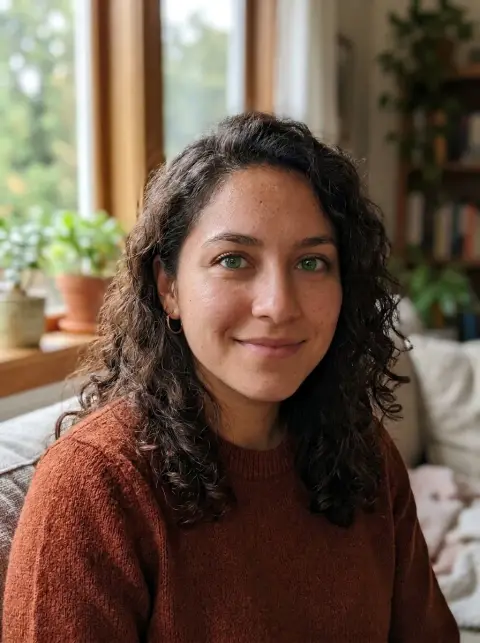
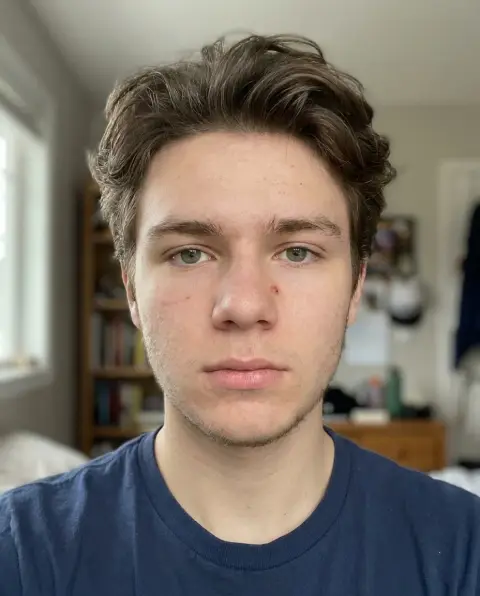
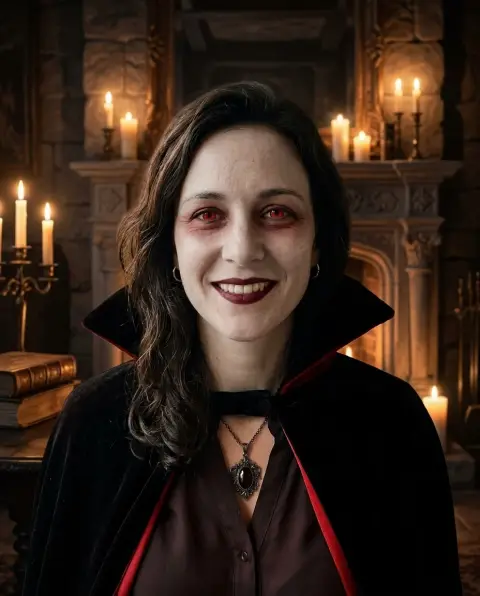
Change Skin Color examples.
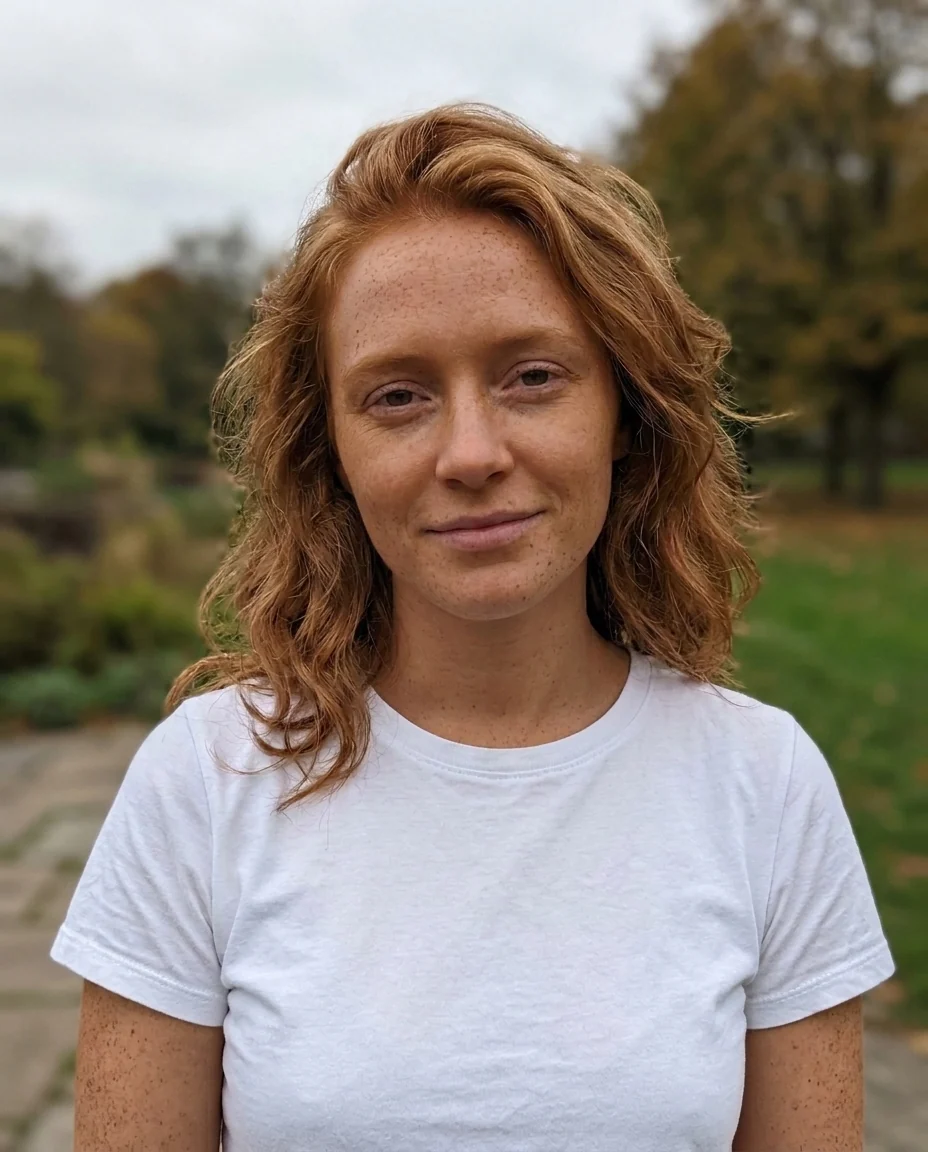
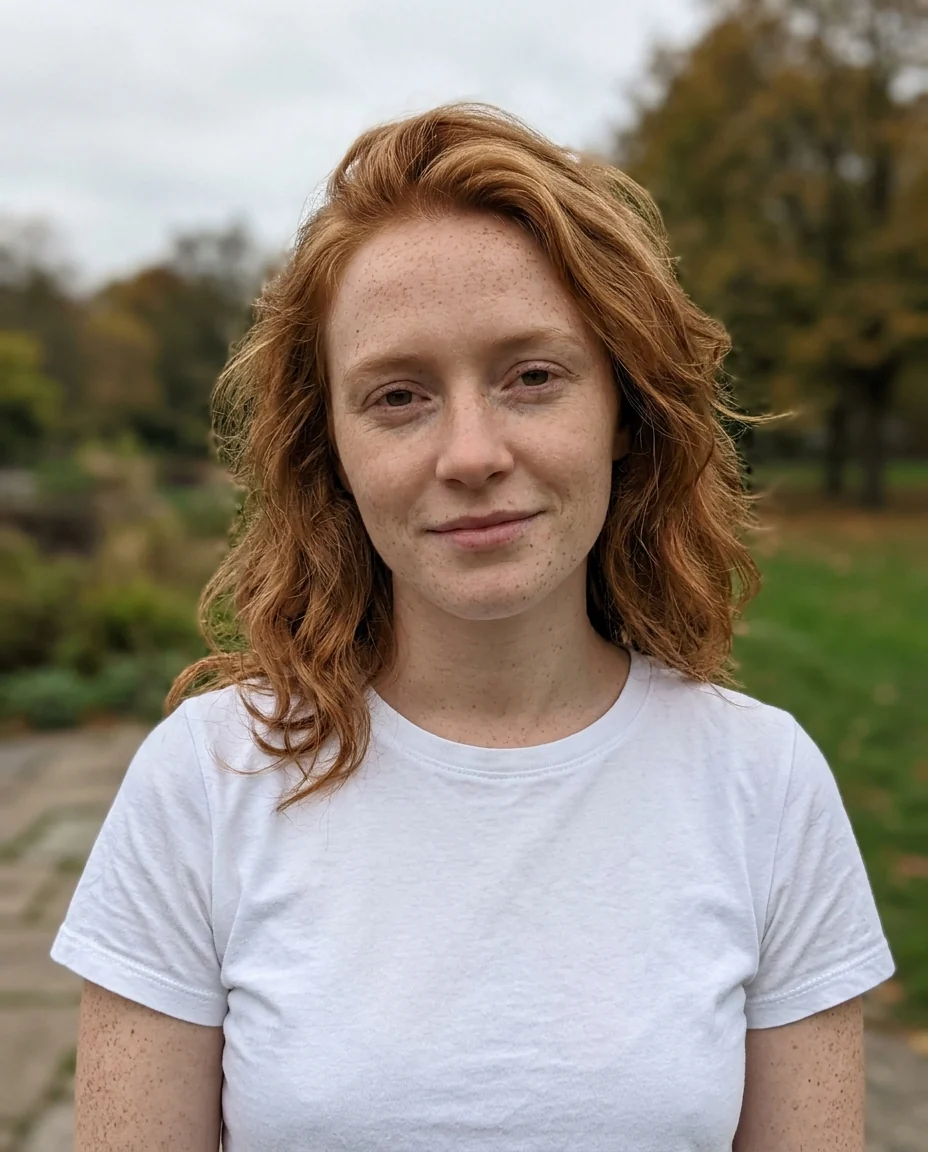
Holiday tan


Sunburn evened out
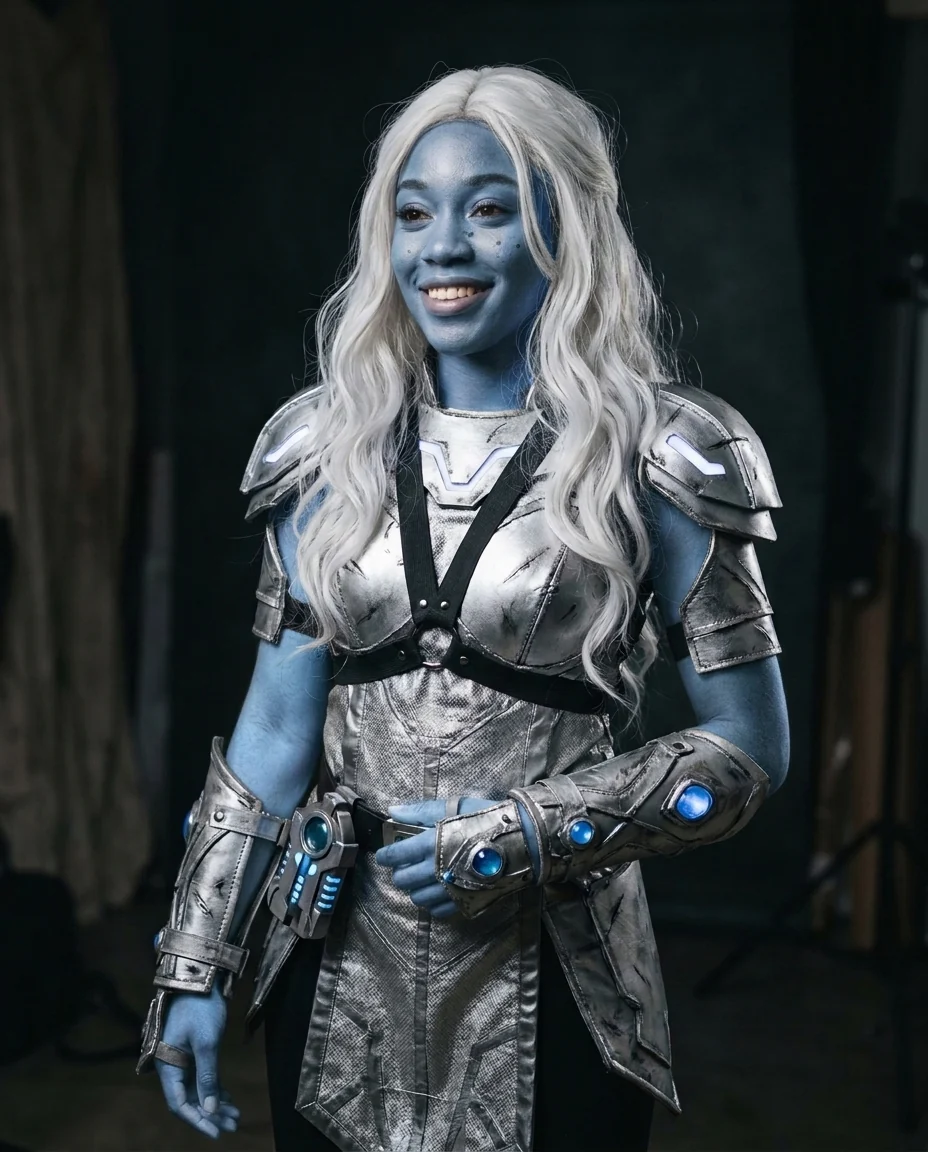
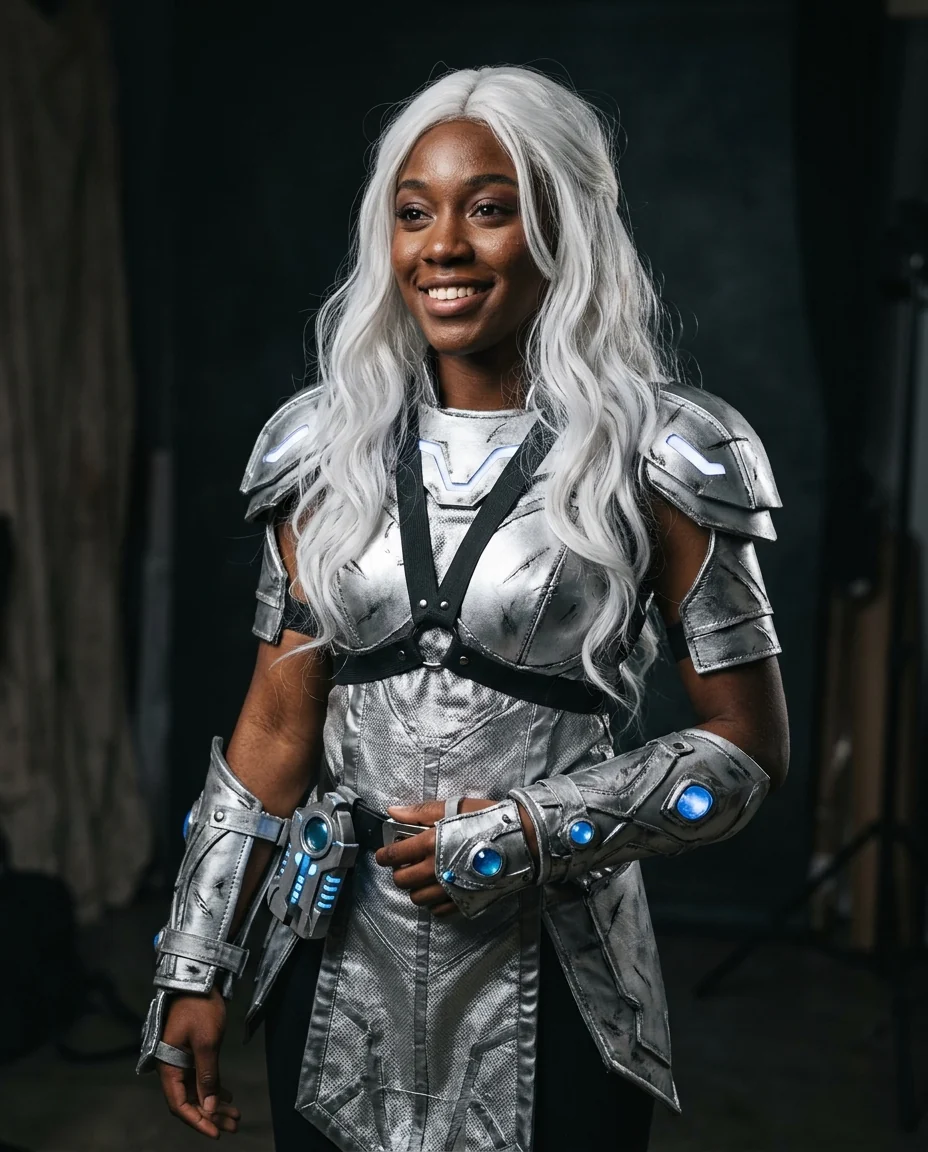
Cosplay blue
Change Skin Color features.
A natural tan
A little deeper, with a warm glow.
Even out patches
Sunburn, redness and tan lines within your shade.
Fantasy colors
Blue, green, silver or another fantasy color you name.
Change Skin Color, step by step.
01
Upload a photo
Visible skin in even light.
02
Pick a change
Tan, Even out, Fantasy or Custom.
03
Download
Compare in the slider.
Change Skin Color use cases.
- Holiday look
- See a tan before a trip or a big event.
- Fixing sunburn
- Even out a red face and tan lines in beach photos.
- Cosplay and characters
- Preview body paint colors for a costume.
Change Skin Color: best photos and fixes.
Photos that color evenly
Skin color changes look most natural in even light, such as shade or a bright window, where the face isn't split into very bright and very dark areas. Strong colored light, like red club lighting or orange sunset light, already tints the skin and makes the new color harder to judge. Photos showing face, neck and hands together give a consistent result across all visible skin.
A tan that still looks like you
Sun-kissed tan deepens the current tone a little, with a warm glow, the way skin changes after a holiday. Freckles and moles stay and may look a little stronger, as they do in real sun. Your features and identity are kept: this is a tan, not a different person. For a deeper or lighter tan, write it in the instructions, such as "a light tan" or "a deep summer tan".
Evening out sunburn and patches
Even out works within the person's own shade, so it removes a red nose, blotchy cheeks or a tank-top line without making anyone lighter or darker overall. That's the right choice for beach photos and for patchy redness from cold or exercise. Spots and acne are a separate job, handled by the blemish remover.
Fantasy and cosplay colors
Fantasy color paints the skin a soft blue by default, with natural shading so it looks like professional body paint. Choose Custom to name any color: "emerald green", "metallic silver", "lavender with a slight shimmer". This is a good way to preview face and body paint before a convention, or to color a character for a story or game.
What this tool doesn't do
This tool doesn't change anyone's ethnicity or facial features, and it isn't meant to lighten or darken someone's natural skin or to imitate another ethnicity. Skin tone is part of who a person is. Use it on your own photos or with the consent of the person in the photo, for a tan, an even tone or a creative color, and don't share results that misrepresent someone.
Related tools
The hair color changer and eye color changer complete a cosplay preview. The beauty filter adds a polished glow with makeup, and the blemish remover clears spots while keeping skin texture. For a whole character transformation, the superhero generator adds a costume, and the halloween filter offers spooky makeup looks.
Change Skin Color FAQ.
Can I edit someone else's photo?
Use photos of yourself, or of people who are happy for you to edit their picture. Don't use the result to mock, embarrass or deceive anyone.
Can it make skin lighter?
No. Even out stays within your own shade, and the tool is not built to lighten or darken natural skin tone.
Can I choose any fantasy color?
Yes. Pick Custom and name the color, for example "emerald green" or "metallic silver".
Will my face change?
The aim is to keep facial features and identity; only the skin color should change.
Is the Change skin color free?
Yes, you can try it free. New accounts get 15 free credits, and one generation here uses 13 credits. You sign in with your email; no card needed. Results have no watermark. After that, plans add credits every month and credit packs never expire.