Freckles Filter
Natural freckles that sit in your skin, not on top of it.
Drop a photo
or paste with ⌘V · JPG · PNG · WebP · up to 8 MB
No photo handy? Try one of ours.
More like this.
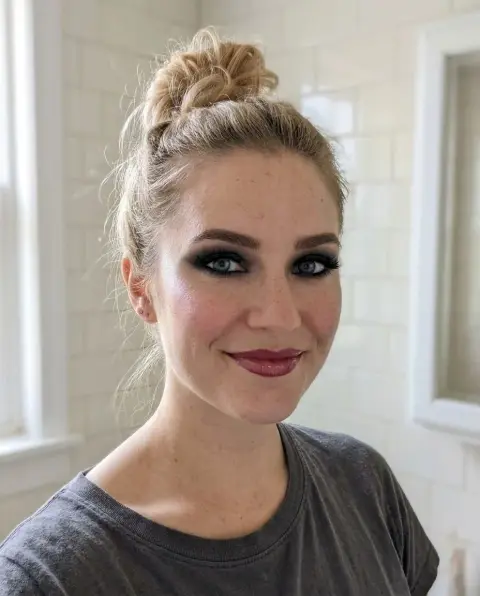
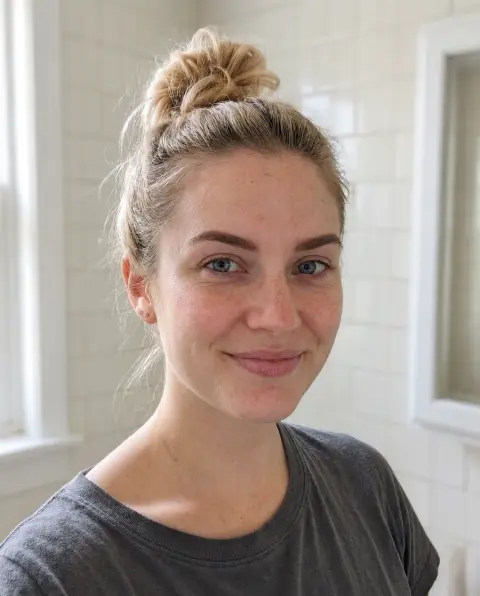
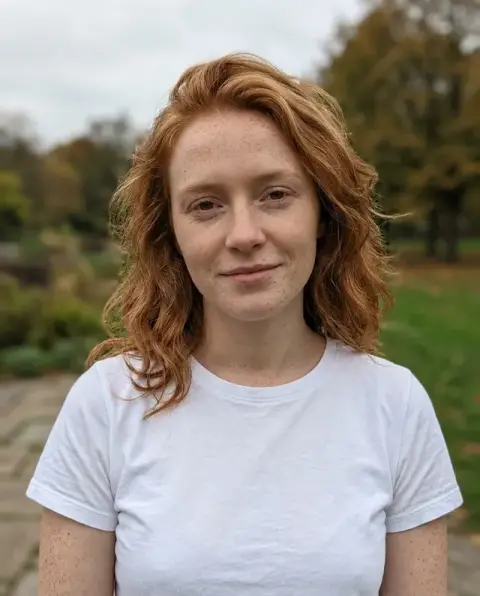
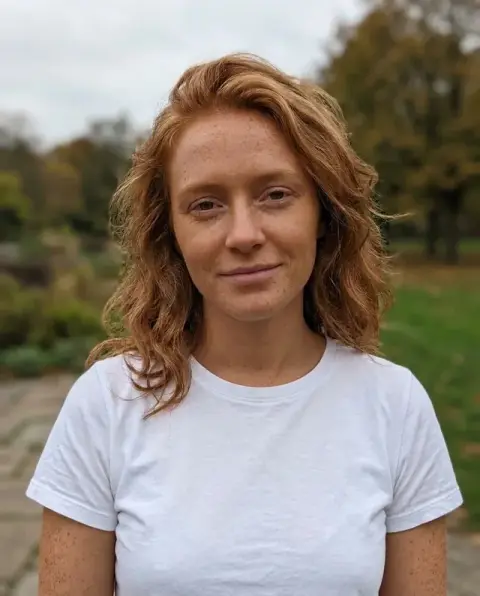


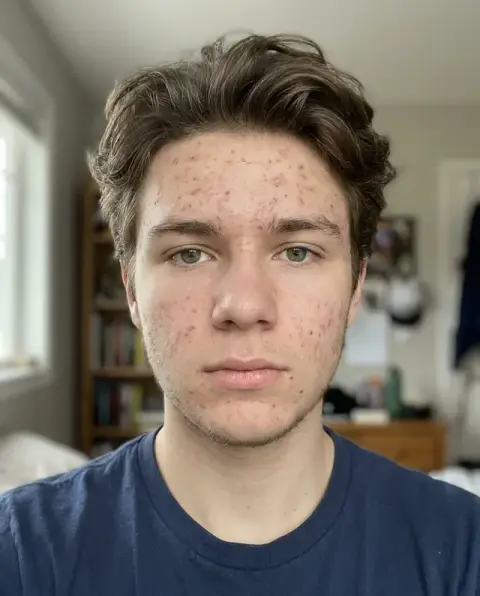
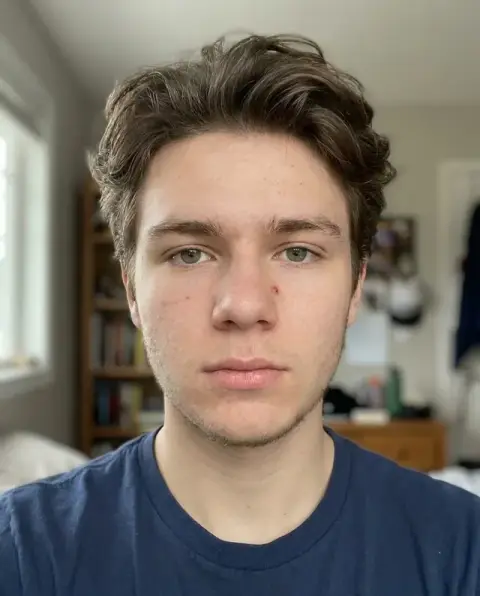
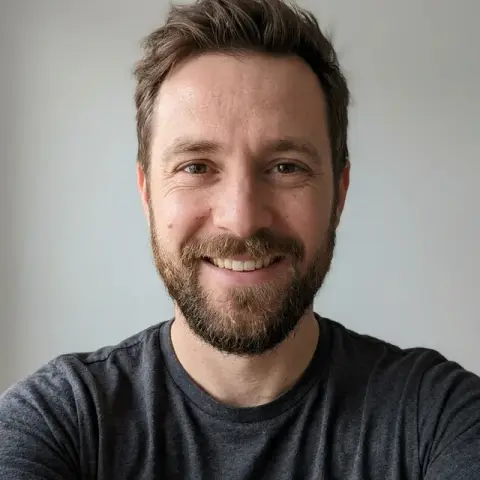

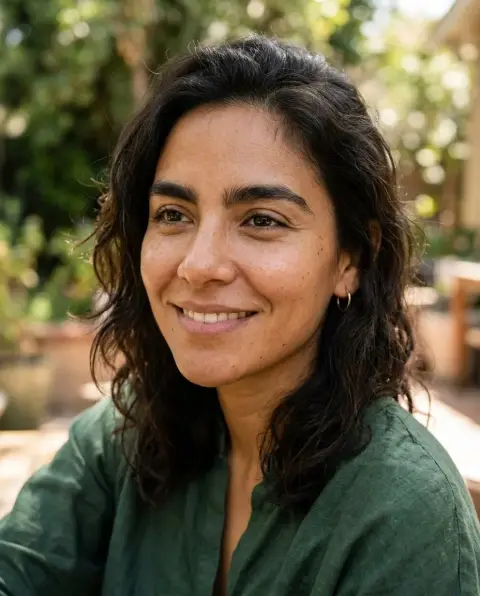
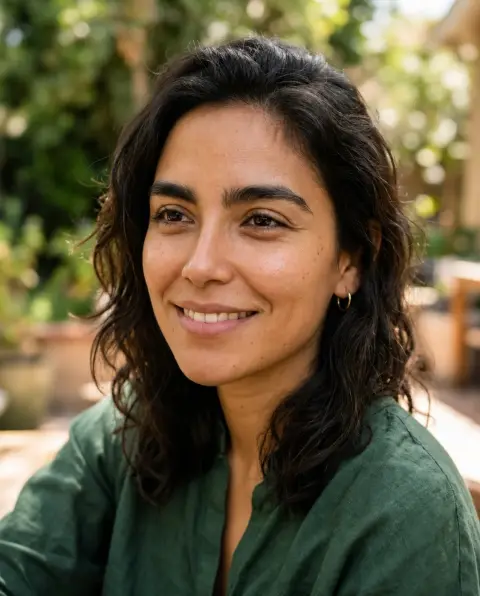
Freckles Filter examples.
Real results from this page's default settings in one click, not retouched.How examples are made
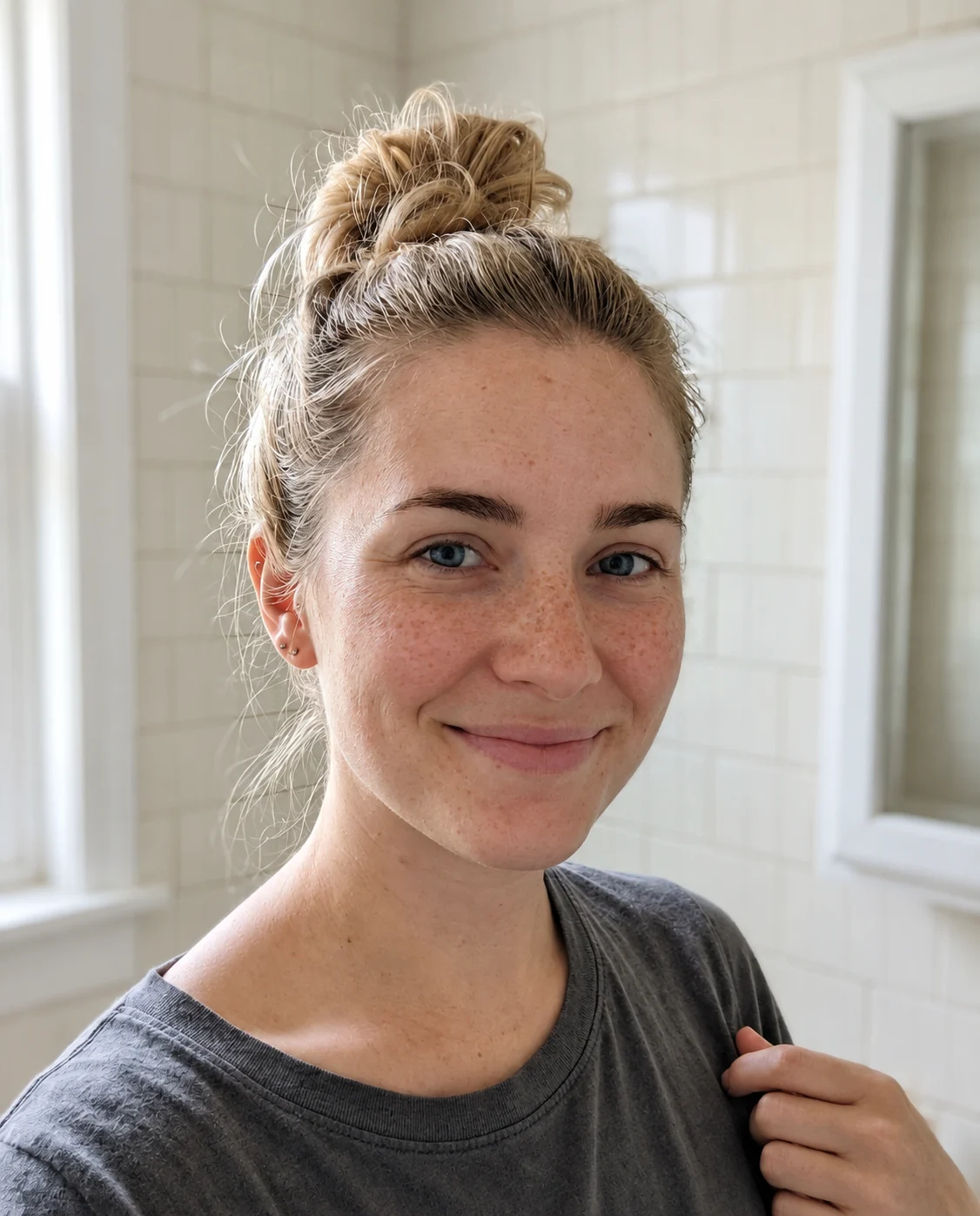
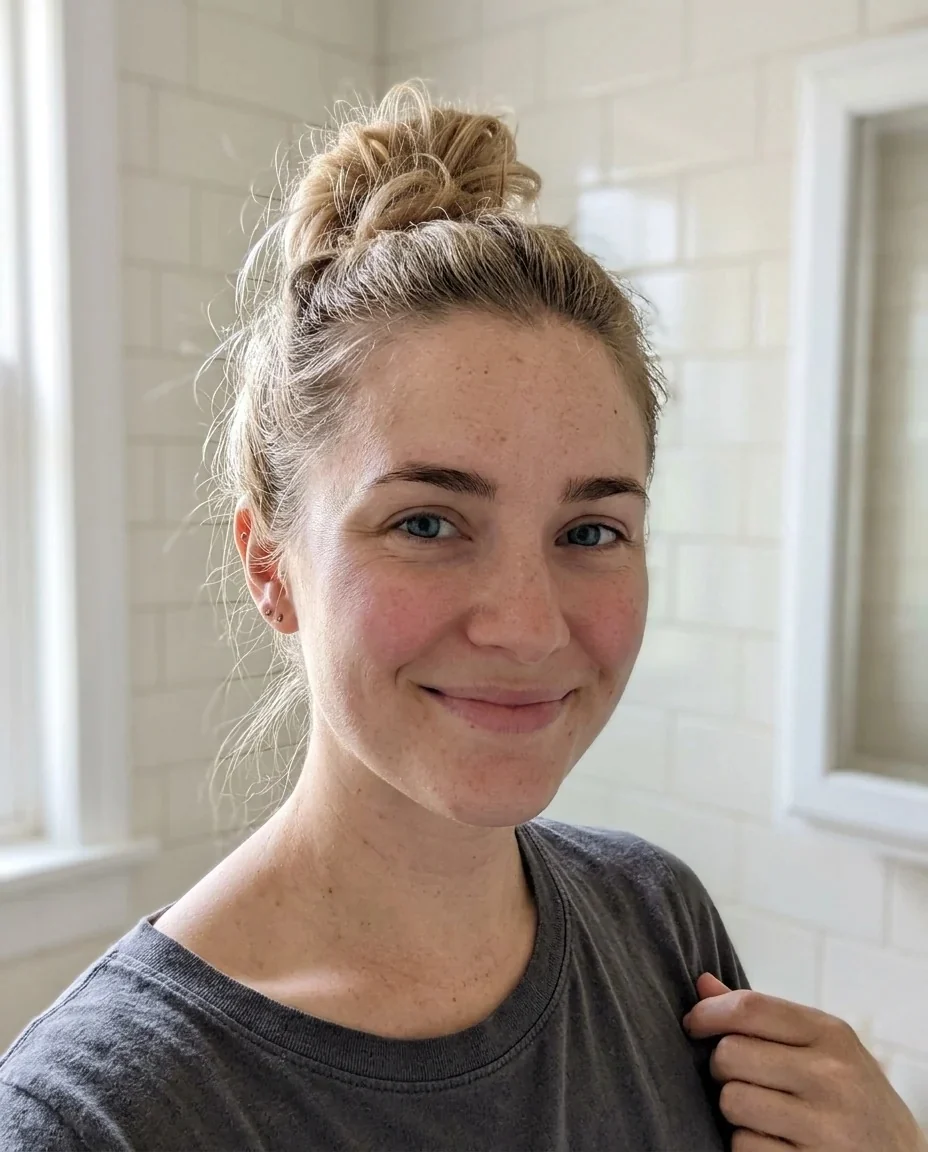
Sun-kissed
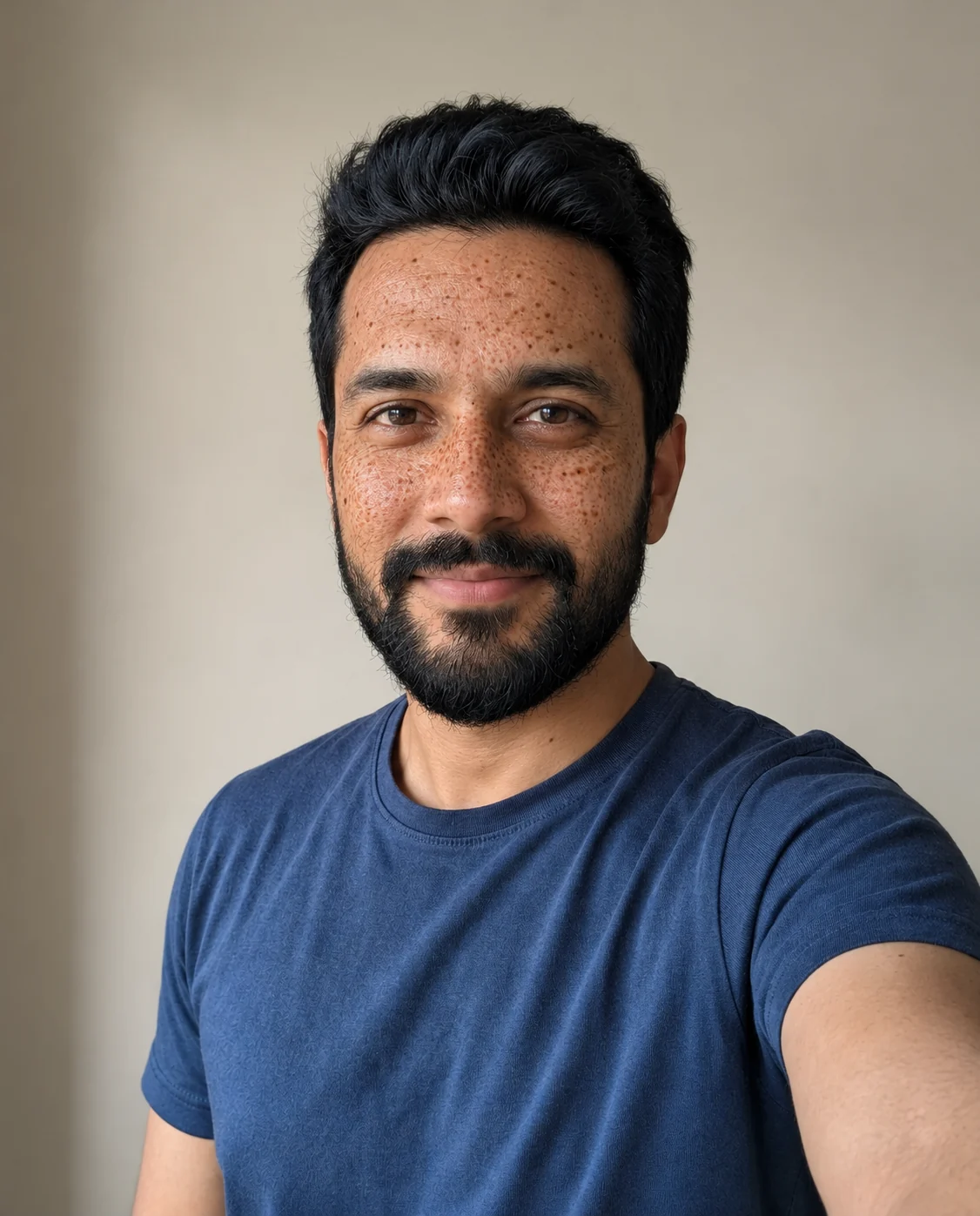
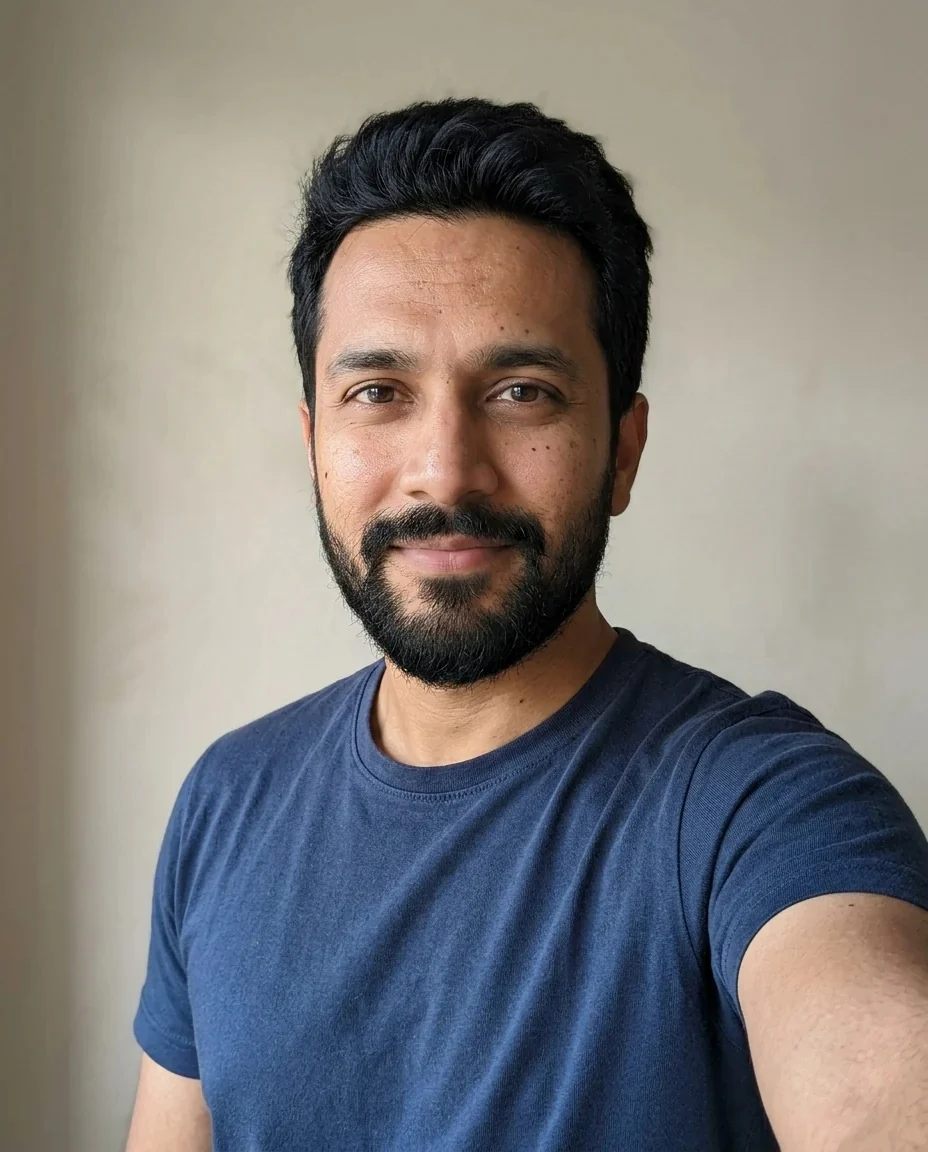
Full
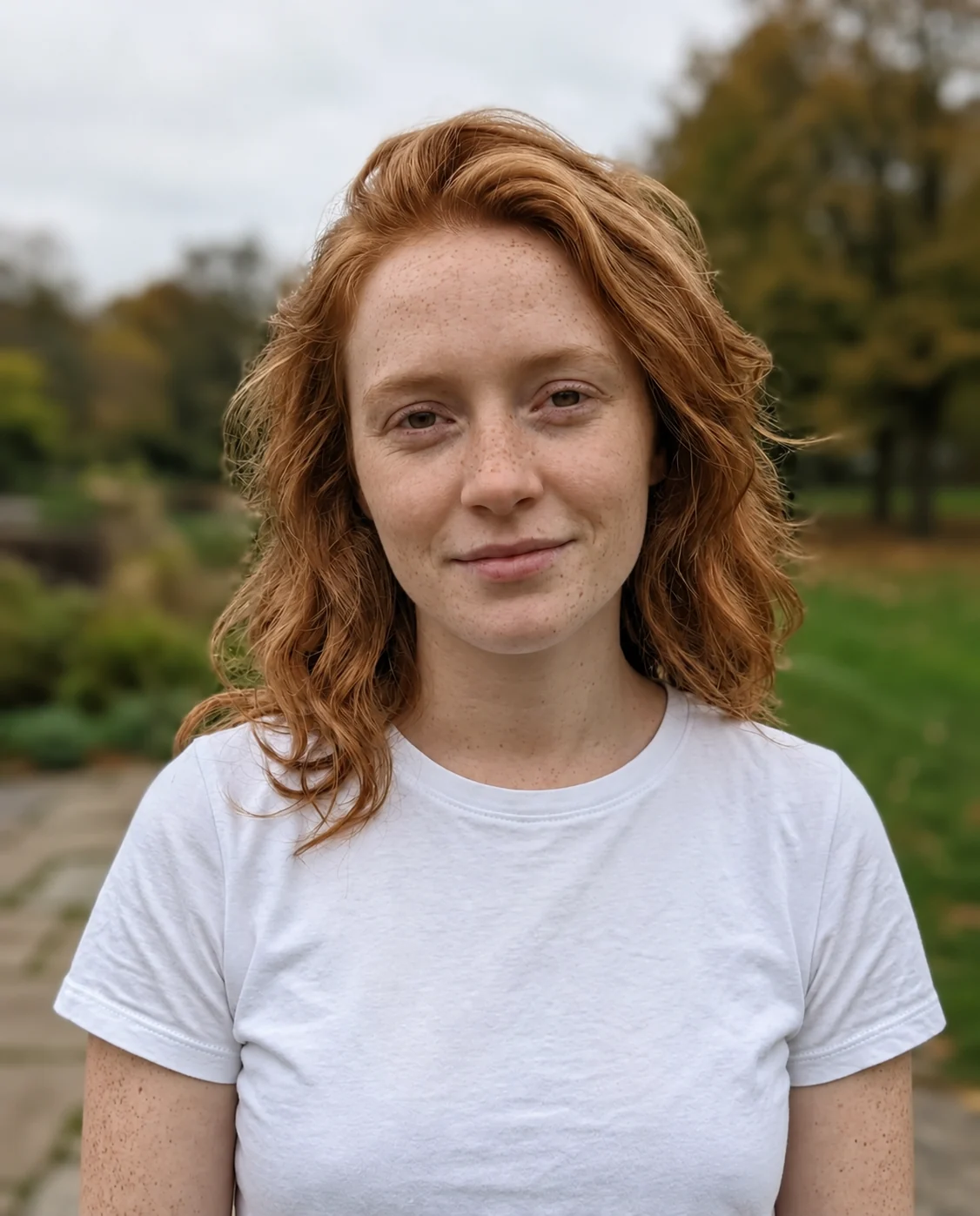
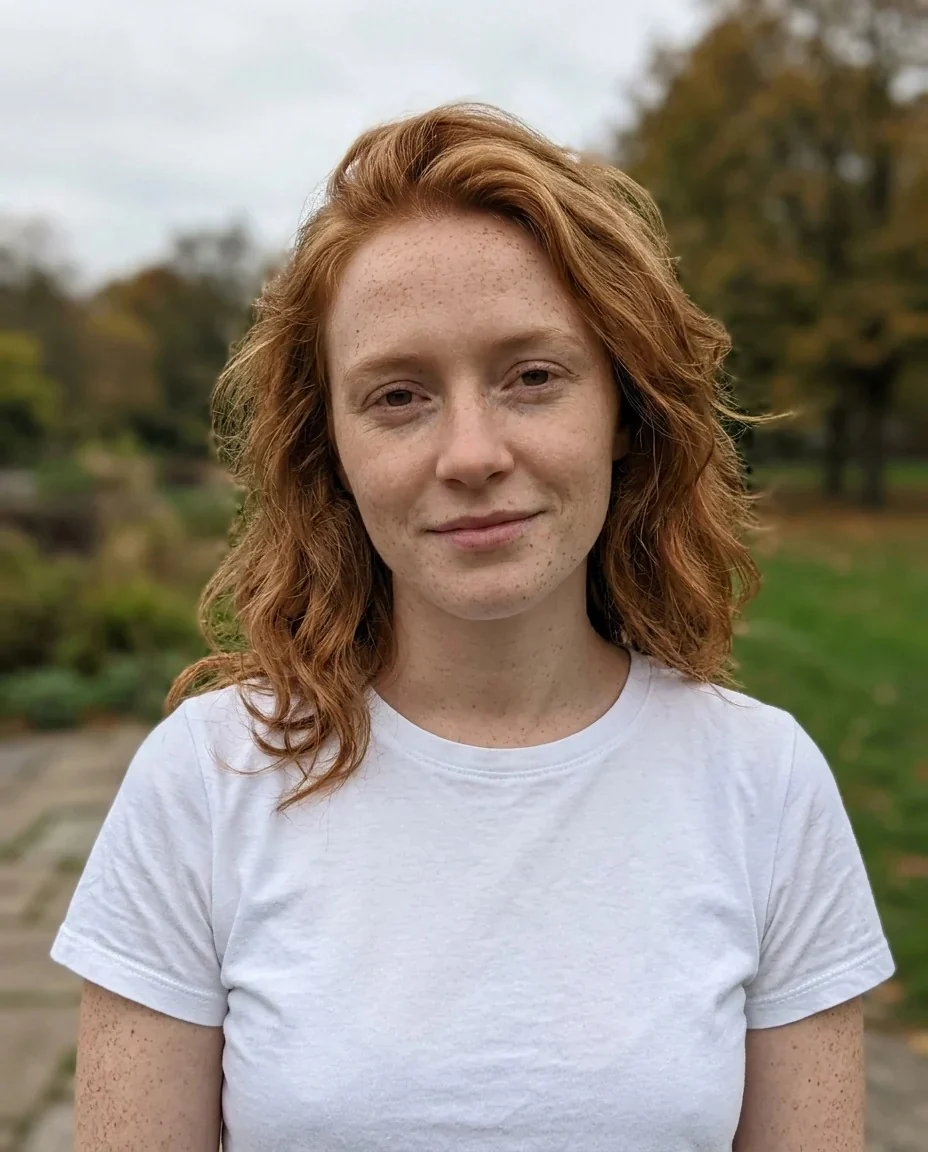
Light
Freckles Filter features.
Realistic freckles
Varied in size and tone, mostly across the nose and cheeks, and drawn into the skin's texture.
Three amounts
Light over the nose only, a natural Sun-kissed scattering, or Full freckles over nose, cheeks and forehead.
Everything else stays
Hair, clothes, background and expression are kept, so the only change is the freckles.
Still you
The prompt keeps identity, face shape, age and skin tone.
Freckles Filter, step by step.
01
Upload a face
A well-lit portrait or selfie, facing the camera.
02
Pick an amount
Sun-kissed, Light or Full.
03
Generate and save
Compare with the slider and download.
Freckles Filter use cases.
- The faux freckle trend
- Freckle makeup has been popular for years. See how it looks on you before you buy an eyeliner pencil for it.
- Content for social
- Make a before-and-after for a post with the slider result.
- Character references
- Need a picture of a freckled character or a cosplay reference? Start from your own photo.
- Just curious
- Always wondered how you would look with freckles? Try Light first and see.
Freckles Filter: best photos and fixes.
Choosing your photo
A clear, well-lit selfie or portrait with the whole face visible works best, because freckles are mostly on the nose, cheeks and forehead. Photos taken in flat, even daylight look more natural than photos with strong shadows. If the face is small in the frame, the freckles become tiny and soft.
Light, Sun-kissed or Full
Light is a few freckles on the nose only. Sun-kissed is a natural scattering across nose and cheeks. Full is dense freckles over nose, cheeks and forehead. If you are unsure, start with Sun-kissed; it is the middle setting and the easiest to believe.
Skin tone and freckle color
Freckles follow your skin tone, so they come out warm brown on fair skin and deeper on darker skin. The prompt varies size and tone so the pattern does not look stamped. Look at the nose bridge at full size to see how natural it is.
Beauty tools together
If you want smooth skin as well, remember that retouching can reduce freckles. Use the beauty filter first, then add freckles on top. To remove spots while keeping freckles, try the blemish remover.
How the freckles are placed
Real freckles gather where the sun hits most: the bridge of the nose, the cheekbones and sometimes the forehead and shoulders. The prompt follows that pattern and varies size and tone so they do not look stamped on. At full size, check that they sit in the skin texture, with pores and fine lines still visible through them, and that they follow the curve of the cheek.
Makeup, filters and lighting
Foundation, strong beauty filters and harsh flash flatten skin and hide the texture that freckles are drawn into. A bare face in soft light gives the most natural result. If your photo is already heavily filtered, results can look more like makeup than real freckles. If you want a freckle makeup look anyway, that is fine, and Full is the closest to it.
Other face edits
One change at a time works best. For other small face changes, use the face editor.
Freckles Filter FAQ.
Are the freckles realistic?
They are drawn with varied size and tone and sit in the skin's texture, so they read as real freckles. Results vary slightly each run.
Will it change my face shape or skin tone?
No. The prompt keeps everything else the same: identity, face shape, age, skin tone, expression and pose.
What is the difference between Light, Sun-kissed and Full?
Light is a few freckles over the nose, Sun-kissed is a natural scattering, Full is dense freckles over nose, cheeks and forehead.
Does it work on any skin tone?
Yes, freckles are matched to the skin tone, but the effect is most obvious on lighter skin.
Can I use it to see how freckle makeup would look?
Yes, as a rough idea. Pick Full for the bold faux-freckle look and compare it with Light, but remember that it is a visual preview, not a guide to how a pencil or tattoo would turn out.
Why do the freckles look different each time?
The model places them freshly every run, so the pattern, size and tone change. Generate again to see another version and keep the one you like.
What does the freckles filter cost?
You sign in to generate. A result costs 9 credits with GPT Image 2, the default model, and new accounts get 25 free credits once. You can pick other models from the model menu at their own prices. If a generation fails, the credits are refunded.
Is my photo kept or used for training?
Uploads are not used for training. Results stay in My files for 48 hours, or 30 days once you've bought a credit pack, so download what you want to keep. There is no watermark on the result.
Which photo formats can I upload?
JPG, PNG and WebP up to 8 MB. You can also send a photo from your phone by scanning the QR code on the page; the link is valid for 10 minutes.