Blemish Remover
Clear spots. Keep real skin.
Drop a photo
or paste with ⌘V · JPG · PNG · WebP · up to 8 MB
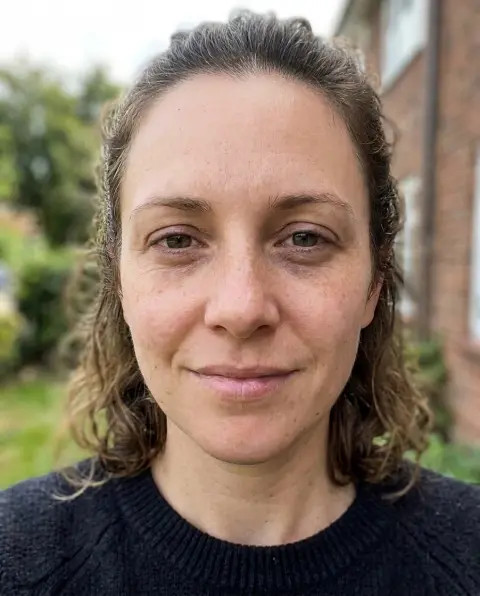
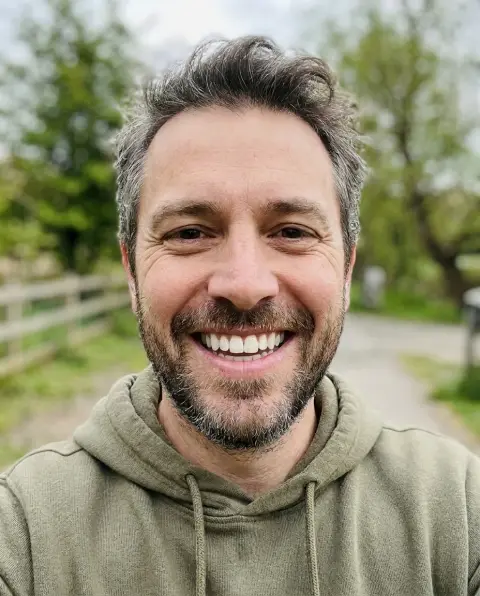
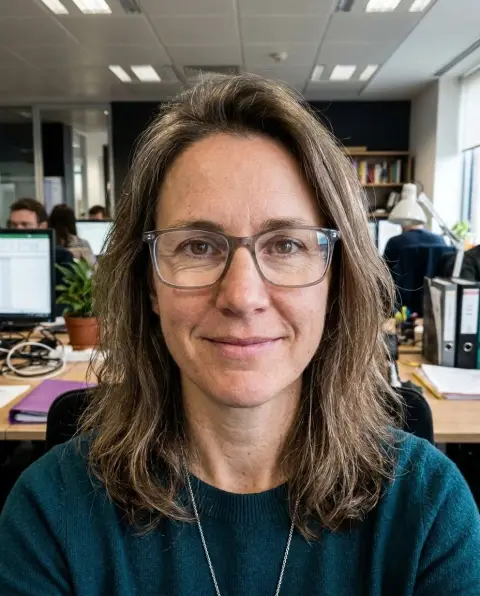
No photo handy? Try one of ours.
Blemish Remover examples.
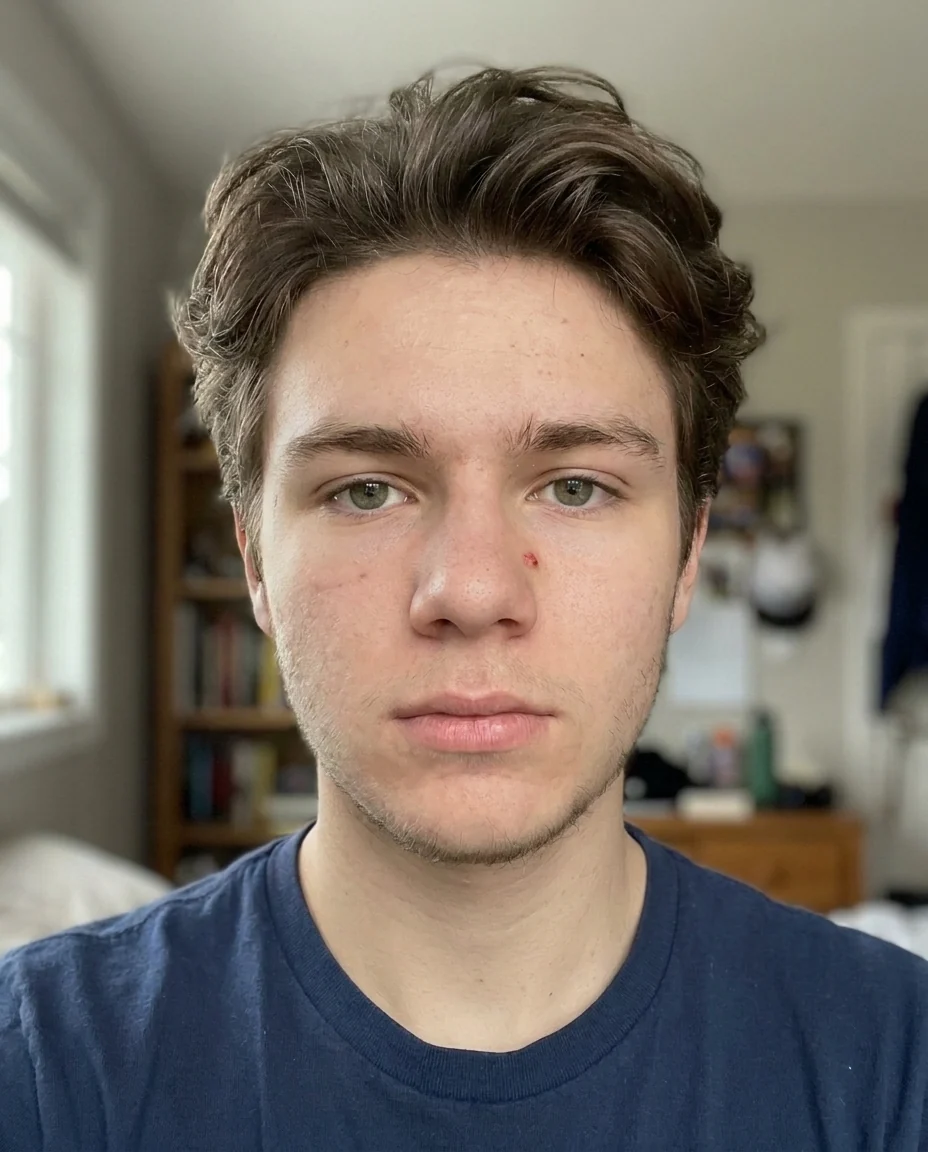
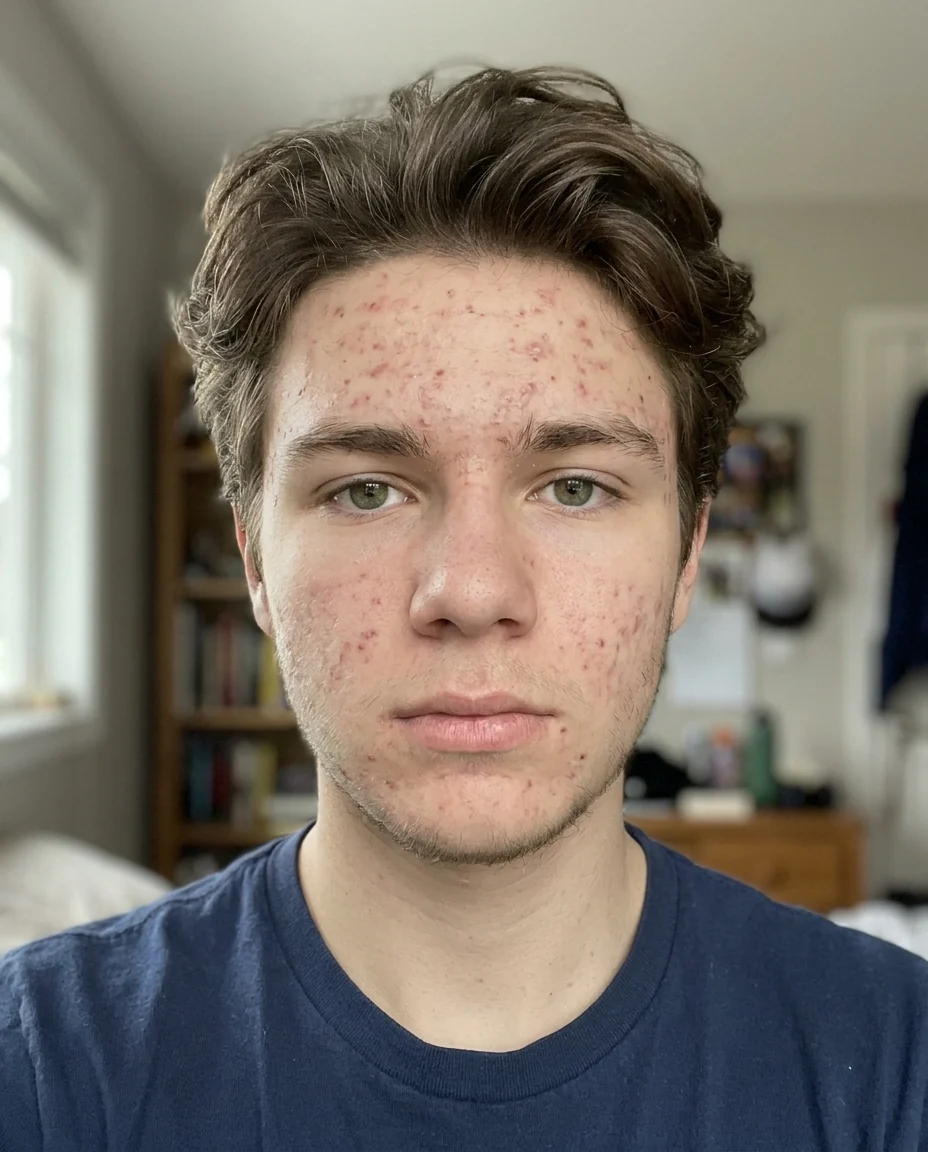
Acne
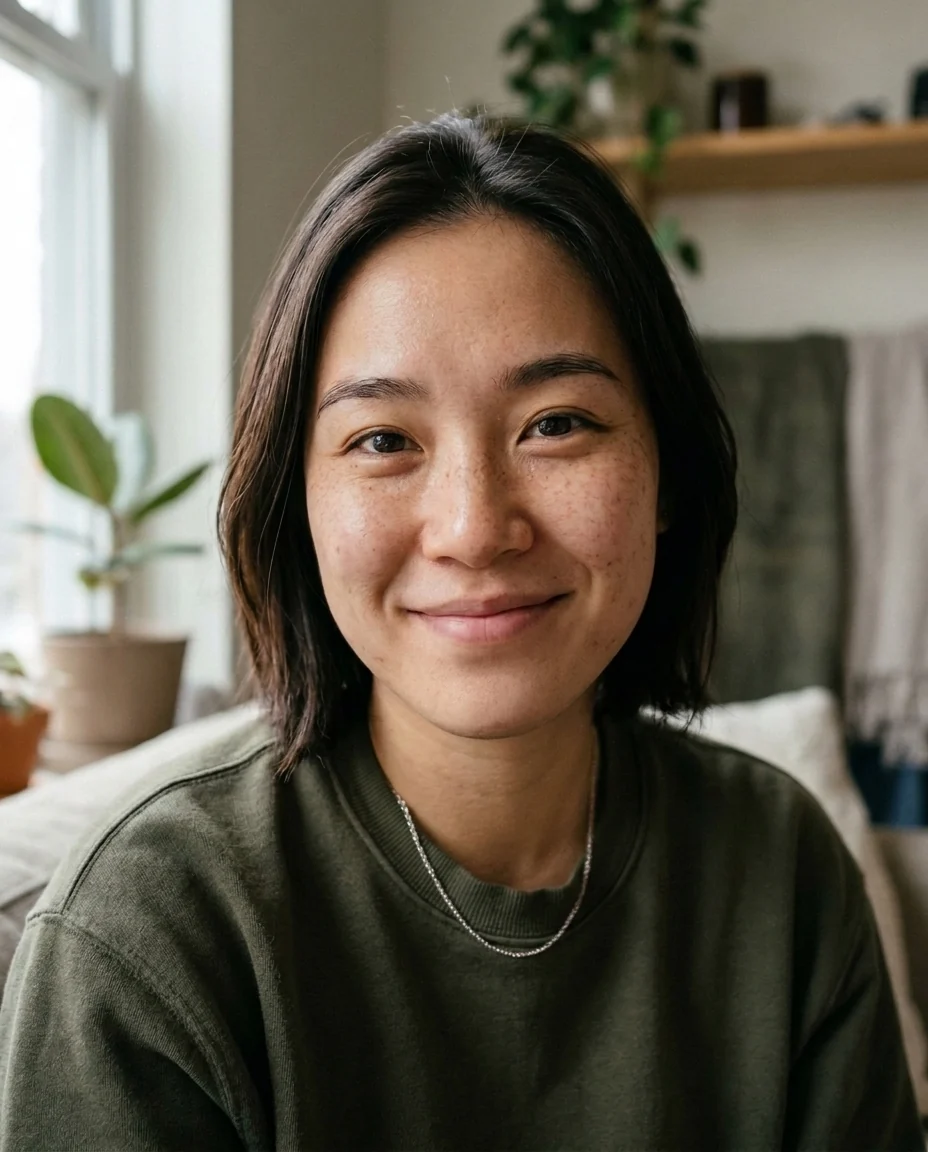
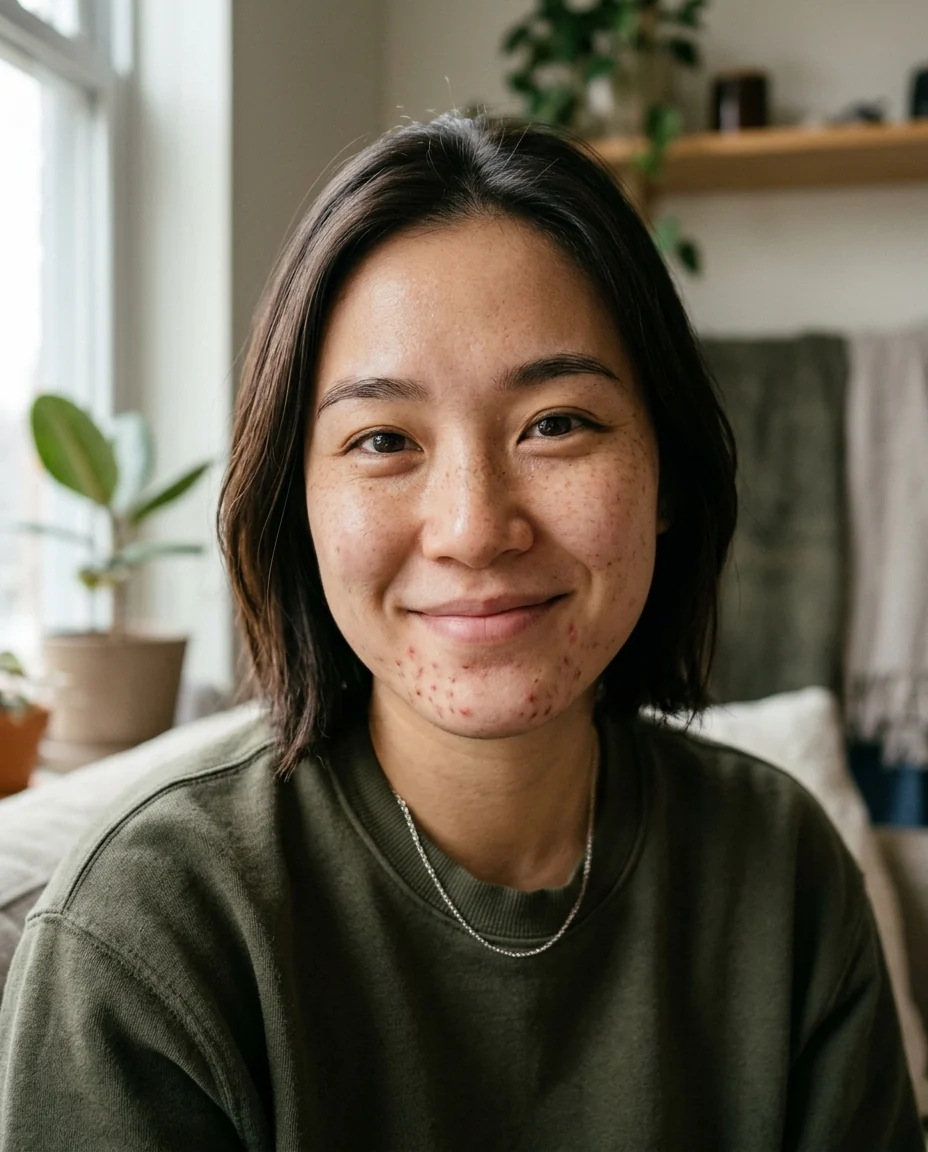
Freckles kept
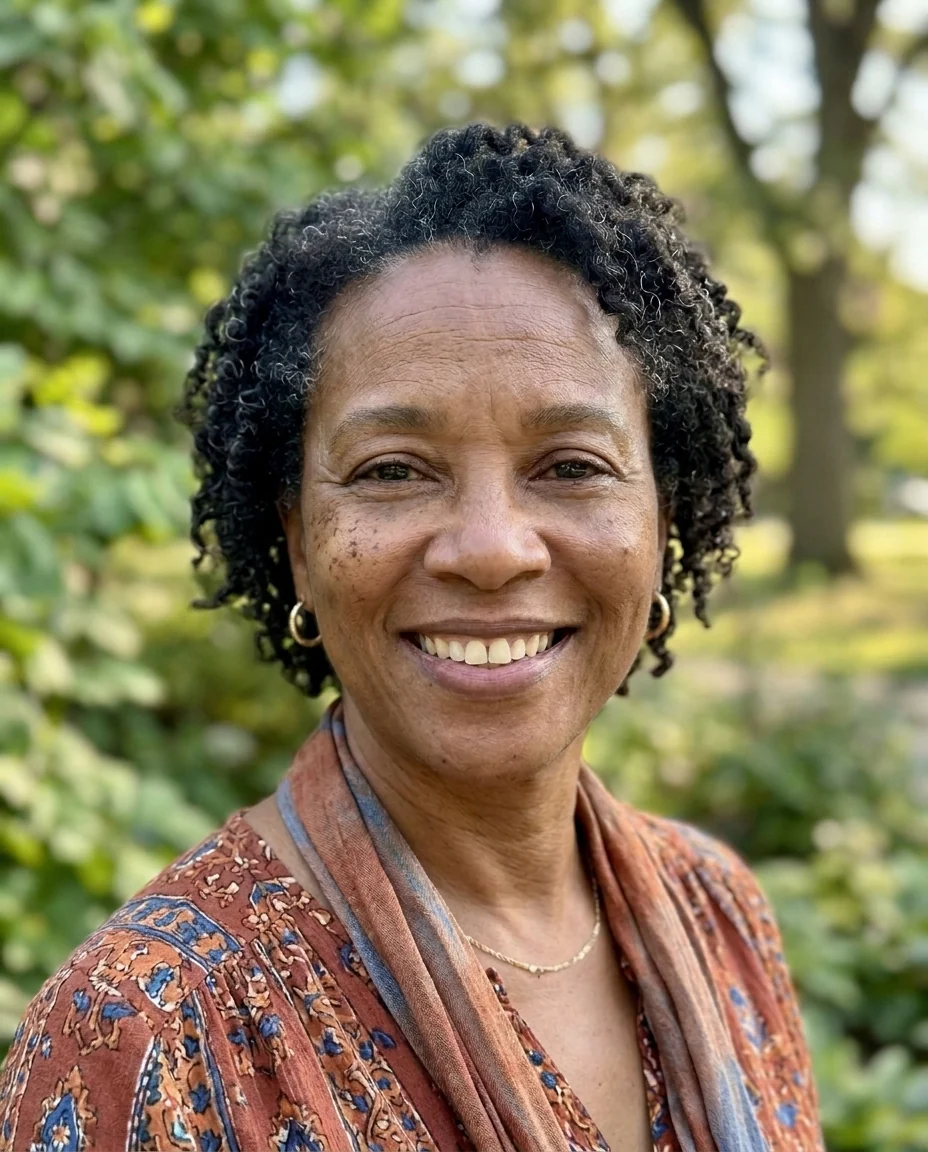
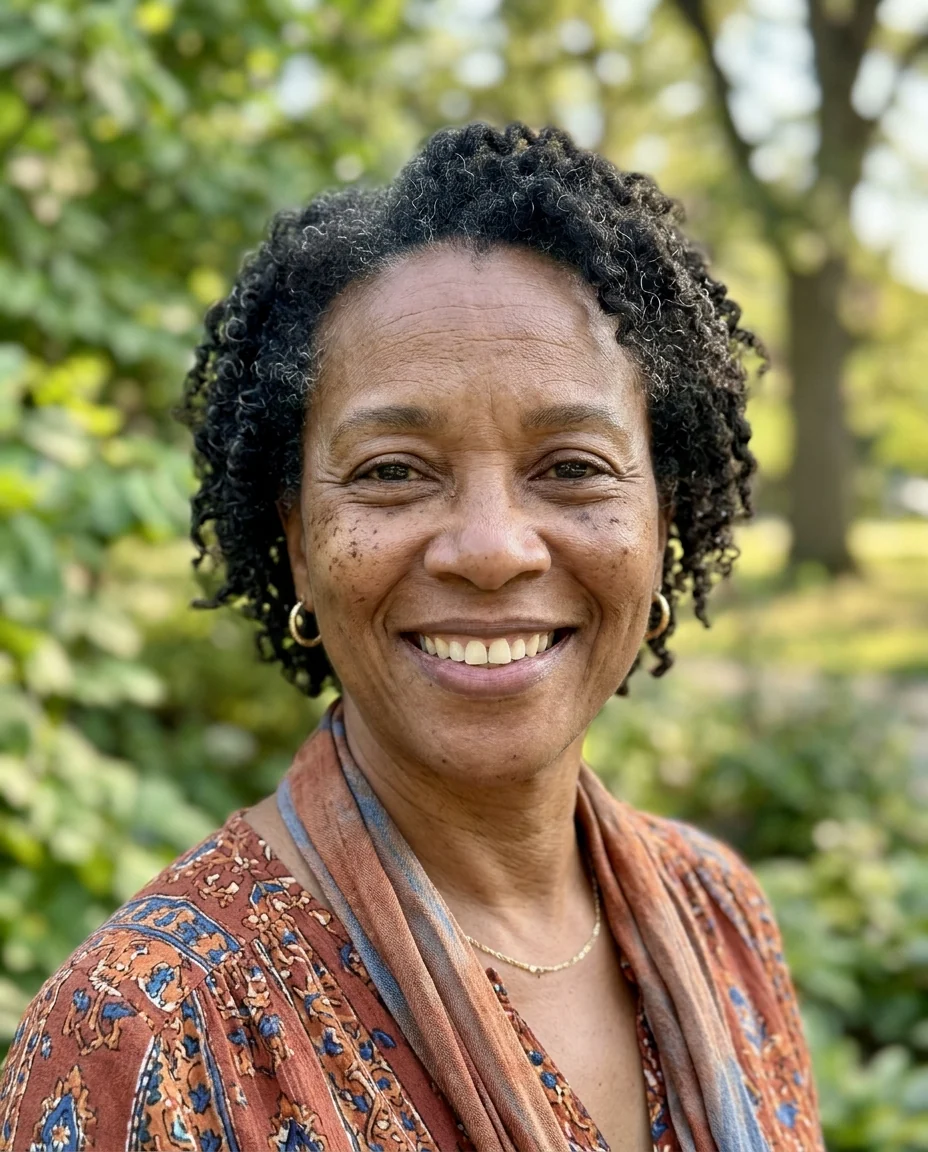
Spots + wrinkles
Blemish Remover features.
Spots, acne and redness
Temporary blemishes fade.
Real skin texture
Pores, freckles and moles stay.
Wrinkles optional
Soften lines by about half, or leave them.
Blemish Remover, step by step.
01
Upload a portrait
A close-up shows the skin best.
02
Choose the retouch
Spots only, or spots and wrinkles.
03
Download
Zoom in to compare the skin.
Blemish Remover use cases.
- Profile pictures
- A clear-skinned photo for work or dating profiles.
- Event photos
- Fix the breakout that showed up on the big day.
- Portrait sessions
- A quick first retouch before fine editing.
Blemish Remover: best photos and fixes.
Photos that retouch well
Close-ups and head-and-shoulders portraits give the best results, because the skin fills enough of the frame for spots to be found and the texture kept. Even, soft light, such as a window or shade, shows real skin without harsh shadows. In heavily filtered or smoothed photos there is little texture left to keep, so start from the unedited version when you can.
What counts as a blemish
Pimples, acne, whiteheads, red spots, small scabs, dry flakes and patchy redness are treated as temporary and removed. Freckles, moles, beauty marks and tattoos are part of a person's face and are kept. If you want a mole or a scar removed, name it in the instructions; if something you want to keep disappears, write "keep the mole on the left cheek".
Keeping skin real
Over-smoothed skin looks like a filter and draws attention. The retouch keeps pores and fine texture, so the result holds up at full size. Compare the result zoomed in on the cheek and forehead: you should still see texture. If it looks too smooth, regenerate or write "keep more skin texture"; if a spot is still there, name its place.
Wrinkles: a gentle softening
Spots + wrinkles softens forehead lines, crow's feet and lines around the mouth by about half, so the person looks rested rather than younger. To keep the age entirely and remove only spots, use Spots only. For a deliberate age change, the age filter is the tool made for that.
Acne scars and dark spots
Fresh acne fades cleanly. Older acne marks, dark spots and textured scars are softened, but deep scars may stay visible, because removing them completely changes the skin's surface a lot. If you want them evened out more, write it: "even out the dark spots". Results show a retouched photo, not what any treatment would do to real skin.
Related tools
The beauty filter adds a polished look with smoothing, light makeup and a glow. The face editor handles other single changes such as a smile or open eyes. Whiten teeth in photo brightens a smile, and remove glare from photo takes the shine off an oily forehead. For a group photo, crop to each face and retouch one at a time for the cleanest skin.
Blemish Remover FAQ.
Will my freckles disappear?
No. Freckles, moles and beauty marks are kept; only temporary spots and redness are removed.
Does it make skin look plastic?
It is set to keep pores and texture. If a result looks too smooth, regenerate or add "keep more skin texture".
Can it remove wrinkles?
Choose Spots + wrinkles to soften lines by about half. The person still looks their age.
Is the Blemish remover free?
Yes, you can try it free. New accounts get 15 free credits, and one generation here uses 13 credits. You sign in with your email; no card needed. Results have no watermark. After that, plans add credits every month and credit packs never expire.