Face Editor
Change one thing about a face. Keep the person.
Drop a photo
or paste with ⌘V · JPG · PNG · WebP · up to 8 MB
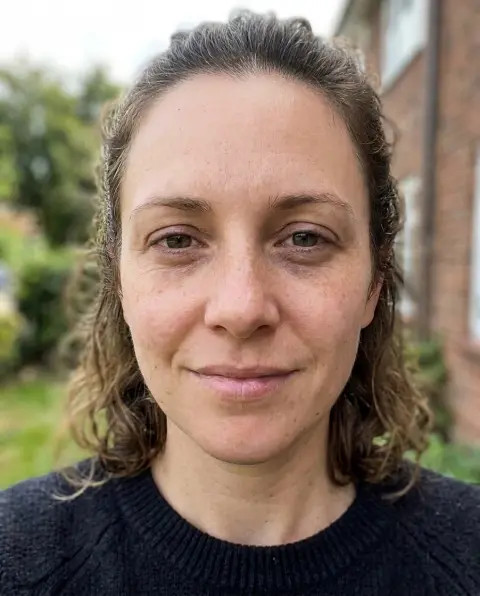
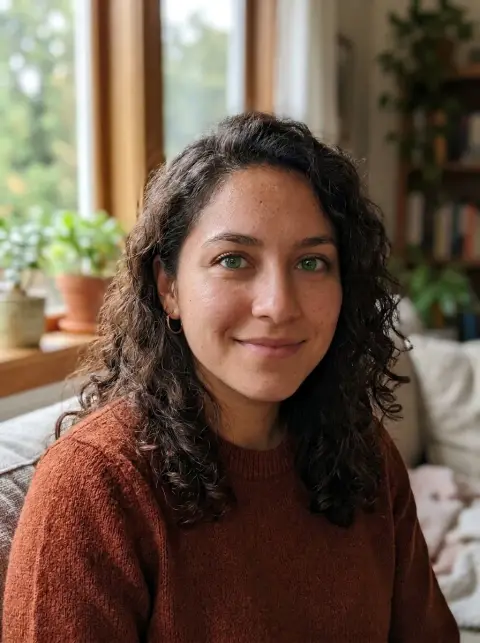
No photo handy? Try one of ours.
Face Editor examples.
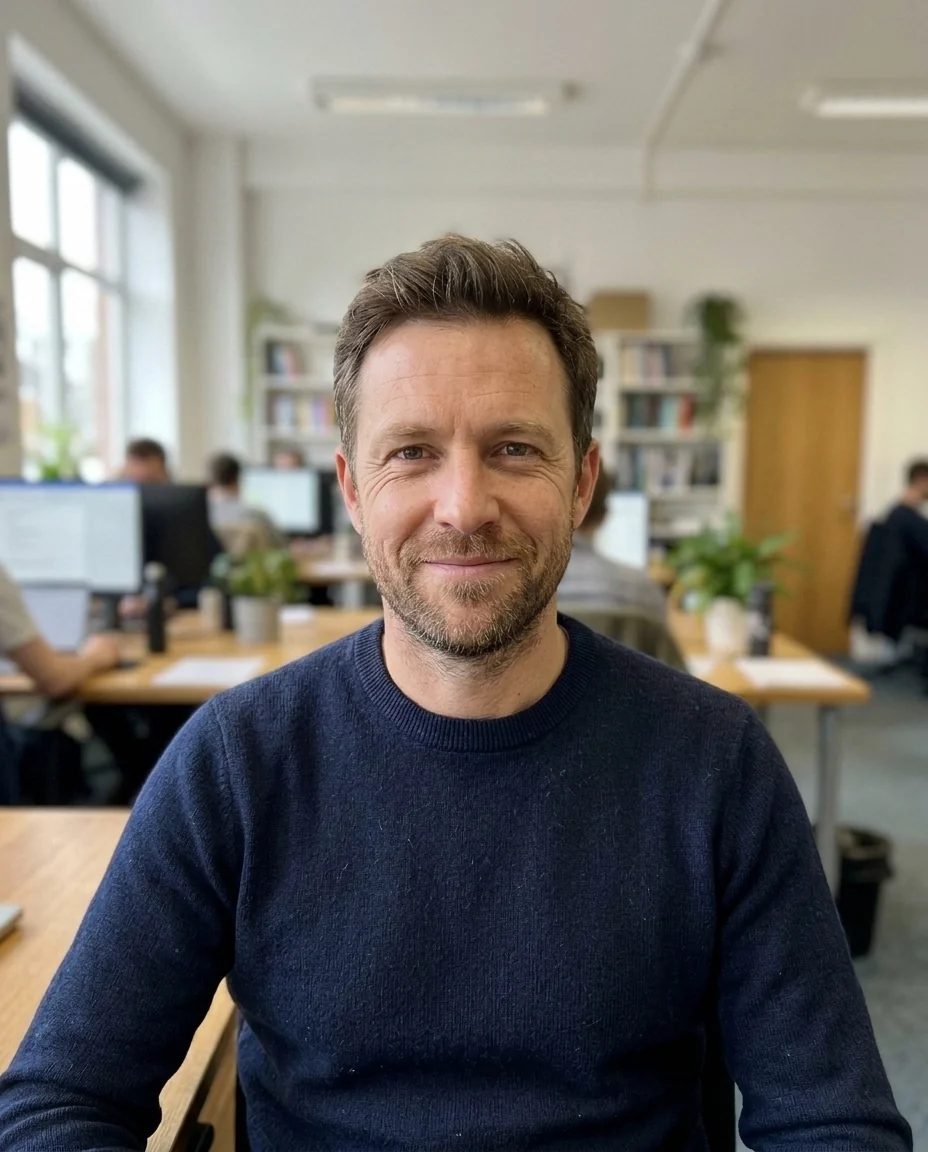
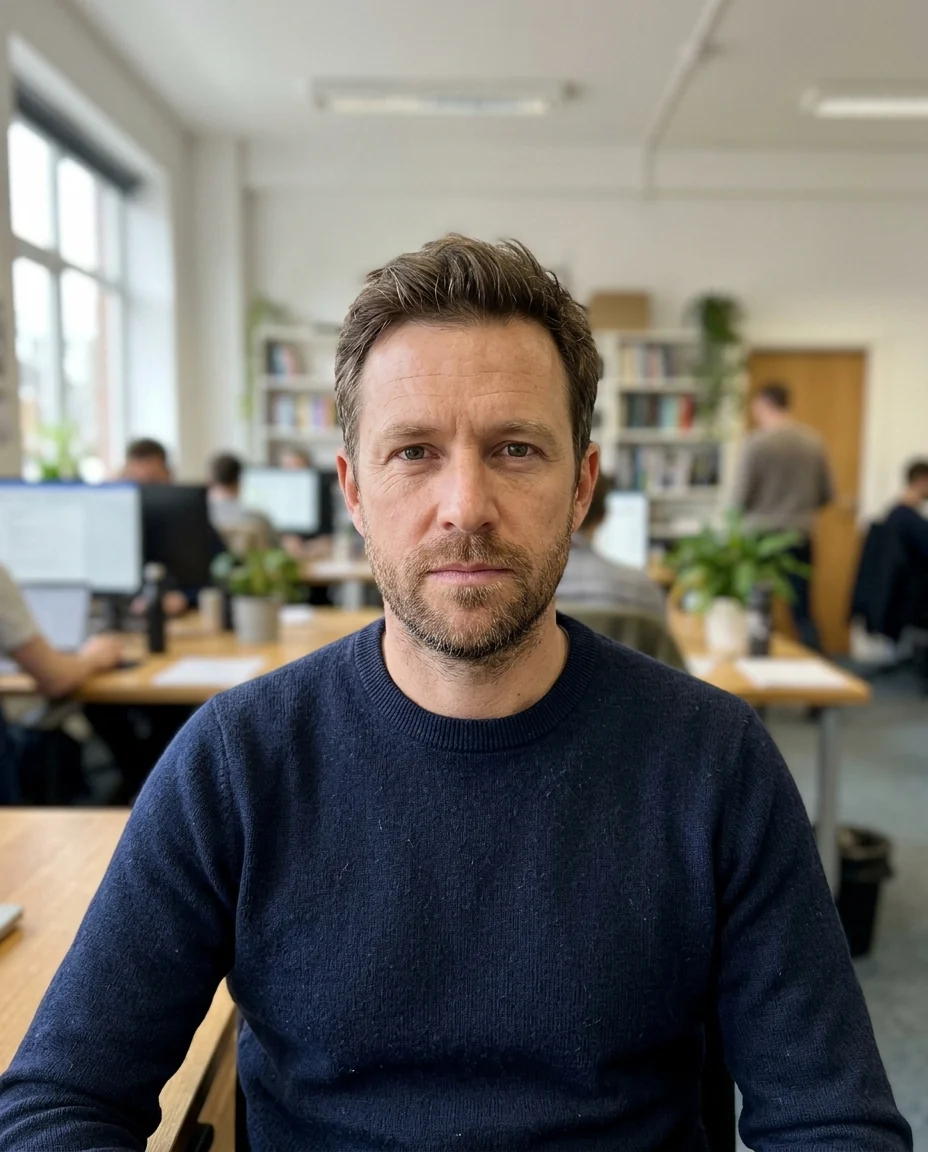
Add a smile
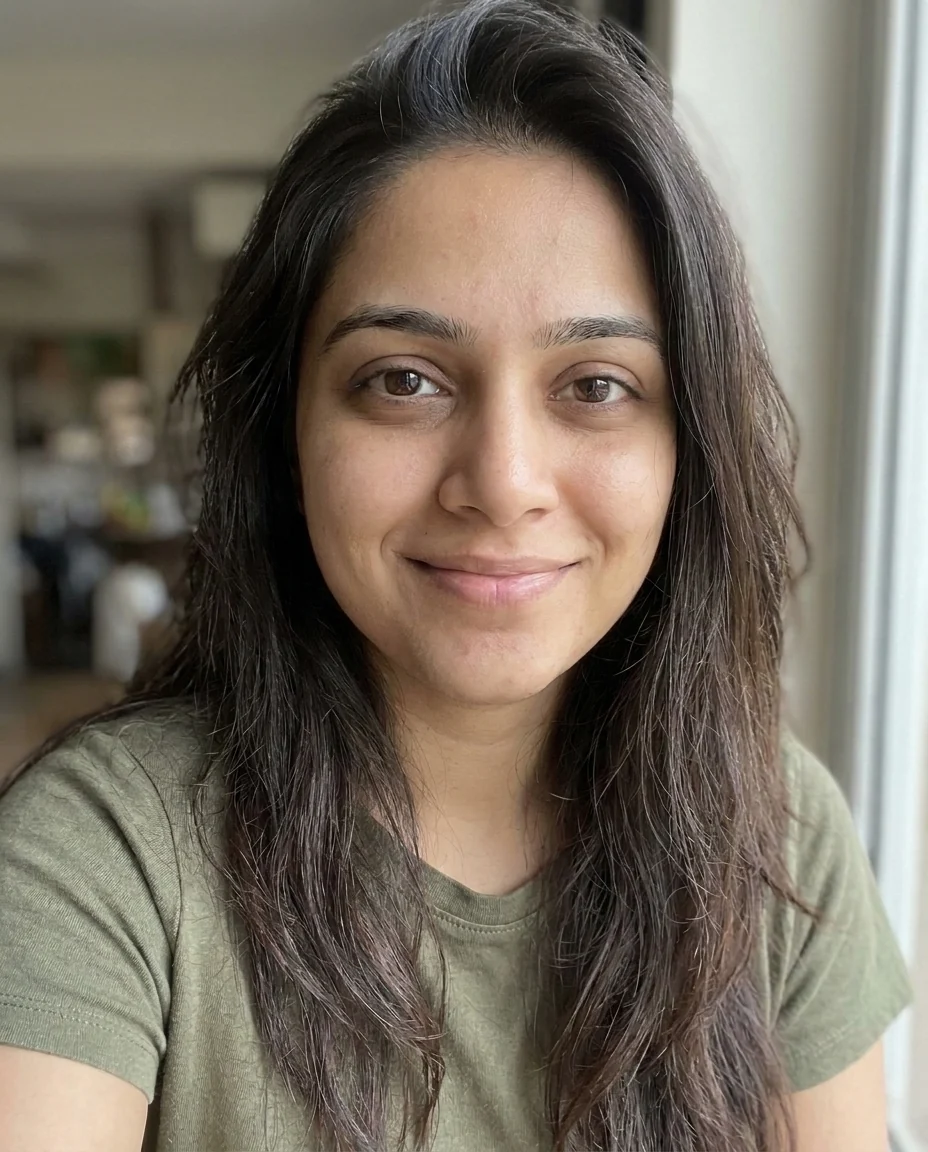
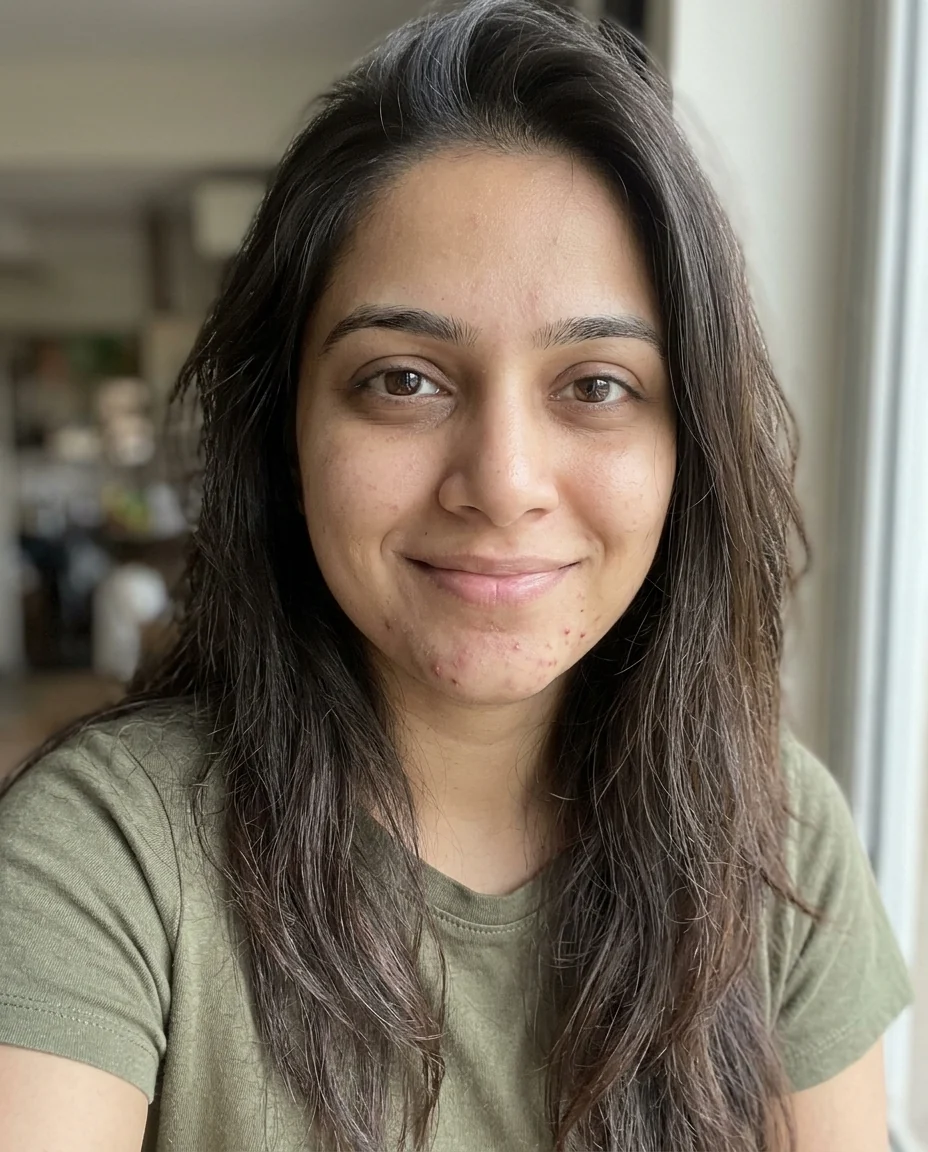
Light retouch
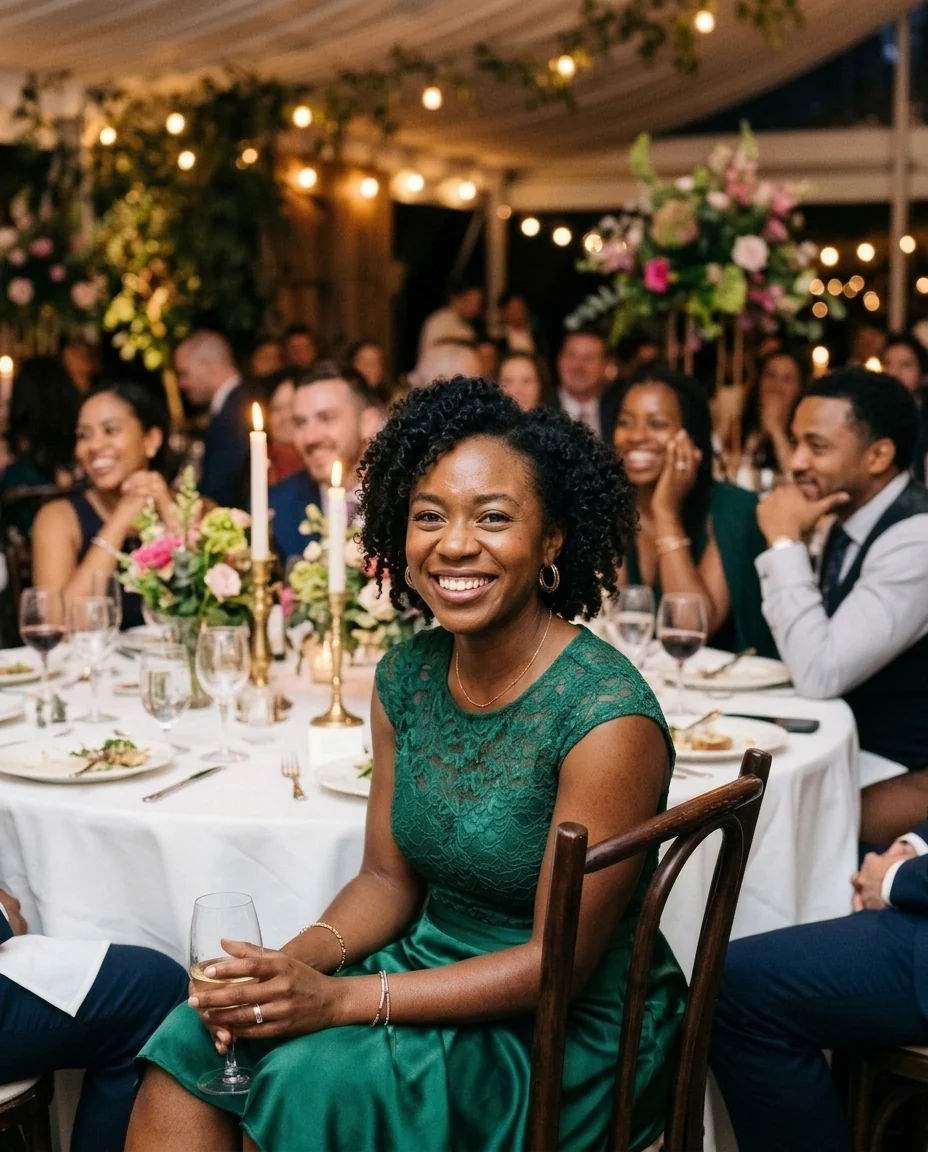
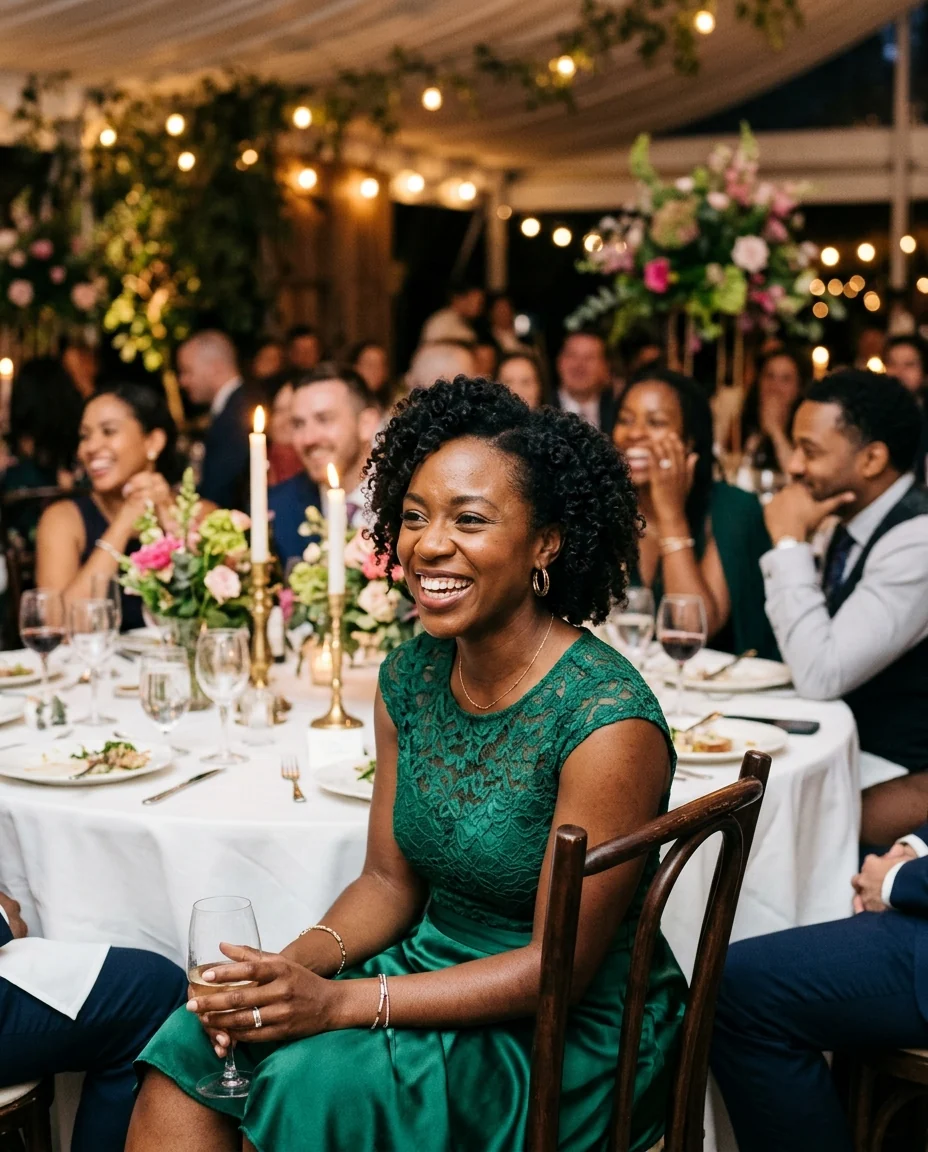
Look at the camera
Face Editor features.
Edit by describing
Smile, eyes, skin, brows or any feature you name.
Still the same person
Face shape, skin tone and age are kept.
Blends into the photo
The edit matches the light and grain.
Face Editor, step by step.
01
Upload a portrait
One clear face works best.
02
Pick an edit or describe one
For example "raise the eyebrows a little".
03
Download
Compare with the slider first.
Face Editor use cases.
- Group photos
- Fix the one person who blinked or frowned.
- Profile pictures
- A friendlier expression for a work profile.
- Event photos
- Soften a breakout on a day you want to remember.
Face Editor: best photos and fixes.
Photos that edit cleanly
Face edits look most natural when the face is large in the frame, in focus and lit evenly from the front. A head-and-shoulders portrait or a selfie at arm's length is ideal. In group photos and wide shots each face is small, so changes are made with fewer pixels and can look softer than the rest. If you only need one person changed, name them in the instructions.
One change at a time
Asking for one thing gives the most faithful result: a smile, open eyes, or a light retouch. Stacking several changes in one run (smile, slimmer nose, new brows, different eye color) makes it more likely the whole face drifts and starts to look like someone else. Run one edit, check it, then upload the result for the next. Small, specific wording such as "a slight smile with closed lips" works better than "make her look happier".
Smiles and expressions
A real smile moves more than the mouth: the cheeks lift and the eyes narrow a little. The Smile option adds that, which is why it looks natural. If you want a subtle change, write "a small closed-mouth smile". Big laughing smiles show teeth, which have to be invented, so they may not match the person's real teeth; for a smile where the teeth matter, use a photo where they are already visible.
Opening closed eyes
Open eyes works when the rest of the face is sharp and the eyes are fully or nearly closed. The eye color is taken from what is visible, so if both eyes are completely shut and you know the color, write it: "brown eyes". Another photo of the same person from the same day is a good check. Sunglasses and heavy shadows over the eyes cannot be opened, because there is nothing to match.
Retouching without plastic skin
Light retouch softens what is temporary, like spots, redness and tired under-eyes, and keeps pores, freckles, moles and fine lines. That keeps the skin looking real at full size. Scars, birthmarks and other permanent features usually stay unless you ask. For a stronger beauty look, the beauty filter adds smoothing and soft light; for spots alone, the blemish remover focuses only on those.
Bigger changes and other tools
Some face edits have their own tools, tuned for one job: the eye color changer, the smile filter, the eyebrow filter, the beard filter and the age filter. They give more consistent results for those changes. Use this face editor for one-off edits that have no tool of their own, such as "close the mouth" or "turn the head slightly toward the camera", and write them as plainly as you would to a retoucher.
Face Editor FAQ.
Can I edit someone else's photo?
Use photos of yourself, or of people who are happy for you to edit their picture. Don't use the result to mock, embarrass or deceive anyone.
Will the person still look like themselves?
That is the aim: only the feature you ask for changes, and face shape, skin tone and age are kept. Big or stacked changes make drift more likely, so edit one thing at a time.
Can I describe my own edit?
Yes. Pick Custom and write it, for example "raise the eyebrows a little" or "close the mouth".
Does it work on group photos?
Yes. Name the person in the instructions, such as "the man on the left". Larger faces give cleaner edits.
Is the Face editor free?
Yes, you can try it free. New accounts get 15 free credits, and one generation here uses 13 credits. You sign in with your email; no card needed. Results have no watermark. After that, plans add credits every month and credit packs never expire.