Beauty Filter
Fresh, even skin that still looks like real skin.
Drop a photo
or paste with ⌘V · JPG · PNG · WebP · up to 8 MB
No photo handy? Try one of ours.
Beauty Filter examples.
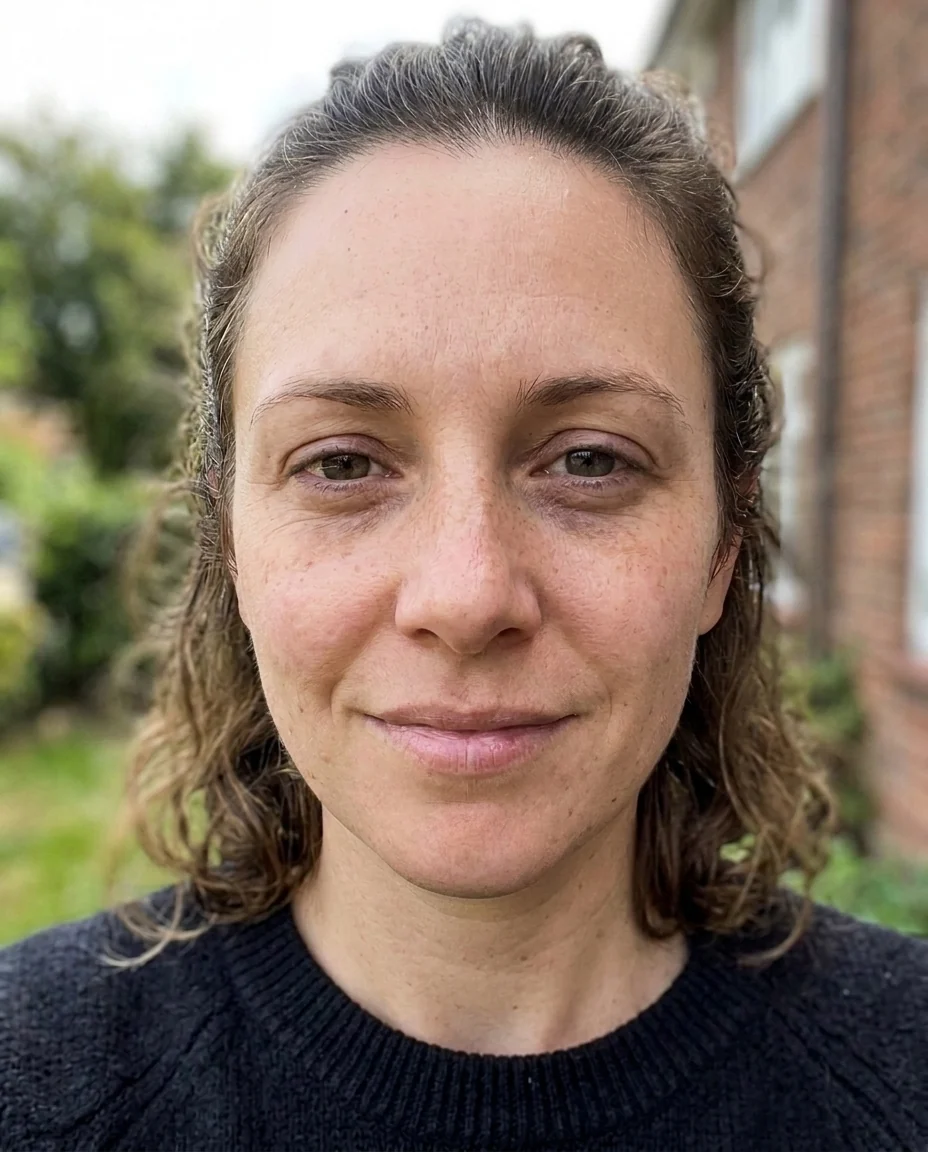
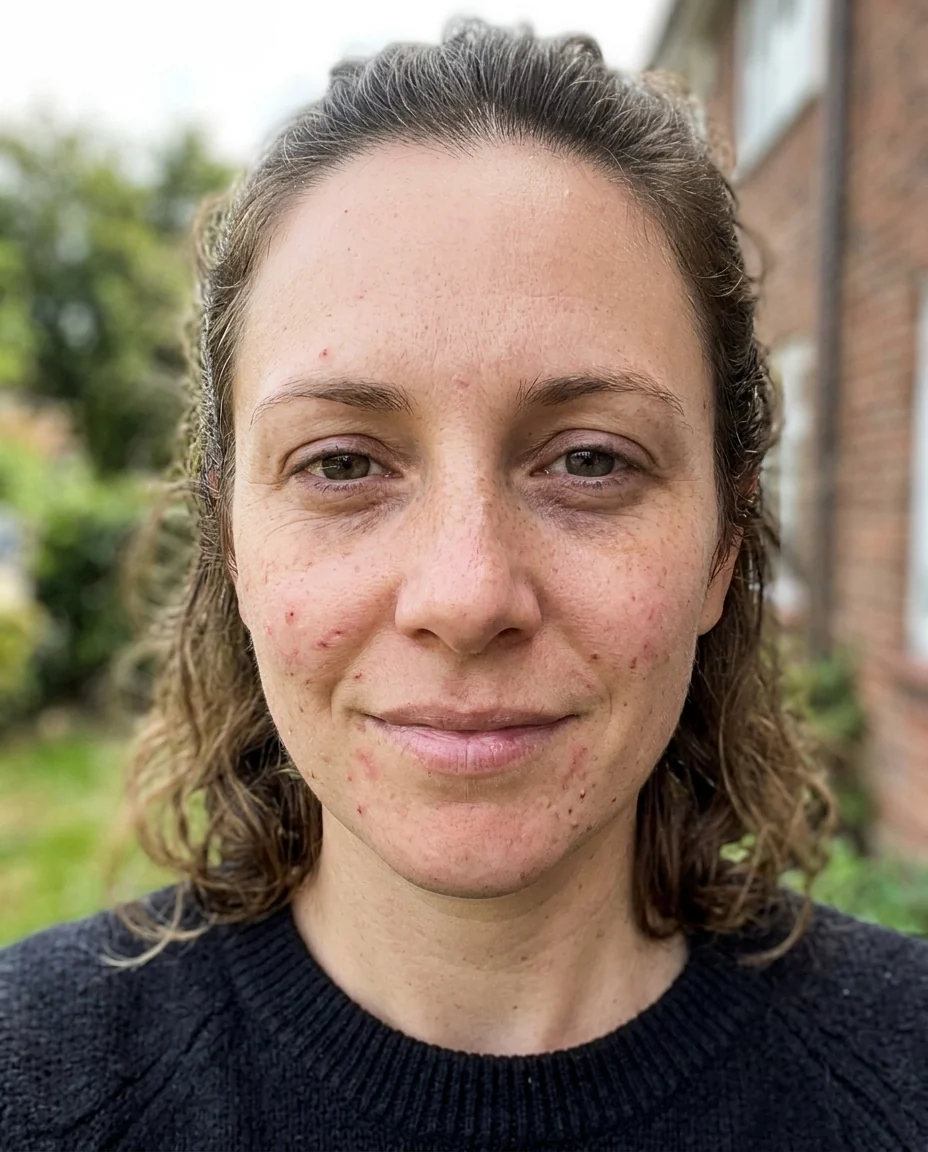
Natural


Shine and spots
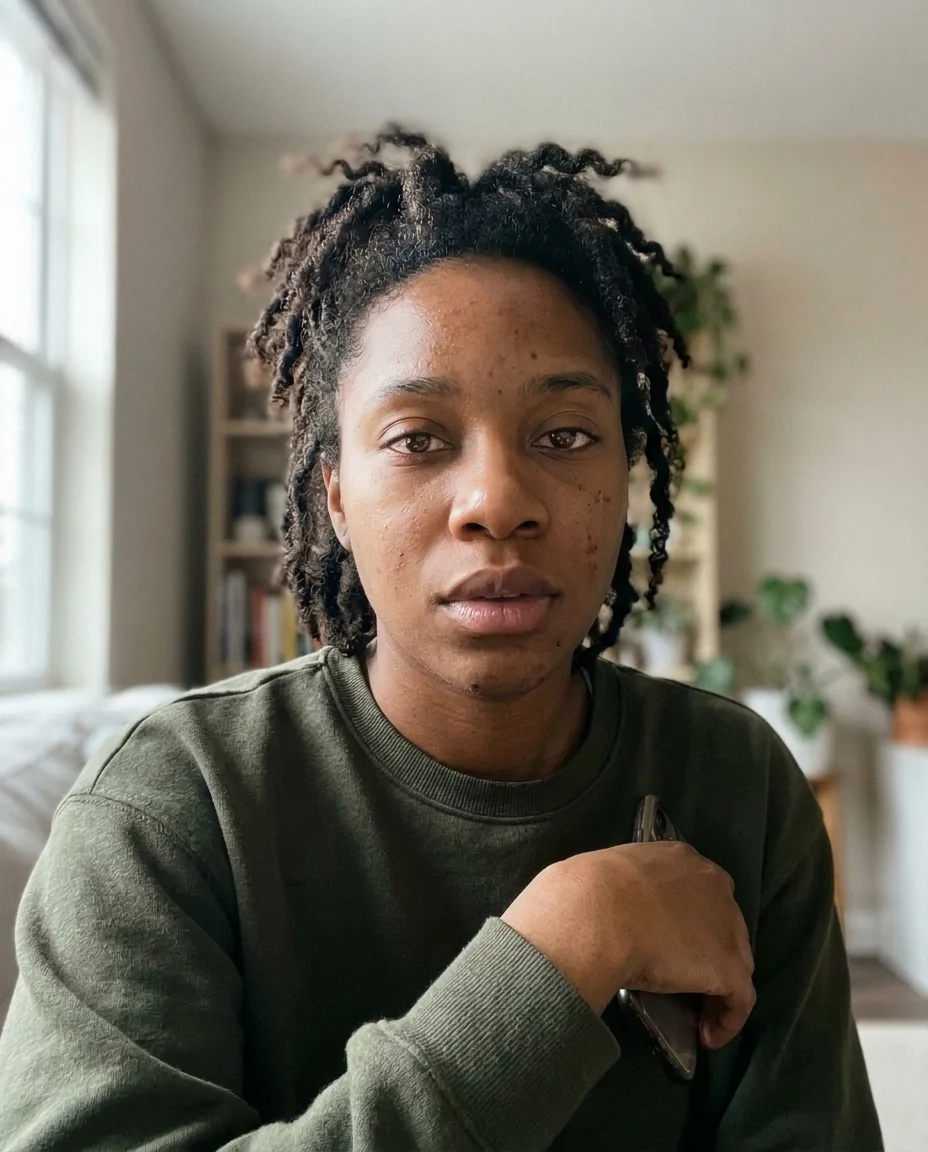
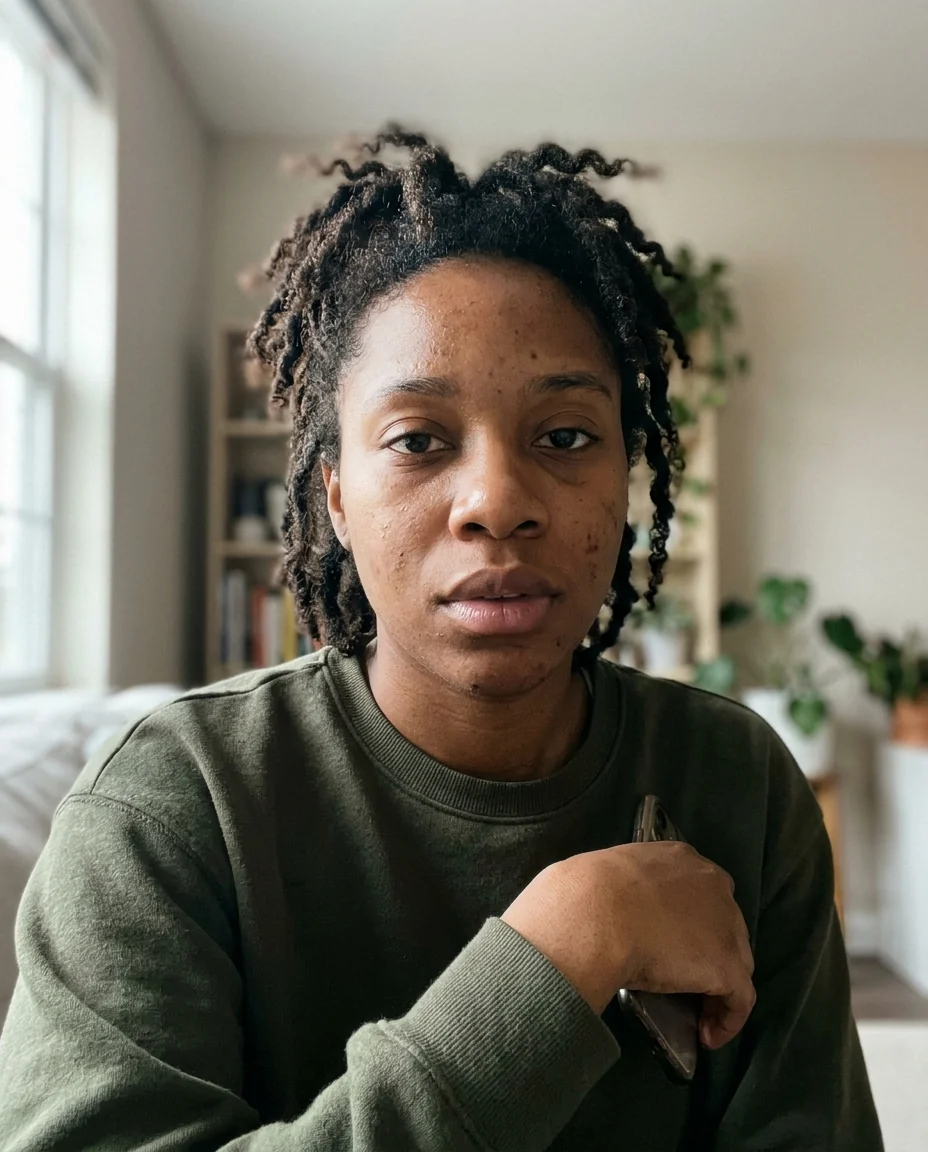
Soft glow
Beauty Filter features.
Three looks
Natural, Soft glow or Glam.
Real skin kept
Pores, freckles and moles stay.
No reshaping
Face, nose, lips and eyes keep their shape.
Beauty Filter, step by step.
01
Upload a portrait
A selfie or head-and-shoulders photo.
02
Pick a look
Natural, Soft glow or Glam.
03
Download
Compare with the slider first.
Beauty Filter use cases.
- Profile pictures
- A fresh look for LinkedIn or dating apps.
- Event photos
- Even out skin across a set of portraits.
- Selfies
- A soft glow without a heavy filter.
Beauty Filter: best photos and fixes.
Photos it works best on
Portraits where the face is large, sharp and evenly lit give the most natural retouch, because there is real skin texture to keep. Daylight from a window is ideal. Harsh overhead light creates shine and deep shadows under the eyes; the filter softens both, but a better-lit photo needs less correction and looks more like you. Photos already run through an app's beauty filter can end up too smooth when retouched twice.
Choosing a look
Natural is close to what a portrait photographer does: blemishes, redness and shine reduced, skin still clearly real. Soft glow adds luminous, dewy skin and warmer light, which suits selfies and close-ups. Glam adds light makeup, defined brows and a little contour, good for party photos and covers. On men, Natural and Soft glow are usually the right choices unless makeup is the goal.
Keeping your features
This filter retouches skin and leaves your face shape alone: no slimmer jaw, bigger eyes or smaller nose. Freckles, moles, birthmarks and beauty marks are kept, because they are part of how you look. If you want one removed, write it: "remove the small spot on the chin". Scars and tattoos are kept unless you ask, and age lines are softened, not erased.
Group photos
Everyone in the photo is retouched by default, which is useful for team and family photos. If only one person should change, name them in the instructions. In a set of photos from the same event, use the same look on each one so people look consistent from picture to picture, especially on a team page or a wedding album.
If it looks too smooth
Plastic-looking skin usually means the photo was small or already filtered. Upload the original camera photo and choose Natural. Writing "keep visible pores" or "lighter touch" in the instructions pulls the retouch back further. If a color cast makes the skin look grey or orange, the problem is the light rather than the skin; regenerate with "neutral color balance".
Related portrait tools
For a professional headshot with new clothes and a studio background, the AI headshot generator is a better fit. The smile filter changes the expression, whiten teeth in photo brightens a smile, and the eyebrow filter reshapes brows. Combine them: retouch here first, then whiten the teeth on the result for a complete touch-up.
Beauty Filter FAQ.
Will it change my face shape?
No. Skin is retouched, but your face shape, nose, lips and eyes stay as they are.
Can men use it?
Yes. Natural and Soft glow reduce shine and redness without adding makeup.
Does Glam add makeup?
Yes. Glam adds light makeup: defined brows, soft contour, a lip tint and a touch of eyeliner. Natural and Soft glow add none.
Is the Beauty filter free?
Yes, you can try it free. New accounts get 15 free credits, and one generation here uses 13 credits. You sign in with your email; no card needed. Results have no watermark. After that, plans add credits every month and credit packs never expire.