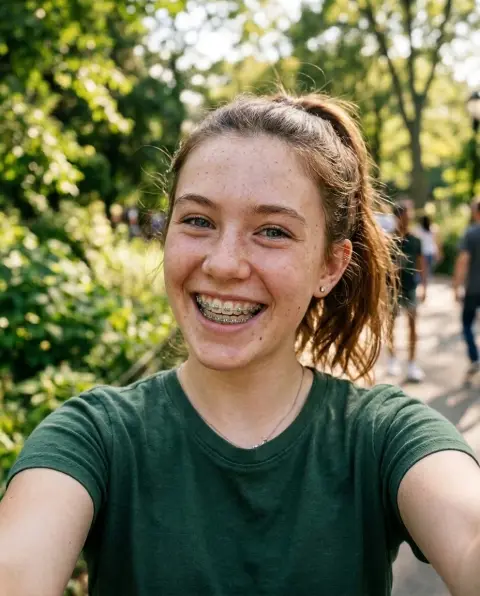
Eyebrow Filter
Try a new brow shape before you shape or tint.
Drop a photo
or paste with ⌘V · JPG · PNG · WebP · up to 8 MB
No photo handy? Try one of ours.
More like this.
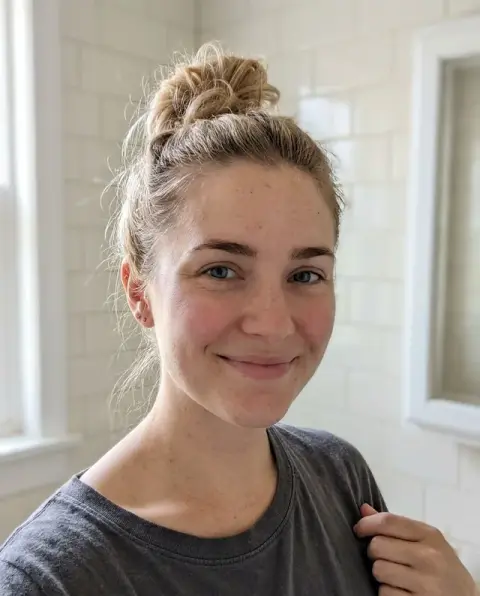
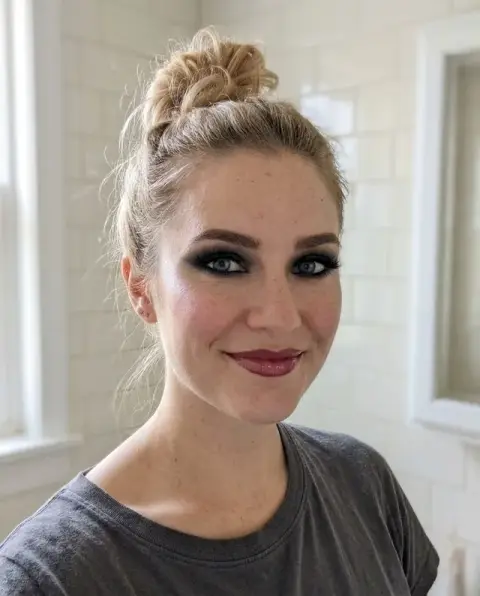
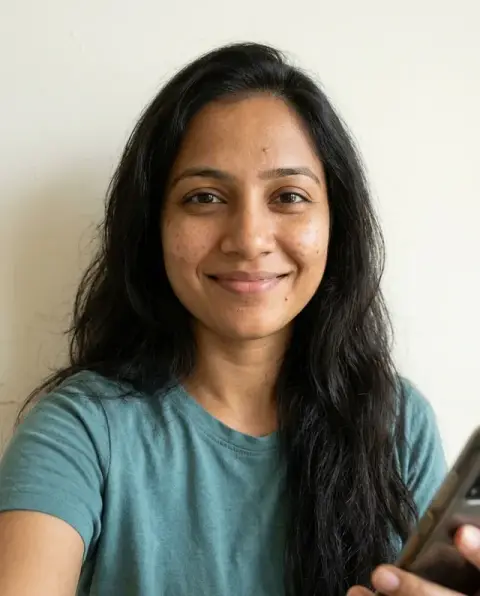
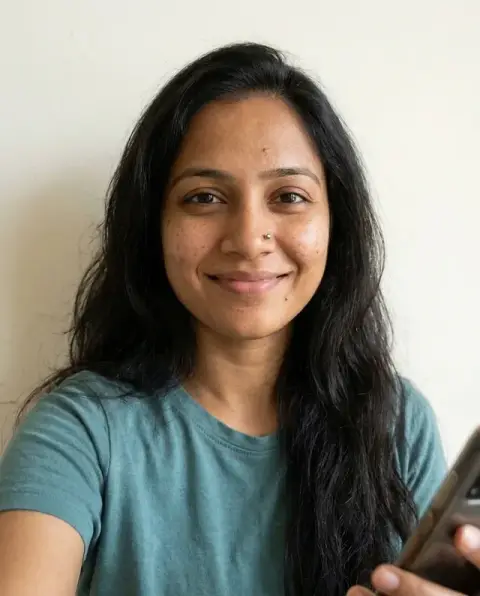
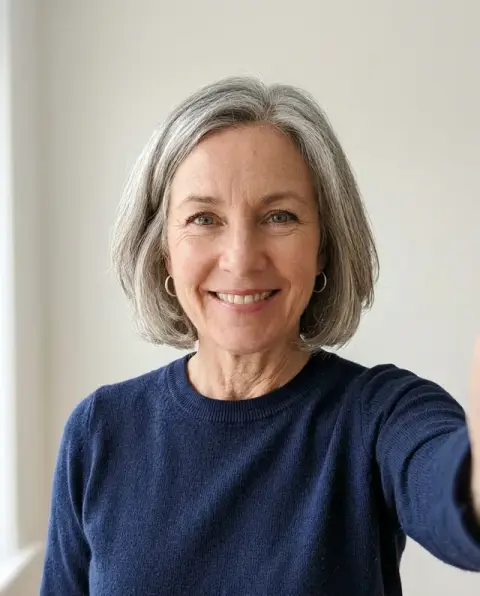
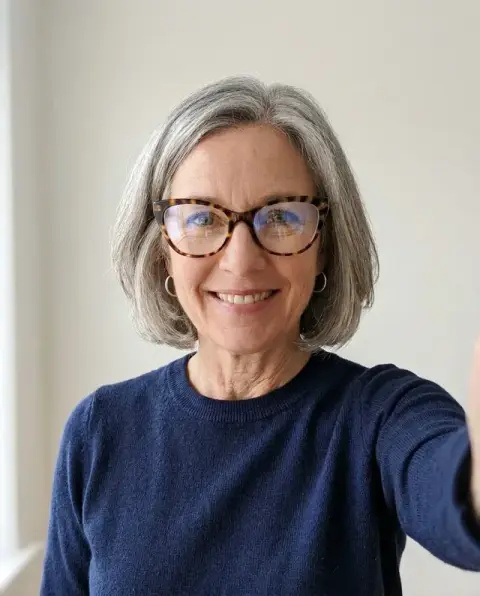
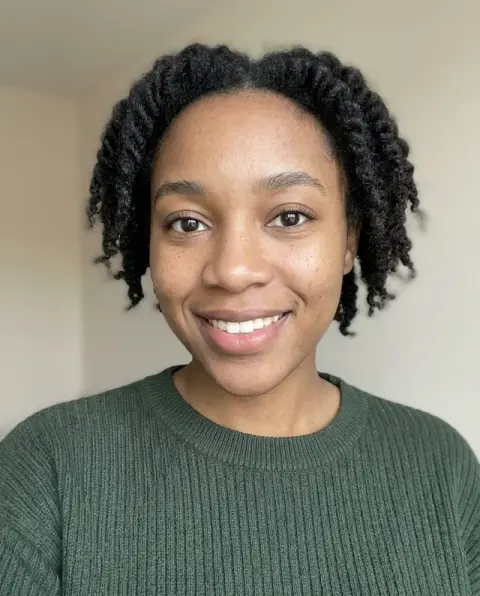
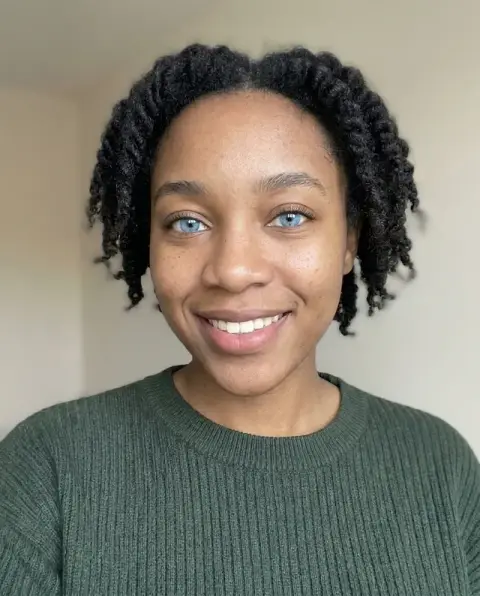
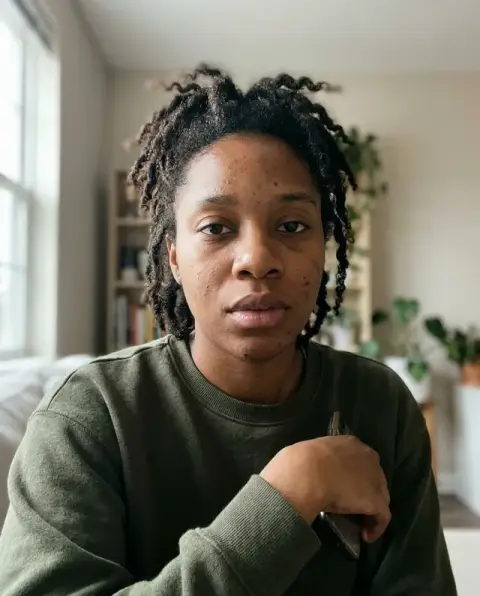
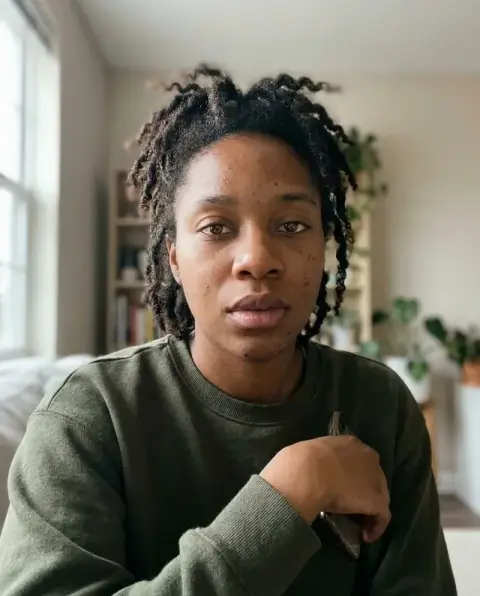
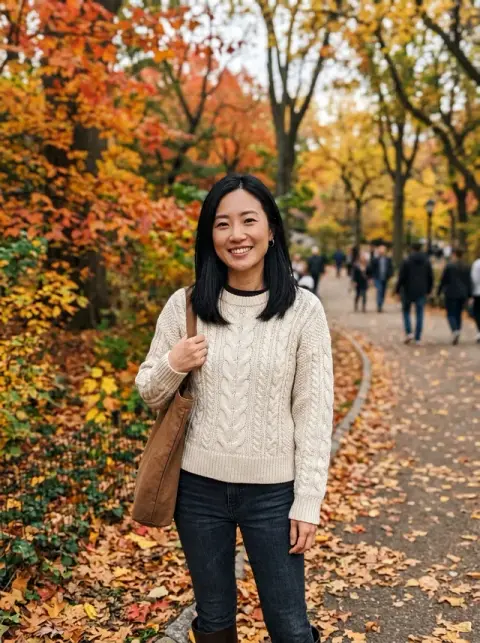
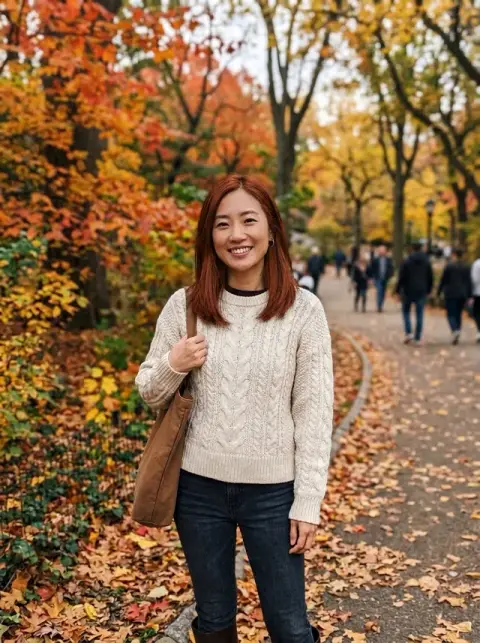
Eyebrow filter shapes on real faces.
Real results from this page's default settings in one click, not retouched.How examples are made
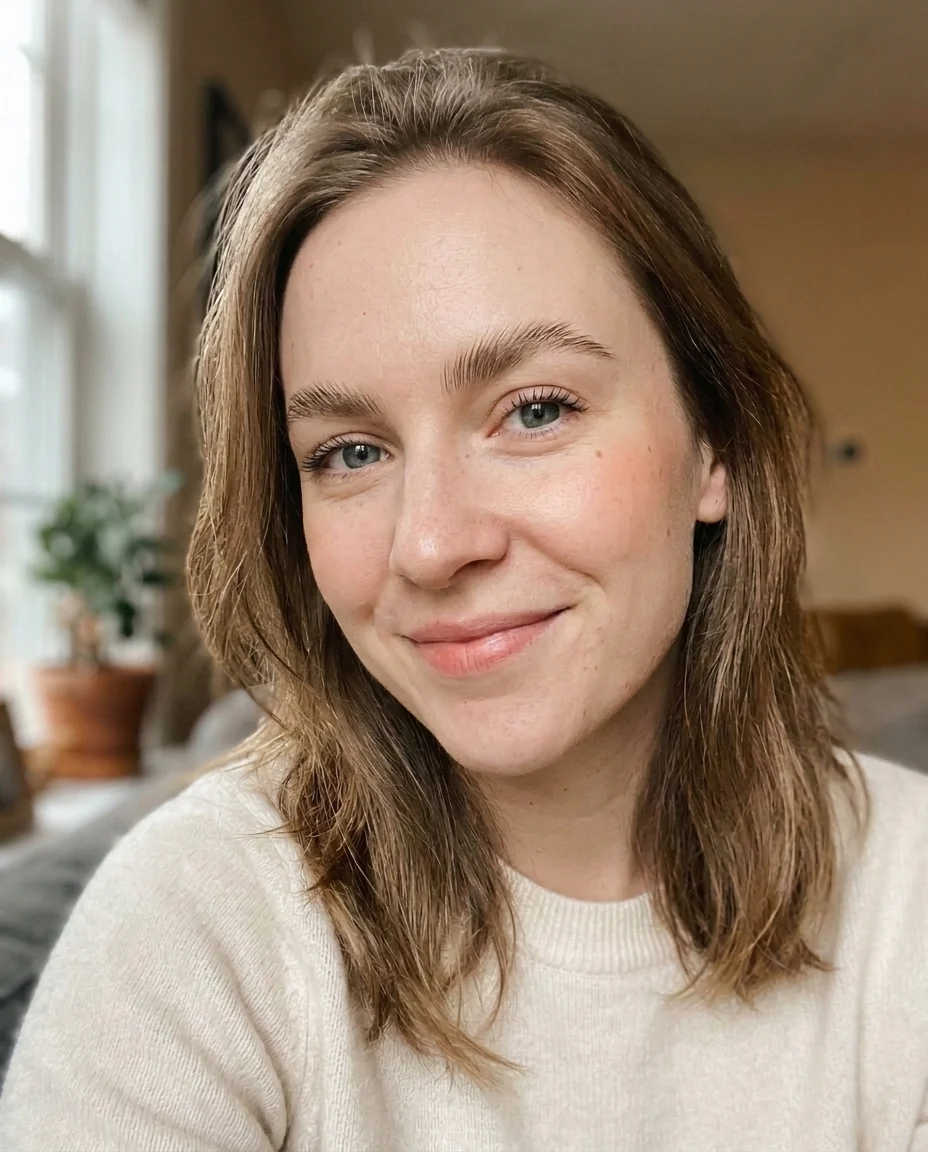
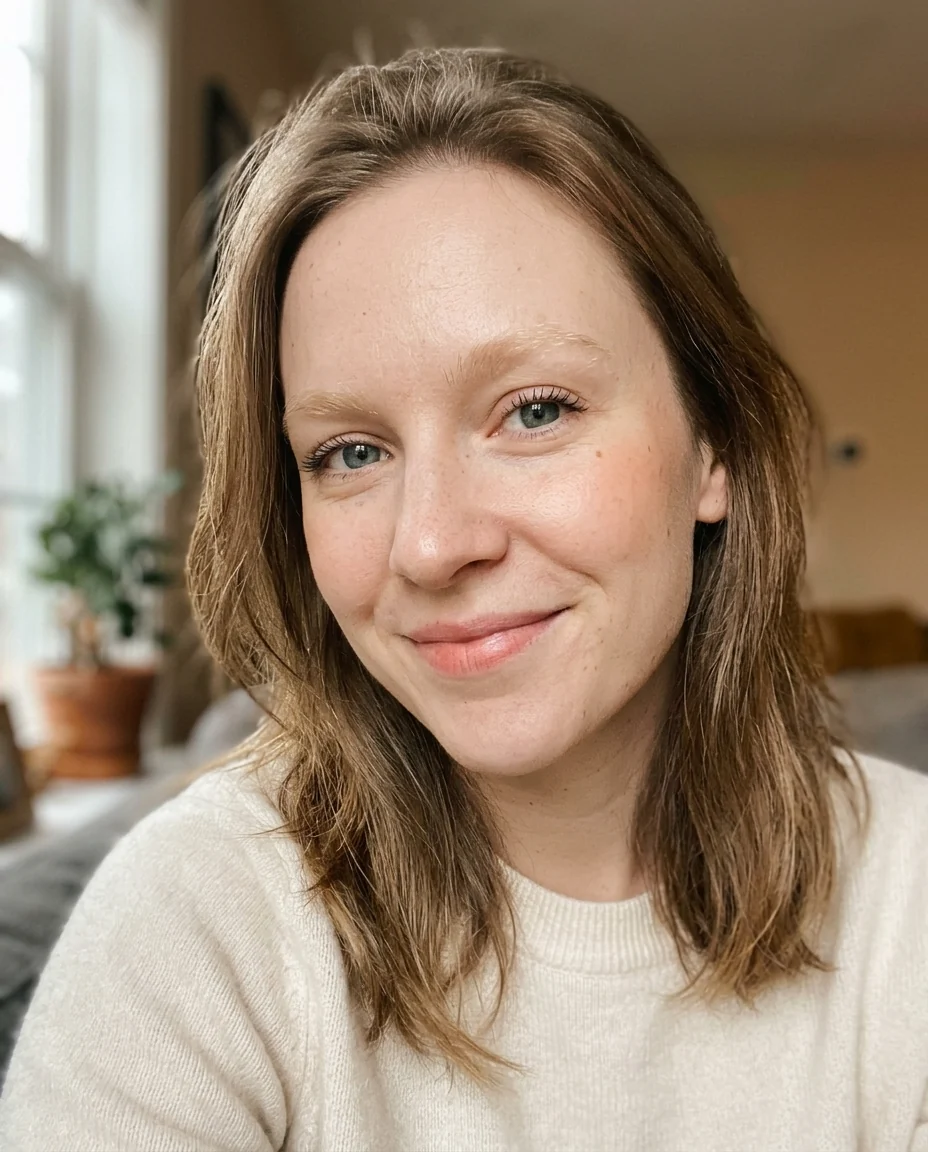
Full
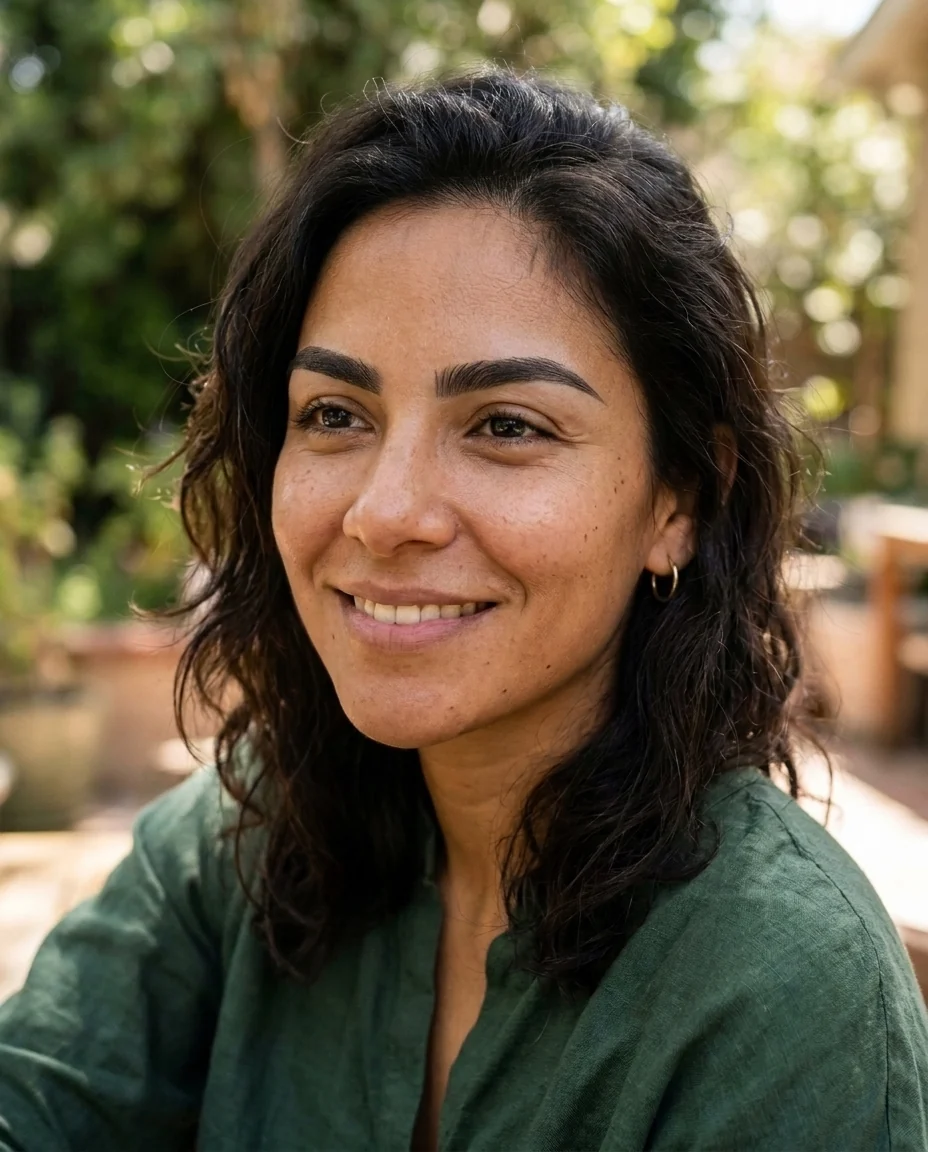
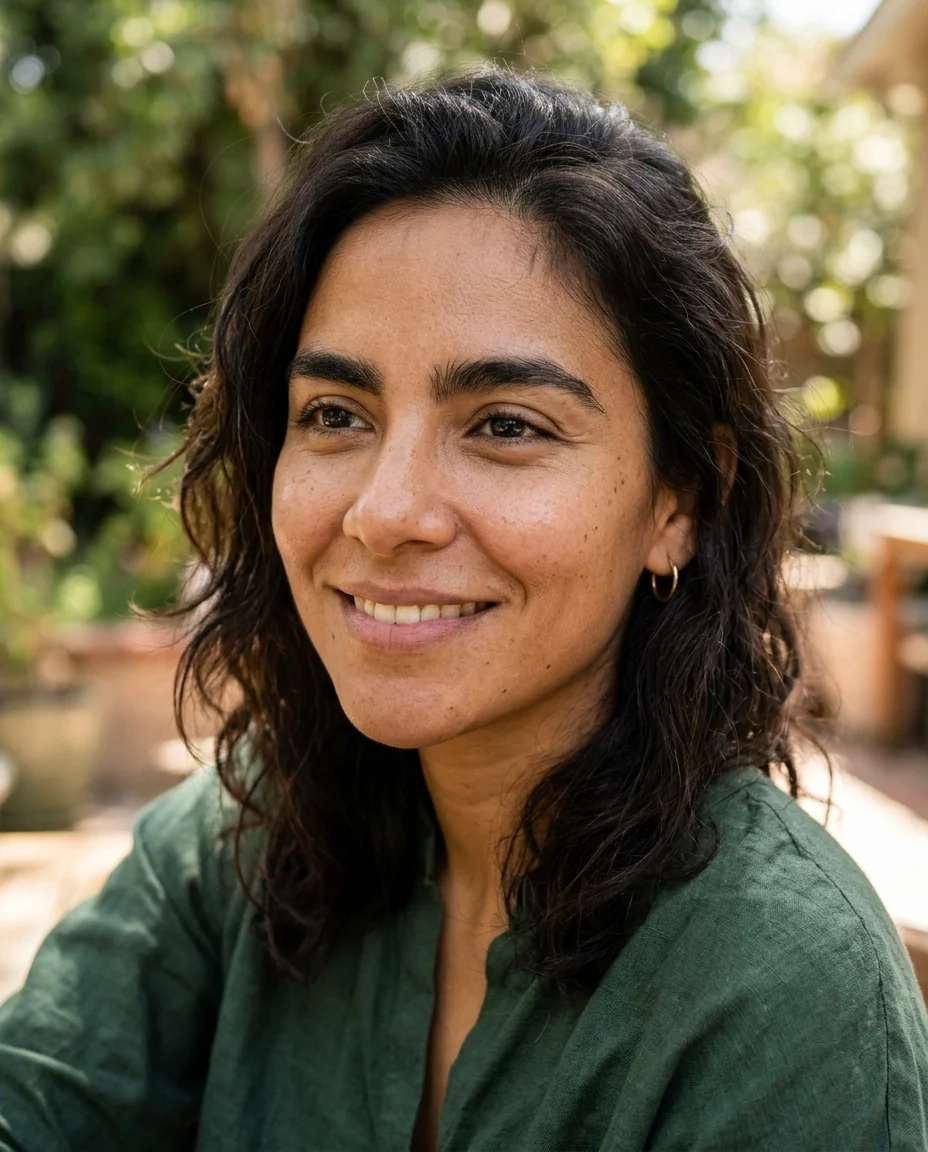
Arched
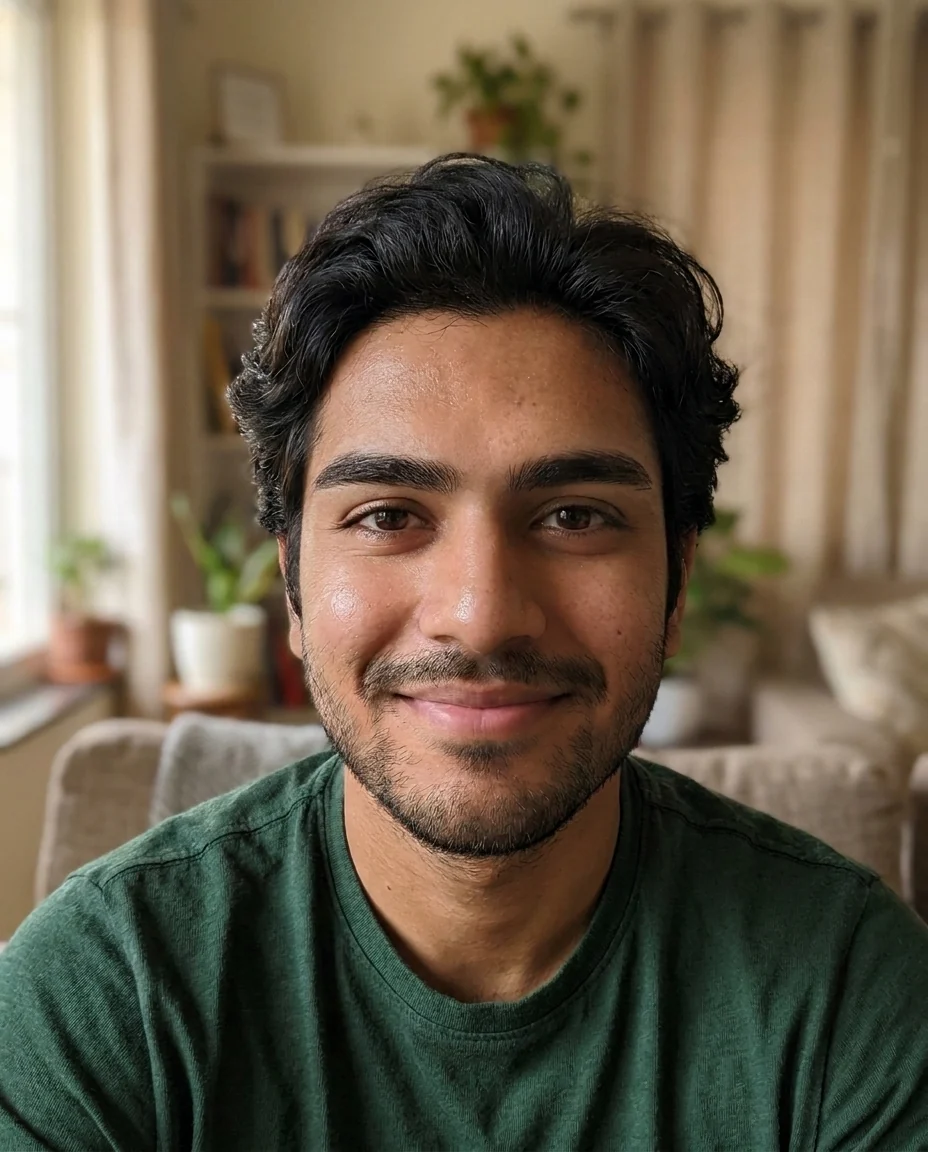
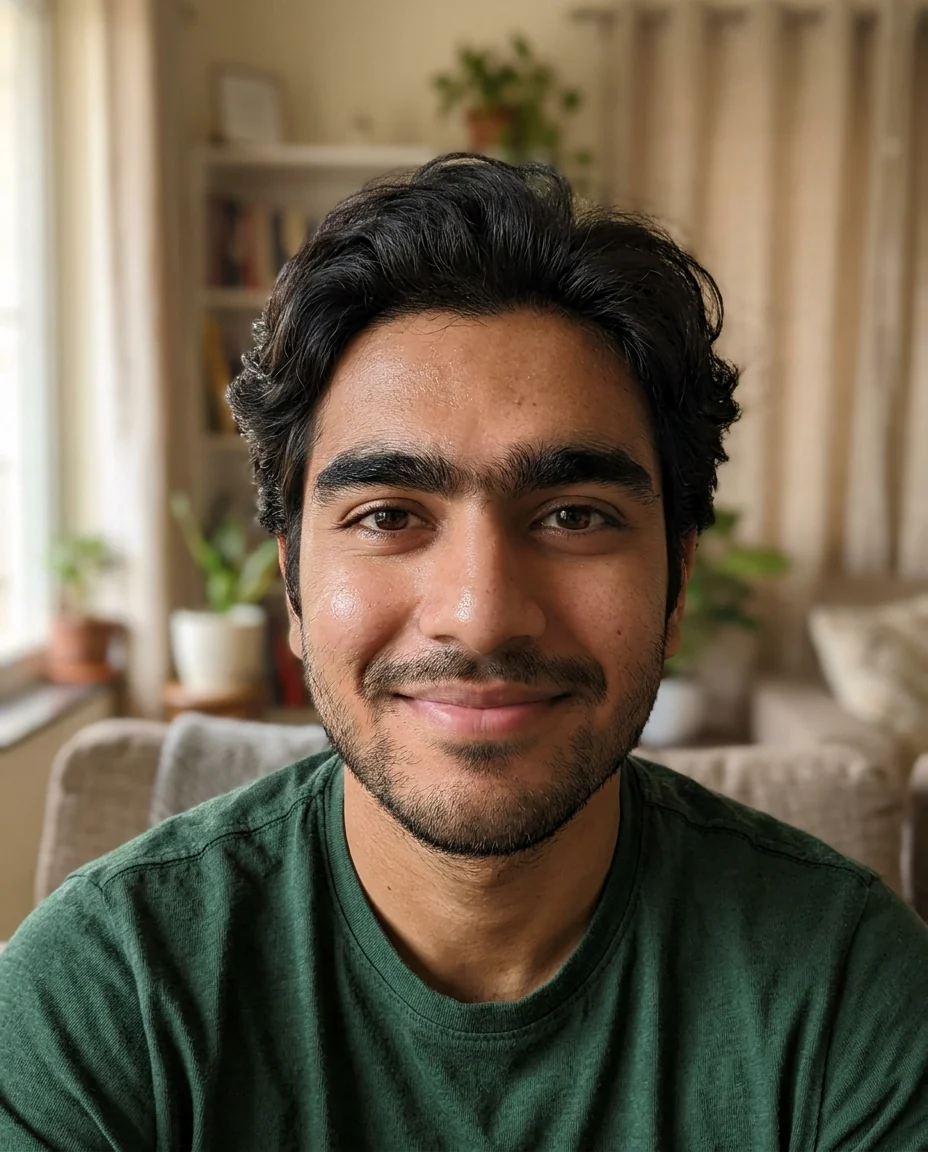
Straight
What the eyebrow filter redraws, hair by hair.
Only the brows
Eyes, makeup and the rest of your face stay the same.
Real hairs
Brows are drawn hair by hair, not stamped on.
Four shapes
Full, arched, straight or thin.
Eyebrow Filter, step by step.
01
Upload a close-up
Face-on, with your brows visible.
02
Pick a shape
Or describe one, like "thicker, darker".
03
Compare
Try every shape on the same photo.
Before the tweezers: when an eyebrow filter helps.
- Before you pluck
- Over-plucked brows can take months to grow back. Upload a face-on selfie, compare Thin and Straight side by side, and only reach for the tweezers once you have seen the shape on your own face.
- Growing out thin brows
- You are letting over-plucked brows grow back and want to see the goal. Try Full on your photo, and use it as a reminder of which hairs to leave alone while they fill in.
- Booking a brow appointment
- Pick the shape you like, such as Arched or Full, and bring the picture. Your brow artist sees exactly what you mean instead of guessing from a description.
- Before a wedding or photo shoot
- A few weeks before a big day, many people wonder whether to change their brows at all. Compare your natural brows with a soft arch on the same photo and decide calmly, not the night before.
Eyebrow Filter: best photos and fixes.
Photos with both brows visible
Push your hair back so both eyebrows are fully visible, and face the camera straight on. Bangs, glasses frames and caps that cover part of the brow make the model guess where it ends. Daylight shows the natural brow color best. Remove brow makeup first if you want to see the change from your natural brows.
Full, arched, straight or thin
Full gives thick, brushed-up brows. Arched lifts the tail for a more defined look. Straight keeps the brow flat, a soft and youthful shape. Thin gives a fine, groomed line. Custom lets you describe your own: "soft arch, slightly thicker at the start", "laminated, brushed-up brows".
Tint and color
Name a shade for tinting ideas: "one shade darker", "soft brown to match my hair", "blonde brows". Brows much darker than your hair can look harsh; compare two shades. The result shows individual hairs, so it gives a realistic idea of a tint or microblading.
Men's brows
It works for men too. Most men want a cleaner, natural shape rather than a dramatic change: "tidy, natural, slightly thinner in the middle". For bushy brows, "groomed, same thickness" shows the effect of a trim without changing your look. A unibrow can be cleaned up with "separate the brows naturally" without changing their thickness.
If the eyes or makeup change
Only the brows are meant to change. If your eyelids, lashes or eye makeup look different, regenerate once and write "only change the eyebrows". Heavy makeup in the original can be partly redrawn near the brow bone. Use an unfiltered photo for the most accurate result.
Brows that match your face shape
Brow shape changes how the face reads: arched brows lift a round face, straight brows soften a long face, fuller brows balance strong features. Try the same photo with two or three shapes and compare at the size of a profile picture. The one that looks most like a better version of you is usually right.
Before microblading or lamination
Semi-permanent treatments last months, so a preview is worth it. For microblading, write "microbladed brows with fine hair strokes"; for lamination, "laminated, brushed-up brows". Show the result to your artist; they will adjust shape to your bone structure and natural brow. Bring a photo of your natural brows too, so the artist can compare.
Sparse or very light brows
If your brows are sparse or very light, the tool fills them with hair-like strokes. The result shows what fuller brows would look like, but the shade may come out darker than you'd choose. Add "soft, natural shade" if it looks harsh. For blonde or red hair, ask for brows a shade or two darker than the hair, which usually looks most natural.
Eyebrow filter questions about shape, shade and your photo.
Will it change my eyes or makeup?
No. Only the eyebrows change.
Can I make my brows darker?
Yes. Write a shade in the instructions box, such as "one shade darker" or "soft brown".
Does it work for men?
Yes. Straight and full shapes look most natural on most men.
How is it different from the beauty filter?
The [beauty filter](/effects/beauty-filter) evens out skin across the face. The eyebrow filter changes only the brows and leaves your skin as it is.
Can I try brows on a friend's photo?
Yes, if they are happy for you to. Only upload photos of other people with their consent.
Is the Eyebrow filter free?
Yes, you can try it free. New accounts get 25 free credits, and one generation here uses 9 credits. You sign in with your email; no card needed. Results have no watermark. After that, credit packs never expire, and your first one is half price.
Can I try every shape on the same photo?
Yes. Each run uses 9 credits and gives a new result, so you can compare shapes side by side. If a run fails, its credits are refunded automatically.
Which files can I upload?
JPG, PNG or WebP, up to 8 MB per image. On a computer you can also scan a QR code to send a selfie from your phone; the link works for 10 minutes.
Does it work on a phone?
Yes. Open the page in your phone browser, take a close-up selfie and download the result.
Are my selfies kept or used to train AI?
Results stay in My files for 48 hours, or 30 days once you've bought a credit pack, and you can delete them sooner. Your photos, prompts and results are not used to train AI models.