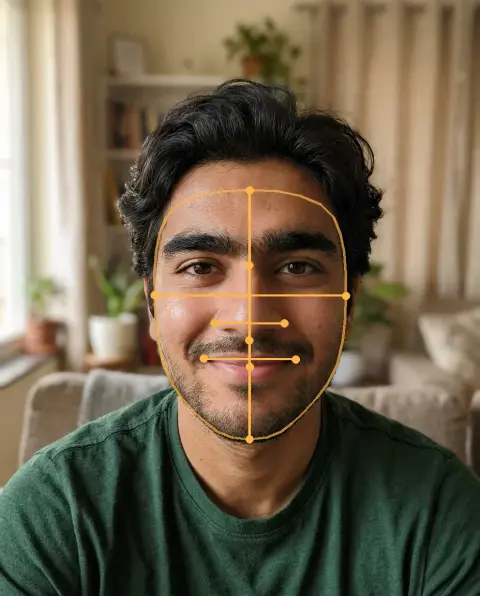
Nose Job Filter
A realistic preview of a slimmer, straighter or smaller nose.
Drop a photo
or paste with ⌘V · JPG · PNG · WebP · up to 8 MB
No photo handy? Try one of ours.
More like this.
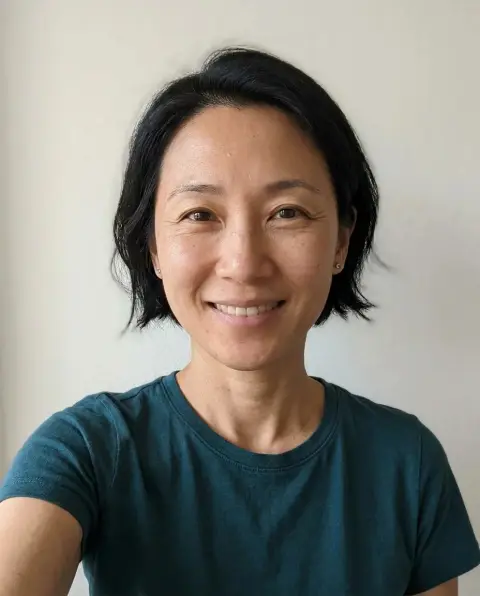
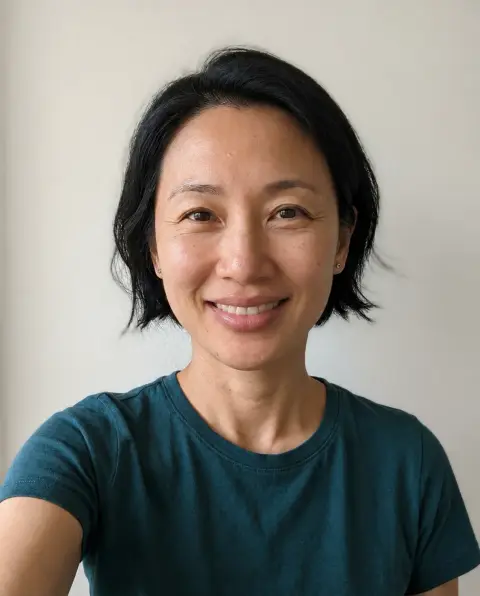


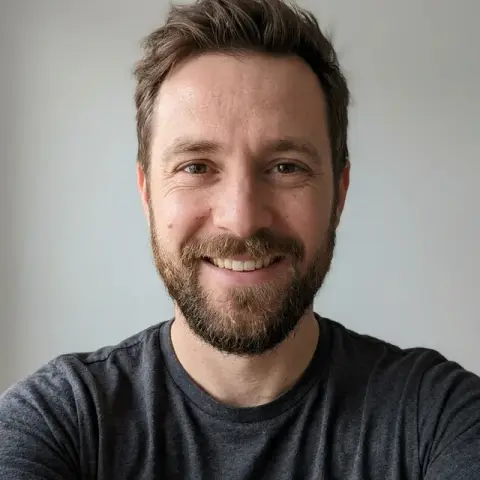

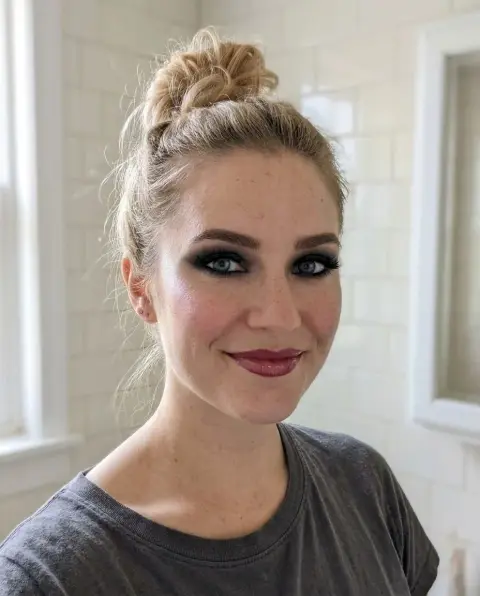
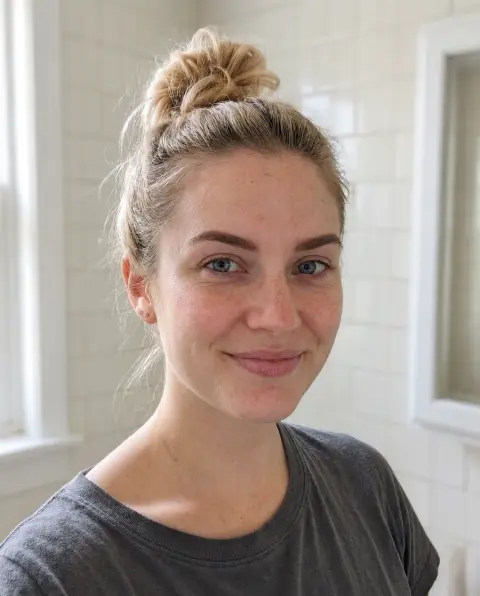
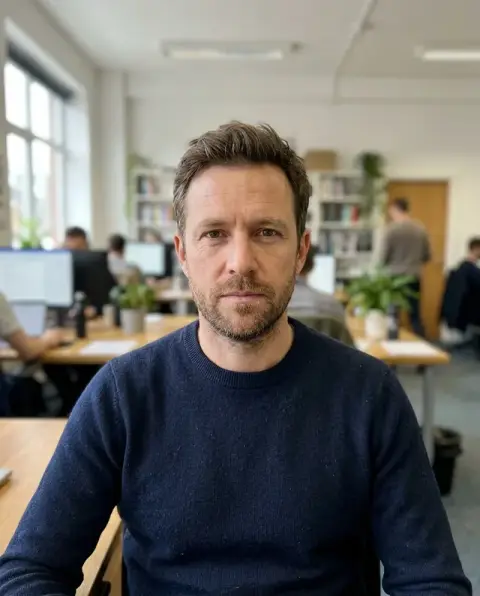
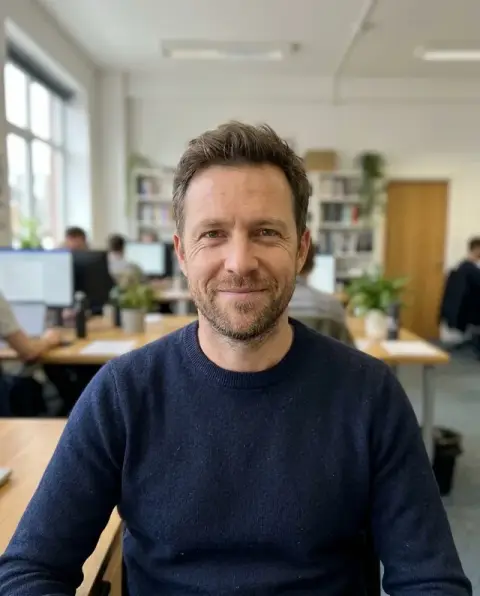
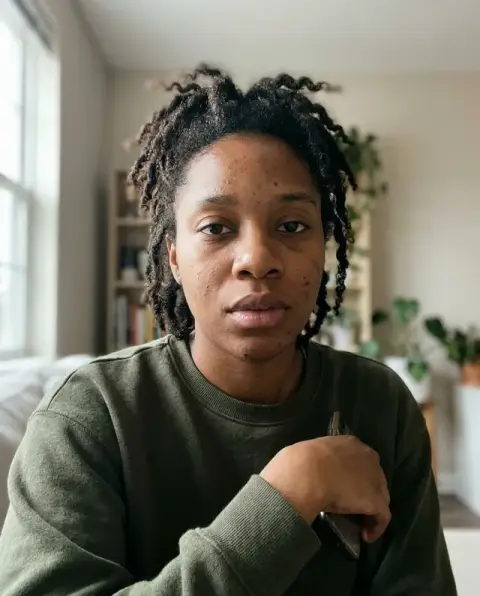
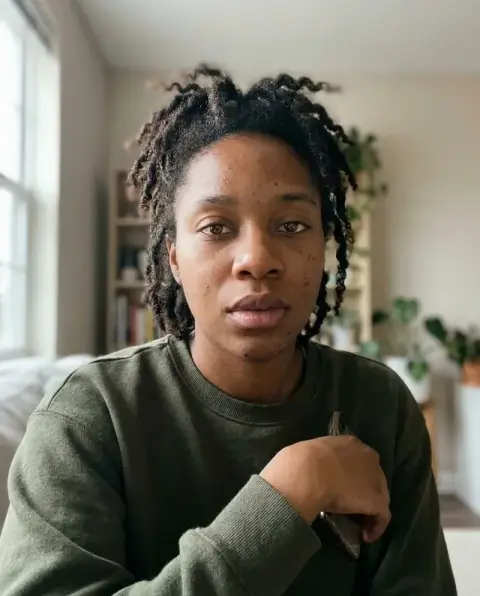
Nose Job Filter examples.
Real results from this page's default settings in one click, not retouched.How examples are made
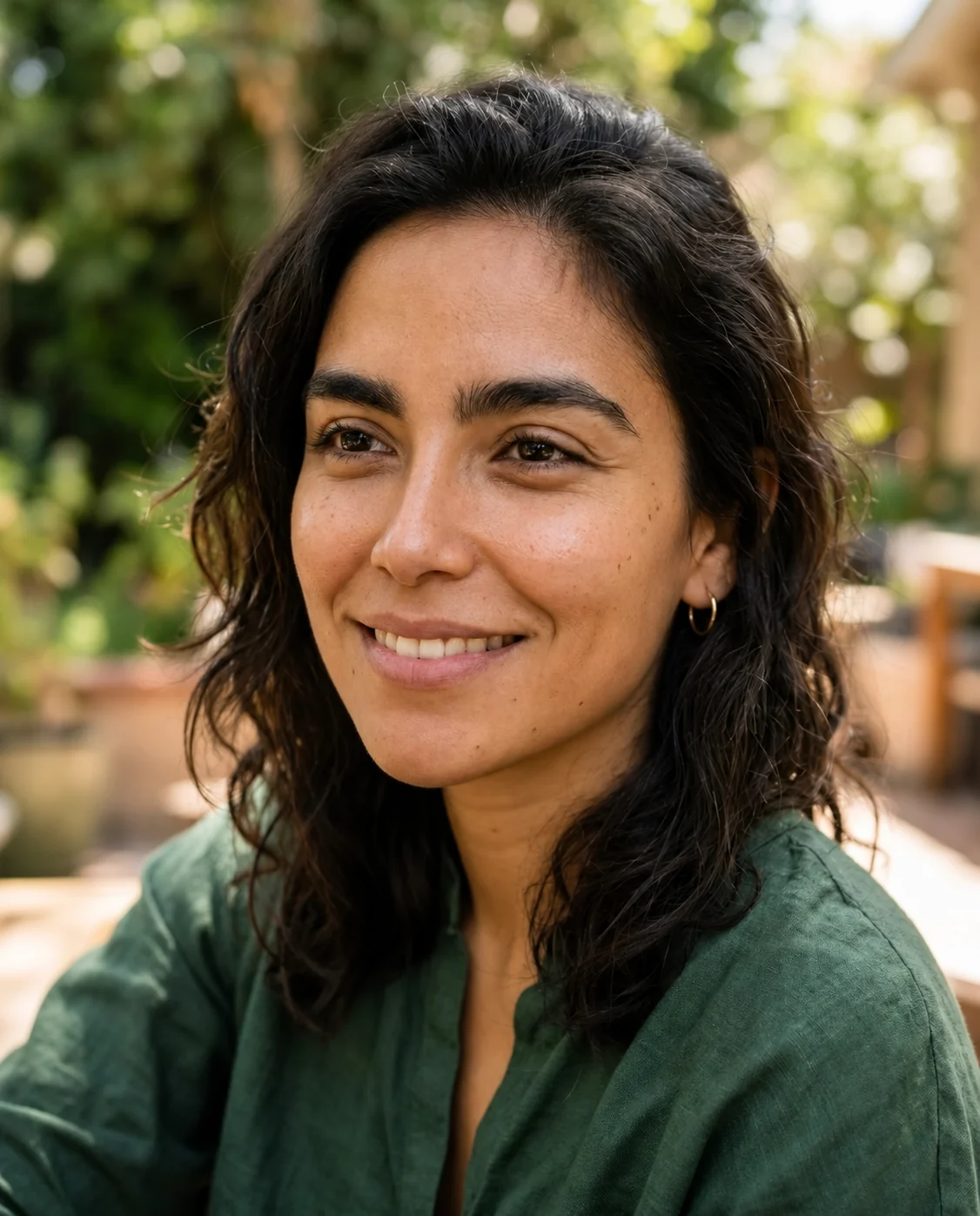
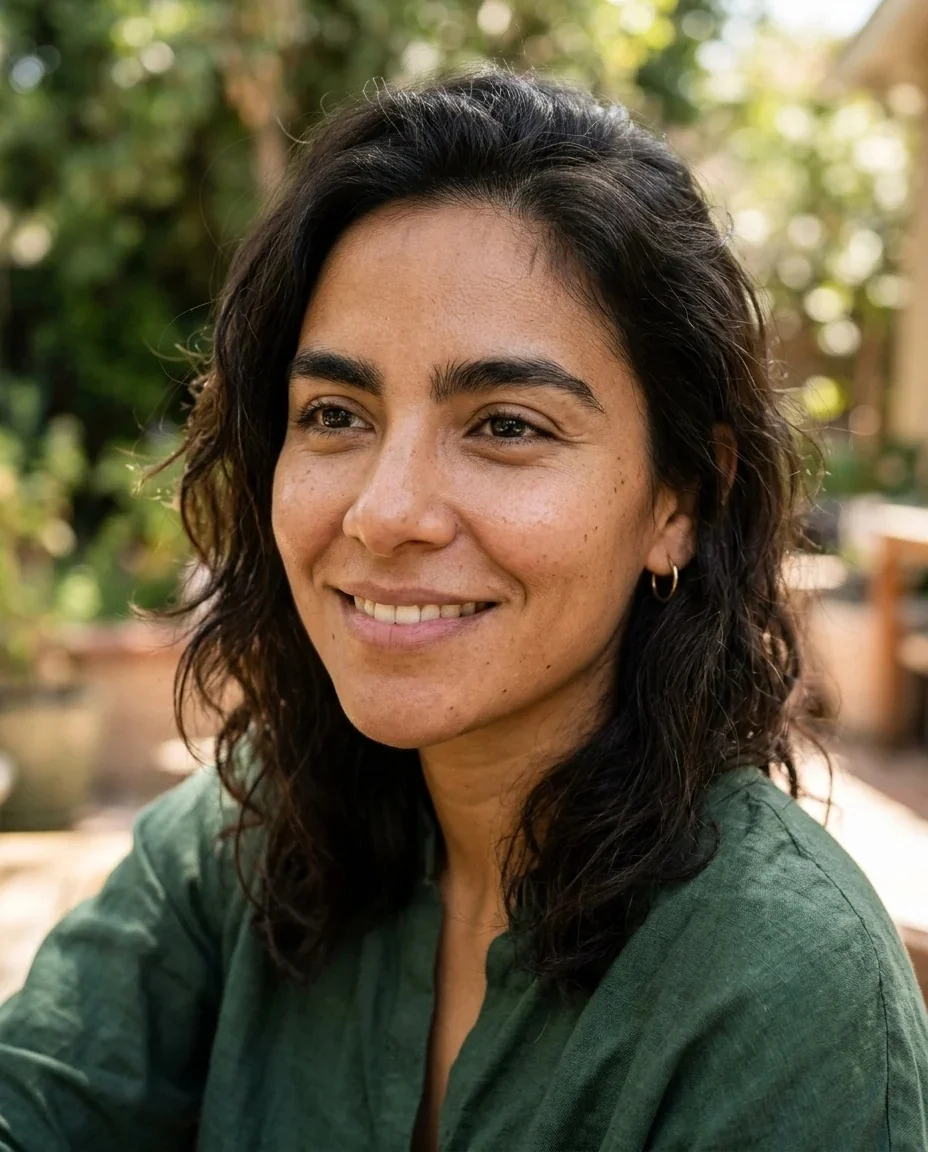
Slimmer
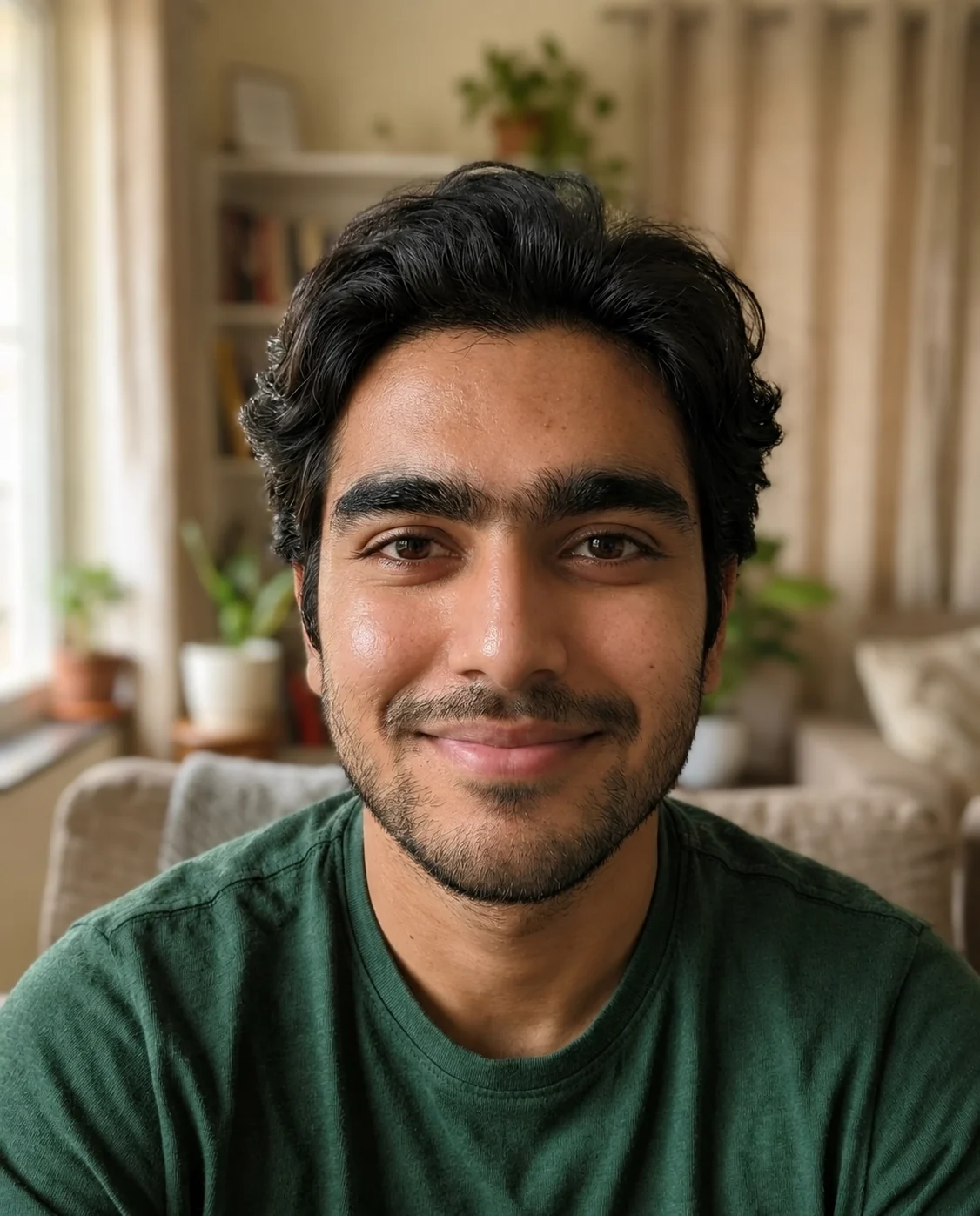
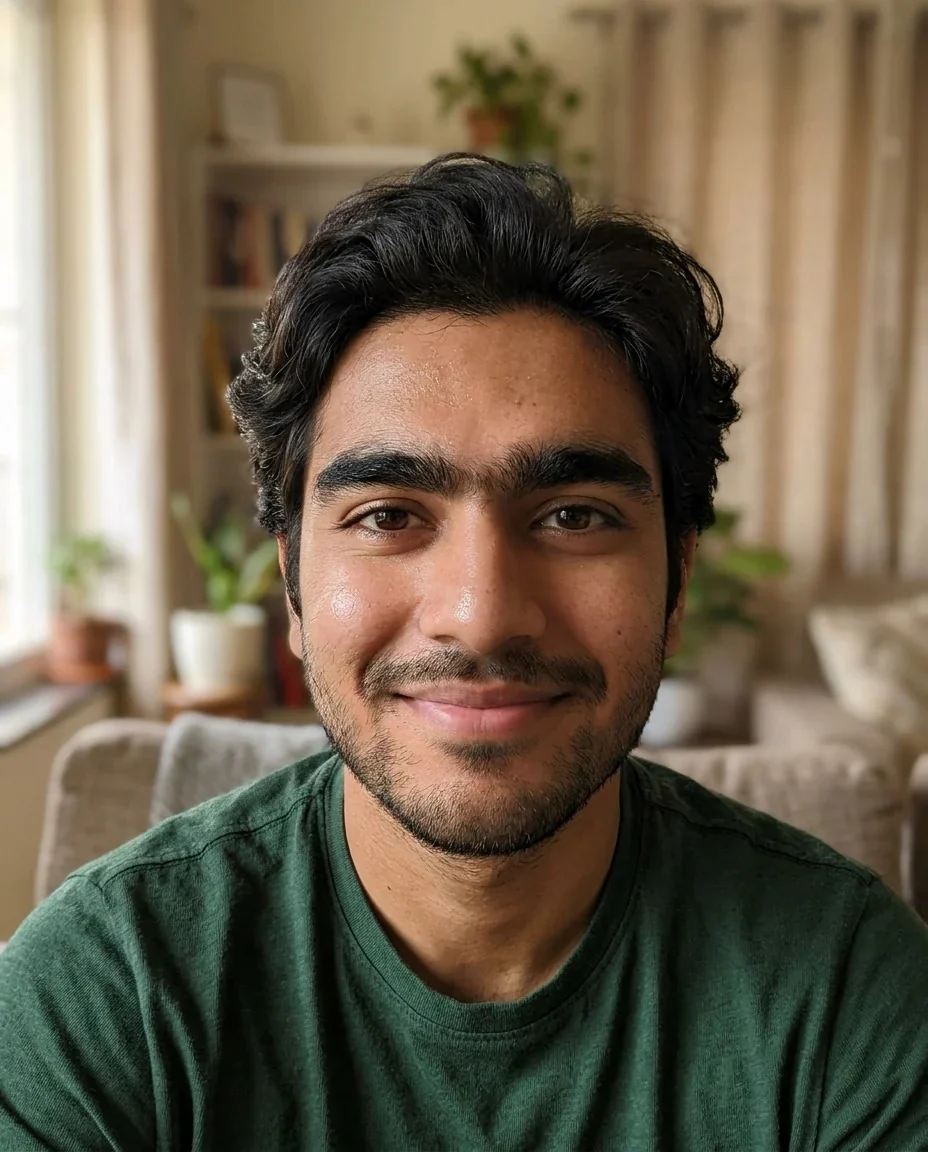
Straighter

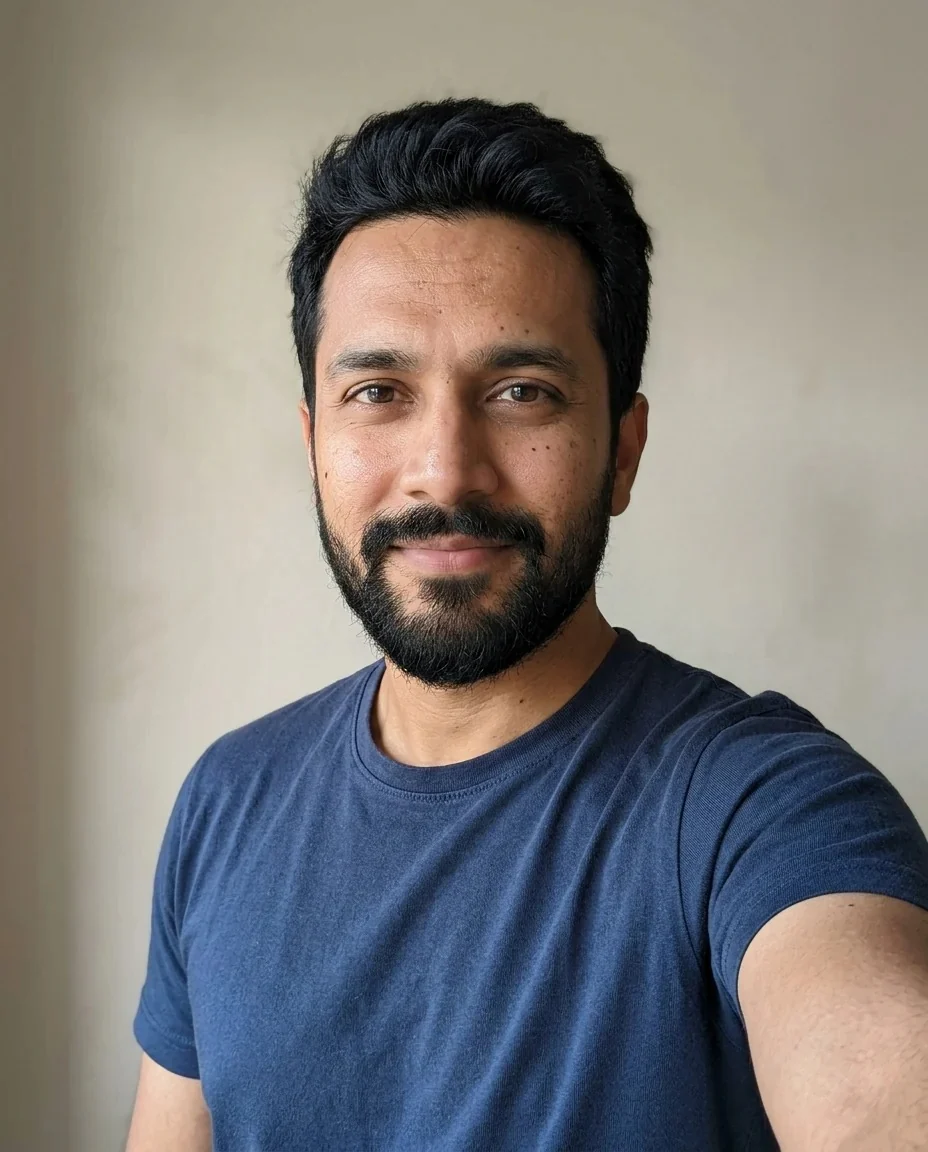
Smaller
Nose Job Filter features.
Four kinds of change
Pick a slimmer bridge and tip, a straighter profile without a bump, a slightly smaller nose, or a gently upturned tip.
Only the nose is reshaped
Your eyes, lips, hair, clothing and background stay the same, and your skin keeps its natural texture.
A realistic preview
The result is meant to look like a believable photo of you, so the changes can look subtle rather than dramatic.
Custom requests
Choose Custom if you want to describe something specific, such as keeping the bridge and refining only the tip.
Nose Job Filter, step by step.
01
Upload a sharp photo
Use a clear, evenly lit photo of your face, or scan the QR code to send one from your phone.
02
Choose the change
Select Slimmer, Straighter, Smaller or Upturned tip, or choose Custom and describe the change yourself.
03
Generate and compare
Place the result next to your original photo and take your time deciding how much of a difference you see.
Nose Job Filter use cases.
- Curiosity
- Many people wonder how they would look with a smaller or straighter nose. A preview answers that without any commitment.
- Preparing for a consultation
- If you are already thinking about talking to a licensed surgeon, a preview can help you put your wishes into words.
- Trying the small nose filter trend
- The small nose look is popular on TikTok, and this web version works on any photo you have.
- Comparing options
- Run the same photo with Slimmer and Straighter to see which kind of change you actually notice.
Nose Job Filter: best photos and fixes.
Photos that work best
Use a sharp, evenly lit photo where you look at the camera. Strong shadows, a tilted head or a flash that flattens the face make the nose hard to read, so soft daylight is ideal. If glasses sit on the bridge of your nose, take them off.
Choosing the change
Slimmer narrows the bridge and tip. Straighter removes a bump for a straight profile. Smaller makes the nose slightly smaller and more refined overall, which is the closest to a small nose filter. Upturned tip lifts the tip gently. Try two on the same photo and compare.
Why changes can look subtle
The preview is realistic on purpose, so your nose still looks like it belongs to your face. In a straight-on photo the difference is often small, while a three-quarter view shows more. If you want a stronger result, use Custom and describe it.
A preview, not medical advice
This is a cosmetic preview for fun and for conversation. It cannot say what is possible for your anatomy or how a real result would look, and results vary. Talk to a licensed surgeon before making any decision about surgery.
If other features change
Only the nose should change. If your eyes, lips or skin look different, regenerate with a sharper photo.
Other face tools
For other tweaks, try the face editor, the lip filler filter for lips, or the face score to see your proportions.
Nose Job Filter FAQ.
What does the nose job filter do?
It shows a realistic preview of a slimmer, straighter, smaller or upturned nose on your photo.
Is this medical advice?
No. It is a cosmetic preview, and results vary. It cannot predict what surgery would do, so talk to a licensed surgeon before making any decision.
Why does the result look subtle?
The preview is realistic, so the change can be small and your face still looks like you. Compare it with your original photo side by side.
Can I get a small nose filter result?
Yes. Choose Smaller for a slightly smaller, refined nose, or choose Custom and describe the size you have in mind.
Will the rest of my face change?
The AI is asked to change only the nose and keep your eyes, lips, hair, clothing and background the same. If something else shifts, regenerate.
Is the nose job filter free?
You can try it without paying anything up front: new accounts get 25 free credits once, and one generation here costs 9 credits with the default model, GPT Image 2. You sign in to generate, and results have no watermark. You can pick other models from the model menu at their own prices.
Which files can I upload?
JPG, PNG or WebP, up to 8 MB per image. You can also scan the QR code on the page to send a photo from your phone; the link is valid for 10 minutes.
Are my photos used for training, and how long are results kept?
No, uploads are not used for training. Your results stay in My files for 48 hours, or for 30 days if you have a plan, so download the ones you want to keep. If a generation fails, the credits are refunded.