Lip Filler Filter
See fuller lips on your own photo before you decide anything.
Drop a photo
or paste with ⌘V · JPG · PNG · WebP · up to 8 MB
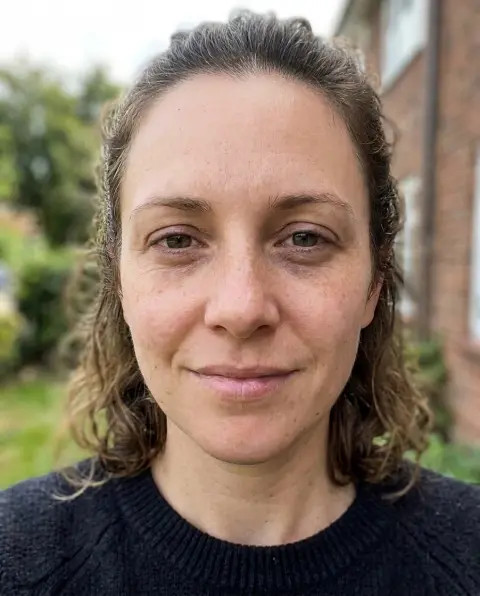
No photo handy? Try one of ours.
More like this.
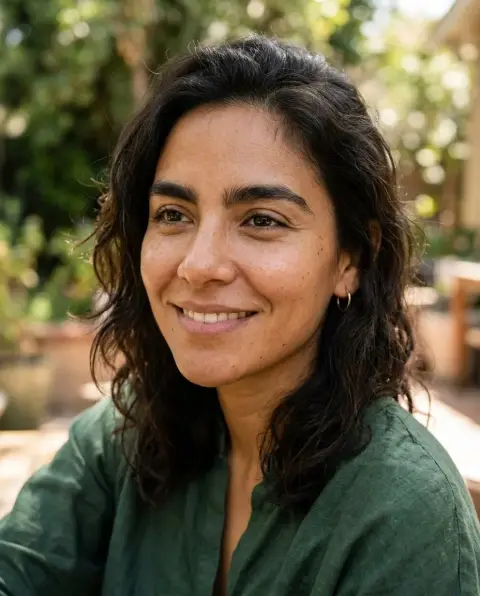
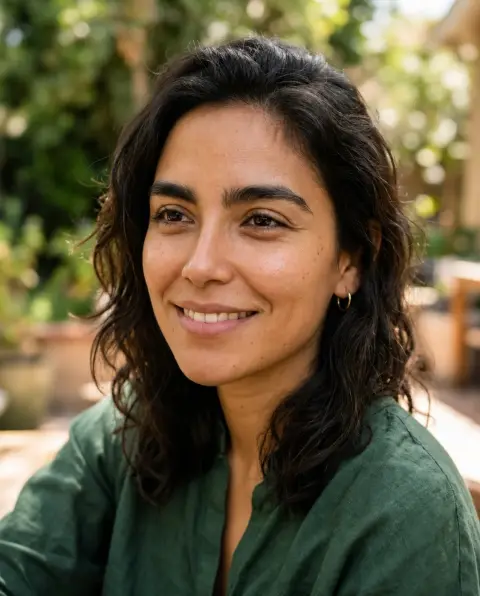


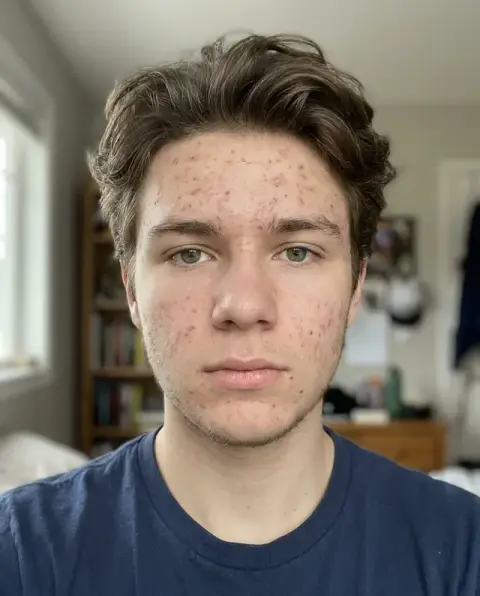
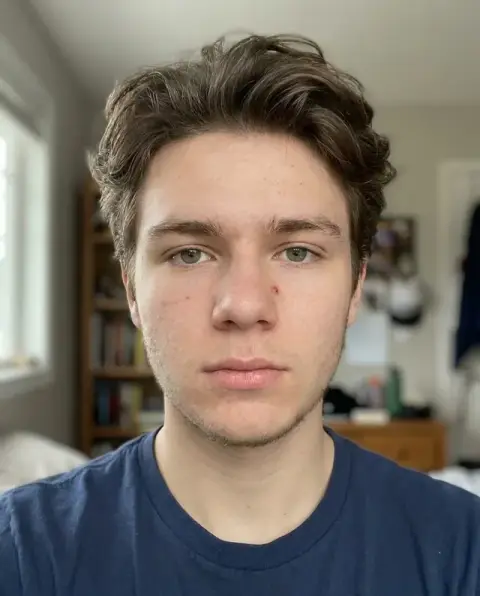
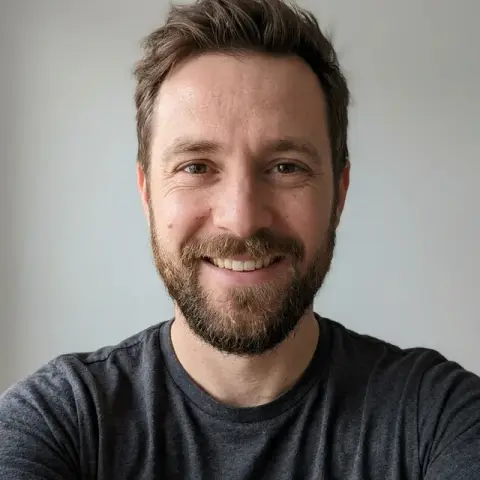

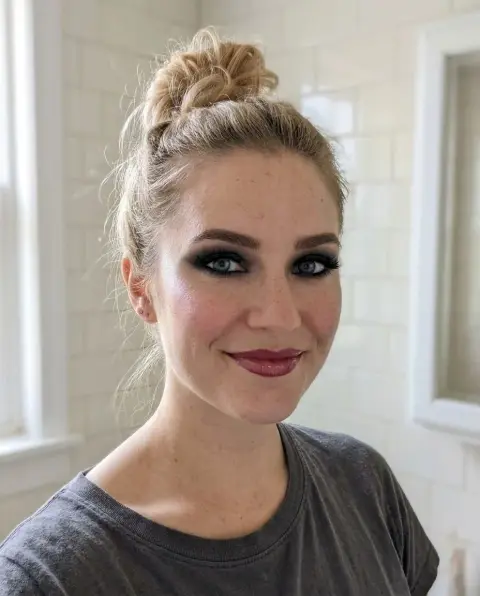
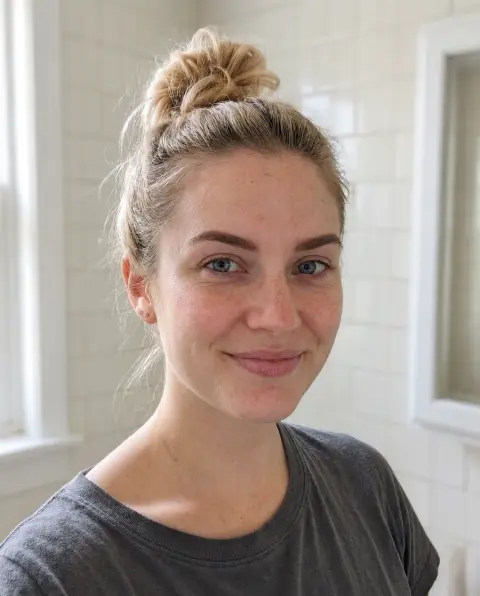
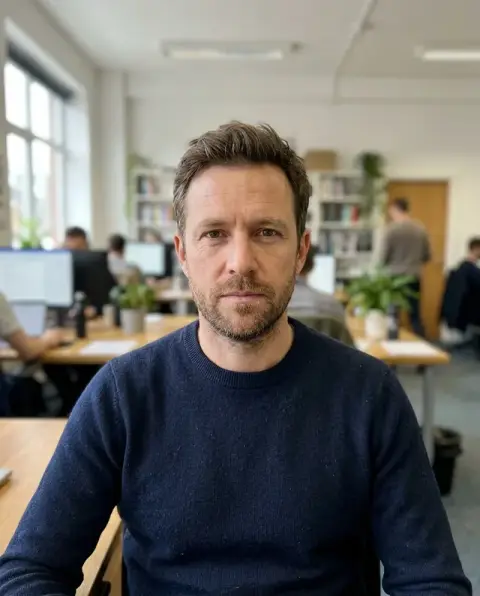
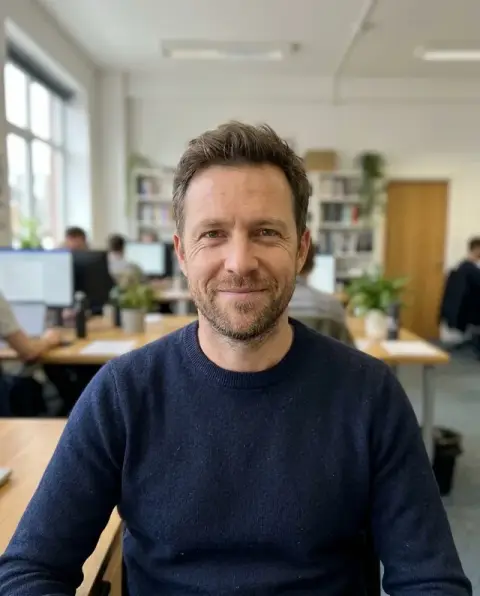
Lip Filler Filter examples.
Real results from this page's default settings in one click, not retouched.How examples are made
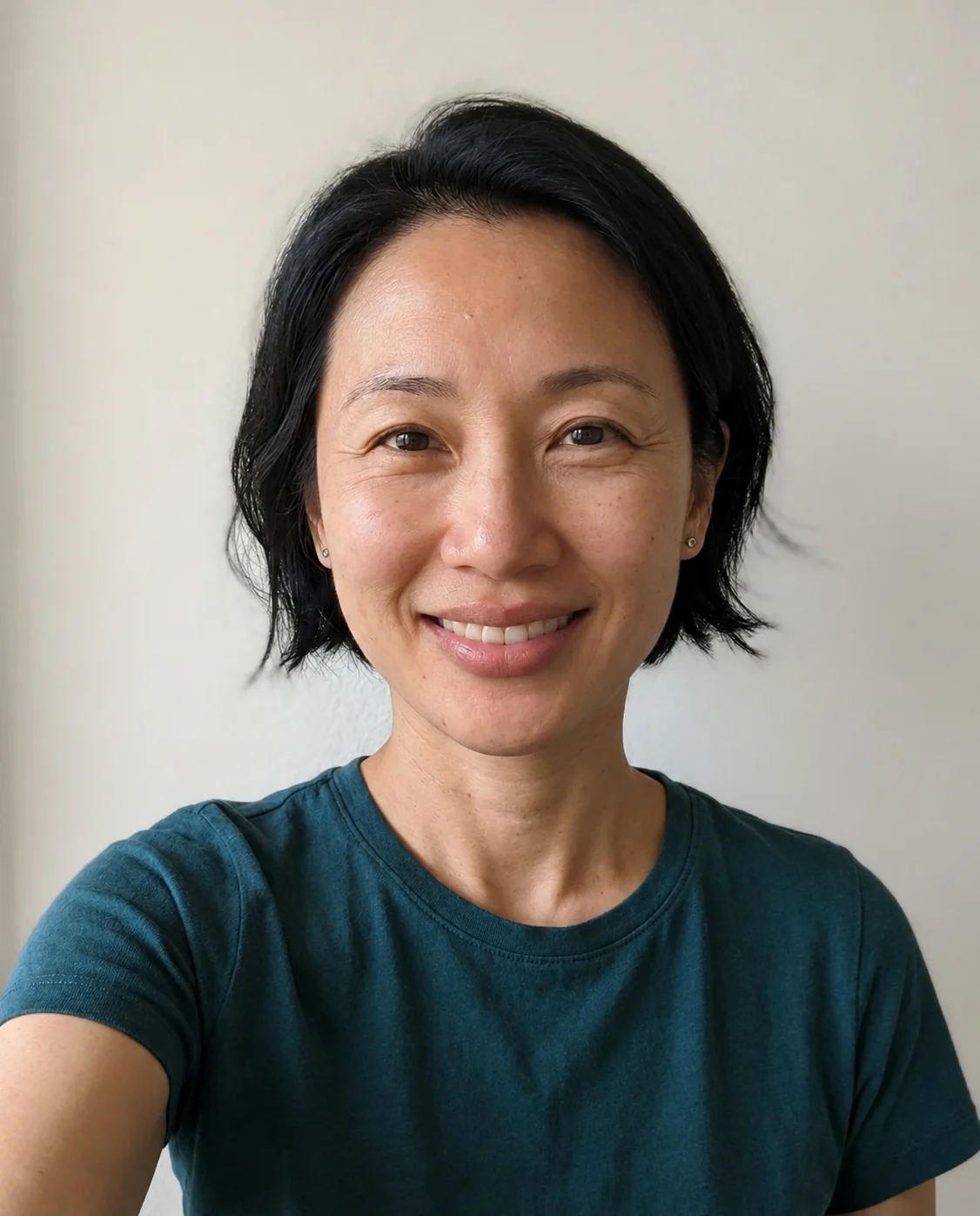
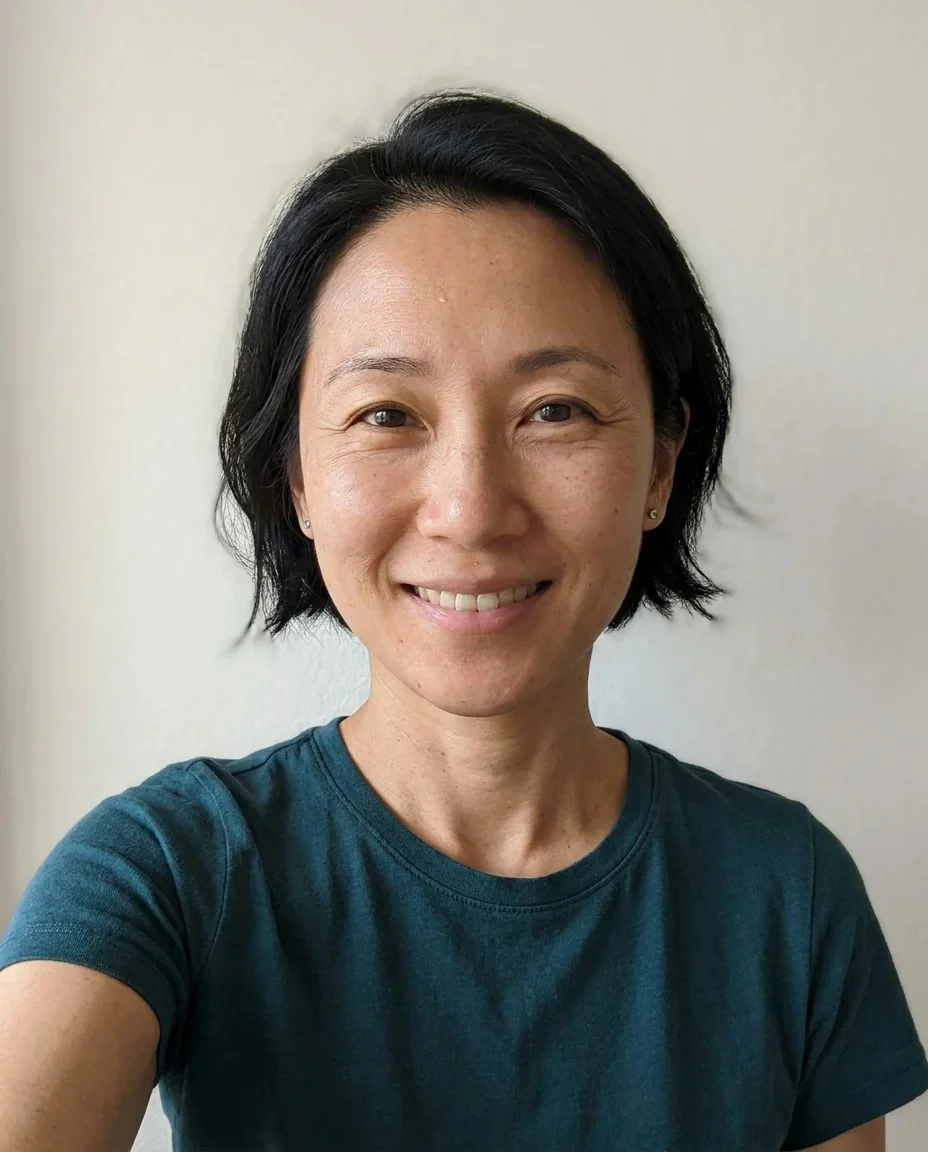
Medium
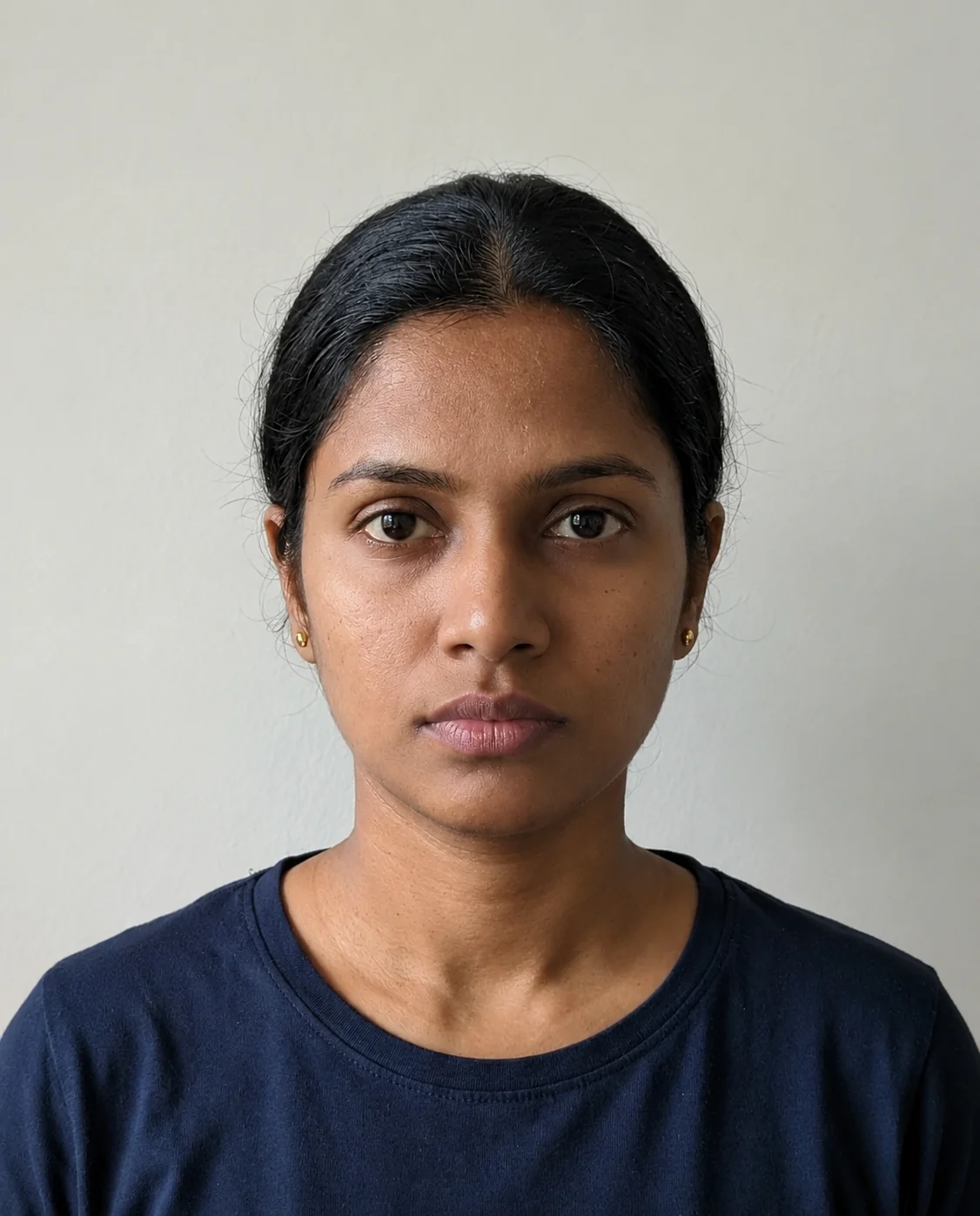
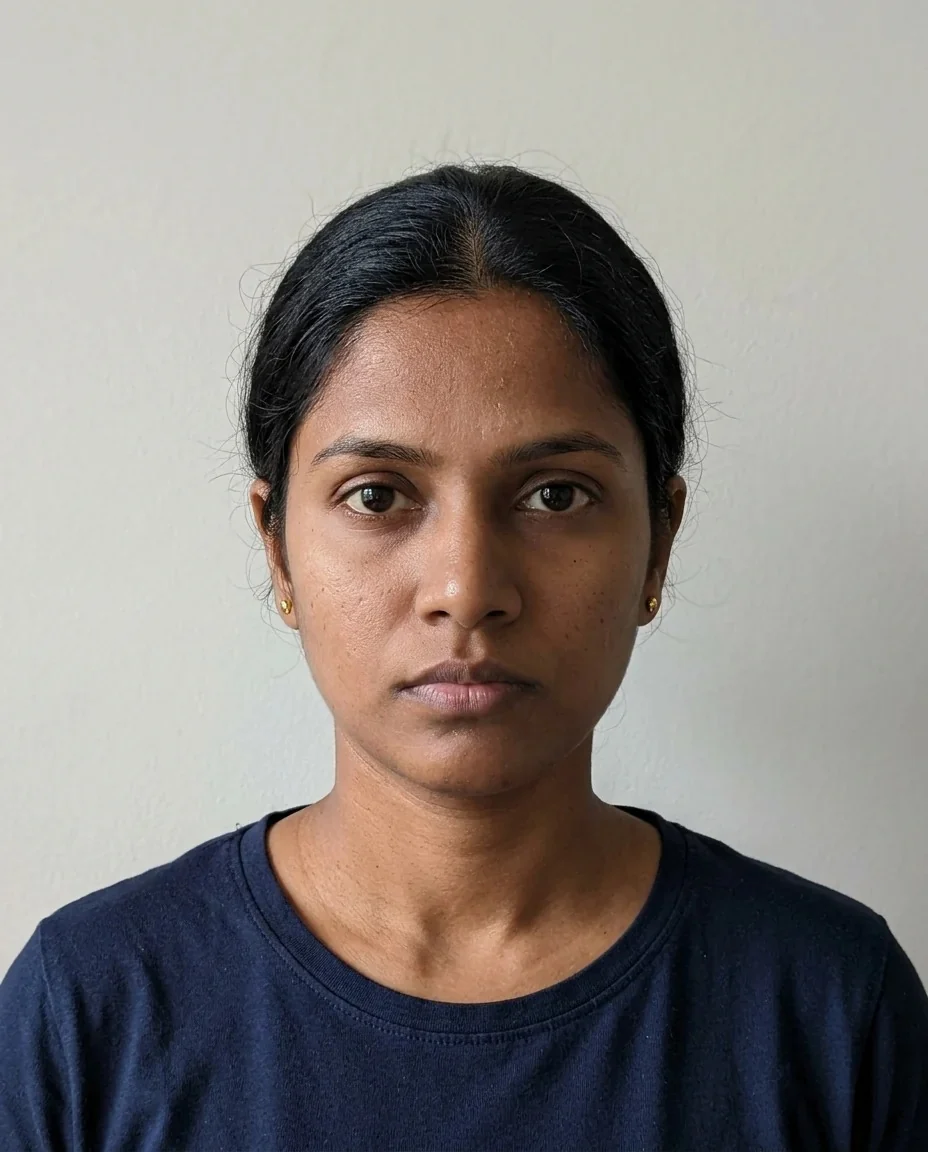
Subtle
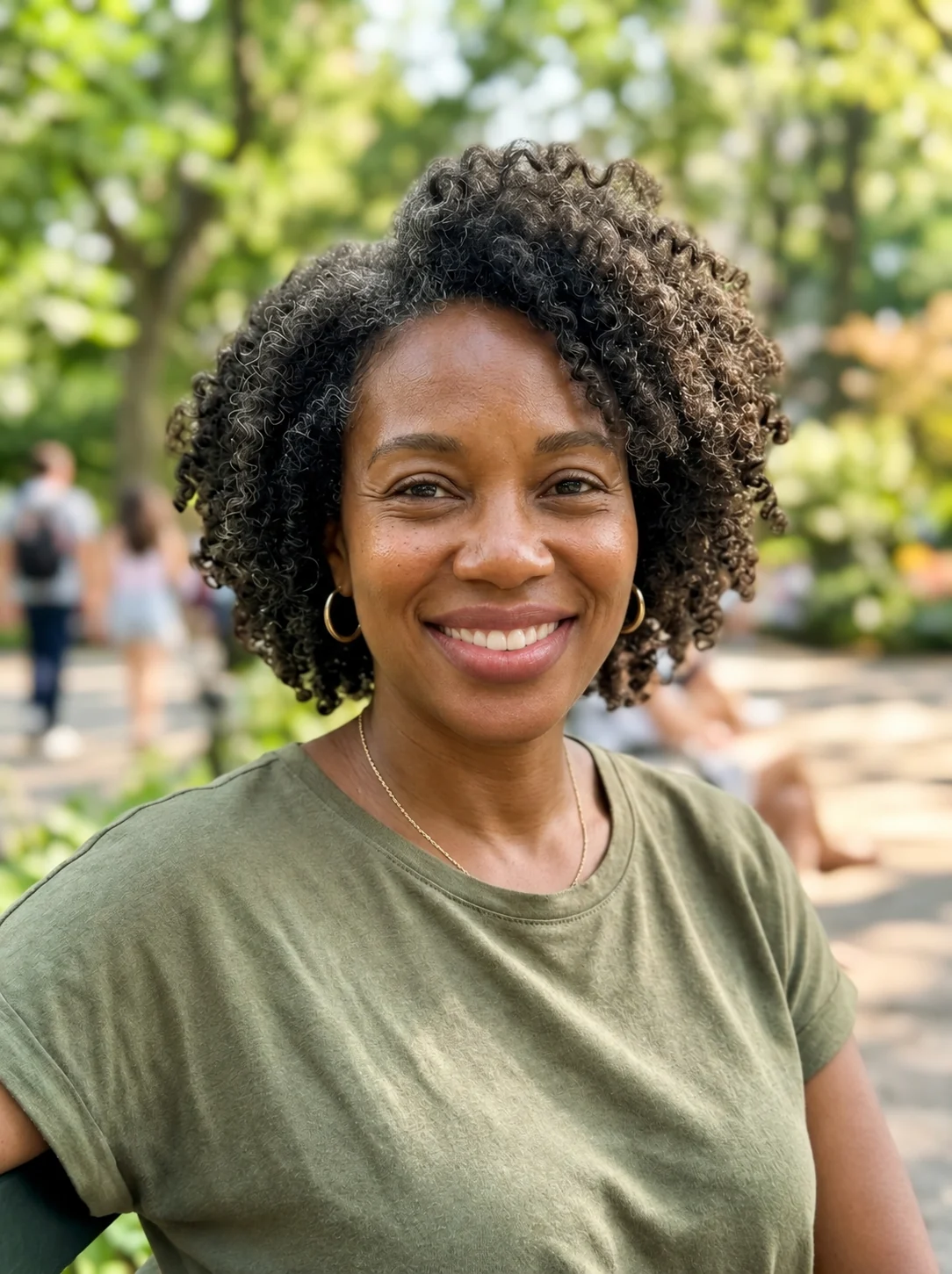
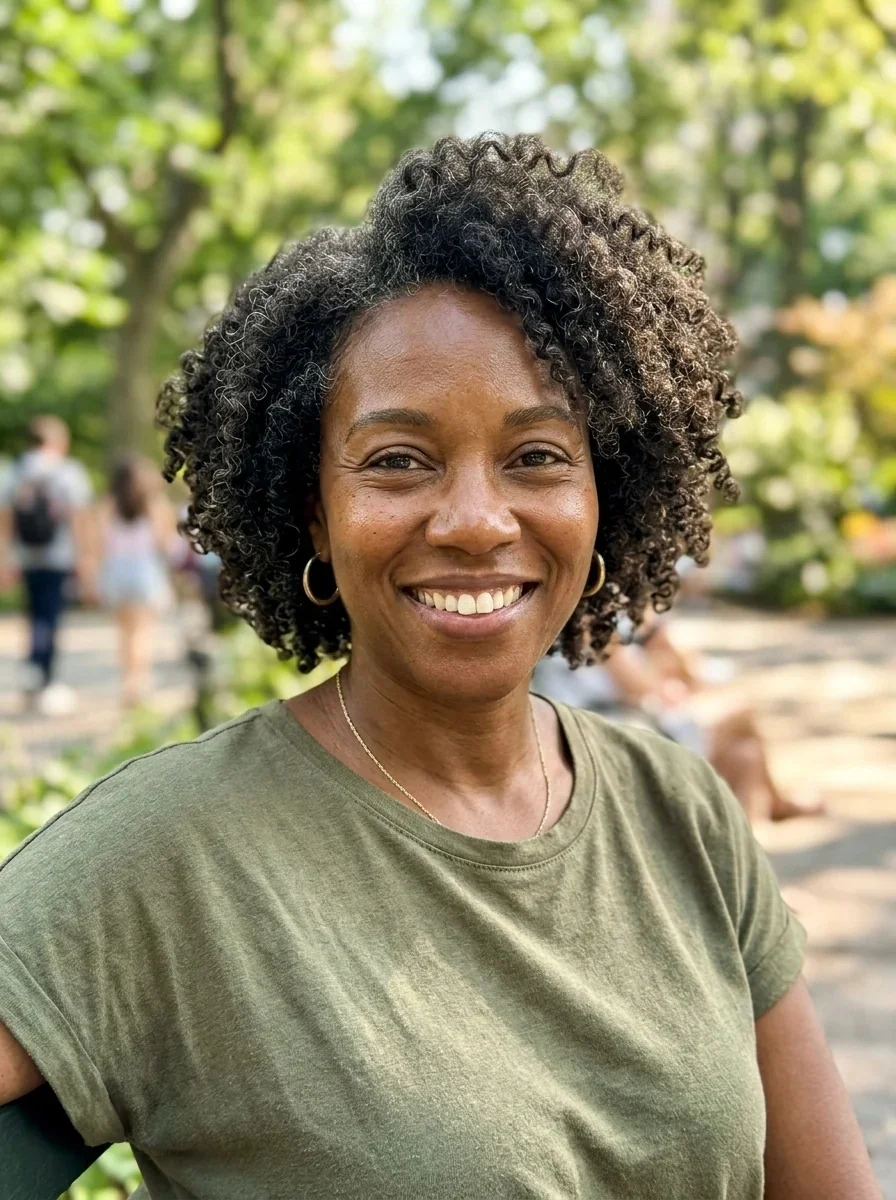
Full
Lip Filler Filter features.
Three amounts
Subtle, Medium or Full, so you can compare a defined lip line with a plump look on the same photo.
Only the lips change
The prompt asks for the lips alone; skin, hair, clothes, background and light are kept as they were.
Natural texture and color
Lip lines and tone are redrawn to look like real lips, not a smooth sticker pasted on.
Deliberately realistic
The change is meant to look like a believable result, which means a subtle setting can be hard to spot at a glance.
Lip Filler Filter, step by step.
01
Upload a front-facing photo
A clear, well-lit face where the lips are fully visible works best.
02
Choose the amount
Medium is a clearly noticeable but natural increase; Subtle mostly defines the lip line; Full is plump but still realistic.
03
Generate and compare
Use the slider to compare before and after, then try another amount and download your favorite.
Lip Filler Filter use cases.
- Curious before a consultation
- You are thinking about filler and want a rough picture of what 0.5 ml versus 2 ml might look like on your face. A preview gives you something to talk through with a licensed practitioner, who can tell you what is actually possible.
- Just for fun
- Plenty of people try the big lips trend on a selfie with no plan to change anything. Pick Full, laugh, and send it to a friend.
- Deciding how much is too much
- Seeing Subtle, Medium and Full next to each other makes it easier to notice where a look stops feeling like you.
- Showing a stylist or makeup artist
- A preview with a more defined lip line is a handy reference when you describe the shape you like for lip makeup.
Lip Filler Filter: best photos and fixes.
What this is and is not
This is a visual preview made by an AI model. It is not medical advice, it cannot tell you what a procedure would achieve for your lips, and results vary from person to person. Real outcomes depend on your anatomy, the product and the practitioner, so talk to a licensed practitioner before you make any decision about filler.
Why the change can look subtle
The prompt asks for a realistic preview, with natural lip texture and the same face around it. It does not exaggerate. That is why a Subtle result may look almost the same as the original at first glance. Compare with the slider, and choose Full if you want the difference to be easy to see.
Best photos
Use a straight-on selfie or portrait with the lips in focus and even light across the face. Hard shadows under the nose or lip, strong filters and heavy lip gloss make it harder to read the real lip shape. If your photo is a low-resolution crop of a group shot, the lips are only a few pixels tall and the preview will be soft.
Keeping your face recognizable
The prompt asks for the same identity, face shape, age, skin tone, expression and pose. Fuller lips on a small mouth can still change how a face reads, so judge the whole picture, not just the lips. For other face changes, the face editor handles one edit at a time.
Keeping realism going
If you want a more polished look, add skin retouching afterwards with the beauty filter. Smiling photos can be handled with the smile filter.
Lip Filler Filter FAQ.
Is this medical advice?
No. It is a visual preview made by AI, for fun or as a conversation starter. Results vary, and a real procedure can look different. Talk to a licensed practitioner before deciding anything about filler.
How accurate is the preview?
It is an estimate, not a prediction. The model redraws the lips from what it sees in your photo, so the amounts (about 0.5 ml, 1 ml and 2 ml in the options) are a guide to how full the look is, not a measured dose.
Why does my result look almost the same?
The change is deliberately realistic, so Subtle can be hard to spot. Compare with the slider, try Medium or Full, or use a photo where the lips are larger in the frame.
Will I still look like me?
The prompt keeps your identity, face shape, age, skin tone, expression and pose, and changes only the lips. Check the corners of the mouth and the philtrum area, and run again if anything looks off.
Can I choose a specific lip shape?
Use the instructions box for small wishes such as a slightly fuller upper lip or a more defined lip line. The amount you pick sets how far it goes.
Can I use someone else's photo?
Only use photos of yourself or of people who are happy for you to edit their picture, and do not use the result to mock or deceive anyone.
What does the lip filler filter cost?
You sign in to generate. A result costs 9 credits with GPT Image 2, the default model, and new accounts get 25 free credits once. You can pick other models from the model menu at their own prices. If a generation fails, the credits are refunded.
Is my photo kept or used for training?
Uploads are not used for training. Results stay in My files for 48 hours, or 30 days once you've bought a credit pack, so download what you want to keep. There is no watermark on the result.
Which photo formats can I upload?
JPG, PNG and WebP up to 8 MB. You can also send a photo from your phone by scanning the QR code on the page; the link is valid for 10 minutes.