2D to 3D Image Converter
Give flat drawings depth, light and shadow.
Drop a photo
or paste with ⌘V · JPG · PNG · WebP · up to 8 MB
No photo handy? Try one of ours.
2D to 3D Image Converter examples.
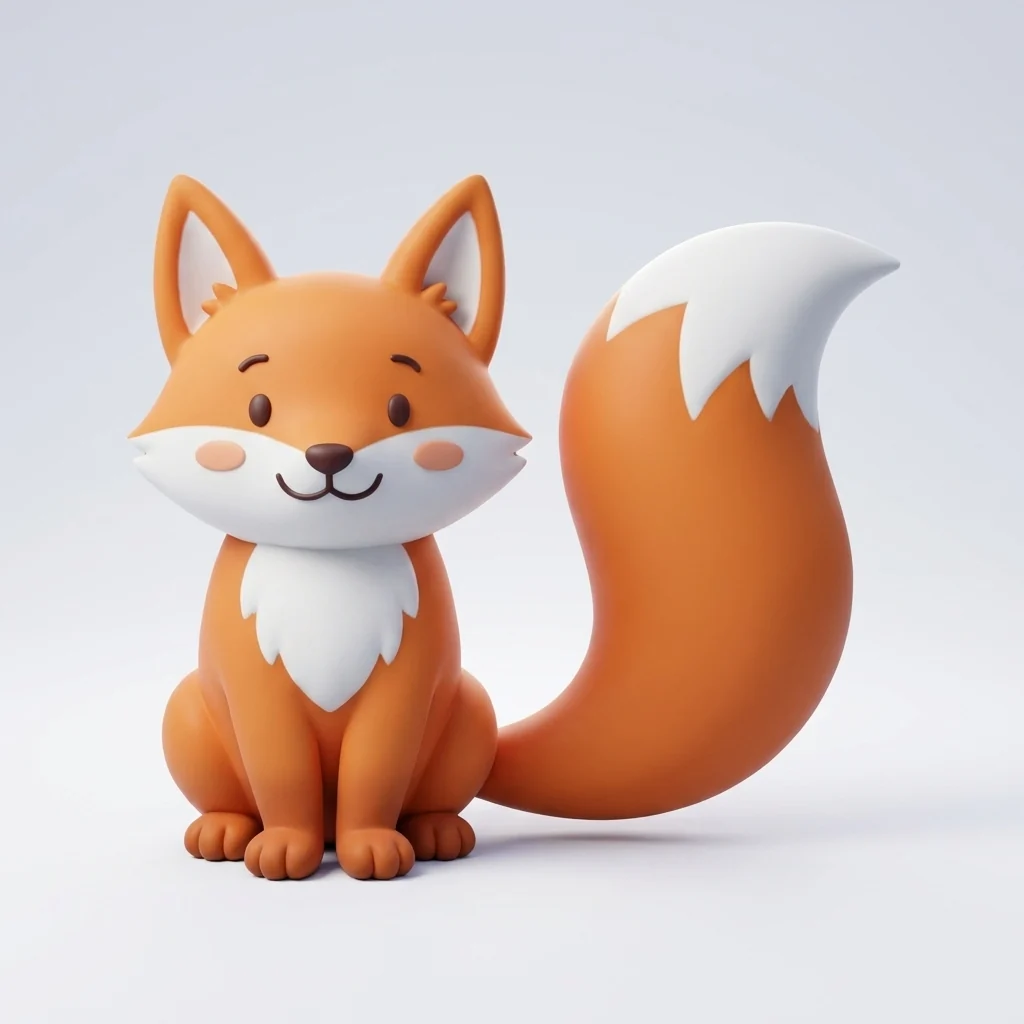
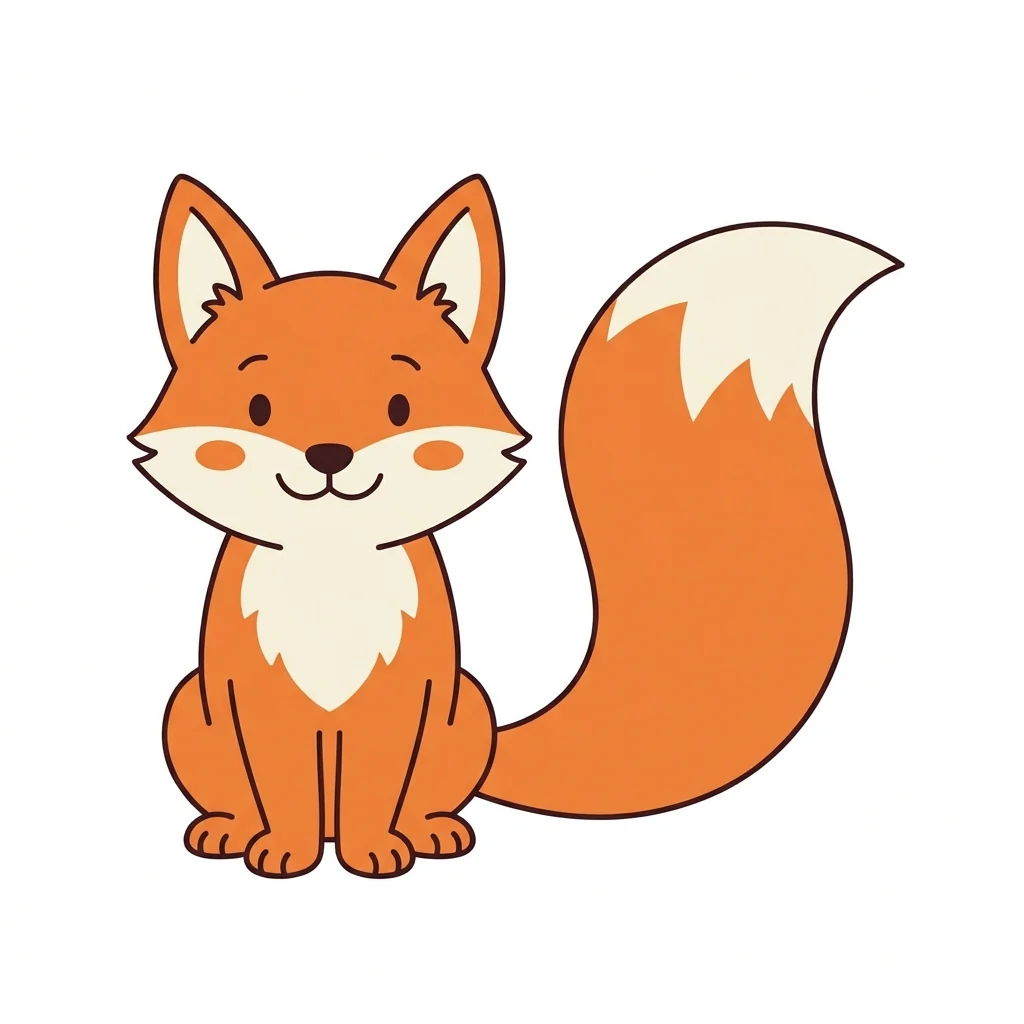
Cartoon to 3D
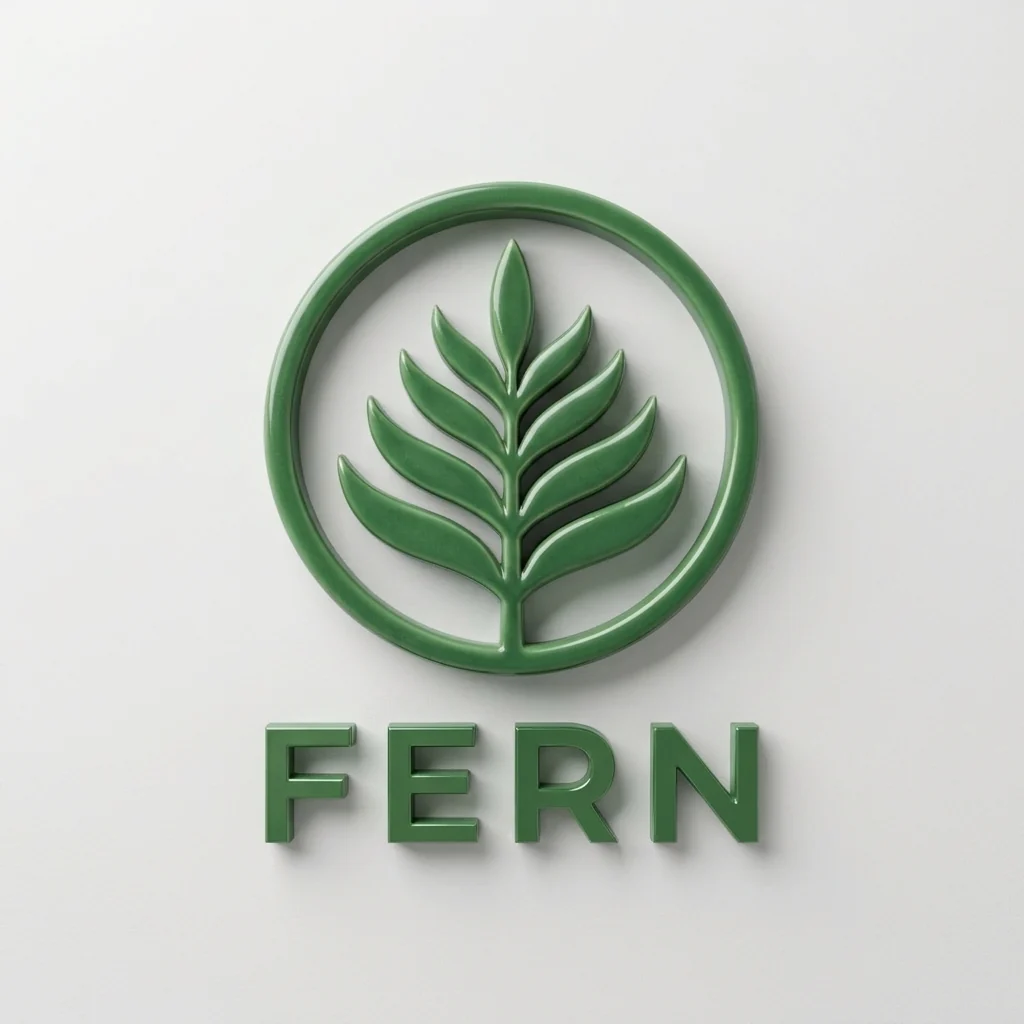

Logo as an object
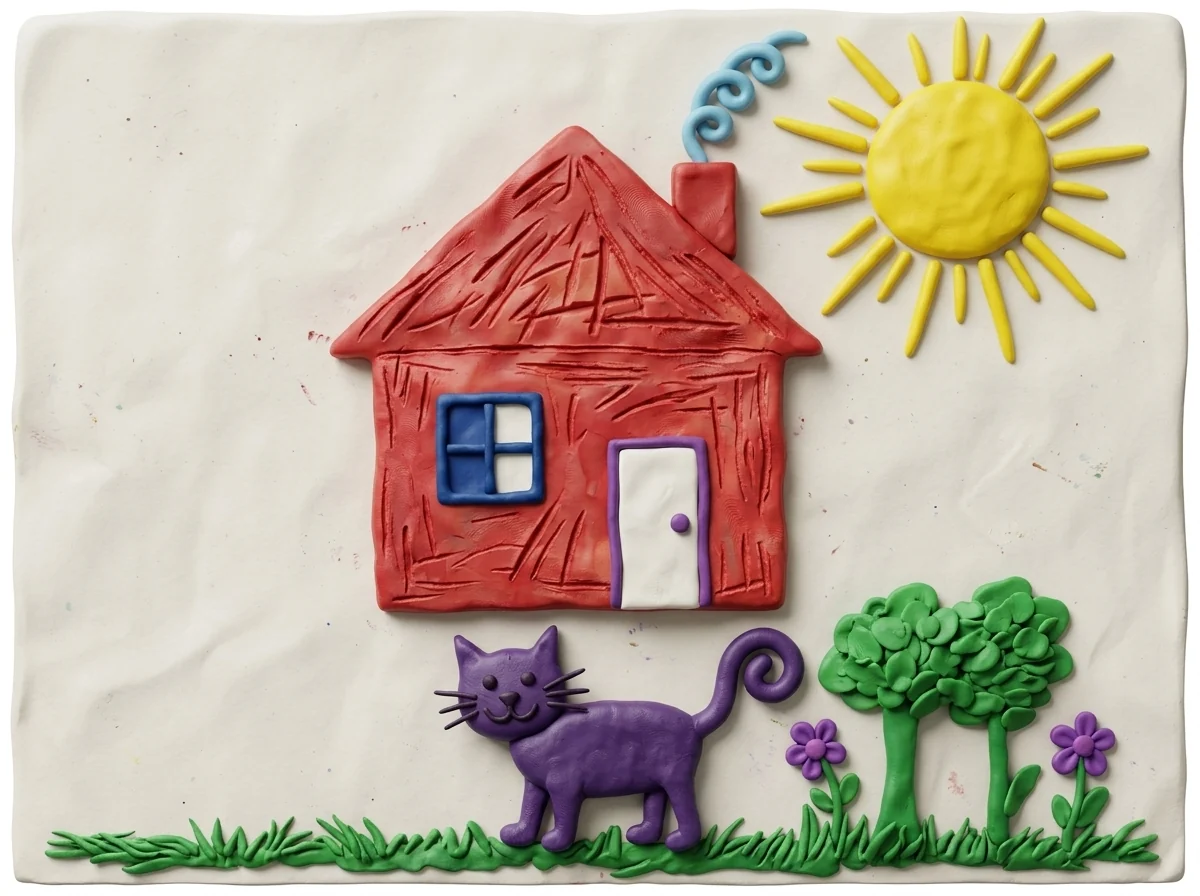
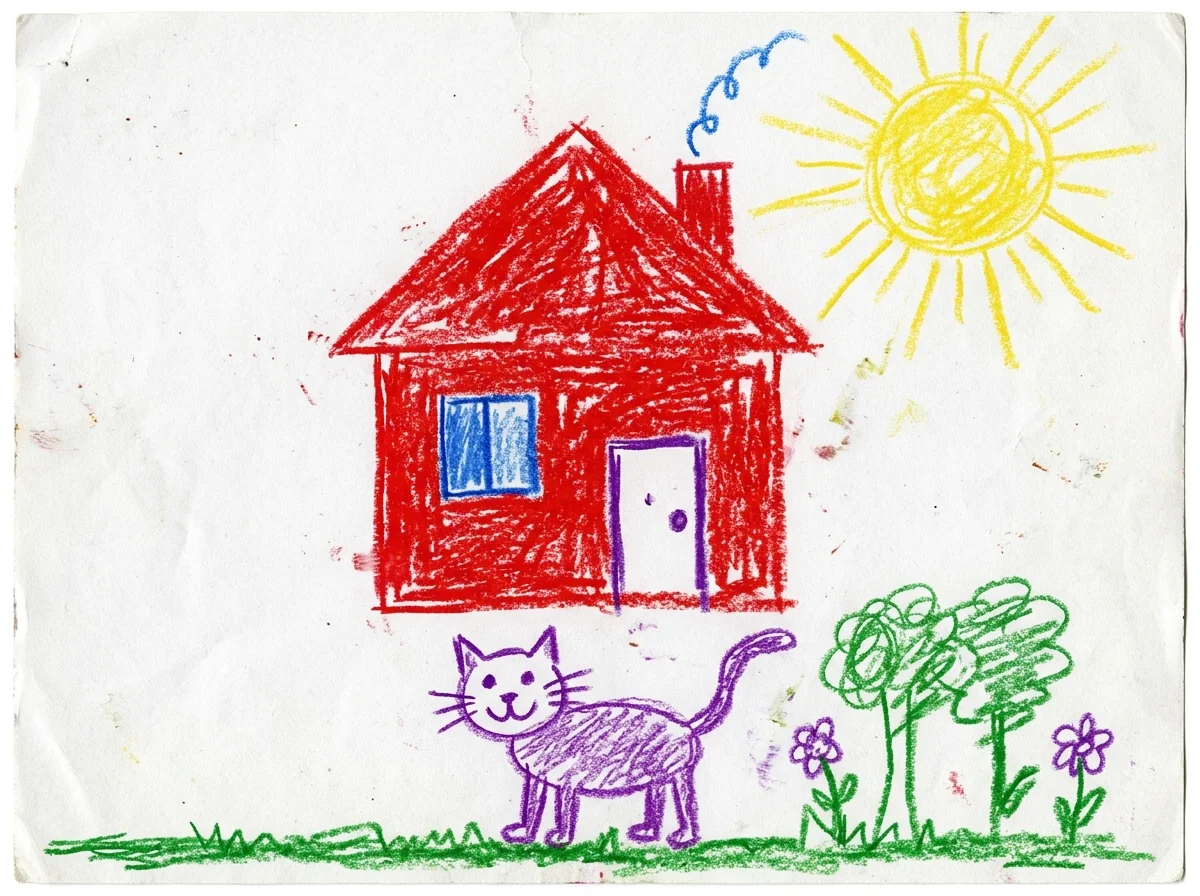
Kid's drawing in clay
2D to 3D Image Converter features.
Same design, new depth
Shapes and pose kept, colors close.
Three looks
3D cartoon, realistic or clay.
Works on many inputs
Drawings, logos, icons and characters.
2D to 3D Image Converter, step by step.
01
Upload a flat image
A drawing, logo, icon or character.
02
Pick a look
3D cartoon, Realistic or Clay.
03
Download
Use it in a post, slide or mockup.
2D to 3D Image Converter use cases.
- Logos and icons
- Turn a flat logo into a 3D version for a hero image.
- Characters
- See your drawn character as a 3D figure.
- Kids' drawings
- Bring a child's drawing to life as a clay scene.
2D to 3D Image Converter: best photos and fixes.
Images that convert well
Clear flat images convert best: logos, icons, cartoon characters, stickers and simple illustrations with distinct shapes and outlines. Each shape becomes a solid form, so the clearer the shapes, the cleaner the 3D version. Busy illustrations with many overlapping elements or heavy texture still convert, but small details may merge or be simplified.
Choosing a look
3D cartoon gives rounded, soft forms like an animated film, which suits characters and mascots. Realistic treats the subject as a real object with true materials, such as metal, plastic or glass, which suits logos and products. Clay makes a handmade clay version with fingerprints and matte texture, which is charming for kids' drawings and playful brands.
Keeping the design faithful
Shapes, colors, markings and the pose are kept, and the camera angle stays the same, so the result reads as the same image in 3D. The back and sides of the object, which the flat image doesn't show, are invented to fit. If a part is wrong, describe it: "the tail is striped", "the letters are raised from the base".
Logos and text
Text in a logo is kept and spelled the same where possible, raised or carved as a 3D shape. Short words work most reliably; long taglines can come out with mistakes, so check every letter before you use it. For logo work, compare the result with your original and keep the flat version for small sizes.
Photos as input
The tool is designed for flat images. A photo already has depth, so converting it mostly changes its style: Clay turns a photo into a clay diorama and 3D cartoon makes it look animated. To turn yourself into a 3D animated character, the photo to 3D cartoon effect is tuned for faces.
Related tools
The 3D logo generator designs a new logo in 3D from a description. Photo to 3D cartoon and the 3D avatar maker turn people into 3D characters, and the action figure generator makes a boxed toy version of you. To go the other way, the turn photo into line drawing tool makes flat line art from a photo.
2D to 3D Image Converter FAQ.
Do I get a 3D model file?
No. You get a rendered image that looks 3D, not a model for 3D printing or games.
Can it convert my logo?
Yes. The design and text are kept and given depth; check that every letter is spelled right.
What happens to the hidden sides?
The back and sides aren't in your image, so they are invented to fit the design.
Is the 2D to 3D converter free?
Yes, you can try it free. New accounts get 15 free credits, and one generation here uses 13 credits. You sign in with your email; no card needed. Results have no watermark. After that, plans add credits every month and credit packs never expire.