












Turn a Photo into a Line Drawing
Clean black outlines from any photo.
Drop a photo
or paste with ⌘V · JPG · PNG · WebP · up to 8 MB
No photo handy? Try one of ours.
More like this.
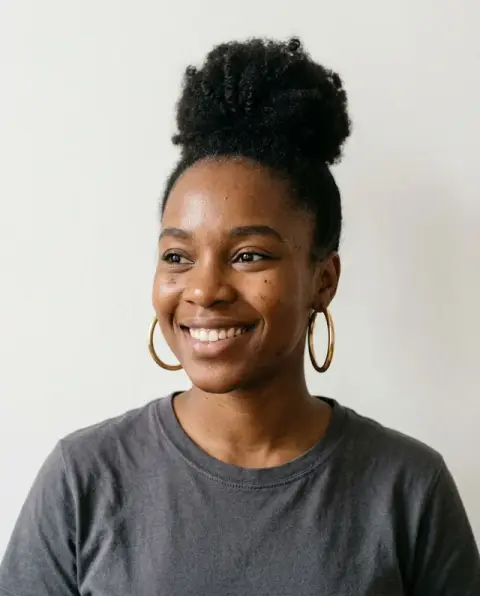
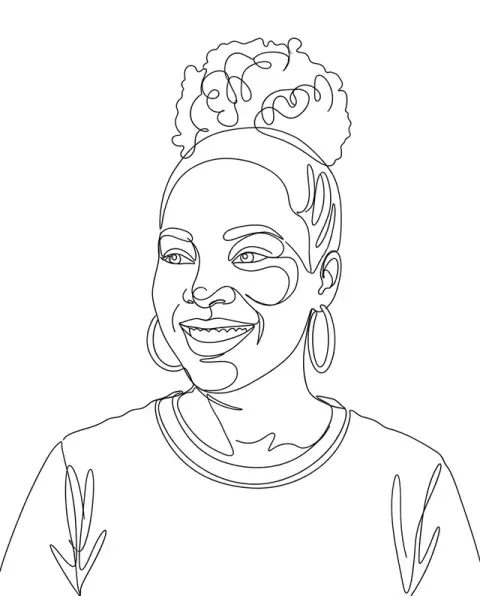
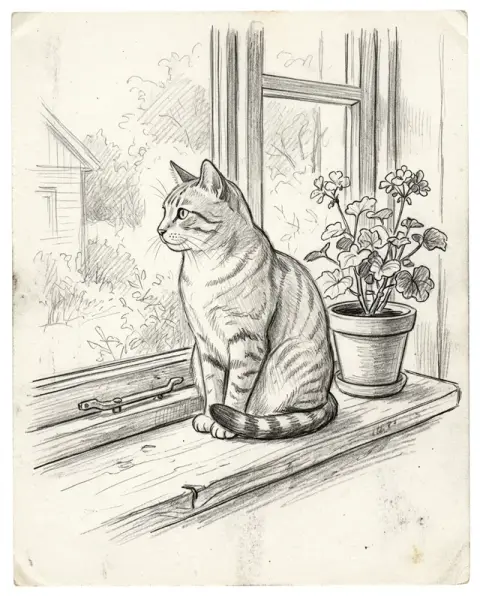
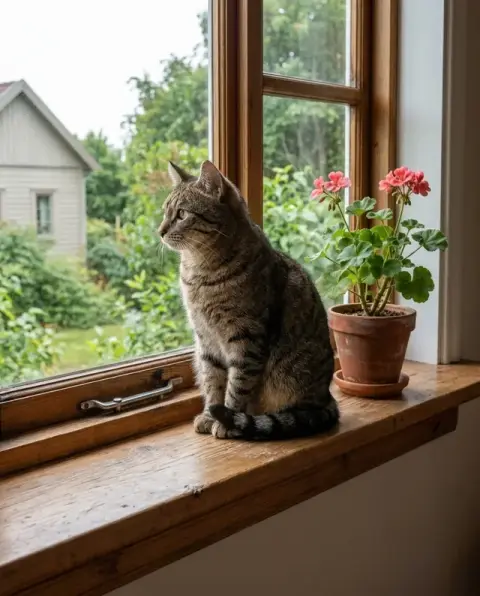
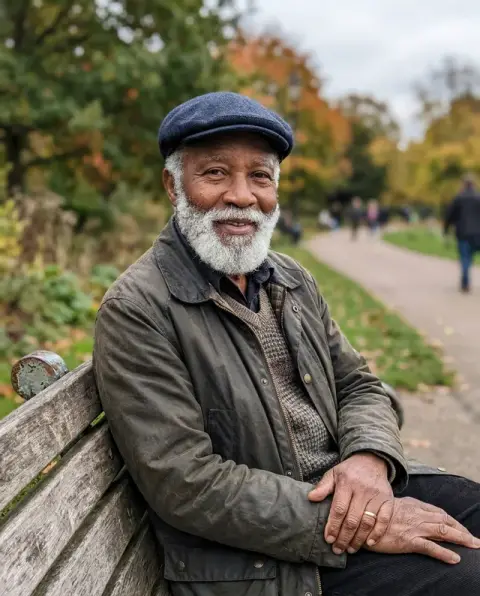
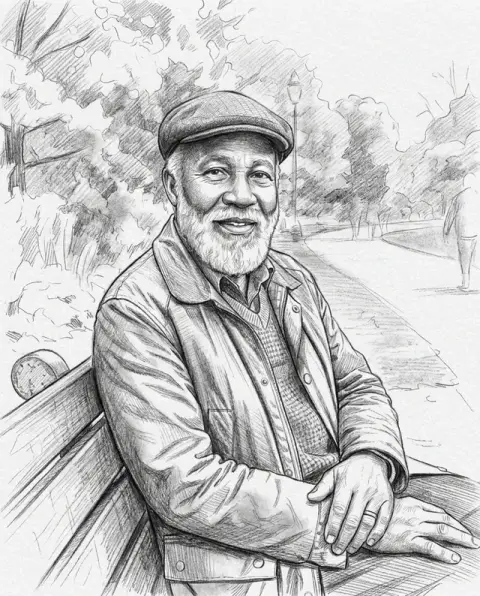
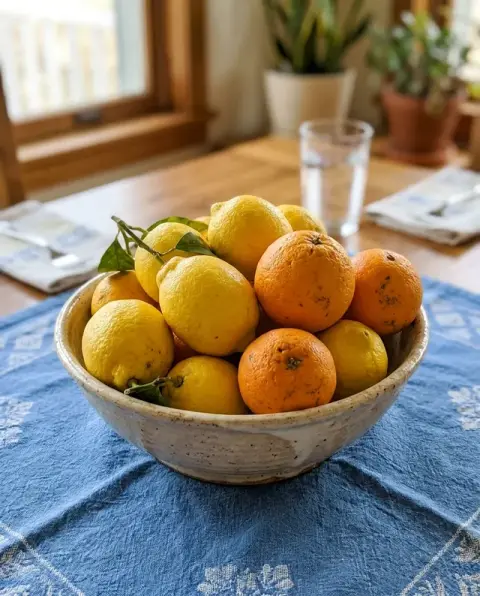
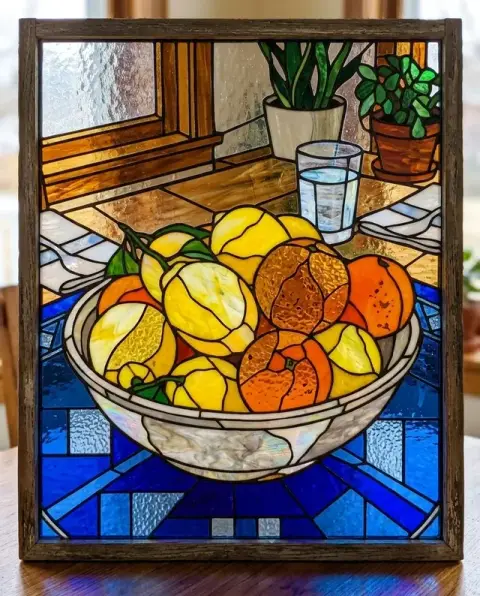
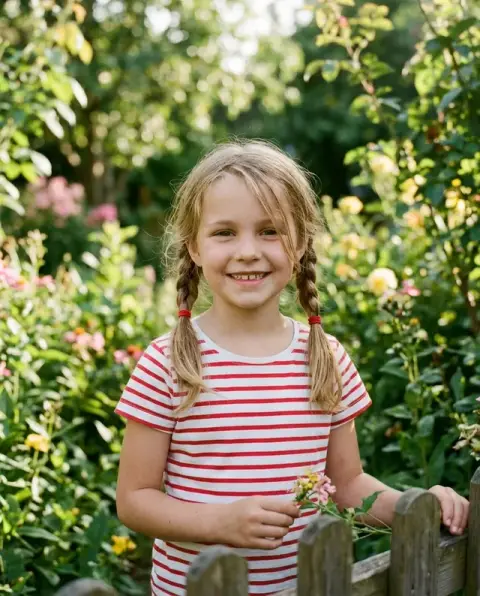
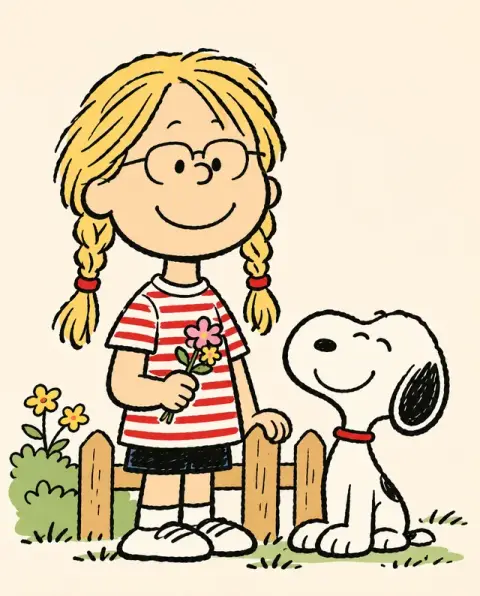
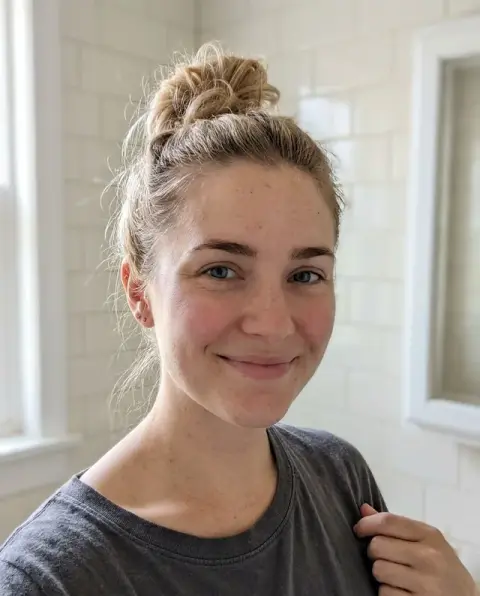
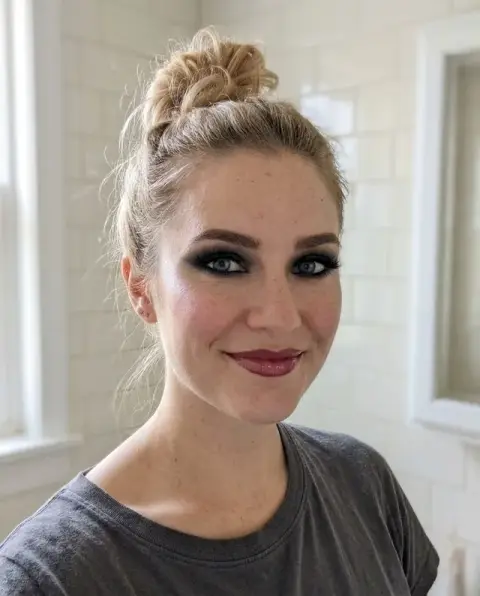
Turn a Photo into a Line Drawing examples.
Real results from this page's default settings in one click, not retouched.How examples are made

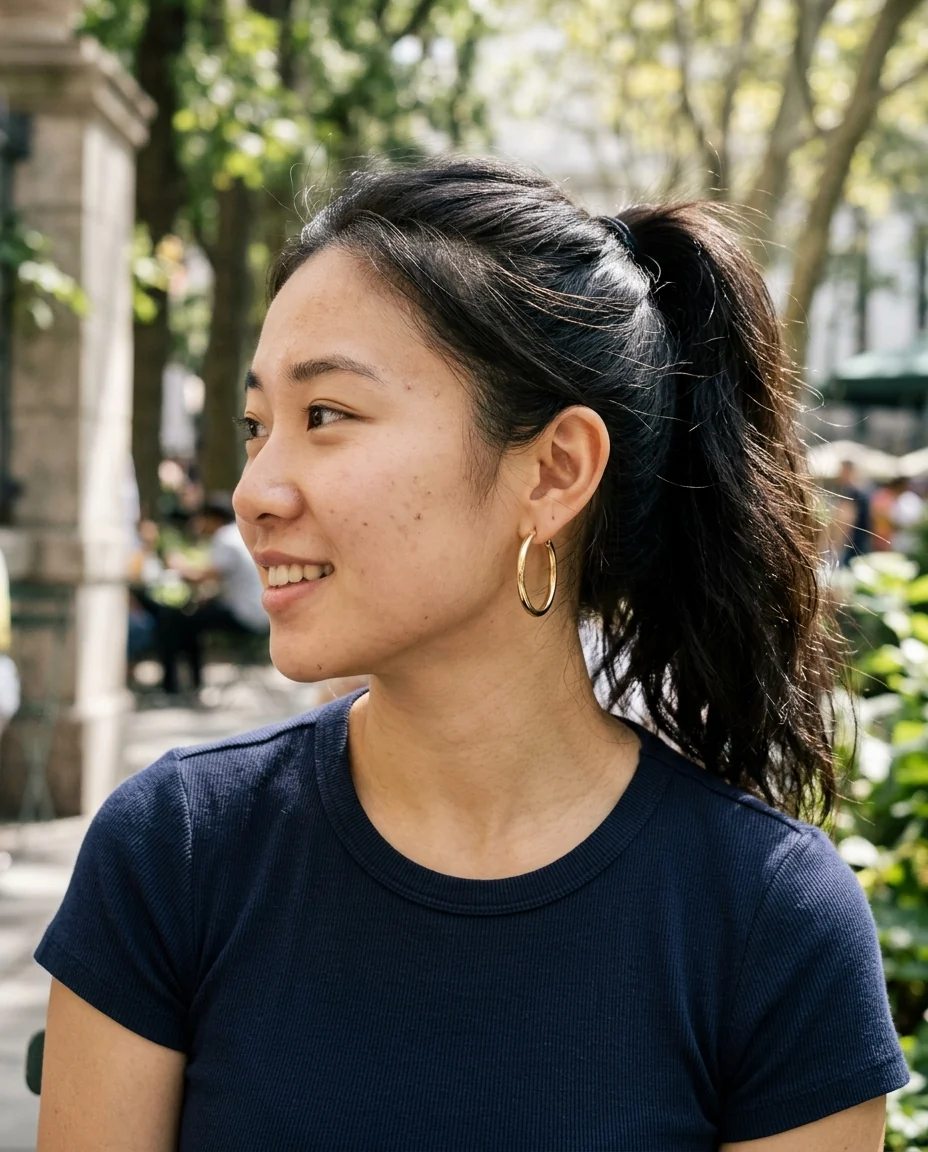
Simple
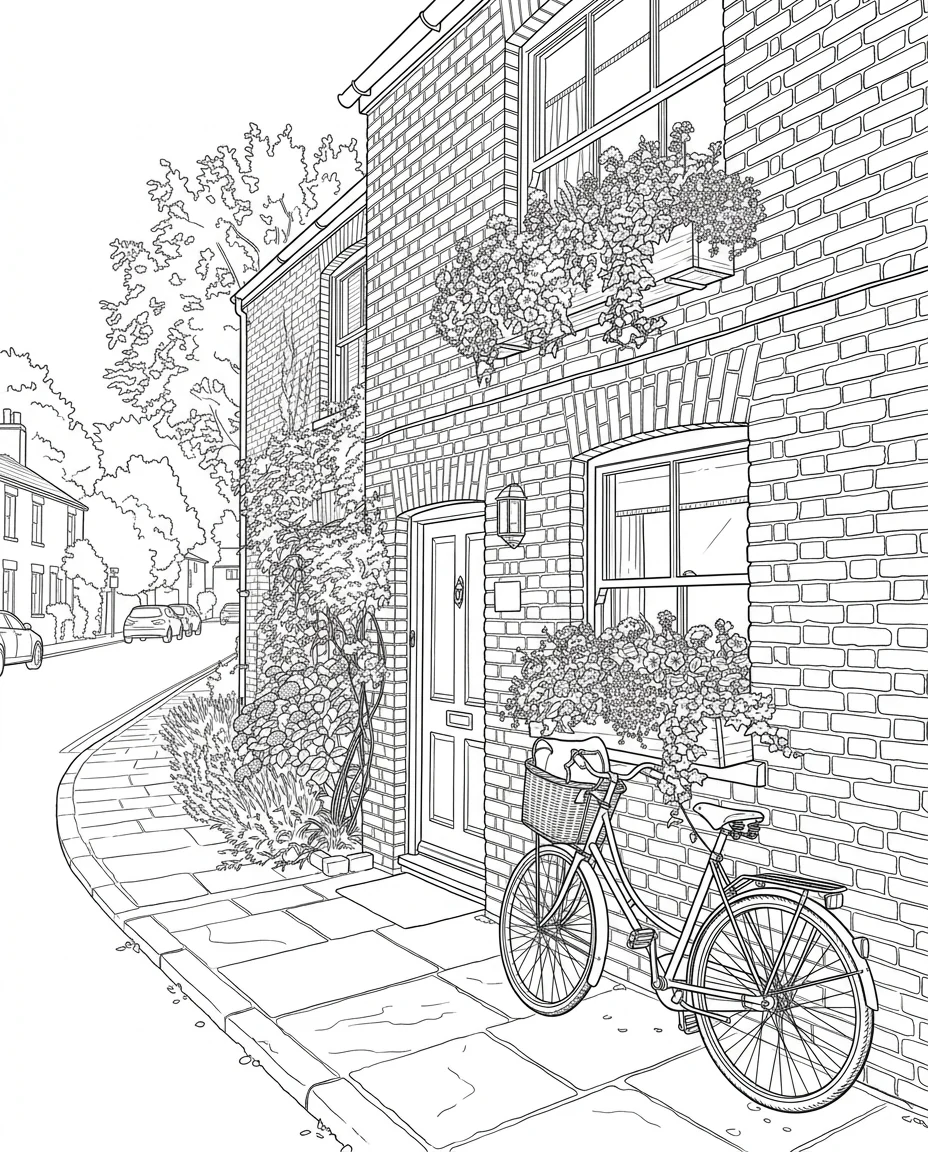
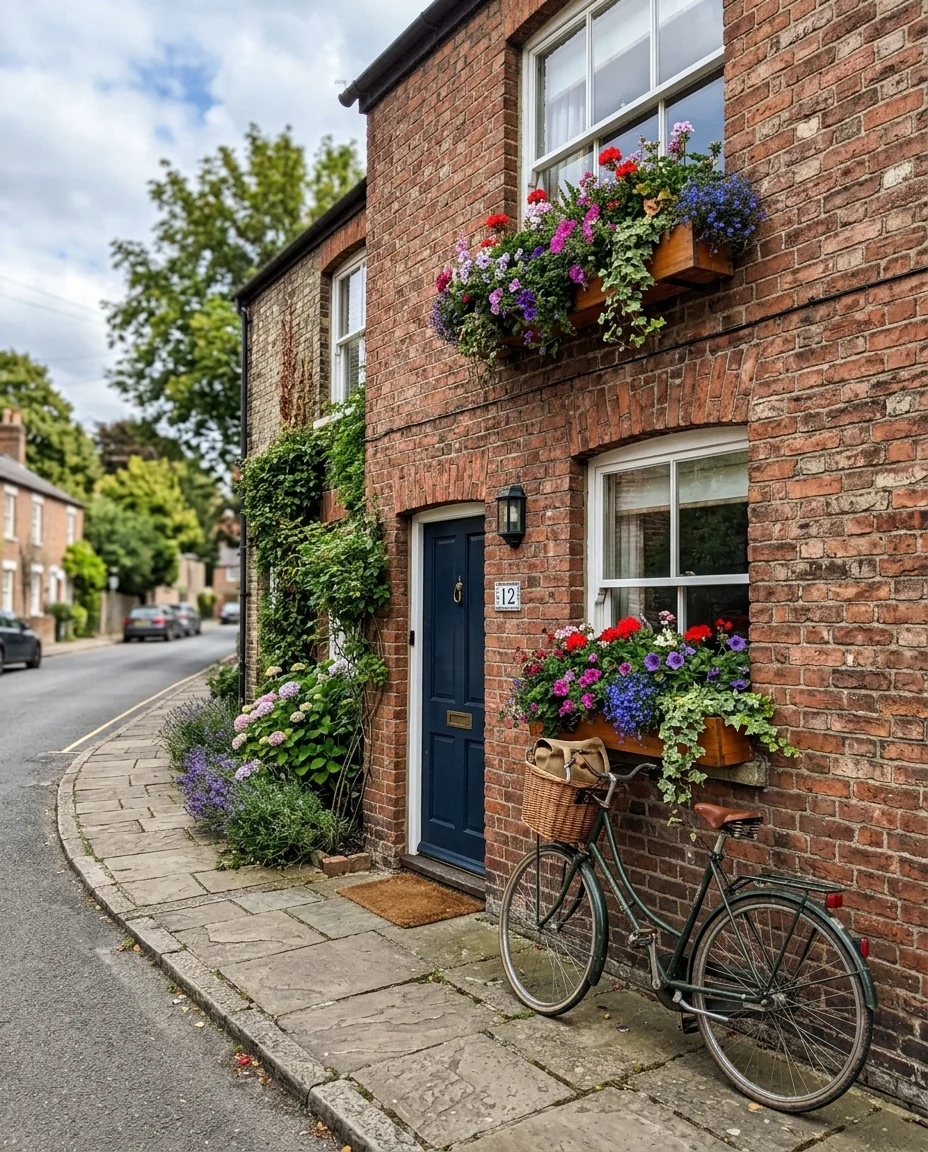
Detailed

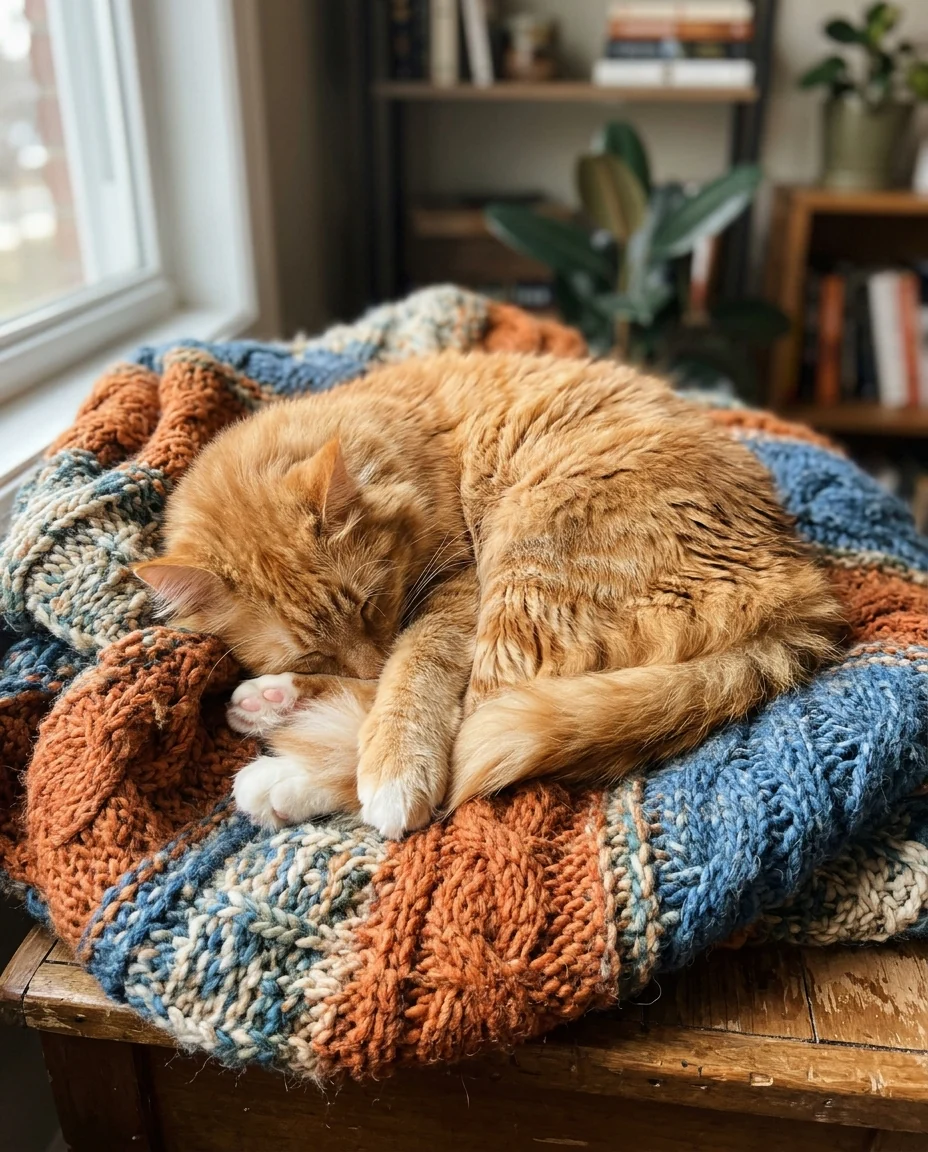
Simple
Turn a Photo into a Line Drawing features.
Pure black on white
No shading, no gray, ready to print or cut.
Simple or detailed
Minimal outlines or a full coloring page.
True to the photo
Same proportions, pose and layout.
Turn a Photo into a Line Drawing, step by step.
01
Upload a photo
A clear subject on a calm background.
02
Pick the detail
Simple or detailed.
03
Download
Print, trace or send it to a cutter.
Turn a Photo into a Line Drawing use cases.
- Coloring pages
- Turn family photos into pages for kids.
- Tattoo and craft stencils
- Outlines for tattoos, embroidery or laser cutting.
Turn a Photo into a Line Drawing: best photos and fixes.
Photos for clean lines
Close-ups with good light give cleaner lines than busy, dark photos. The tool traces edges, so clear outlines matter: a face with defined features, a flower against a plain background, a building in sunlight. Low-contrast and blurry photos produce broken or extra lines.
Simple or detailed
Simple keeps only the main outlines, ideal for coloring pages for children and quick tattoo stencils. Detailed adds inner lines such as hair strands, folds and textures, better for adult coloring pages and tracing. Try both on one photo and pick the one that suits your use.
Coloring pages
For coloring pages, simple mode with a plain background works best. Write "no background, white space around the subject" to keep the page clean. Print on thicker paper if markers will be used. Pets and family photos make personal coloring pages for children.
Tattoo and craft stencils
For tattoo designs, the line drawing is a starting point that an artist can refine. For crafts, transfer it with carbon paper. Line thickness can be steered: "thick bold lines" or "fine thin lines" in the instructions.
Line drawing or sketch
A line drawing is pure black outlines on white, without shading. For a shaded pencil drawing, use the photo to sketch tool. For a transparent background, run the result through the background remover. Line art also works as a base for your own coloring or digital painting.
Faces and portraits
Faces in line art depend on a few key lines: eyes, nose, mouth and hair outline. A front-facing photo with soft light gives the cleanest result. Strong shadows add extra lines on the face. Ask for "fewer lines on the face" if wrinkles and shadows come out too strong.
Pets and animals
Animals with clear outlines, such as cats and short-haired dogs, give clean drawings. Long fur produces many lines in detailed mode; use simple mode for a cleaner outline. A pet's face in simple mode makes a lovely minimal print or a custom coloring page for children.
Embroidery and engraving
Line drawings make good starting points for embroidery patterns, wood burning and laser engraving. Simple mode gives fewer lines, which is easier to stitch or burn. Embroidery machines need the design digitised into stitches, and engravers often prefer vector files, so a maker may trace the drawing first.
Turn a Photo into a Line Drawing FAQ.
Is this the same as the photo to sketch tool?
No. Photo to sketch adds pencil shading. This tool gives only clean black outlines.
Can I get a transparent background?
Generate on white, then run it through the background remover.
Can I change the line thickness?
Yes. Write "thick bold lines" or "fine thin lines" in the instructions box.
Is the Photo to line drawing free?
Yes, you can try it free. New accounts get 25 free credits, and one generation here uses 9 credits. You sign in with your email; no card needed. Results have no watermark. After that, credit packs never expire, and your first one is half price.
Guides on the blog.
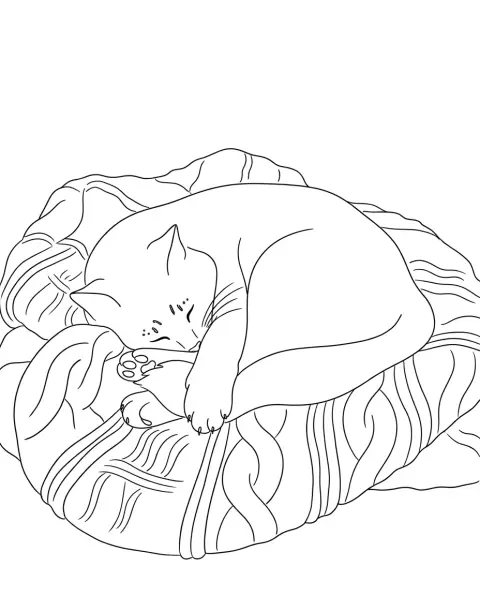 How to make a coloring book from your own photosFamily photos, pets and holiday snaps make the best coloring pages. How to pick photos, turn them into line art, lay out pages and print the book.
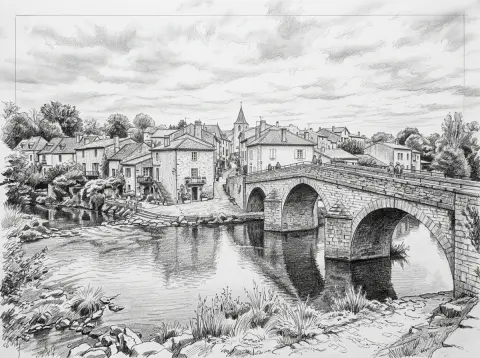 Sketch vs line drawing vs stencil: which style when?All three turn a photo into black and white art, but they're made for different jobs. How they differ, and which one suits coloring pages, prints, tattoos and cutting.


