AI Selfie Generator
New selfies in new places, still clearly you.
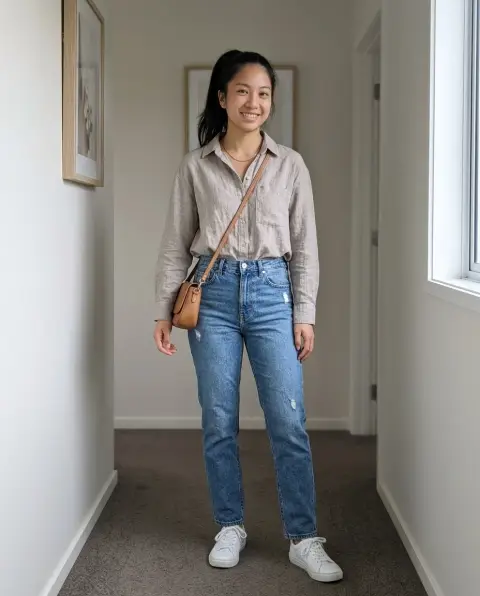
Drop a photo
or paste with ⌘V · JPG · PNG · WebP · up to 8 MB
No photo handy? Try one of ours.
More like this.
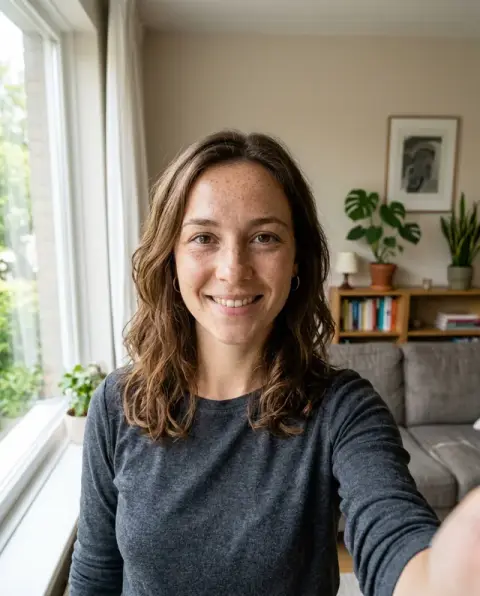
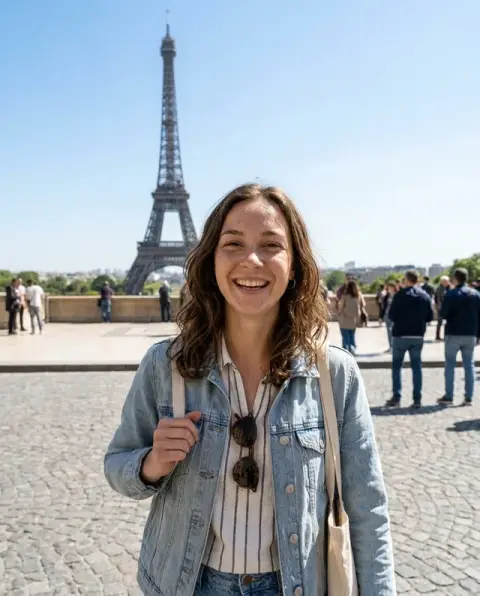
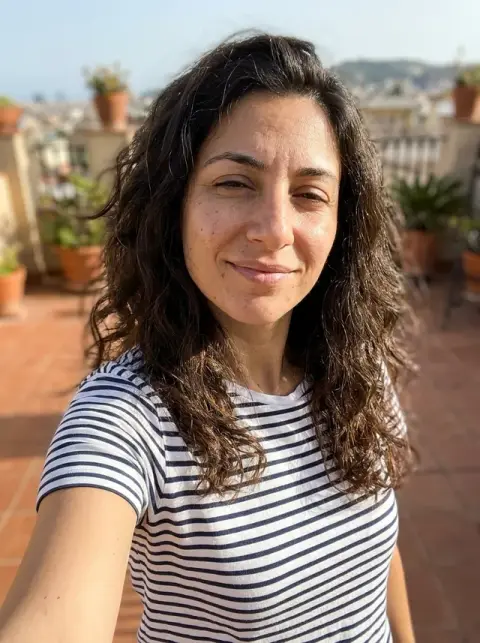
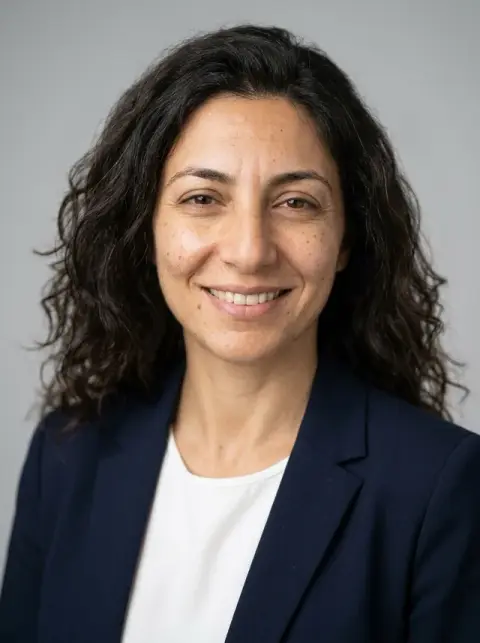
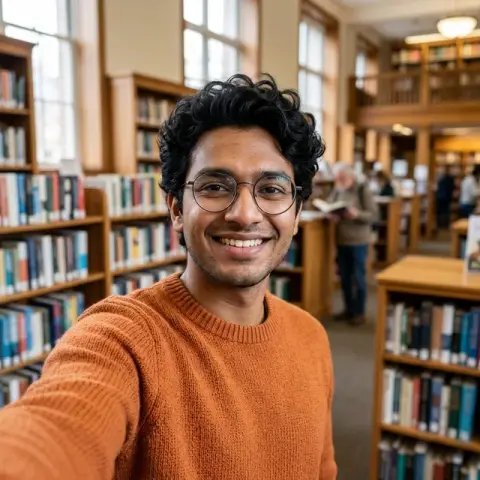
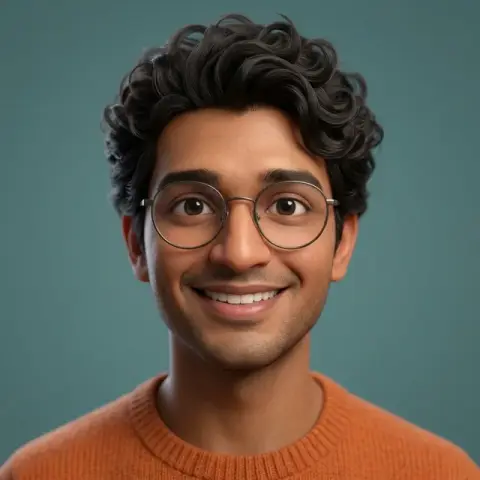
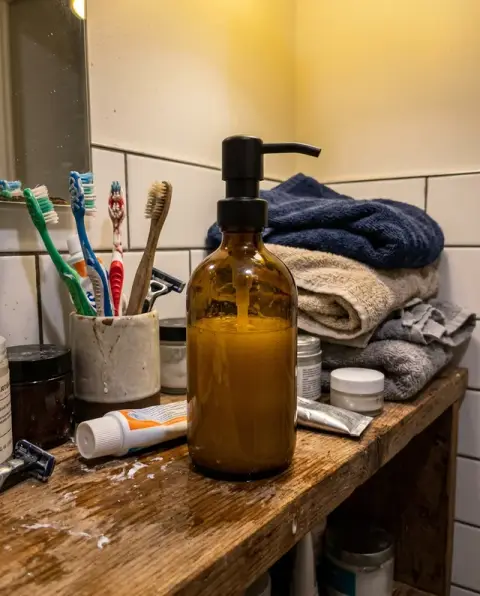
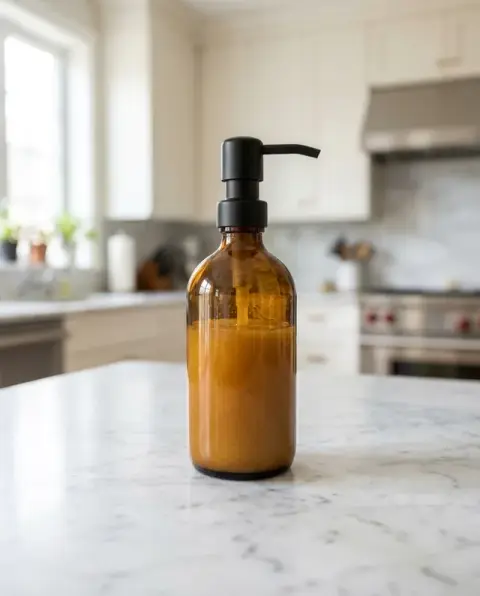
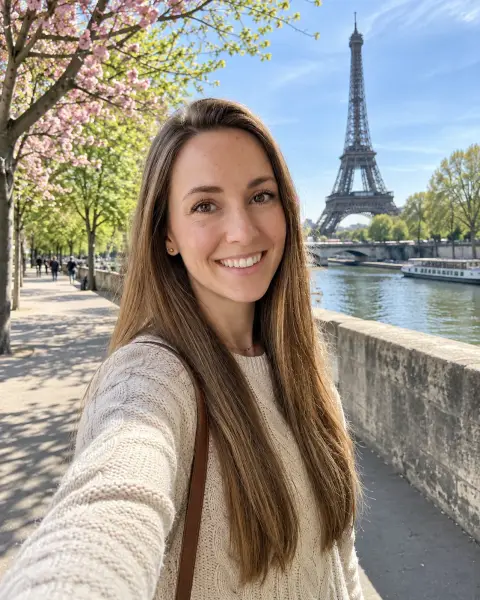
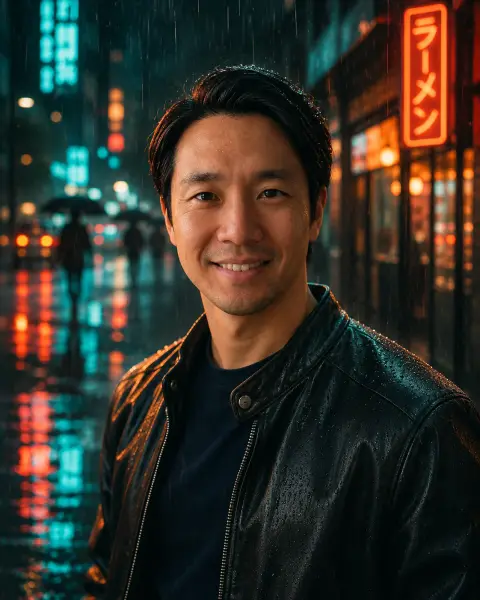
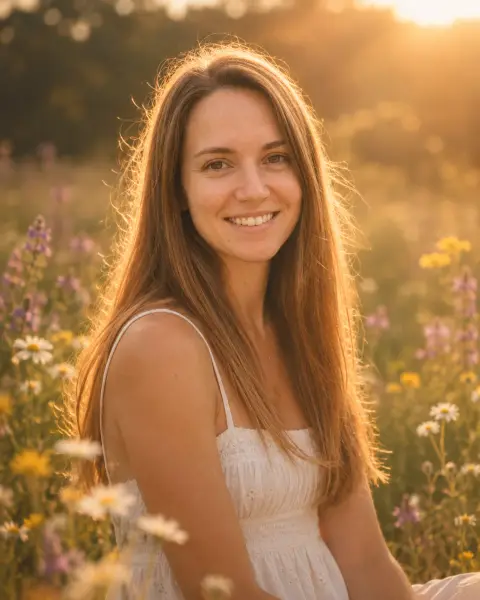
AI Selfie Generator examples.
Real results from this page's default settings in one click, not retouched.How examples are made
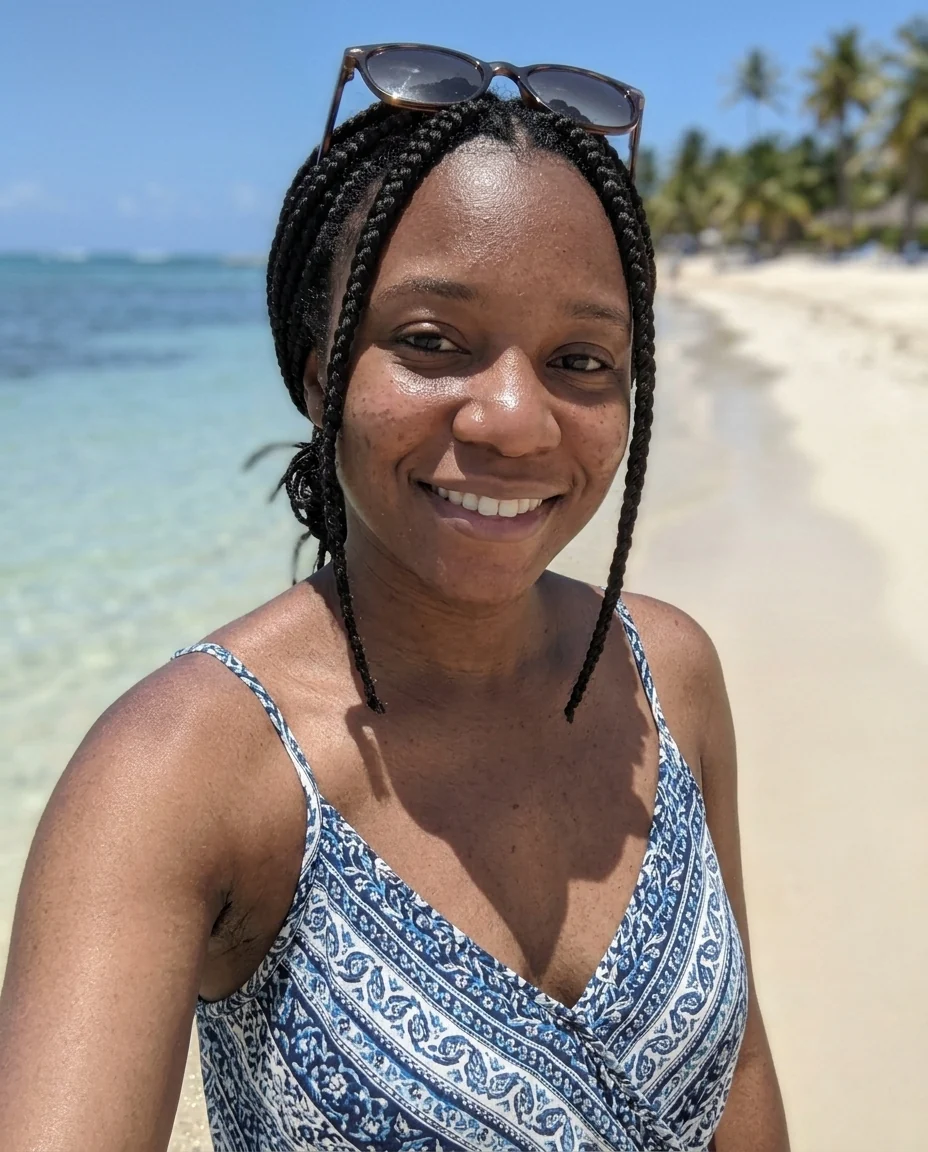
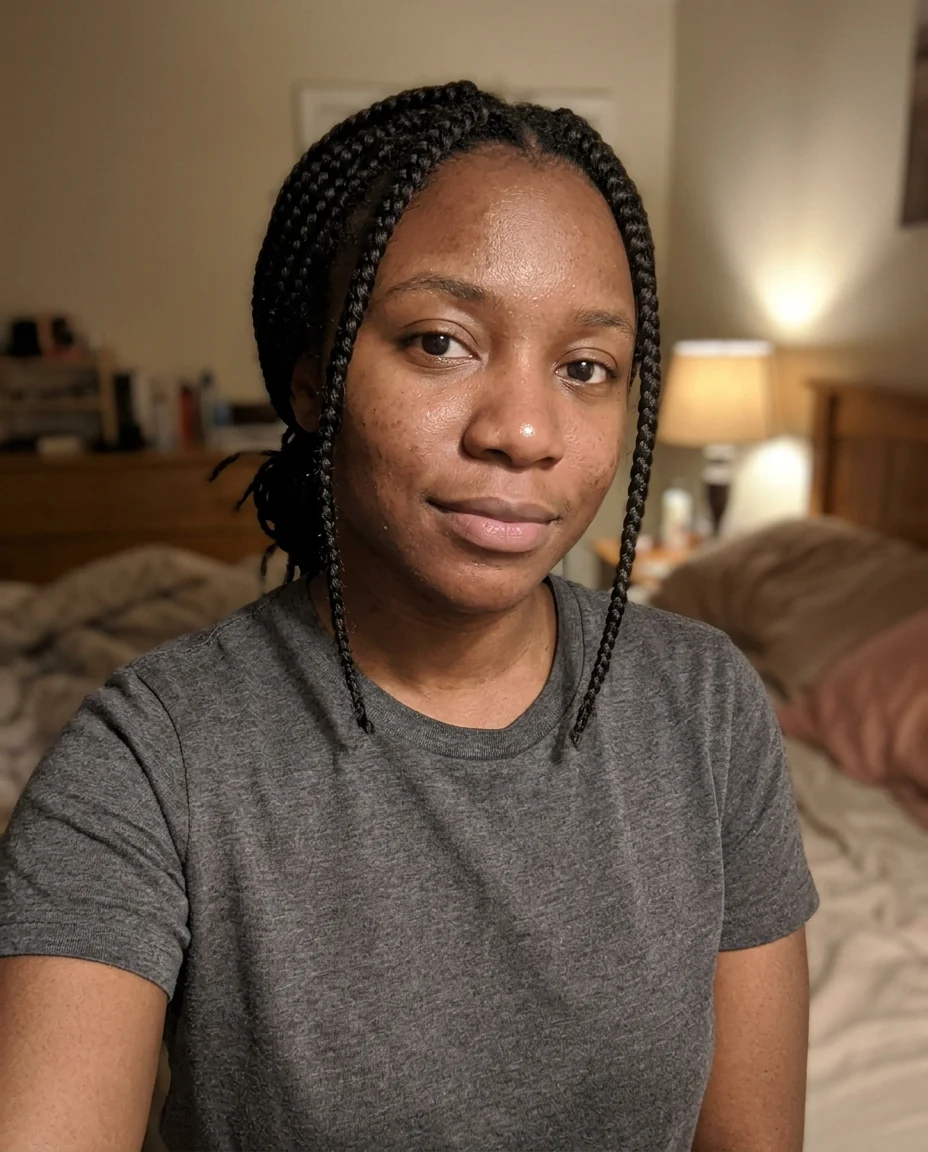
The same woman taking a selfie on a sunny beach
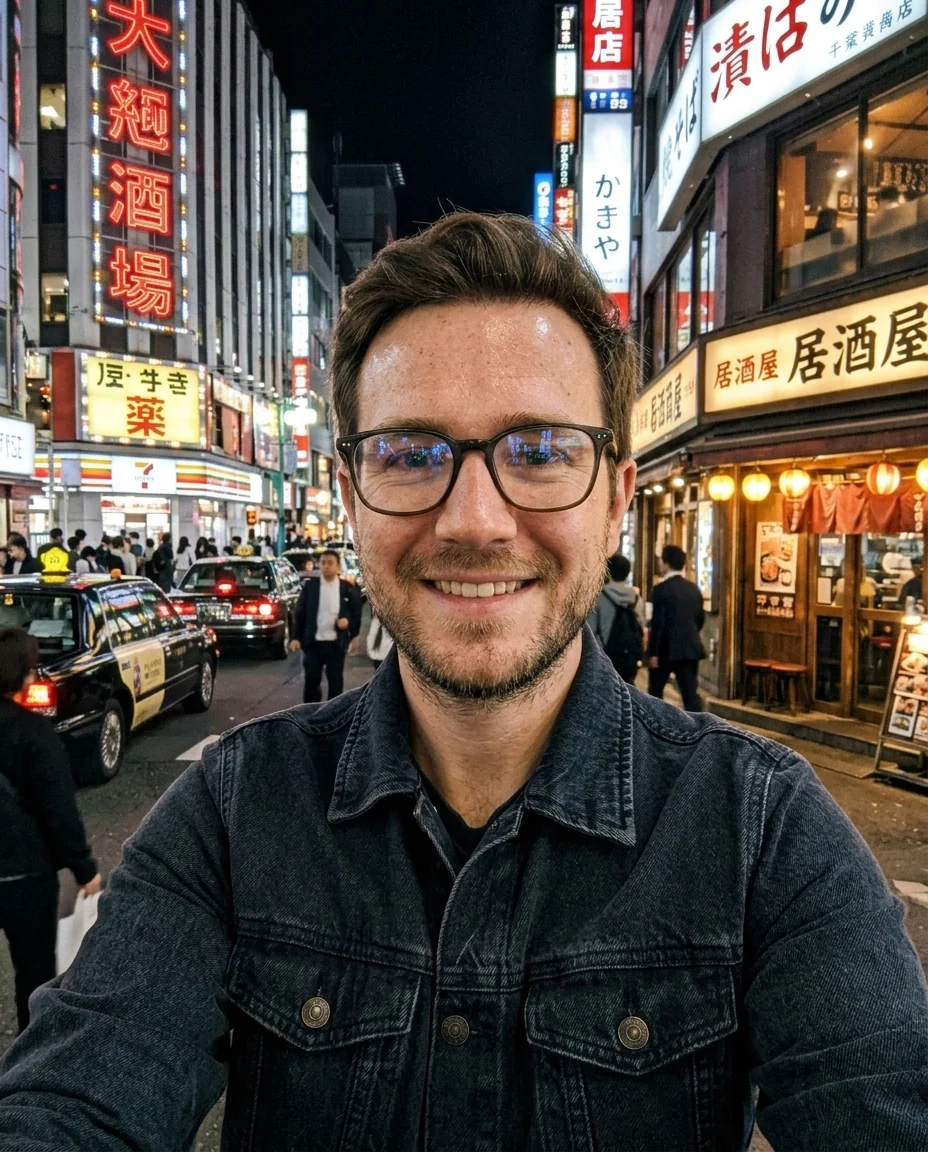
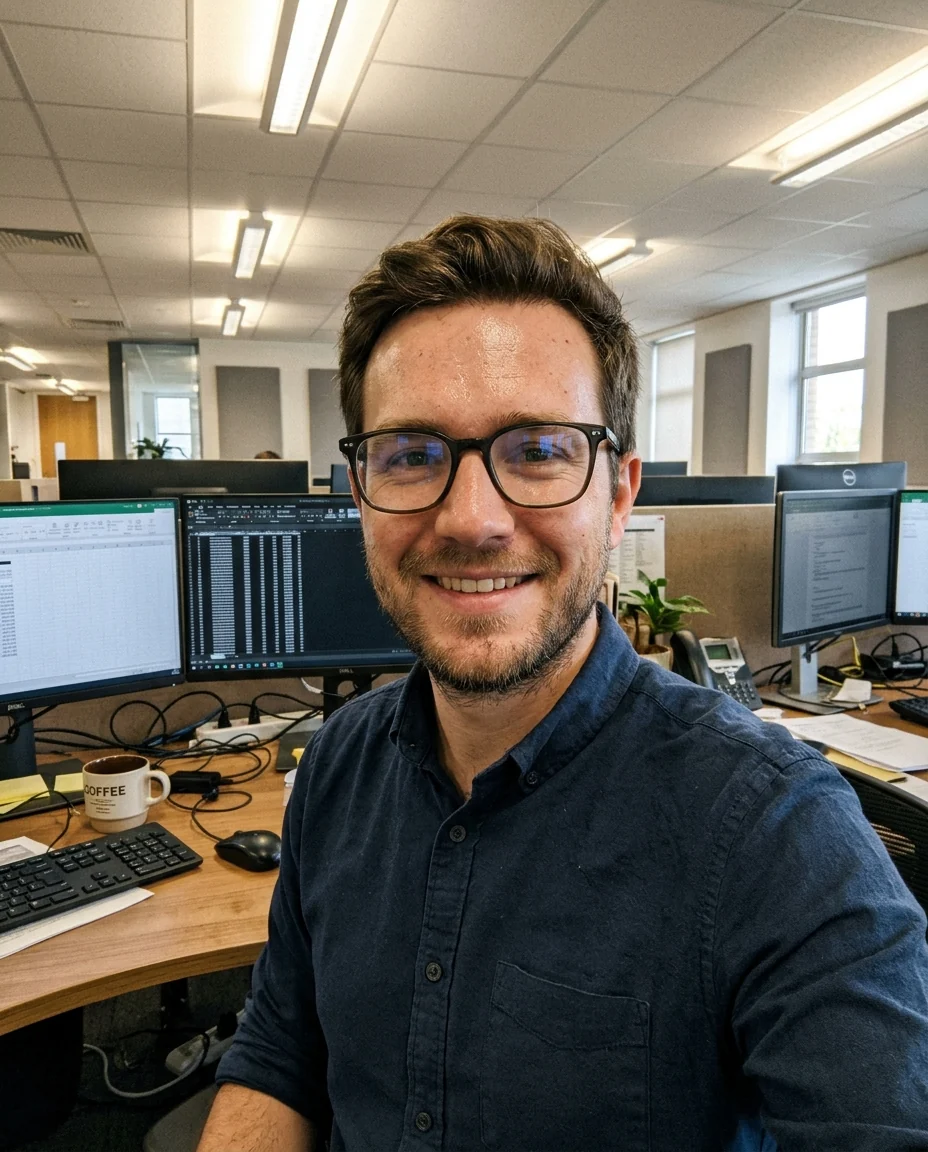
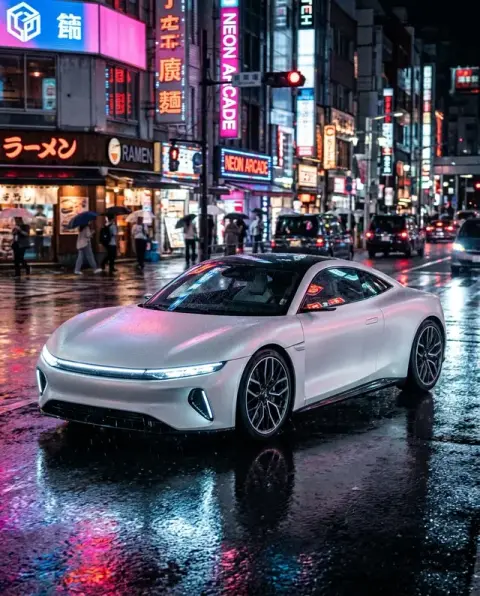
“a neon-lit street in Tokyo at night”
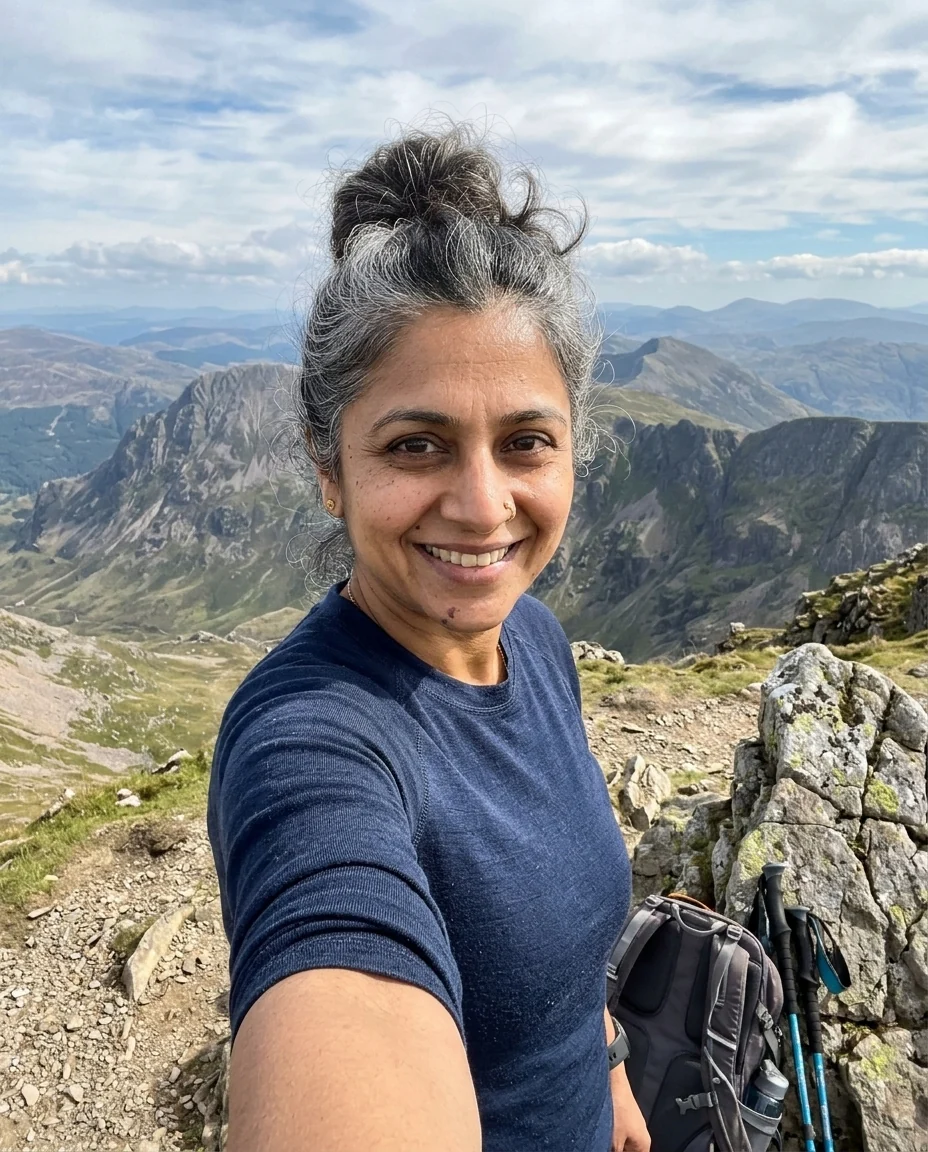
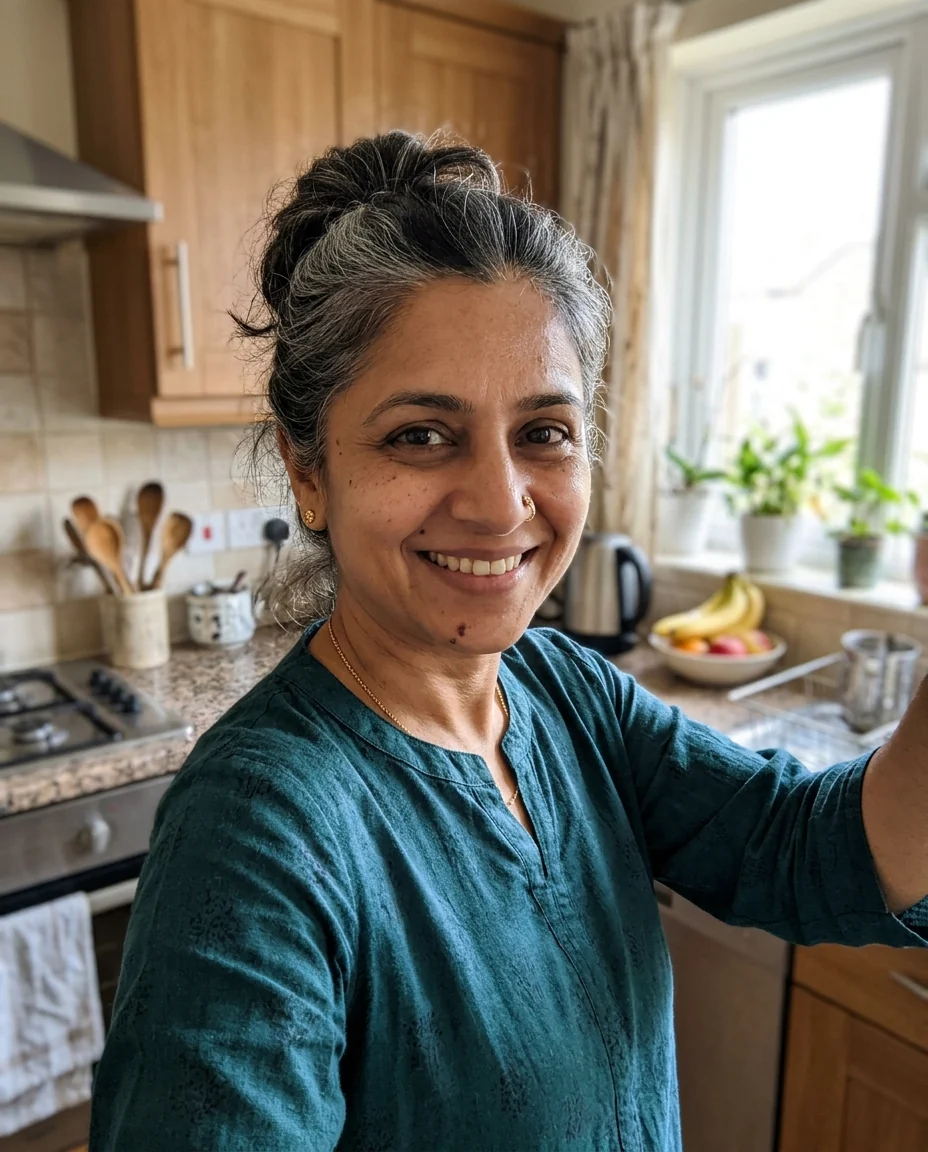
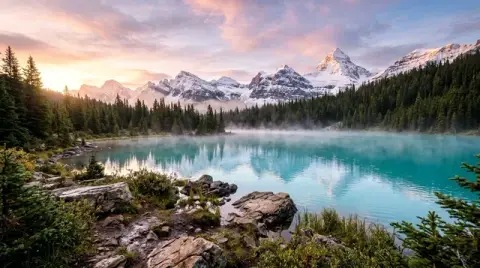
“a mountain summit after a hike”
AI Selfie Generator features.
Still you
Face, hair and features stay exactly as they are.
Looks like a phone photo
Front-camera framing, real skin, natural light.
Anywhere
Name a place; the outfit and light follow.
AI Selfie Generator, step by step.
01
Upload a selfie
A clear, front-facing photo of your face.
02
Name a place
Or leave it empty for a sunny beach.
03
Download
Make a set in different places.
AI Selfie Generator use cases.
- Profile pictures
- Fresh photos without a photoshoot.
- Just for fun
- Show friends where you'd rather be.
AI Selfie Generator: best photos and fixes.
The selfie to start from
A well-lit selfie with your whole face visible keeps your likeness best: soft daylight, eyes open, no sunglasses and no heavy beauty filter. The model keeps your face and puts you in a new place, so the clearer your face is in the original, the more the new selfies look like you rather than a lookalike.
Choosing the place
Name the place and add one or two details: "in a cosy coffee shop, holding a latte", "on a city rooftop at night, string lights behind me", "on a snowy mountain, wearing a red jacket". The light, weather and clothes follow the place, so a winter scene gets warm clothes and a cold light. For a travel photo at a famous landmark, use the AI travel photo generator.
Looks like a phone photo
Results are shot like real phone selfies, with an arm's-length angle, natural light and a slightly wide lens. That makes them good for casual profile pictures and fun posts. For a polished, studio-style portrait with business clothes, use the headshot generator instead.
Several takes
Generate several versions and pick the most natural one. Small changes in expression, head angle and light make a big difference in a selfie. Changing one detail at a time, such as the time of day, is the easiest way to explore without losing the look you like.
Glasses, hair and style
Glasses, hairstyle and facial hair are kept from your selfie. If you want a different look in the new place, ask for it: "hair tied back", "wearing sunglasses on my head". Keep changes small to keep the likeness strong.
Keeping it honest
These are generated images, not photos of real trips. Use them for fun, ideas and profile pictures, and do not use them to mislead people about where you have been or what you have done. Some platforms ask you to label AI-generated images; follow their rules.
Seasons and events
Change the season or the event around you: "at a summer music festival", "at a Christmas market in Vienna", "in autumn leaves in Central Park". Clothes and light are adjusted to match. For a set of posts, keep your hair and outfit consistent across runs by mentioning them.
Group selfies
For a group selfie, start from a photo with everyone in it, facing the camera. Separate photos of different people are not combined into one selfie. Everyone's face should be clear and sharp, since each person is kept recognisable.
AI Selfie Generator FAQ.
Will it still look like me?
Yes. Your face, hair and features are kept; the place, outfit and light change.
Can I choose the place?
Yes. Write it in the instructions box, such as "a café in Paris". With no place given, you get a sunny beach.
How is this different from the headshot generator?
The headshot generator makes polished studio portraits for work. The selfie generator makes casual phone-style selfies in everyday places.
Is the Selfie generator free?
Yes, you can try it free. New accounts get 25 free credits, and one generation here uses 9 credits. You sign in with your email; no card needed. Results have no watermark. After that, credit packs never expire, and your first one is half price.