



AI Travel Photo Generator
You at the Eiffel Tower, Machu Picchu or Santorini, from one selfie.
Drop a photo
or paste with ⌘V · JPG · PNG · WebP · up to 8 MB
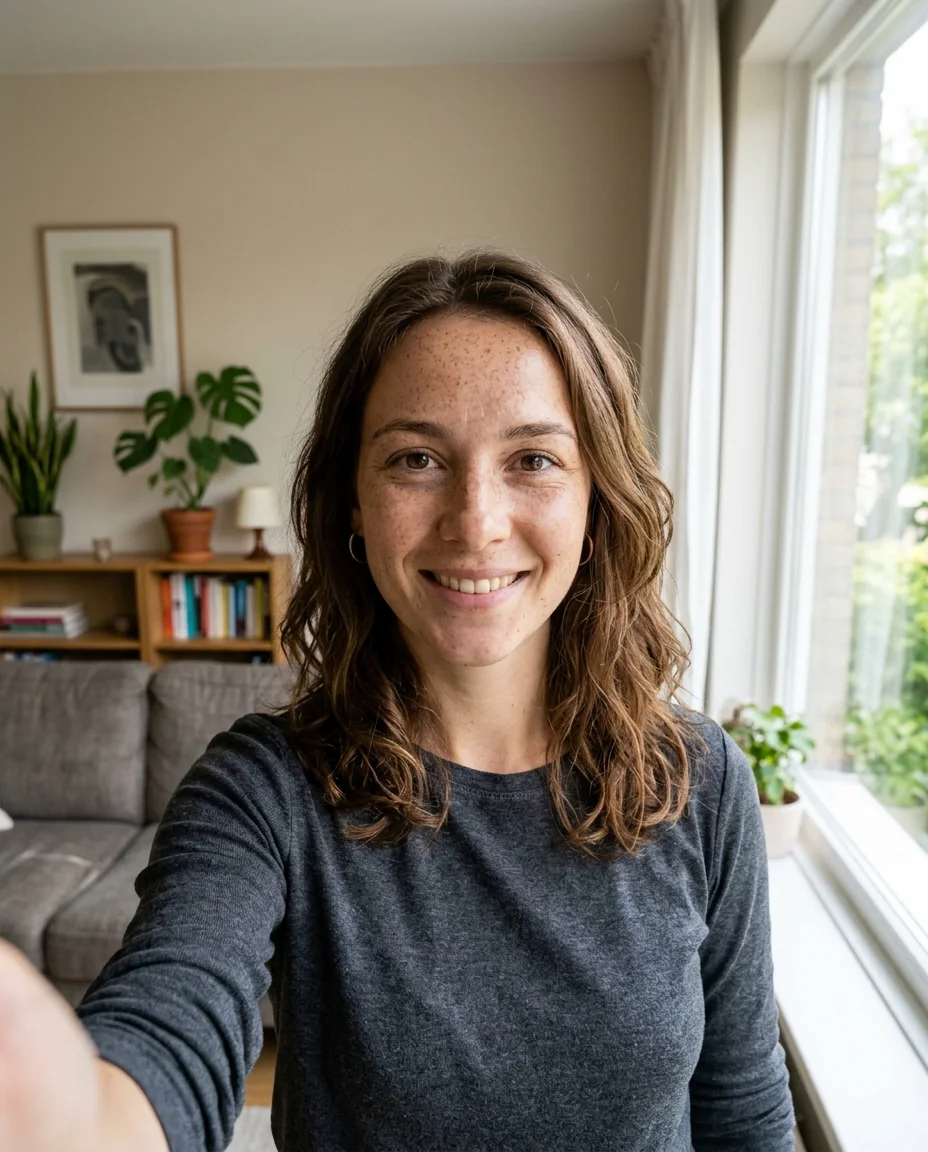
No photo handy? Try one of ours.
AI Travel Photo Generator examples.
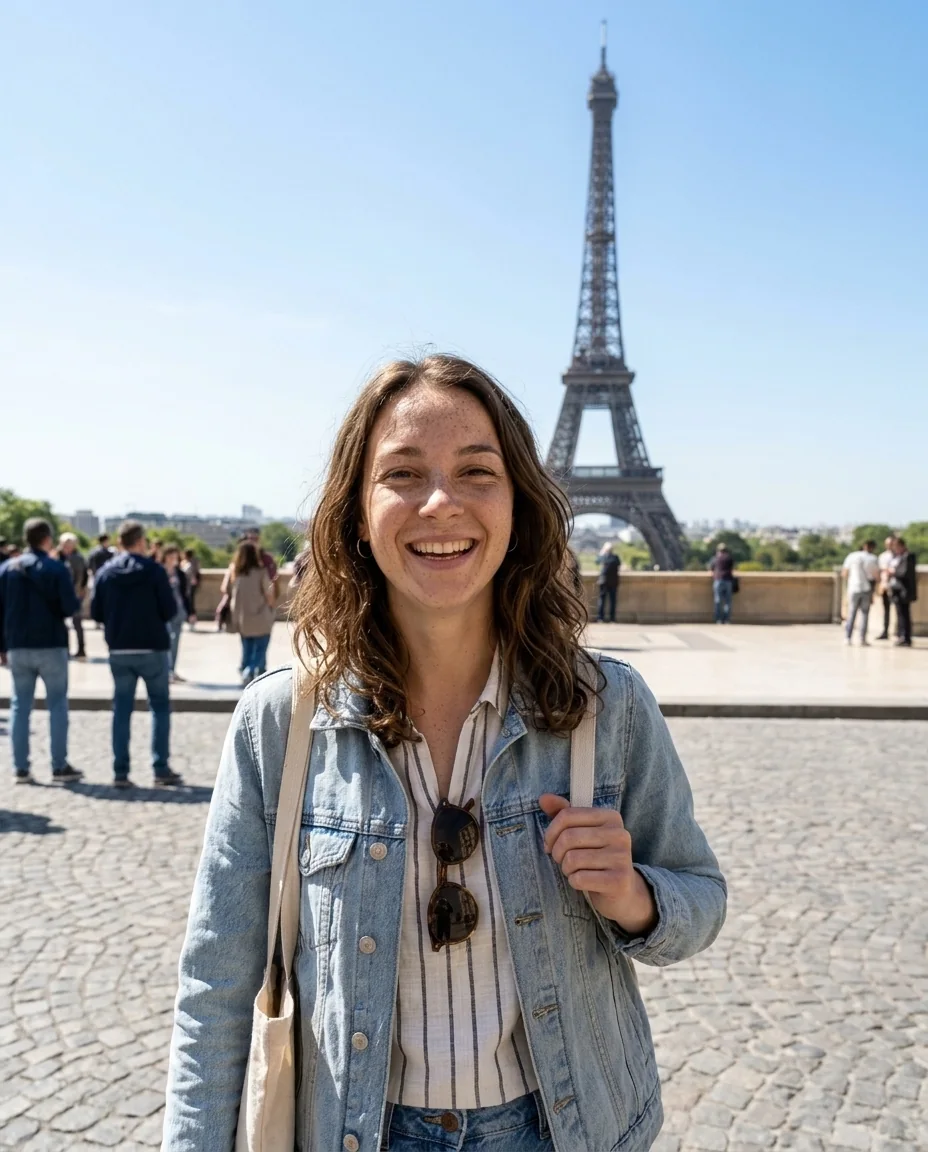
Eiffel Tower, Paris · Daytime
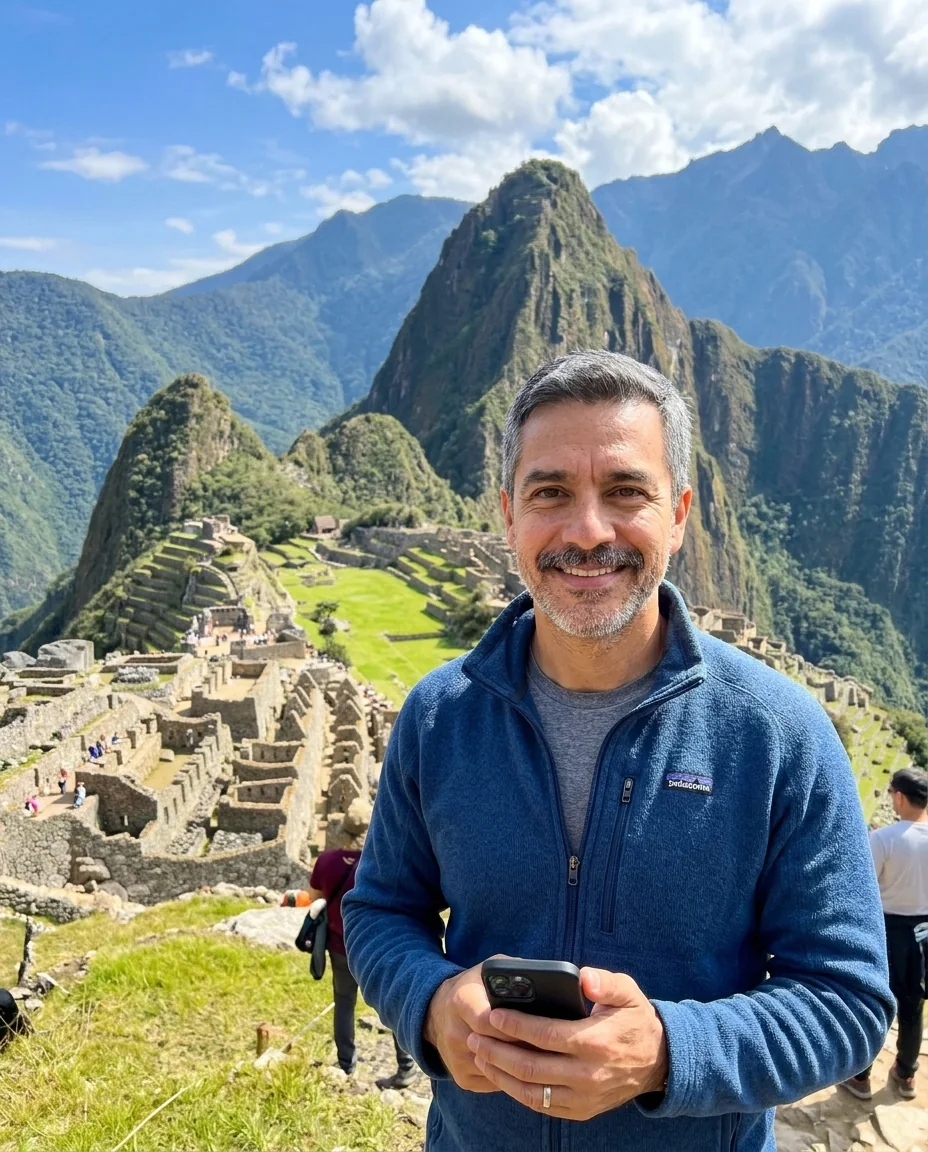
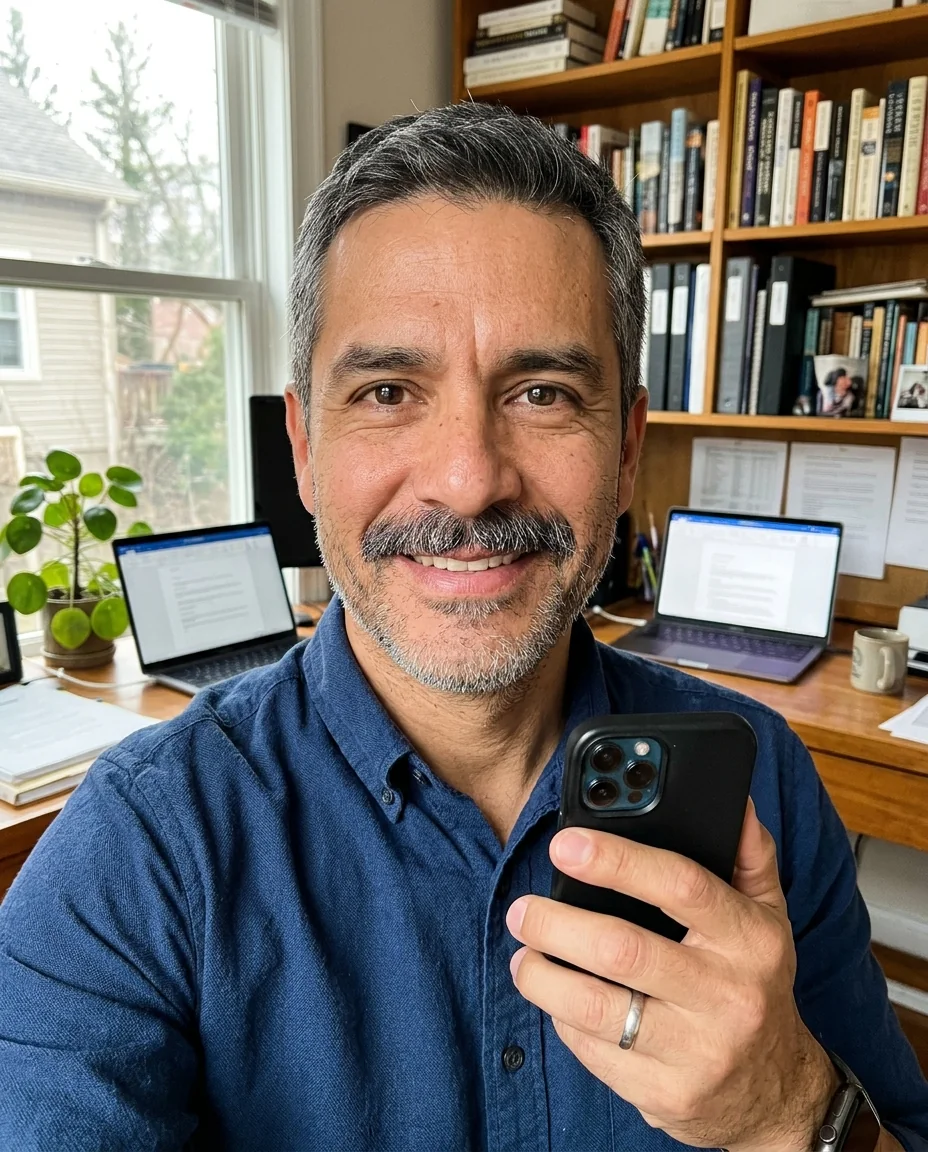
Machu Picchu, Peru · Daytime
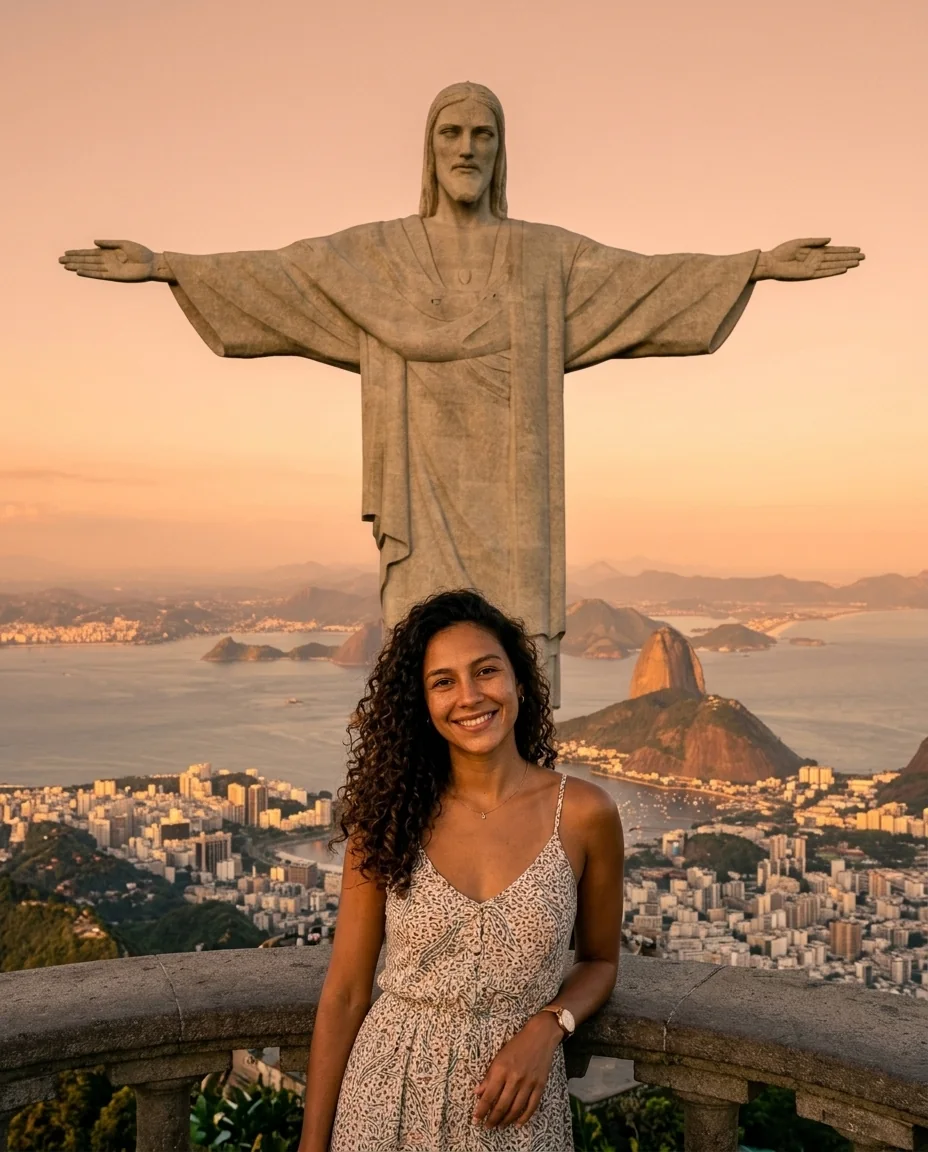
Christ the Redeemer, Rio · Golden hour
AI Travel Photo Generator features.
Still you
Your face, hair and features stay the same; only the place, outfit and light change.
25 famous places
Paris, Rome, Santorini, New York, Mount Fuji, Machu Picchu, Rio, Petra, Sydney and more, or name your own place.
Looks like a holiday snap
Shot like a friend took it on a phone, with the landmark sharp and easy to recognise.
Day, golden hour or night
Pick the light: bright sun, warm sunset or the landmark lit up after dark.
AI Travel Photo Generator, step by step.
01
Upload a selfie
A clear, well-lit photo of your face, looking at the camera.
02
Pick a destination
Choose one of 25 famous places and the light, or pick Custom and name any place.
03
Download
Try more places to make a whole trip, then download the ones you like.
AI Travel Photo Generator use cases.
- Dream trips
- See yourself at the places on your bucket list before you book.
- Trip planning
- Compare destinations and outfits for an upcoming trip.
- Postcards and gifts
- Make a fun postcard or a travel-themed card for a friend.
- Just for fun
- Make a world tour of yourself in a few minutes.
AI Travel Photo Generator: best photos and fixes.
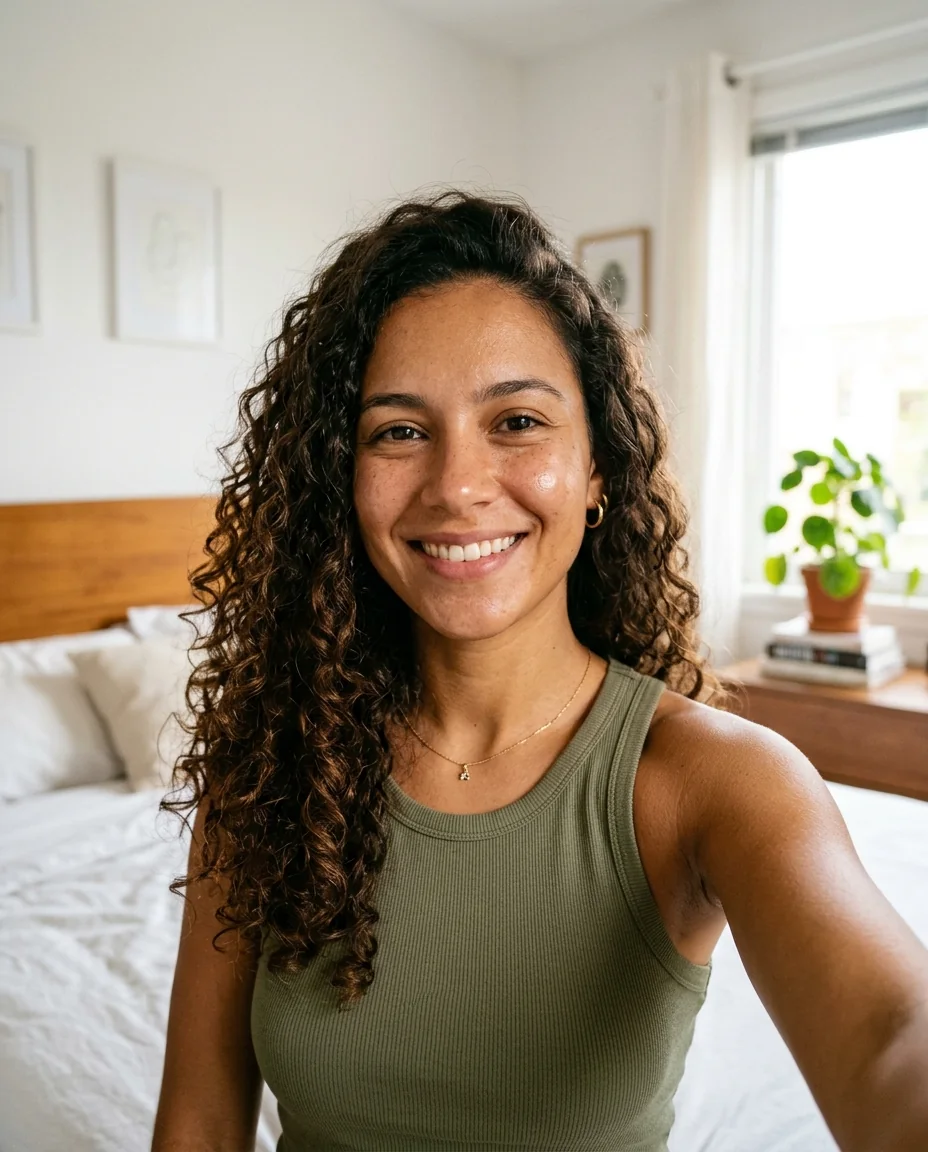
The selfie to start from
Start with a clear, front-facing selfie in soft daylight: eyes open, whole face visible, no sunglasses, hat or heavy beauty filter. The generator keeps your face and builds a new travel photo around it, so the sharper and better lit your face is in the original, the more the result looks like you rather than a lookalike. A selfie that shows your shoulders helps it get your build and posture right in a waist-up shot.
Choosing a destination
The Destination menu has 25 of the world's best-known places. In Europe: the Eiffel Tower, the Colosseum, Santorini, Big Ben, the Sagrada Família, Venice and the Matterhorn. In the Americas: Times Square, the Golden Gate Bridge, the Grand Canyon, Chichén Itzá, Machu Picchu, Christ the Redeemer and Iguazu Falls. In Asia, Africa and Oceania: Mount Fuji, the Taj Mahal, the Great Wall, Angkor Wat, Bali, the Maldives, Dubai, Petra, the Pyramids of Giza, Cappadocia and the Sydney Opera House. Each one is written so the landmark or scenery is large and easy to recognise behind you. For somewhere else, pick Custom and name the place in the box, such as "the canals of Amsterdam" or "Table Mountain in Cape Town".
Day, golden hour or night
The Light setting changes the time of day. Daytime gives bright, clear holiday light. Golden hour gives warm, low sun and long shadows, the most flattering choice for skin. Night shows the landmark lit up; it works best at places that are famous after dark, like Paris, Times Square or Rio, and less well at ruins and beaches.
Outfits and weather
Clothes are chosen to suit the place and the season: light summer clothes on a Maldives beach, a jacket on the Great Wall, a respectful outfit at the Taj Mahal. To choose yourself, keep the destination and add the outfit in the instructions box, such as "in winter, wearing a long camel coat". Keep it to one or two details so your likeness stays strong.
When the face drifts
Full-body travel photos show your face smaller than a selfie does, so likeness can slip a little. If the result looks like a relative rather than you, try a sharper selfie, a golden hour shot (soft light keeps more detail) or generate again. For the closest likeness, use the Pro model in the model menu; it costs more credits per image.
Making a whole trip
Run several destinations from the same selfie to make a world tour, or the same destination with different light for a set of posts. Add the same outfit in the instructions box each time, such as "white shirt and jeans", if you want the set to look like one trip.
Keeping it honest
These are generated images, not photos of real trips. Use them for fun, ideas, planning and gifts, and do not use them to mislead people about where you have been. Some social platforms ask you to label AI-generated images; follow their rules. Only upload photos of yourself or of people who have agreed.
Real trip photos
Already been there but have no good photo of yourself? Use add person to photo to put yourself into a scenery shot you took, or remove people from photo to clear tourists out of it first. For casual phone-style selfies rather than travel shots, use the selfie generator.
AI Travel Photo Generator FAQ.
Will it still look like me?
Yes. Your face, hair and features are kept from your selfie; the place, outfit and light change. A sharp, well-lit selfie gives the best likeness.
Which destinations can I choose?
Twenty-five, from the Eiffel Tower, Big Ben and Venice to Machu Picchu, Iguazu Falls, Mount Fuji, Petra and the Sydney Opera House. Pick Custom to name any other place.
Can I make travel photos with two people?
This page is made for one person from one selfie. A photo with two people facing the camera can work, but results vary. To put a friend or partner into a photo, use add person to photo.
How is this different from the selfie generator?
The selfie generator makes arm's-length phone selfies. The travel photo generator makes the photo a friend would take of you, with you and the landmark both in the shot.
Is the AI travel photo generator free?
Yes, you can try it free. New accounts get 15 free credits, and one generation here uses 13 credits. You sign in with your email; no card needed. Results have no watermark. After that, plans add credits every month and credit packs never expire.
Can I post these as real travel photos?
They are AI-generated, so do not present them as real trips. They are great for fun posts, planning and gifts; label them as AI where a platform asks you to.