Pixel Art Generator
Retro game pixel art from a few words or a photo.
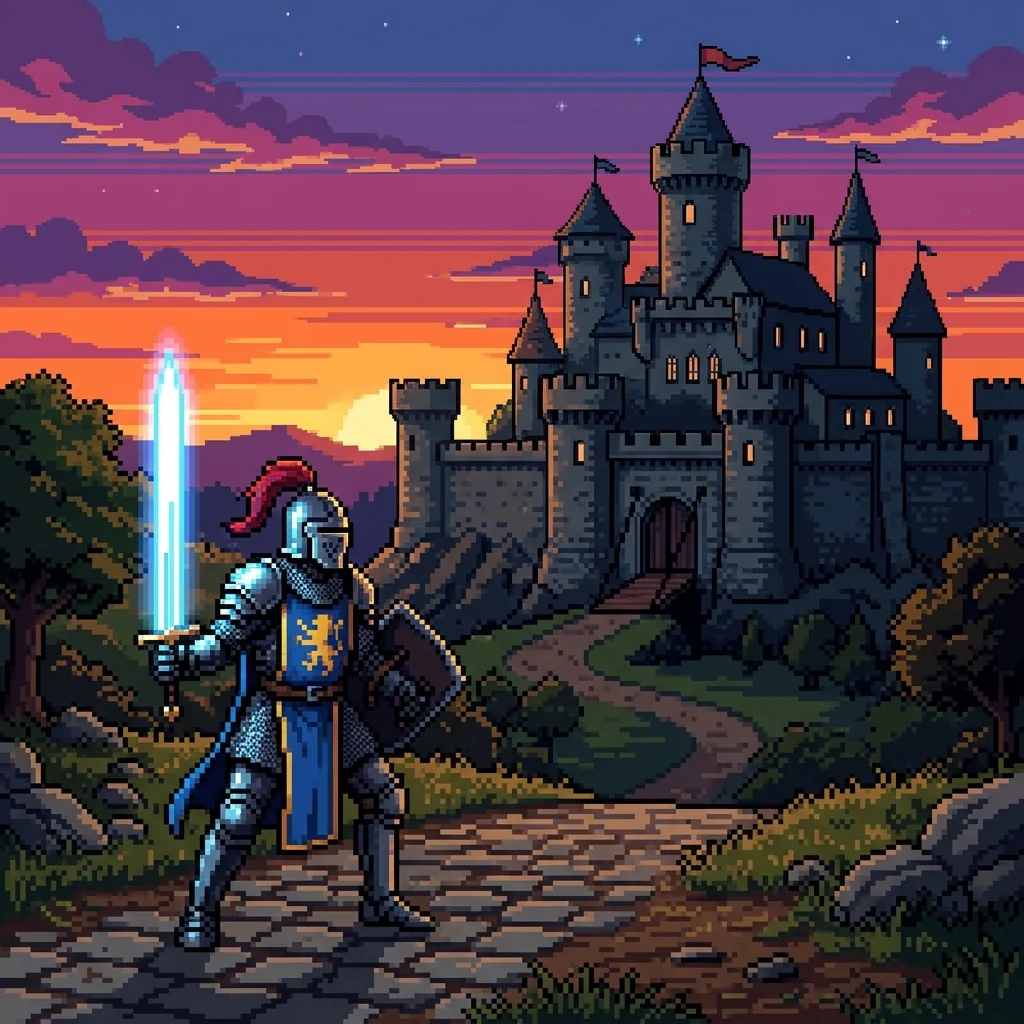 Example output
Pixel Art Generator examples.
16-bit knight


8-bit from a photo
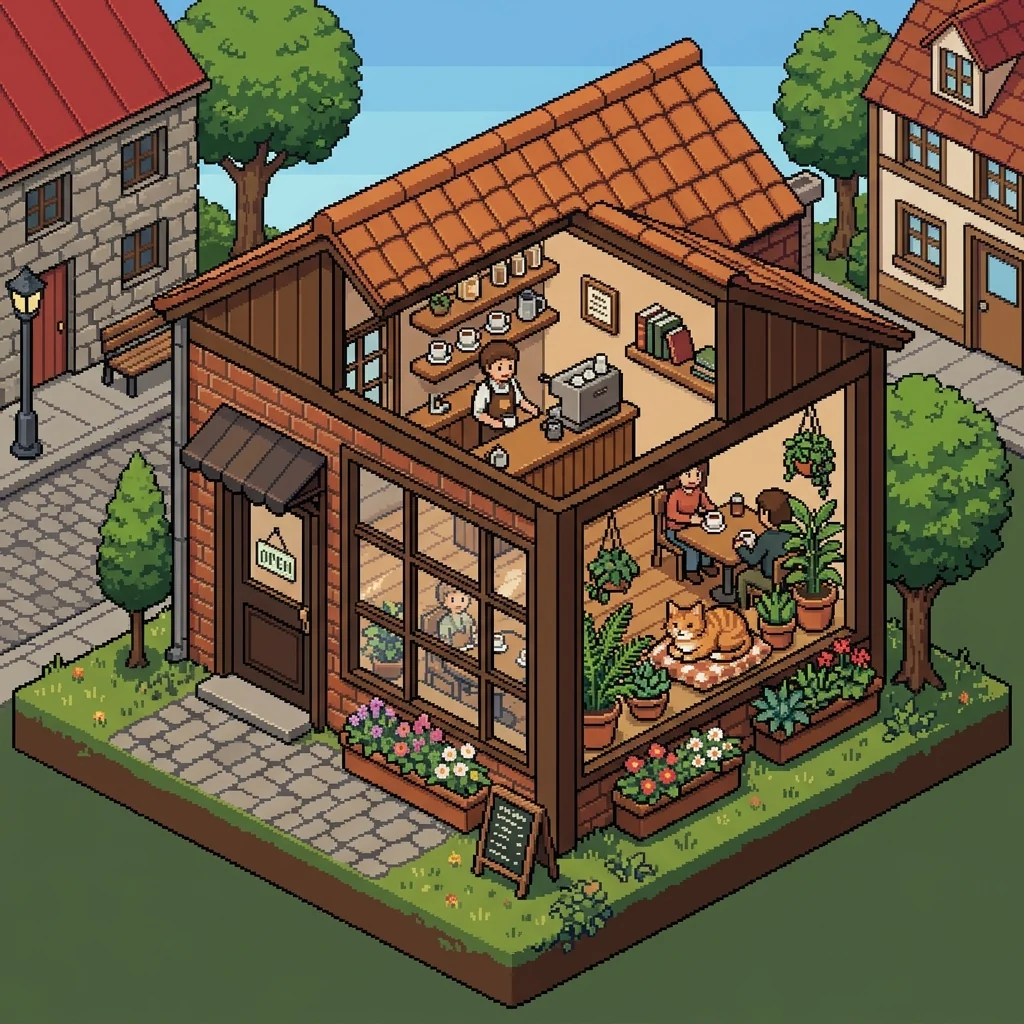
Isometric scene
Pixel Art Generator features.
Pixel-art look
Square pixels, limited palette, no blur.
Three looks
16-bit, 8-bit or isometric.
Text or photo
Describe an idea or turn a photo into pixels.
Pixel Art Generator, step by step.
01
Describe or upload
An idea, or a photo of you or your pet.
02
Pick a look
16-bit, 8-bit or Isometric.
03
Download
Use it as an avatar, sprite or print.
Pixel Art Generator use cases.
- Game prototypes
- Characters and scenes for a retro game idea.
- Avatars
- A pixel portrait for Discord or Twitch.
- Prints and stickers
- Retro art for posters and merch.
Pixel Art Generator: best photos and fixes.
Ideas that turn into good pixel art
Pixel art works best with a clear subject and a simple setting: one character, one object or one small scene. "A wizard frog with a staff on a lily pad" turns into a readable sprite, while a crowded city at night with many people loses detail at low resolution. Strong silhouettes and bold colors read well in pixels. Think about how the thing would look in a game: front, side or isometric view.
Choosing a look
16-bit has more pixels and colors, with subtle shading, like classic console role-playing games. 8-bit is chunky, with very few colors, and suits simple avatars and icons. Isometric shows a scene from a 45-degree angle, like a tiny diorama, perfect for rooms, buildings and game maps. The same idea in each look gives three quite different pictures.
Turning a photo into pixel art
Upload a photo of yourself, a pet or a place, and it is redrawn as pixel art with the main colors, hair and outfit kept. Clear photos with one subject and a plain background work best. At 8-bit, faces become a few pixels, so the likeness comes from hair, clothing colors and glasses rather than facial features; choose 16-bit for a more recognizable portrait.
Palettes and moods
Each look uses a limited palette, as real pixel art does. To set the mood, name a palette: "Game Boy green", "pastel palette", "neon cyberpunk colors", "only four colors". Time of day and weather change the palette too: "at night with moonlight", "in the rain". Limited palettes look more authentic than full color.
Using it in a game
Results are images in a pixel-art style rather than true low-resolution files, so for a game, downscale them in an editor to the target size with nearest-neighbor resizing, then clean up a few pixels by hand. For sprites, describe a plain background: "on a plain white background" makes cutting out easier, and the background remover helps for transparency.
Related tools
For creatures in a game-ready style, the Pokémon generator invents original monsters you can pixelate here. The PS2 filter gives an early-2000s 3D game look to photos, and the avatar generator offers other profile-picture styles. For a sticker of your pixel character, the chibi generator's Sticker style works on uploaded results.
Pixel Art Generator FAQ.
Can it turn my photo into pixel art?
Yes. Upload a photo and the person, pet or scene is redrawn as pixel art.
Is the result a real low-resolution sprite?
It is drawn in true pixel style at normal image size. Downscale with nearest-neighbor resizing for a game-ready sprite.
Can I choose the colors?
Yes. Name a palette in the description, such as "Game Boy green" or "pastel".
Is the Pixel art generator free?
Yes, you can try it free. New accounts get 15 free credits, and one generation here uses 13 credits. You sign in with your email; no card needed. Results have no watermark. After that, plans add credits every month and credit packs never expire.