Beard Filter
Try stubble, a full beard or a goatee before you grow it.
Drop a photo
or paste with ⌘V · JPG · PNG · WebP · up to 8 MB
No photo handy? Try one of ours.
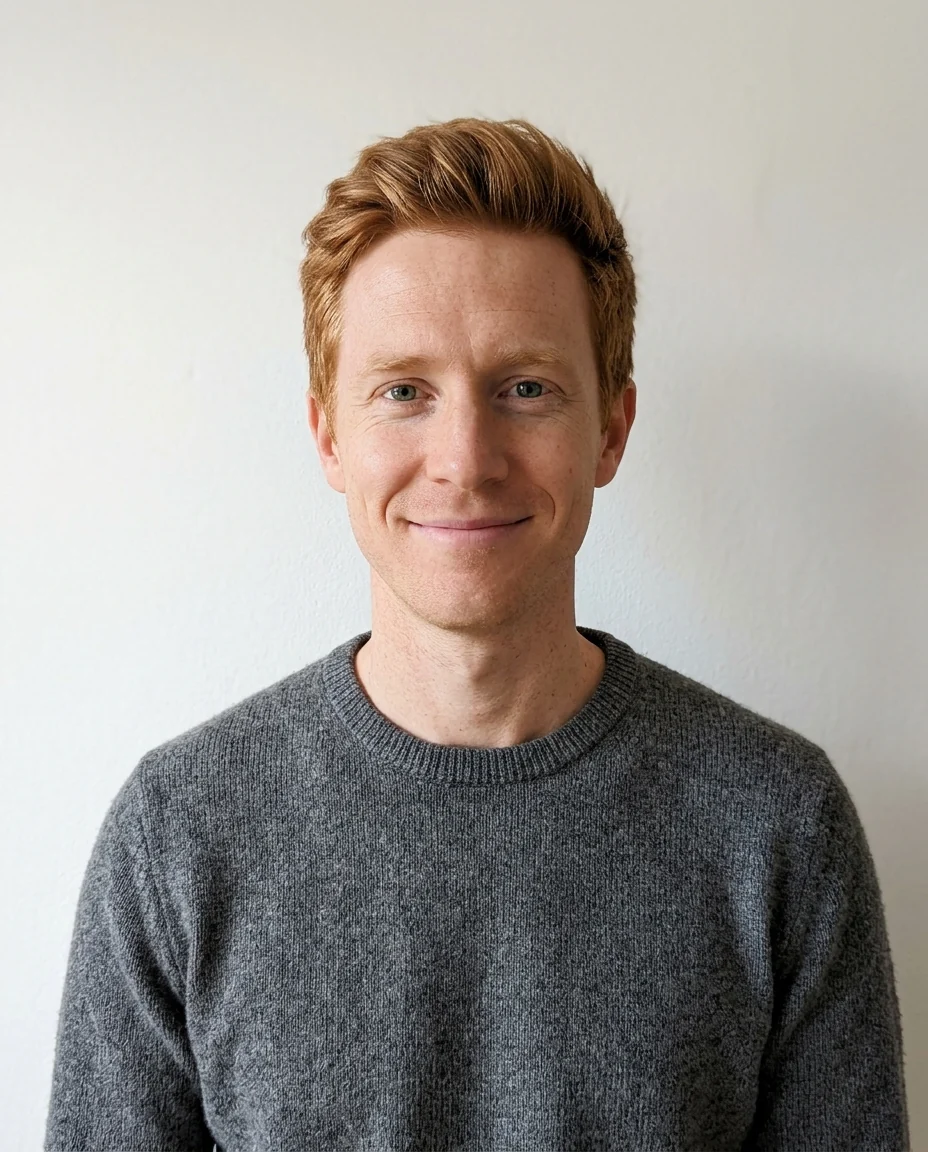
Beard Filter examples.


Stubble
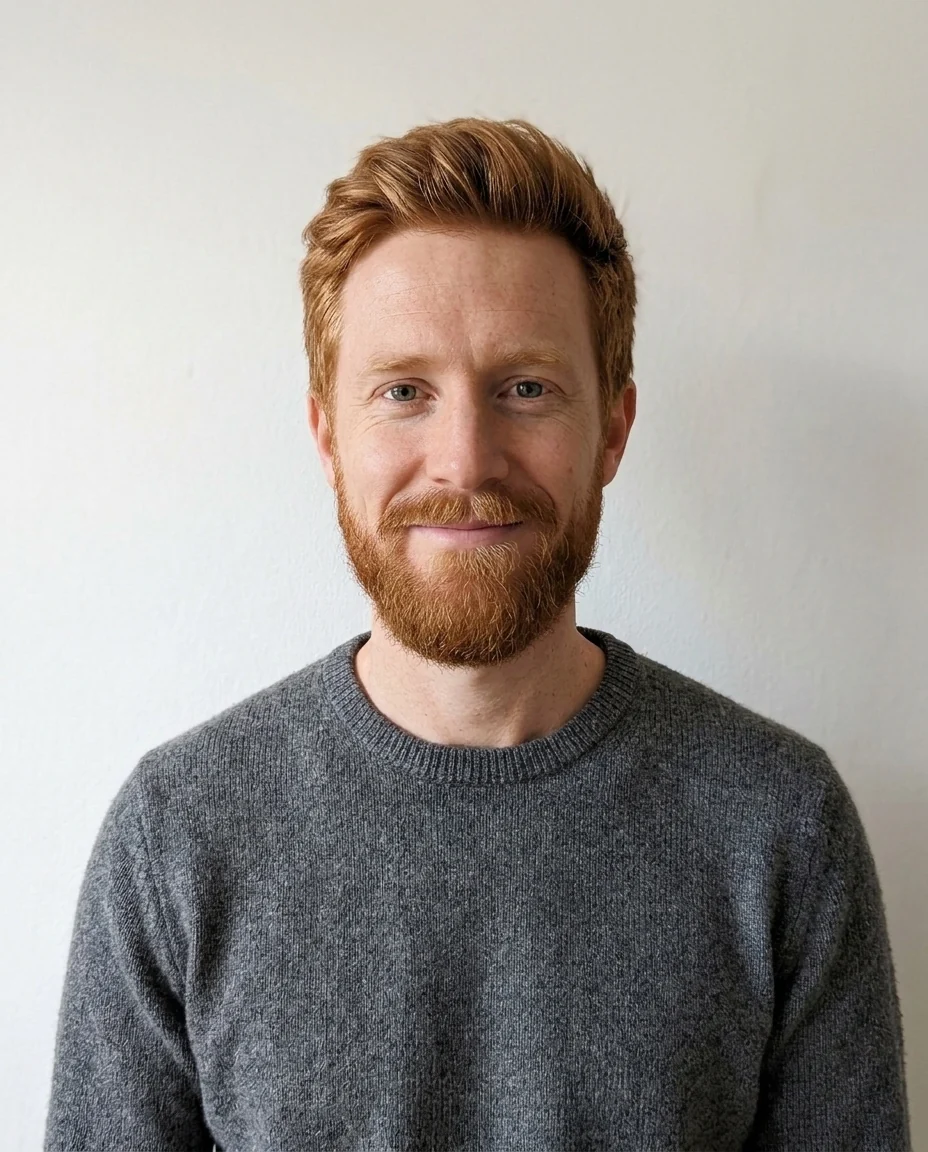
Full beard


Goatee
Beard Filter features.
Four styles
Stubble, full beard, goatee or mustache, or describe your own.
Real-looking growth
Hairs follow the jaw and grow from the skin.
Your color
Matches your hair and eyebrows by default.
Beard Filter, step by step.
01
Upload a selfie
Clean-shaven works best; an existing beard is replaced.
02
Pick a style
Or choose Custom and describe it.
03
Compare
Try a few styles on the same photo.
Beard Filter use cases.
- Before growing one
- See if a beard suits your face shape.
- Barber visits
- Show your barber the shape you want.
- Characters and costumes
- Add a mustache for a period look.
Beard Filter: best photos and fixes.
Photos that give a convincing beard
A clean-shaven face, or one with light stubble, facing the camera in even light is the best start. The jaw, chin and upper lip need to be visible, so avoid scarves, high collars and hands near the face. Side lighting is fine but very dark shadows under the jaw make the beard edge harder to place. A sharp photo lets individual hairs show, which is what makes it look grown rather than painted.
Choosing a style for your face
A full beard adds width and weight to the lower face, which suits round or narrow faces with a weak jawline. Stubble shows a jaw that is already strong without hiding it. A goatee lengthens a round face. Try two or three styles on the same photo and look at them side by side. Custom lets you name shapes like "boxed beard", "chin strap", "handlebar mustache" or "short corporate beard".
Getting the color right
The beard matches the hair and eyebrows in the photo unless you write a color. Many people's beards grow in a different shade from their hair, often redder or greyer, so if you know yours, write it: "auburn beard", "salt-and-pepper", "mostly grey with dark patches". For a deliberately dyed or unusual color, Custom works the same way.
Already have facial hair?
On a face with an existing beard, the new style replaces it. Going from a full beard to a goatee or a mustache works well. Going fully clean-shaven is a harder job, because the skin and jawline under the beard have to be rebuilt rather than covered; write "clean-shaven" in Custom to try it. For a fuller or longer version of your own beard, write "same shape, twice as long" in Custom.
Hairline and head hair
Only facial hair is added; the hairstyle on top stays the same. A beard can change how a hairstyle looks, so if you are planning both, use the hairstyle changer on the result. Sideburns are added where the style calls for them and joined to the hair at the temples. If the join looks abrupt, write "blend the sideburns into the hair".
When it looks drawn on
A beard that looks flat, too even or slightly blurry usually comes from a small or heavily compressed face. Upload a larger, sharper photo and regenerate once. Writing "natural uneven density" or "slightly patchy on the cheeks" makes it more realistic for people whose beards grow that way. Very long beards look more natural in waist-up photos than in tight crops.
Beard Filter FAQ.
Will my face change?
Only facial hair is added; your face, expression, hairstyle and background are kept.
Does it work on side profiles?
Yes. The beard follows the jaw on the visible side; a front-on photo shows the whole shape.
Can I try it on someone else's photo?
Use photos of yourself or of people who are happy for you to edit them, such as a friend planning a new look.
Is the Beard filter free?
Yes, you can try it free. New accounts get 15 free credits, and one generation here uses 13 credits. You sign in with your email; no card needed. Results have no watermark. After that, plans add credits every month and credit packs never expire.