Red Eye Remover
Natural eyes back in every flash photo.
Drop a photo
or paste with ⌘V · JPG · PNG · WebP · up to 8 MB
No photo handy? Try one of ours.
Red Eye Remover examples.


Party flash
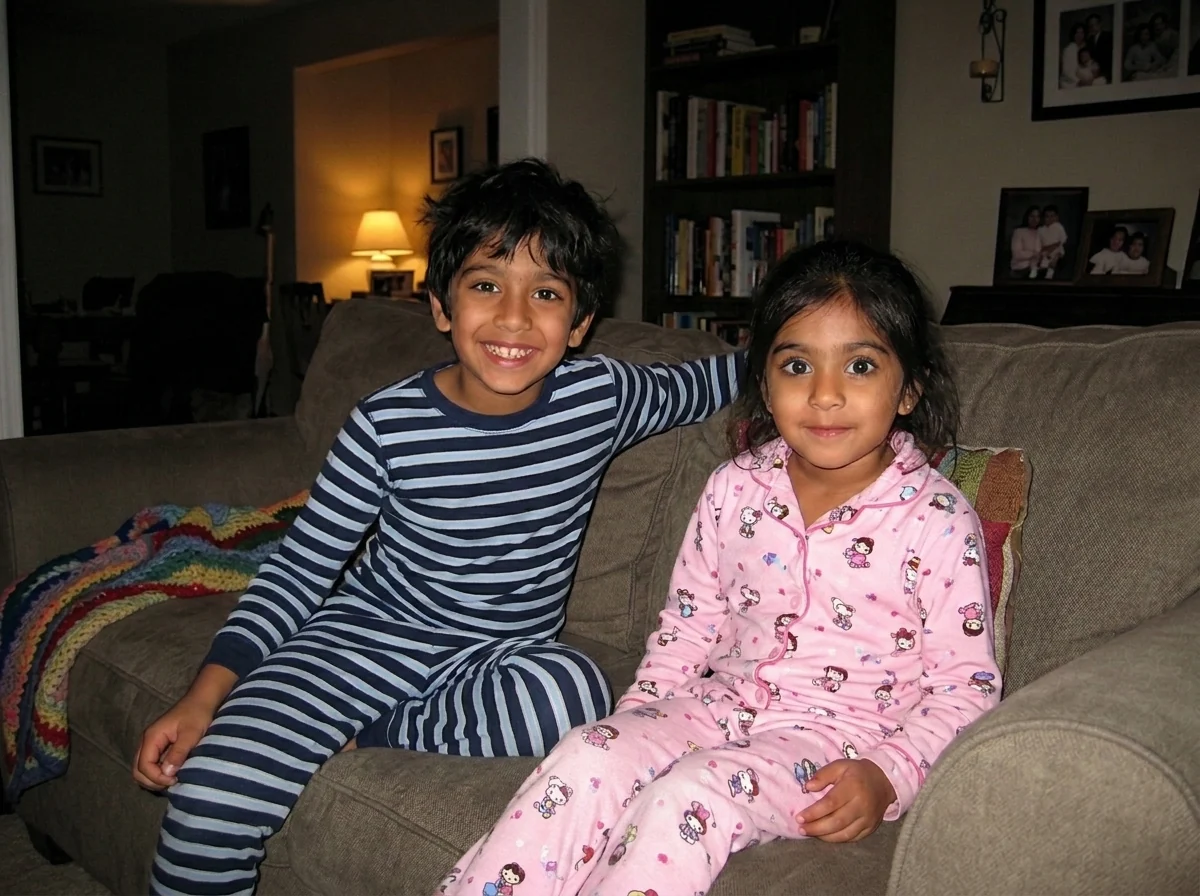
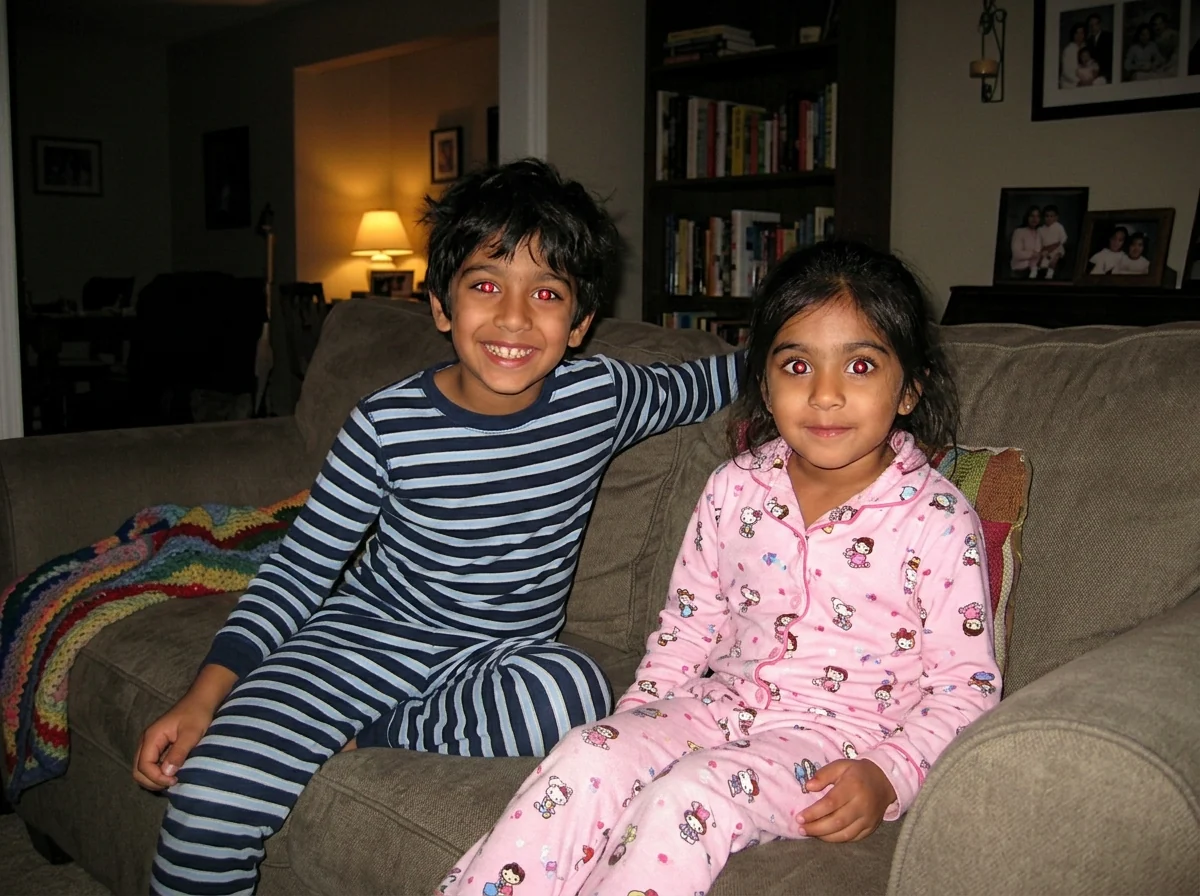
Two kids at once
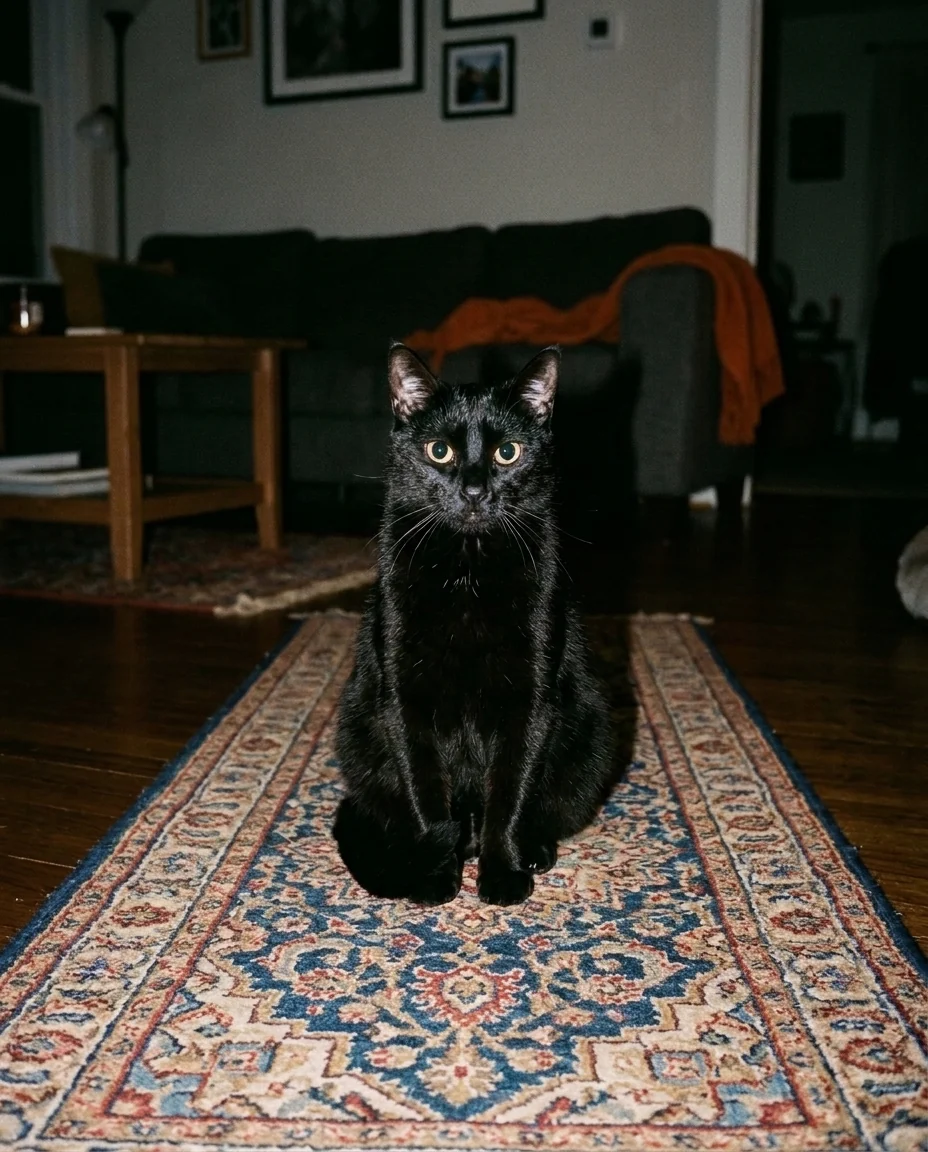
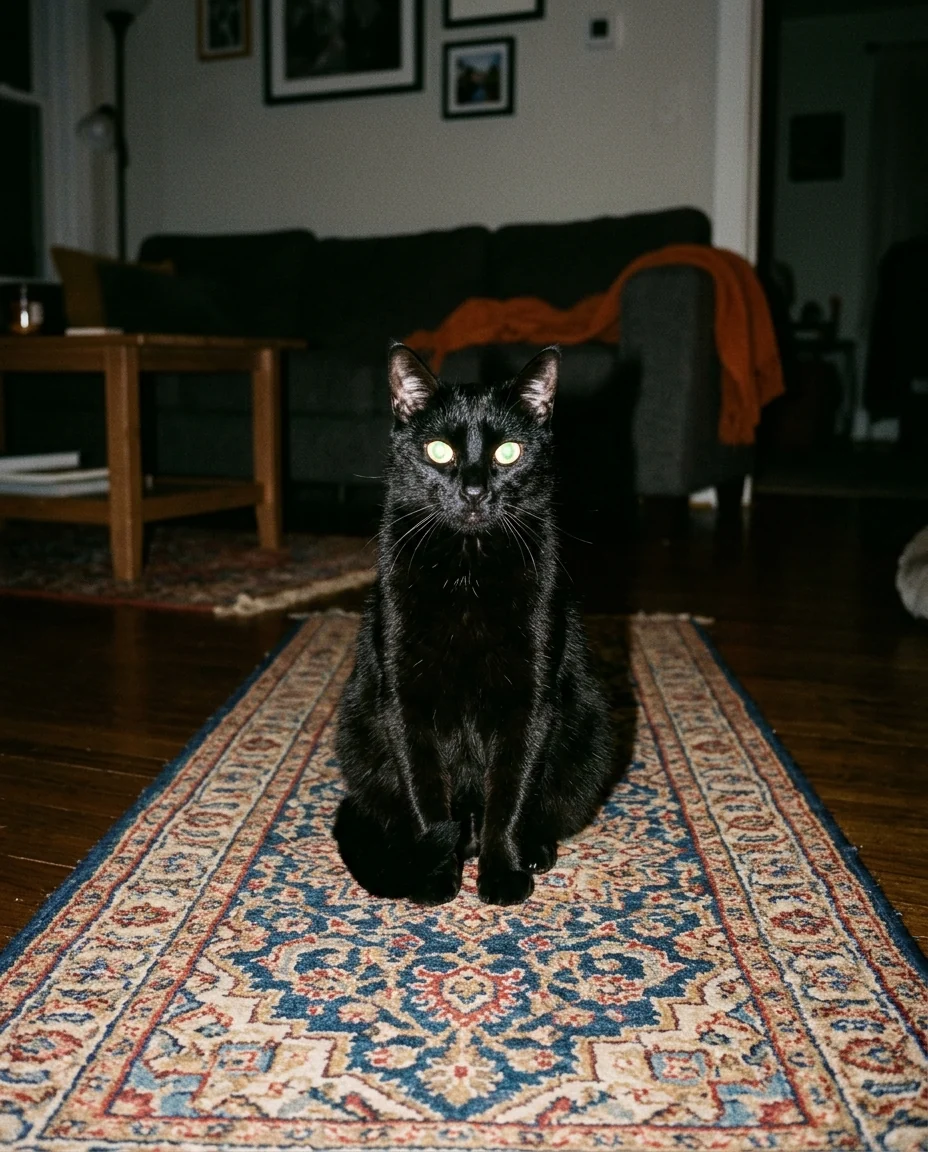
Glowing cat eyes
Red Eye Remover features.
People and pets
Red human pupils and green or yellow pet glow.
Catchlights kept
Eyes stay alive, with their small reflections.
Whole group
Every pair of eyes in the photo is fixed.
Red Eye Remover, step by step.
01
Upload a flash photo
Scans of old prints work too.
02
Let it fix the eyes
No need to mark them.
03
Download
Compare with the slider first.
Red Eye Remover use cases.
- Party and holiday photos
- Rescue the shots taken with on-camera flash.
- Old family prints
- Fix red eyes in scanned photos from the film era.
- Pet photos
- Get rid of the eerie glow in night shots of cats and dogs.
Red Eye Remover: best photos and fixes.
Photos it fixes best
Classic red-eye comes from a flash right next to the lens in a dark room, so party snaps, birthday photos and night shots from compact cameras and phones are the typical case. Faces that fill a good part of the frame give the clearest result, because each pupil has enough pixels to rebuild the iris edge. In wide group shots each eye is tiny, so the fix is still made but looks more like a darkening than a detailed new eye.
Pet eyes are different
Cats and dogs reflect flash from a layer at the back of the eye, which glows green, yellow, blue or white rather than red. The tool restores a dark pupil and the eye color the animal really has. If you know it, write it in the instructions: "amber eyes", "one blue eye and one brown eye". Otherwise the color is restored from what is visible around the glow, which may not match your pet exactly.
Keeping the iris color right
On people the iris color around the red pupil is kept as it is. In very strong red-eye the red can spread into the iris and hide its color. Writing the real eye color helps here: "her eyes are light blue" stops the tool guessing brown. For a deliberate color change rather than a repair, the eye color changer is the tool made for that.
Scanned prints and old photos
Red-eye was everywhere in the film era, so scans of 1980s–2000s prints are a common use. Scan at 600 dpi or more so the eyes are not just a few dots. Dust, scratches and fading are left alone here, so the photo still looks its age. If the print also needs repair, run the photo restoration tool first and remove the red-eye on the restored version.
When the eyes look painted
Pupils that look too large, too black or slightly cross-eyed usually come from a blurry or low-resolution face. Regenerate once and compare; the second result is often more natural. Writing "small pupils, natural catchlight" also helps in a bright room scene. If the face itself is soft from camera shake, sharpen it with the unblur image tool before fixing the eyes.
Avoiding red-eye next time
Red-eye happens when the flash fires right beside the lens into a dark room, with wide pupils. Turning on more room lights, asking people not to look straight into the flash, or bouncing the flash off a ceiling all reduce it. On a phone, using night mode without flash often gives a cleaner photo than flash in the first place.
Red Eye Remover FAQ.
Do I need to mark the eyes?
No. The red or glowing eyes are found automatically, on every face in the photo.
Will the rest of the photo change?
No. Only the pupils are fixed; faces, skin and the flash look of the photo stay the same.
Does it work on dogs and cats?
Yes. The green, yellow or white flash glow in pet eyes is fixed too.
Is the Red eye remover free?
Yes, you can try it free. New accounts get 15 free credits, and one generation here uses 13 credits. You sign in with your email; no card needed. Results have no watermark. After that, plans add credits every month and credit packs never expire.