Baby Filter
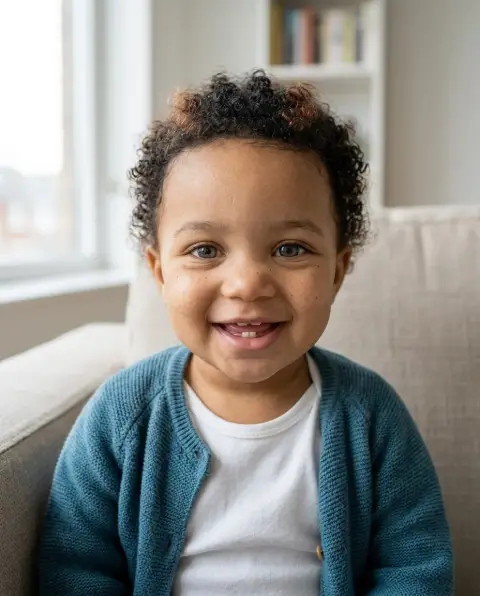
Turn any adult photo into a baby version of them.
Drop a photo
or paste with ⌘V · JPG · PNG · WebP · up to 8 MB
No photo handy? Try one of ours.
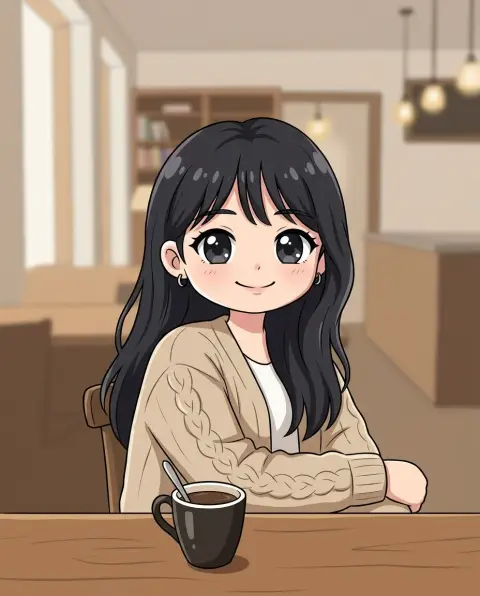
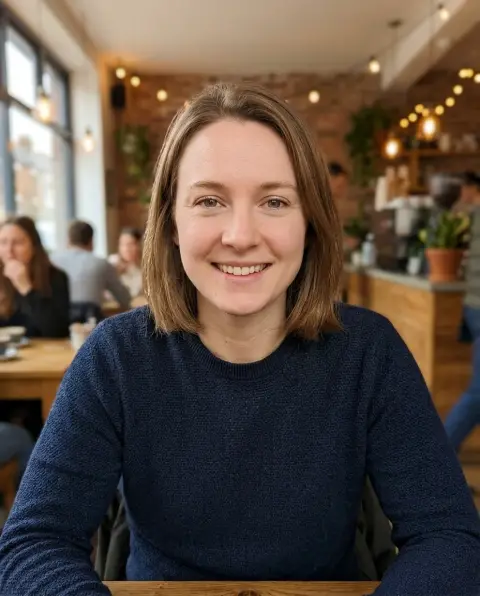
Baby Filter examples.
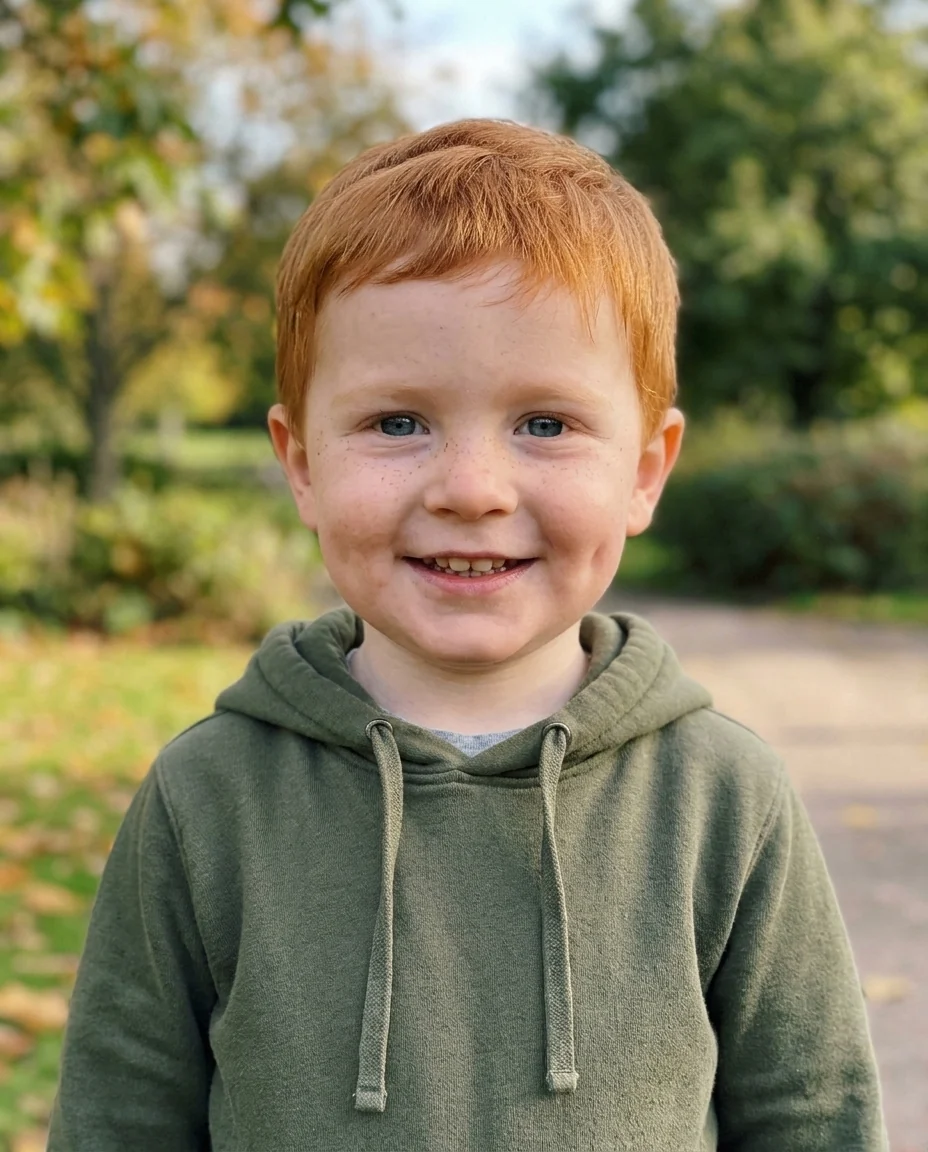
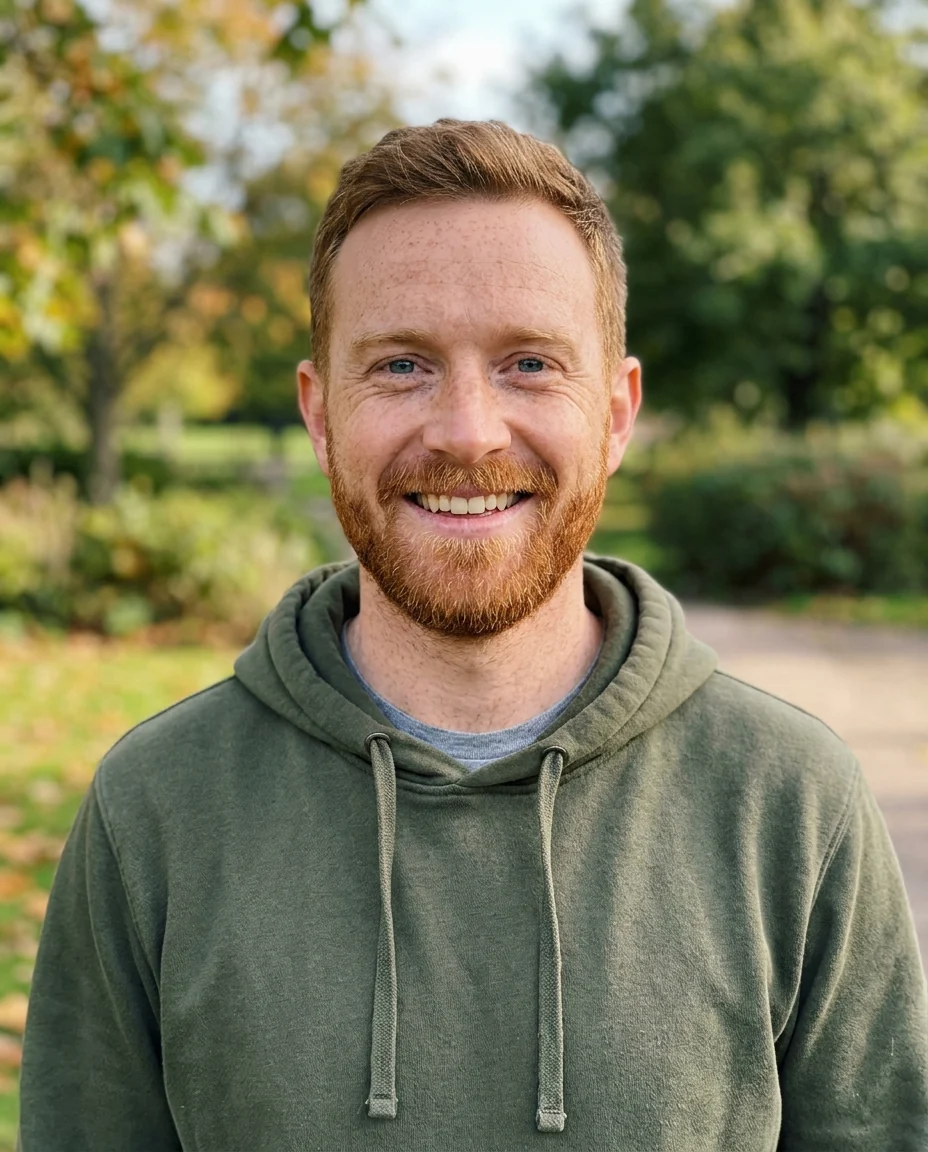
Toddler
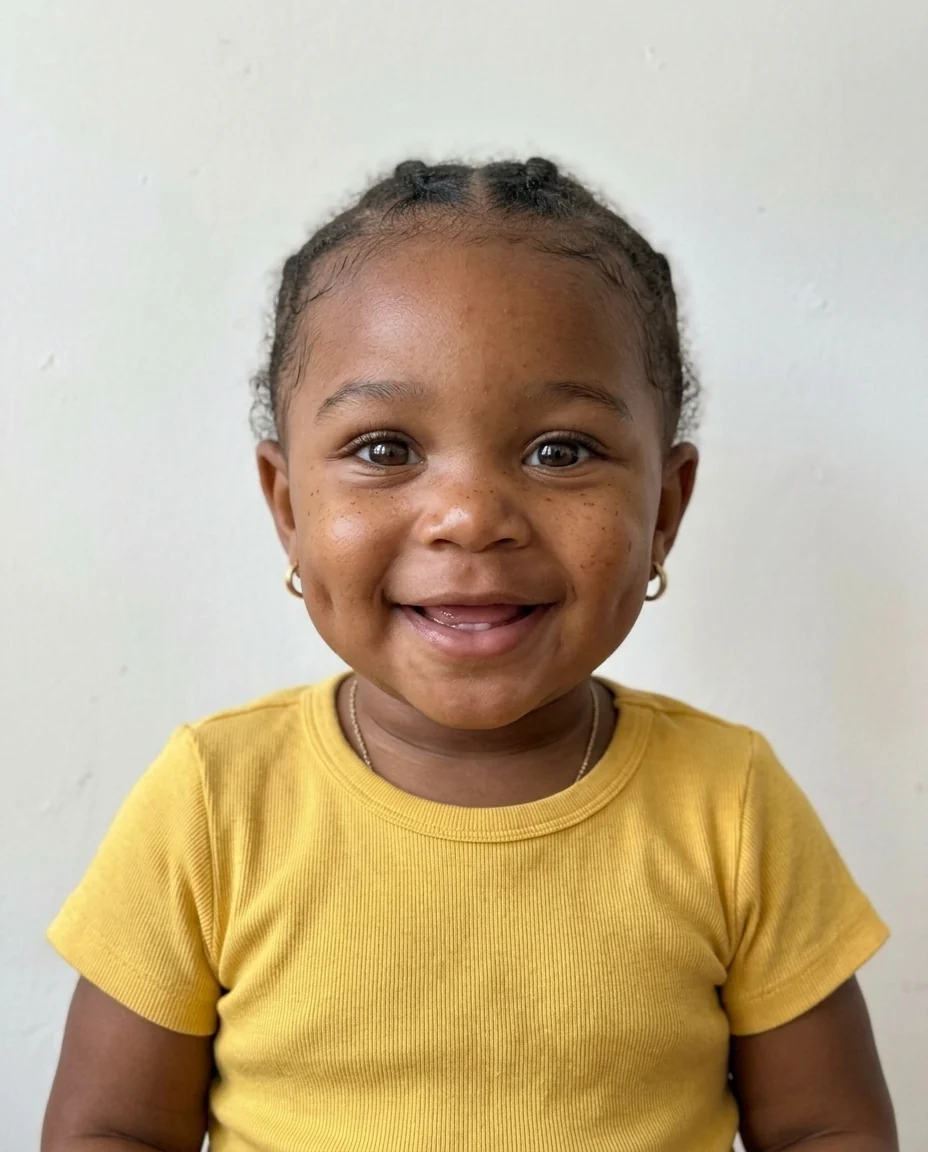
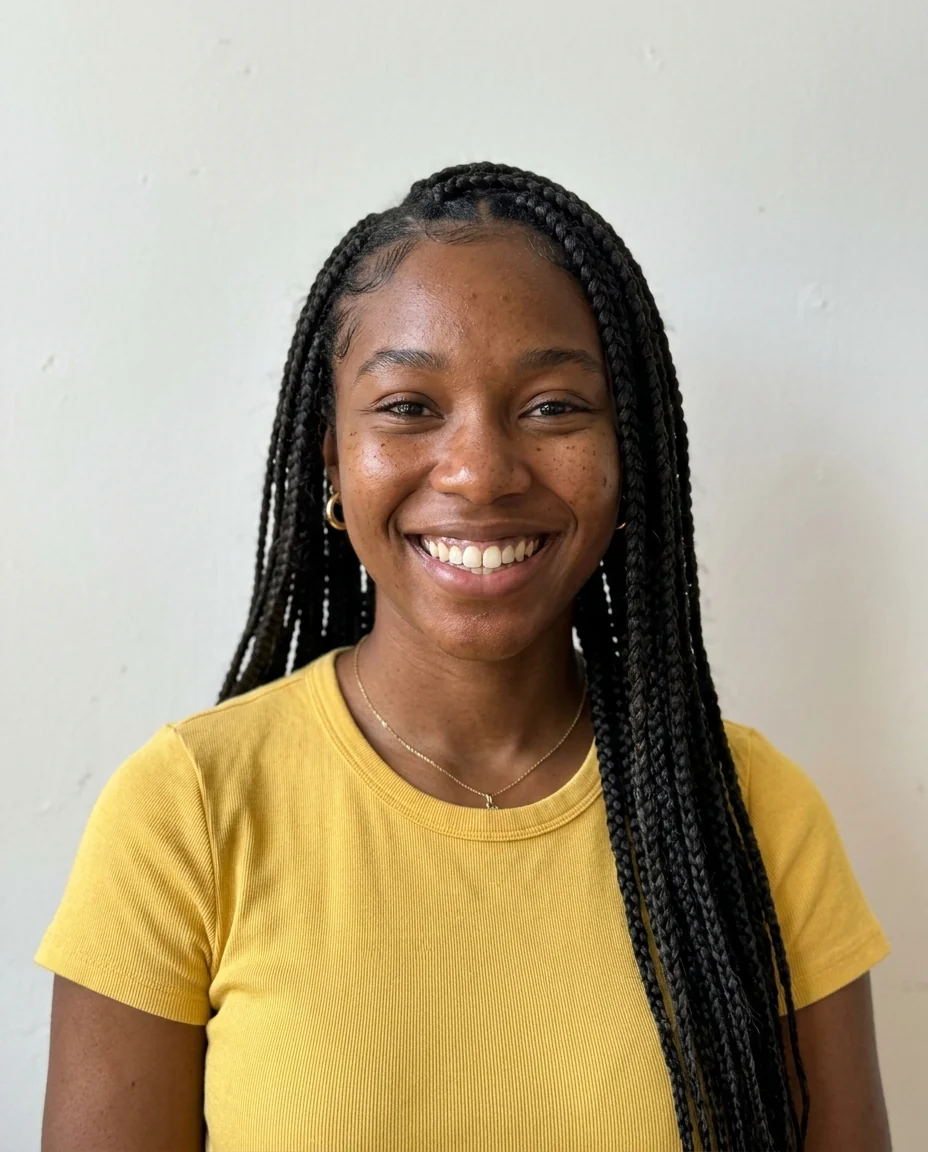
Baby
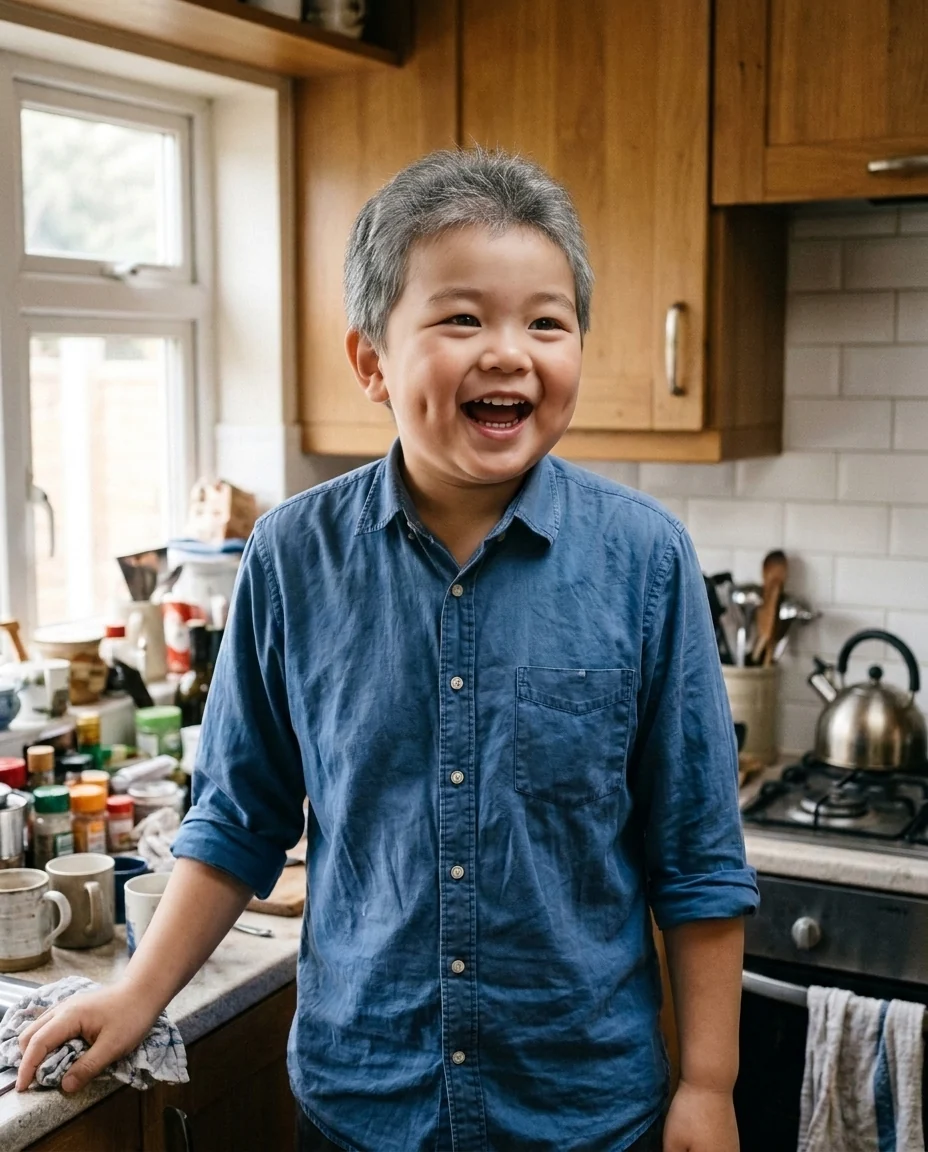
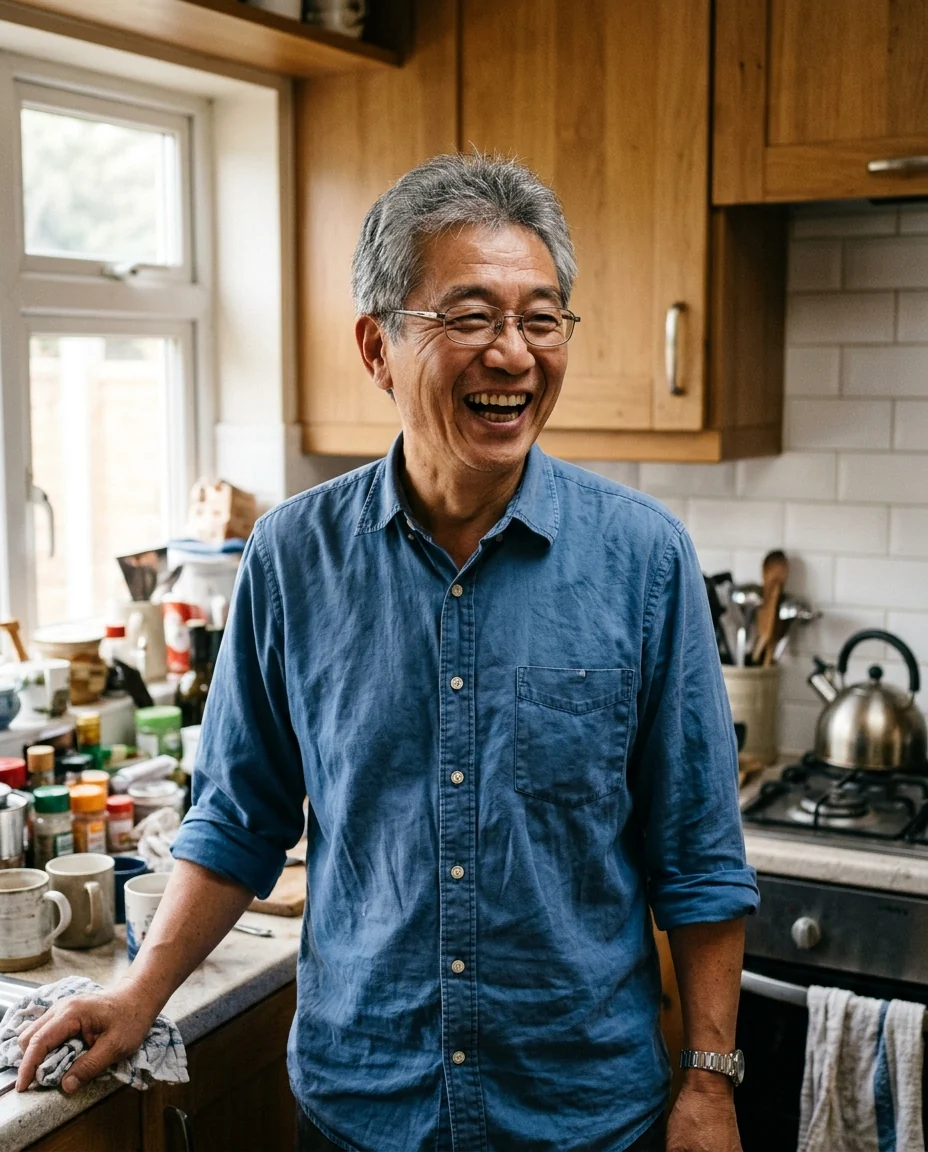
From 50s to toddler
Baby Filter features.
Recognizably you
Eye color, hair color and features carry over.
Baby or toddler
About one year or about three years old.
Same scene
Background, light and outfit style stay.
Baby Filter, step by step.
01
Upload a photo
A clear photo of one face works best.
02
Pick an age
Baby or toddler.
03
Share it
Post it next to the original.
Baby Filter use cases.
- Birthday posts
- A baby version of the birthday person.
- Family fun
- Guess who's who in a family group chat.
- Couples
- Swap baby versions of each other.
Baby Filter: best photos and fixes.
Photos that keep the likeness
The baby version keeps the details that make a face recognizable, so start with a clear, well-lit photo where the face is large and facing the camera. Eye color, hair color, freckles, dimples and a gap in the teeth usually carry over. Sunglasses, hats pulled low and heavy shadows hide those clues and make the result look like a generic child. Smiling photos tend to give the cutest results, because the expression is kept too.
Baby or toddler
Baby is about one year old, with the very round face, chubby cheeks and sparse hair of an infant. Toddler is about three, with more hair and a face that is closer to the adult's shape, so the likeness is usually stronger. If the first result doesn't look like the person, try Toddler: it has more of the adult features to work with.
Beards, makeup and glasses
Children don't have beards or wear makeup, so those are removed, and the person is shown with baby skin. Glasses are kept if they are a big part of the look, which can be funny; write "no glasses" if you'd rather leave them off. Hairstyles are simplified to what a child would have, while the color and texture stay, so curly hair stays curly.
Group photos
With several people in the photo, everyone may be turned into a baby. That can be a fun family picture, but each face is small and less recognizable. For the best likeness, crop to one person and run them one at a time. To change only one person in a group, write it in the instructions, for example "only the man in the middle".
Comparing with real baby photos
Results show a plausible baby version, not a reconstruction of real childhood photos, so they won't match old pictures exactly. That is part of the fun when you post them side by side. If the hair color is wrong because the person's hair darkened with age, write it: "blonde baby hair". The same works for eye color that changed, as many babies' eyes do.
Other age tools
For older or younger adult versions of a person, the age filter shows them decades older or younger. To imagine a child of two people, the baby generator takes a photo of each parent and combines their features. To turn a photo into a cartoon baby instead of a realistic one, choose a cartoon tool such as the chibi generator after this one.
Baby Filter FAQ.
Can I use someone else's photo?
Use photos of yourself, or of people who are happy for you to edit their picture. Don't use the result to mock, embarrass or deceive anyone.
Can I see myself older instead?
Use the age filter: it shows the same face decades older or younger.
Does it work on photos of older people?
Yes. The age of the person doesn't matter; the eye color, hair color and features are carried over.
Is the Baby filter free?
Yes, you can try it free. New accounts get 15 free credits, and one generation here uses 13 credits. You sign in with your email; no card needed. Results have no watermark. After that, plans add credits every month and credit packs never expire.